Pricing Remove Dog tear stains · Free

AI Dog Tear Stain Remover

← Browse all remove tools

Last updated

Describe the stains under your dog's eyes and the AI cleans up the fur. Free, no account.
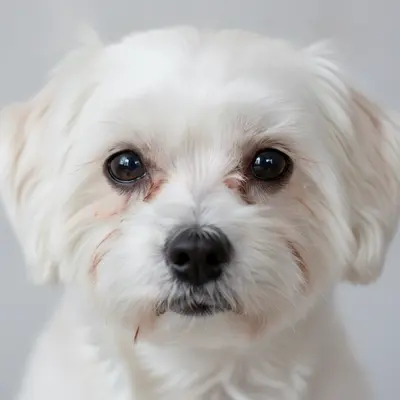
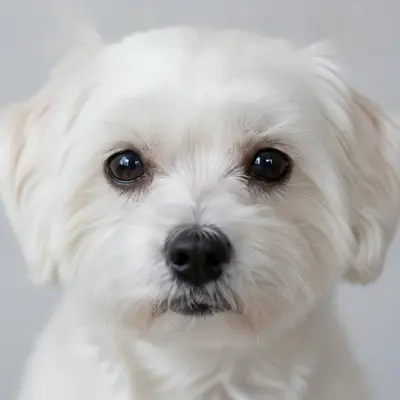
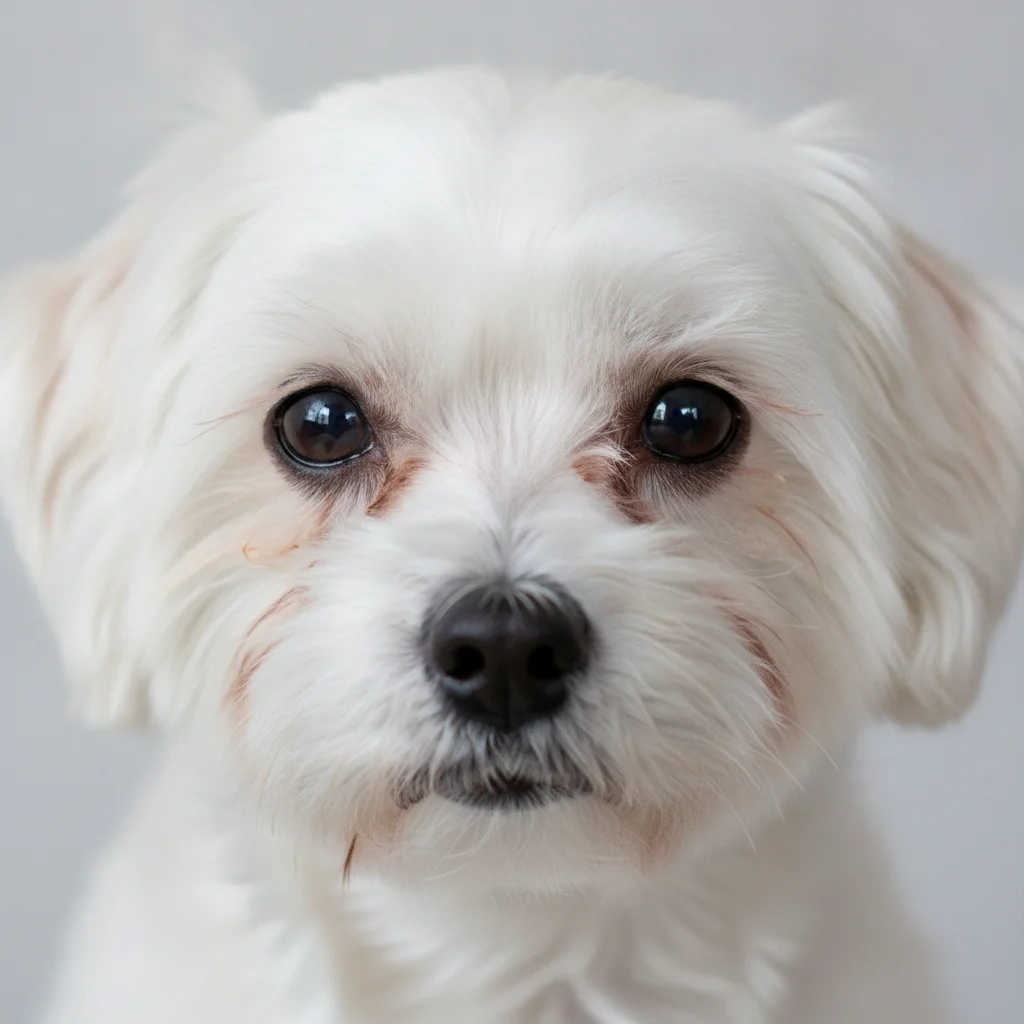
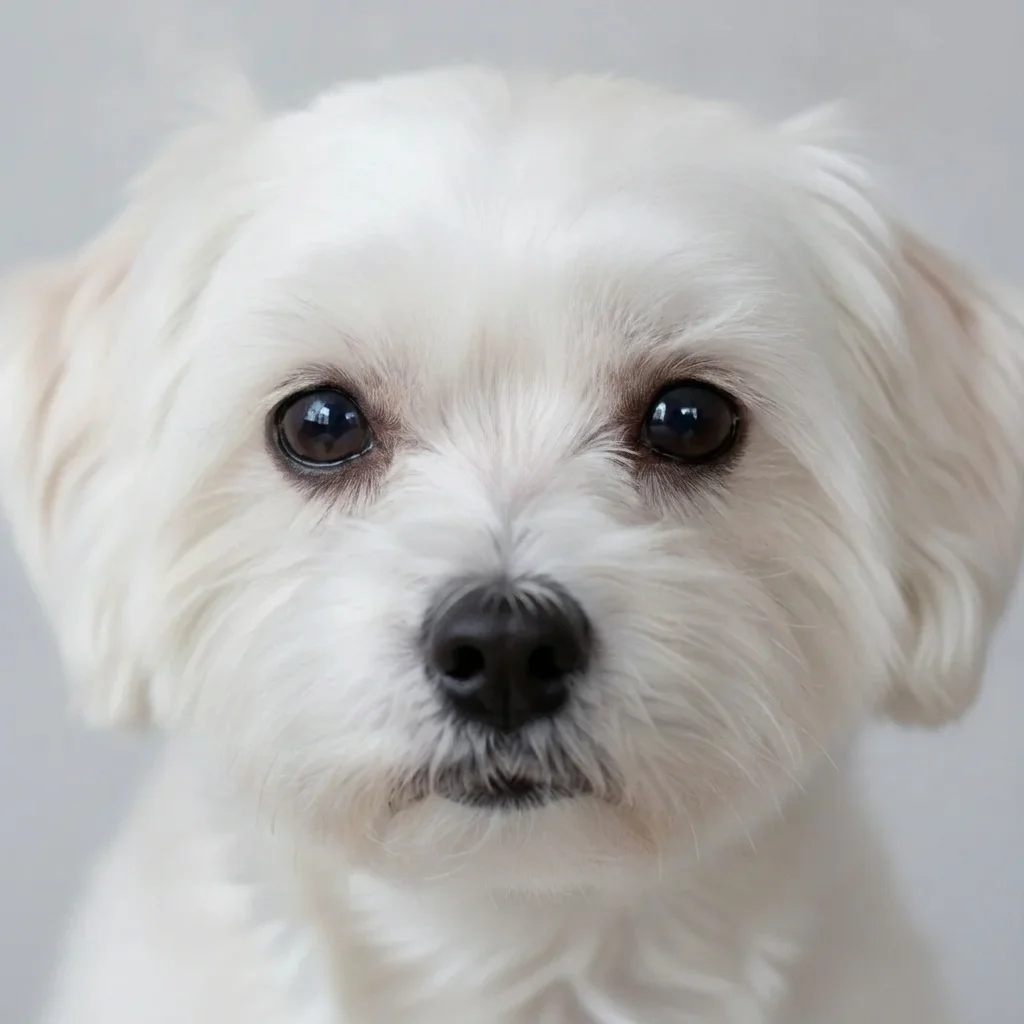
White dog with heavy reddish-brown tear stains under both eyes Same dog with clean white fur under the eyes

Upload photo to remove dog tear stains

"remove the brown tear stain streaks that run from the corners of the eyes down the sides of the nose and fill in with matching cream fur"

Free to try · no sign-up · never used for AI training

Release to upload

<30stypical edit
1 freeedit weekly
Photo on your phone? Scan to open this editor there — free edit works on your phone too.

1 free edit every week·paid packs after

How it works

  1. Upload a sharp photo of your dog's face

    Choose a photo where the area under the eyes is clearly visible and in focus. Natural daylight works best. If the dog is turned away or the face is tiny in the frame, the stains are harder to find and clean.

    Expect: Most edits finish in roughly half a minute. Busy or low-resolution photos can take a little longer and may need one retry.
  2. Describe what you want

    Type what to clean and what colour the fur should be. For example: 'remove the reddish-brown tear stains under both eyes and make the fur there match the white fur around it. Keep the eyes unchanged.' No marking is required.

    Tip: Naming the fur colour you expect (white, cream, light grey) helps the AI match the surrounding coat instead of just lightening the area.

    Copy one of these to get started:

    Clean tear stains on a white dog remove the reddish-brown tear stains under both eyes of the white dog and make the fur there clean white like the rest of the face, keep the eyes unchanged
    Stains running down the muzzle remove the brown tear stain streaks that run from the corners of the eyes down the sides of the nose and fill in with matching cream fur
    Poodle with curly fur remove the rust-coloured tear stains under the poodle's eyes and fill in with matching white curly fur texture
    Shih tzu or long-haired face remove the brown staining on the hair around the eyes of the shih tzu and make it match the cream and white hair, keep the face shape the same
    3 more prompts
    Light touch only slightly reduce the tear stains under the dog's eyes so they are much lighter but still natural looking, do not change anything else
    Clean stains and brighten the coat remove the tear stains under the eyes and gently brighten the white fur on the face, keep the background and the dog's expression the same
    Bichon in an outdoor photo remove the reddish-brown tear stains under the bichon's eyes and fill in with fluffy white fur, keep the grass and the collar unchanged
  3. Review the result

    Zoom in under each eye. The cleaned fur should blend into the rest of the muzzle with no pale patch or hard edge. Check the eyes are untouched and the fur texture still looks like fur.

  4. Refine with markers if needed

    If only one eye was cleaned, or a stain streak along the nose remains, tap a marker on that stain and regenerate. Markers are useful when stains run down the muzzle.

    Tip: Markers are for precision, not a required step. Most edits work from the description alone.

See it in action

White dog with heavy reddish-brown tear stains under both eyes
Before
->
Same dog with clean white fur under the eyes
After

Maltese tear stains cleaned for a holiday card

The owner wanted the white fur under the eyes to look clean in a card photo.

Prompt: remove the reddish-brown tear stains under both eyes and make the fur there clean white, keep the eyes and the rest of the face unchanged
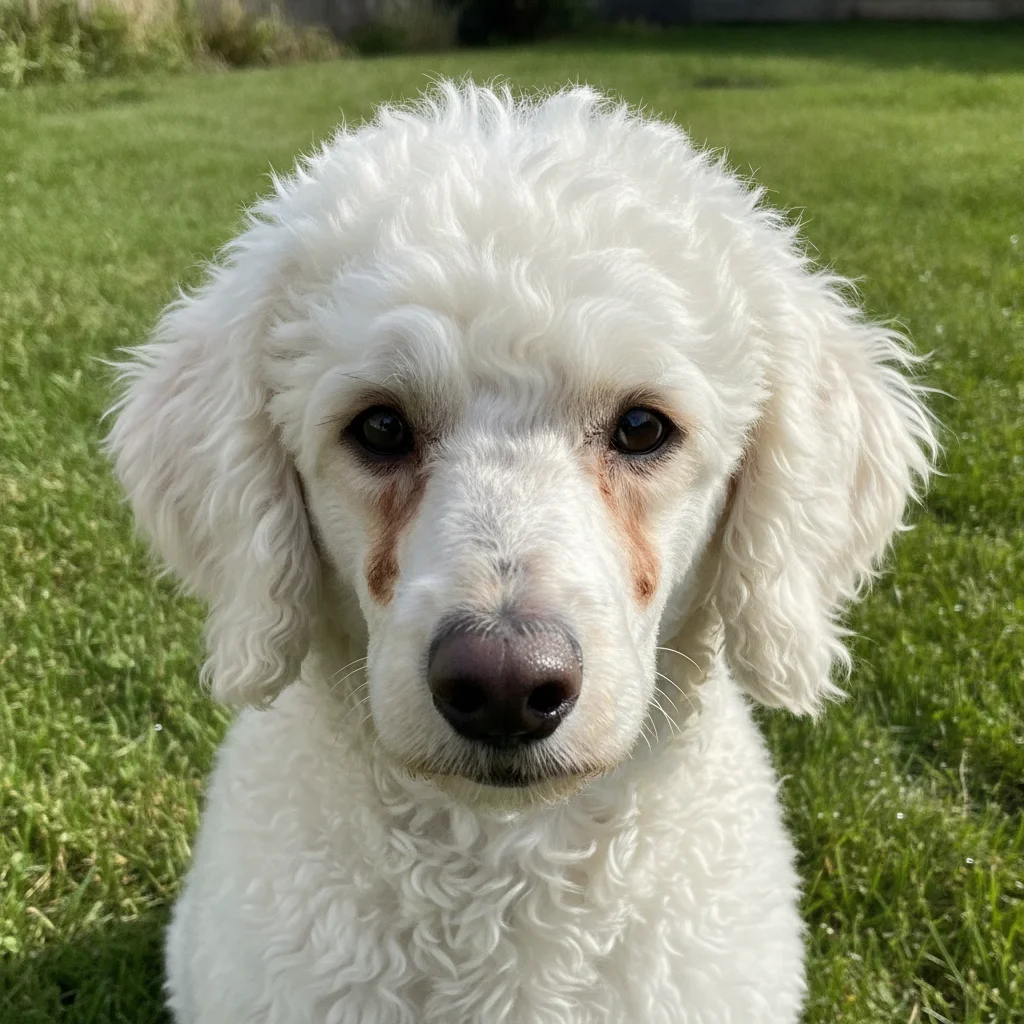
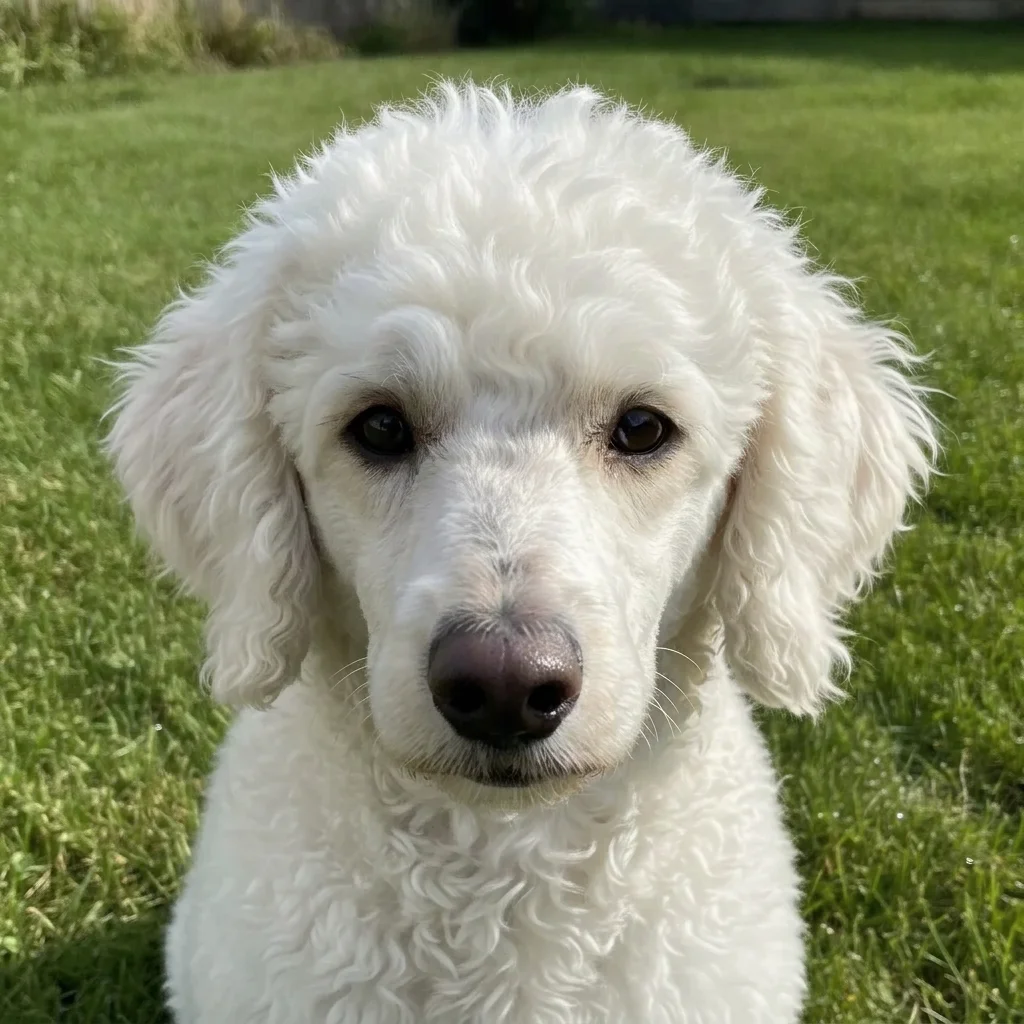
White poodle on a lawn with rust-brown stain streaks from the eyes
Before
->
Same poodle with clean white curly fur on the face
After

Poodle with stains down the muzzle

A groomer wanted a cleaner portfolio shot of a white poodle.

Prompt: remove the brown tear stain streaks under the eyes down the sides of the nose and fill with clean white curly fur
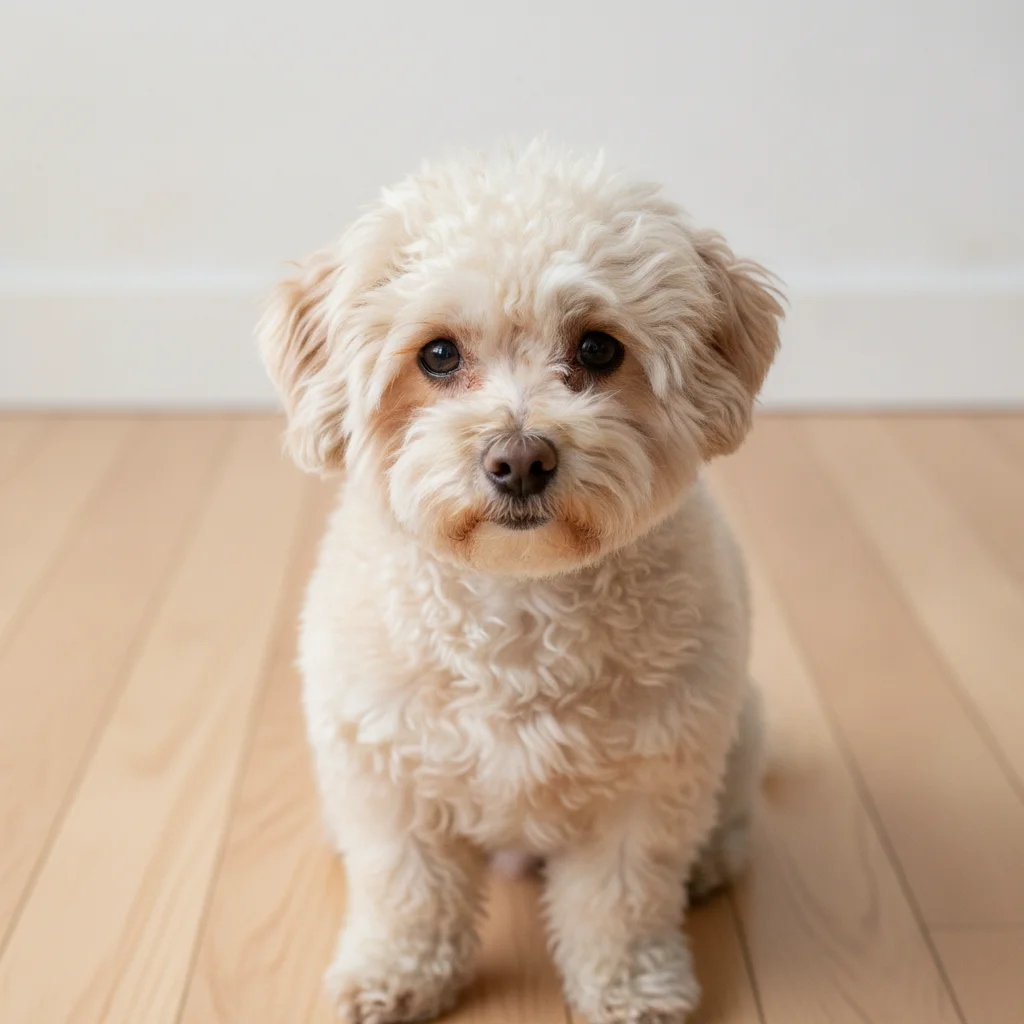
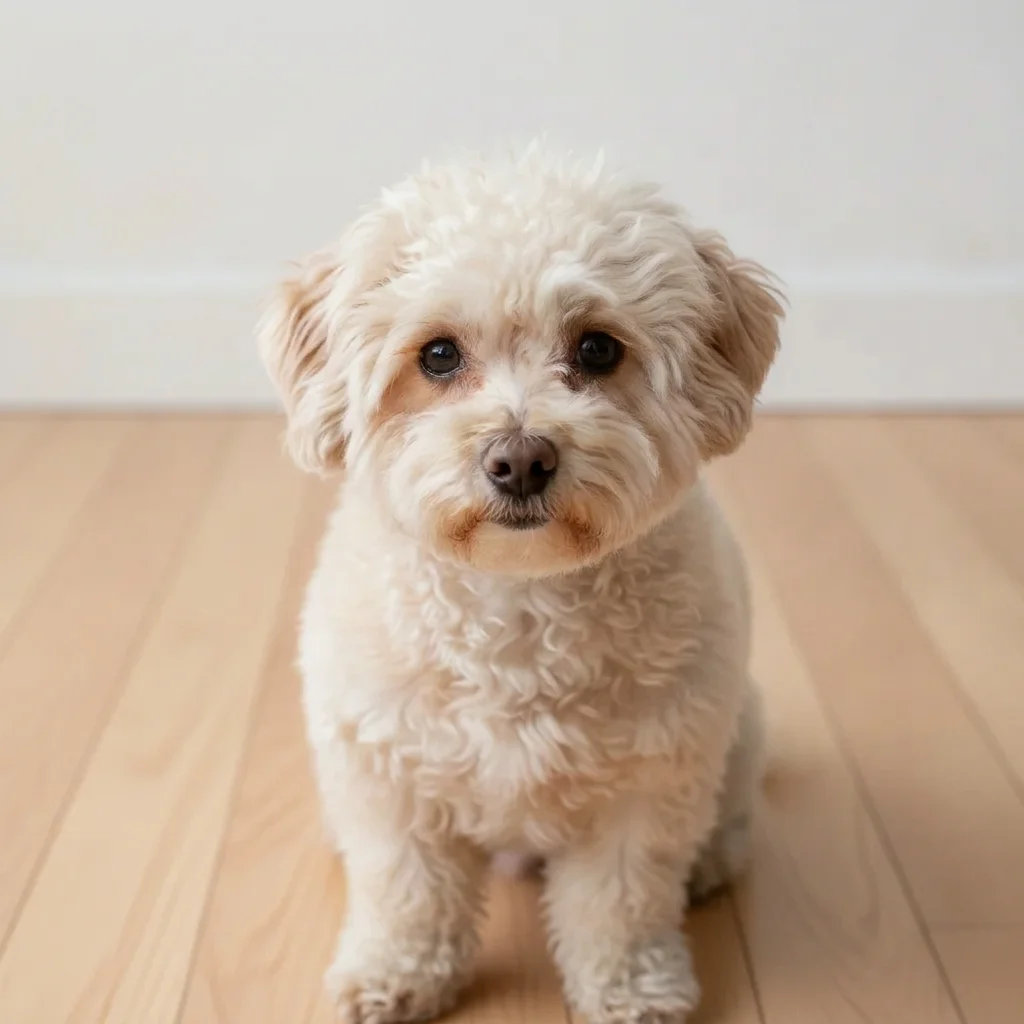
Cream bichon with light brown stains under both eyes
Before
->
Same bichon with much lighter staining, natural look kept
After

Light stains on a cream bichon

An owner wanted a gentle clean-up without changing the look.

Prompt: slightly reduce the tear stains under the eyes so they are lighter but natural, do not change anything else

Quick answers

Do I need to mark the tear stains before describing the edit?

No. Describe them, for example 'remove the reddish-brown tear stains under the eyes.' The AI finds the stained fur. Use markers only if it misses a streak or edits the wrong spot.

How do I remove tear stains from a dog photo for free?

Upload the photo to EditThisPic, describe the stains and the fur colour, and run the edit. The free edit is a preview with no signup and no watermark.

Does this treat the staining on my dog?

No. It only changes how the photo looks. Persistent or heavy tear staining can have health or grooming causes, so ask your vet or groomer about the dog itself.

Will it change my dog's eyes?

It aims to leave the eyes alone. Add 'keep the eyes unchanged' to your instruction and check the result when zoomed in.

Does it work on cats and other pets?

Yes, the same description works for cats or other pets with staining around the eyes. Name the fur colour and where the stain is.

How much does EditThisPic cost?

You get 1 free Standard edit per week — no account needed. After that, one-time credit packs start at $4.99 for 10 credits, valid 12 months, no subscription. A Standard edit uses 1 credit, Pro 2 and Ultra 3. Purchased downloads are clean with no watermark.

Ready to clean up your dog's photo?

Free to try. No signup required.

1 free edit included·paid credit packs after