Pricing Visualize Exterior lighting · Free

AI Exterior Lighting Visualizer

← Browse all creative effects

Last updated

Upload a house photo, describe the lighting, and preview it at dusk. Free, no account.
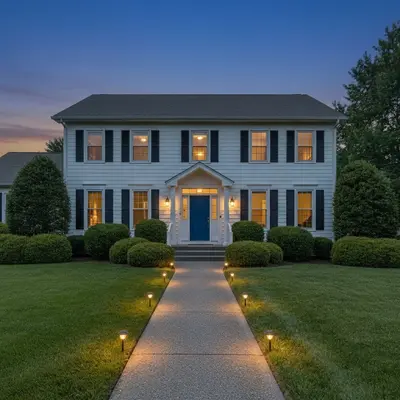
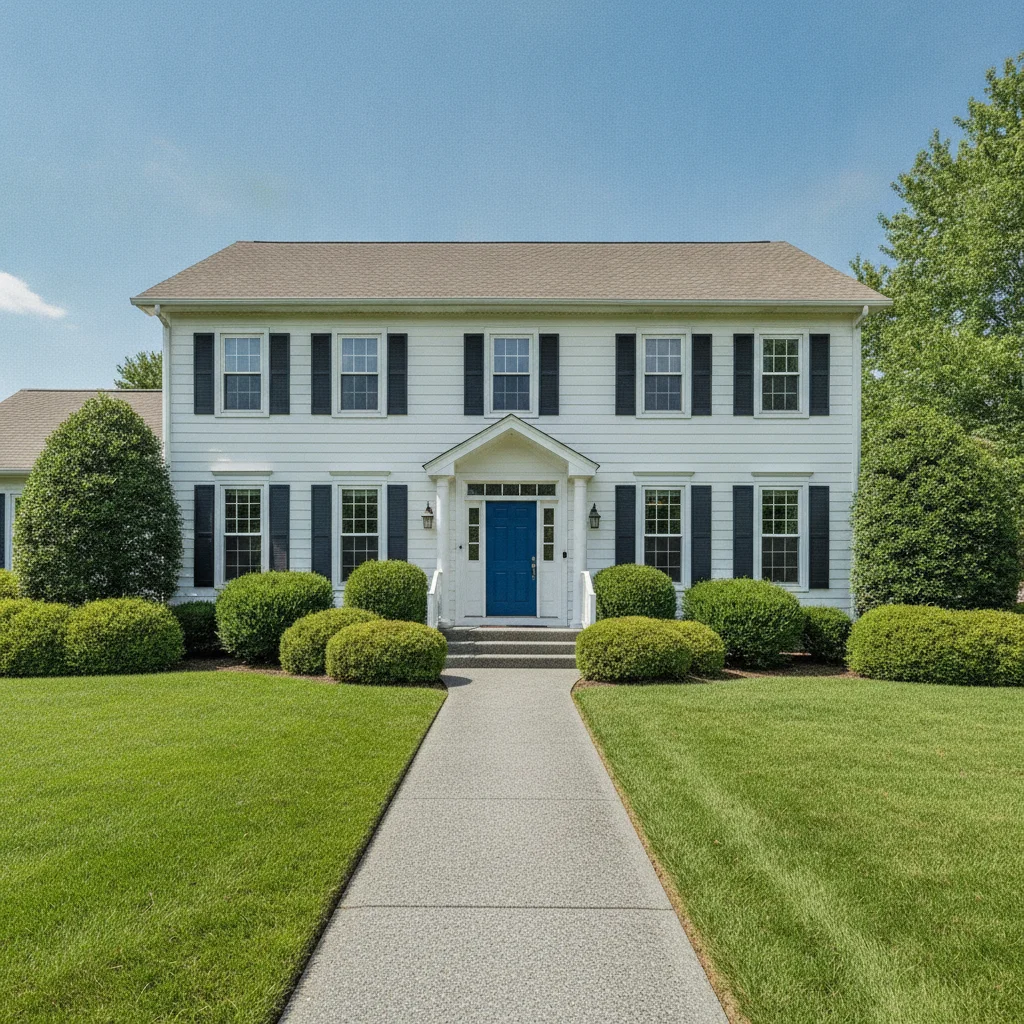
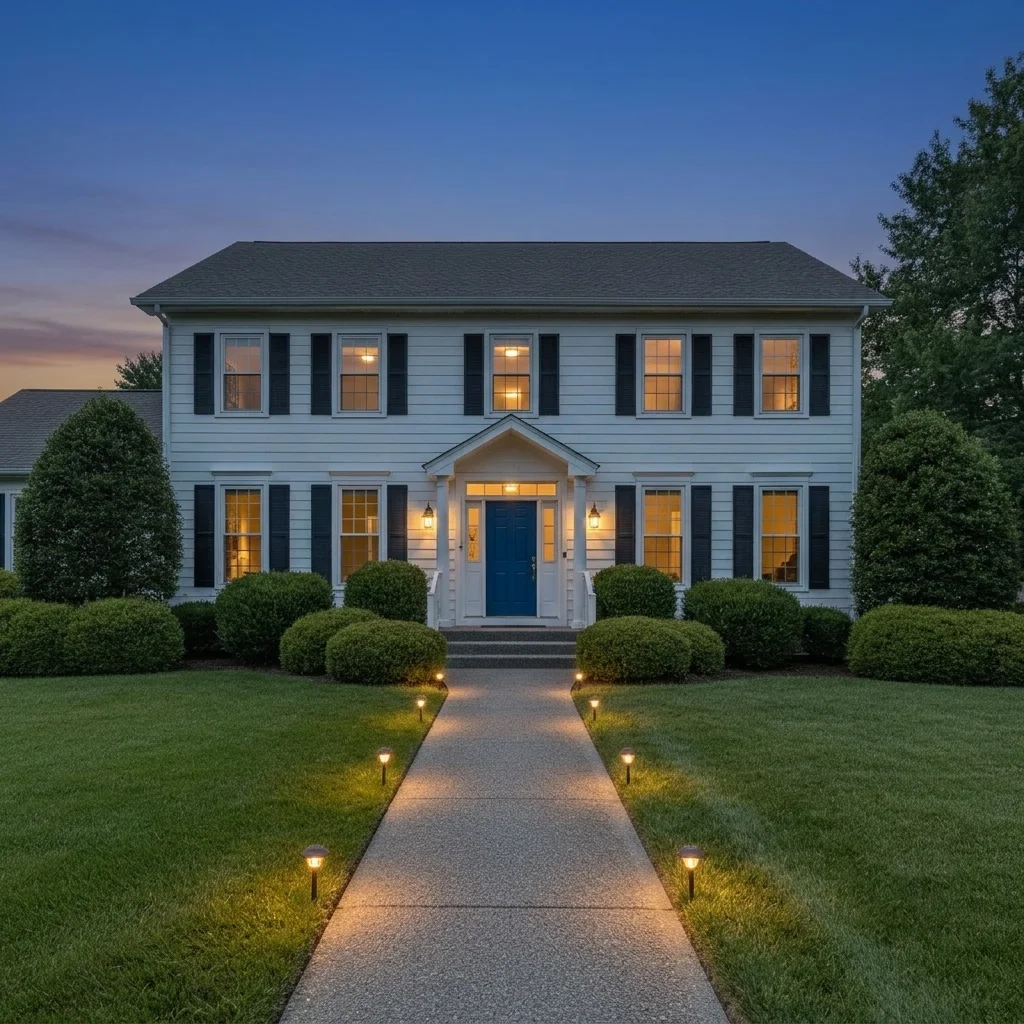
White two-story house in daylight with a straight walkway Same house at dusk with warm path lights and a glowing porch light

Upload photo to visualize exterior lighting

"make it twilight and add small warm path lights evenly spaced along both sides of the front walkway, keep the house and landscaping unchanged"

Free to try · no sign-up · never used for AI training

Release to upload

<30stypical edit
1 freeedit weekly
Photo on your phone? Scan to open this editor there — free edit works on your phone too.

1 free edit every week·paid packs after

How it works

  1. Upload a straight-on photo of the house

    Take a photo from across the yard or street so the house, walkway and landscaping are all visible. A daytime or twilight photo works; the AI can turn it into dusk. Keep the full front of the house in frame to see where lights could go.

    Expect: Most single-surface previews come back in well under a minute. Busy photos with lots of overlapping objects may need a second pass.
  2. Describe the time of day and the lights

    Type the mood and fixtures, for example: 'make it dusk and add warm white uplights on the stone columns, path lights along the walkway, and a glowing porch light, keep the house unchanged.' Name fixture types: uplights, path lights, wall sconces, string lights, or soffit lights. No marking needed.

    Tip: Name the light color: warm white, soft amber, or cool white. It changes the mood more than anything else.

    Copy one of these to get started:

    Dusk with warm uplights and path lights make it dusk and add warm white uplights on the front of the house, path lights along the walkway, and a glowing porch light, keep the house unchanged
    Path lights only make it twilight and add small warm path lights evenly spaced along both sides of the front walkway, keep the house and landscaping unchanged
    Uplighting on trees make it dusk and add warm white uplights at the base of the two front trees lighting the trunks and canopy, keep the house unchanged
    String lights over the patio make it dusk and add warm string lights stretched over the patio in a zigzag pattern, glowing softly, keep the patio furniture and house unchanged
    3 more prompts
    Wall sconces beside the garage make it dusk and add black wall sconces beside the garage door, each with a warm glow, keep the house and driveway unchanged
    Soffit and eave lighting make it dusk and add warm recessed soffit lights under the eaves washing down the front wall, keep the house and yard unchanged
    Cool white modern lighting make it dusk and add cool white linear lights under the porch overhang and low modern bollards along the path, keep the house unchanged
  3. Check glow, shadows and light direction

    Look at how light falls on walls and plants. Uplights should wash upward from the base, path lights should make small pools on the ground, and shadows should agree with the new lights, not with the old sun.

  4. Refine with markers if needed

    If the AI lit the wrong areas, added lights to a neighbor's house, or changed the house itself, tap a marker where each light should go and regenerate with the same prompt. Markers show exactly where fixtures belong.

    Tip: Markers are for precision refinement, not a required step.

See it in action

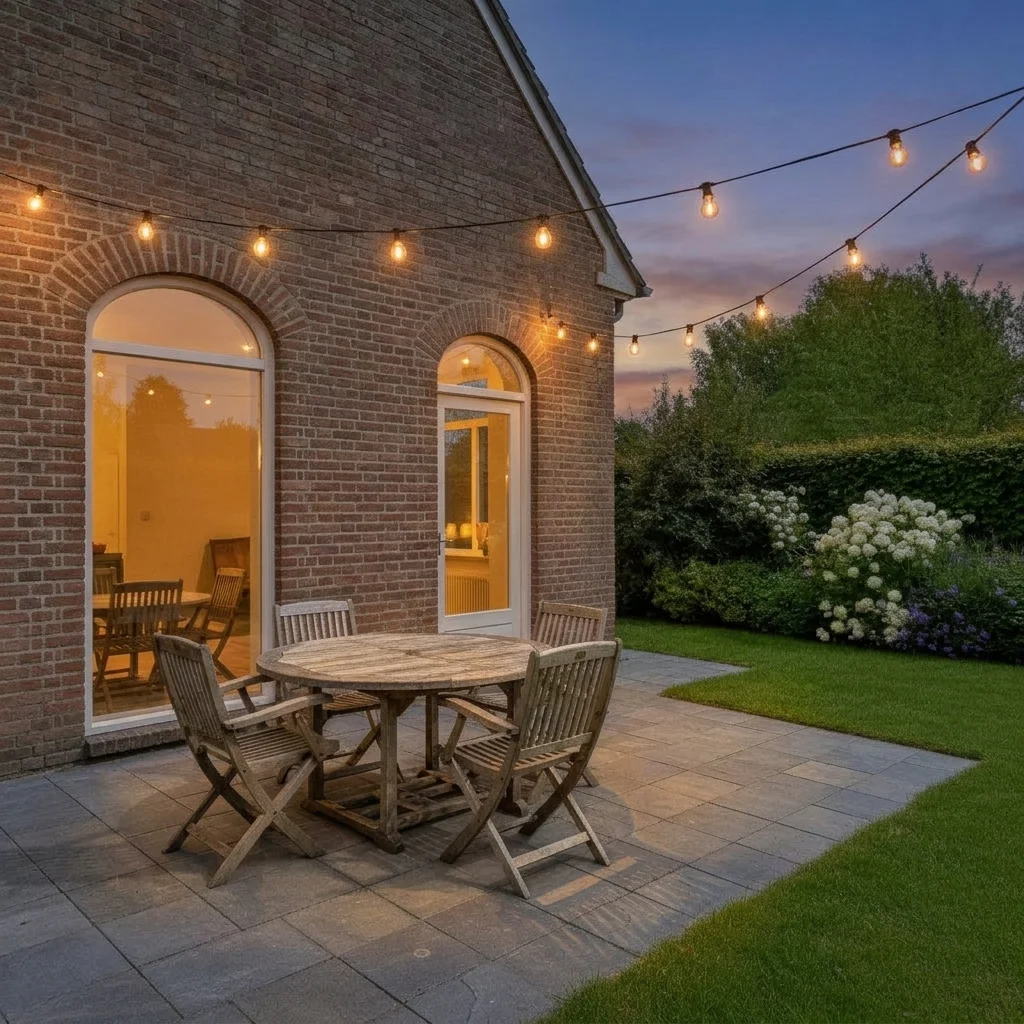
White two-story house in daylight with a straight walkway
Before
->
Same house at dusk with warm path lights and a glowing porch light
After

Front walkway at dusk — path and porch lights

A suburban house photographed in daylight. The homeowner previewed warm path lights and a glowing porch before talking to an electrician.

Prompt: make it dusk and add small warm path lights evenly spaced along both sides of the front walkway and a glowing porch light, keep the house and landscaping unchanged
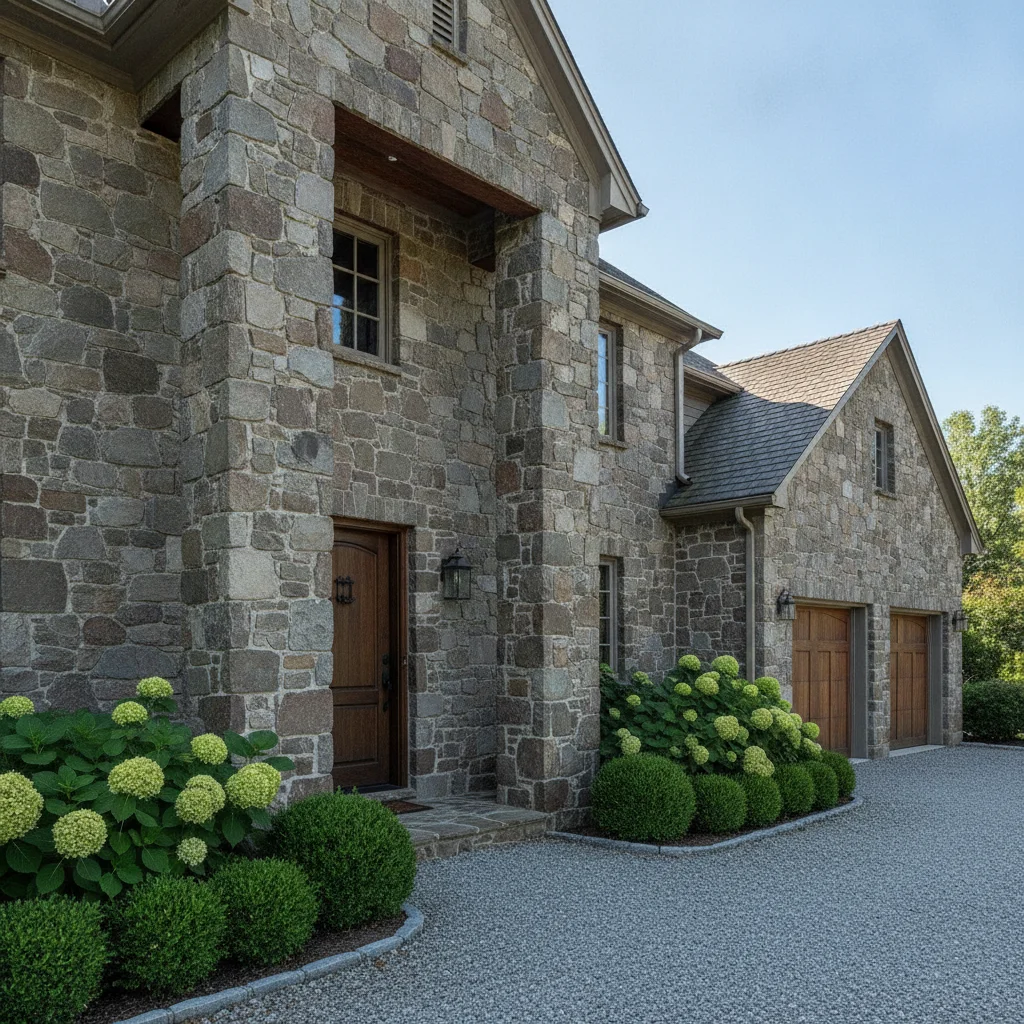
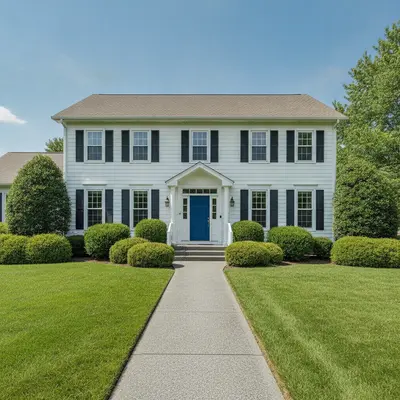
Stone house with columns and a wooden front door in daylight
Before
->
Same house at dusk with warm uplights washing the stone columns
After

Stone house uplighting

A stone house with columns. A landscape lighting company showed the owner an uplighting idea, labeled as a mock-up.

Prompt: make it dusk and add warm white uplights on the stone columns and front wall, keep the house and landscaping unchanged
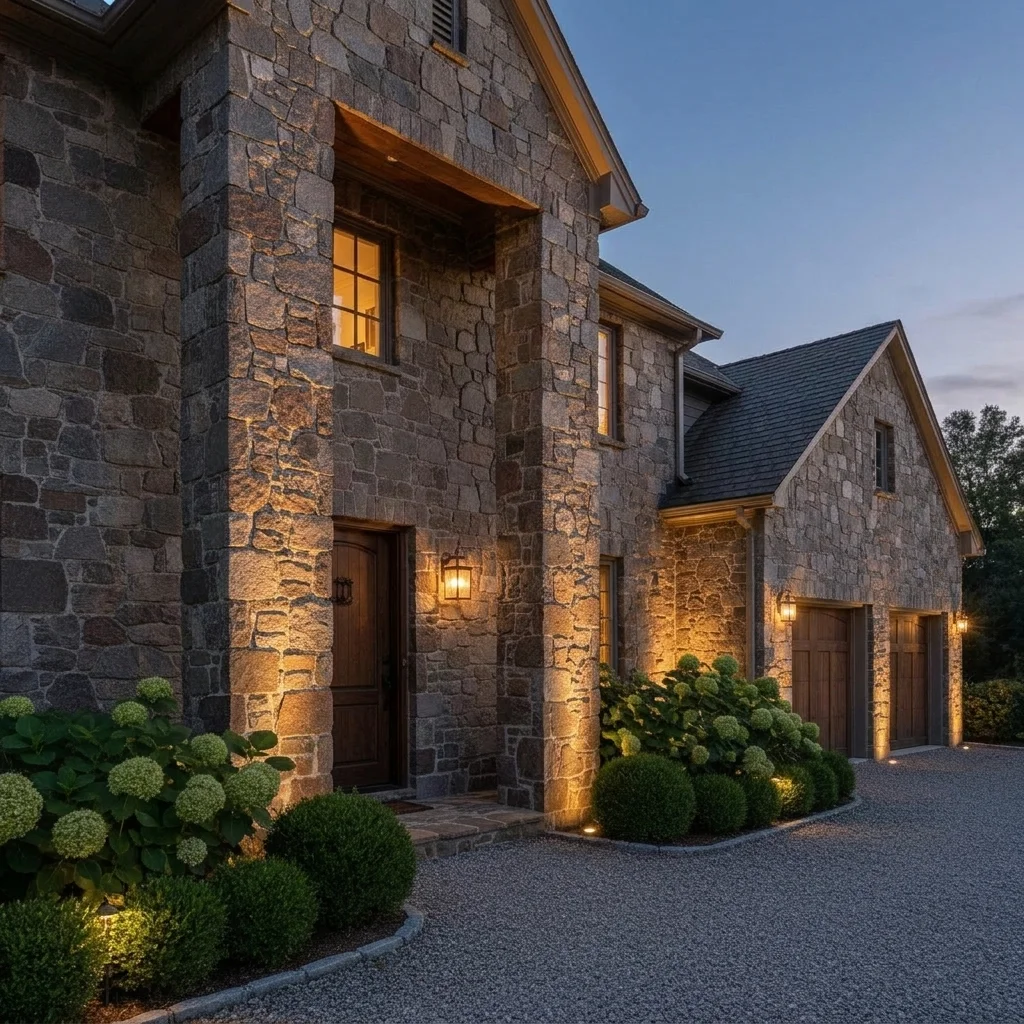
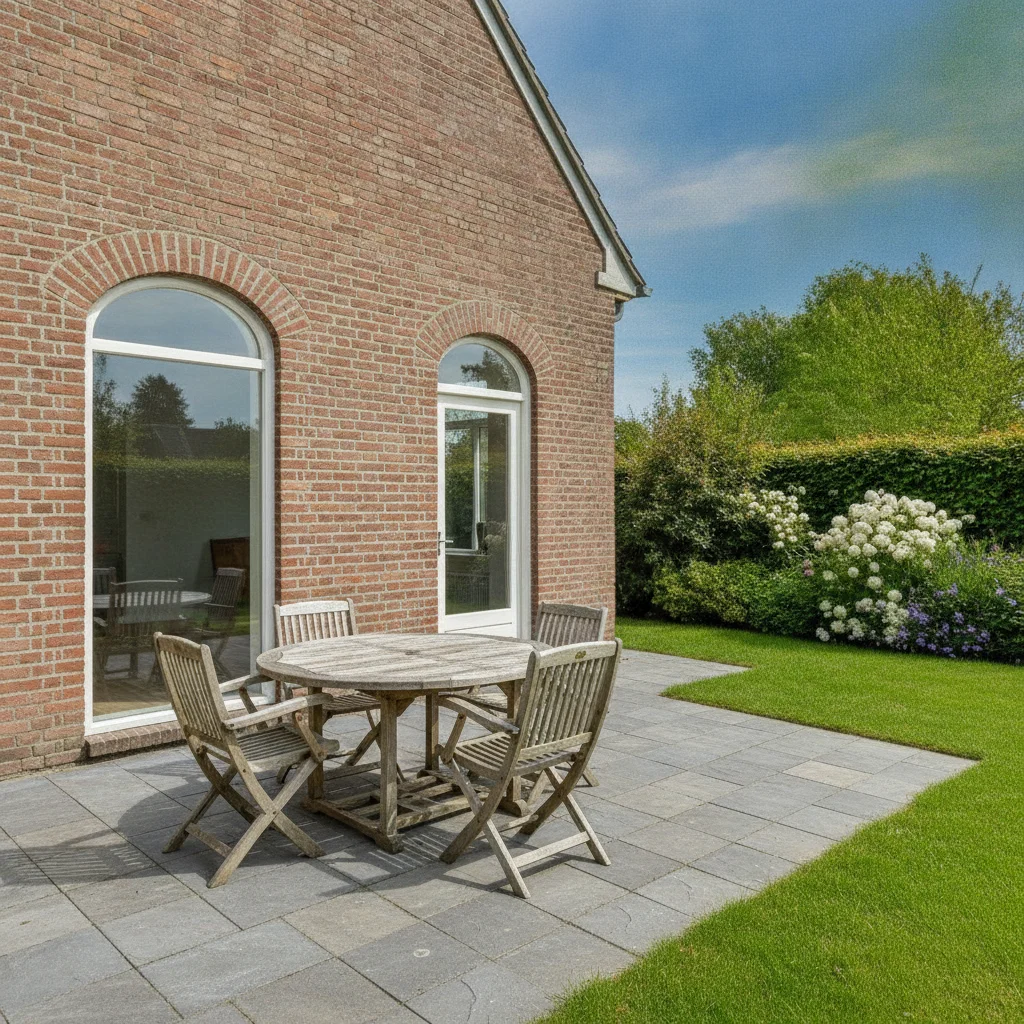
Back patio with table and chairs in daylight
Before
->
Same patio at dusk with glowing warm string lights overhead
After

Patio string lights

A bare backyard patio with a table. The owner previewed string lights for evening gatherings.

Prompt: make it dusk and add warm string lights stretched over the patio in a zigzag pattern, glowing softly, keep the patio furniture and house unchanged

Quick answers

Do I need to mark where the lights go?

No. Describe the lighting, such as 'path lights along the walkway and uplights on the house'. The AI places them. Use markers only if it puts lights in the wrong place.

Is there a free exterior lighting visualizer with no signup?

Yes. EditThisPic gives you a free preview edit with no account and no watermark. Upload a house photo and describe the lighting.

Can I turn a daytime photo into a dusk preview?

Yes. Say 'make it dusk' in the prompt and describe the lights. It works best on clear, well-lit photos of the front of the house.

Will it tell me how many lights I need or what to buy?

No. It is a visual mock-up and not a lighting plan. It does not choose fixtures, brightness, or wiring. A lighting pro or electrician can plan the real layout.

Can a landscape lighting company use it with clients?

Yes, as a quick way to show a look during a conversation, labeled as a mock-up. Several fixture styles can be tried on the same photo to compare warm and cool, uplight and path light.

How much does EditThisPic cost?

You get 1 free Standard edit per week — no account needed. After that, one-time credit packs start at $4.99 for 10 credits, valid 12 months, no subscription. A Standard edit uses 1 credit, Pro 2 and Ultra 3. Purchased downloads are clean with no watermark.

Ready to preview your exterior lighting?

Free to try. No signup required.

1 free edit included·paid credit packs after