Pricing Customize Golf cart · Free

AI Golf Cart Customizer

← Browse all creative effects

Last updated

Upload a photo of your cart and describe the color, seats, wheels or lift you want to try.
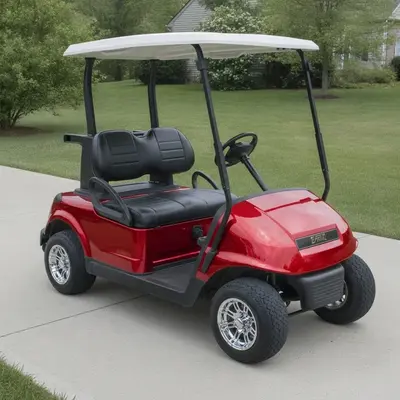
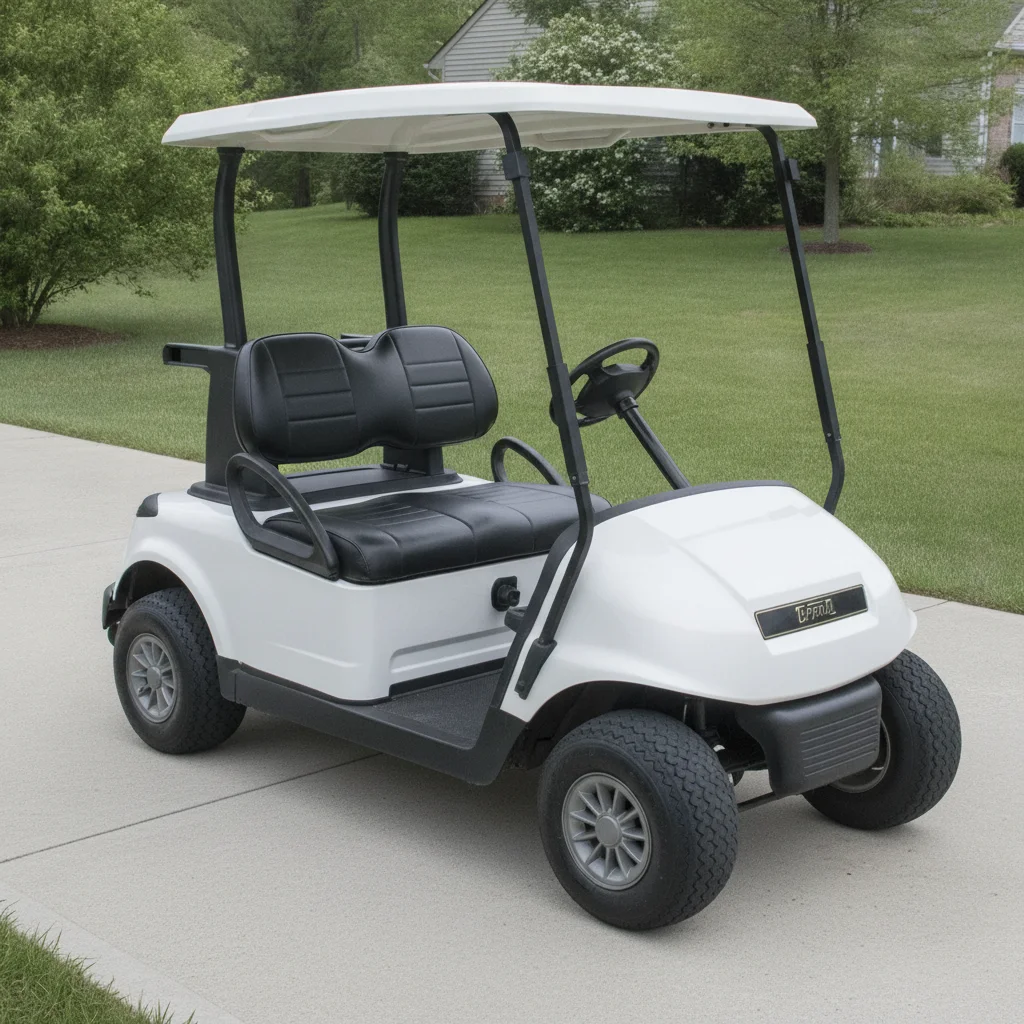
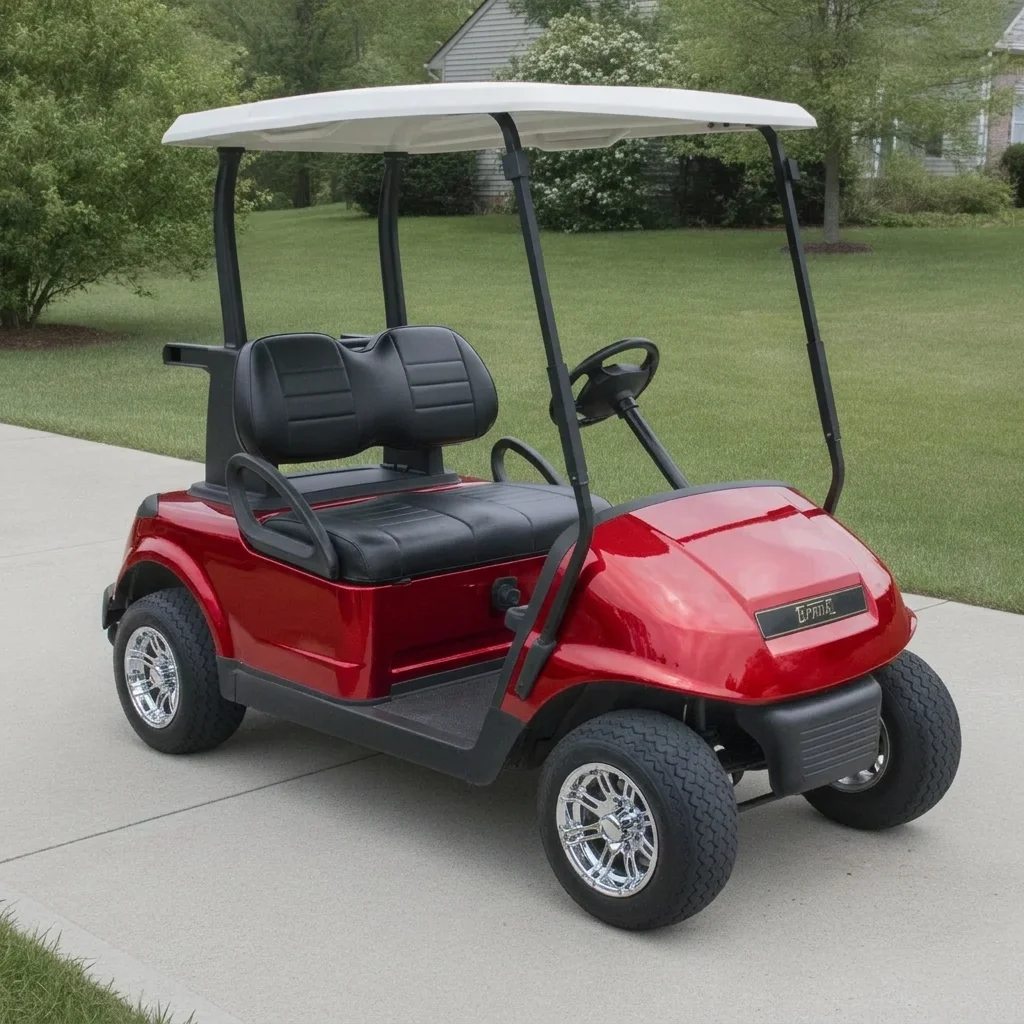
White golf cart with stock wheels on a driveway Same cart in candy red with chrome wheels, driveway unchanged

Upload photo to customize golf cart

"replace the seats with black and tan two-tone leather seats with stitching, keep the cart body, wheels and roof unchanged"

Free to try · no sign-up · never used for AI training

Release to upload

<30stypical edit
1 freeedit weekly
Photo on your phone? Scan to open this editor there — free edit works on your phone too.

1 free edit every week·paid packs after

How it works

  1. Upload a photo of the whole cart

    A three-quarter view that shows the body, seats and wheels works best. Park the cart on a plain driveway or lawn, and keep the roof in frame if you want to change it.

    Expect: Simple changes usually finish in under a minute. Busy photos may need a second try.
  2. Describe the changes you want to see

    Type the color, seat style, wheels or lift you want: 'change the white body to candy red, add black and tan two-tone seats and 12-inch chrome wheels, keep the roof and background unchanged'. Name each part you want changed, since the AI follows your list.

    Tip: Change one or two things at a time at first. Piling on five changes at once makes wheels and lift harder to read.

    Copy one of these to get started:

    Candy red body with chrome wheels change the white golf cart body to candy red gloss, add 12-inch chrome wheels with low-profile tires, keep the black seats, roof and background unchanged
    Black and tan two-tone seats replace the seats with black and tan two-tone leather seats with stitching, keep the cart body, wheels and roof unchanged
    Lifted off-road build give the golf cart a 6-inch lift with large 14-inch black wheels and knobby all-terrain tires, keep the body color, seats and roof unchanged
    Matte military green change the cart body to matte military green, keep the tan seats, black wheels and roof unchanged
    3 more prompts
    Candy blue flake body repaint the golf cart body in metallic candy blue, keep the white seats, chrome wheels and roof the same
    Black roof and rear flip seat swap the roof for a black extended roof and add a rear-facing flip seat, keep the body color and wheels unchanged
    Wheel swap only replace the stock wheels with black 12-inch wheels and low-profile street tires, keep the body, seats and background unchanged
  3. Check wheels, seats and body panels

    Zoom in on the wheels and the seat edges. Wheels and tires are the part most likely to look off, and a lift may not match your exact kit. Treat the result as a look, not a parts-fit guide.

  4. Refine with markers if needed

    If the AI changed the wrong part, tap a marker on the seats, body or wheel you want edited and regenerate. This helps when two parts share a similar color.

    Tip: Markers are optional. Most edits work from the description alone.

See it in action

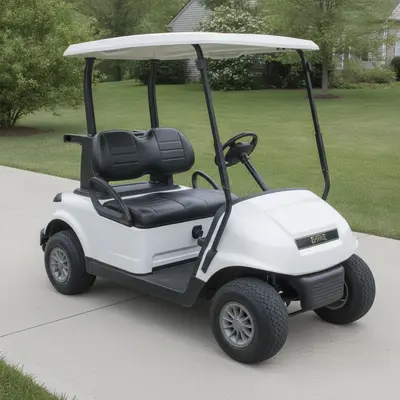
White golf cart with stock wheels on a driveway
Before
->
Same cart in candy red with chrome wheels, driveway unchanged
After

White golf cart to candy red with chrome wheels

Preview a full color and wheel change before ordering a body kit.

Prompt: change the WHITE golf cart body to candy red, add chrome wheels, keep the black seats and roof unchanged
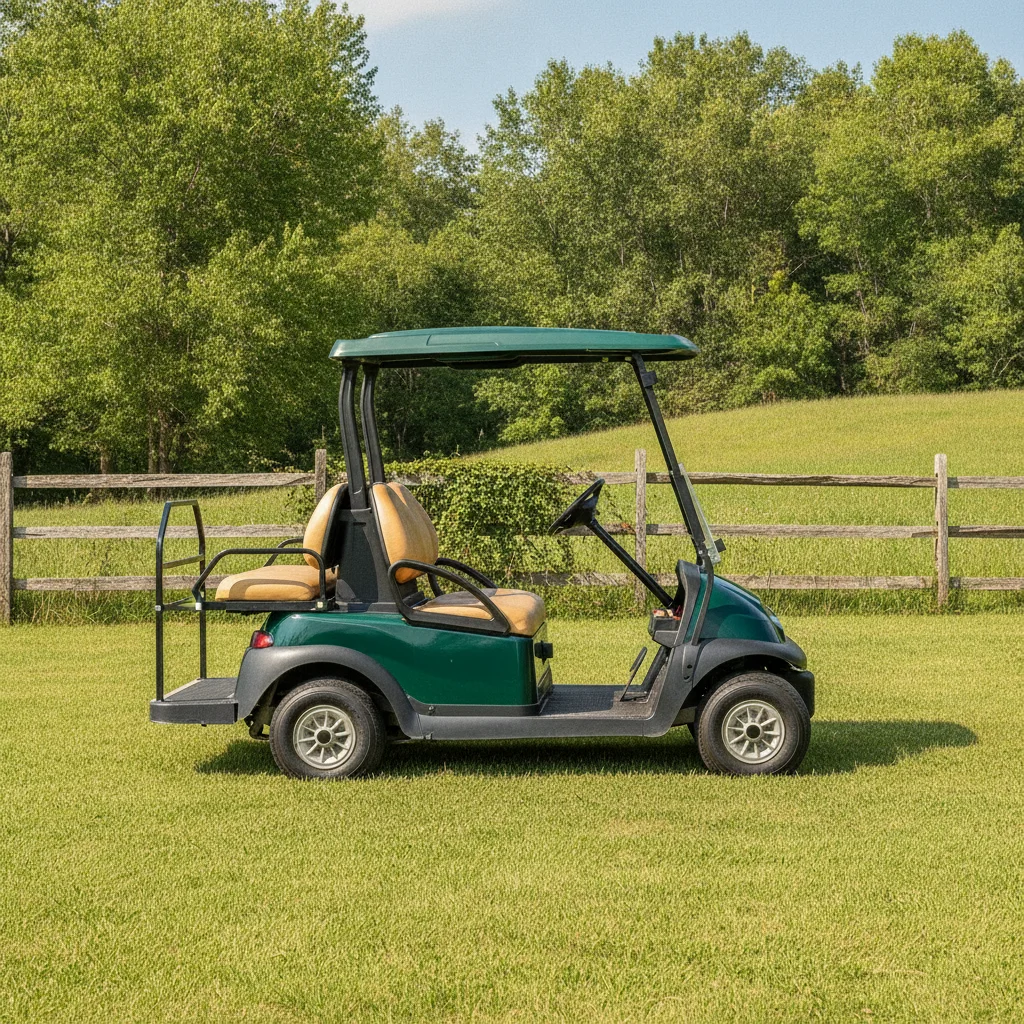
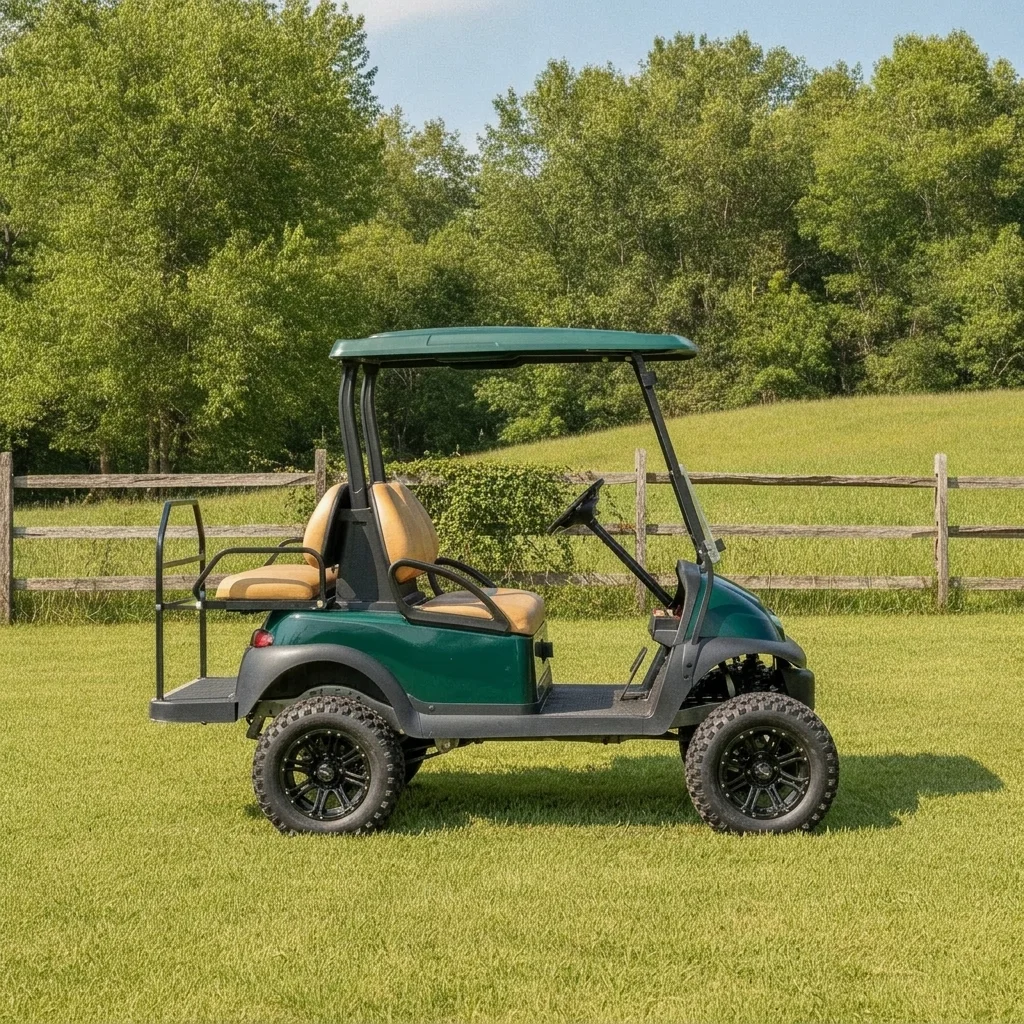
Dark green golf cart with small stock wheels on grass
Before
->
Same green cart sitting higher on large black wheels with knobby tires
After

Stock green cart with a lift and big wheels

Preview a lifted off-road look.

Prompt: give the GREEN golf cart a lift with large black wheels and knobby tires, keep the green body and roof unchanged
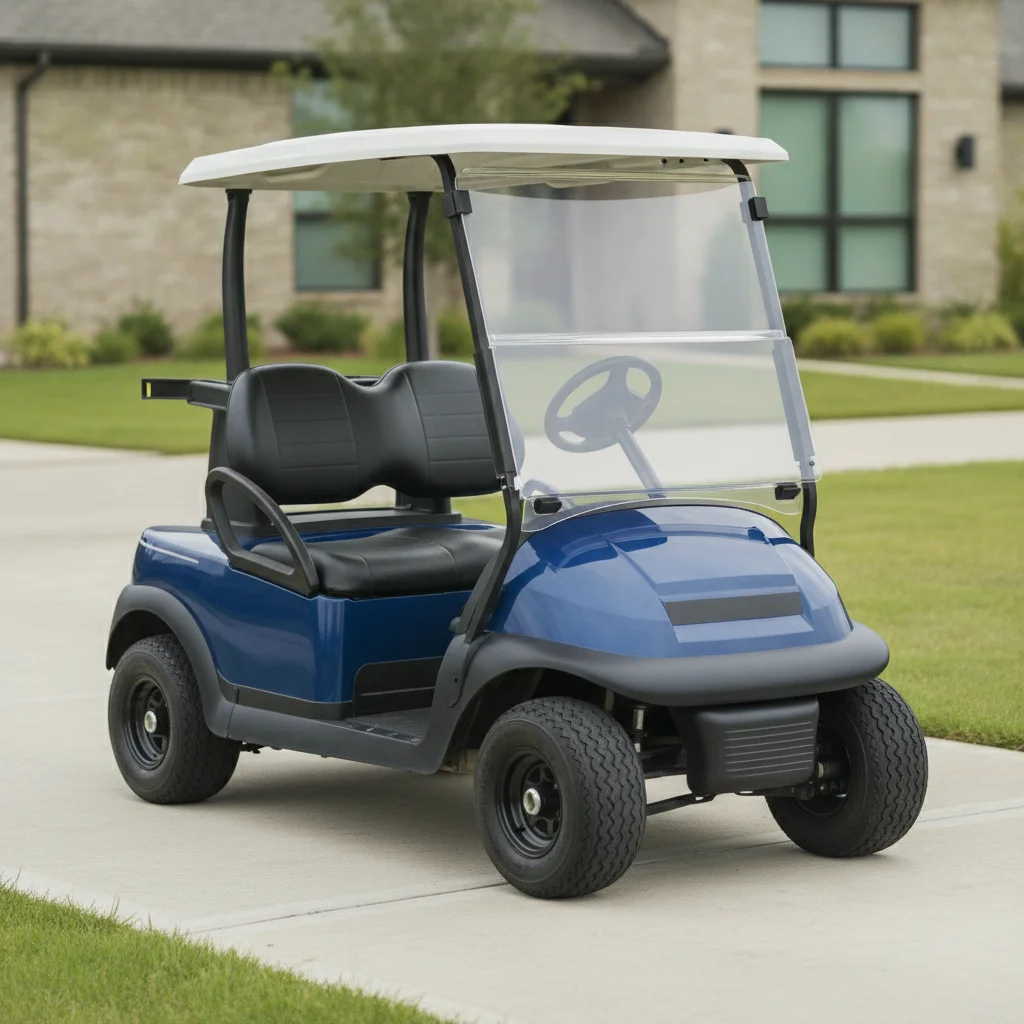
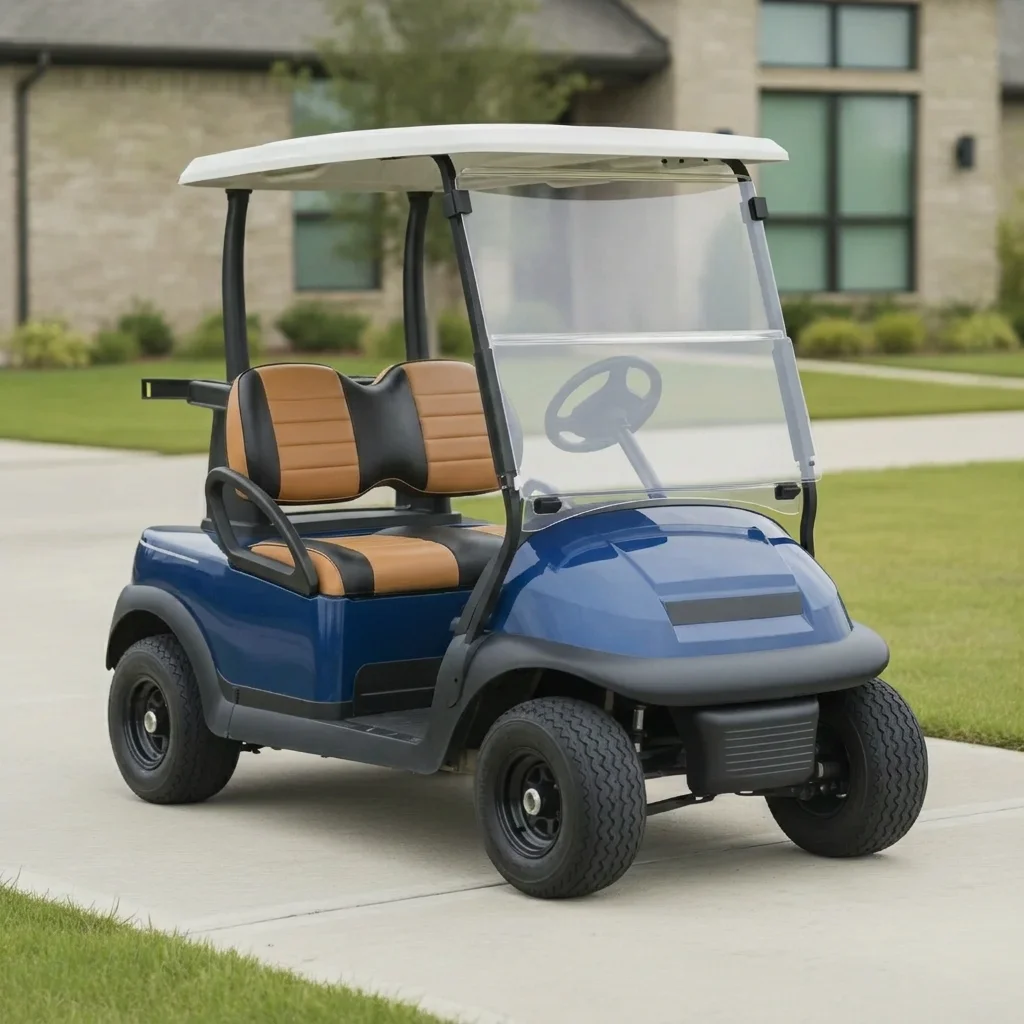
Blue golf cart with plain black seats
Before
->
Same cart with black and tan two-tone seats
After

Black seats swapped for two-tone

See a seat upgrade on a cart that already has the body you like.

Prompt: replace the BLACK seats with black and tan two-tone seats, keep the blue body and wheels unchanged

Quick answers

Do I need to mark the golf cart parts before changing them?

No. Describe the changes, for example 'change the body to candy red and the seats to black and tan'. Use markers only if the AI edits the wrong part.

Is there a free golf cart customizer with no signup?

Yes. EditThisPic gives you a free preview edit with no account and no watermark.

Will the preview match the parts I buy?

No promise of that. It gives a look of a color, seat or wheel idea on your own cart. Check sizes, fit and finish with the seller before ordering.

Can I preview a lift kit and bigger wheels?

Yes, as a general look. Describe the lift and wheels together. It does not show an exact lift height or confirm parts fit your model.

Which golf cart photo works best?

A three-quarter view in daylight with the body, wheels and seats visible. Dark garages, heavy shadows and close-up shots hide detail.

How much does EditThisPic cost?

You get 1 free Standard edit per week — no account needed. After that, one-time credit packs start at $4.99 for 10 credits, valid 12 months, no subscription. A Standard edit uses 1 credit, Pro 2 and Ultra 3. Purchased downloads are clean with no watermark.

Ready to preview your custom golf cart?

Free to try. No signup required.

1 free edit included·paid credit packs after