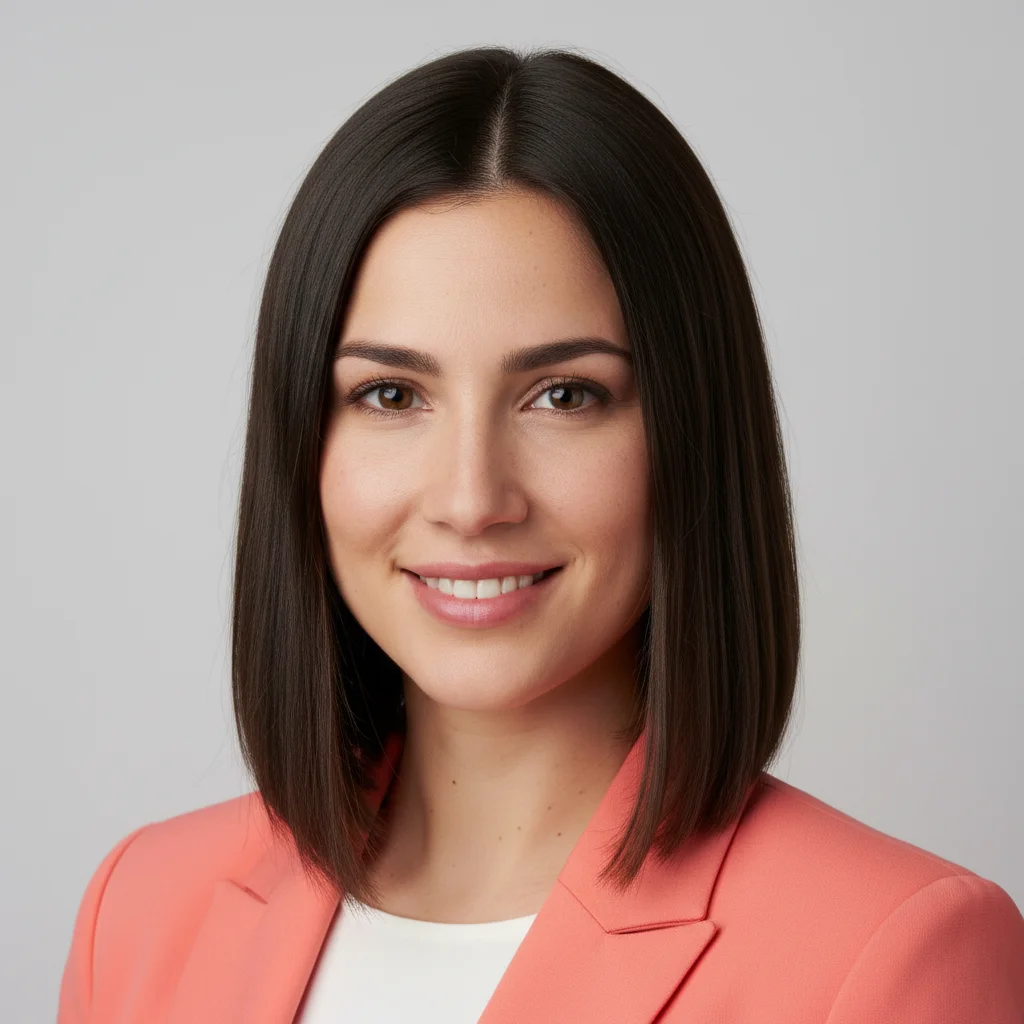
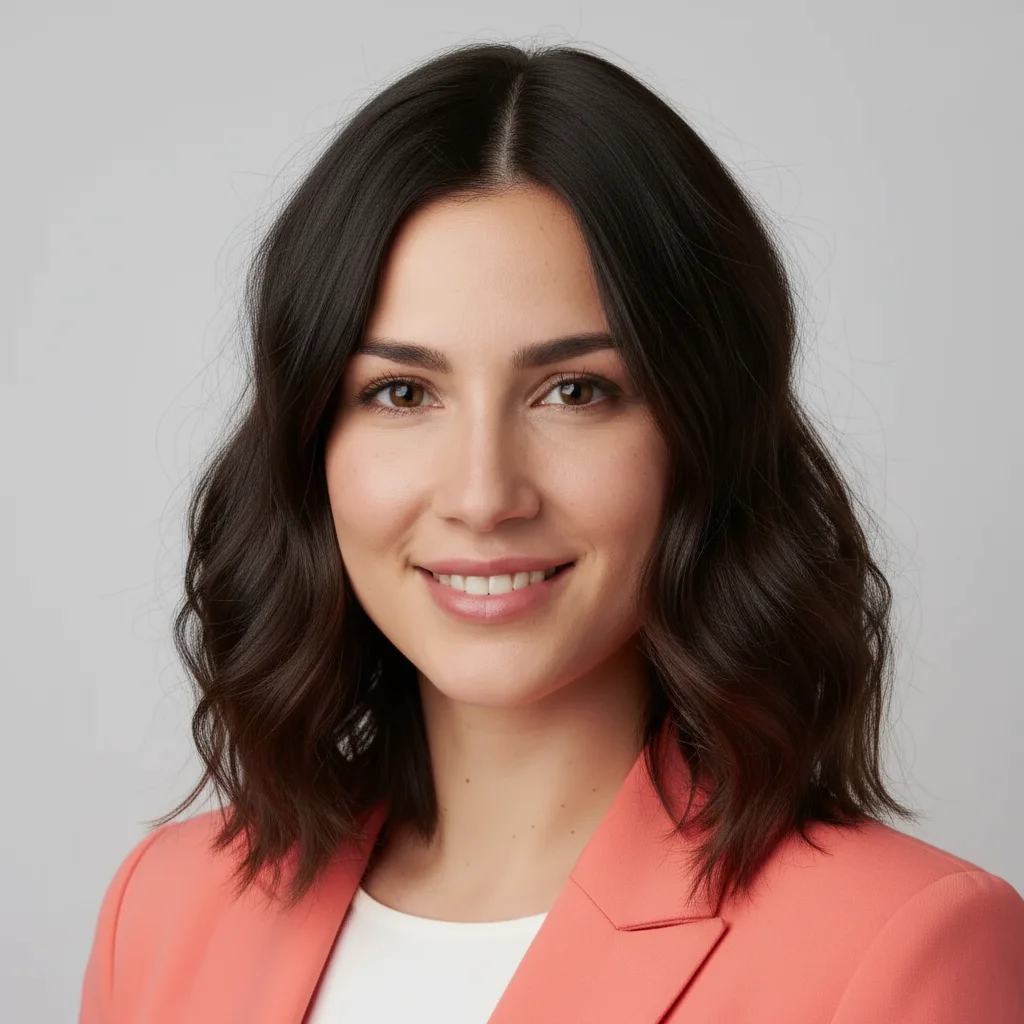
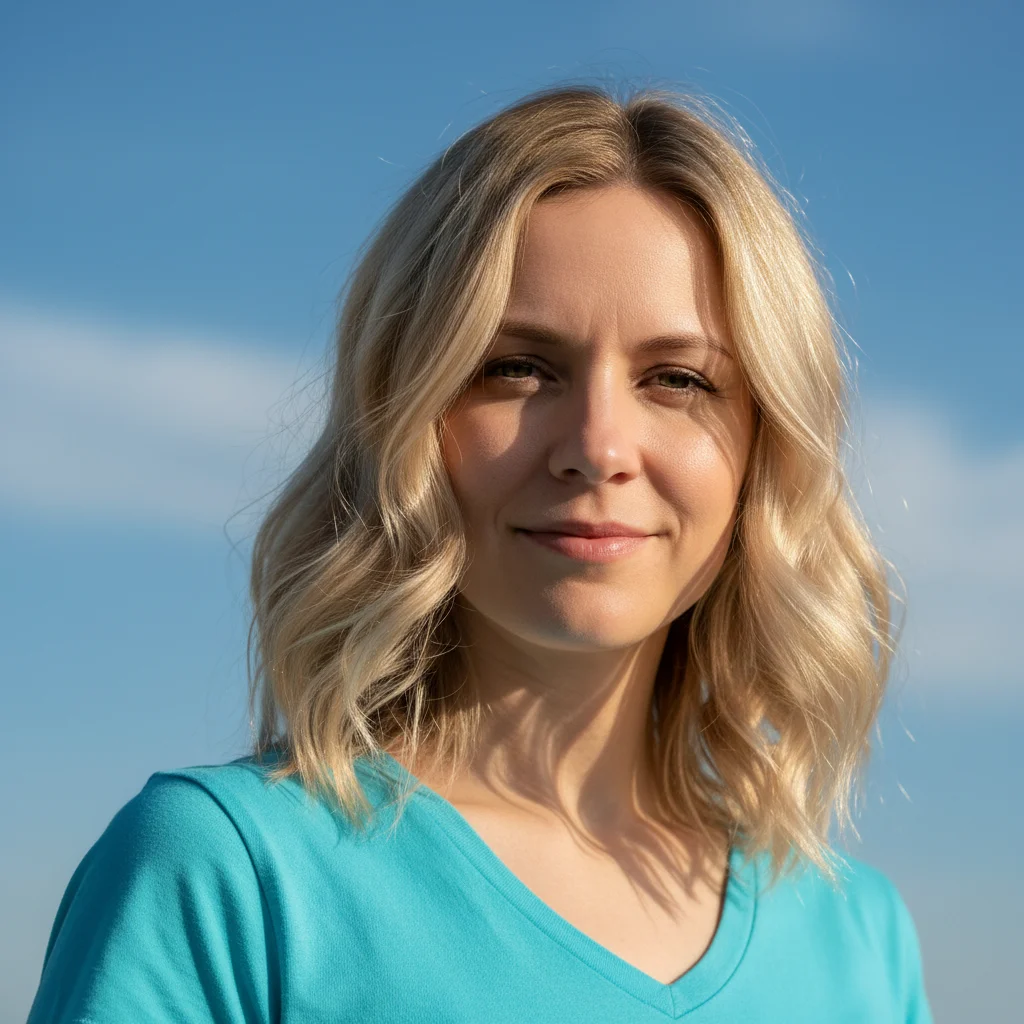
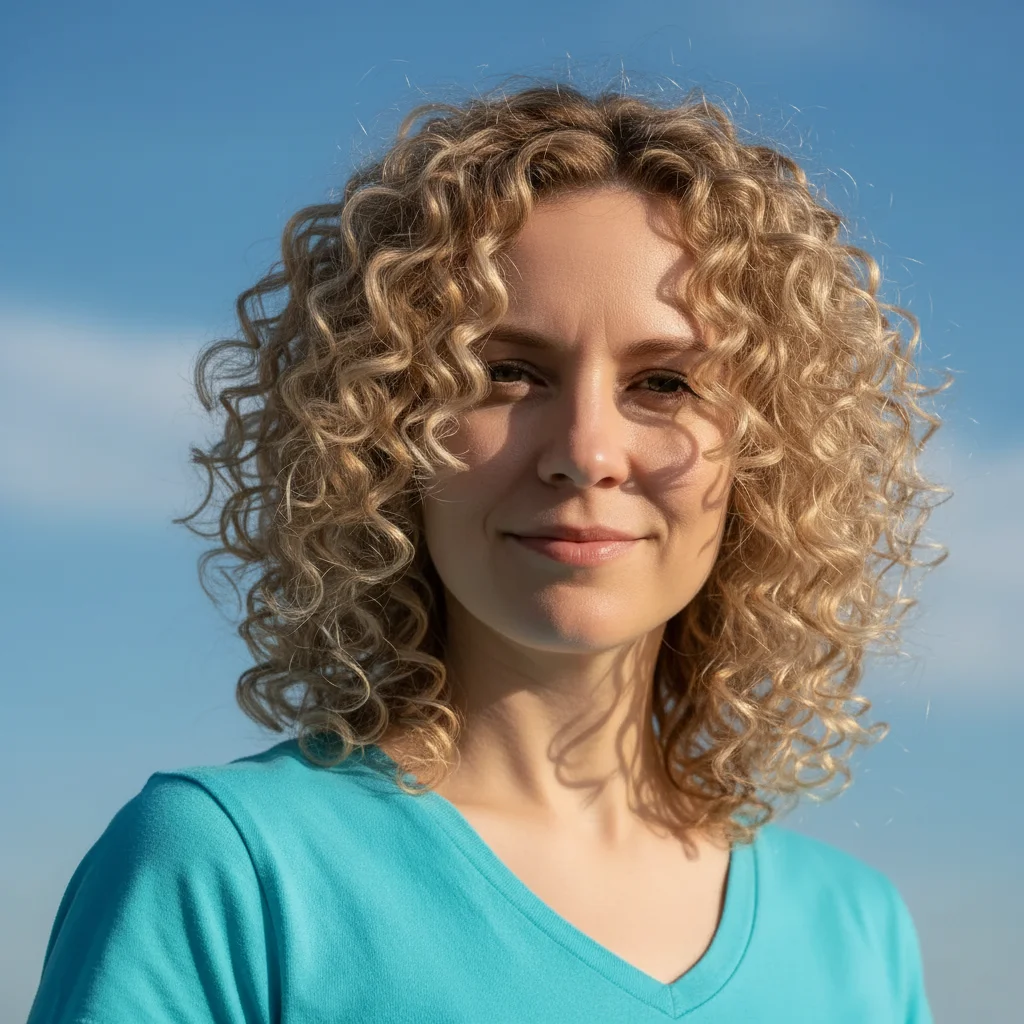
How specific should my prompt be to get a good Change Hair Texture in Photo with AI result on the first try?
One sentence is usually enough: 'Make the hair wavy with loose beach waves.' If the first result is off, refine with details — color, position, lighting, or what to keep. Each pass takes 20-45 seconds and runs separately, so you can compare. Free first edit per week, no signup.
How do I change hair texture for free?
Upload your photo to EditThisPic, type the texture you want ("make hair curly", "straighten hair", "add beach waves"), and the AI transforms it instantly. Free to use with no signup required and no watermark on your downloads.
Can I preview different curl patterns before getting a perm?
Yes, that's a perfect use case. Try prompts like "give hair 3B curls" or "tight spiral curls" or "loose waves" to see how different curl patterns would look on you before committing to chemical treatments or styling.
Will the texture change look natural on my hair type?
The AI maintains the natural characteristics of your hair (color, shine, thickness) while changing texture. Gradual changes (straight to wavy, wavy to curly) typically look more natural than extreme jumps (straight to kinky coils), but you can try any combination.
Can I change texture on only part of the hair?
Yes! This works great for creating ombre texture effects or testing how curls would look just on the ends.
Is EditThisPic's AI hair texture changer really free?
Yes — you get 1 free edit per week, no account needed. Credit packs start at $4.99 for 10 edits.
What photo formats does the AI hair texture changer support?
JPG, PNG, WebP, and HEIC. Upload any common photo format and EditThisPic handles the rest.
How long does it take to change hair texture?
Usually 15-30 seconds. Upload your photo, describe what you want, and the AI delivers the result.
How much does EditThisPic cost?
You get 1 free edit per week — no account needed. After that, one-time credit packs start at $4.99 for 10 edits, valid 12 months, no subscription. Power users who edit daily can pick Studio Membership, a monthly workspace at $49.99/mo for 300 edits. Purchased downloads are clean with no watermark.