Pricing Visualize Home theater · Free

Home Theater Visualizer

← Browse all creative effects

Last updated

Turn a basement or spare room photo into a home theater preview. Free, no account needed.
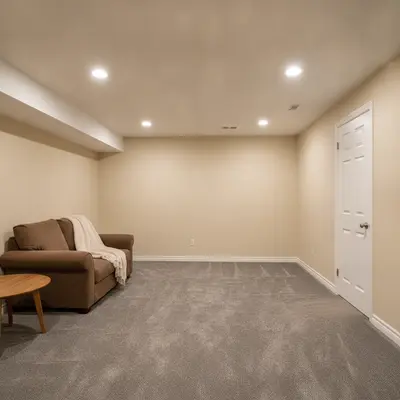
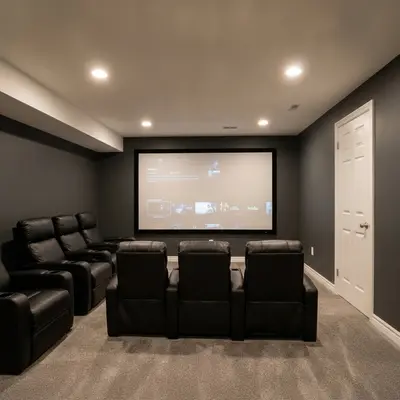
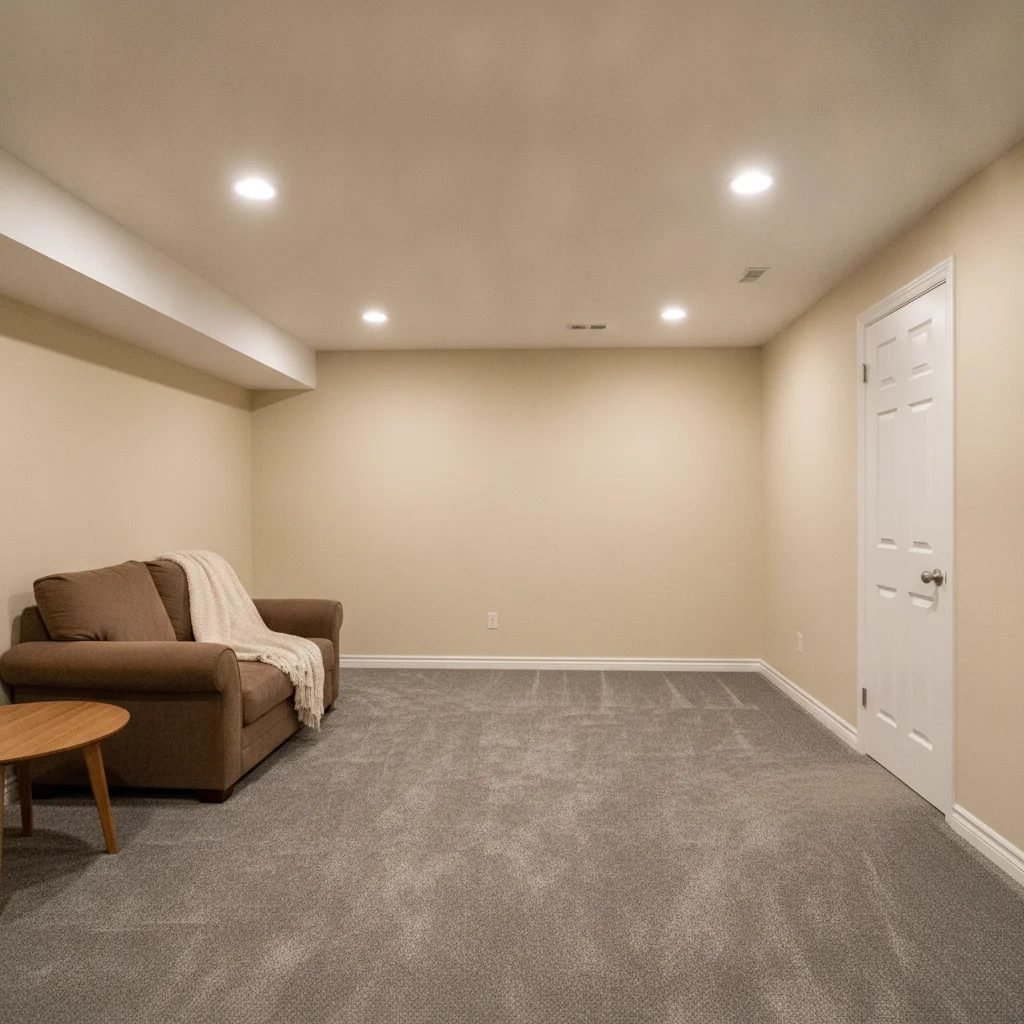
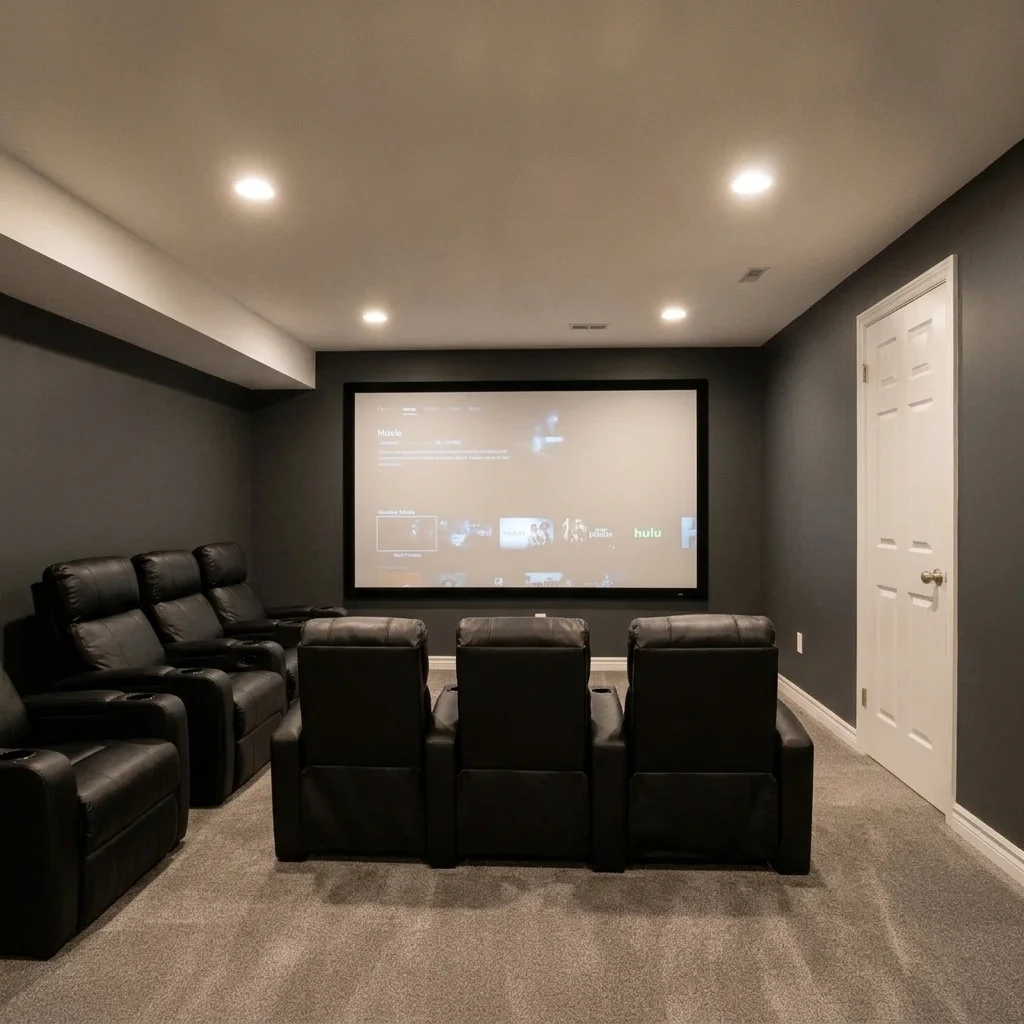
Basement with beige walls, gray carpet and a small brown sofa Same room as a home theater with a large screen, two rows of black recliners and charcoal walls

Upload photo to visualize home theater

"add a large projector screen on the end wall of this room and a low black media console below it, keep the walls, floor and furniture unchanged"

Free to try · no sign-up · never used for AI training

Release to upload

<30stypical edit
1 freeedit weekly
Photo on your phone? Scan to open this editor there — free edit works on your phone too.

1 free edit every week·paid packs after

How it works

  1. Upload a photo of the room

    Stand in a doorway or corner so you capture the end wall where a screen could go, plus the floor and ceiling. Turn lights on for a clear photo. JPG, PNG or WebP works.

    Expect: A view of the main wall and floor lets the AI place a screen and seating at a believable scale.
  2. Describe the theater: screen, seating and walls

    Type the pieces you want: 'turn this room into a home theater with a large projector screen on the back wall, two rows of black leather recliners facing it, dark charcoal walls and wall sconces.' Naming the screen, seats and wall colour works best.

    Copy one of these to get started:

    Full home theater makeover turn this room into a home theater with a large projector screen on the end wall, two rows of black leather recliners facing it and dark charcoal walls, keep the room's shape, door and windows unchanged
    Add only a big screen add a large projector screen on the end wall of this room and a low black media console below it, keep the walls, floor and furniture unchanged
    Dark painted walls with sconces paint the walls dark charcoal gray and add warm wall sconces along both sides of this room, keep the furniture, floor and ceiling unchanged
    Tiered seating add two tiered rows of dark brown leather recliners facing the screen wall with the back row on a raised platform, keep the room shape unchanged
    3 more prompts
    Star ceiling effect add a dark ceiling with small white star-like lights across it, keep the walls, seating and screen unchanged
    Acoustic panels and red accents add dark acoustic wall panels in rows along the side walls and deep red velvet accent curtains around the screen, keep the screen and seating unchanged
    Small family media room turn this small room into a cozy media room with a large wall-mounted TV, a gray sectional sofa and dark blue walls, keep the door and window unchanged
  3. Check scale, seating layout and lighting

    Look at how big the screen is against the wall, how many seats fit and whether the rows leave a walkway. The preview does not check sight lines, sound or wiring.

  4. Use markers to adjust one element

    If the screen or seats land in the wrong place, tap a marker where you want them and regenerate. Markers are optional.

See it in action

Basement with beige walls, gray carpet and a small brown sofa
Before
->
Same room as a home theater with a large screen, two rows of black recliners and charcoal walls
After

Plain basement to a home theater

A basement with beige walls and a lone sofa. The preview adds a big screen, two rows of black recliners and dark walls.

Prompt: turn this room into a home theater with a large projector screen on the end wall, two rows of black leather recliners facing it and dark charcoal walls, keep the room's shape, door and windows unchanged
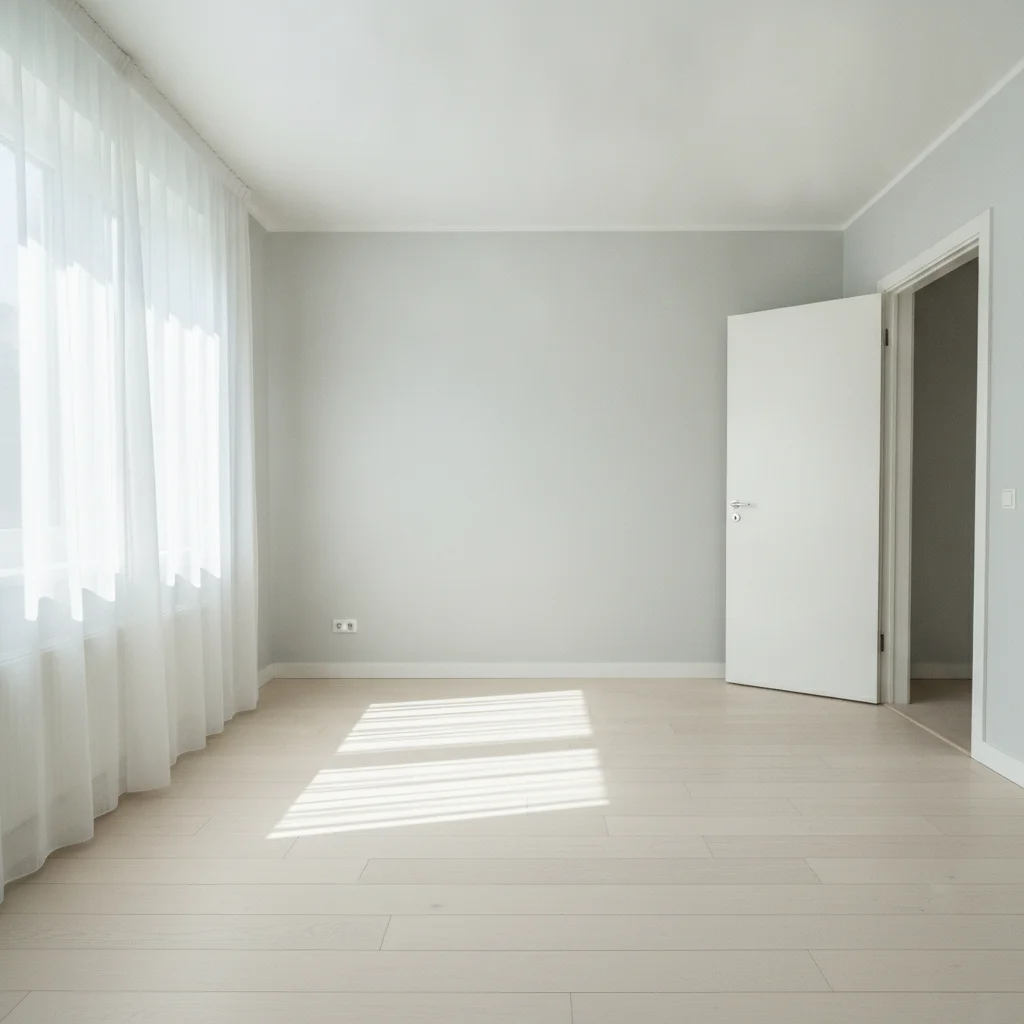
Empty spare room with light gray walls, a window and a pale wood floor
Before
->
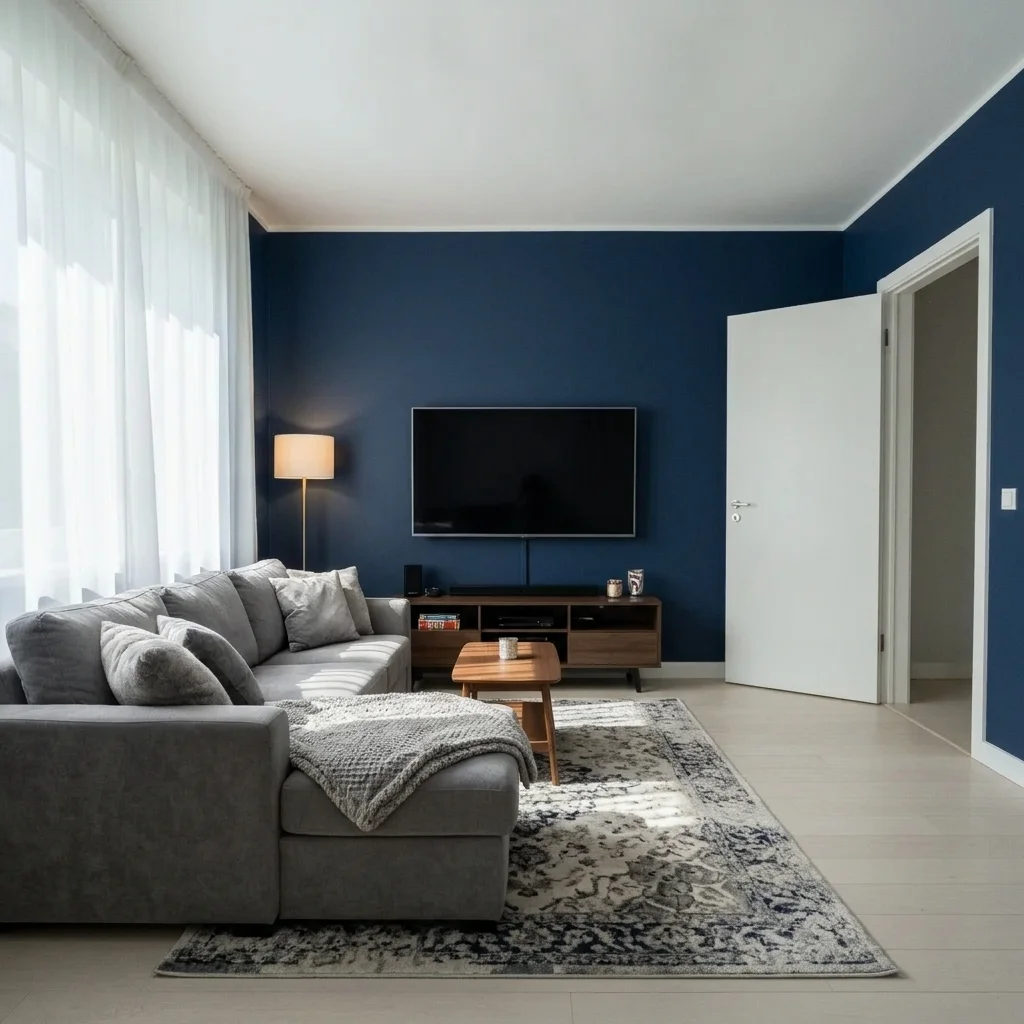
Same room as a media room with a wall TV, gray sectional and dark blue walls
After

Empty spare room to a media room

A spare bedroom with a window and nothing else. The preview shows a wall TV, a sectional and dark blue walls.

Prompt: turn this small room into a cozy media room with a large wall-mounted TV, a gray sectional sofa and dark blue walls, keep the door and window unchanged
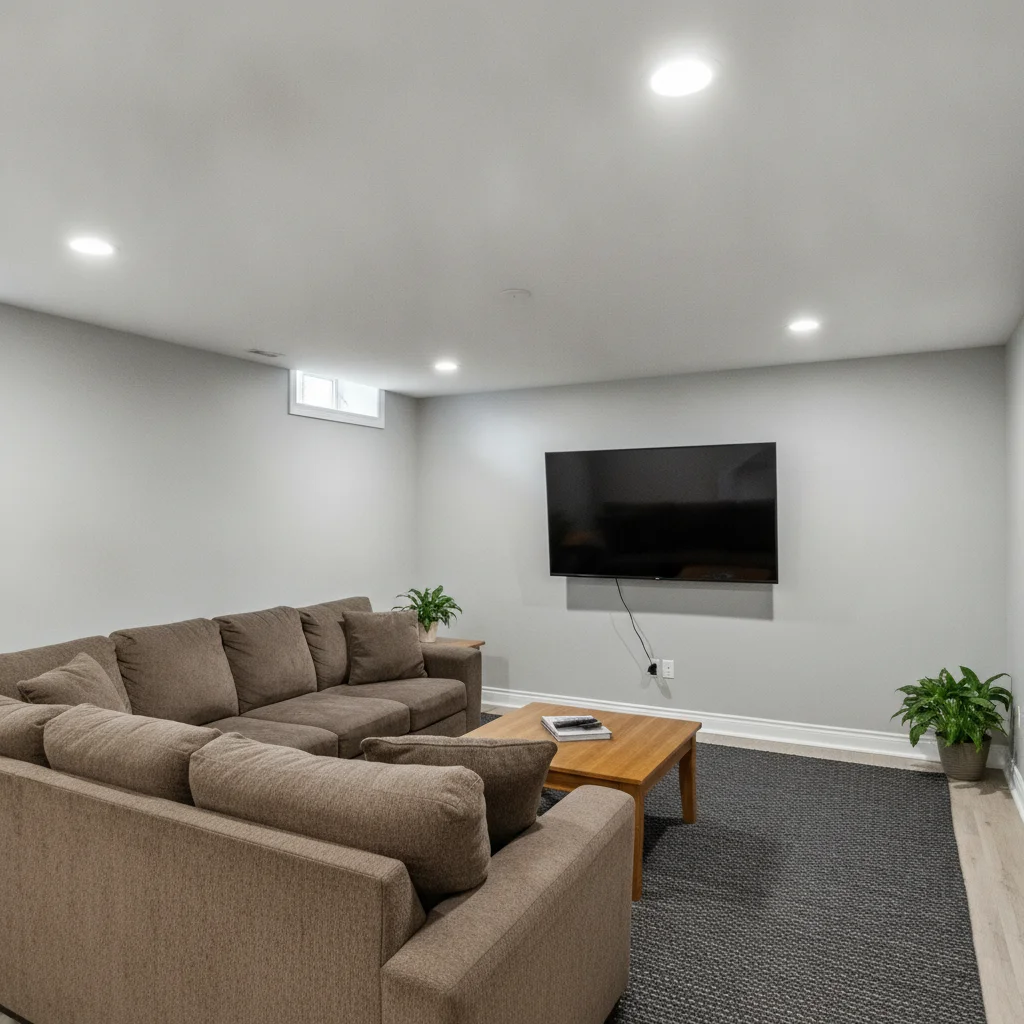
Basement with light gray walls, a wall TV and a brown sectional
Before
->
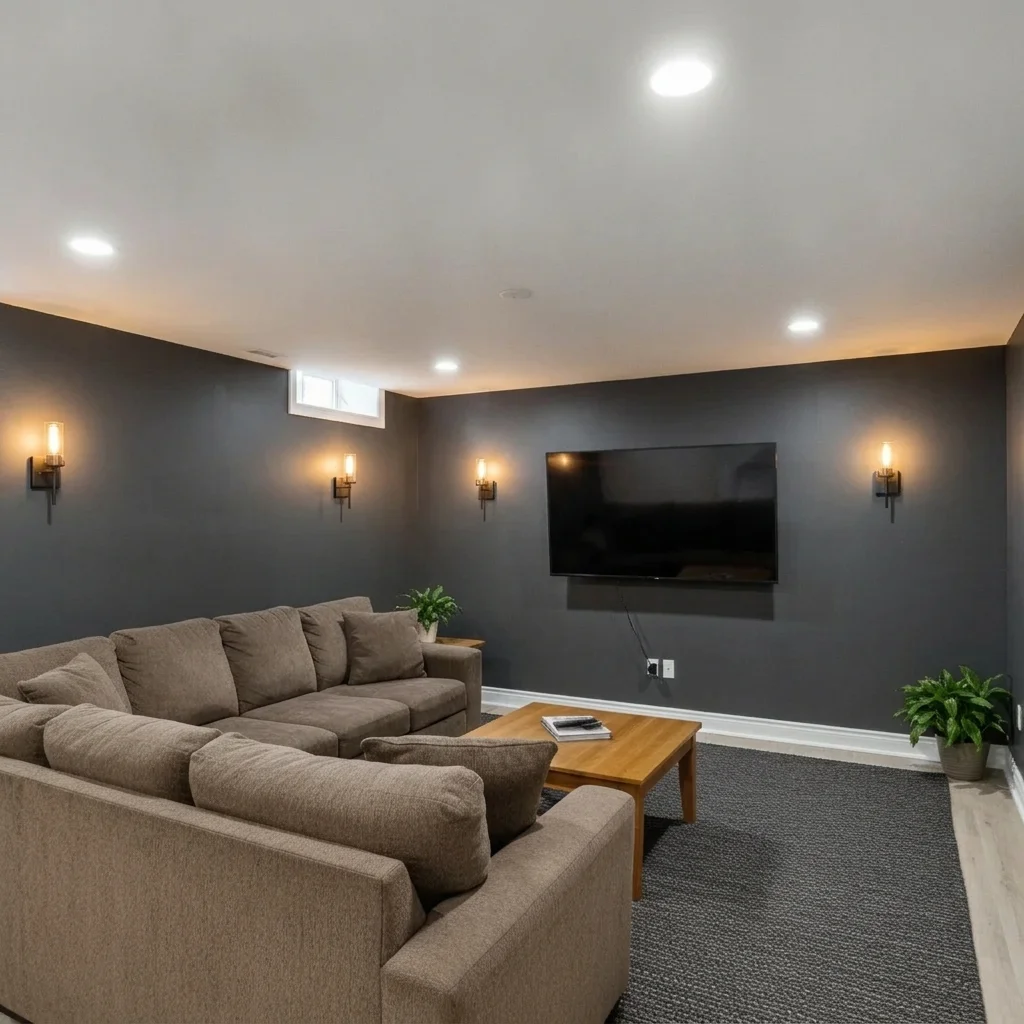
Same room with dark charcoal walls and warm wall sconces, TV and sofa unchanged
After

Gray walls to dark walls with sconces

A basement already set up with a TV. The preview shows dark walls and warm sconces to get the cinema mood.

Prompt: paint the walls dark charcoal gray and add warm wall sconces along both sides of this room, keep the furniture, floor and ceiling unchanged

Quick answers

Do I need to mark the wall or floor before editing?

No. Describe the change, like 'add a large screen on the end wall and black recliners.' The AI finds the wall and floor. Markers are optional and only help if it edits the wrong area.

Is there a free home theater visualizer with no signup?

Yes. EditThisPic gives a free preview edit with no account and no watermark. Upload your basement or spare room photo, describe the theater and see it.

Does the preview check screen size, sound or sight lines?

No. It is a picture only. It does not check viewing distance, speaker placement, wiring or acoustics. Ask an installer if you want those worked out.

Can I try different seating or wall colours?

Yes. Rewrite the prompt with other seats, like a sectional or tiered recliners, or other wall colours. Run a few versions on the same photo and compare.

Can I show the result to a contractor or installer?

Yes, as a starting idea. It shows the look, not a plan. They will still need real measurements and a layout.

How much does EditThisPic cost?

You get 1 free Standard edit per week — no account needed. After that, one-time credit packs start at $4.99 for 10 credits, valid 12 months, no subscription. A Standard edit uses 1 credit, Pro 2 and Ultra 3. Purchased downloads are clean with no watermark.

Ready to preview your home theater?

Free to try. No signup required.

1 free edit included·paid credit packs after