Pricing Visualize TV wall · Free

AI TV Wall Visualizer

← Browse all creative effects

Last updated

Describe a TV feature wall and see it on your own wall. Free, no account.
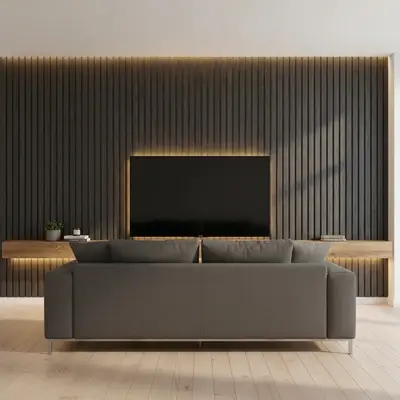
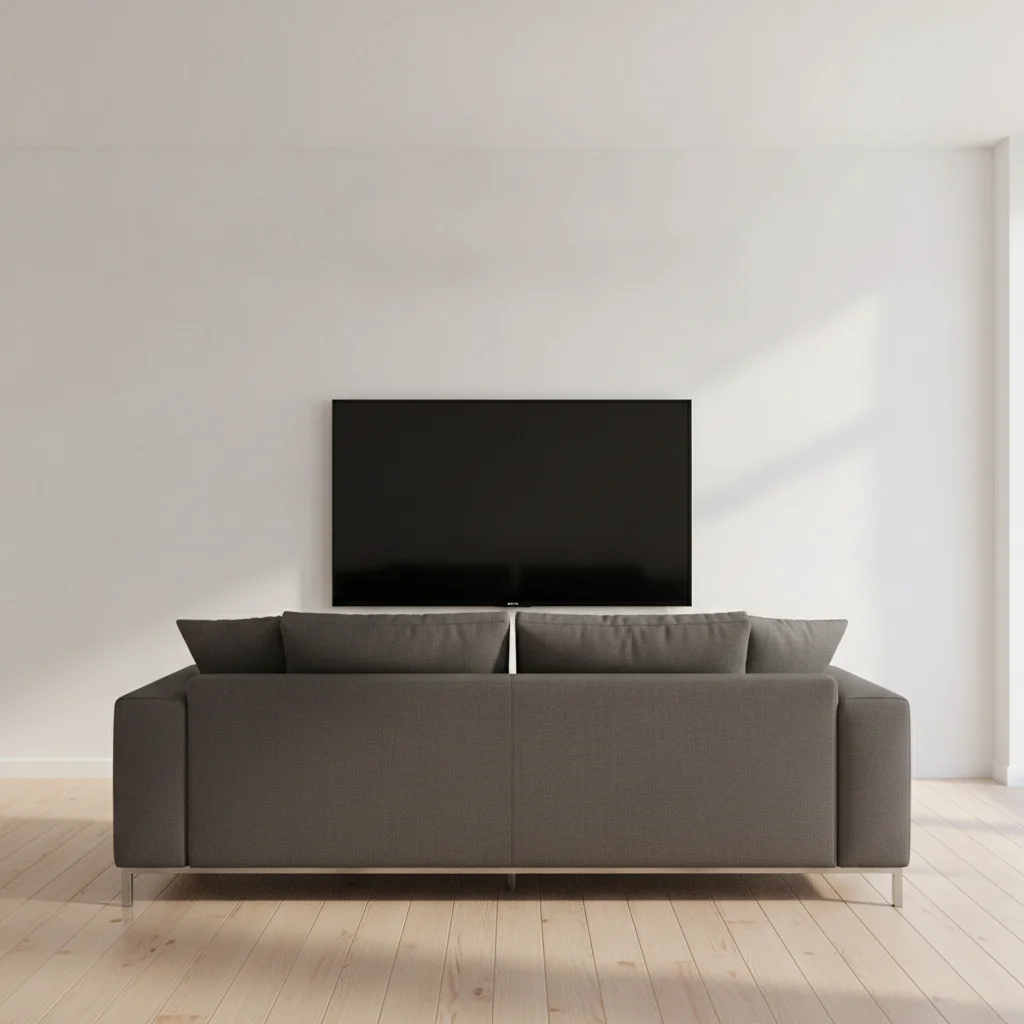
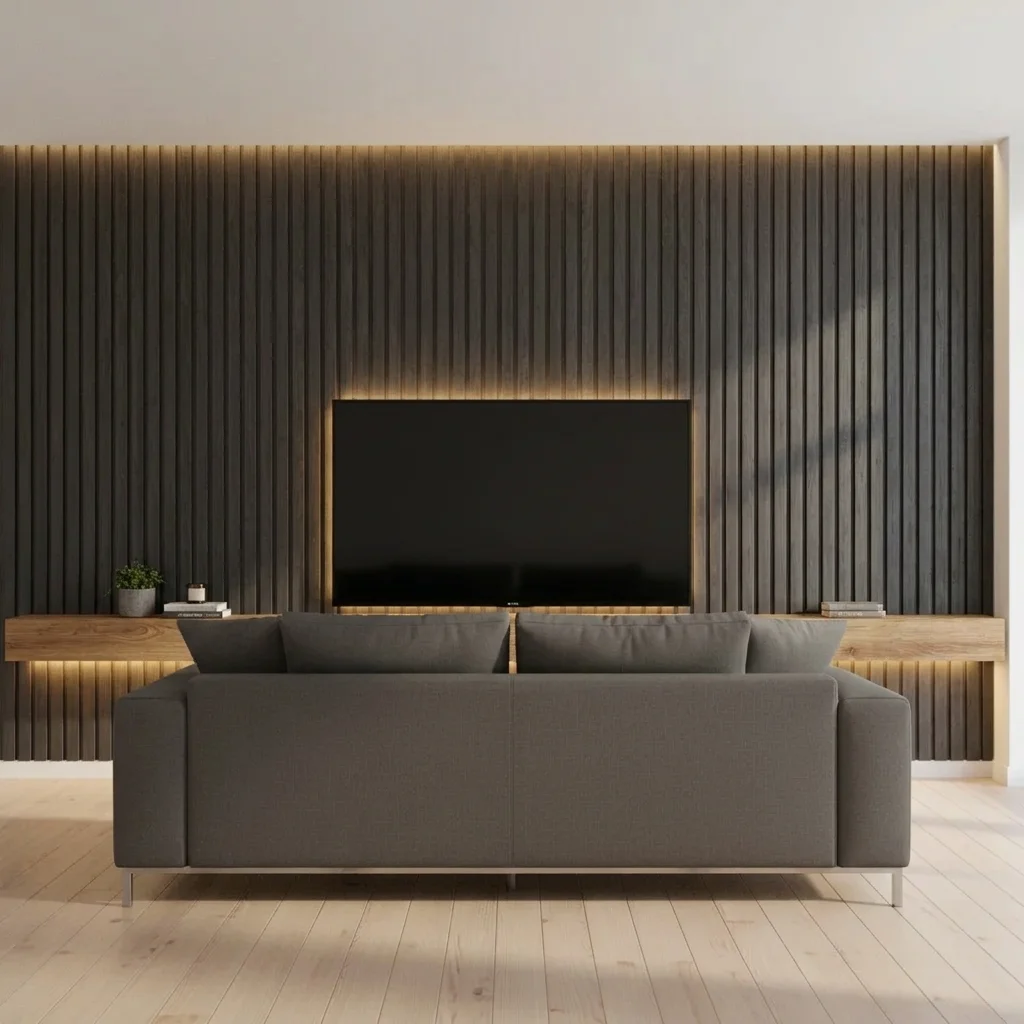
Living room with a TV on a plain white wall and grey sofa Same wall with a dark slat media wall and warm lighting

Upload photo to visualize TV wall

"add a modern linear electric fireplace below the TV and cover the wall in light grey panelling, keep the TV and furniture unchanged"

Free to try · no sign-up · never used for AI training

Release to upload

<30stypical edit
1 freeedit weekly
Photo on your phone? Scan to open this editor there — free edit works on your phone too.

1 free edit every week·paid packs after

How it works

  1. Upload a photo of your living room

    Photograph the TV wall straight on so the TV, the wall, the floor and the ceiling are all visible. Switch the TV off or leave it as is. Show some furniture, since the AI will keep it.

    Expect: Simple changes usually finish quickly. Detailed patterns or several elements at once may need a second try.
  2. Describe what you want to see

    Describe the design: panelling, shelves, lighting, colour and a fireplace if you want one. For example: 'turn the TV wall into a media wall with dark charcoal slat panelling, a floating oak shelf below the TV and warm LED strip lighting.' No marking needed.

    Tip: Pick two or three features. 'Panelling, a floating shelf and strip lighting' reads clearly; ten features at once get muddy.

    Copy one of these to get started:

    Dark panelled media wall with LED lighting turn the TV wall into a media wall with dark charcoal slat panelling, a floating oak shelf below the TV and warm LED strip lighting behind the panels, keep the TV and sofa unchanged
    Fireplace and TV feature wall add a modern linear electric fireplace below the TV and cover the wall in light grey panelling, keep the TV and furniture unchanged
    Built-ins around the TV add white built-in cabinets and open shelves on both sides of the TV, keep the TV and sofa unchanged
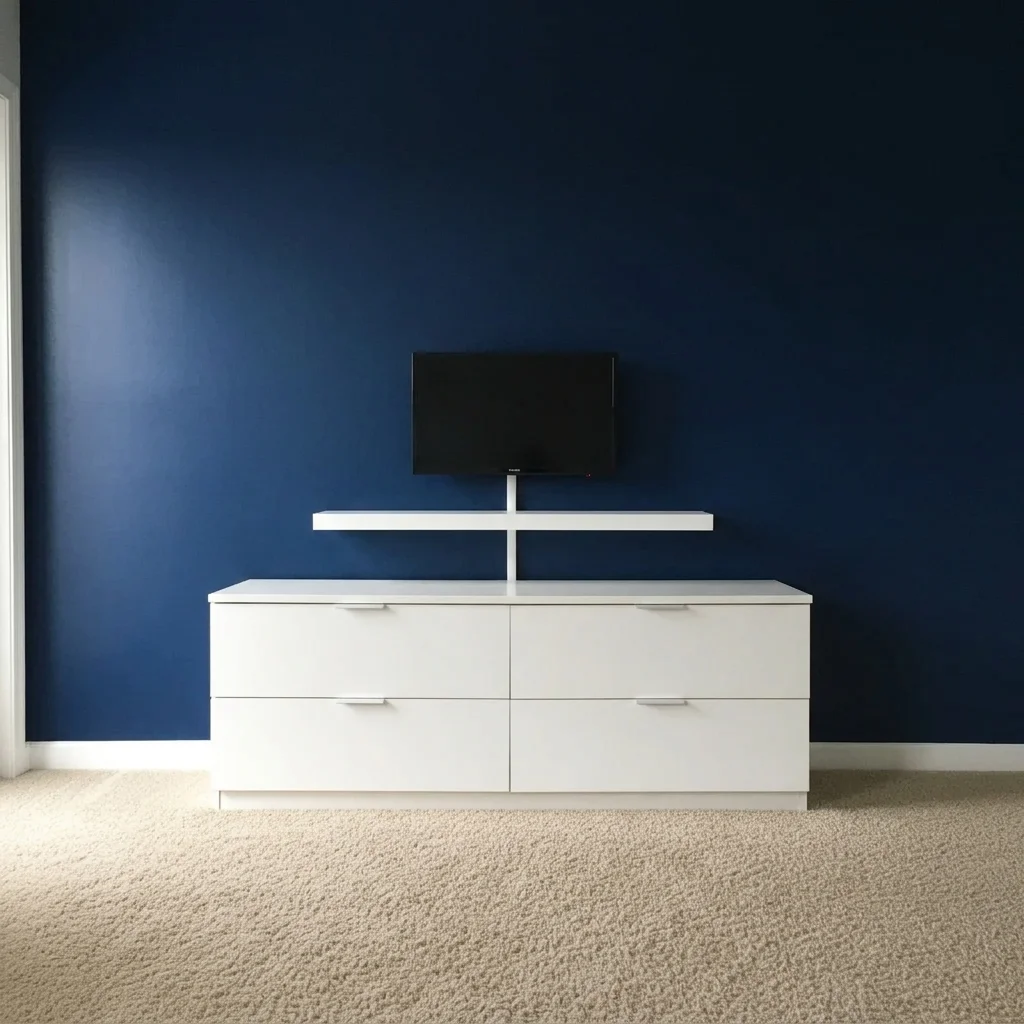
    Simple painted feature wall paint the TV wall deep navy and add a floating white shelf below the TV, keep the other walls the same
    3 more prompts
    Stone-effect feature wall cover the TV wall in grey stone effect slabs with a thin shelf below, keep the TV and room unchanged
    Wood slat wall behind the TV cover the wall behind the TV with vertical walnut slats and a hidden warm light strip above, keep the sofa and floor
    Wallpaper and picture frames around the TV add dark green wallpaper behind the TV with a gallery of small black framed pictures on each side
  3. Review the preview

    Check that the TV is still where you expect it, and the design sits neatly around it. Overall colour and layout are usually clear. Lighting glow and small decor are the parts to check by eye.

  4. Refine with markers if needed

    If the AI changes the TV size or covers a window, tap a marker on the TV or wall and regenerate. Markers are optional.

    Tip: Markers are for precision refinement, not a required step. Most previews work from the description alone.

See it in action

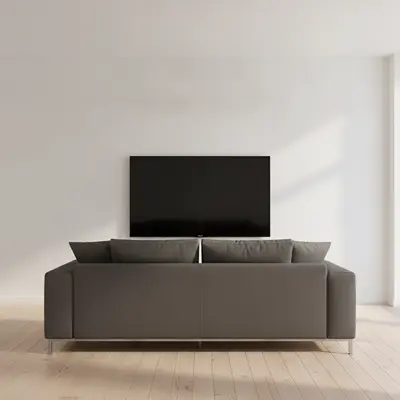
Living room with a TV on a plain white wall and grey sofa
Before
->
Same wall with a dark slat media wall and warm lighting
After

Plain TV wall to slat media wall

A homeowner wanted to see a dark slat feature wall and lighting before ordering panels.

Prompt: turn the TV wall into a media wall with dark charcoal slat panelling, floating oak shelf and warm LED strip lighting
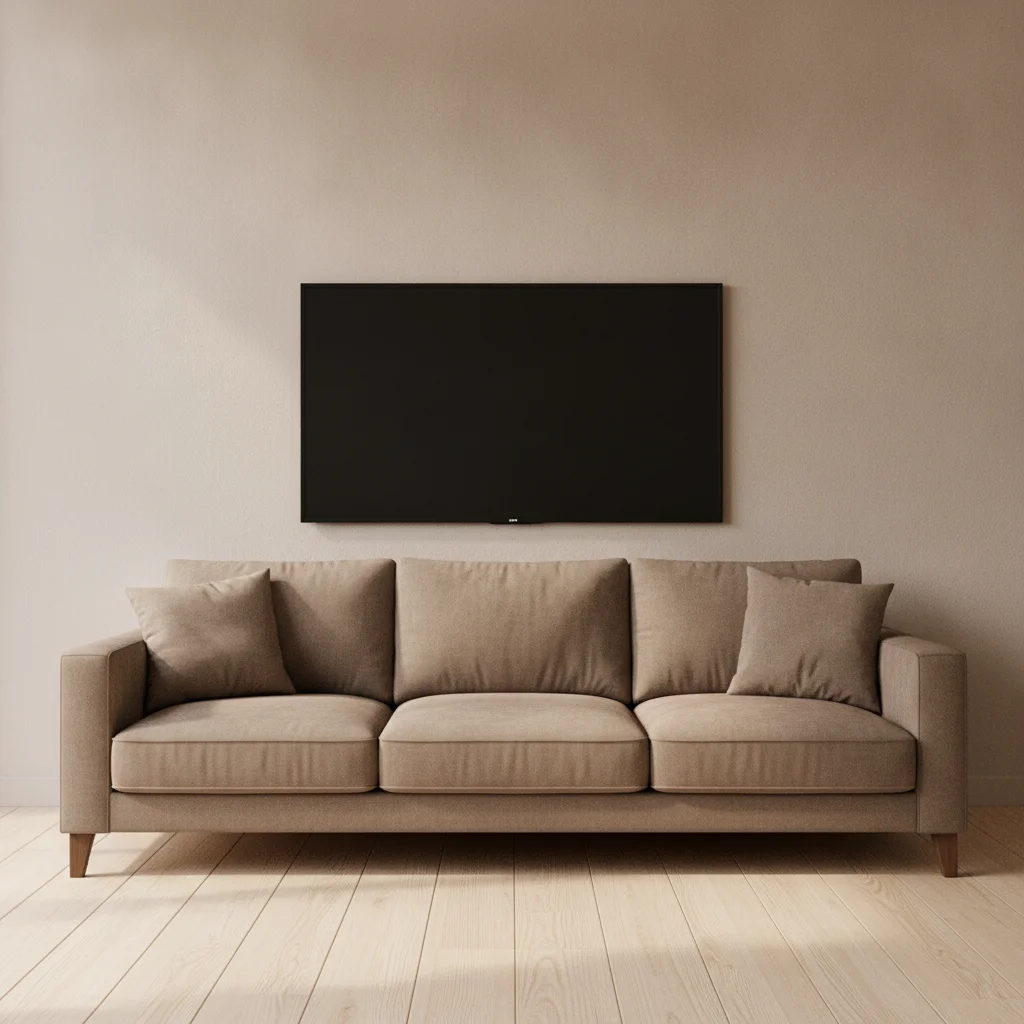
Living room wall with a TV and brown sofa
Before
->
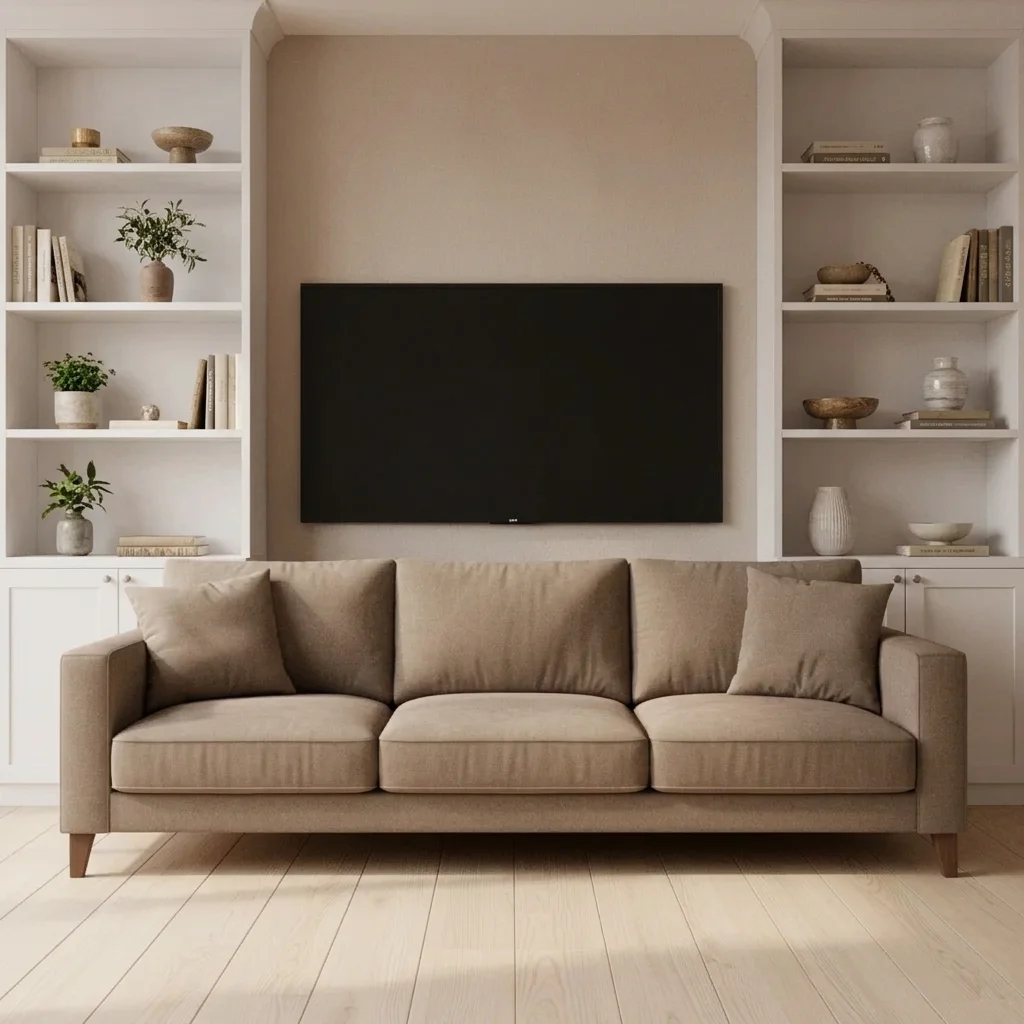
Same wall with white built-in cabinets around the TV
After

Blank wall to built-ins around TV

A TV on a wall with no storage, previewed with built-in cabinets.

Prompt: add white built-in cabinets and open shelves on both sides of the TV, keep the TV unchanged
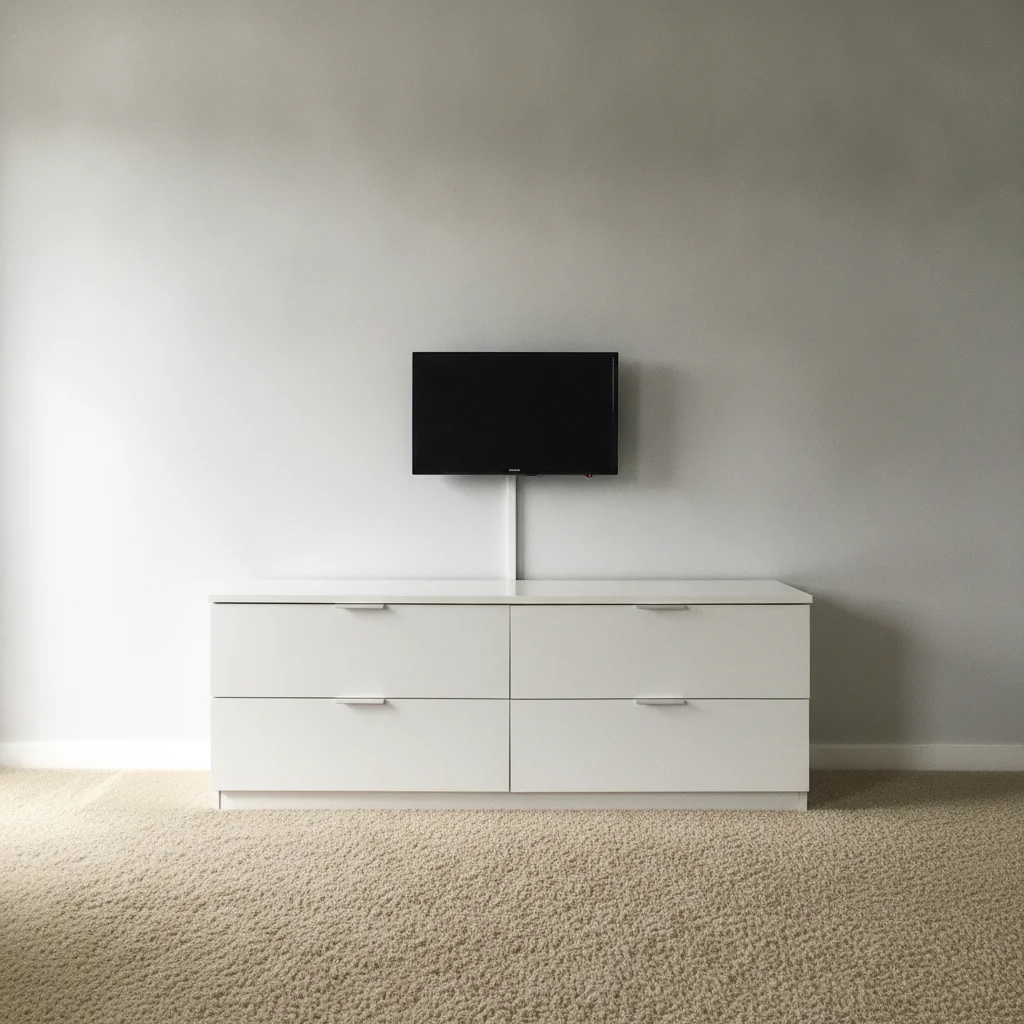
Bedroom with a TV on a pale grey wall
Before
->
Same wall painted navy with a floating shelf
After

TV wall to navy feature wall

A bedroom TV wall previewed as a deep colour with a shelf.

Prompt: paint the TV wall deep navy and add a floating white shelf below the TV

Quick answers

Do I need to mark the TV wall before changing the design?

No. Describe the media wall you want, such as 'add dark slat panelling and a floating shelf around the TV.' The AI finds the TV wall from the photo. Use a marker only if it changes the wrong part.

Is there a free TV wall visualizer with no signup?

Yes. EditThisPic gives you a free preview edit with no account and no watermark. Upload a photo of your living room, describe the change, and look at the result. It is a mock-up to help you decide, not a quote or a plan.

Does it plan where cables and power go?

No. It is a visual preview only. Wiring, cable hiding, mounting and fire safety are for an installer to plan.

Can it show a fireplace under the TV?

Yes. Describe the fireplace style and that the TV stays above. Check the result, since heat and clearance are for a professional to confirm.

Can I compare different designs?

Yes. Run the same photo with a few designs, such as slats, built-ins and a painted wall, and compare.

What if my TV is not mounted?

Describe it as 'the TV on its stand.' The AI will try to keep it, but you can use a marker on the TV if it changes.

How much does EditThisPic cost?

You get 1 free Standard edit per week — no account needed. After that, one-time credit packs start at $4.99 for 10 credits, valid 12 months, no subscription. A Standard edit uses 1 credit, Pro 2 and Ultra 3. Purchased downloads are clean with no watermark.

Ready to preview your TV wall?

Free to try. No signup required.

1 free edit included·paid credit packs after