Pricing Visualize House window tint · Free

AI House Window Tint Visualizer

← Browse all creative effects

Last updated

Upload a window photo, describe the film, and preview the look. Free, no account.
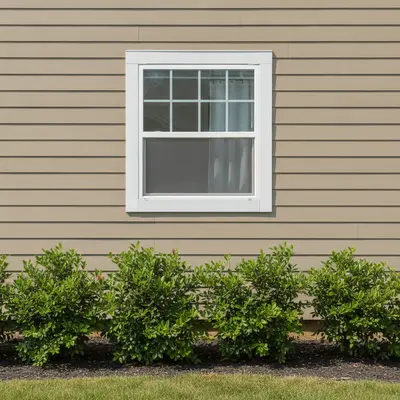
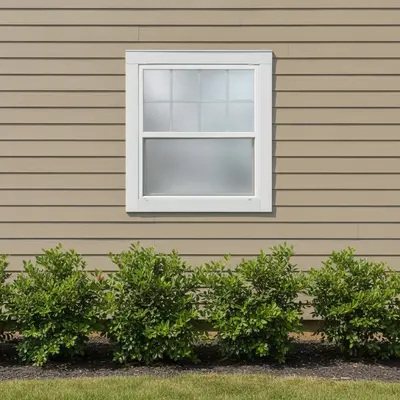
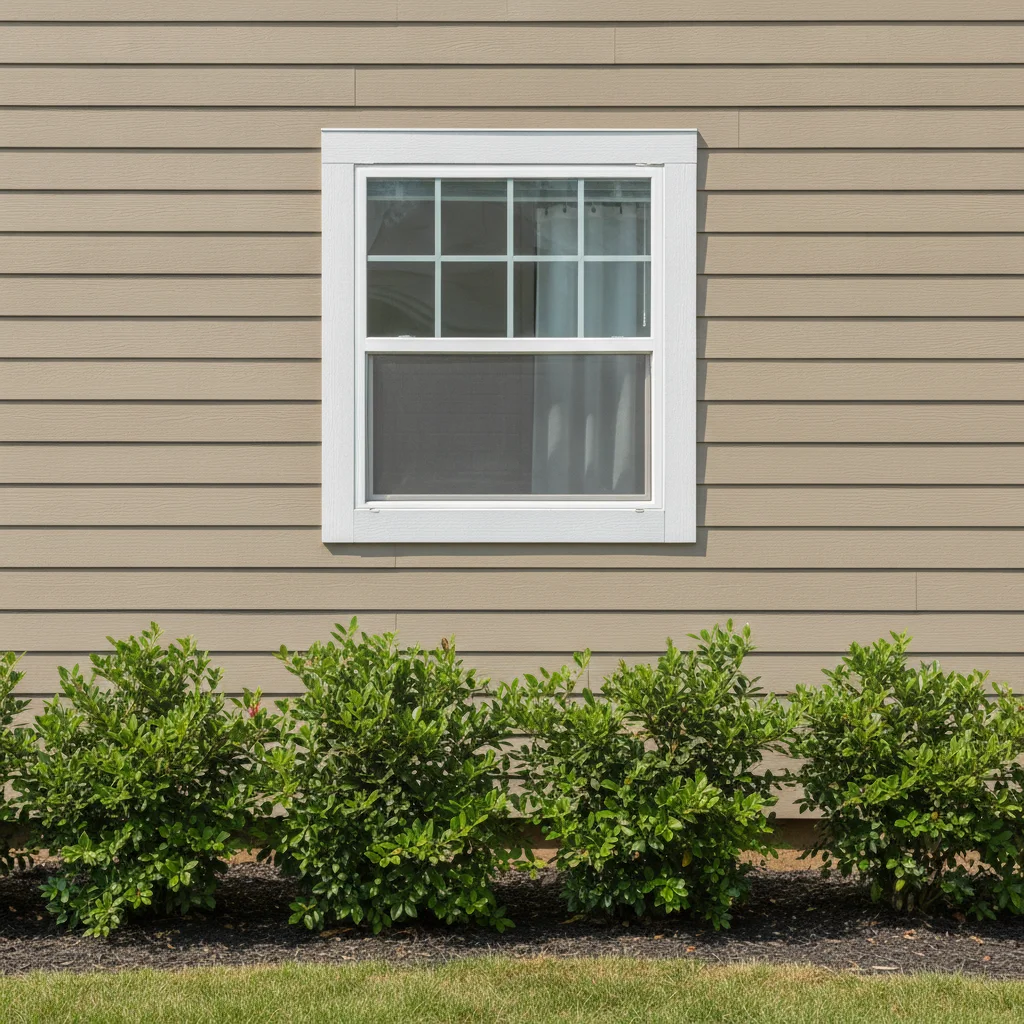
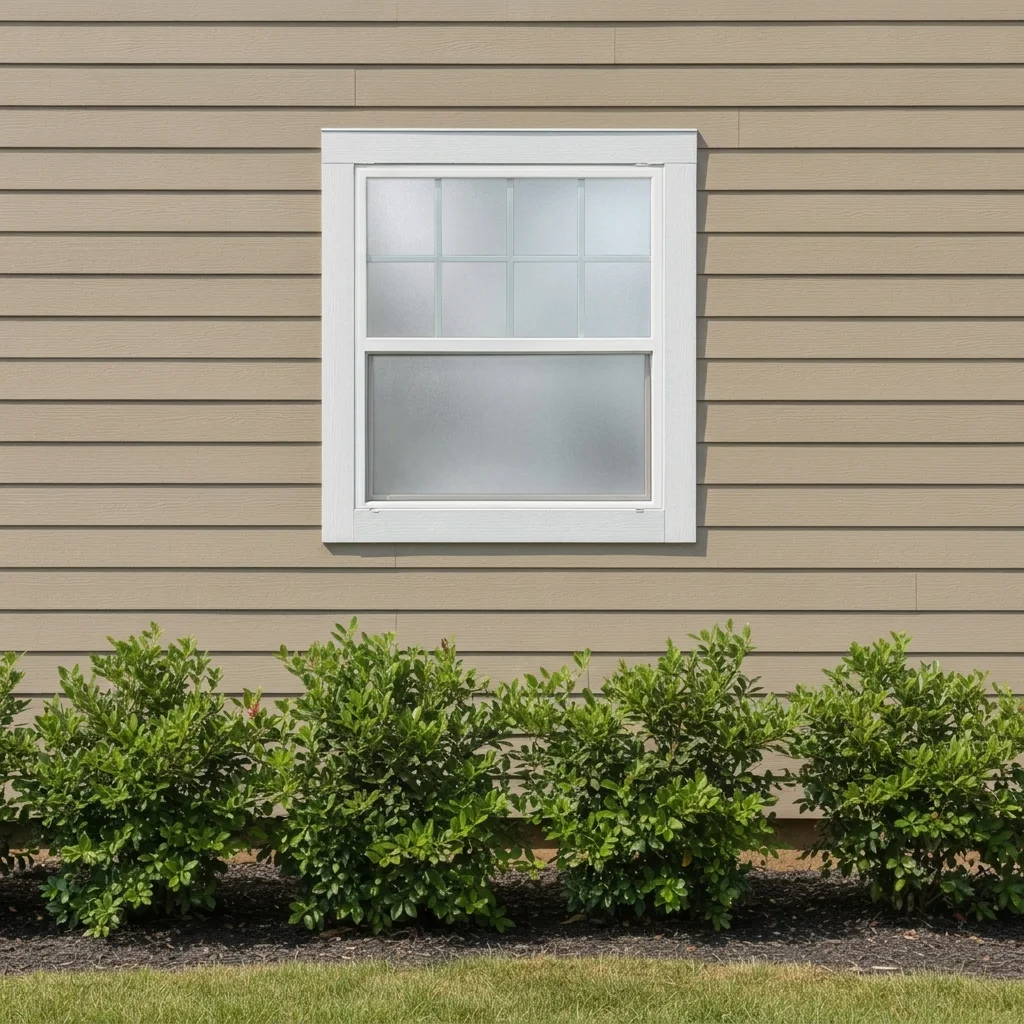
House window with clear glass and white frame Same window with frosted privacy film

Upload photo to visualize house window tint

"apply a medium smoky gray tint to the glass of the front living room windows, keep the frames, siding and door unchanged"

Free to try · no sign-up · never used for AI training

Release to upload

<30stypical edit
1 freeedit weekly
Photo on your phone? Scan to open this editor there — free edit works on your phone too.

1 free edit every week·paid packs after

How it works

  1. Upload a clear photo

    Photograph the window straight on, from the outside to see the street view or from the inside to see the light and view. Include the frame so the AI sees where the glass ends. Avoid heavy glare.

    Expect: Most previews take well under a minute. Busy photos with many similar surfaces can take longer or need a second try.
  2. Describe the change you want

    Say which window and what kind of film: frosted, light gray tint, dark tint, mirrored or decorative. For example, 'apply frosted white privacy film to the entire bathroom window glass, keep the frame and wall unchanged.' Say whether it is an inside or outside view.

    Tip: Name the window ('the front living room window') if more than one is visible.

    Copy one of these to get started:

    Frosted privacy film on a bathroom window apply frosted white privacy film to the entire bathroom window glass, keep the frame, wall and everything else unchanged
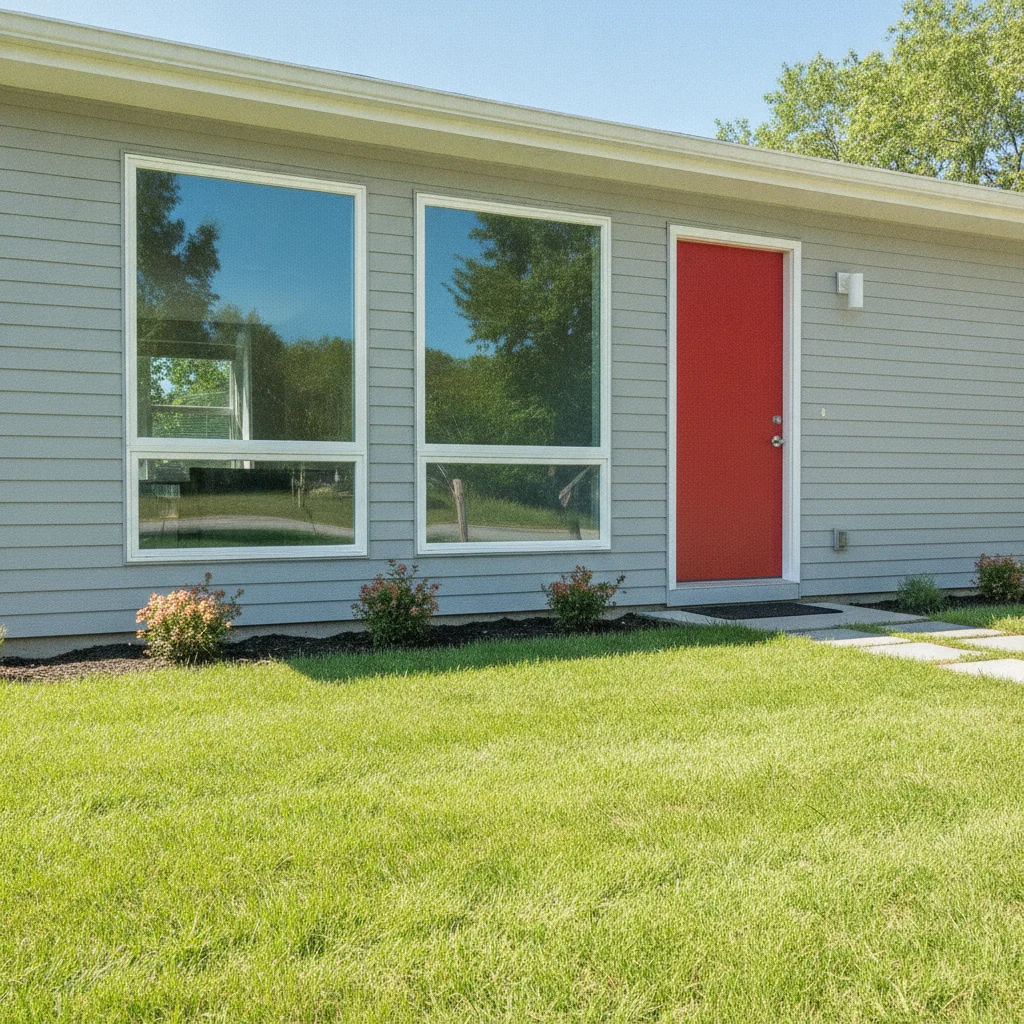
    Medium gray tint, outside view apply a medium smoky gray tint to the glass of the front living room windows, keep the frames, siding and door unchanged
    Dark privacy tint, inside view apply a dark privacy tint to the window glass so the outside view is dimmed, keep the curtain rod and room unchanged
    Mirrored silver film apply reflective mirrored silver film to the street-facing window glass, keep the frames and wall unchanged
    3 more prompts
    Decorative etched film on a door sidelight apply decorative etched-glass film with a clean vertical stripe pattern to the narrow glass panel beside the front door, keep the door unchanged
    Bottom-half frosted frost only the bottom half of the window glass with a clean horizontal line, keep the top clear, frame and wall unchanged
    Light bronze tint apply a light bronze tint to all the windows on the front of the house, keep the frames, siding and roof unchanged
  3. Review the preview

    Check the glass edges and the frame lines, and see whether the film looks like film rather than a painted surface. Real-world look varies with lighting, film brand and time of day, so treat the preview as a general guide. Film rules can also differ by building or neighborhood.

  4. Refine with markers if needed

    If the AI tints the frame, the wall or windows you did not mean, place a marker on the glass you want and regenerate.

    Tip: Markers are optional. Most previews work from the description alone; use them only when the AI picks the wrong area.

See it in action

House window with clear glass and white frame
Before
->
Same window with frosted privacy film
After

Bathroom window frosted for privacy

A homeowner wanted privacy from the street.

Prompt: apply frosted white privacy film to the entire bathroom window glass, keep the frame, wall and everything else unchanged
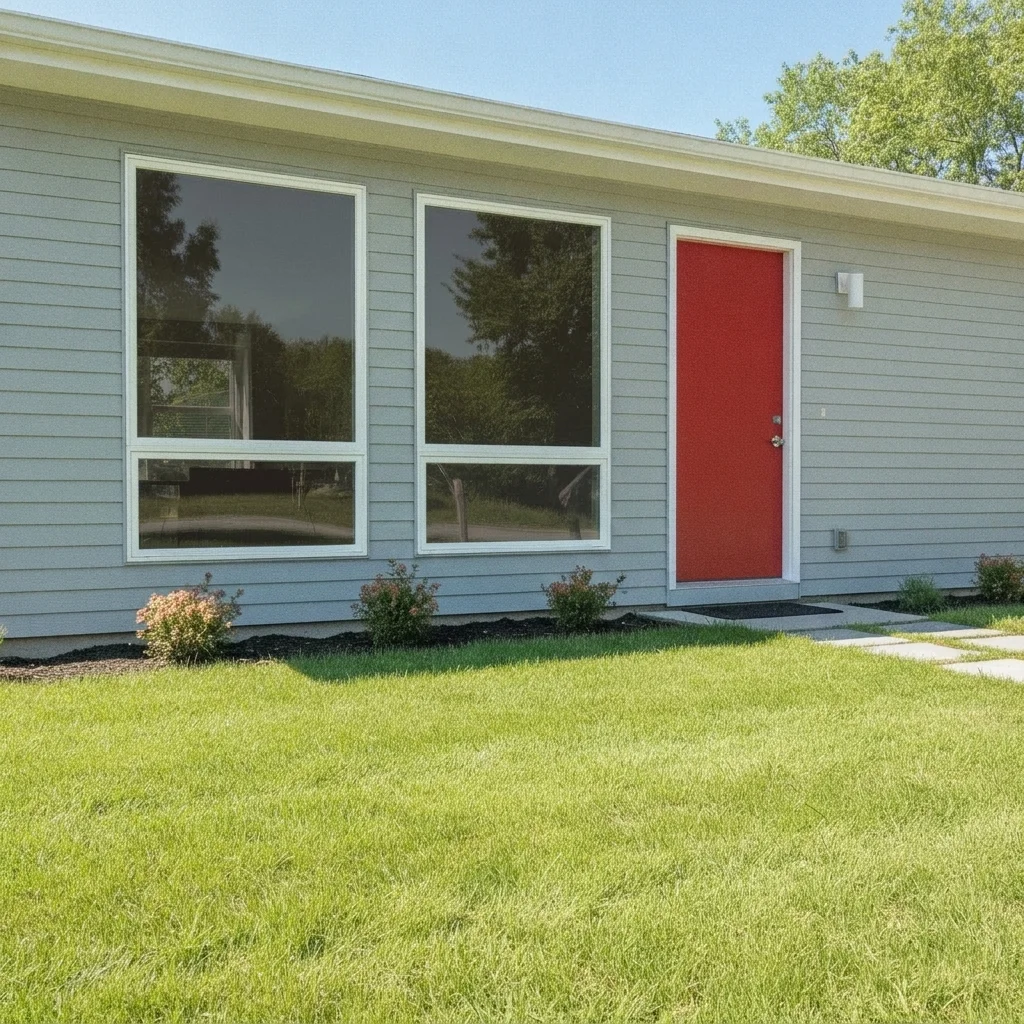
House front with two clear windows beside a red door
Before
->
Same windows with a medium gray tint
After

Front windows with gray tint

A homeowner compared tint levels for a sunny front.

Prompt: apply a medium smoky gray tint to the glass of the front living room windows, keep the frames, siding and door unchanged
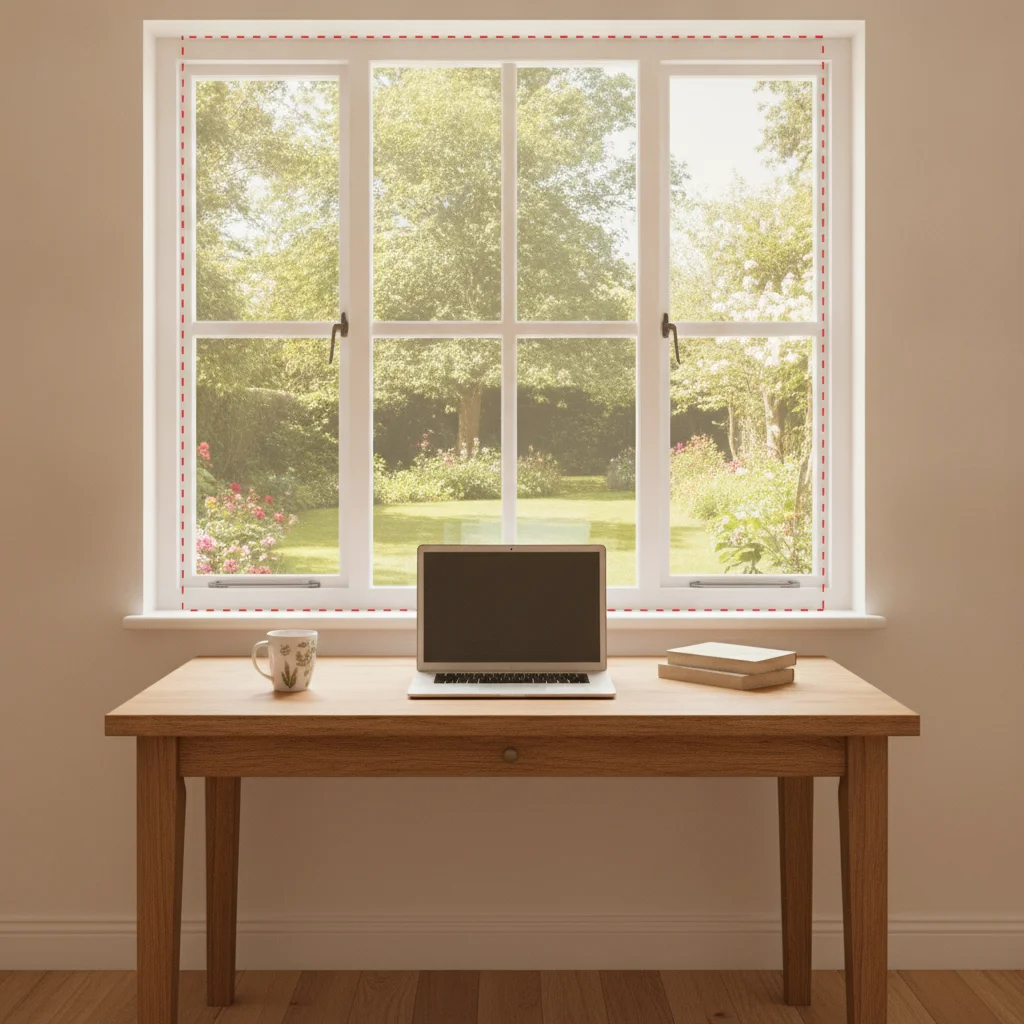
Home office window with a clear garden view
Before
->
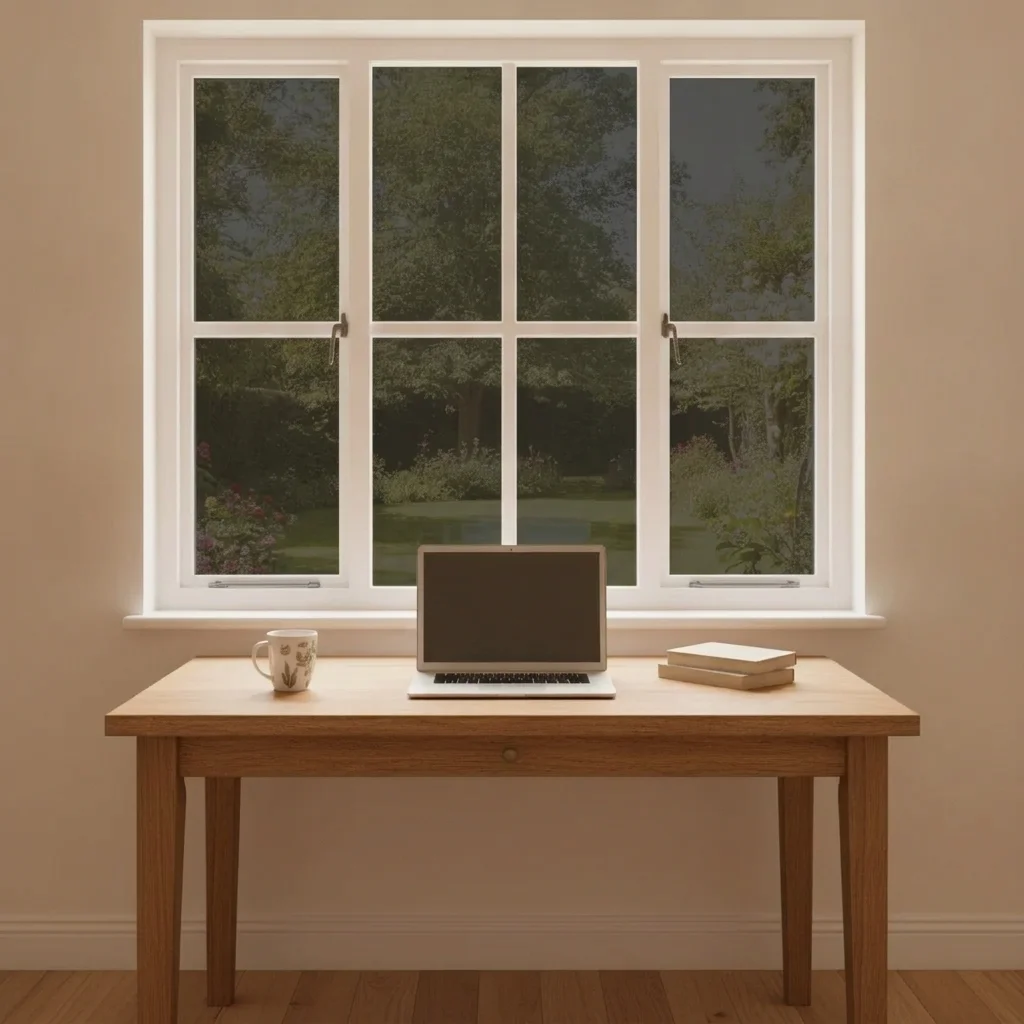
Same window with the outside view dimmed by dark tint
After

Inside view with dimmed outside

A work-from-home worker wanted to reduce glare.

Prompt: apply a dark privacy tint to the window glass so the outside view is dimmed, keep the curtain rod and room unchanged

Quick answers

Do I need to mark the window glass before choosing a tint?

No. Describe which window and what kind of film. Use markers only if the AI tints the frame or another window.

Is there a free window tint visualizer with no signup?

Yes. EditThisPic offers a free preview edit with no account and no watermark. Upload a window photo, describe the film and view the preview.

Will the preview match a specific film product or darkness level?

No. It shows a general look such as frosted or smoky gray. Request samples from the film supplier and view them on your own glass before deciding.

Can I preview from the inside as well as the outside?

Yes. Say 'inside view' or 'outside view' in the prompt and upload a photo taken from that side.

Does the tool tell me if tint is allowed or safe for my windows?

No. It does not know about local rules, warranty terms or glass type. Ask your installer or building rules provider.

How much does EditThisPic cost?

You get 1 free Standard edit per week — no account needed. After that, one-time credit packs start at $4.99 for 10 credits, valid 12 months, no subscription. A Standard edit uses 1 credit, Pro 2 and Ultra 3. Purchased downloads are clean with no watermark.

Ready to preview window tint on your house?

Free to try. No signup required.

1 free edit included·paid credit packs after