Pricing Visualize Mulch · Free

AI Mulch Color Visualizer

← Browse all creative effects

Last updated

Upload a yard photo, describe the mulch color, and preview it in your beds. Free, no account.
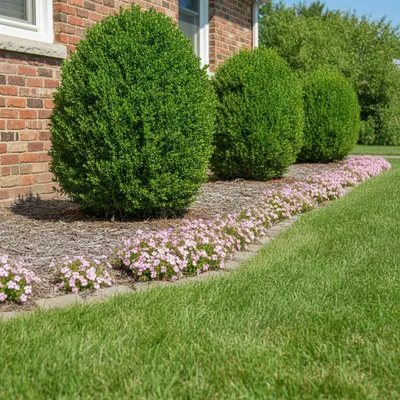
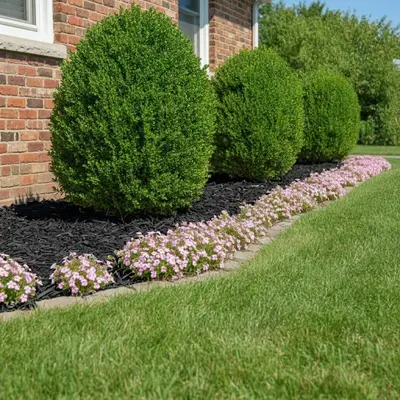
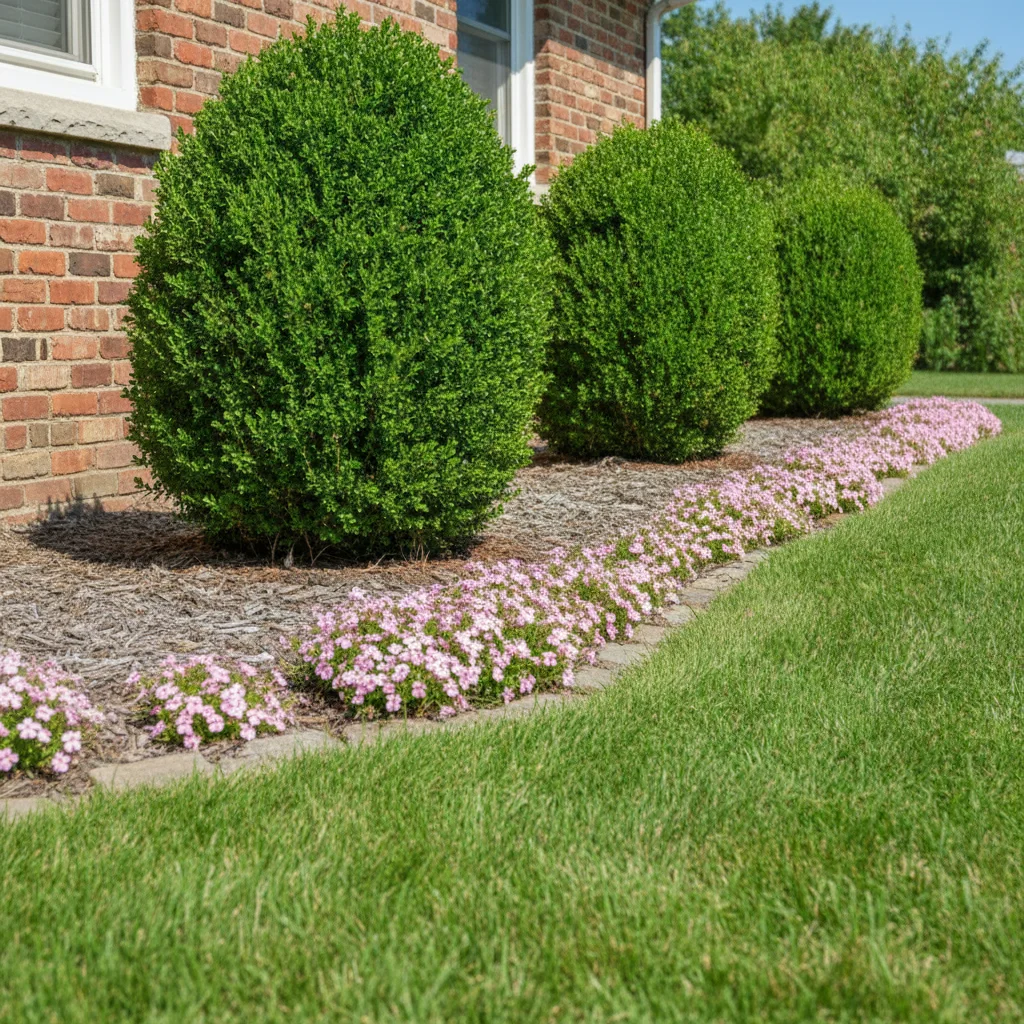
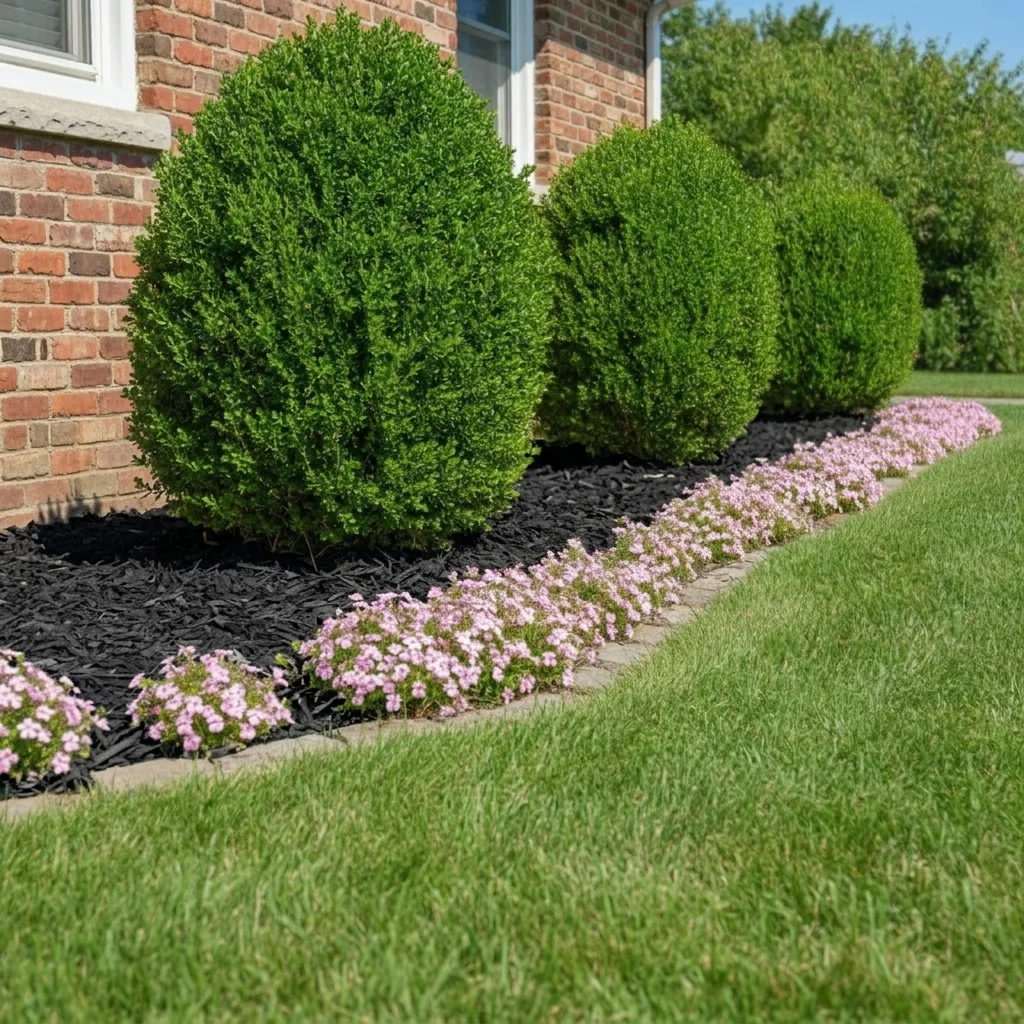
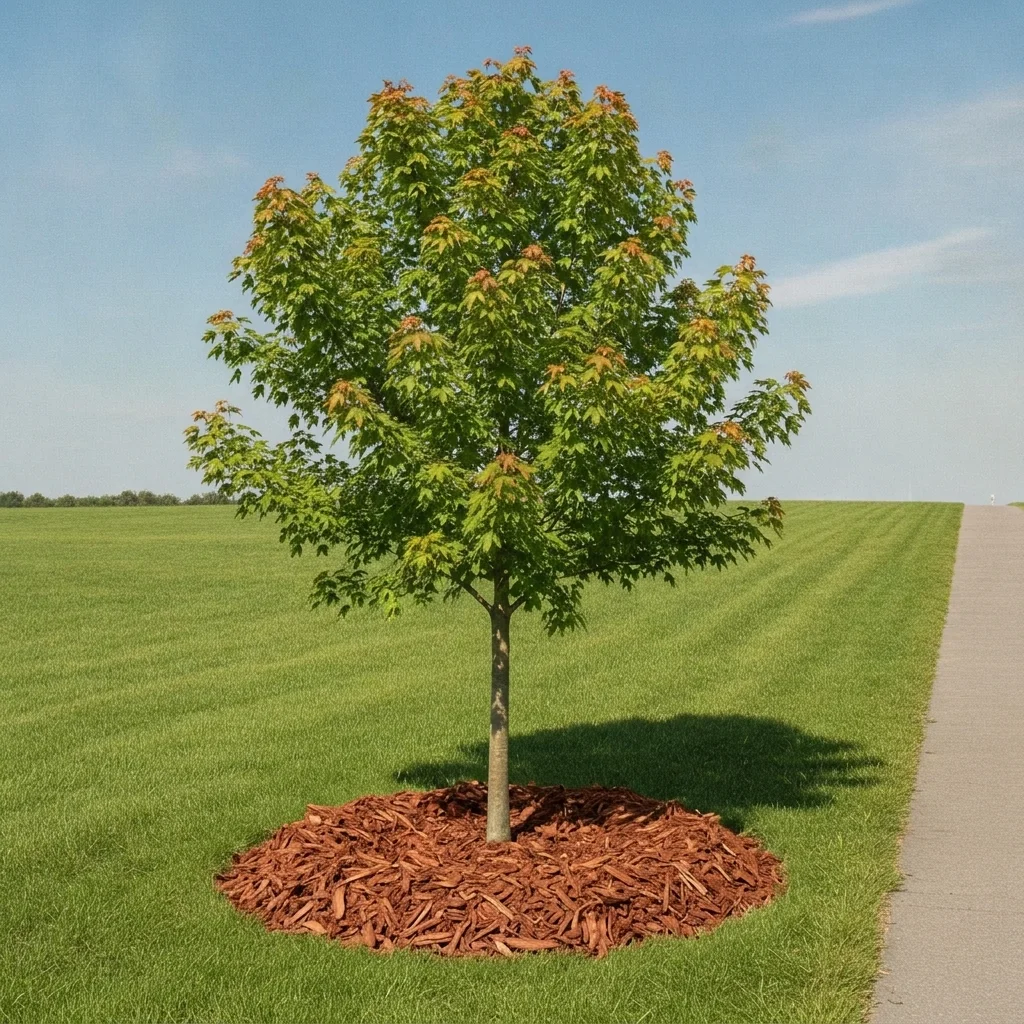
Garden bed with faded mulch beside red brick wall, green shrubs Same bed with fresh black mulch, shrubs and brick unchanged

Upload photo to visualize mulch

"cover the garden beds with dark brown shredded hardwood mulch, keep every plant and the lawn edge exactly as they are"

Free to try · no sign-up · never used for AI training

Release to upload

<30stypical edit
1 freeedit weekly
Photo on your phone? Scan to open this editor there — free edit works on your phone too.

1 free edit every week·paid packs after

How it works

  1. Upload a photo of the beds in daylight

    Pick a daytime photo where the garden beds fill a good part of the frame. Even light works best; hard shadows make mulch color harder to judge. A photo taken a few steps back, showing the house or fence behind the beds, helps you judge how the color sits against everything else.

    Expect: Most single-surface previews come back in well under a minute. Busy photos with lots of overlapping objects may need a second pass.
  2. Describe the mulch you want to see

    Type the color and material, for example: 'cover the flower beds with dark brown shredded mulch, keep the plants, lawn, and edging unchanged.' Name the type of cover too: shredded bark, wood chips, or river rock all look different. No marking needed.

    Tip: Say 'keep the plants unchanged' every time. Without it, the AI sometimes smooths over small plants or edging along with the old mulch.

    Copy one of these to get started:

    Fresh black mulch — the most popular refresh cover the flower beds with fresh dark black mulch, keep the plants, lawn, and edging unchanged
    Dark brown shredded bark — natural look cover the garden beds with dark brown shredded hardwood mulch, keep every plant and the lawn edge exactly as they are
    Red mulch against a brick or tan house cover the front beds with rich red-brown cedar mulch, keep the plants, brick wall, and walkway unchanged
    River rock instead of mulch replace the mulch in the garden beds with smooth gray river rock about two inches across, keep plants and lawn edges unchanged
    3 more prompts
    Pea gravel beds — lighter, cleaner look replace the mulch with tan pea gravel in the flower beds, keep the plants, edging, and lawn unchanged
    Cedar-tone mulch around a tree ring cover the ground around the tree with a round ring of medium brown cedar mulch about three inches deep, keep the tree and lawn unchanged
    Compare a darker shade of the same mulch make the existing mulch darker, rich espresso brown, keep the plants, edging, and all other surfaces unchanged
  3. Check edges, plants and shadows

    Zoom in where mulch meets lawn, edging, and the base of plants. Look for plants that disappeared, bed edges that wandered, and shadows that no longer match. These are the spots where a mock-up is most likely to drift from reality.

  4. Refine with markers if needed

    If the AI recolored a stone path, a wood fence base, or a neighboring bed you did not mean, tap a marker on the bed you do want changed and regenerate with the same prompt. Markers pin the target so the rest of the yard stays put.

    Tip: Markers are for precision refinement, not a required step.

See it in action

Garden bed with faded mulch beside red brick wall, green shrubs
Before
->
Same bed with fresh black mulch, shrubs and brick unchanged
After

Faded mulch to fresh black — spring refresh

Front beds with sun-bleached gray mulch beside a red brick house. The homeowner wanted to see black mulch before ordering a yard.

Prompt: cover the flower beds with fresh dark black mulch, keep the plants, lawn, and edging unchanged
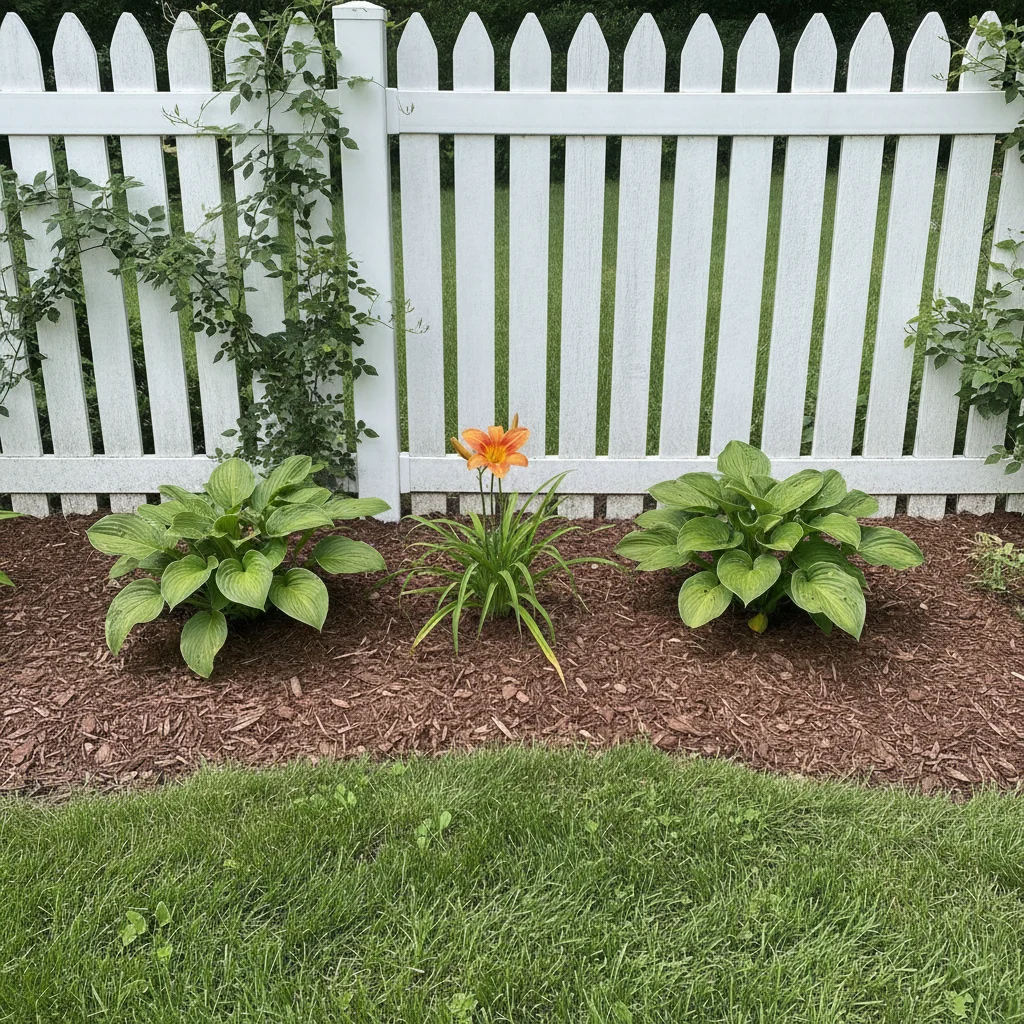
Side-yard bed with brown mulch, hostas and white fence
Before
->
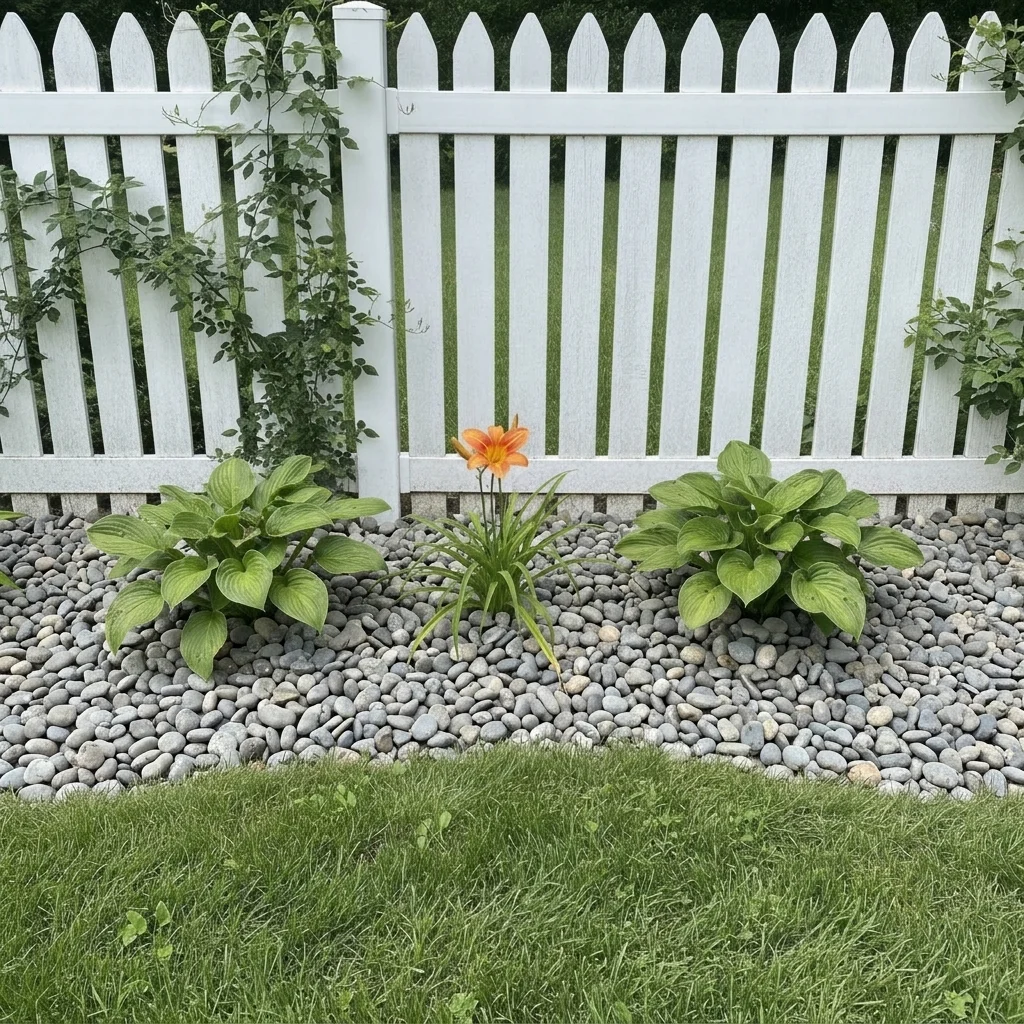
Same bed covered with smooth gray river rock, plants unchanged
After

Brown mulch to river rock — low-maintenance idea

Side-yard bed with brown mulch that keeps washing out. Homeowner previewed gray river rock as a longer-lasting cover.

Prompt: replace the mulch in the garden beds with smooth gray river rock about two inches across, keep plants and lawn edges unchanged
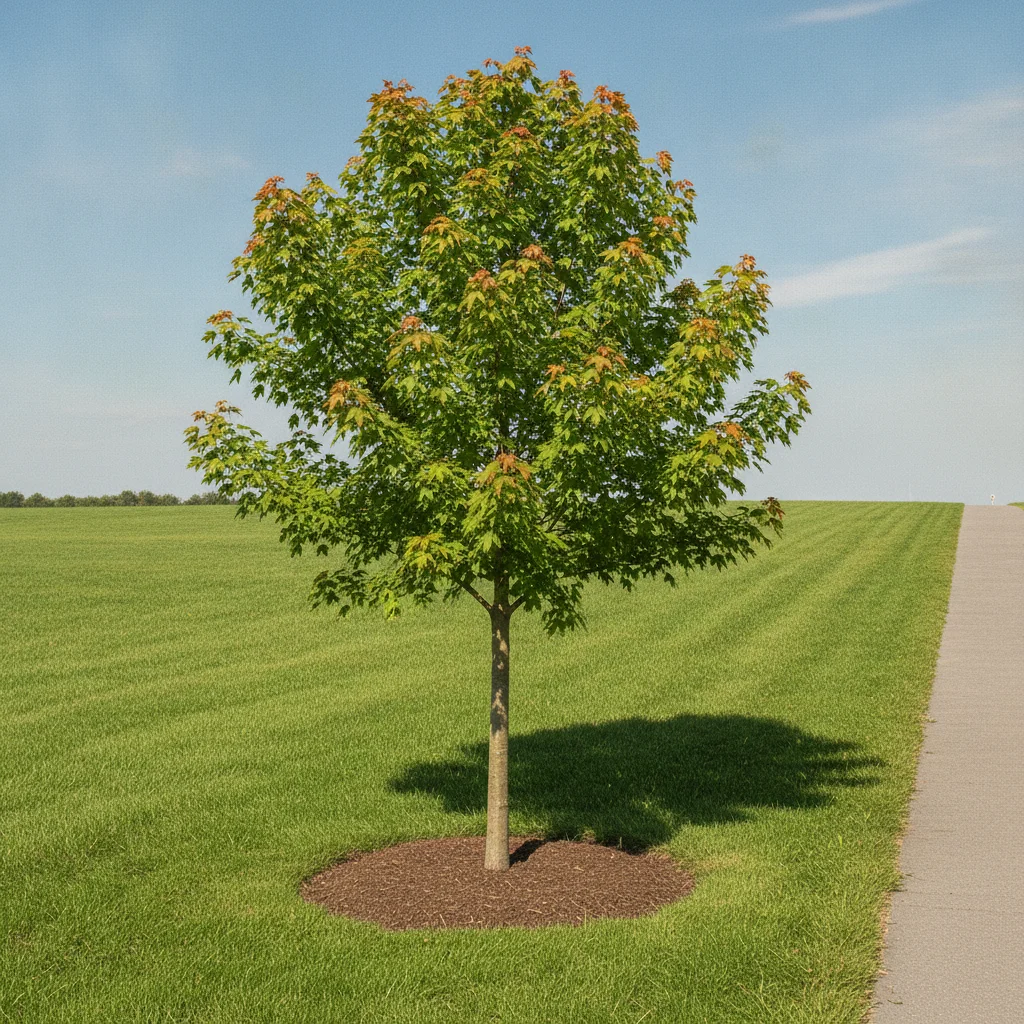
Young tree with bare soil circle in a green lawn
Before
->
Same tree with a neat red-brown mulch ring, lawn unchanged
After

Tree ring in red-brown mulch — landscaper proposal

A bare soil ring around a young tree. A landscaper previewed a neat mulch ring to show the client.

Prompt: cover the ground around the tree with a round ring of medium red-brown cedar mulch about three inches deep, keep the tree and lawn unchanged

Quick answers

Do I need to mark the garden beds before changing the mulch?

No. Describe what you want, such as 'cover the beds with dark black mulch, keep the plants unchanged'. The AI finds the beds from the photo. Use markers only if it changes the wrong surface, such as a path or the lawn.

Is there a free mulch color visualizer with no signup?

Yes. EditThisPic gives you a free preview edit with no account and no watermark. Upload a photo of your beds, describe the mulch, and compare colors.

What color mulch looks best with a brick or tan house?

Try several on the same photo. Dark brown and black tend to make green plants stand out, while red-brown can echo brick. The preview helps you compare, but it cannot promise how a real product will look in your light.

Can I preview rock or gravel instead of mulch?

Yes. Name the rock type and size, such as 'smooth gray river rock about two inches across'. Landscapers can also generate several options from one photo to show a client.

How accurate is the mulch preview?

It is an AI mock-up for choosing a direction. Plant positions and bed edges usually carry over, but fine details can shift and colors will not match a specific bag. Check a real sample before you order.

How much does EditThisPic cost?

You get 1 free Standard edit per week — no account needed. After that, one-time credit packs start at $4.99 for 10 credits, valid 12 months, no subscription. A Standard edit uses 1 credit, Pro 2 and Ultra 3. Purchased downloads are clean with no watermark.

Ready to preview your mulch?

Free to try. No signup required.

1 free edit included·paid credit packs after