AI Necklace Placement Tool
← Browse all creative effectsLast updated
Upload model photo + product necklace photo. The AI places it on the neck and keeps every detail 100% identical.
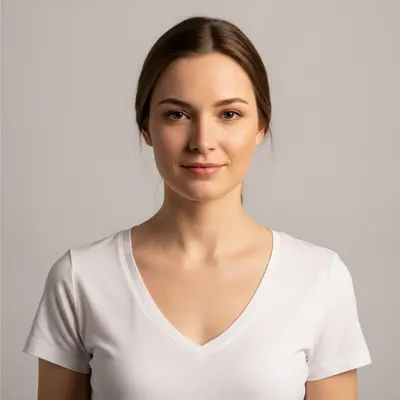
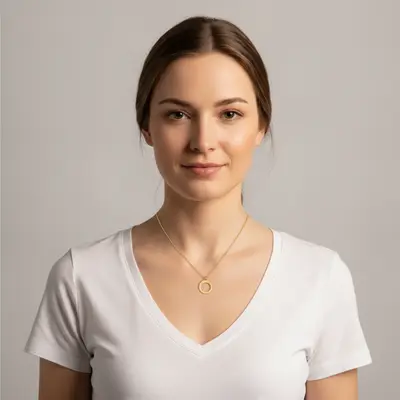
Upload photo to place necklace
"Place the gold pendant necklace from the reference image on the model's neck at collarbone height. Keep every chain link and pendant detail identical. Lighting should match the model photo — warm studio light from the upper left."
Free to try · no sign-up · never used for AI training
Release to upload
How it works
See it in action
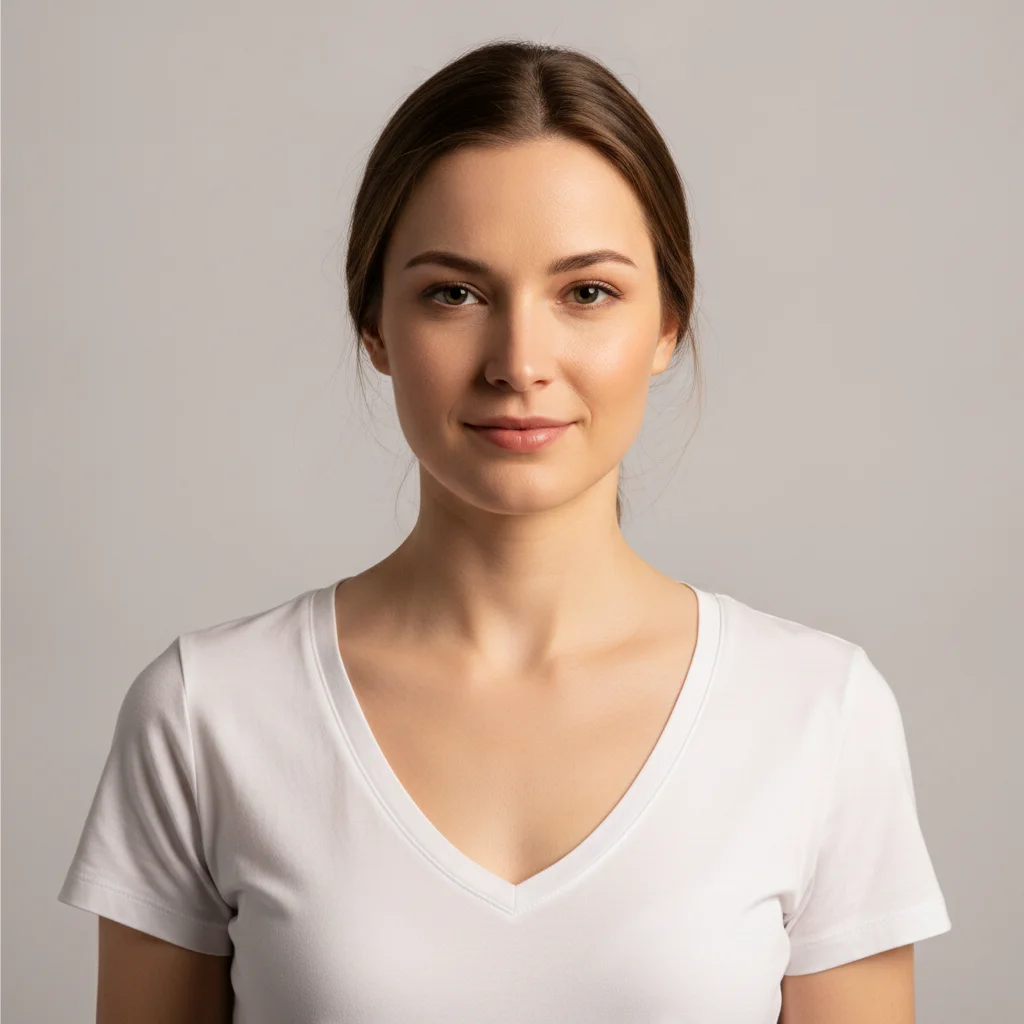
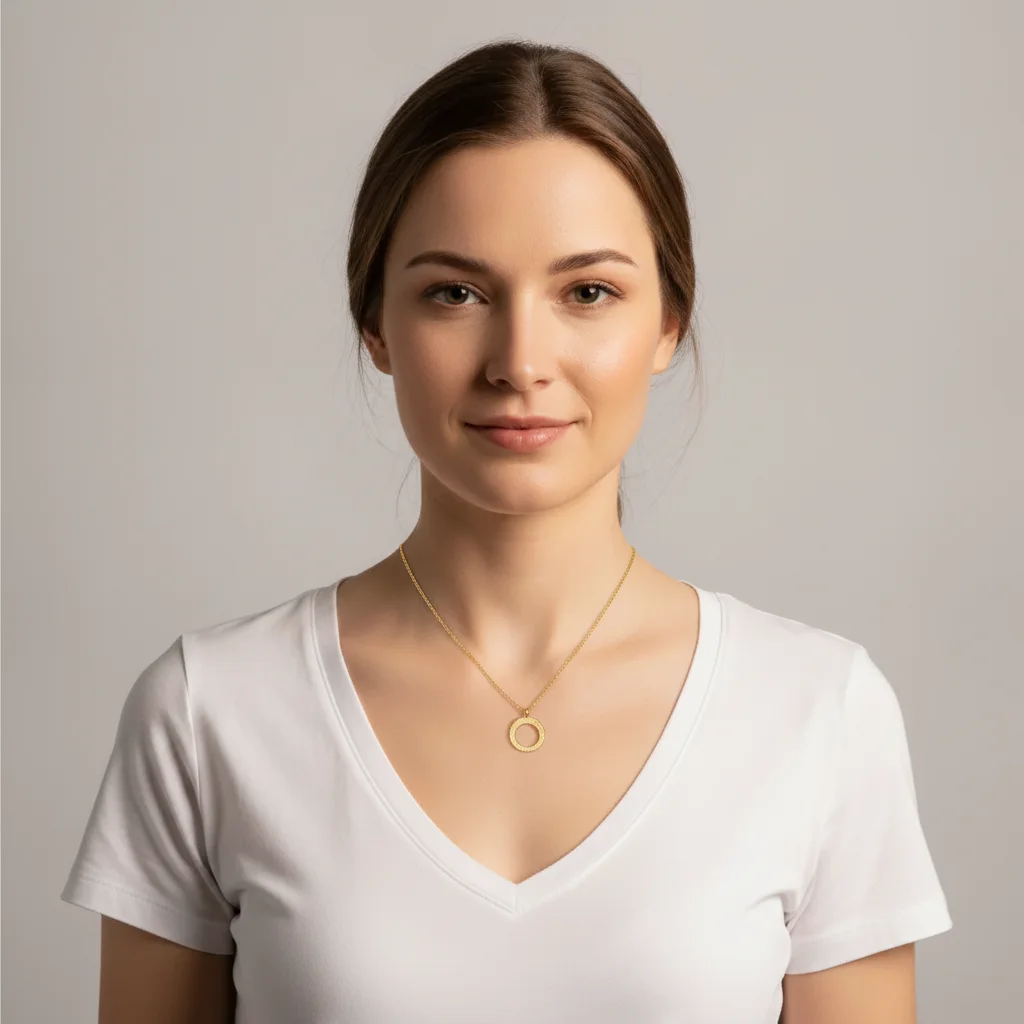
Gold pendant necklace on model — Etsy listing
A jewelry Etsy seller had a product photo of a gold oval-link chain with a small moon pendant but no model shots. One prompt placed the necklace accurately at collarbone height with natural drape.
Place this exact gold pendant necklace on the model's neck using the reference image. Keep every chain link and the moon pendant identical to the reference. Lighting matches the existing warm studio light from the upper right. Add a soft shadow beneath the pendant.
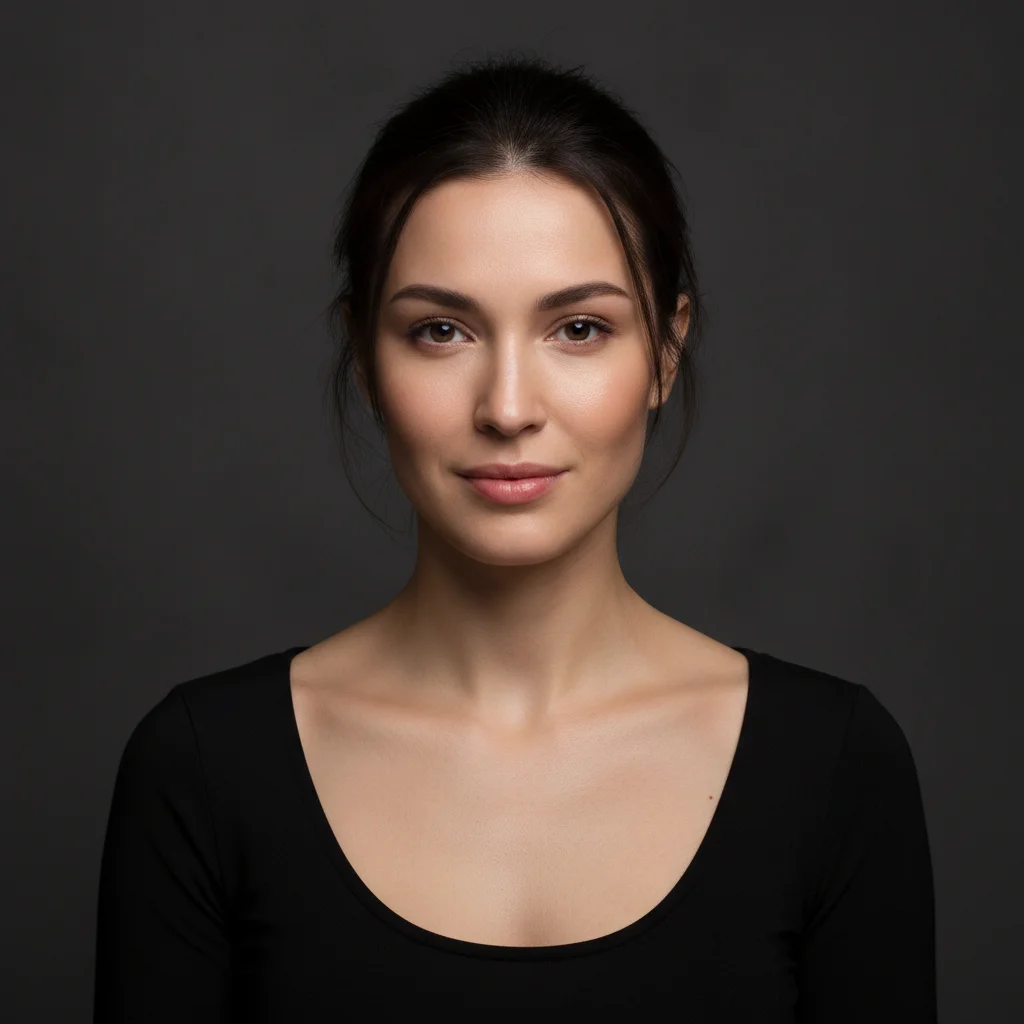
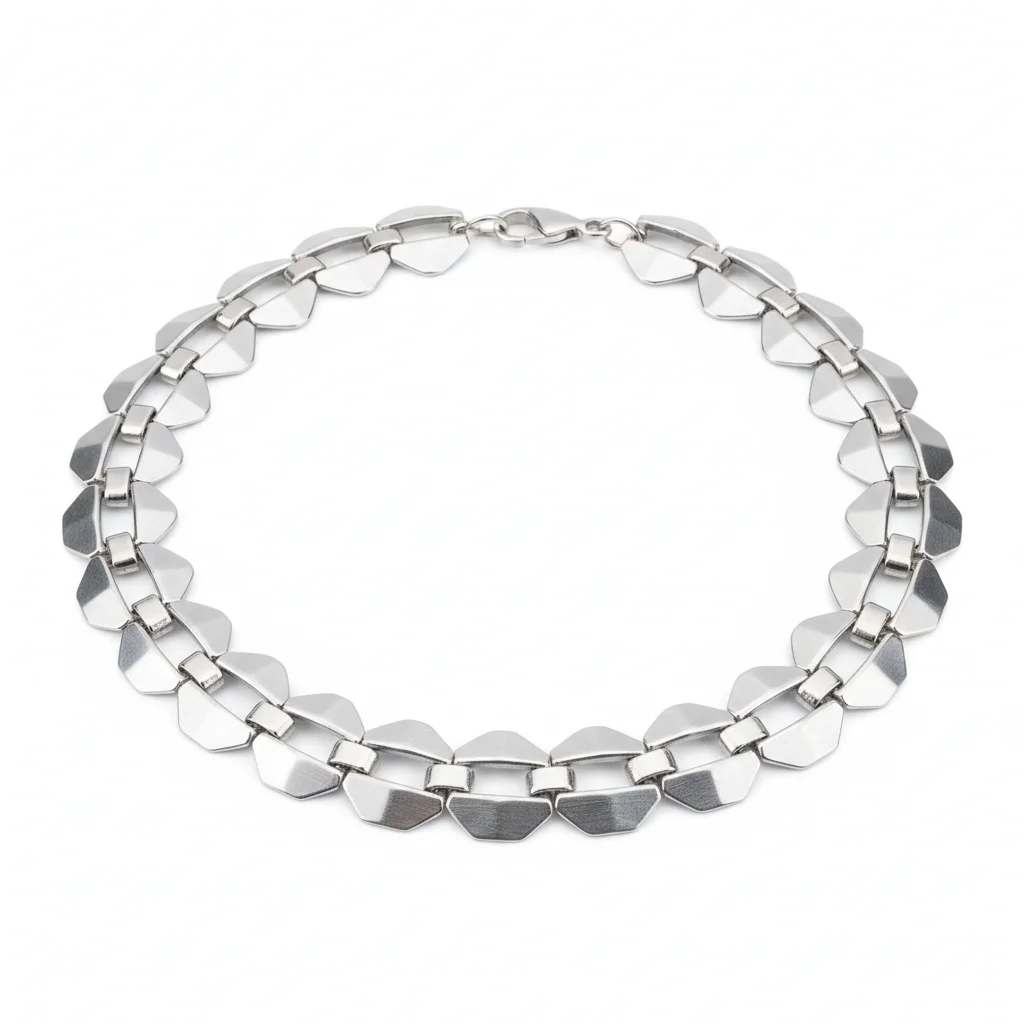
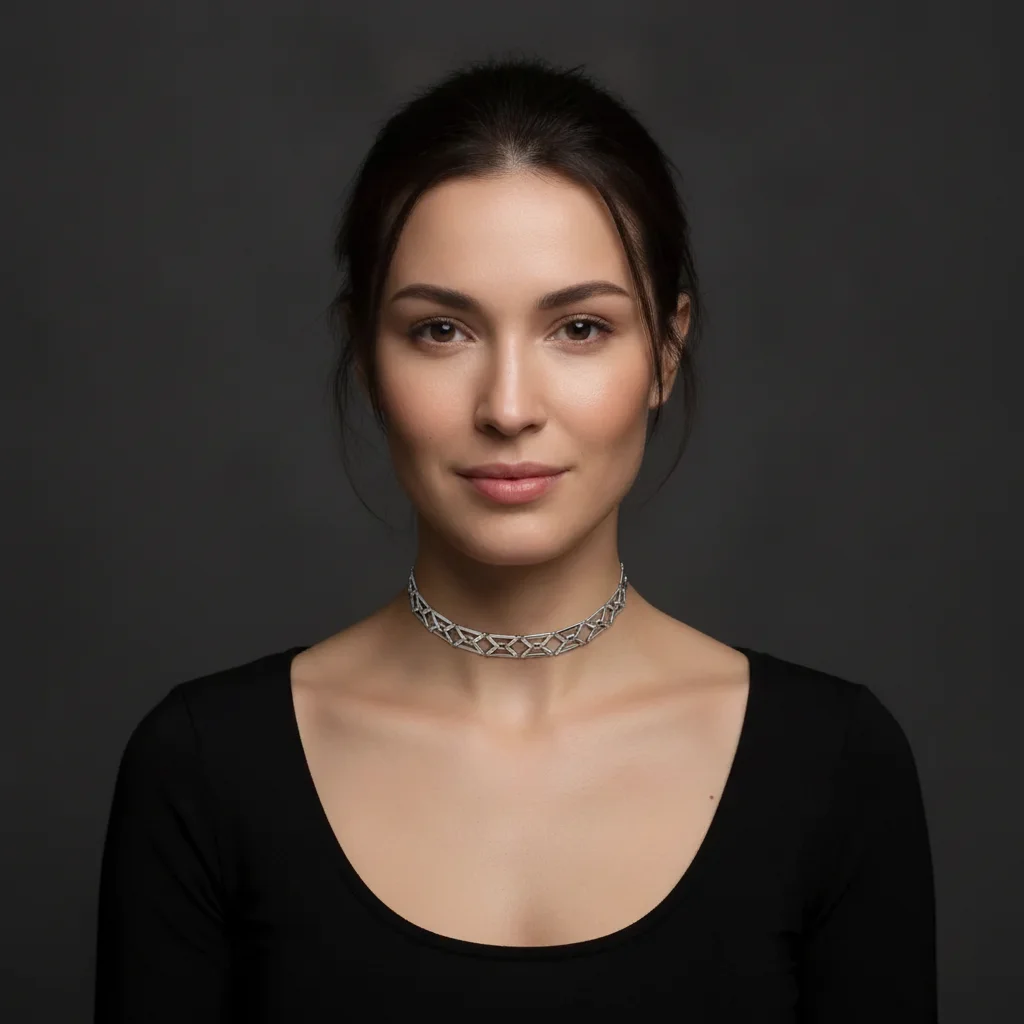
Silver choker — lookbook composite
A Shopify accessories brand needed model shots for their silver geometric choker. The model photo had cool studio lighting — the AI matched the silver metal highlights to the existing light source perfectly.
Place the silver geometric choker necklace from the reference image on the model's neck, sitting snugly at the base of the neck. Keep the geometric link pattern identical — do not simplify any shapes. Highlight the silver with cool-toned reflections matching the existing studio lighting.
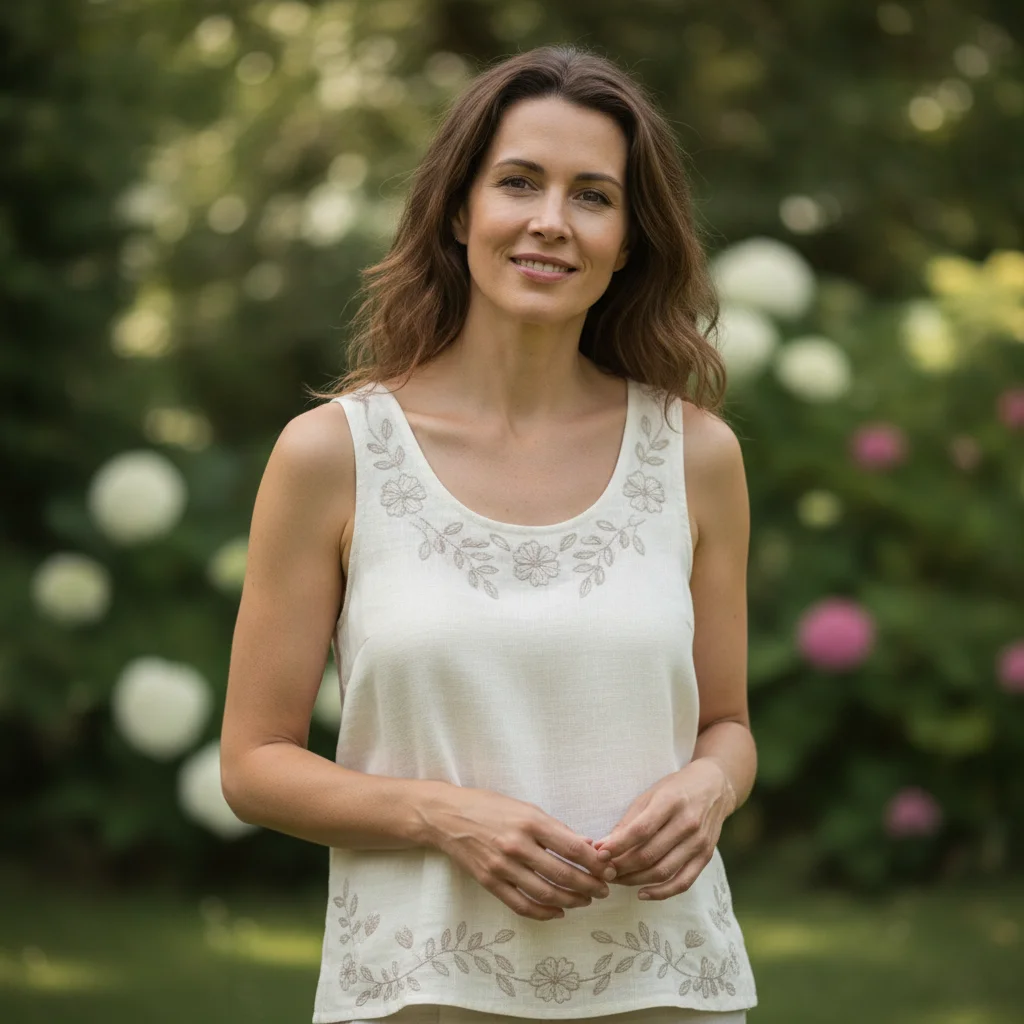
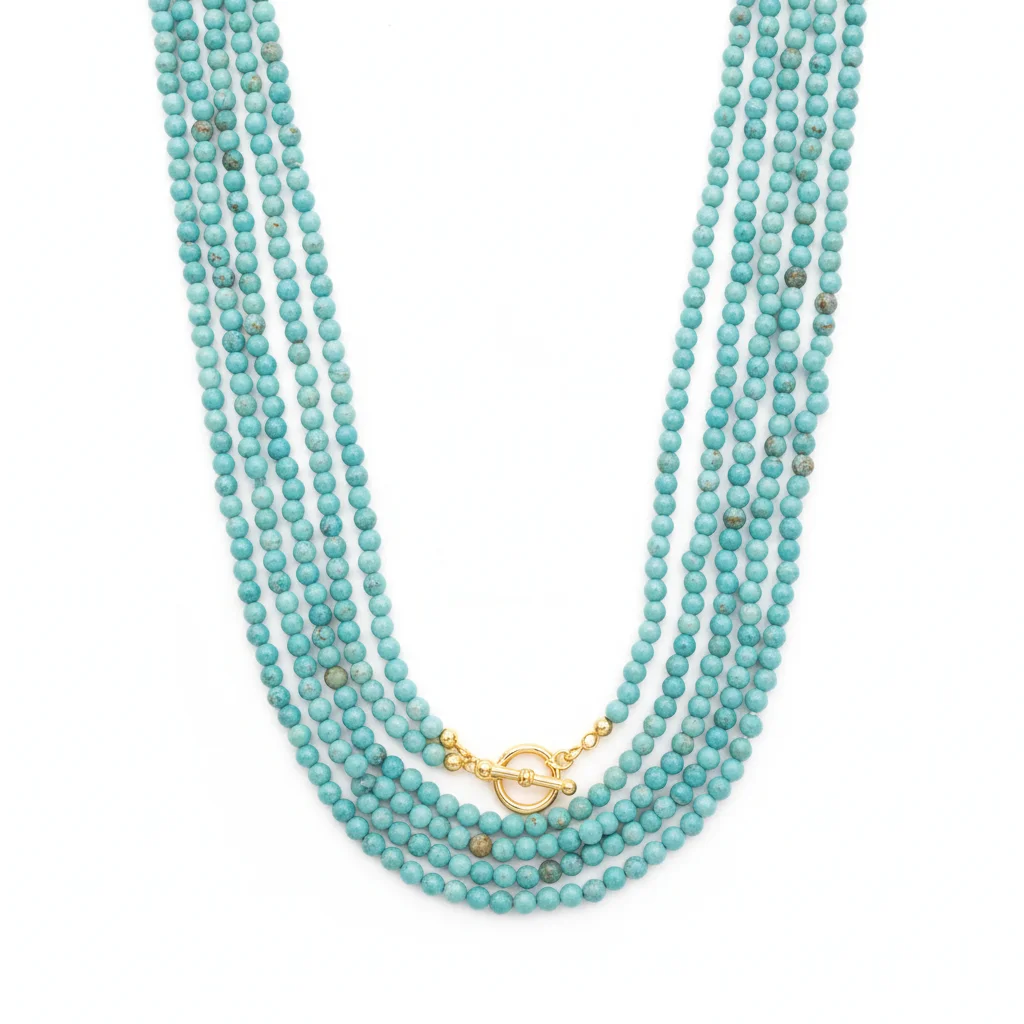

Multi-strand beaded necklace — catalog batch shoot
A catalog brand photographed 20 necklace SKUs on a single model day but ran out of time before the statement bead piece. They placed the necklace using an existing model frame rather than reschooling.
Place the multi-strand turquoise beaded necklace from the reference image across the model's chest, draping naturally over the collarbone. Keep the bead colors, size, and strand arrangement identical to the reference. The necklace should have realistic weight — slight sag at the center. Match the outdoor natural daylight already in the model photo.
Quick answers
Popular use cases
Ready to place your necklace on a model?
Free to try. No signup required. Free preview.