Pricing Brighten Night photo · Free

AI Night Photo Brightener

← Browse all beauty tools

Last updated

Lift the shadows, keep the night mood. Free, no account.
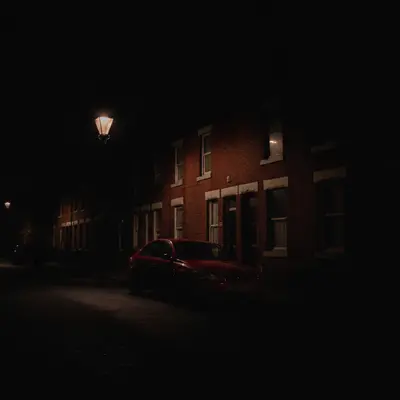
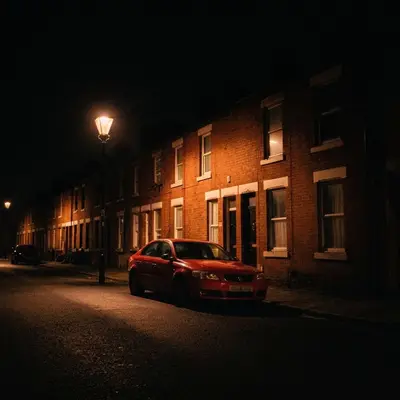
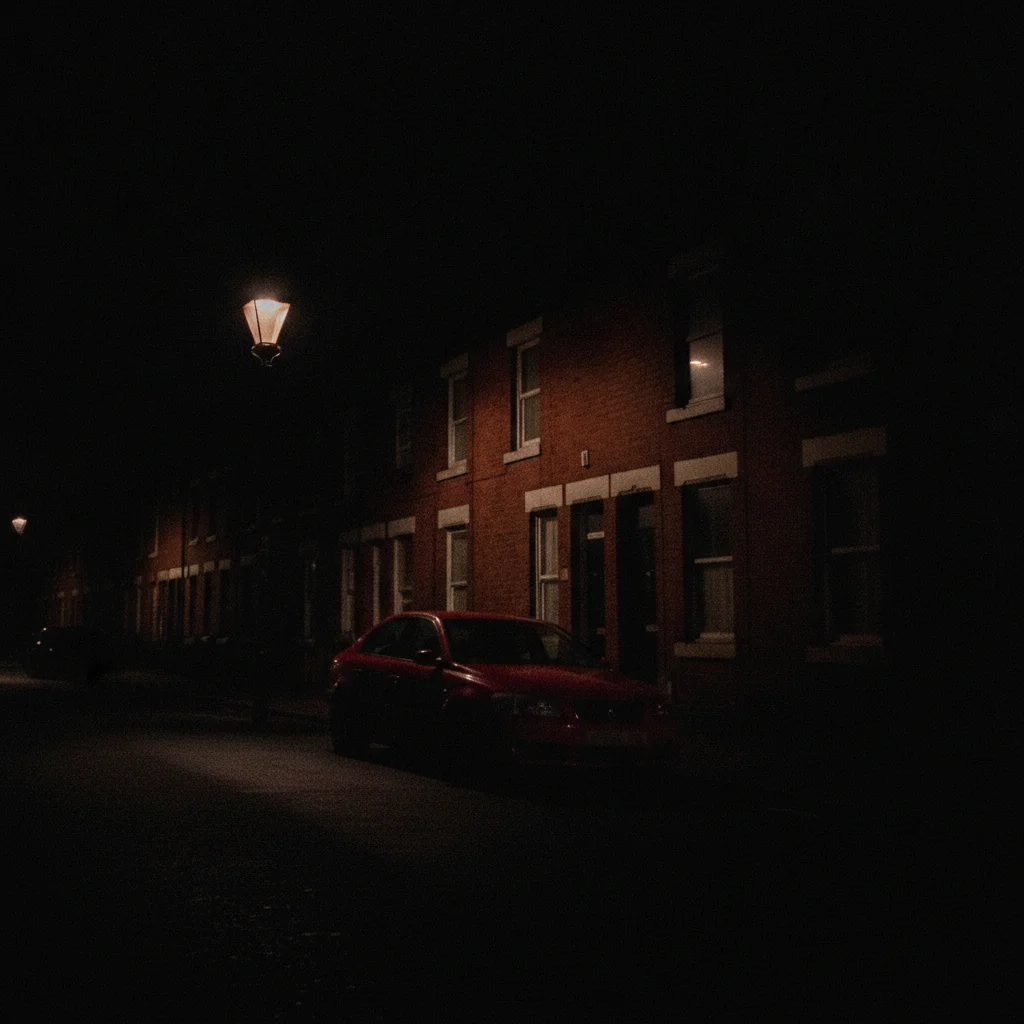
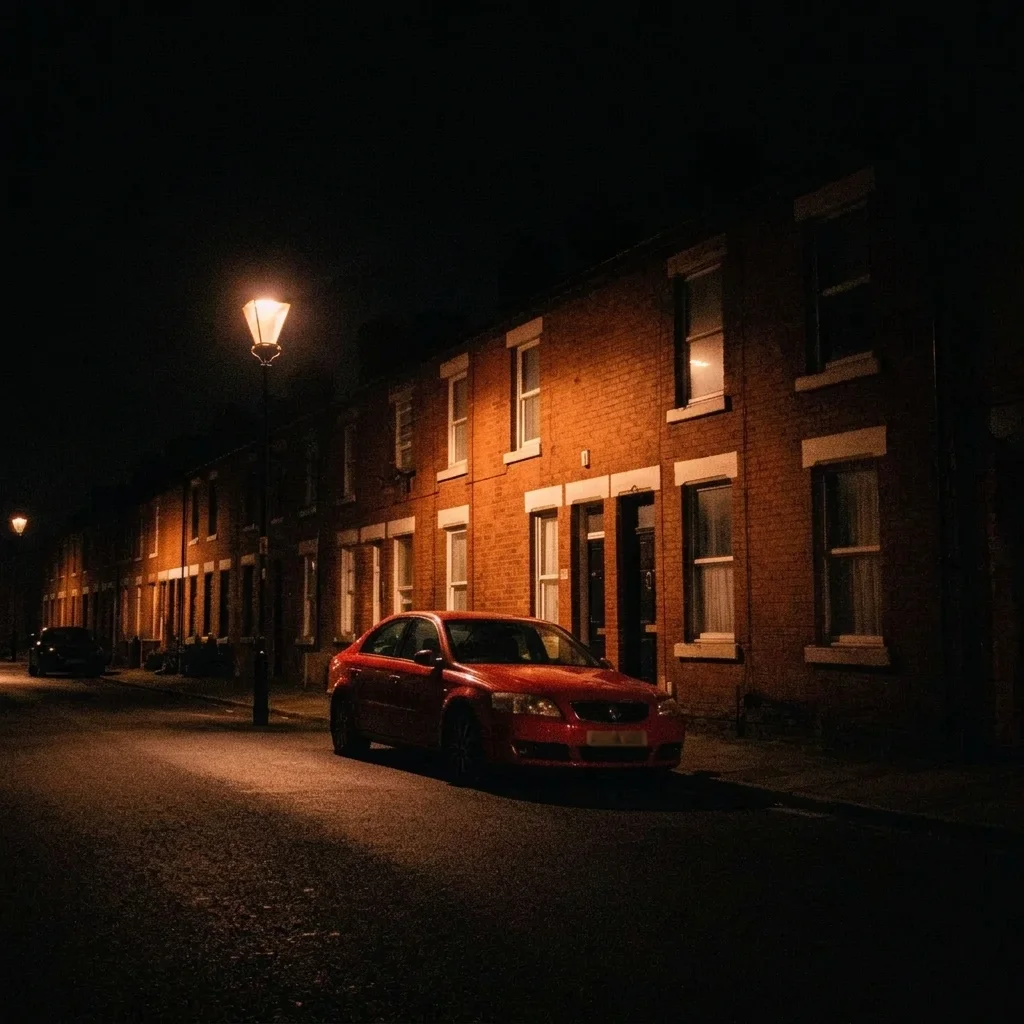
Very dark night photo of a street with houses barely visible Same street brightened so houses and car are visible, still night

Upload photo to brighten night photo

"brighten the dark photo so the yellow tent and the trees around it are visible, keep the dark night sky and the warm lantern glow"

Free to try · no sign-up · never used for AI training

Release to upload

<30stypical edit
1 freeedit weekly
Photo on your phone? Scan to open this editor there — free edit works on your phone too.

1 free edit every week·paid packs after

How it works

  1. Upload your dark night photo

    Choose a photo where there is some detail in the dark parts, even if faint. Pure black areas with no information stay dark. Phone night shots and street shots usually work well.

    Expect: Most edits finish in roughly half a minute. Busy or low-resolution photos can take a little longer and may need one retry.
  2. Describe what you want

    Describe how much to lift and what to keep. For example: 'brighten the dark shadows so the buildings and street are visible, keep the streetlights glowing and keep it looking like night.' No marking is required.

    Tip: Say 'keep it looking like night' and name the lights to keep. Without it the AI may turn the scene into daytime.

    Copy one of these to get started:

    Street at night brighten the dark shadows so the buildings, cars and pavement are visible, keep the streetlights glowing and keep it looking like night
    Campsite at night brighten the dark photo so the yellow tent and the trees around it are visible, keep the dark night sky and the warm lantern glow
    Building at night brighten the front of the building and the entrance without washing out the dark sky, keep the windows' glow natural
    Gentle lift slightly brighten this night photo and reduce the crushed blacks, keep the natural night look and do not add extra light sources
    3 more prompts
    Reduce noise while brightening brighten the dark areas and reduce the grain and noise in the shadows, keep the details sharp
    Balance bright signs brighten the dark areas but calm the overexposed neon sign so the letters stay readable, keep it a night scene
    Lakeside or park brighten the dark path and trees in this park night photo so they are visible, keep the dark sky and the lamp glow
  3. Review the result

    Zoom in on the dark areas for grainy noise and on the streetlights for blown-out glare. A good result shows detail in shadows while the sky stays dark and lights stay distinct.

  4. Refine with markers if needed

    If the sky looks washed out or only part of the scene lifted, tap a marker on the area to fix and regenerate. Markers help when you want one area brighter than the rest.

    Tip: Markers are for precision, not a required step. Most edits work from the description alone.

See it in action

Very dark night photo of a street with houses barely visible
Before
->
Same street brightened so houses and car are visible, still night
After

Dark street lifted but still night

A phone photo of a street was too dark to show the buildings.

Prompt: brighten this very dark night photo so the street, the buildings and the parked car are clearly visible, keep it looking like night and keep the lamp glow natural
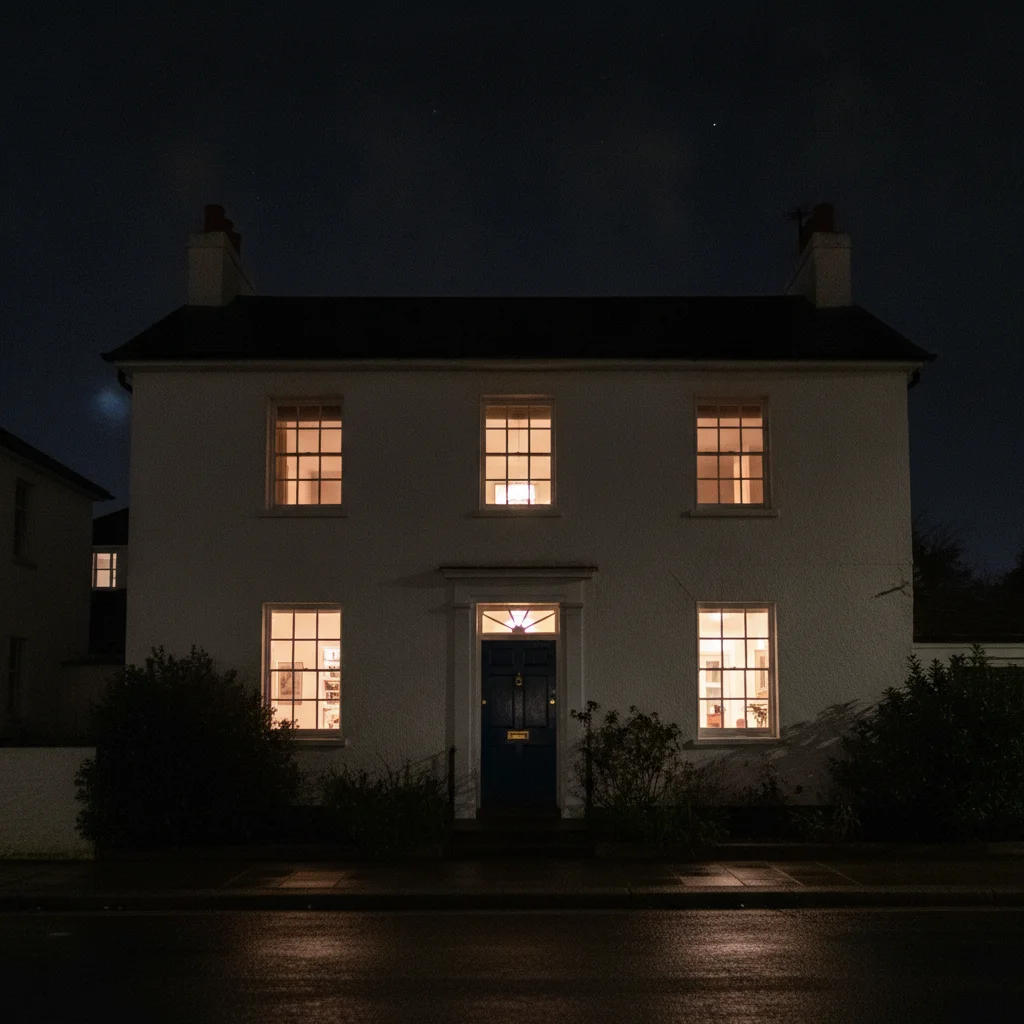
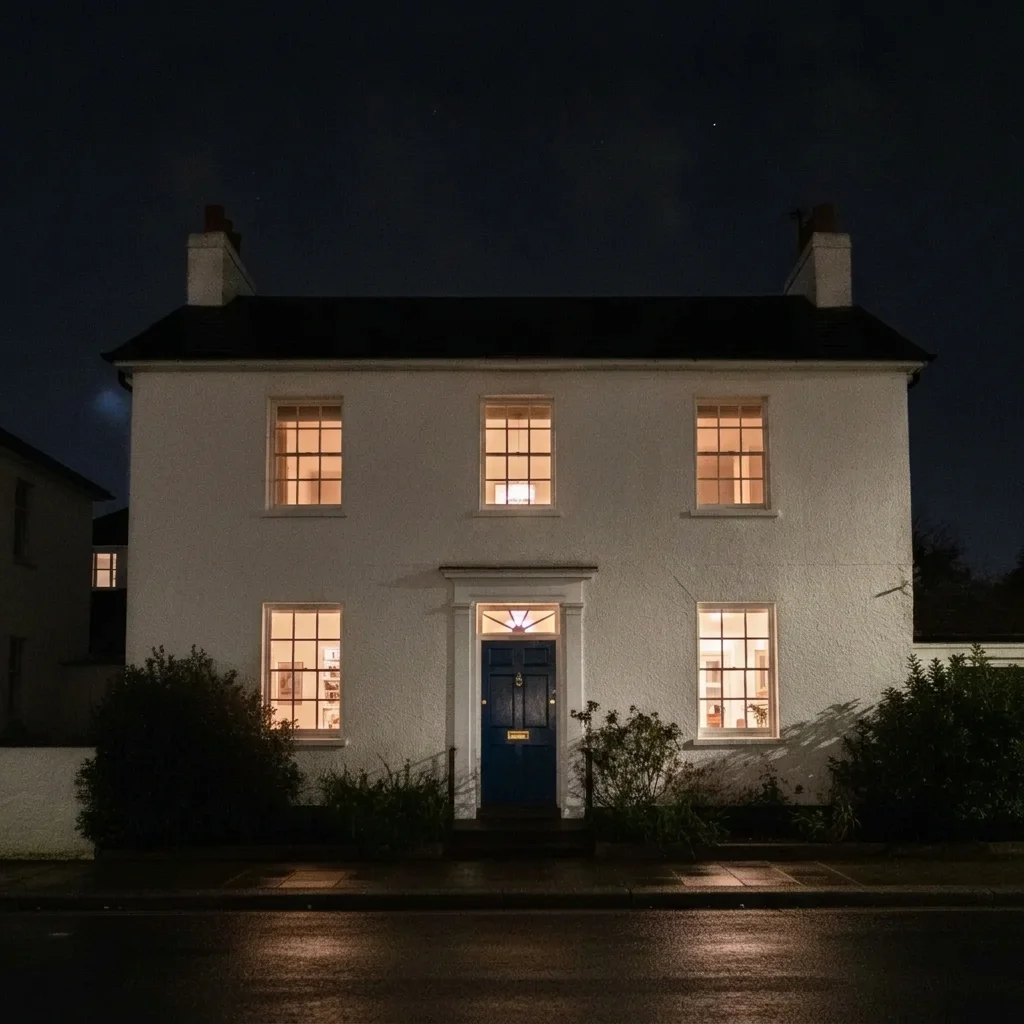
Dim night view of a white building with a blue door
Before
->
Same building with a clearer front and the sky still dark
After

Building facade brightened

A night photo of a shop front was too dim.

Prompt: brighten the front of the building and the entrance without washing out the dark sky

Quick answers

Do I need to mark the dark areas before brightening?

No. Describe what to brighten, for example 'brighten the street and buildings but keep it looking like night.' Use markers only if the AI lifts the wrong area.

How do I brighten a night photo for free?

Upload the photo to EditThisPic, describe how much to lift and what to keep, and run the edit. The free edit is a preview with no signup and no watermark.

Will it make night look like day?

Only if you ask for that. Say 'keep it looking like night' to keep the mood.

Can it recover a photo that is nearly black?

Only if some detail is there. Pure black areas have no information, and the AI will guess, so results can look invented.

Does it add noise?

Brightening can reveal noise. Add 'reduce the grain' to the instruction and zoom in to check.

How much does EditThisPic cost?

You get 1 free Standard edit per week — no account needed. After that, one-time credit packs start at $4.99 for 10 credits, valid 12 months, no subscription. A Standard edit uses 1 credit, Pro 2 and Ultra 3. Purchased downloads are clean with no watermark.

Ready to brighten your night photo?

Free to try. No signup required.

1 free edit included·paid credit packs after