AI Person Adder
← Browse all body & person toolsLast updated
Add missing family members or anyone else to any photo using a reference image and AI.
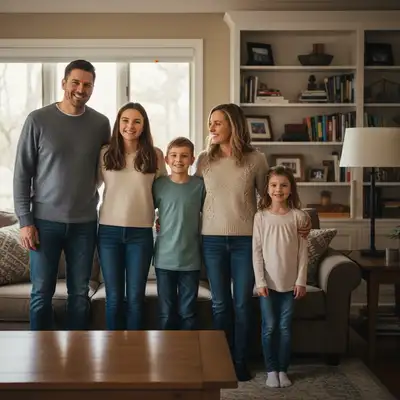
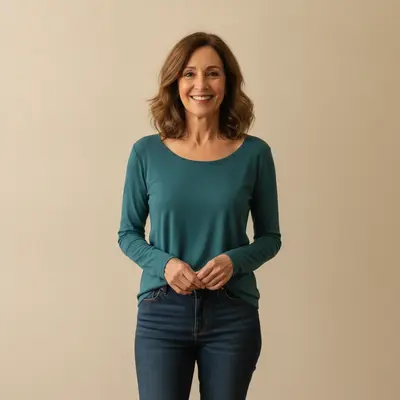
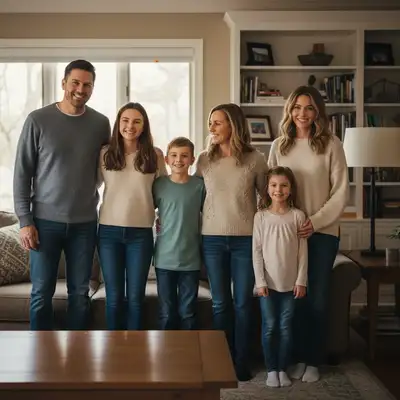
Upload photo to add person
"add this person standing behind the family with a gentle, peaceful expression, matching the warm indoor lighting, naturally blended into the scene"
Free to try · no sign-up · never used for AI training
Release to upload
<30stypical edit
1 freeedit weekly
Photo on your phone?
Scan to open this editor there — free edit works on your phone too.
How it works
See it in action

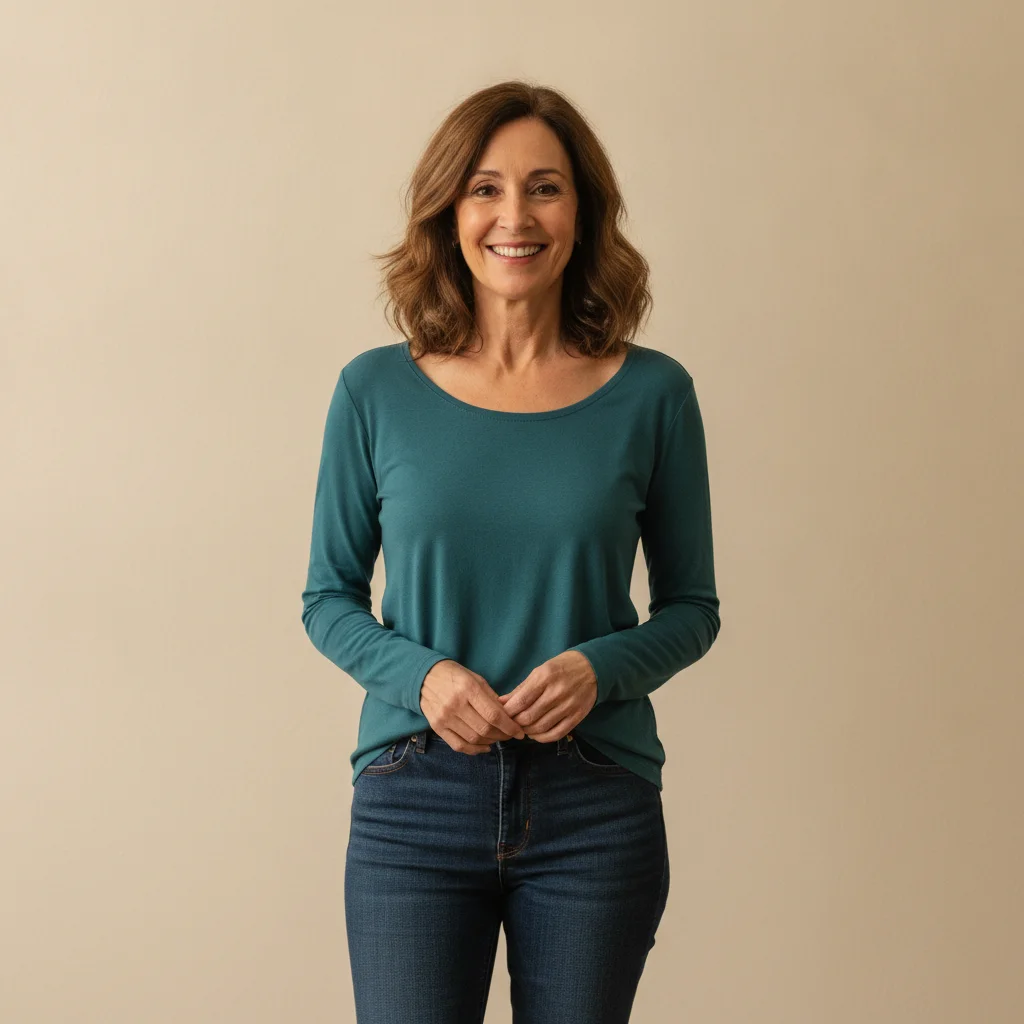

Missing family member added to reunion
A family reunion photo with an obvious gap filled by adding the missing family member using their reference photo.
Prompt:
add this person standing in the gap at the right end of the group, wearing casual attire similar to others, smiling warmly, matching the indoor lighting

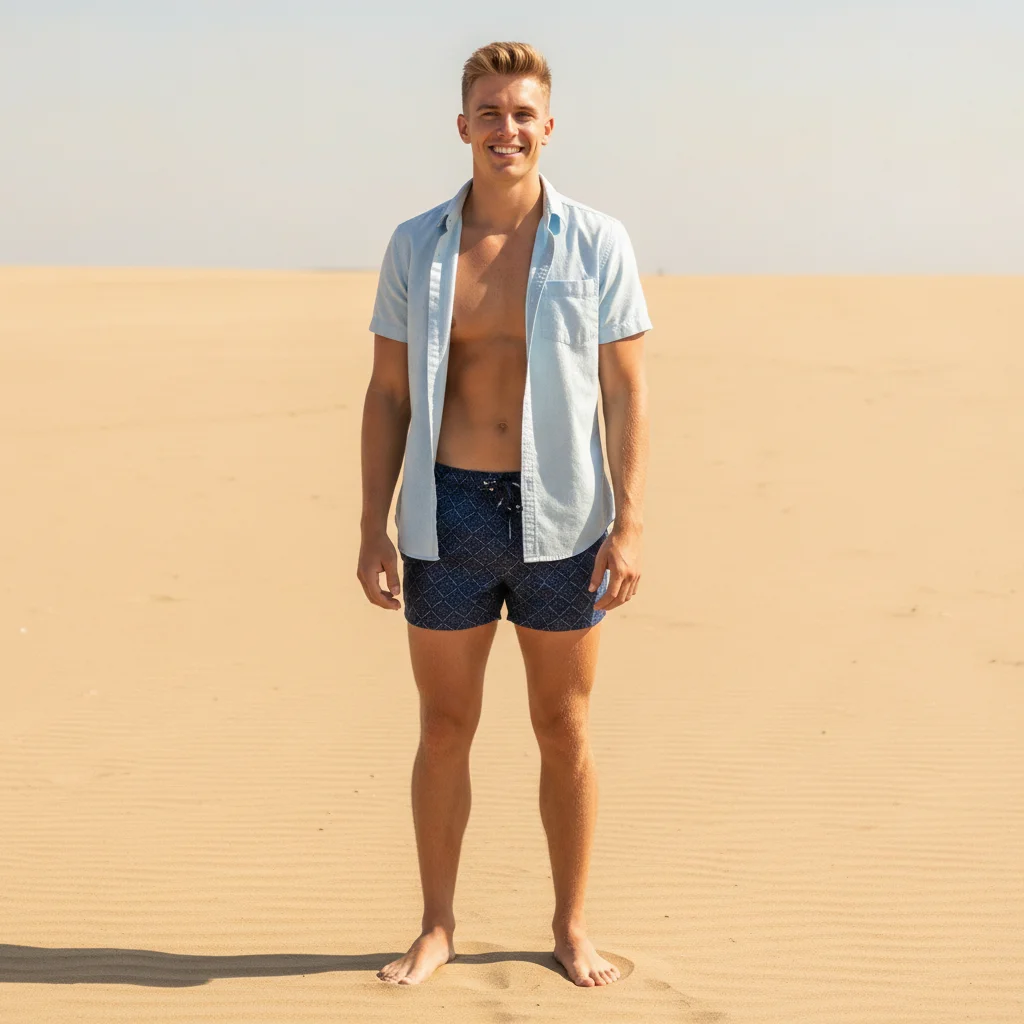

Person added to beach vacation photo
A friend missed the trip. Added them from a selfie into the group beach shot.
Prompt:
add this person from the reference standing immediately to the LEFT of the group and touching them with no gap, matching their height, the bright outdoor sunlight and the shadow direction on the sand

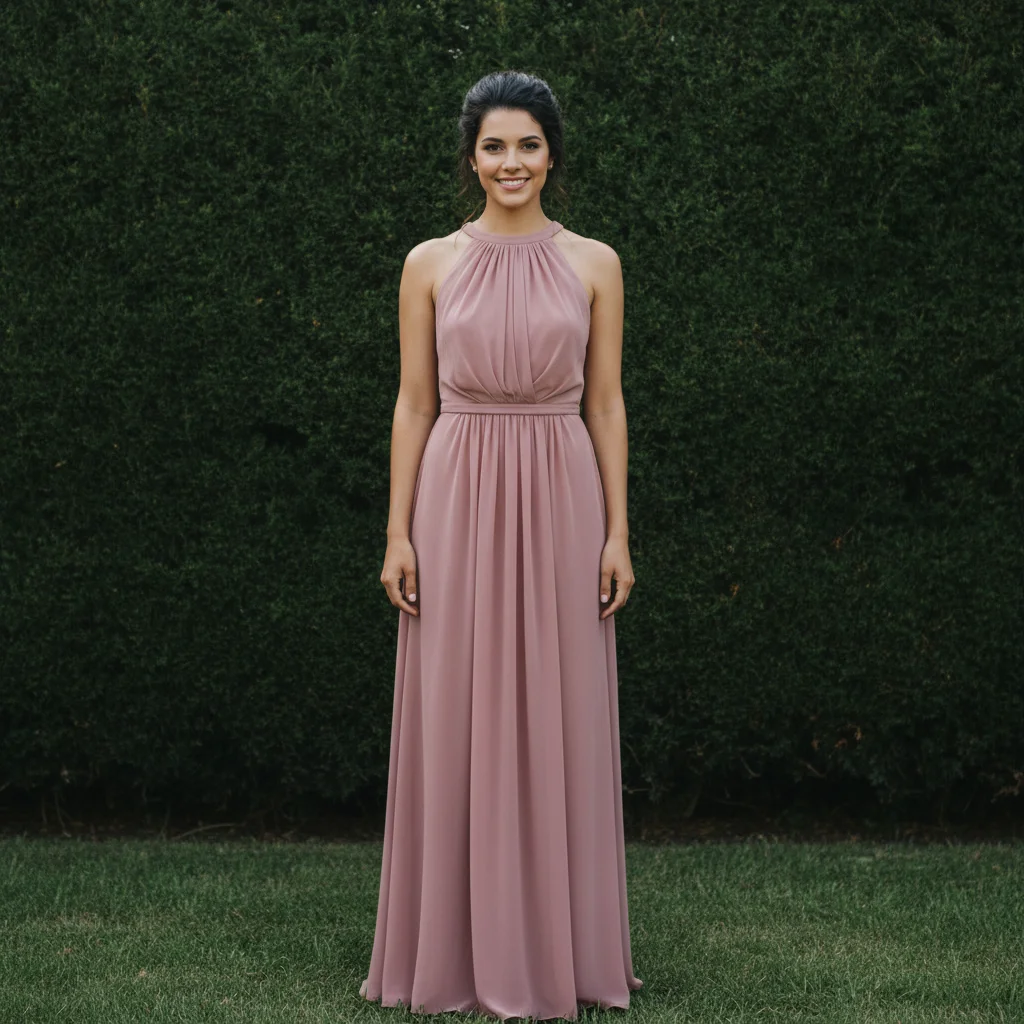

Wedding party completed
Bridesmaid couldn't make the formal photo. Added her from another shot taken that day.
Prompt:
add this person at the right end of the wedding party lineup, wearing formal attire matching the bridal party, same outdoor garden lighting
Quick answers
You might also like
Ready to add your photos?
Add anyone to any photo. Free, no signup required.