Pricing Restore Old postcard · Free

AI Postcard Restoration

← Browse all enhance tools

Last updated

Upload a scan or photo of a vintage postcard and describe the wear. Free.
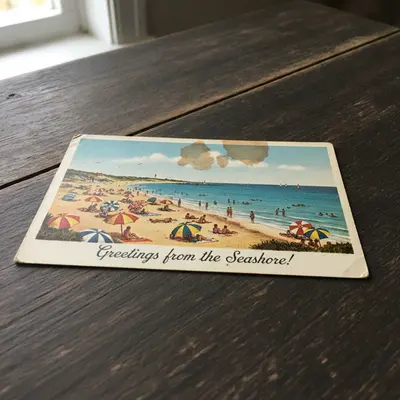
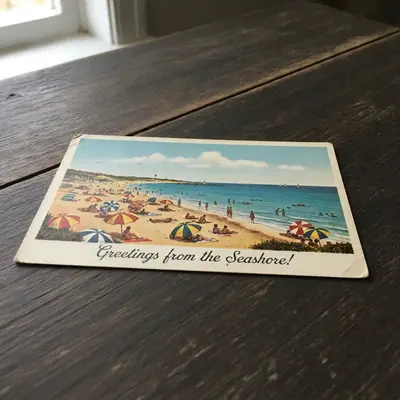
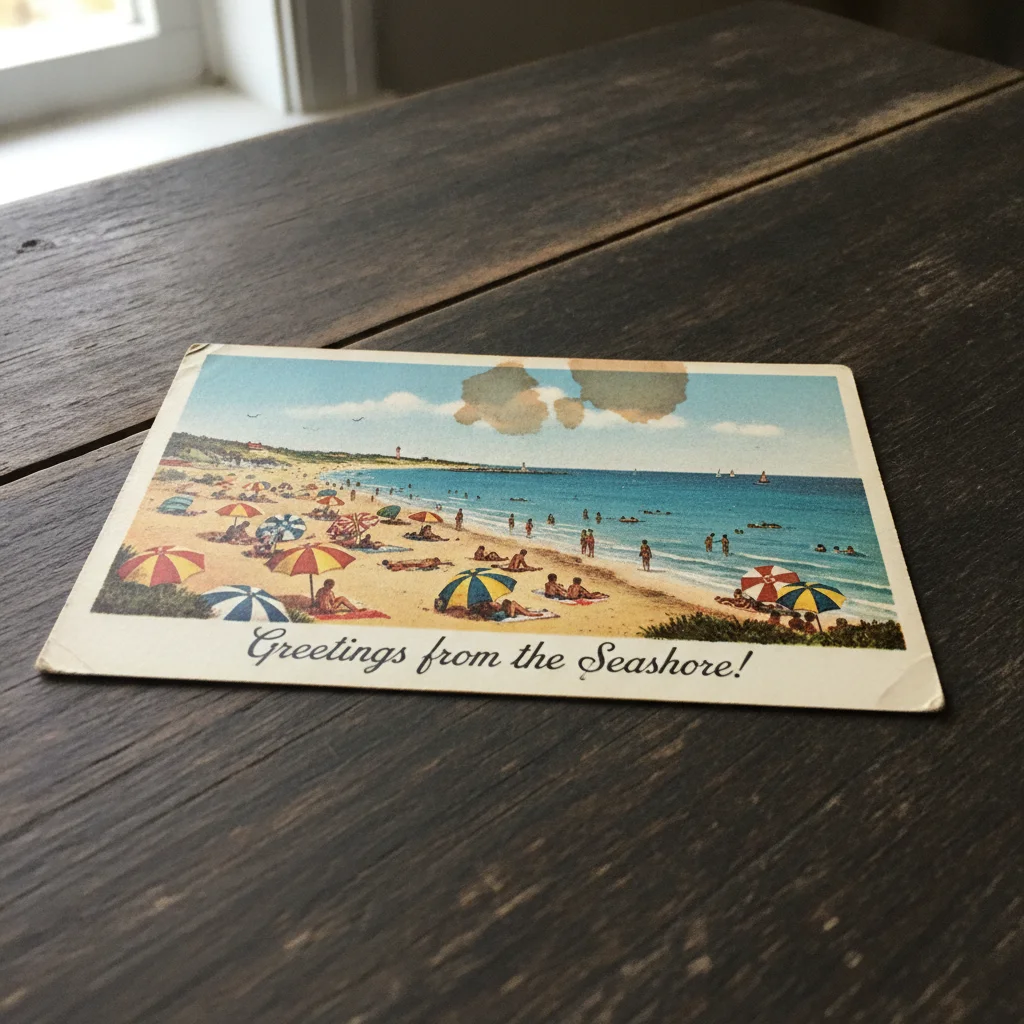
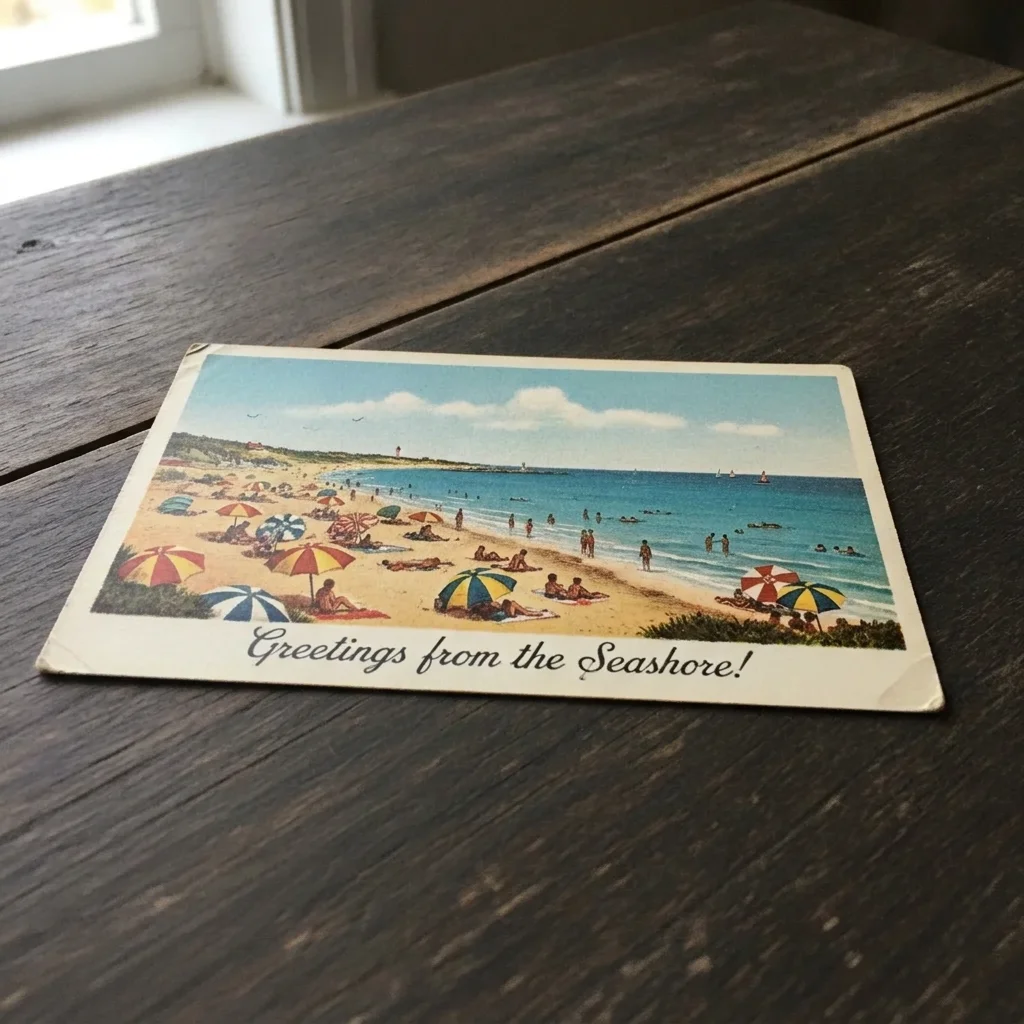
Seaside postcard with a yellowed border and brown stains Same postcard with a cleaner border and fewer stains

Upload photo to restore old postcard

"clean up the worn, rounded corners of this old postcard so the edges look sharp and straight, do not change the picture"

Free to try · no sign-up · never used for AI training

Release to upload

<30stypical edit
1 freeedit weekly
Photo on your phone? Scan to open this editor there — free edit works on your phone too.

1 free edit every week·paid packs after

How it works

  1. Upload a scan or photo of the postcard

    Scan the card flat at the highest quality you can, or photograph it from directly above in even light. Do the picture side and the message side as separate uploads. JPG, PNG or WebP.

    Expect: Most clean photos finish in under a minute. Heavily damaged or very dark photos can take longer and may need a second pass.
  2. Describe the wear and what to keep

    Name the problems: yellowed white border, brown stains, creases, rounded or frayed corners, a postmark smudge. Say the picture, printed caption and any handwriting must stay unchanged. No marking needed.

    Tip: Treat each side separately. A picture side and a message side need different instructions.

    Copy one of these to get started:

    Yellowed border and stains reduce the yellowing of the white border and the brown stains on this old postcard, keep the picture, caption and colours otherwise unchanged
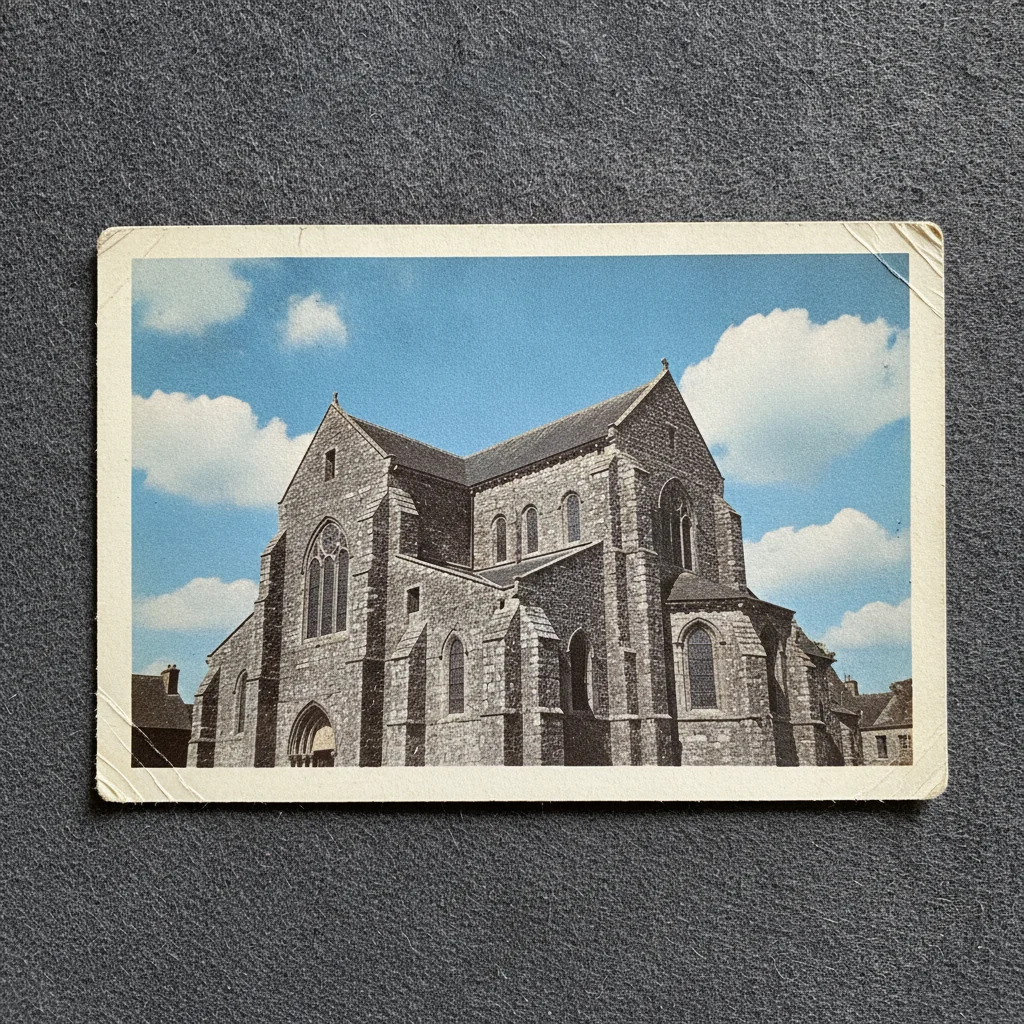
    Worn and frayed corners clean up the worn, rounded corners of this old postcard so the edges look sharp and straight, do not change the picture
    Creases across the picture soften the crease lines running across this vintage postcard picture and keep the scene, colours and caption unchanged
    Faded colours on a 1960s card bring back the faded colours of this vintage postcard so the sky and sea look richer, keep the composition and printed text exactly
    3 more prompts
    Message side with a stamp clean up the stains on this postcard's message side, keep the handwriting, stamp and postmark exactly as they are and make the ink a bit darker
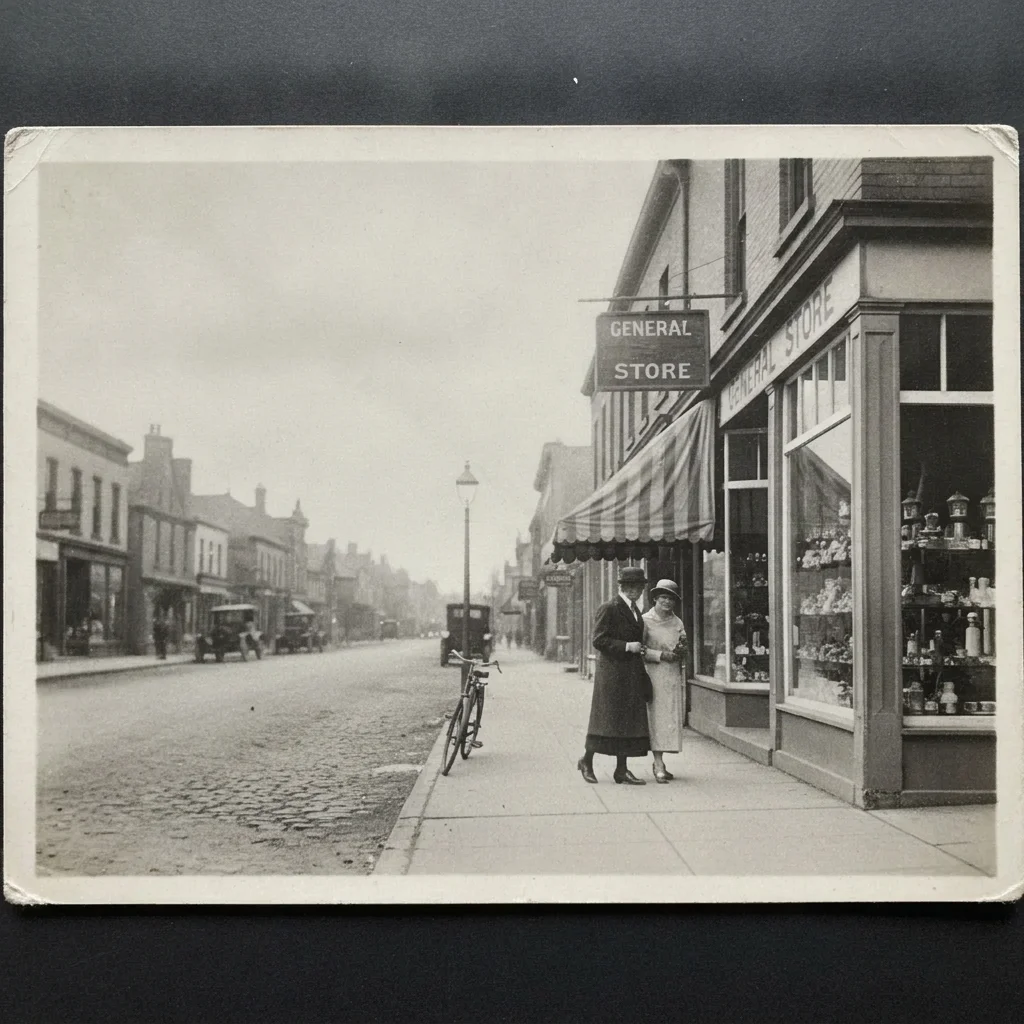
    Black-and-white real-photo postcard restore this black-and-white real-photo postcard: reduce the scratches and spots, improve the contrast and keep the people and building unchanged
    Sepia-toned card remove the dark stains from this sepia postcard but keep the warm sepia tone and the printed caption
  3. Review the result

    Zoom in on the corners, the borders and any stain areas. Check that the printed caption and the stamp or postmark were not redrawn.

  4. Refine with markers if needed

    Optional. If a stain remains or a corner looks off, tap a marker on it and run the prompt again.

    Tip: Markers are for precision refinement, not a required step.

See it in action

Seaside postcard with a yellowed border and brown stains
Before
->
Same postcard with a cleaner border and fewer stains
After

Seaside postcard, yellowed

A 1950s beach postcard with a yellow border and brown spots near the top.

Prompt: reduce the yellowing of the white border and the brown stains on this old postcard, keep the picture, caption and colours otherwise unchanged
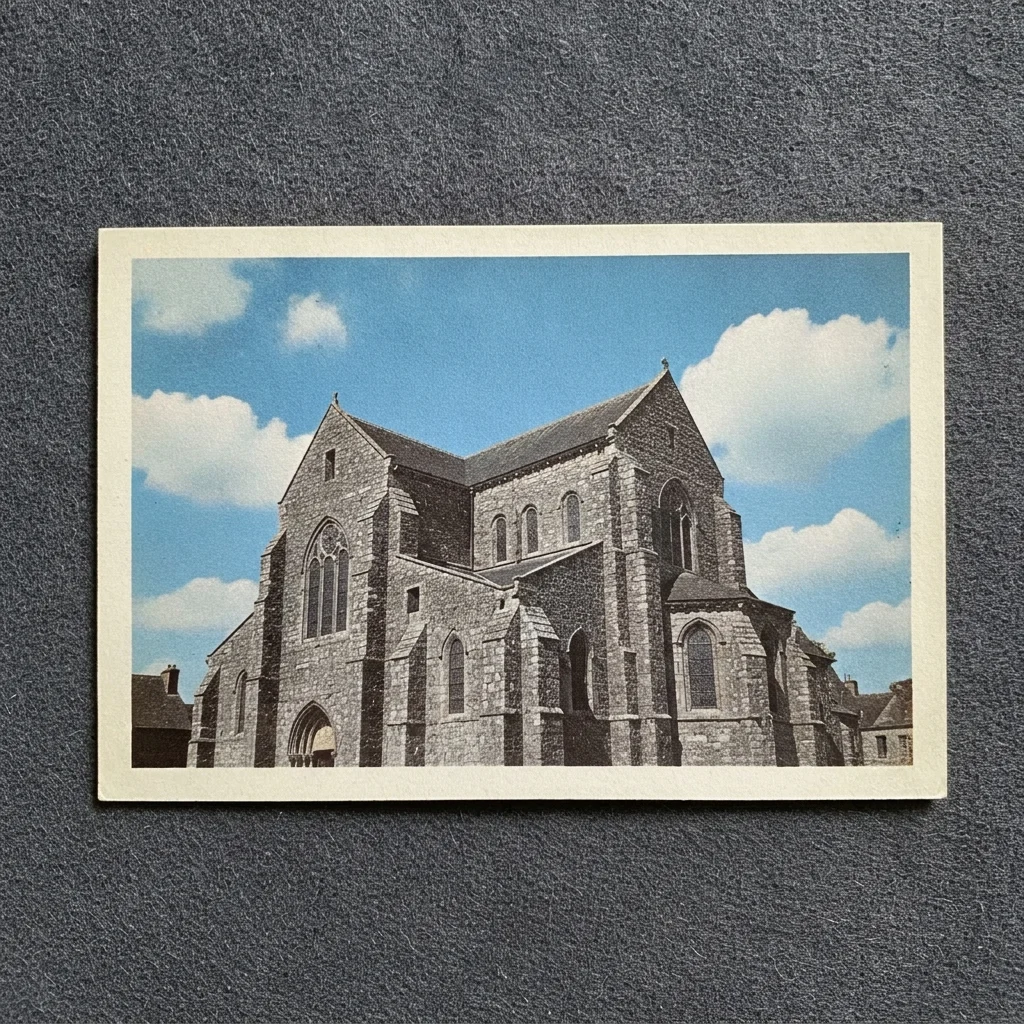
Postcard with frayed rounded corners
Before
->
Same postcard with cleaner, straighter corners
After

Postcard with worn corners

A city landmark postcard with rounded, frayed corners.

Prompt: clean up the worn, rounded corners of this old postcard so the edges look sharp and straight, do not change the picture
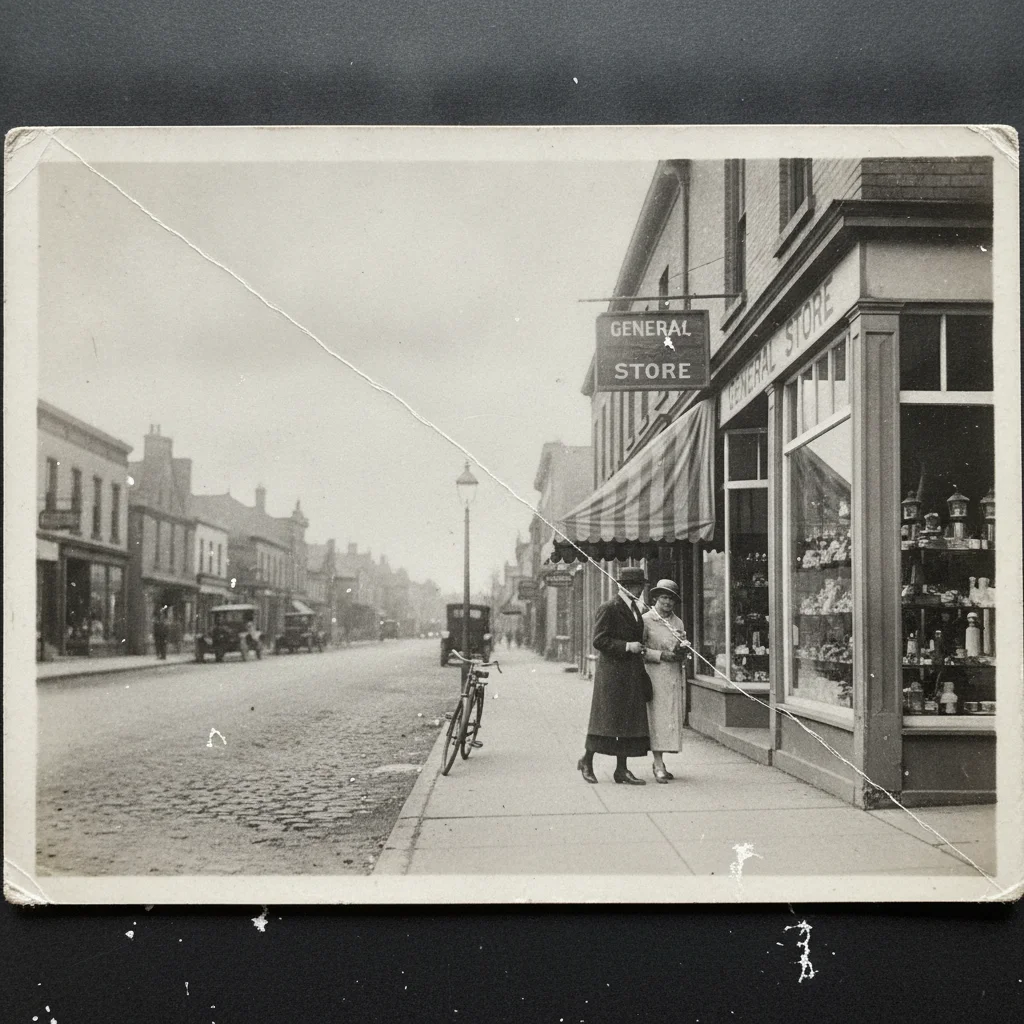
Black-and-white postcard with a crease and scratches
Before
->
Same postcard with a softened crease and cleaner contrast
After

Creased real-photo postcard

A black-and-white real-photo postcard with a diagonal crease and white scratches.

Prompt: restore this black-and-white real-photo postcard: reduce the scratches and spots, improve the contrast and keep the people and building unchanged

Quick answers

Do I need to mark the stains or corners before describing what I want?

No. Describe the wear, such as 'reduce the yellowing and clean up the corners.' Use markers only if the AI changes the wrong area.

How do I restore an old postcard for free?

Upload your scan or photo to EditThisPic, describe the restoration and preview it. The preview edit is free with no signup and no watermark.

Can it change the message or text on the card?

No, and it must not be used that way. It cleans up the image only. Compare printed text and handwriting with the original.

Should I scan both sides?

Yes, as separate uploads. The picture side and the message side usually need different instructions.

Does it work on real-photo and printed postcards?

Usually, yes. Colour printed cards, sepia cards and black-and-white real-photo cards all work. Results vary with the condition of your scan.

How much does EditThisPic cost?

You get 1 free Standard edit per week — no account needed. After that, one-time credit packs start at $4.99 for 10 credits, valid 12 months, no subscription. A Standard edit uses 1 credit, Pro 2 and Ultra 3. Purchased downloads are clean with no watermark.

Ready to restore your old postcard?

Free to try. No signup required.

1 free edit included·paid credit packs after