Pricing Visualize Putting green · Free

AI Putting Green Visualizer

← Browse all creative effects

Last updated

Describe your putting green and see it laid out on your own lawn.
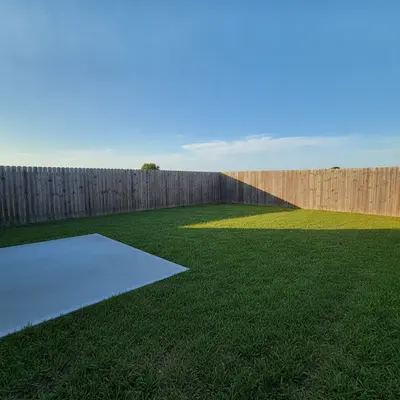
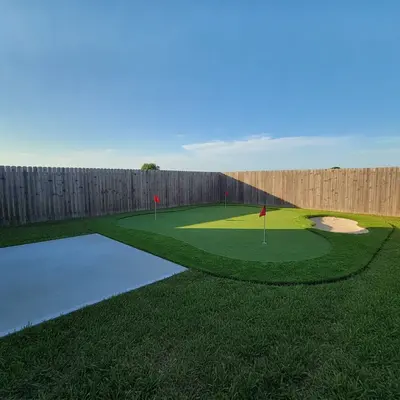
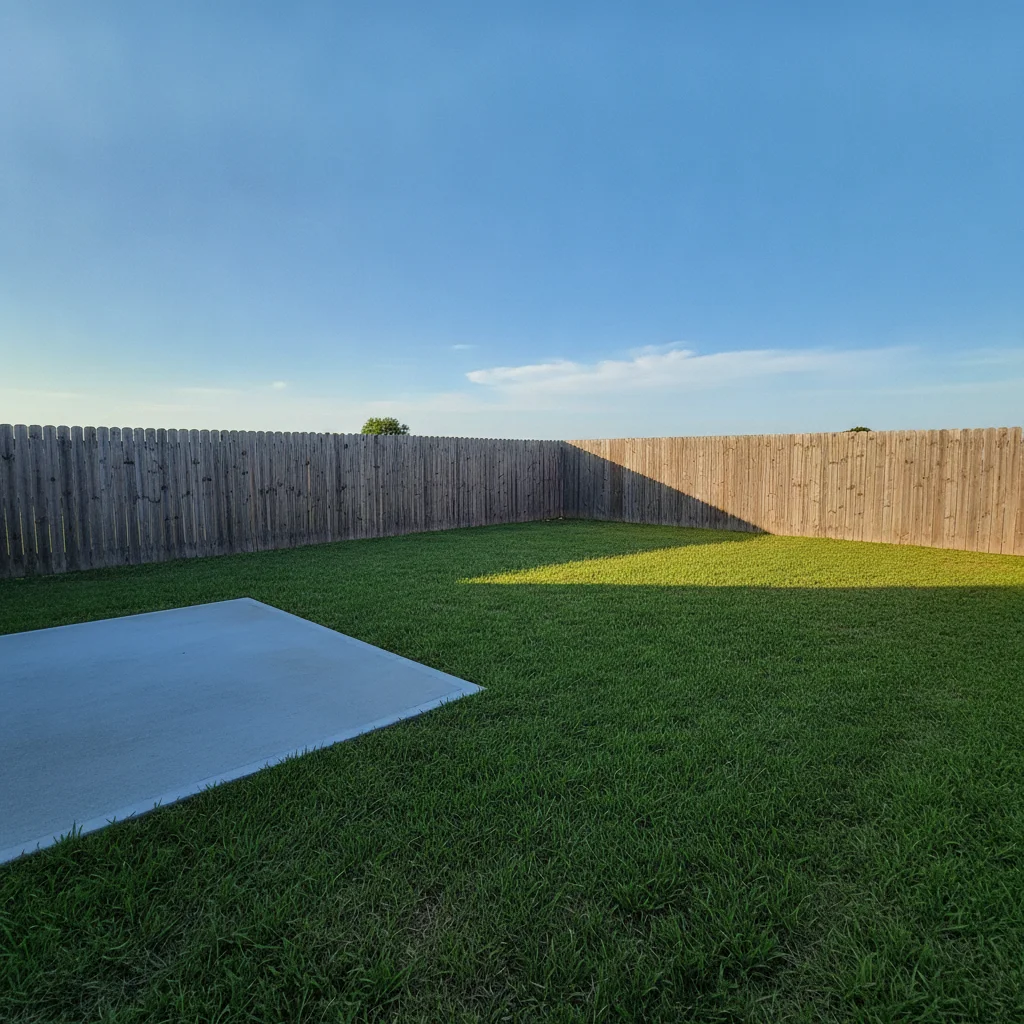
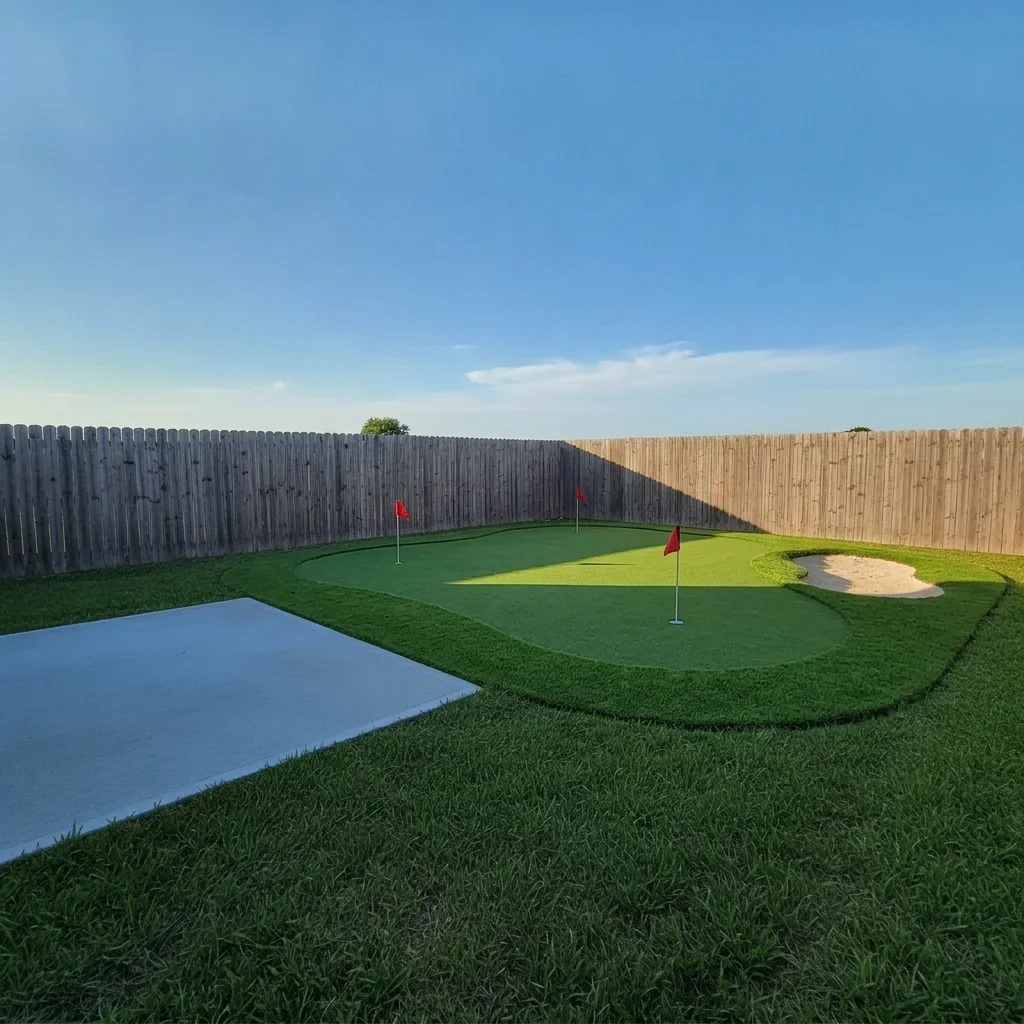
Open green backyard lawn beside a gray patio Same lawn with a curved putting green, two red flags and a sand bunker

Upload photo to visualize putting green

"add a kidney-shaped synthetic turf putting green with one white flag in the middle of the backyard lawn"

Free to try · no sign-up · never used for AI training

Release to upload

<30stypical edit
1 freeedit weekly
Photo on your phone? Scan to open this editor there — free edit works on your phone too.

1 free edit every week·paid packs after

How it works

  1. Upload your photo

    Upload a daytime photo of the backyard area where the green might go. Include the lawn, the edges of the yard and any patio or fence, so the AI can fit a believable shape.

    Expect: Most previews finish in under a minute. Busy scenes can take a little longer and may need a second try.
  2. Describe what you want

    Describe the shape, the extras and the surroundings. For example, 'add a kidney-shaped putting green with two flags, a small sand bunker and a short fringe of lawn in the middle of the backyard.' You do not need to mark the area first.

    Tip: Name the shape (kidney, round, long strip), the number of flags and holes and whether there is a bunker. Those details make the green look planned.

    Copy one of these to get started:

    Curved green with flags — most common add a curved putting green with two red flags, a small sand bunker and a short fringe edge on the lawn, keep the patio and fence unchanged
    Kidney-shaped green add a kidney-shaped synthetic turf putting green with one white flag in the middle of the backyard lawn
    Long practice strip add a long narrow putting strip with three holes and small yellow flags along the side of the yard
    Green with a sand bunker and rocks add a putting green with a sand bunker on one side and decorative rocks and ornamental grass around the edge
    3 more prompts
    Green beside a patio add a round putting green with a single red flag next to the patio, with a curved stone border, keep the patio furniture unchanged
    Green with a chipping area add a putting green with a surrounding lighter chipping area of short grass and a white sand bunker, in the open lawn
    Green on a deck or side yard add a small square artificial putting green with one hole and a flag on the flat side yard area
  3. Review the result

    Check that the green sits on the ground and the colors look right. The AI draws bright, even turf and flags well. Slope, contours and exact hole positions are only suggested, so judge the look and layout, not the playing surface.

  4. Refine with markers if needed

    If the green lands on the patio or covers too much, tap a marker on the spot you want and regenerate. Markers help when the yard has patios, paths or flower beds.

    Tip: Markers are for precision refinement, not a required step. Most previews work from the description alone.

See it in action

Open green backyard lawn beside a gray patio
Before
->
Same lawn with a curved putting green, two red flags and a sand bunker
After

Open lawn to curved putting green

A lawn with a curved green, flags and a bunker.

Prompt: add a curved putting green with two red flags, a small sand bunker and a short fringe edge on the lawn, keep the patio and fence unchanged
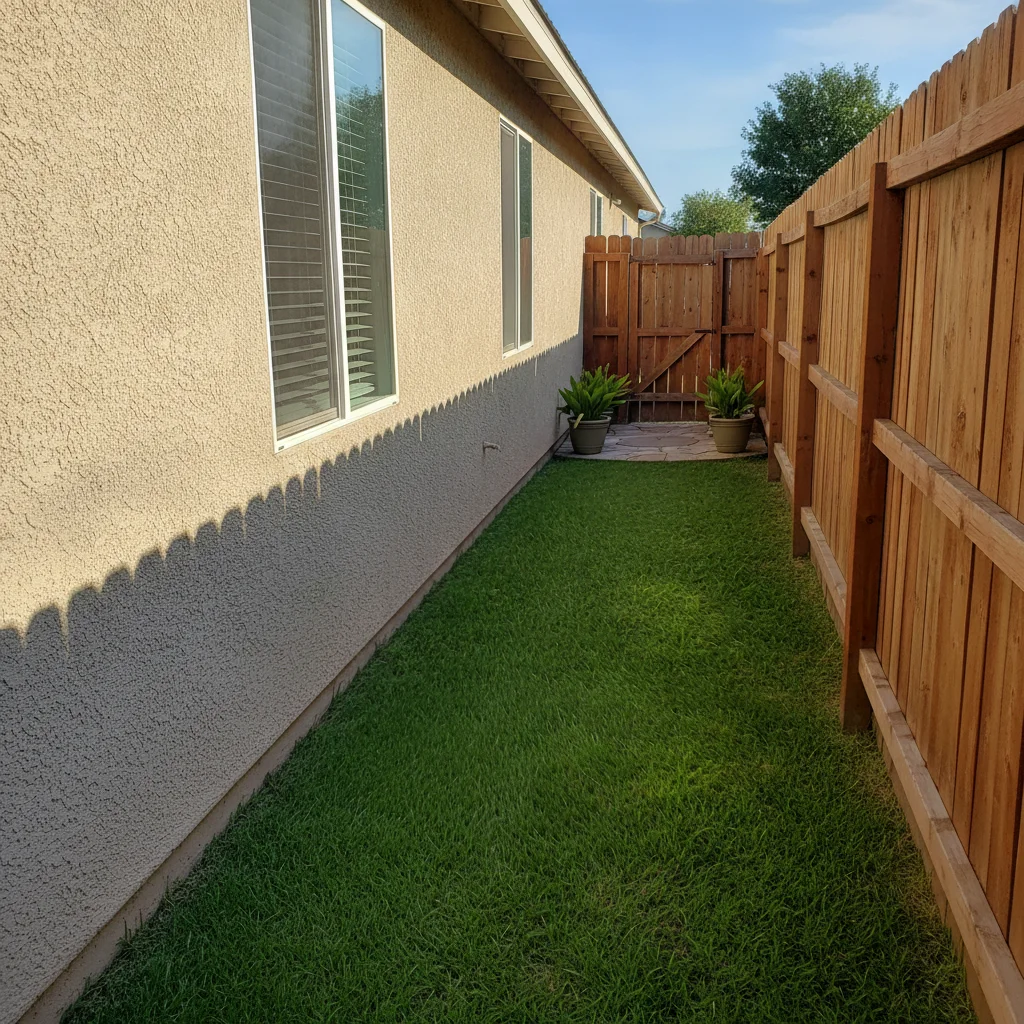
Narrow side yard lawn between a house wall and a fence
Before
->
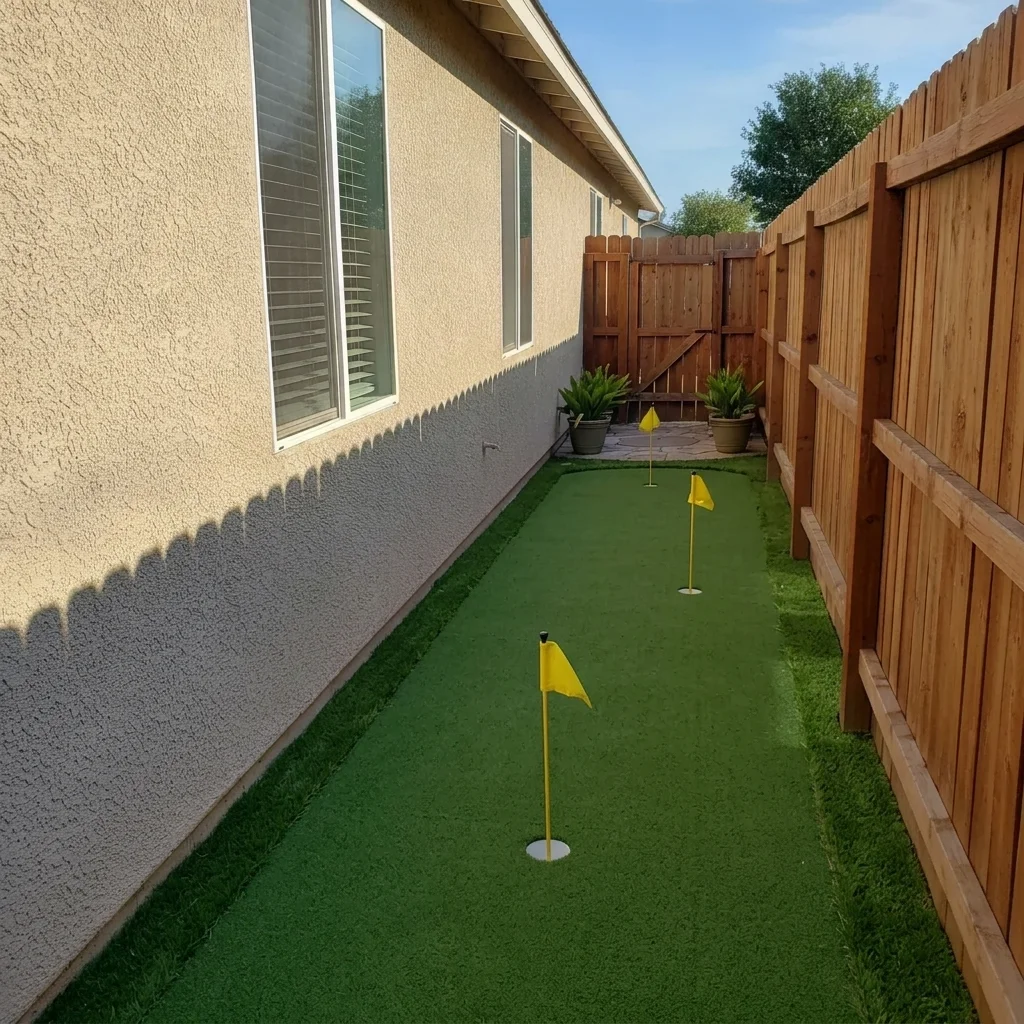
Same side yard with a long putting strip and yellow flags
After

Side yard strip to practice green

A narrow practice putting strip with flags.

Prompt: add a long narrow putting strip with three holes and small yellow flags along the side of the yard
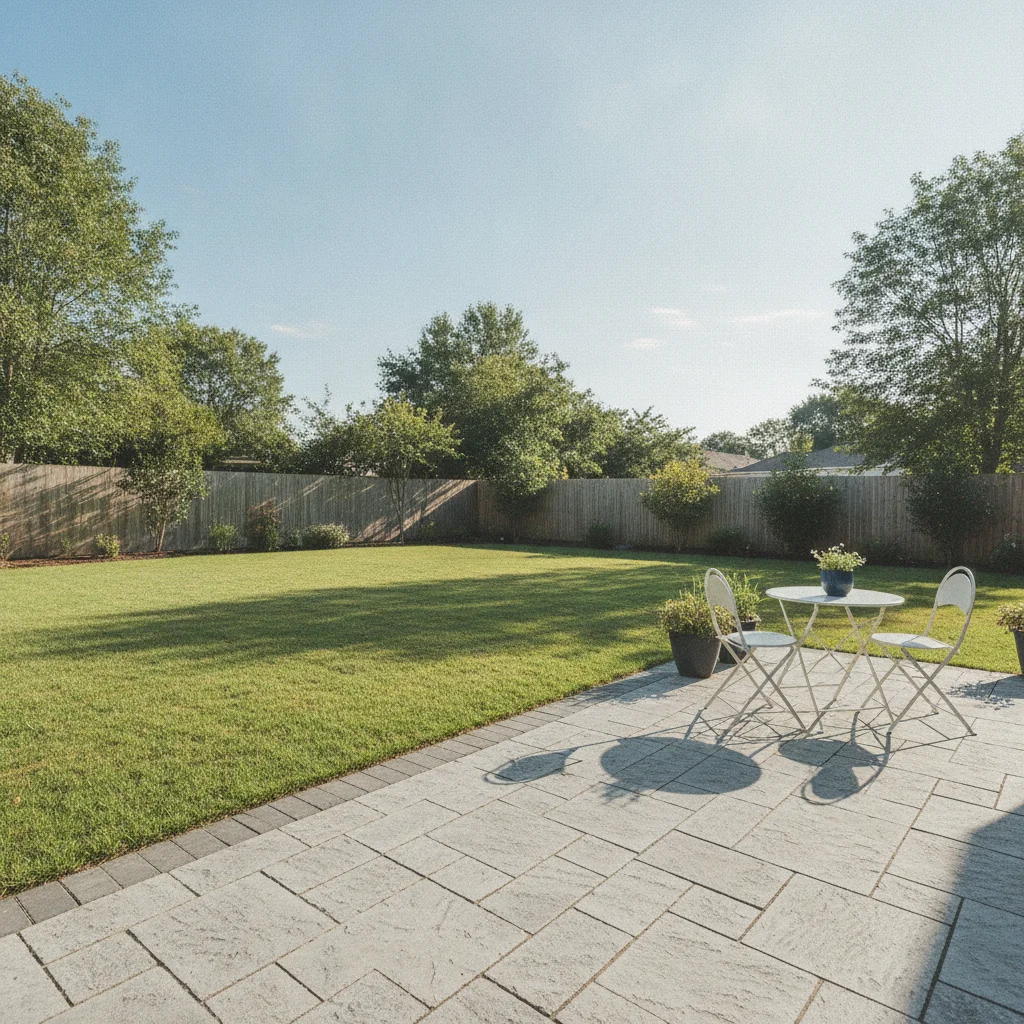
Backyard with a stone patio on the right and open lawn on the left
Before
->
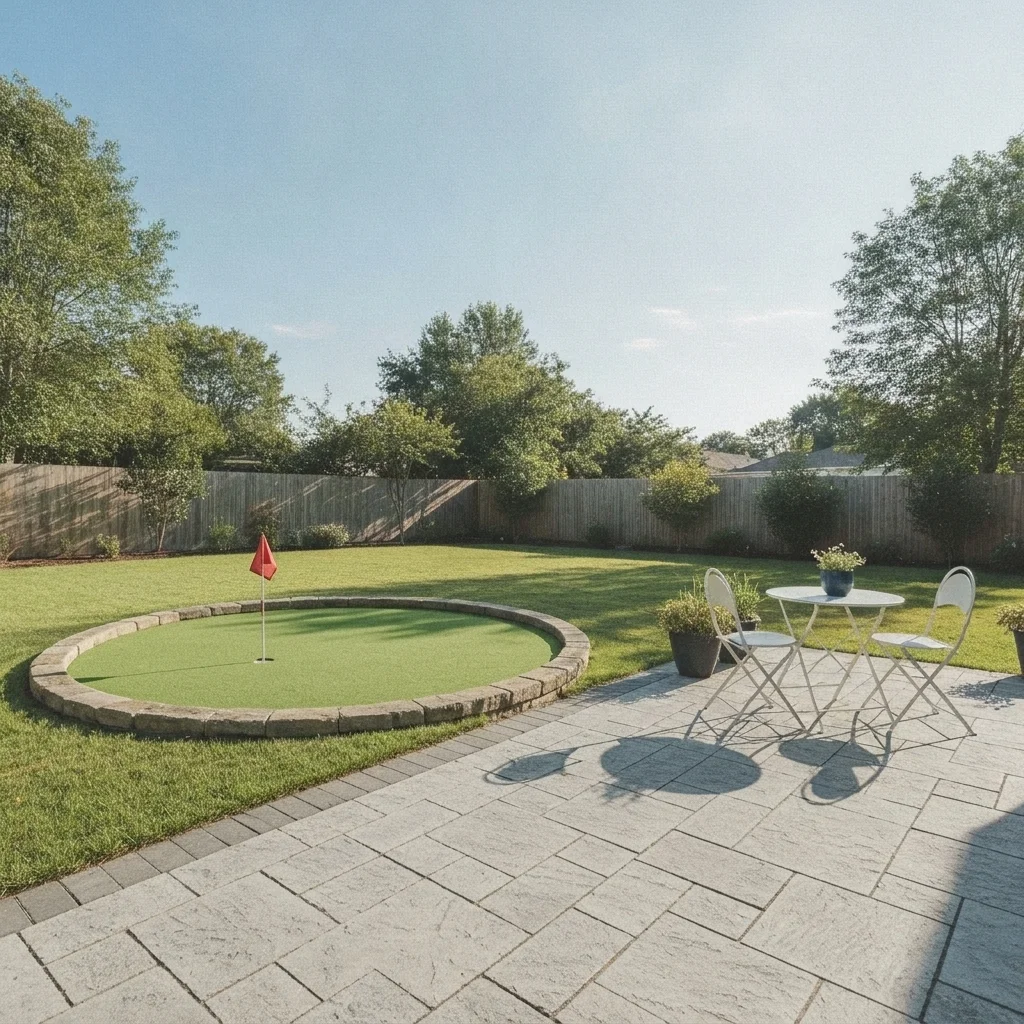
Same yard with a round putting green and a red flag by the patio
After

Round green beside the patio

A round green with a red flag and stone border.

Prompt: add a round putting green with a single red flag next to the patio, with a curved stone border, keep the patio furniture unchanged

Quick answers

Do I need to mark the area for the green before describing what I want?

No. Just describe the change, for example 'add a curved putting green with two red flags'. The AI finds the right area from your words and the photo. Markers are optional and only help when the result lands in the wrong place.

Is there a free ai putting green visualizer with no signup?

Yes. EditThisPic gives you a free preview edit with no signup and no watermark. Upload your photo, describe the change, and look at the result in your browser.

Can it show a putting green with a sand bunker?

Yes. Add 'a small sand bunker at the edge' in your description and the AI draws one. Its depth and shape are approximate.

Can I preview artificial turf and real grass looks?

You can ask for a bright synthetic turf look or a natural mowed grass look and compare. It does not tell you which one performs better.

Does it tell me how big the green should be?

No. It shows a preview only. Measure the space and ask an installer about size, base and drainage for a real green.

How much does EditThisPic cost?

You get 1 free Standard edit per week — no account needed. After that, one-time credit packs start at $4.99 for 10 credits, valid 12 months, no subscription. A Standard edit uses 1 credit, Pro 2 and Ultra 3. Purchased downloads are clean with no watermark.

Ready to preview your putting green?

Free to try. No signup required.

1 free edit included·paid credit packs after