Pricing Restore Recipe card · Free

AI Recipe Card Restoration

← Browse all food tools

Last updated

Upload a photo of a stained recipe card and describe the clean-up. Free.
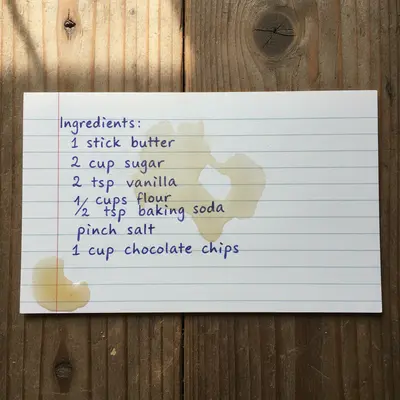
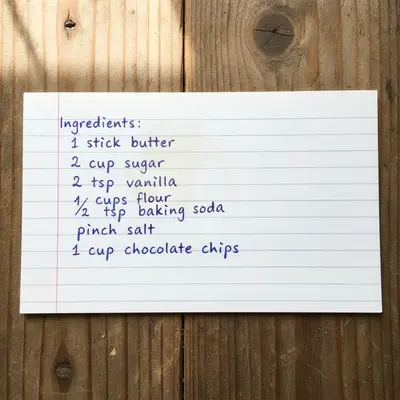
Recipe card with grease stains Same card with lighter stains and clearer handwriting

Upload photo to restore recipe card

"remove the brown coffee ring from this recipe card and keep the handwriting that passes through it unchanged"

Free to try · no sign-up · never used for AI training

Release to upload

<30stypical edit
1 freeedit weekly
Photo on your phone? Scan to open this editor there — free edit works on your phone too.

1 free edit every week·paid packs after

How it works

  1. Upload a photo or scan of the card

    Place the card flat in even daylight and photograph it from directly above, or scan it. Photograph both sides if there is writing on the back. JPG, PNG or WebP.

    Expect: Most clean photos finish in under a minute. Heavily damaged or very dark photos can take longer and may need a second pass.
  2. Describe the stains and what to keep

    Name what you see: grease spots, splatters, a coffee ring, yellowing, faded ink. Say the handwriting, measurements and any drawings must stay exactly as written. No marking needed.

    Tip: Say 'keep every measurement and number exactly as written'. A changed amount can ruin a recipe.

    Copy one of these to get started:

    Grease and butter stains reduce the grease and butter stains on this handwritten recipe card, brighten the card and make the handwriting clearer, keep every word and measurement unchanged
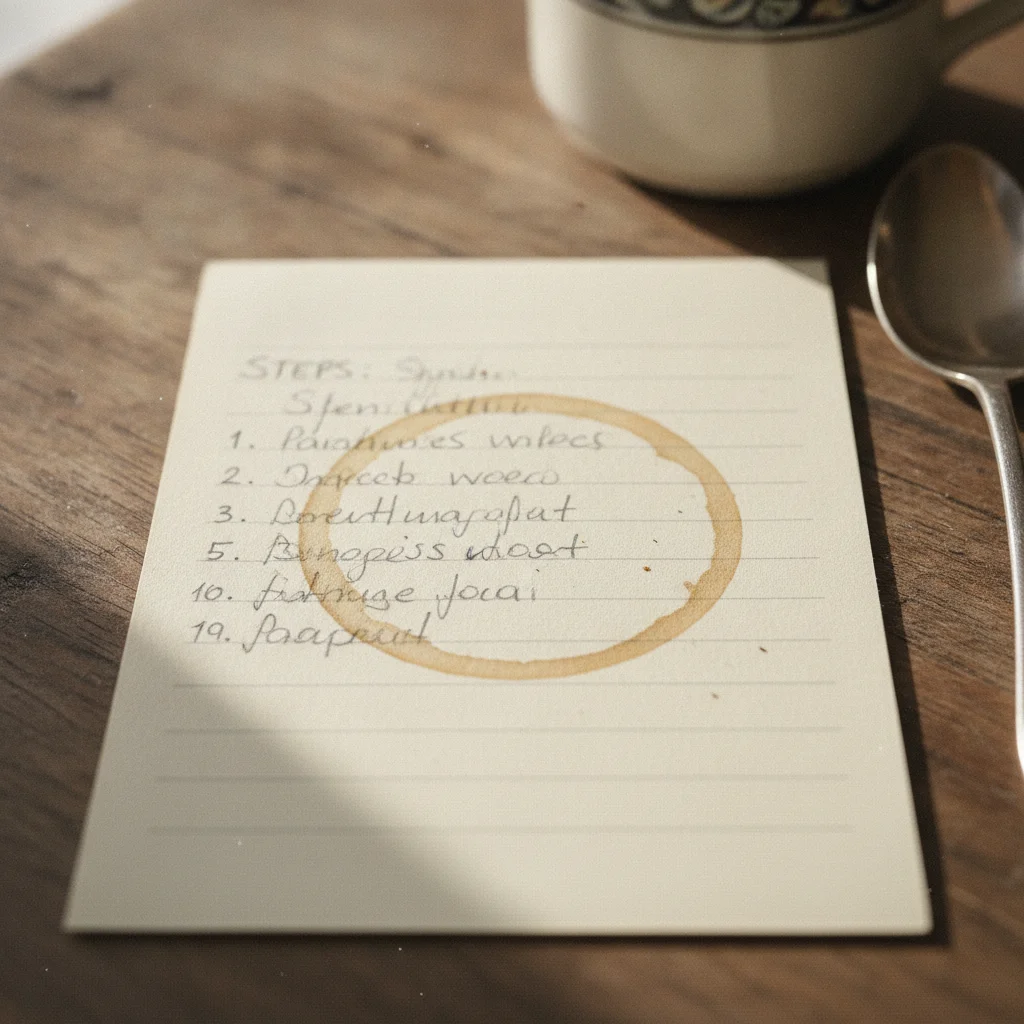
    Coffee ring on the card remove the brown coffee ring from this recipe card and keep the handwriting that passes through it unchanged
    Splatters over the ink lift the red sauce splatters from this old recipe card without changing the blue ink handwriting underneath
    Yellowed, faded index card reduce the yellowing of this index card to a clean off-white and make the faded pencil handwriting darker, no changes to any words
    3 more prompts
    Print-ready version clean up this recipe card for printing: even out the background to a soft cream, reduce all stains and make the handwriting crisp, keep the writing exactly
    Frame-ready with the age kept gently reduce the stains on this recipe card but keep its aged paper look, folds and the original handwriting for a framed keepsake
    Recipe card with a small drawing restore this recipe card, reduce stains, and keep the little pen drawing of a pie and the handwriting exactly as they are
  3. Review the result

    Read the ingredient amounts against the original. Look at the areas that were stained, and check that numbers such as 1/2 or 3/4 weren't altered.

  4. Refine with markers if needed

    Optional. If a stain is still there or a number looks different, tap a marker on it and run the prompt again.

    Tip: Markers are for precision refinement, not a required step.

See it in action

Recipe card with grease stains
Before
->
Same card with lighter stains and clearer handwriting
After

Butter-stained cookie card

A handwritten cookie recipe on a lined card with translucent grease spots.

Prompt: reduce the grease and butter stains on this handwritten recipe card, brighten the card and make the handwriting clearer, keep every word and measurement unchanged
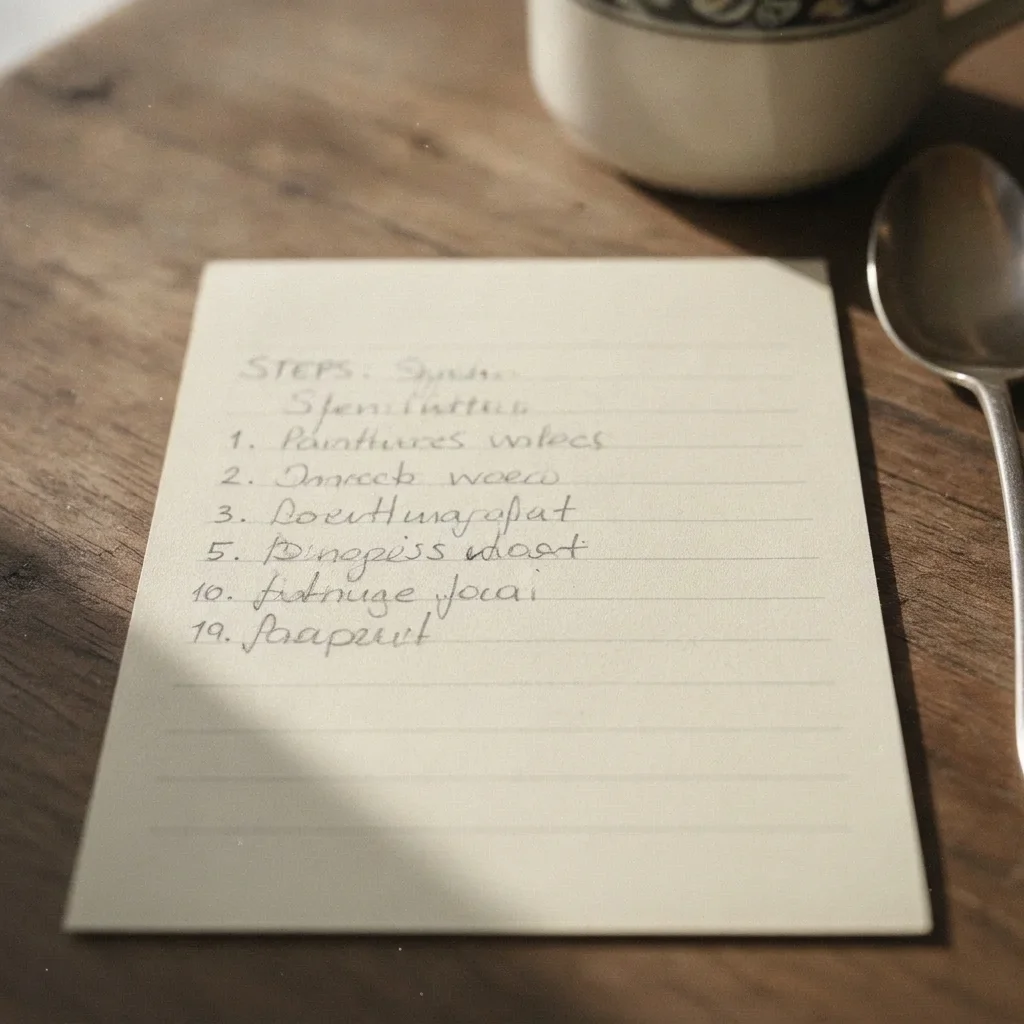
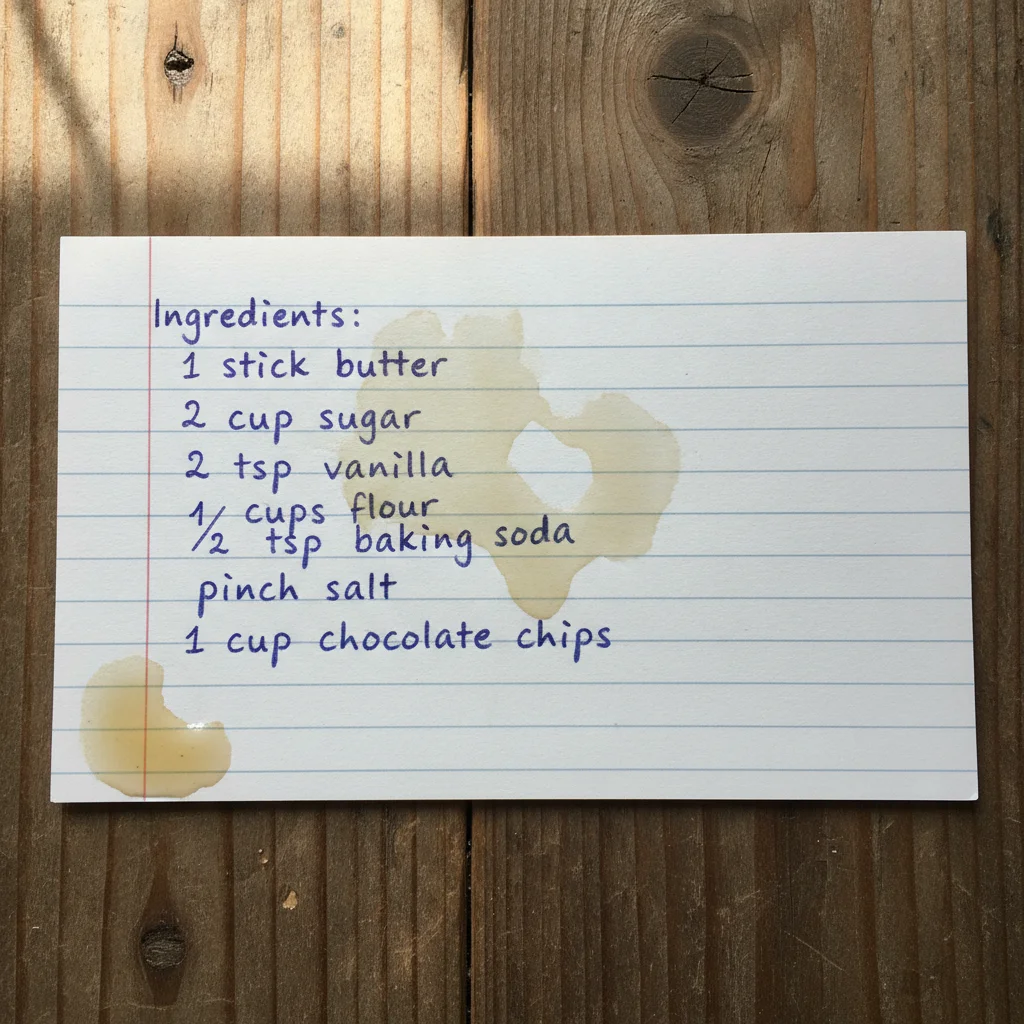
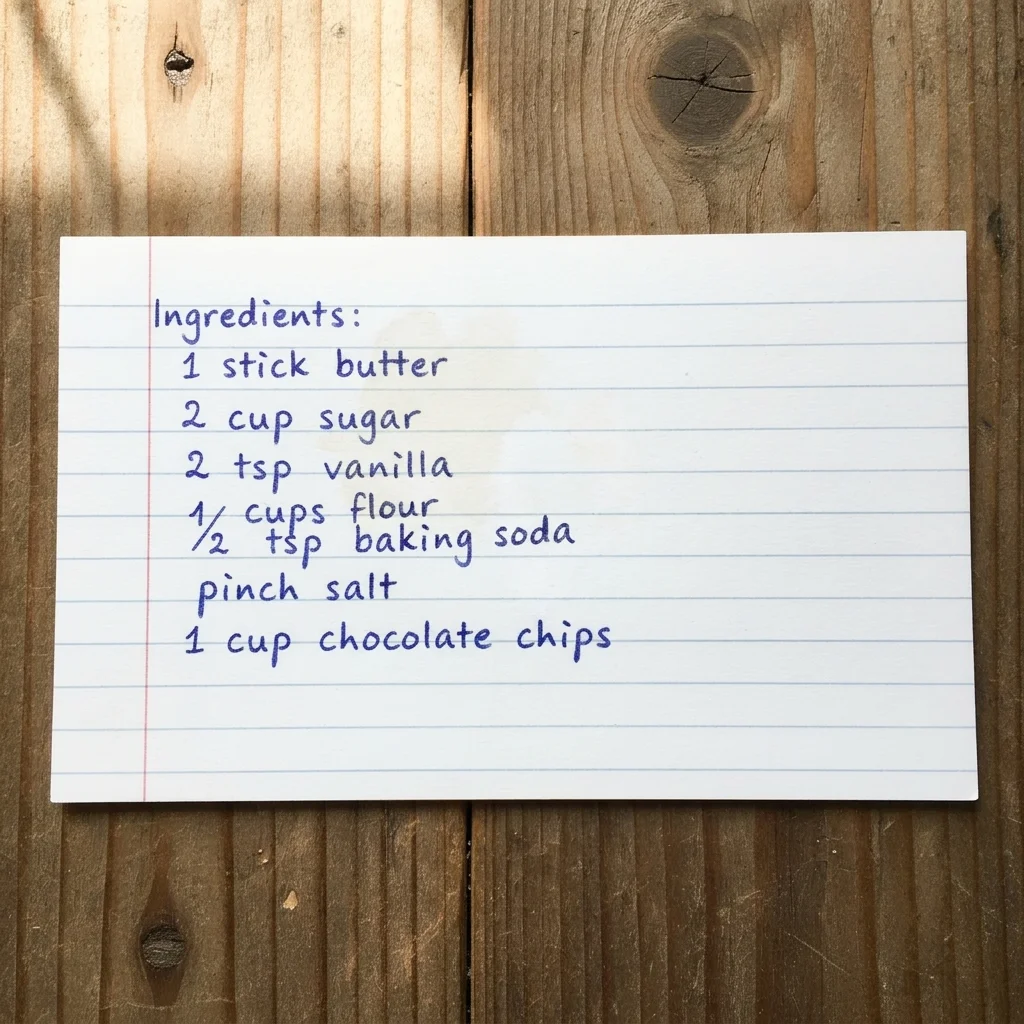
Index card with a coffee ring over the writing
Before
->
Same card with the ring faded and the writing intact
After

Coffee ring across the steps

An index card with a brown coffee ring over part of the instructions.

Prompt: remove the brown coffee ring from this recipe card and keep the handwriting that passes through it unchanged
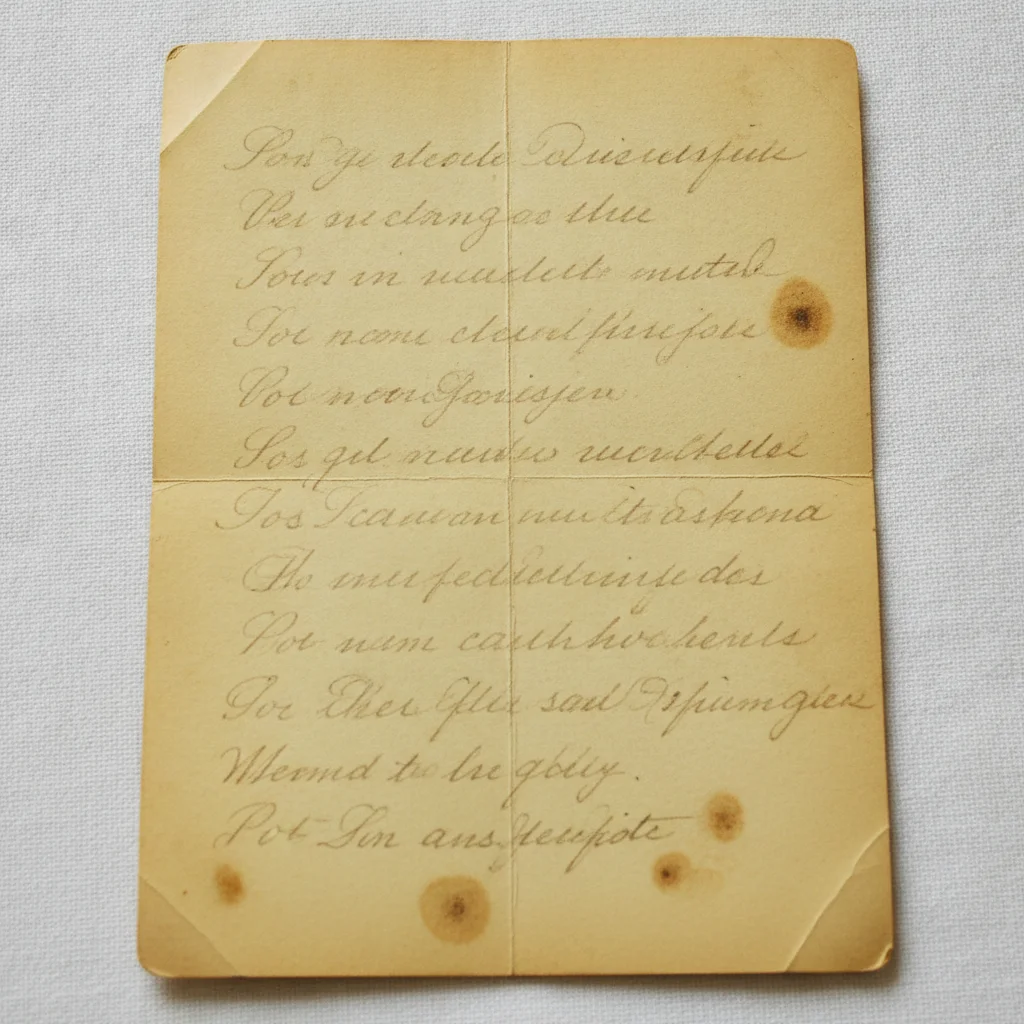
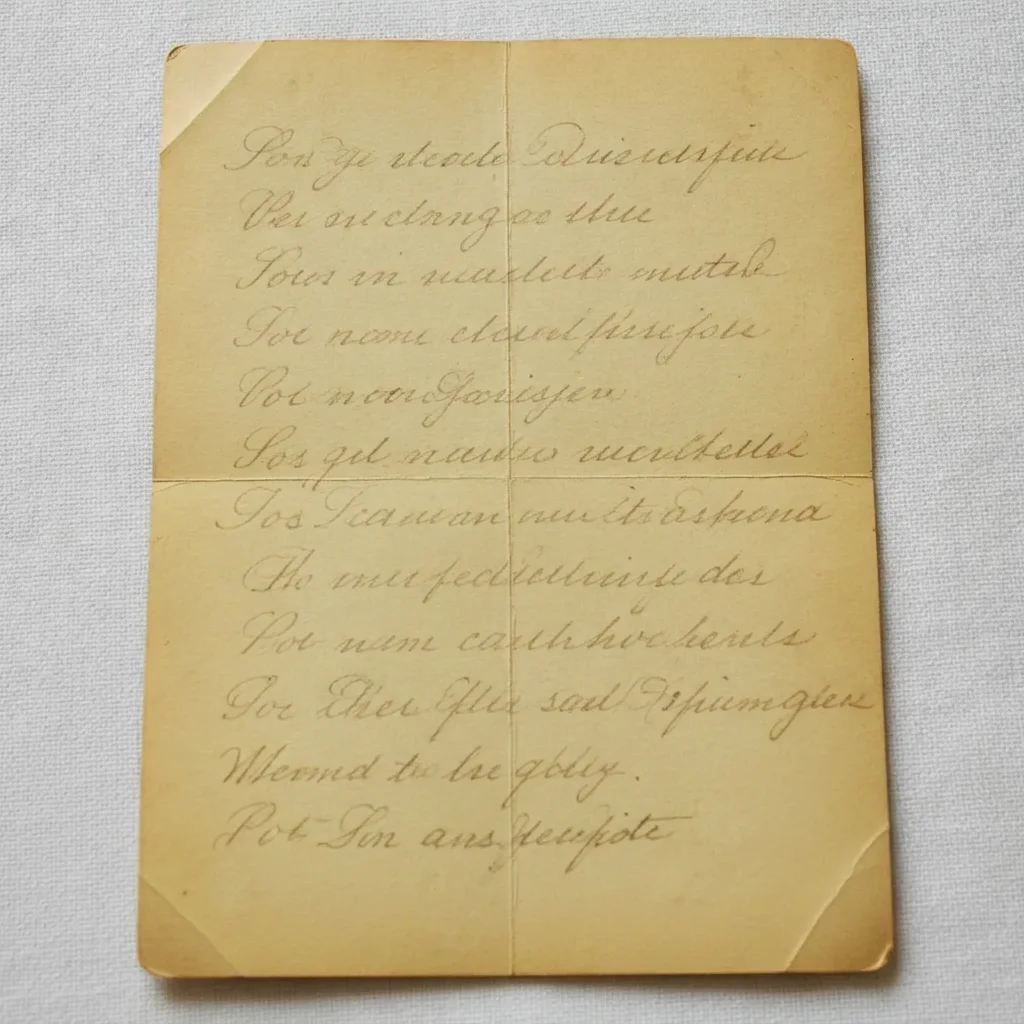
Yellowed recipe card with a fold and spots
Before
->
Same card gently cleaned with its aged look kept
After

Yellowed card for framing

A faded, yellowed recipe card that the family wants to frame.

Prompt: gently reduce the stains on this recipe card but keep its aged paper look, folds and the original handwriting for a framed keepsake

Quick answers

Do I need to mark the stains before describing what I want?

No. Describe the clean-up, such as 'reduce the grease stains and make the handwriting clearer.' Use markers only if the AI changes the wrong area.

How do I restore a stained recipe card for free?

Upload a photo or scan to EditThisPic, describe the clean-up and preview it. The preview edit is free with no signup and no watermark.

Can it change the recipe or the handwriting?

No, and it must not be used that way. It cleans up the image only. Compare every amount and instruction with your original card.

Can I print or frame the result?

Yes, you can use the cleaned image for a keepsake, but keep the original card. Check the result against the original first, since AI results can differ slightly.

Will it work on cards with writing on both sides?

Yes, upload each side as a separate photo and describe the clean-up for each.

How much does EditThisPic cost?

You get 1 free Standard edit per week — no account needed. After that, one-time credit packs start at $4.99 for 10 credits, valid 12 months, no subscription. A Standard edit uses 1 credit, Pro 2 and Ultra 3. Purchased downloads are clean with no watermark.

Ready to restore your recipe card?

Free to try. No signup required.

1 free edit included·paid credit packs after