Pricing Visualize Skylight · Free

AI Skylight Visualizer

← Browse all creative effects

Last updated

Upload a room photo, describe the skylight, and preview it. Free, no account.
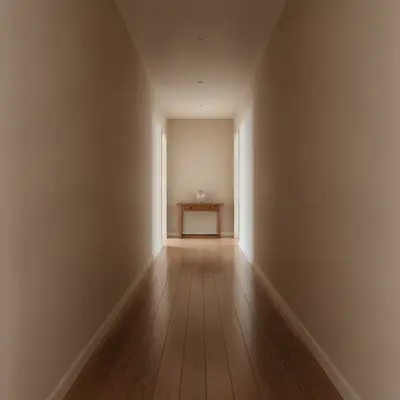
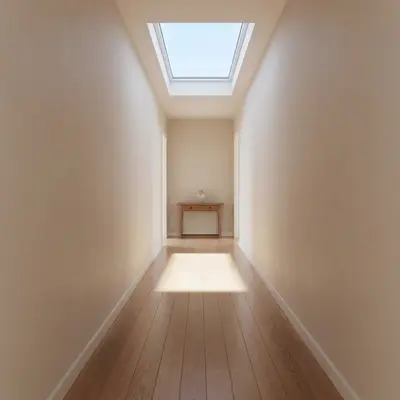
Dim hallway with a flat white ceiling Same hallway with a rectangular skylight and daylight falling in

Upload photo to visualize skylight

"add a rectangular skylight directly above the kitchen island, bright daylight coming through, keep the cabinets, island and floor unchanged"

Free to try · no sign-up · never used for AI training

Release to upload

<30stypical edit
1 freeedit weekly
Photo on your phone? Scan to open this editor there — free edit works on your phone too.

1 free edit every week·paid packs after

How it works

  1. Upload a clear photo

    Stand in a corner and aim slightly upward so a good part of the ceiling is in frame, with the walls and floor visible too. Turn lights on so the ceiling is not a flat dark patch.

    Expect: Most previews take well under a minute. Busy photos with many similar surfaces can take longer or need a second try.
  2. Describe the change you want

    Describe the skylight: shape, size relative to the room, and where on the ceiling. For example, 'add a large rectangular skylight in the center of the ceiling, blue sky visible through it, with soft daylight falling on the floor.' Add the ceiling type if it is vaulted or flat.

    Tip: Say where you want it, such as 'above the kitchen island' or 'in the center of the ceiling'.

    Copy one of these to get started:

    One rectangular skylight add one large rectangular skylight in the center of the ceiling with bright blue sky visible and daylight falling on the floor, keep the walls and furniture unchanged
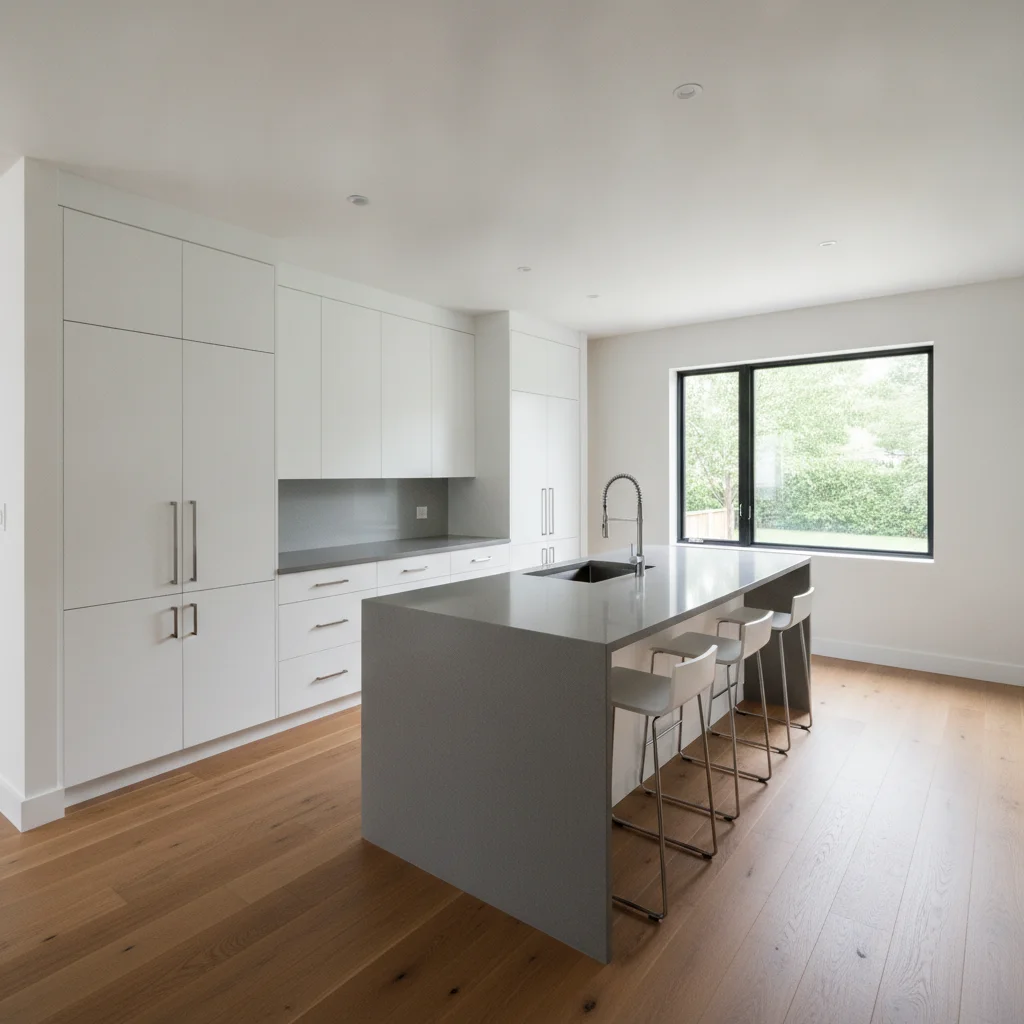
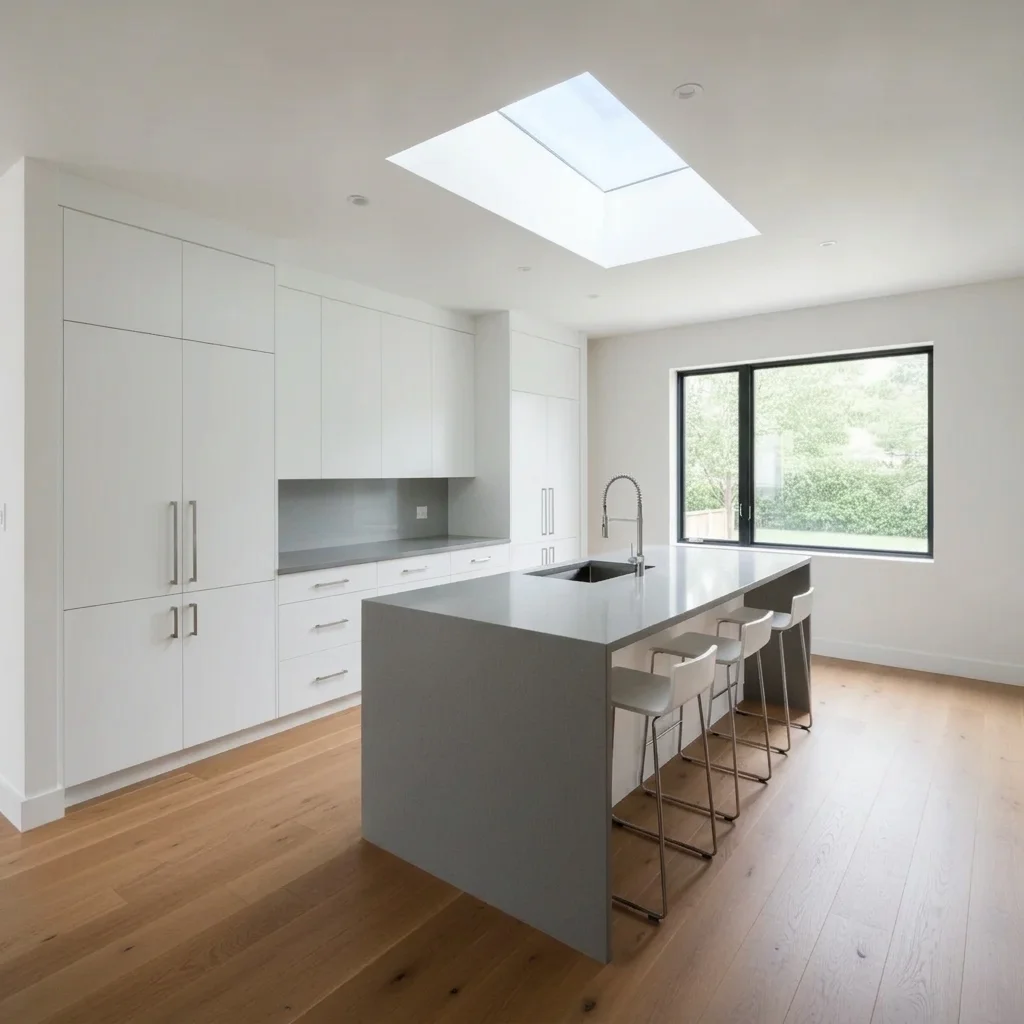
    Kitchen skylight over the island add a rectangular skylight directly above the kitchen island, bright daylight coming through, keep the cabinets, island and floor unchanged
    Bathroom skylight over shower add a small square skylight above the shower with soft daylight, keep the tile, glass and fixtures unchanged
    Two skylights in a long hall add two matching square skylights evenly spaced along the hallway ceiling with daylight falling on the floor, keep everything else unchanged
    3 more prompts
    Vaulted ceiling skylight add a rectangular skylight in the sloped side of the vaulted ceiling, blue sky and a few white clouds visible, keep the beams and walls unchanged
    Round skylight add a round skylight in the center of the flat ceiling with a white splayed light shaft and daylight on the floor
    Pitched attic roof window add a rectangular roof window in the slanted attic ceiling with bright daylight, keep the wood beams and floor unchanged
  3. Review the preview

    Check the shaft around the skylight, the edge where it meets the ceiling and the light falling in the room. The AI cannot judge roof framing, flashing, insulation or code requirements, so the preview is a look, not an installation plan.

  4. Refine with markers if needed

    If the skylight lands in the wrong spot or the AI redoes the whole ceiling, place a marker where it should go and regenerate with the same prompt.

    Tip: Markers are optional. Most previews work from the description alone; use them only when the AI picks the wrong area.

See it in action

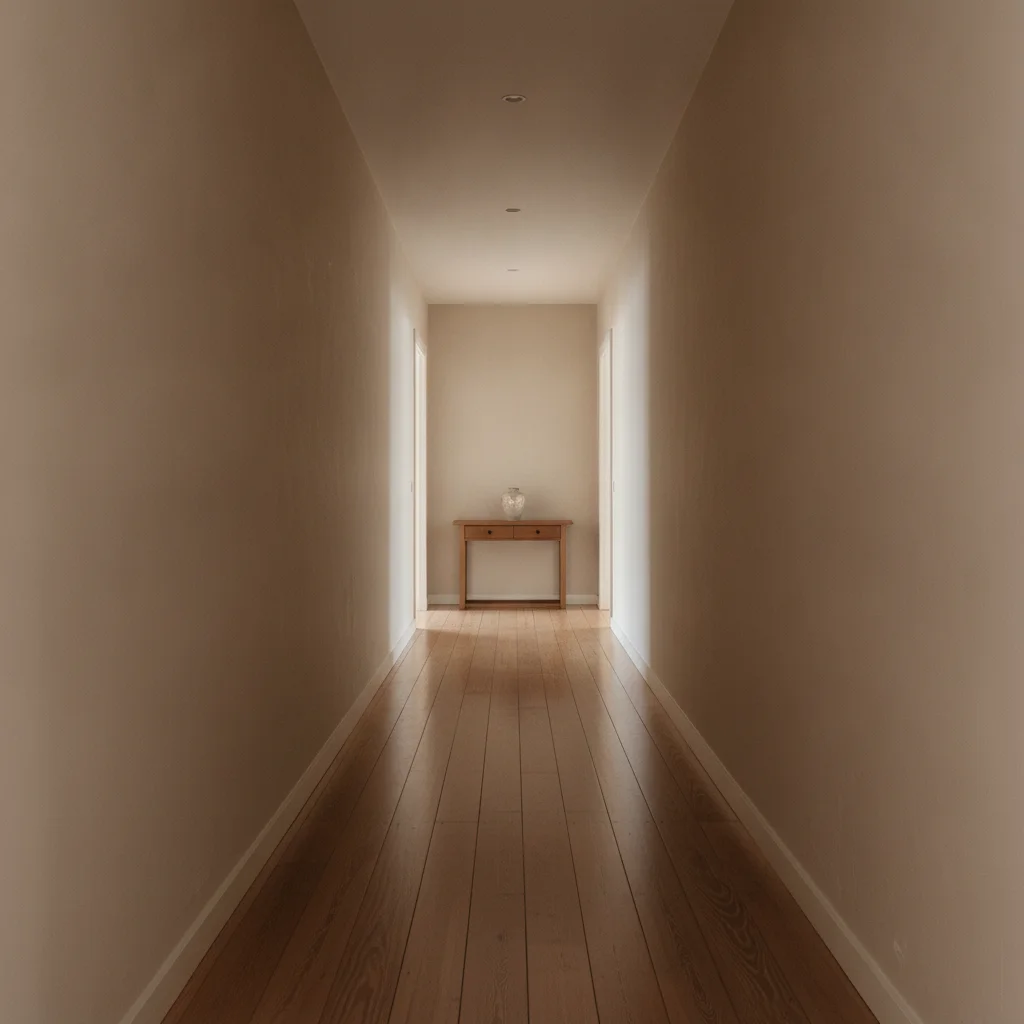
Dim hallway with a flat white ceiling
Before
->
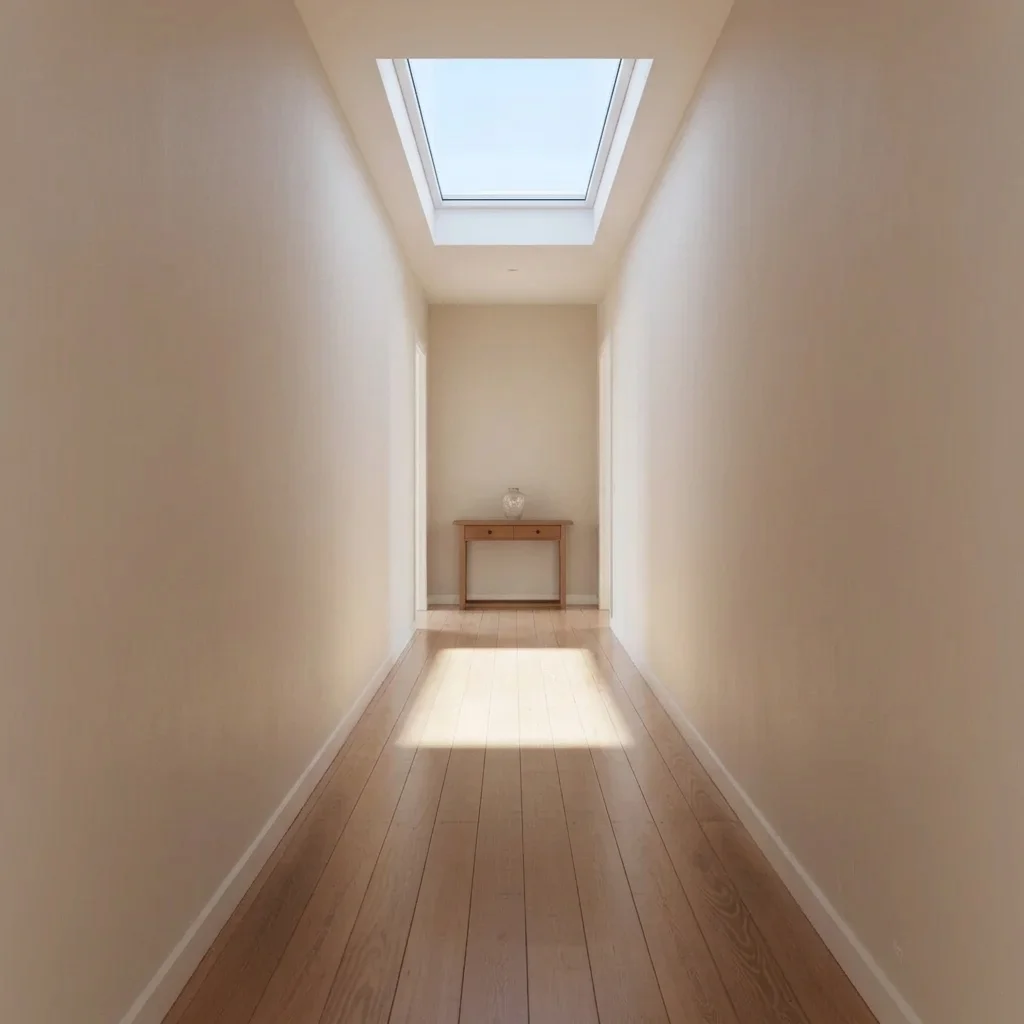
Same hallway with a rectangular skylight and daylight falling in
After

Dim hallway gets a skylight

A homeowner wanted to explain a light problem to a contractor.

Prompt: add one large rectangular skylight in the center of the ceiling with bright blue sky visible and daylight falling on the floor, keep the walls and furniture unchanged
Kitchen with an island under a flat white ceiling
Before
->
Same kitchen with a skylight above the island
After

Kitchen island under a skylight

A remodel client asked for a dramatic option.

Prompt: add a rectangular skylight directly above the kitchen island, bright daylight coming through, keep the cabinets, island and floor unchanged
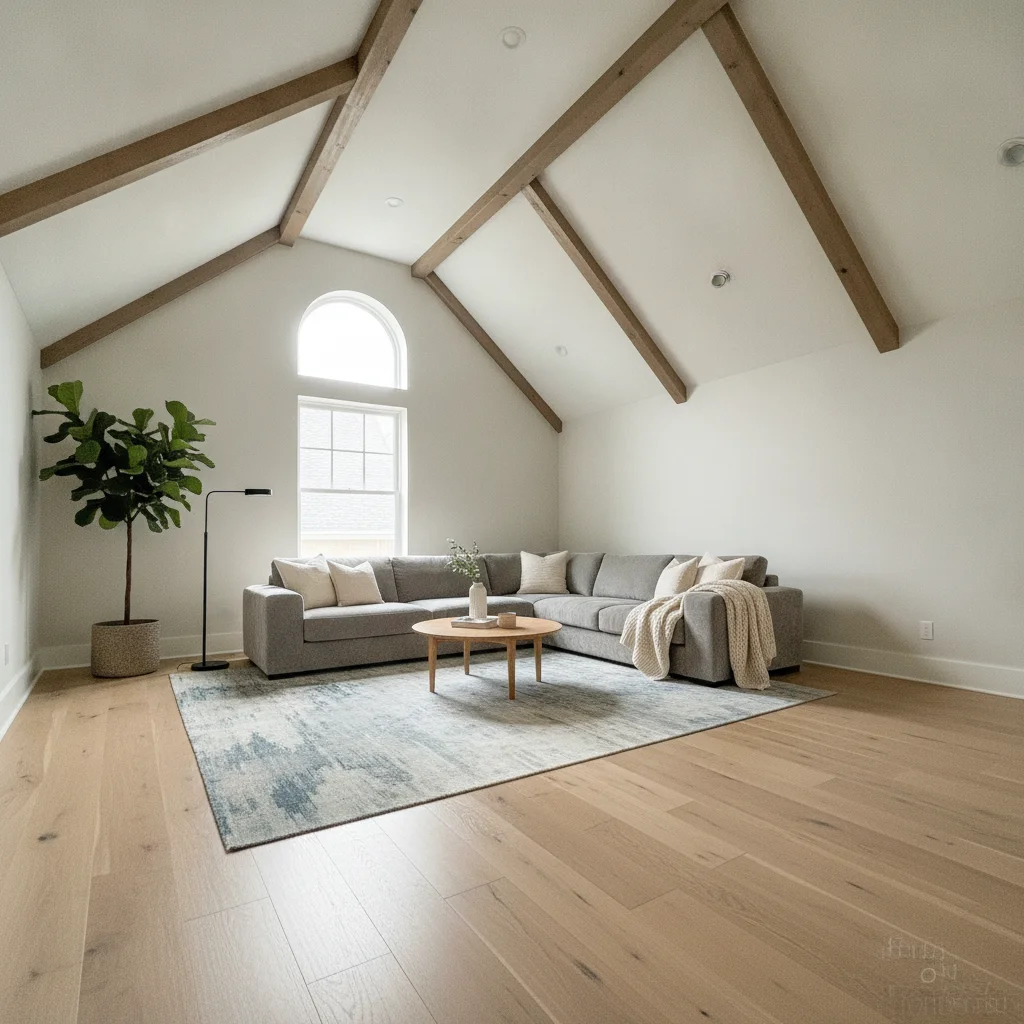
Living room with a vaulted white ceiling and beams
Before
->
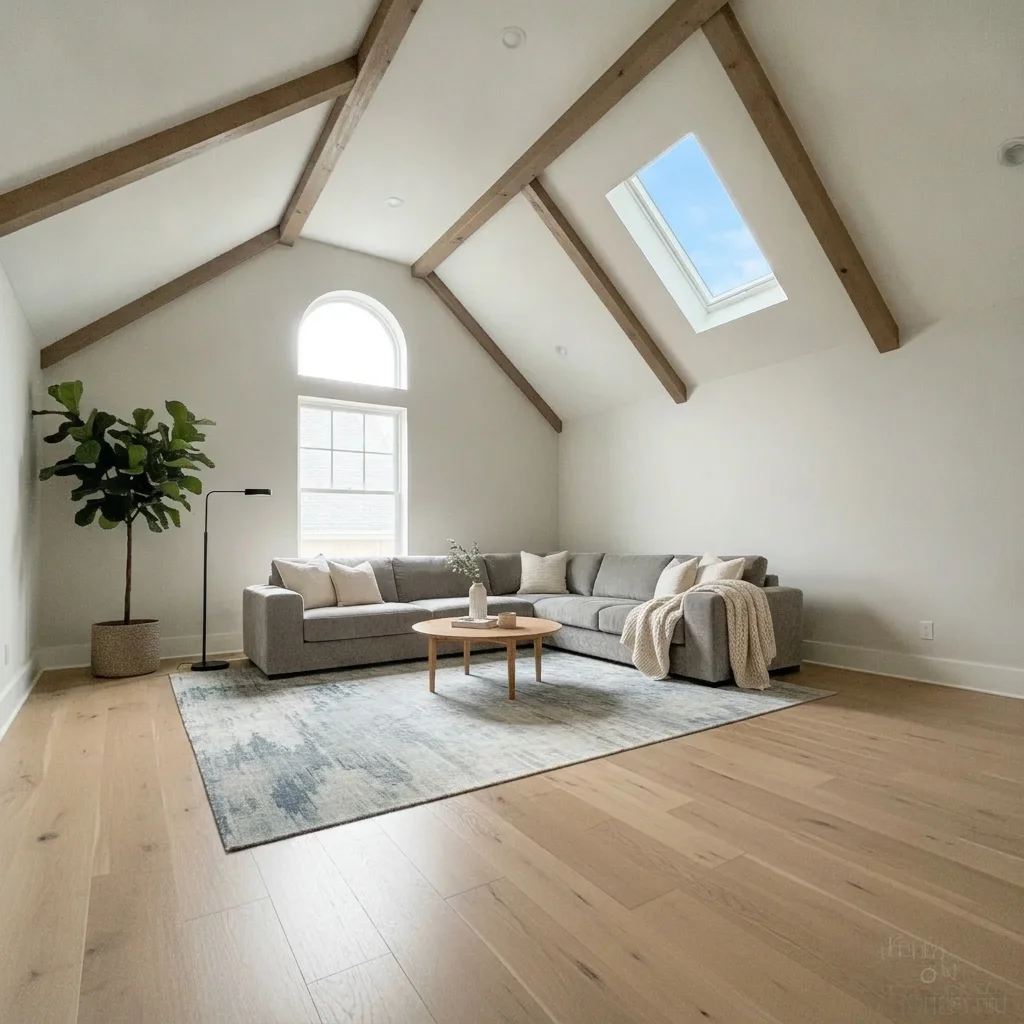
Same room with a skylight in the sloped ceiling
After

Vaulted living room

A family room owner imagined a roof window.

Prompt: add a rectangular skylight in the sloped side of the vaulted ceiling, blue sky and a few white clouds visible, keep the beams and walls unchanged

Quick answers

Do I need to mark where the skylight goes?

No. Describe the location, such as 'in the center of the ceiling' or 'above the island'. Use markers only if the AI places it somewhere else.

Is there a free skylight visualizer with no signup?

Yes. EditThisPic offers a free preview edit with no account and no watermark. Upload your room photo, describe the skylight and view the preview.

Will this tell me if my roof can take a skylight?

No. It is a visual mock-up. It cannot judge roof structure, framing, flashing or code, so ask a roofer or contractor.

Does the preview show how much light a skylight adds?

It gives a feel, not a measurement. The AI can brighten the scene, but real light depends on size, orientation, shading and weather.

Can I try different shapes and sizes?

Yes. Describe round, square or rectangular, and large or small, and run the same photo several ways to compare.

How much does EditThisPic cost?

You get 1 free Standard edit per week — no account needed. After that, one-time credit packs start at $4.99 for 10 credits, valid 12 months, no subscription. A Standard edit uses 1 credit, Pro 2 and Ultra 3. Purchased downloads are clean with no watermark.

Ready to preview your skylight?

Free to try. No signup required.

1 free edit included·paid credit packs after