Pricing Visualize Storm door · Free

AI Storm Door Visualizer

← Browse all creative effects

Last updated

Upload your front door photo and describe the storm door. Free, no account.
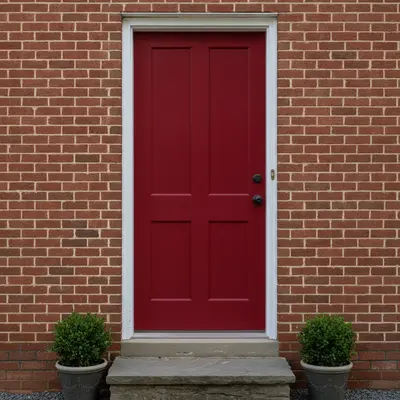
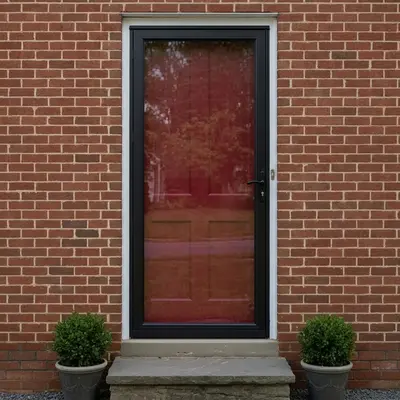
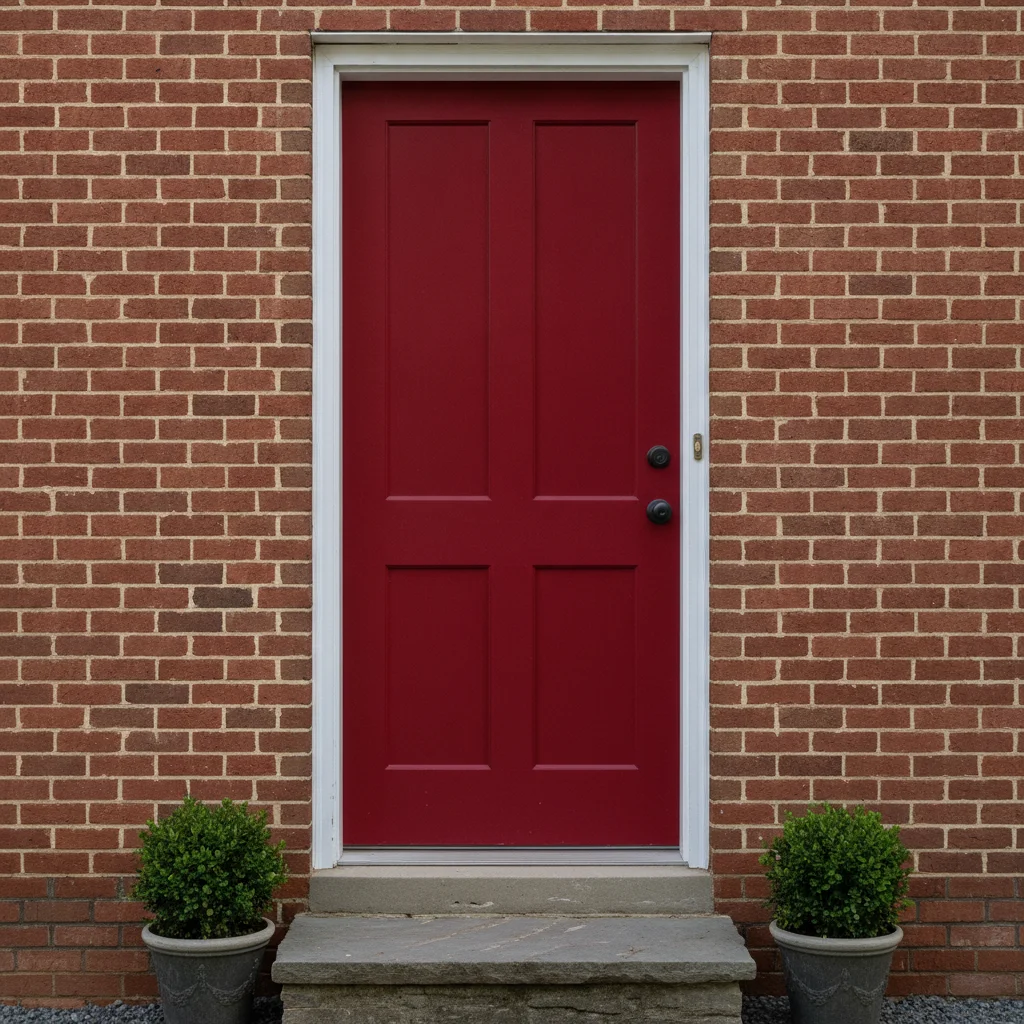
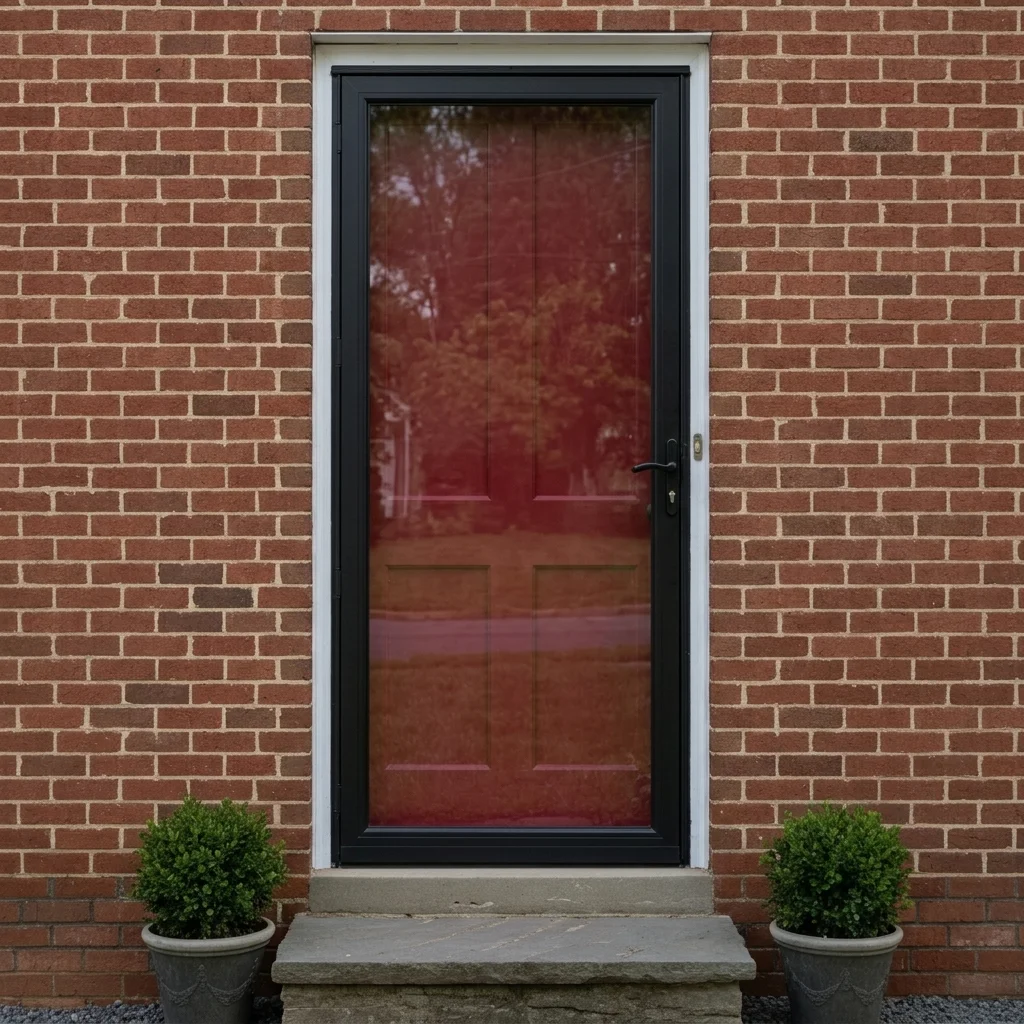
Red front door on a brick house without a storm door Same door with a black full-view glass storm door over it

Upload photo to visualize storm door

"add a white storm door with a clear glass panel and a small brushed nickel handle over the red front door, keep the red door visible through the glass"

Free to try · no sign-up · never used for AI training

Release to upload

<30stypical edit
1 freeedit weekly
Photo on your phone? Scan to open this editor there — free edit works on your phone too.

1 free edit every week·paid packs after

How it works

  1. Upload a straight-on photo of the entry

    Stand square to the door so the whole door and frame are visible, with the doorstep and nearby wall in view. Avoid strong glare on the existing door.

    Expect: Simple changes usually finish quickly; a tricky photo may need a second try.
  2. Describe the storm door style and frame colour

    Type the frame colour and glass type, for example 'add a white full-view storm door with a clear glass panel over the front door, keep the door and brick unchanged.' You can ask for a half-screen, a full-view glass door or a screen-only door. No marking required.

    Tip: Mention that the existing front door should stay visible through the glass. Naming the frame colour matters more than extra detail.

    Copy one of these to get started:

    Black full-view glass storm door add a black aluminum full-view storm door with a large clear glass panel over the front door, keep the front door and brick unchanged
    White storm door on a red door add a white storm door with a clear glass panel and a small brushed nickel handle over the red front door, keep the red door visible through the glass
    Screen door for a porch add a classic wooden screen door with a screen panel and decorative trim over the front door, painted white, keep the rest of the porch unchanged
    Retractable screen look add a bronze storm door with a half glass, half screen panel over the front door, keep the door and wall unchanged
    3 more prompts
    Match the trim colour add a storm door with a frame in the same cream colour as the door trim, large clear glass, over the front door, keep everything else unchanged
    Dark bronze frame add a dark bronze storm door with clear glass and a narrow frame over the front door, keep the wood door unchanged
    Remove the storm door remove the storm door and show the front door by itself, keep the frame and wall unchanged
  3. Review the preview

    Look at the frame edges, the handle and how the glass shows the door behind it. Check that the door colour behind the glass is still right and the door frame is not distorted.

  4. Refine with markers if needed

    If the storm door covers the wrong area or a second door changes, tap a marker on the front door and regenerate. Markers help when a photo has two doors or a garage.

    Tip: Markers are for precision refinement, not a required step. Most edits work from the description alone.

See it in action

Red front door on a brick house without a storm door
Before
->
Same door with a black full-view glass storm door over it
After

Black storm door on a red door

A bright red front door on a brick house is previewed with a black full-view glass storm door.

Prompt: add a black aluminum full-view storm door with a large clear glass panel over the RED front door, keep the red door visible through the glass and the brick unchanged
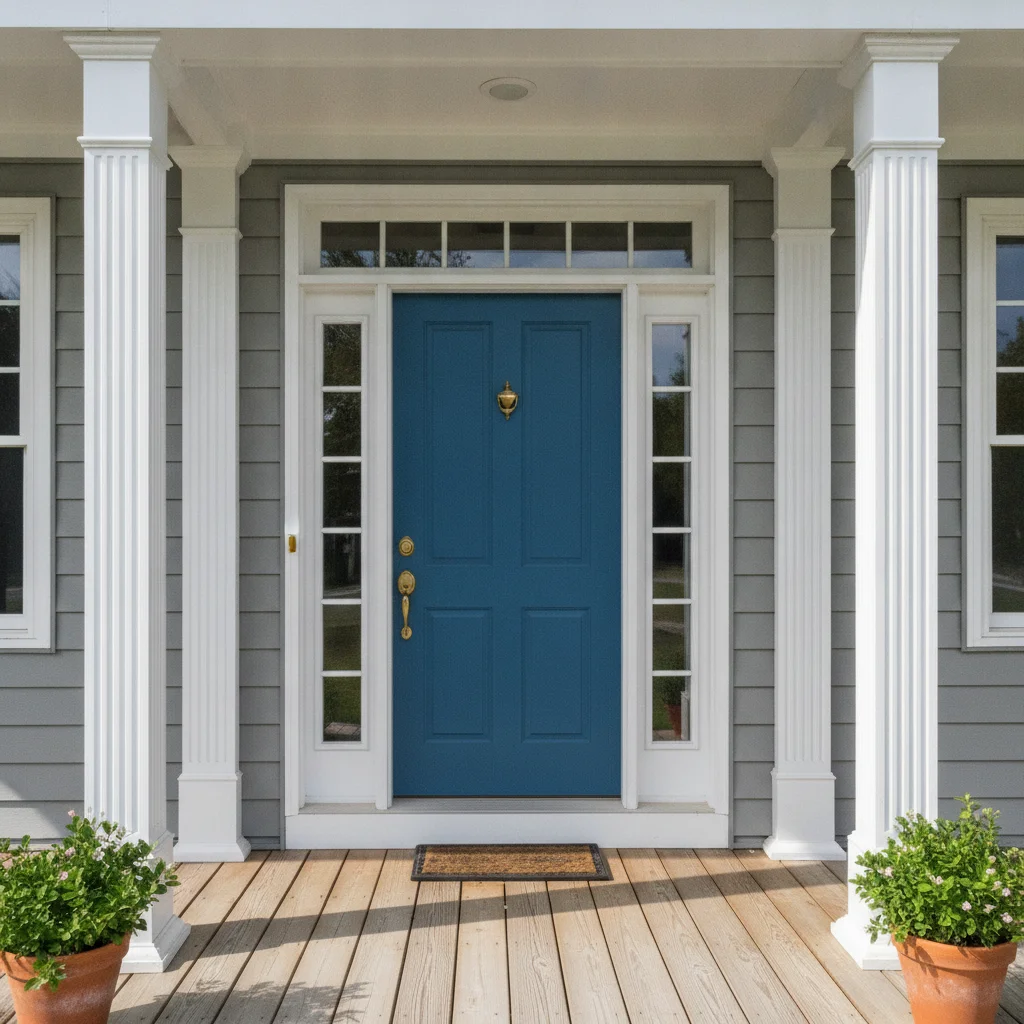
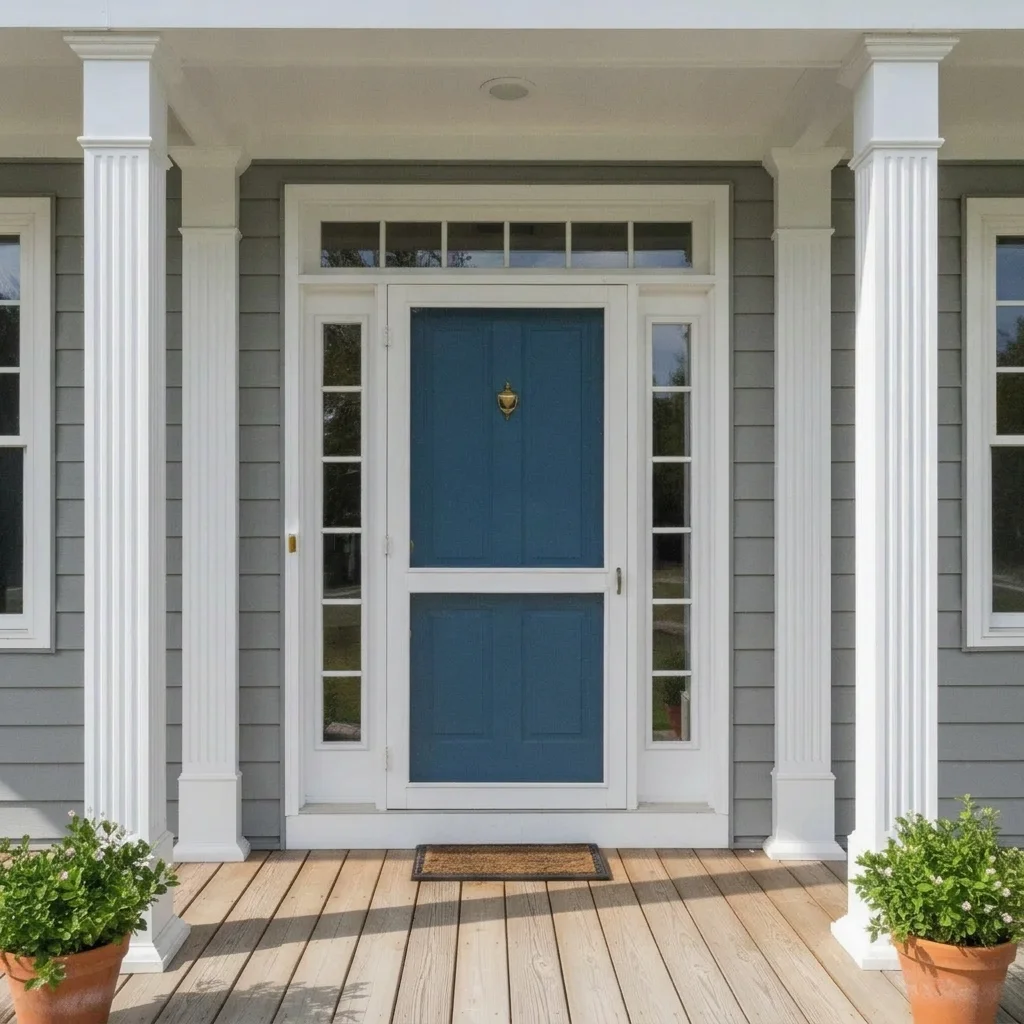
Blue door on a porch with no screen door
Before
->
Same porch with a white screen door over the blue door
After

White screen door on a porch

A porch entry with a blue door gets a white screen door.

Prompt: add a classic white wooden screen door with a screen panel and simple trim over the blue front door, keep the porch unchanged
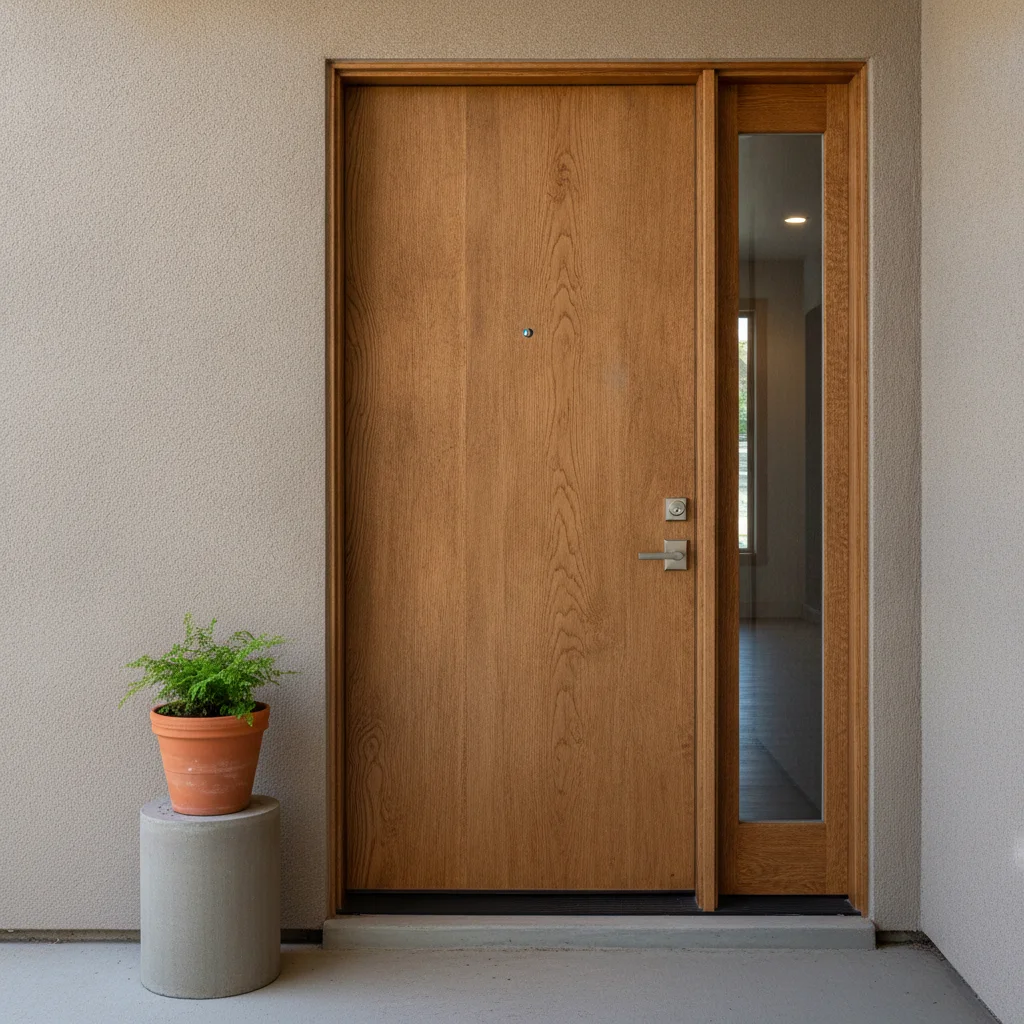
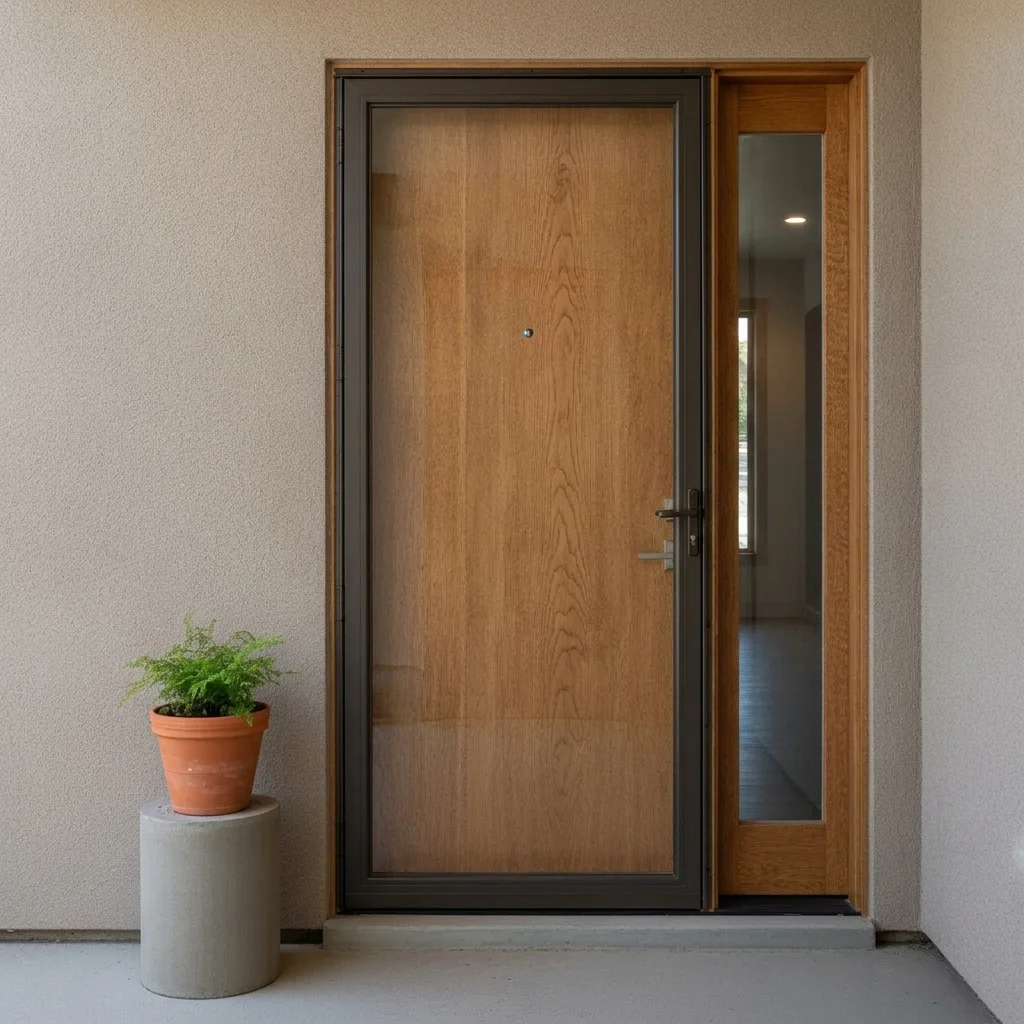
Wood door with a sidelight on stucco
Before
->
Same door with a dark bronze storm door in front
After

Bronze storm door on a wood door

A natural wood door is previewed with a dark bronze storm door.

Prompt: add a dark bronze storm door with clear glass and a narrow frame over the natural wood front door, keep the door unchanged

Quick answers

Do I need to mark the front door first?

No. Describe the storm door and the AI finds the door. Use markers only if it picks the wrong area.

Is there a free storm door visualizer with no login?

Yes. EditThisPic gives you a free preview edit with no account, no signup and no watermark. Upload your photo, describe the change, and look at the result.

Can I compare frame colours?

Yes. Run the same photo with white, black and bronze frames and compare the previews.

Will this tell me which storm door will fit?

No. It does not measure anything. Door sizes and hinge sides vary, so measure and ask a supplier.

Can I preview a screen door for summer?

Yes. Ask for a screen-only door with a frame colour. It is a preview, not a plan: use it to get a feel for the look and show it to your installer or supplier, who will confirm real sizes, products and local requirements.

How much does EditThisPic cost?

You get 1 free Standard edit per week — no account needed. After that, one-time credit packs start at $4.99 for 10 credits, valid 12 months, no subscription. A Standard edit uses 1 credit, Pro 2 and Ultra 3. Purchased downloads are clean with no watermark.

Ready to preview a storm door?

Free to try. No signup required.

1 free edit included·paid credit packs after