AI Thumbnail Editor for Video Courses
← Browse all creative effectsLast updated
Fix instructor headshots, swap distracting backgrounds, polish course artwork — describe what needs changing and AI handles it.


Upload photo to edit video course thumbnail
"remove the bookshelf behind me and replace with a clean slightly blurred dark background"
Free to try · no sign-up · never used for AI training
Release to upload
<30stypical edit
1 freeedit weekly
Photo on your phone?
Scan to open this editor there — free edit works on your phone too.
How it works
See it in action


Home background replaced for professional look
Instructor photo taken at home — background cleanup instantly makes the thumbnail look like it was shot in a professional studio.
Prompt:
replace the home office background with a clean dark gradient background suitable for a professional course thumbnail
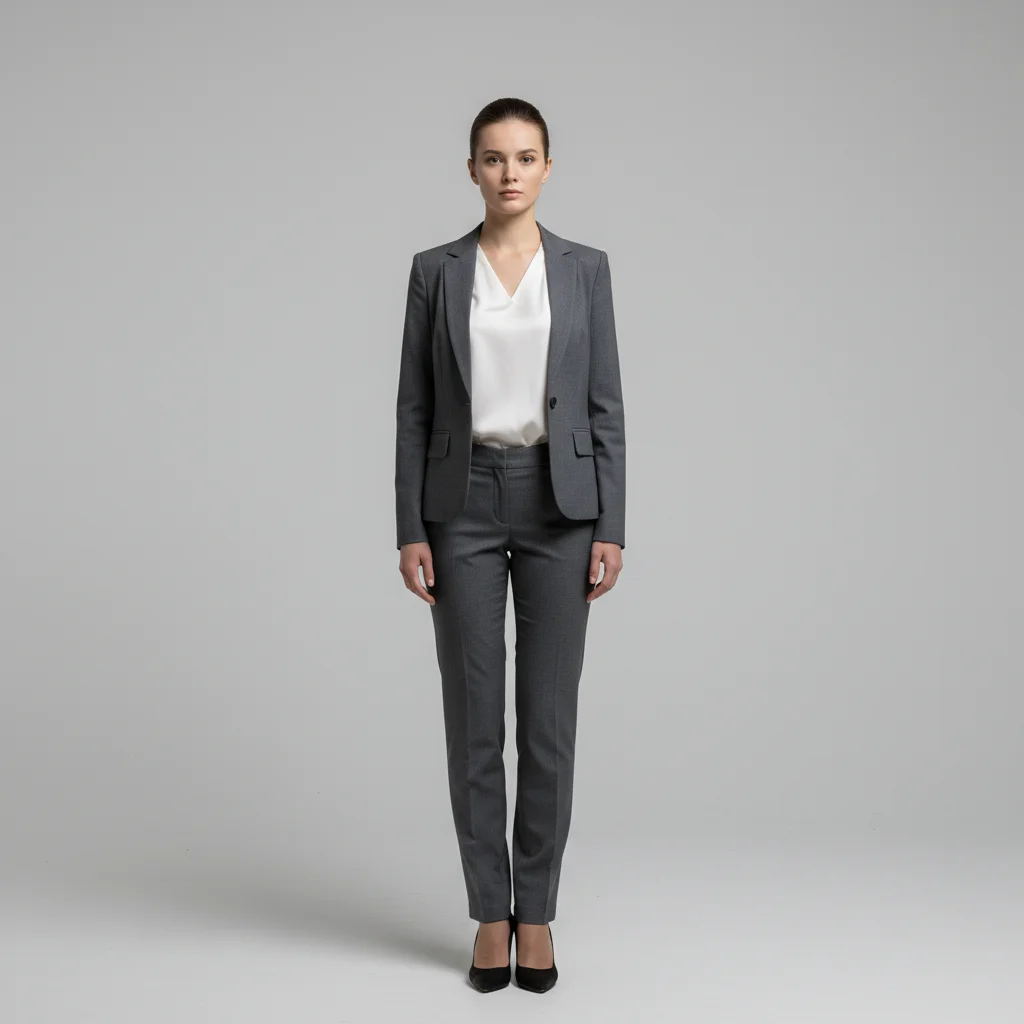
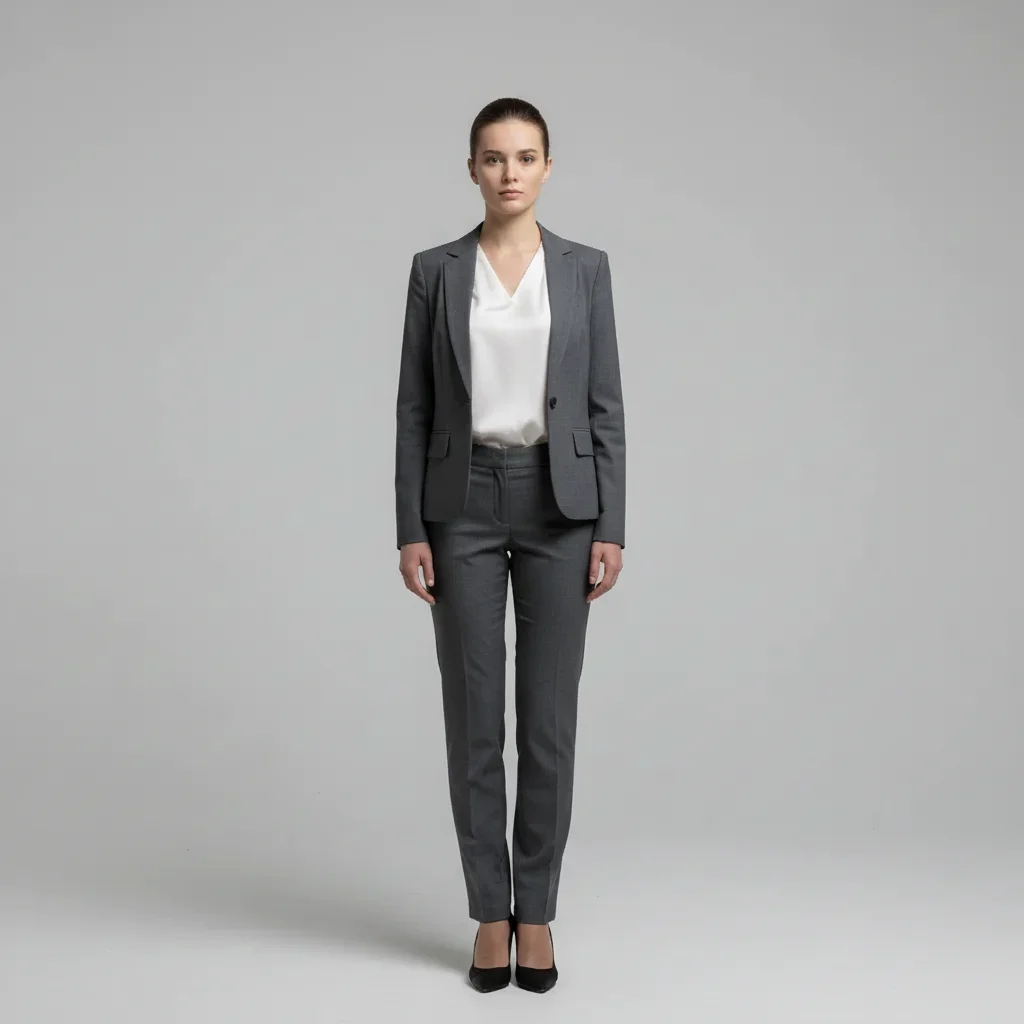
Flat lighting fixed for course platform
Photo has flat lighting that doesn't read well at thumbnail size. A quick enhancement makes it pop on course platform listings.
Prompt:
add professional lighting contrast, brighten the face, and increase the overall photo punch for a course thumbnail
Quick answers
Popular use cases
Polish Your Course Thumbnail Photos
Professional backgrounds, clean instructor headshots. Free to try, no signup.