Pricing Restore Tintype photo · Free

AI Tintype Photo Restoration

← Browse all restore tools

Last updated

Upload a photo or scan of an old tintype and describe the damage. Free.
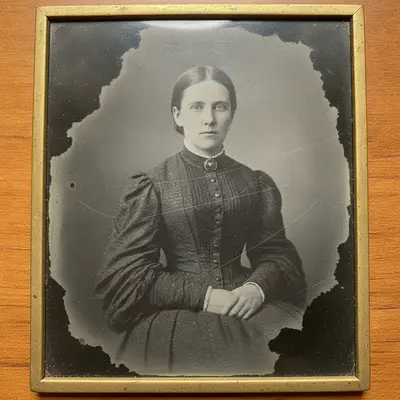
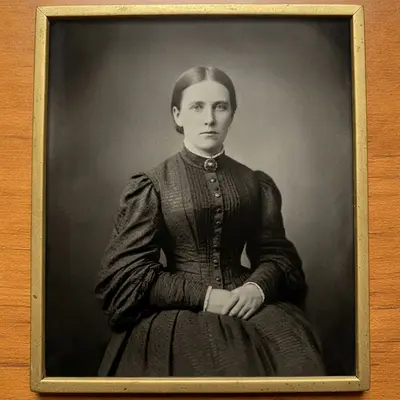
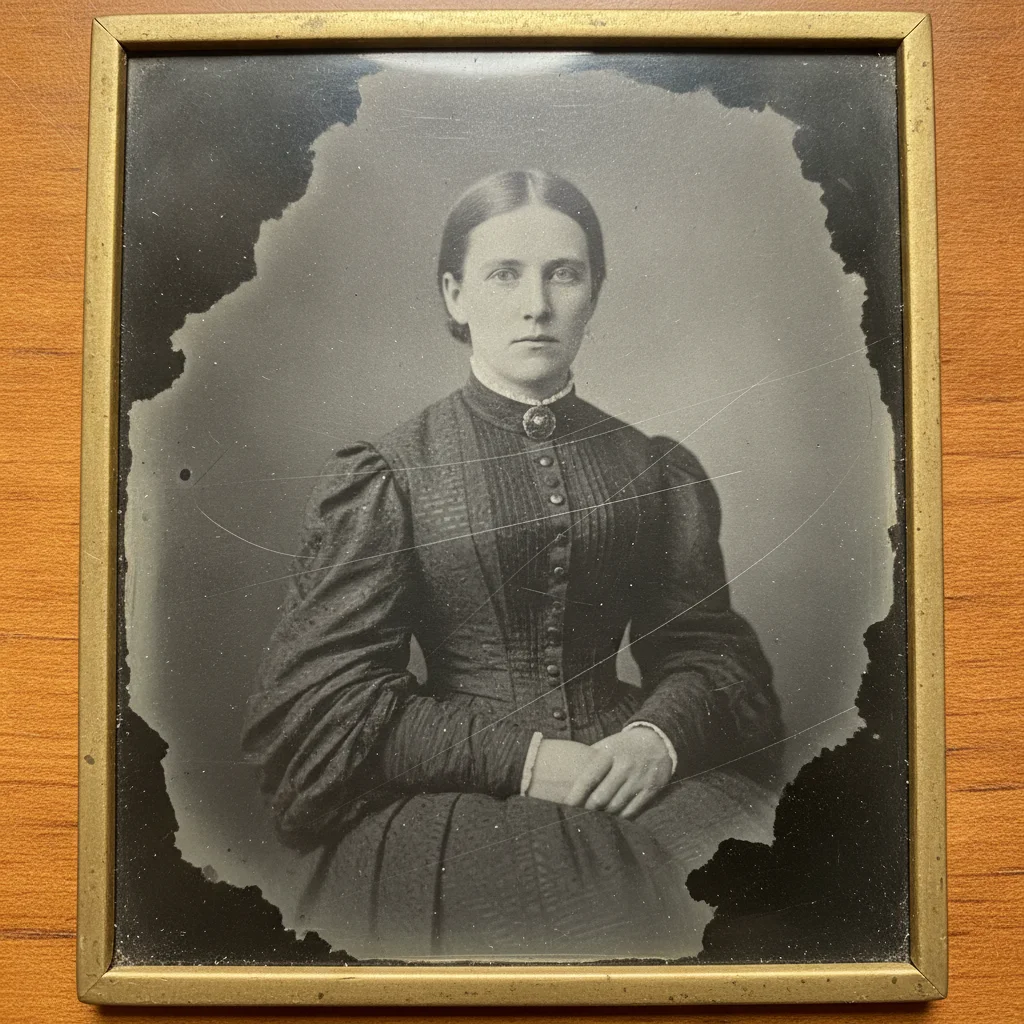
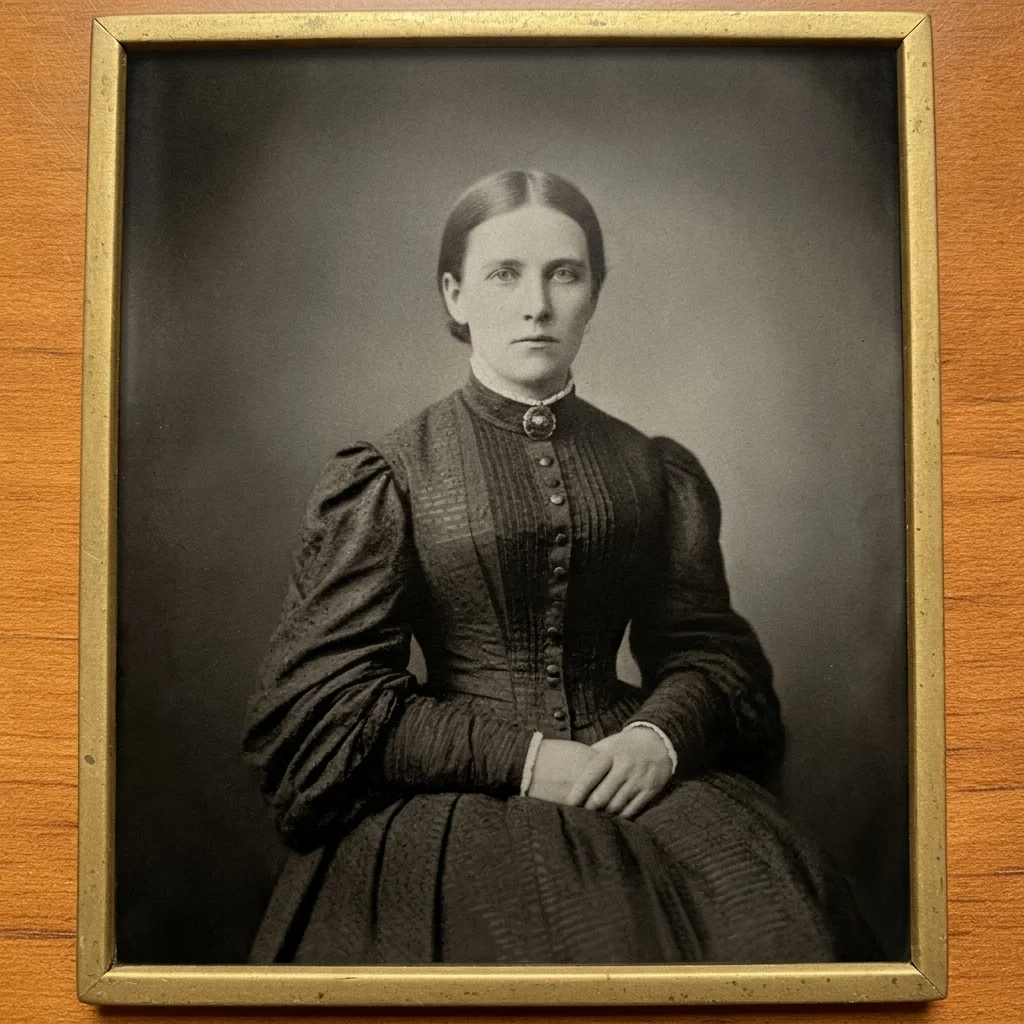
Tintype portrait of a woman with tarnish spots and scratches Same portrait with fewer spots and scratches and clearer contrast

Upload photo to restore tintype photo

"increase the contrast and clarity of this murky tintype so the face and clothing details are easier to see, keep the period look"

Free to try · no sign-up · never used for AI training

Release to upload

<30stypical edit
1 freeedit weekly
Photo on your phone? Scan to open this editor there — free edit works on your phone too.

1 free edit every week·paid packs after

How it works

  1. Photograph or scan the tintype

    Shoot in soft, indirect light and tilt the plate slightly to avoid reflection from the metal. Fill the frame and keep it in focus. Don't remove the plate from its case roughly. Upload as JPG, PNG or WebP.

    Expect: Most clean photos finish in under a minute. Heavily damaged or very dark photos can take longer and may need a second pass.
  2. Describe the damage and the goal

    Name the problems: scratches, tarnish spots, bubbling, flaking, low contrast, a mirror-like sheen. Say the faces, clothing and pose must stay as they are. No marking needed.

    Tip: Mention the type of plate, tintype, ambrotype or glass plate, and that it is a 19th-century portrait. It helps keep the period look.

    Copy one of these to get started:

    Scratches and tarnish on a portrait restore this tintype portrait: reduce the scratches and dark tarnish spots, recover the contrast, and keep the faces, clothing and pose exactly as they are
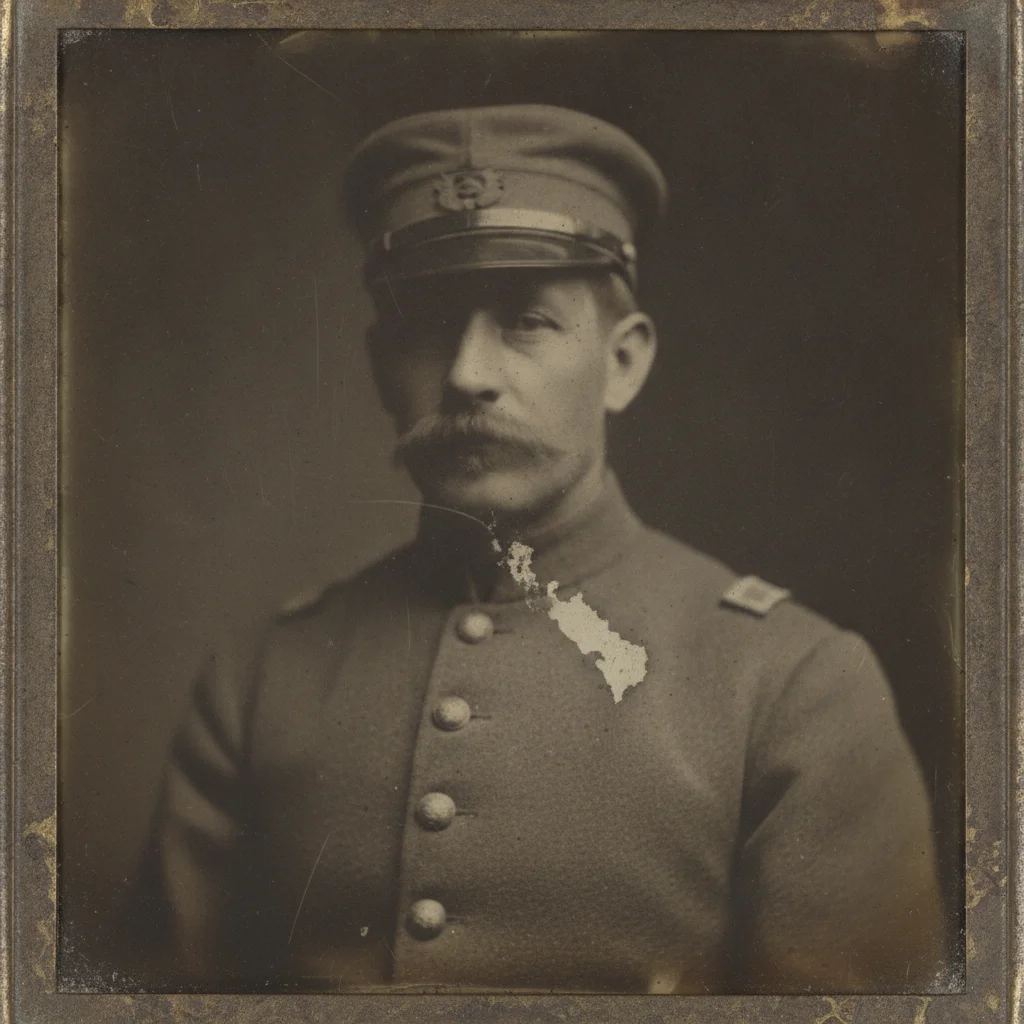
    Low-contrast, murky tintype increase the contrast and clarity of this murky tintype so the face and clothing details are easier to see, keep the period look
    Mirror-like glare on the plate remove the reflection and glare from the surface of this tintype photo and keep the portrait unchanged
    Flaking edges and a dark frame clean up the flaking and rusty edges of this tintype and keep the portrait in the middle unchanged
    3 more prompts
    Glass-plate negative to positive convert this glass-plate negative into a positive portrait, reduce the cracks and stains, keep the person's face and clothing as they appear
    Add warmth, keep it monochrome tone this restored tintype to a soft warm brown-grey monochrome, keep it black-and-white in character without adding colour
    Two sitters restore this tintype of two people, reduce the scratches and spots, and keep both faces, hats and clothing exactly as they appear
  3. Review the result

    Zoom in on faces first. Check eyes, mouth and hands, and compare small details such as buttons and jewellery with your original.

  4. Refine with markers if needed

    Optional. If a face was softened or a damaged spot remains, tap a marker on it and run the prompt again.

    Tip: Markers are for precision refinement, not a required step.

See it in action

Tintype portrait of a woman with tarnish spots and scratches
Before
->
Same portrait with fewer spots and scratches and clearer contrast
After

Tarnished family portrait

A photographed tintype of a seated woman with dark tarnish spots around the edges and fine scratches across the dress.

Prompt: restore this tintype portrait: reduce the scratches and dark tarnish spots, recover the contrast, and keep the faces, clothing and pose exactly as they are
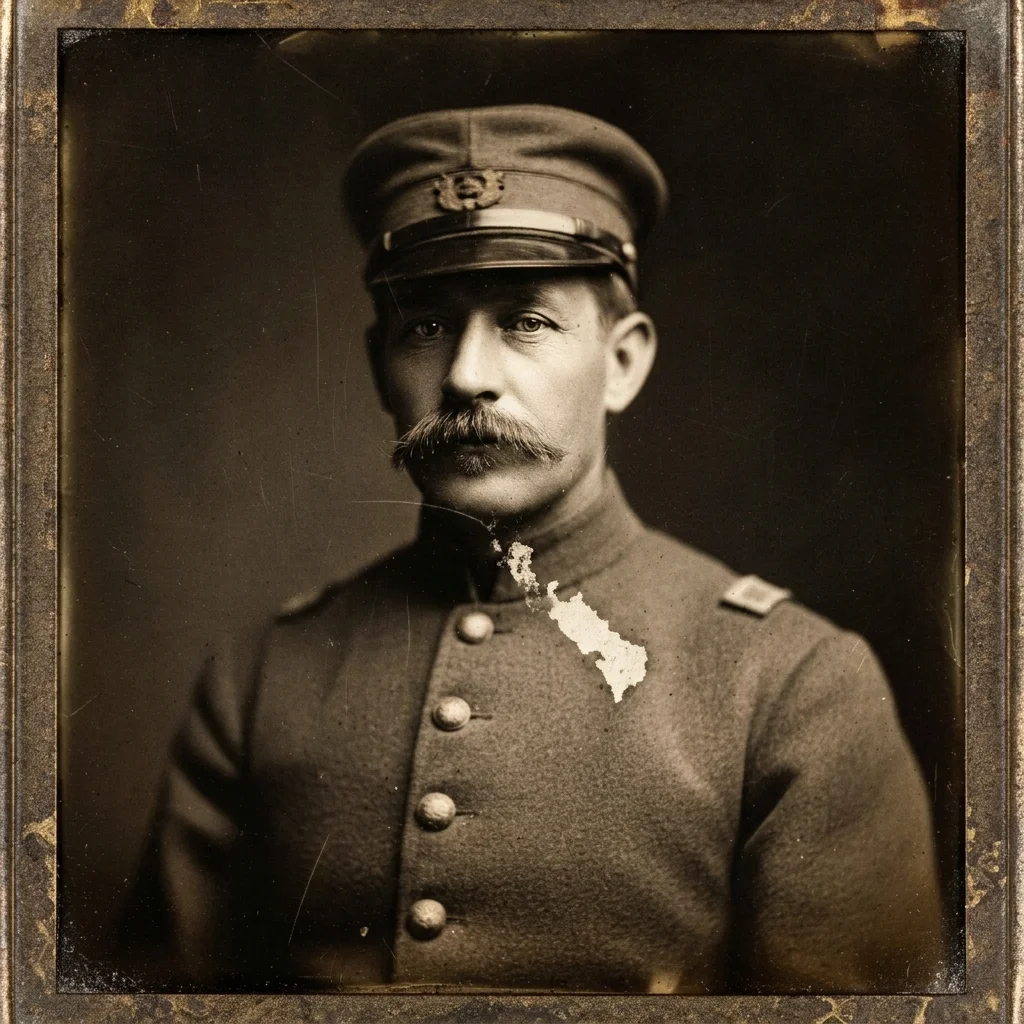
Dark murky tintype portrait of a man in uniform
Before
->
Same portrait with clearer face and uniform details
After

Murky tintype of a soldier

A dark, low-contrast tintype of a man in a uniform and cap.

Prompt: increase the contrast and clarity of this murky tintype so the face and clothing details are easier to see, keep the period look
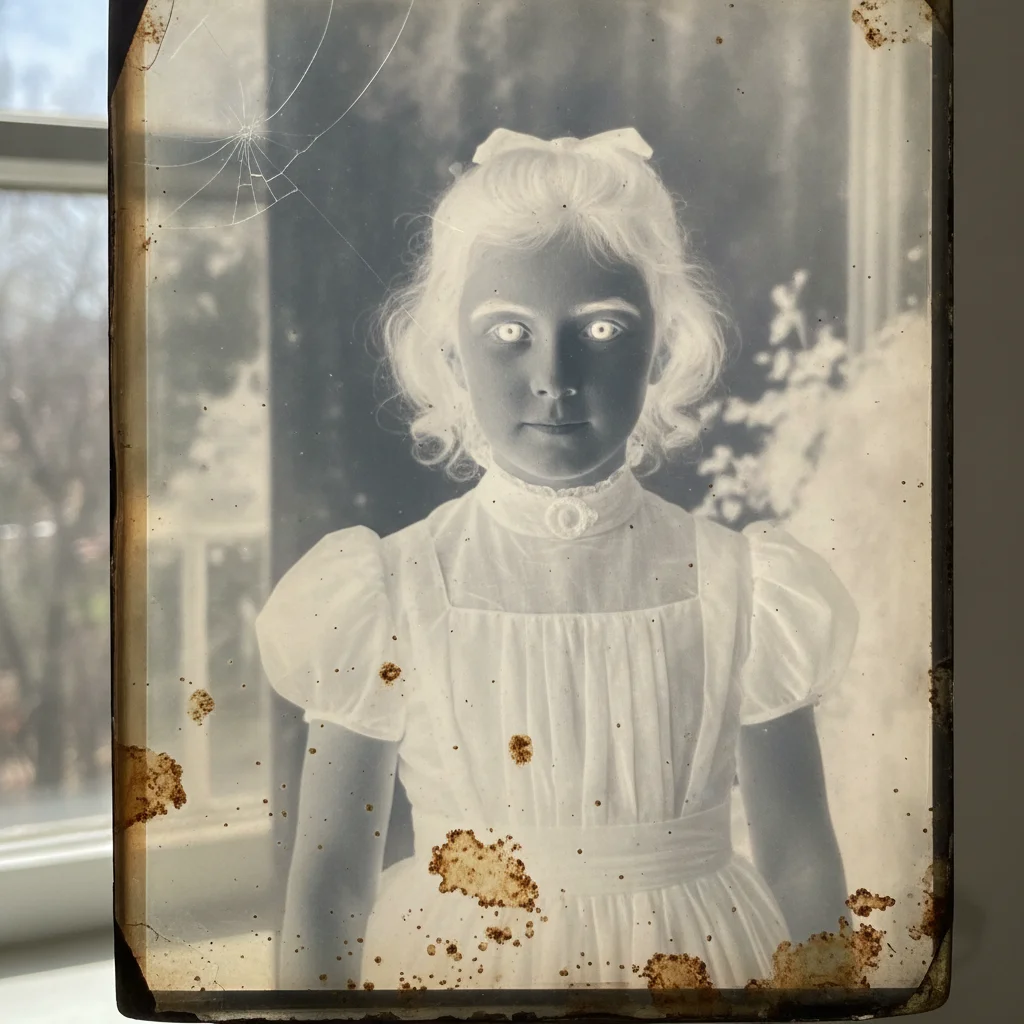
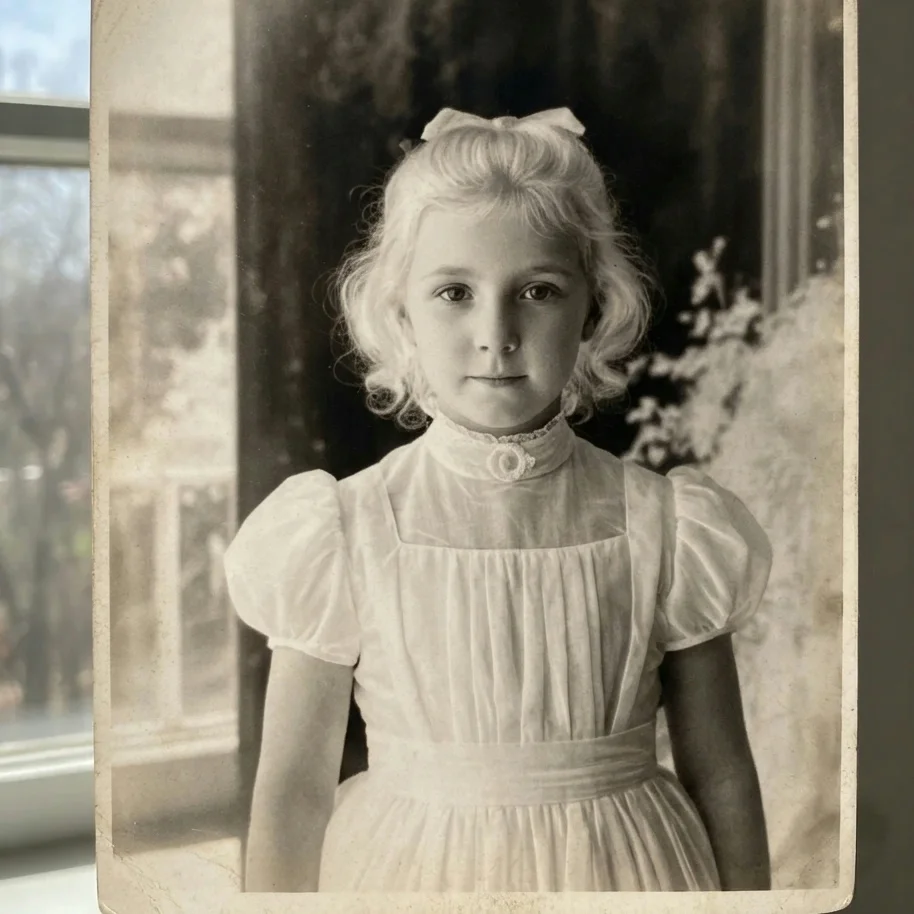
Cracked glass-plate negative portrait of a girl
Before
->
Positive portrait with the crack and stains reduced
After

Glass plate with cracks

A glass-plate portrait with a crack running across one corner and stains.

Prompt: convert this glass-plate negative into a positive portrait, reduce the cracks and stains, keep the person's face and clothing as they appear

Quick answers

Do I need to mark the scratches or tarnish before describing what I want?

No. Describe the damage and goal, such as 'reduce the scratches and tarnish and recover contrast.' Use markers only if the AI changes the wrong area.

How do I restore a tintype photo for free?

Photograph or scan the tintype, upload it to EditThisPic, describe the restoration and preview it. The preview edit is free with no signup and no watermark.

What's the best way to photograph a tintype?

Use soft indirect light, tilt the plate a little to avoid reflections, and keep it in focus. Avoid direct flash on the metal.

Will it repair the physical tintype?

No. It only edits your digital image. For the physical plate, speak to a conservator.

Can it add colour to my tintype?

You can ask for a colourised version, but colours would be an AI guess. For a faithful restoration, keep it monochrome.

How much does EditThisPic cost?

You get 1 free Standard edit per week — no account needed. After that, one-time credit packs start at $4.99 for 10 credits, valid 12 months, no subscription. A Standard edit uses 1 credit, Pro 2 and Ultra 3. Purchased downloads are clean with no watermark.

Ready to restore your tintype?

Free to try. No signup required.

1 free edit included·paid credit packs after