Pricing Restore Old black and white portrait · Free

Restore an Old Black and White Portrait

← Browse all restore tools

Last updated

Clean the dust, recover the contrast, and sharpen a soft studio portrait — and keep it black and white.
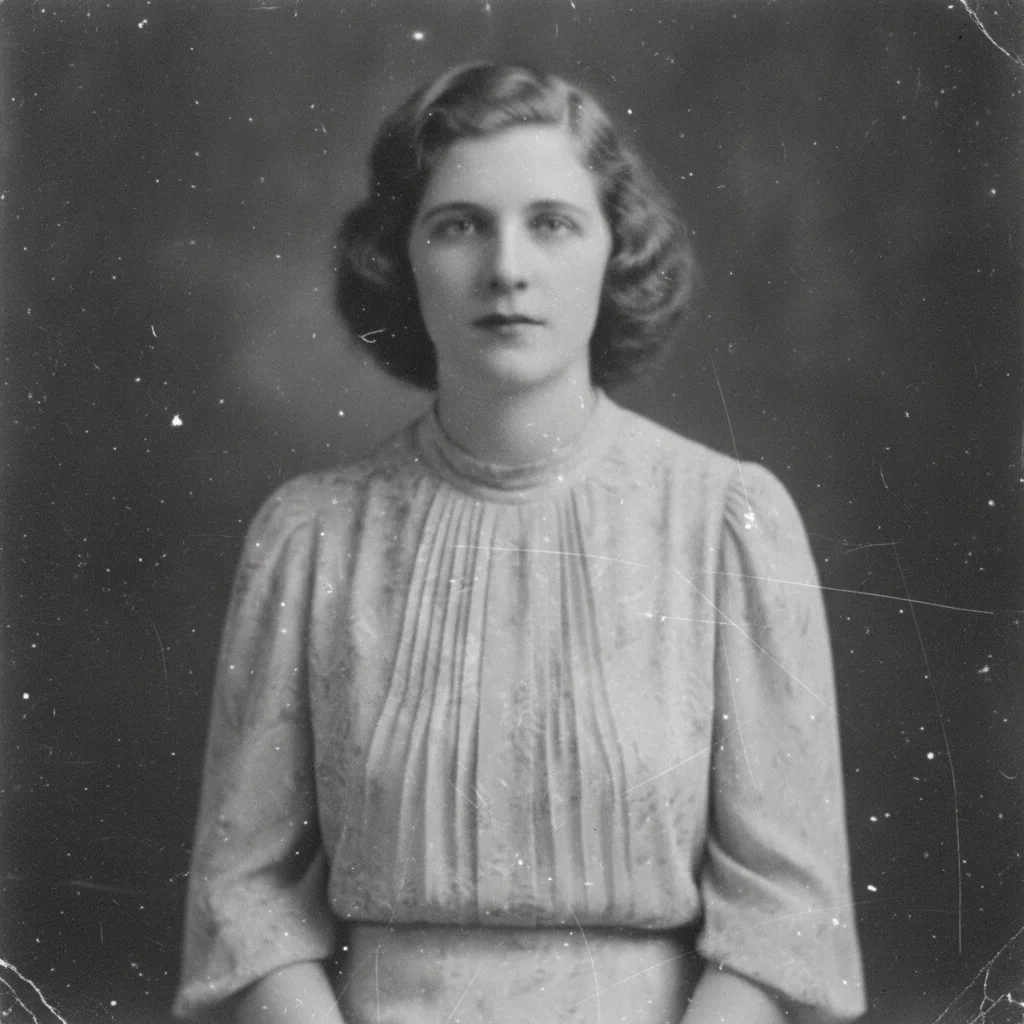
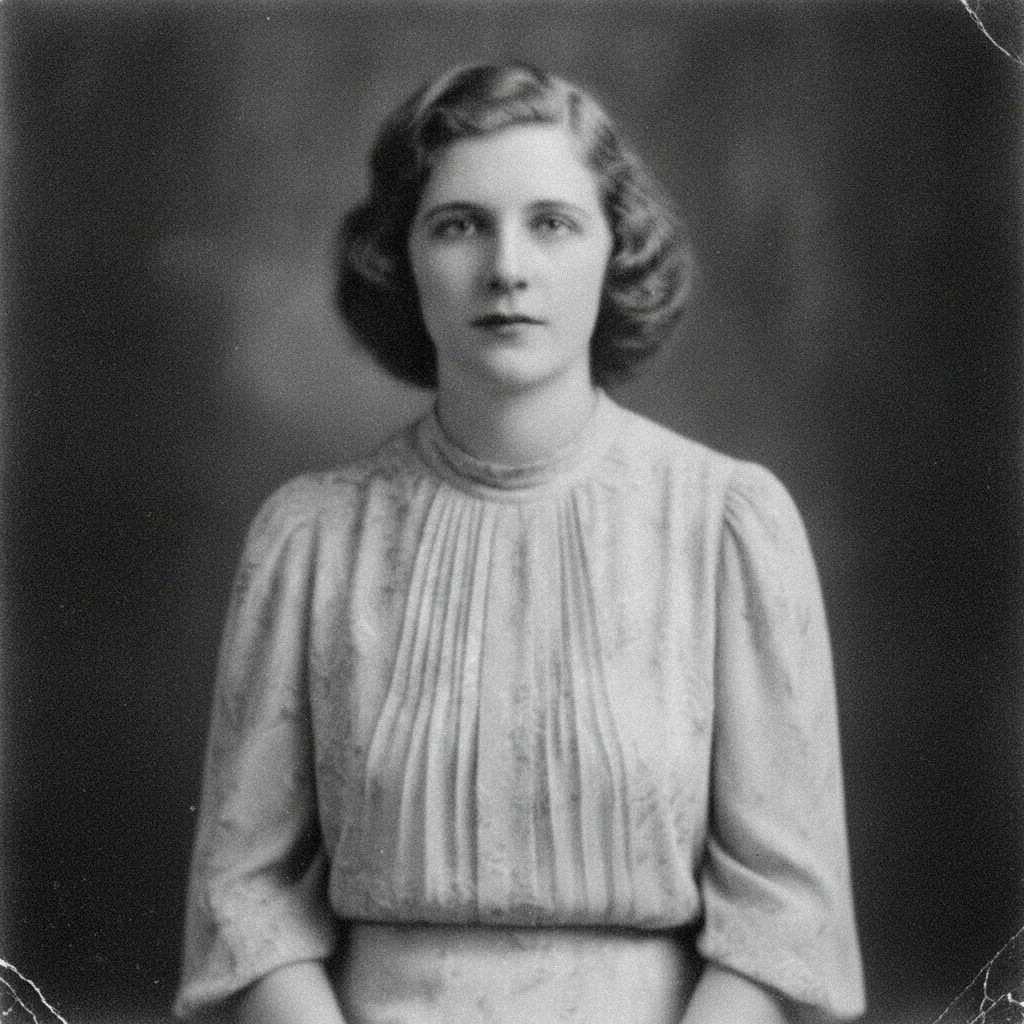
Old black and white studio portrait covered in white dust specks and faded flat The studio portrait cleaned of specks with deep blacks and clean whites restored

Upload photo to restore old black and white portrait

"sharpen the soft focus in this old black and white portrait and restore crisp detail in the face and clothing without colorizing it"

Free to try · no sign-up · photos are never shared

Release to upload

<30stypical edit
1 freeedit weekly
Photo on your phone? Scan to open this editor there — free edit works on your phone too.

1 free edit every week·paid packs after

How it works

  1. Scan the portrait at the best quality you can

    A flatbed scan at high resolution beats a phone photo for a portrait, because faces need the strongest source you can give them. If you are photographing it, lay the print flat in even daylight with no glare — JPG, PNG, or WebP up to 7MB.

    Expect: Dust, specks, and flat contrast clean up reliably. Soft focus improves but is limited by what the original captured — a face that was never sharp will be reconstructed, not recovered.
  2. Describe the repair and say to keep it black and white

    Type what needs fixing: 'restore this old black and white portrait — remove the dust specks and scratches, bring back the faded contrast, and keep it black and white.' That last clause is what stops the result coming back colorized.

    Tip: Name the specific faults you can see — 'white specks', 'flat grey contrast', 'soft focus' — rather than asking to 'restore' in the abstract.

    Copy one of these to get started:

    General clean-up restore this old black and white portrait — remove the dust specks and scratches and bring back the faded contrast, keeping the photo black and white
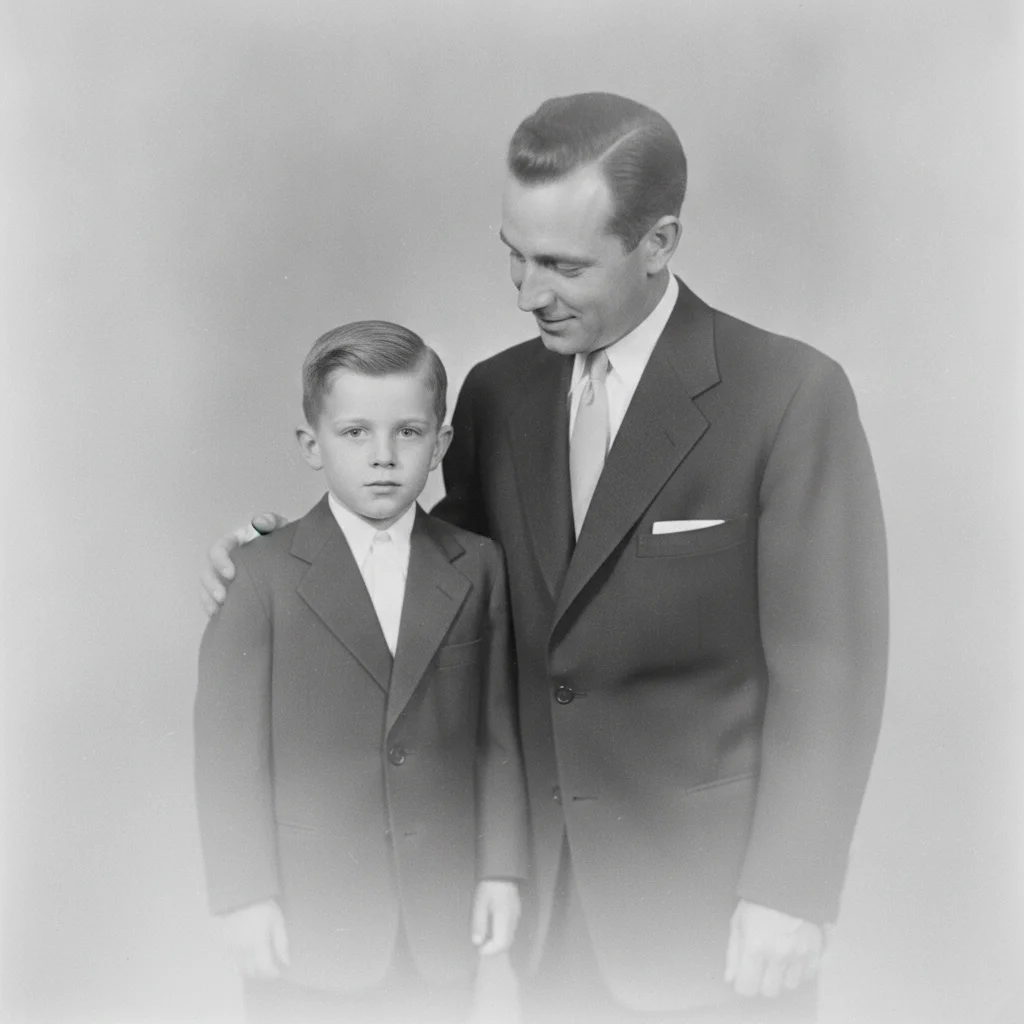
    Soft or blurry focus sharpen the soft focus in this old black and white portrait and restore crisp detail in the face and clothing without colorizing it
    Flat, washed-out greys restore the contrast in this faded black and white portrait so the blacks are deep and the whites are clean, keeping it monochrome
    Dust and white specks remove the dust specks and white spots from this old black and white photograph without softening the face
    3 more prompts
    Faded edges and border restore the faded edges of this old black and white portrait and even out the tone across the whole print
    Group or family portrait restore this old black and white family portrait — clean up the damage and sharpen every face, keeping the photo black and white
    Full monochrome restoration fully restore this old black and white portrait — remove dust and scratches, recover contrast, and sharpen detail while keeping the original film grain and monochrome tones
  3. Check the face first

    Zoom into the eyes, mouth, and hairline before anything else. A restored portrait lives or dies on whether the likeness still reads as the same person, and those are the areas where a reconstruction shows.

  4. Refine with a marker if needed

    If one spot still shows damage — a scratch across a collar, a mark on the backdrop — tap a marker there and describe what should be there instead. Markers are optional and meant for touch-ups, not the main pass.

See it in action

Old black and white studio portrait covered in white dust specks and faded flat
Before
->
The studio portrait cleaned of specks with deep blacks and clean whites restored
After

Restore an Old Black and White Portrait — Studio Portrait

A 1930s studio portrait covered in dust and faded to flat grey, cleaned and re-contrasted.

Prompt: restore this old black and white portrait — remove the dust specks and scratches and bring back the faded contrast, keeping the photo black and white
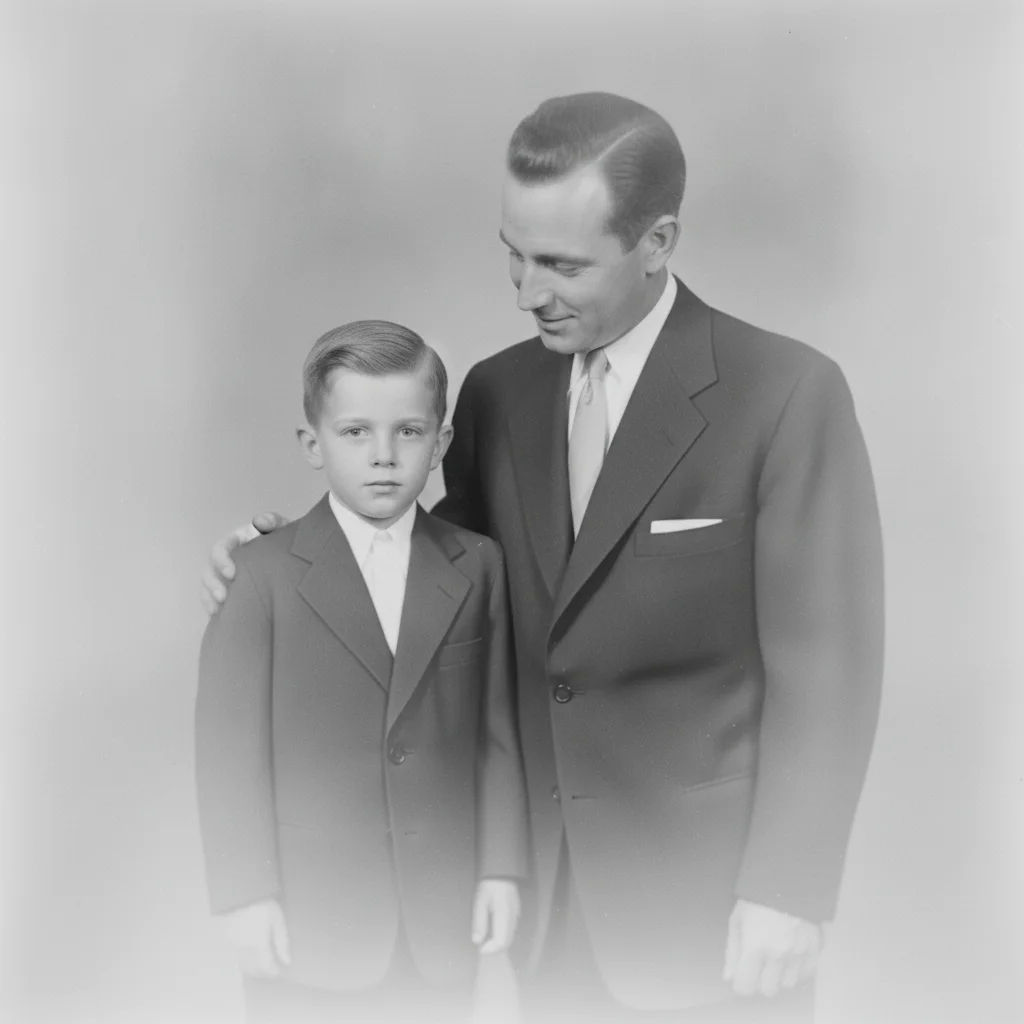
Blurry hazy black and white portrait of a man and a boy in dark suits
Before
->
The same portrait sharpened with clear facial detail and restored contrast
After

Restore an Old Black and White Portrait — Soft Focus Repair

A 1950s family portrait lost behind a milky haze, sharpened back to readable detail.

Prompt: sharpen the soft focus in this old black and white portrait and restore crisp detail in the face and clothing without colorizing it

Quick answers

Can you restore an old black and white portrait without colorizing it?

Yes. Add 'keep the photo black and white' to your prompt and the restoration stays monochrome — the AI cleans dust, recovers contrast, and sharpens detail without adding any colour. Colorizing is a separate, deliberate choice: if you want it, use the colorize tool rather than asking this one to do both.

Do I need to mark the damage before restoring the portrait?

No. Describe what you see — 'white dust specks, flat grey contrast, soft focus' — and the AI finds the faults itself. Tap markers exist only for refining one specific spot after the main pass.

Is restoring a black and white portrait free?

Yes. EditThisPic gives you one Fast edit per week, no signup or credit card required. Credit packs and a subscription are available if you have a stack of photos to work through.

Will the restored face still look like the same person?

It comes back as a close, natural likeness rather than a guaranteed exact match, and the sharper your source scan the closer it gets. Where the original is very soft or damaged across the features, part of the result is reconstruction — compare it against another photo of the same person if you have one.

Can it fix a portrait that was always out of focus?

It can improve it, but there are limits. Sharpening works from detail that exists in the print; where a face was never captured sharply, what comes back is a plausible reconstruction of those features, not recovered detail.

Will it remove the film grain?

Only if you let it. Ask to 'keep the original film grain' and the restoration preserves the character of the print. Without that clause, heavy dust removal can smooth grain and skin texture together.

What photo formats can I upload?

JPG, PNG, and WebP up to 7MB. The restored photo downloads in the same format you uploaded.

How much does EditThisPic cost?

You get 1 free edit per week — no account needed. After that, one-time credit packs start at $4.99 for 10 edits, valid 12 months, no subscription. Power users who edit daily can pick Studio Membership, a monthly workspace at $49.99/mo for 300 edits. Purchased downloads are clean with no watermark.

Ready to restore your black and white portrait?

Free to try. No signup required.

1 free edit included·paid credit packs after