Free • No signup Perfect Wedding photos · Free

Perfect Wedding Photos with AI

← Browse all creative effects

Last updated

Fix lighting, remove distractions, and enhance your most precious wedding memories
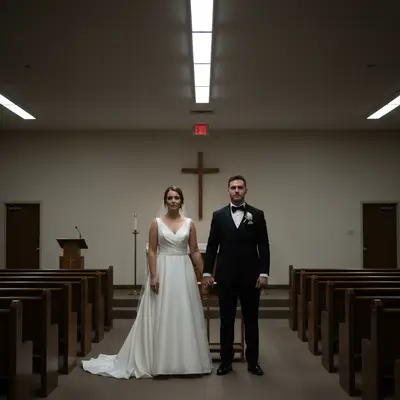
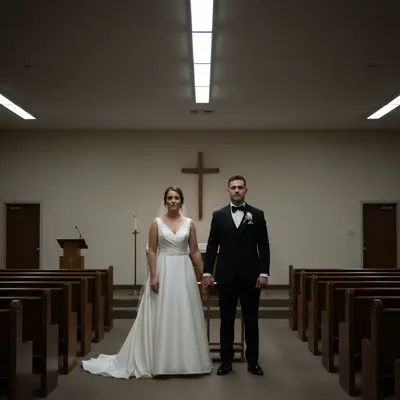
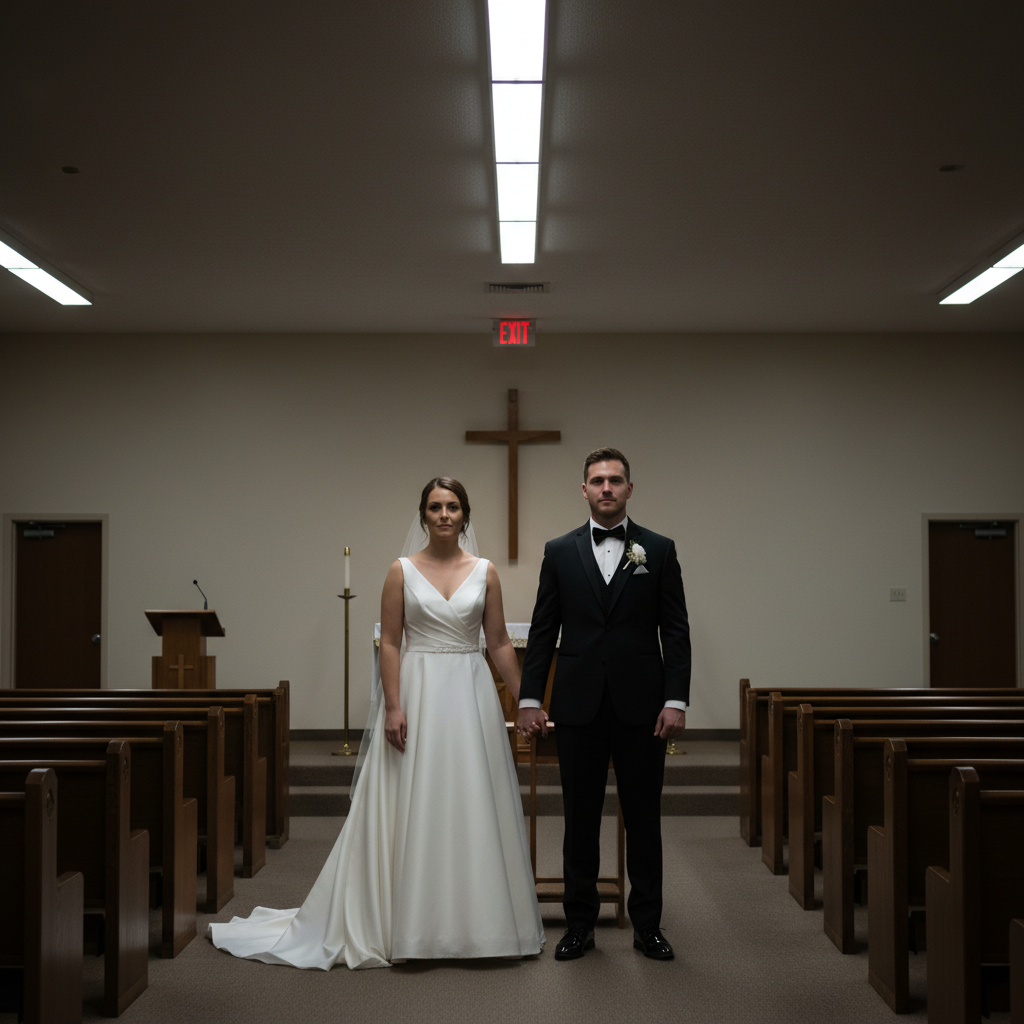
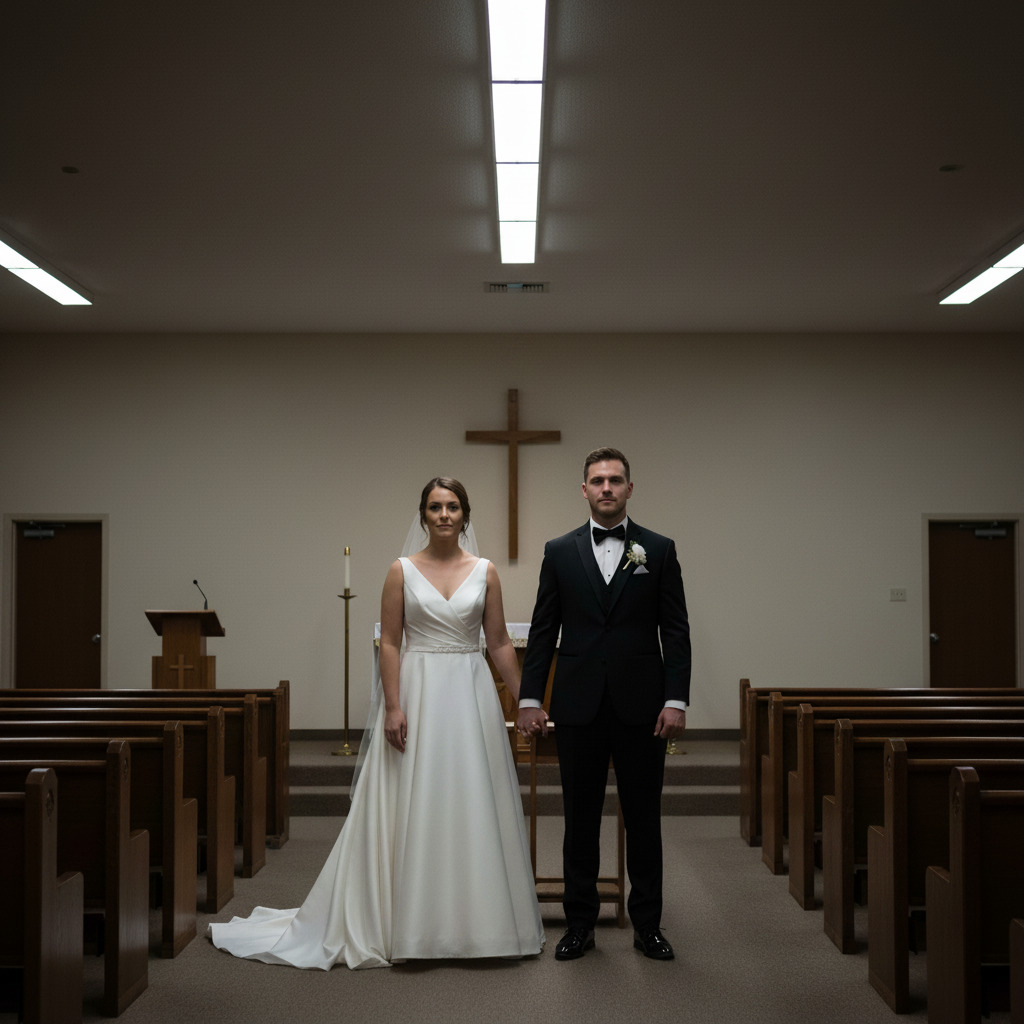
Wedding ceremony photo with harsh shadows and visible exit sign Same photo with softened lighting and exit sign removed

Upload photo to perfect wedding photos

"Remove the exit signs, cables, and cluttered chairs in the background"

Release to upload

50,000+photos edited
<30stypical edit
1 freeedit weekly

1 free edit·then from $4.99

How it works

  1. Upload your wedding photo

    Choose the photo you want to perfect—ceremony shots, reception moments, portrait sessions, or candid celebrations all work beautifully. High-resolution photos give the best results, but phone camera shots work great too.

    Expect: Simple fixes like brightening faces: 3-5 seconds. Complex edits like removing multiple people or changing lighting: 10-15 seconds and may benefit from refinements.
  2. Describe what you want to perfect

    THIS IS THE KEY STEP. Simply type what you'd like changed: 'brighten the bride's face and remove the exit sign in the background' or 'smooth the wrinkles on the dress and enhance the flower details.' Be specific about what matters most to you—the AI understands natural language and doesn't need you to mark anything.

    Tip: Mention multiple improvements in one instruction: 'Fix the harsh shadows on faces, remove the photographer in the mirror reflection, and enhance the bouquet colors.' The AI handles complex requests beautifully.

    Copy one of these to get started:

    Fix harsh ceremony lighting Brighten the faces and soften the harsh shadows from overhead lighting
    Remove background distractions Remove the exit signs, cables, and cluttered chairs in the background
    Enhance dress and details Enhance the wedding dress fabric texture and make the bouquet flowers more vibrant
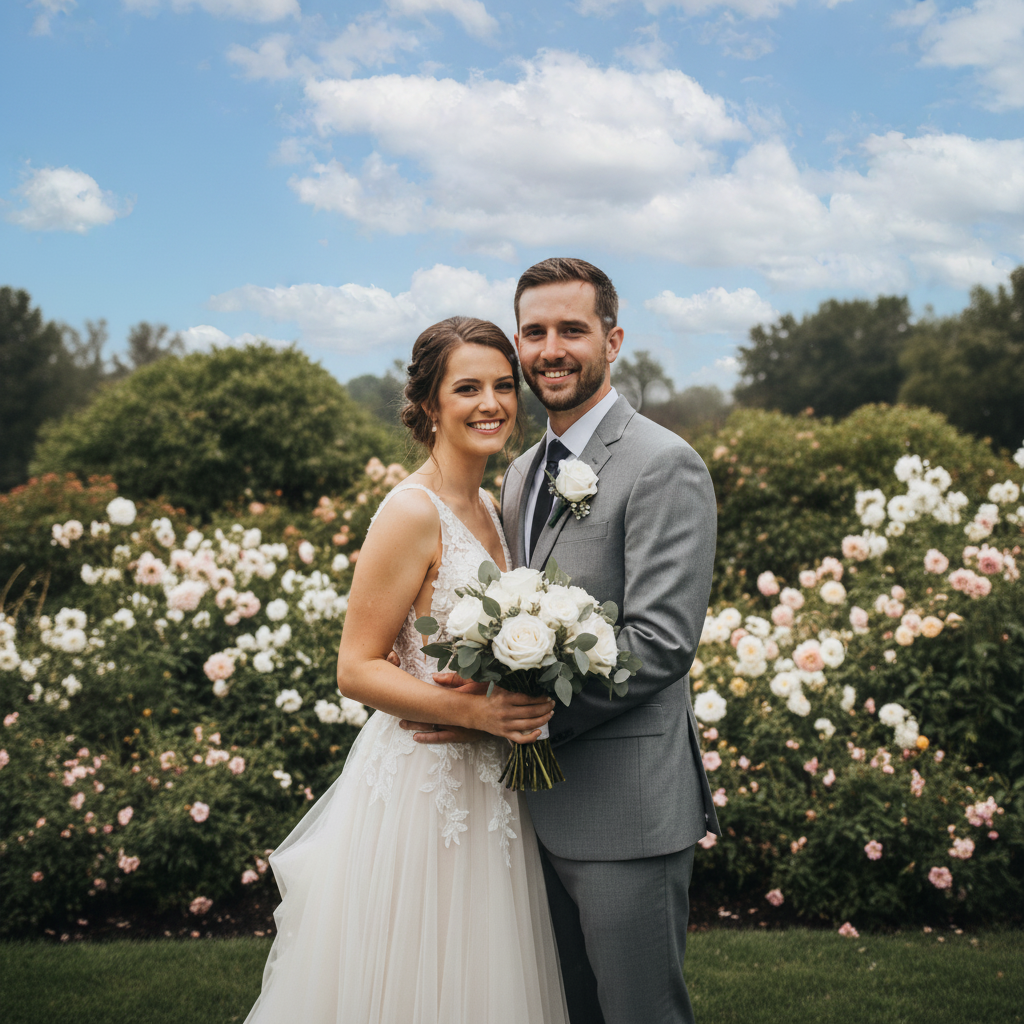
    Fix outdoor weather issues Remove the rain spots on the lens and brighten the overcast sky to look sunny
    6 more prompts
    Remove photobombers Remove the stranger walking through the background and the waiter carrying trays
    Smooth and soften skin Gently smooth skin tones on the bride and groom without losing natural texture
    Fix reflection issues Remove the camera flash reflection in the mirror and windows behind the couple
    Enhance ring and jewelry Make the engagement ring and jewelry sparkle more with enhanced highlights
    Fix awkward poses Straighten the posture and adjust arm positions to look more natural and relaxed
    Complete photo rescue Fix the harsh lighting, remove background clutter, enhance the dress details, and smooth skin tones naturally
  3. Review the perfected result

    Check that the lighting looks natural, any removed elements blend seamlessly, and enhanced details maintain the authentic feel of your special day. Zoom in on faces, dress details, and backgrounds to ensure everything looks perfect.

See it in action

Wedding ceremony photo with harsh shadows and visible exit sign
Before
->
Same photo with softened lighting and exit sign removed
After

Rescued ceremony shot with perfect lighting

Church lighting created harsh shadows on the couple's faces. One instruction fixed the lighting and removed the distracting exit sign.

Prompt: Brighten and soften the lighting on their faces and remove the red exit sign above their heads
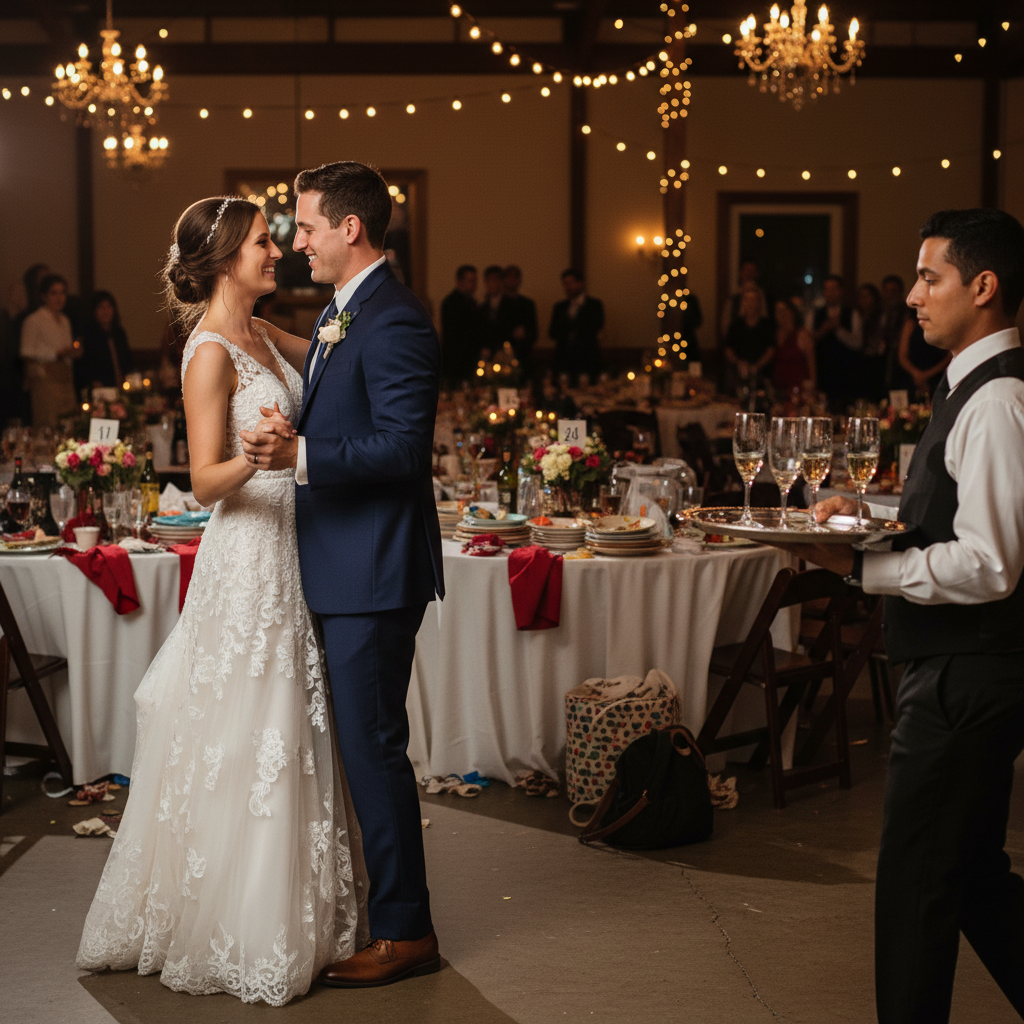
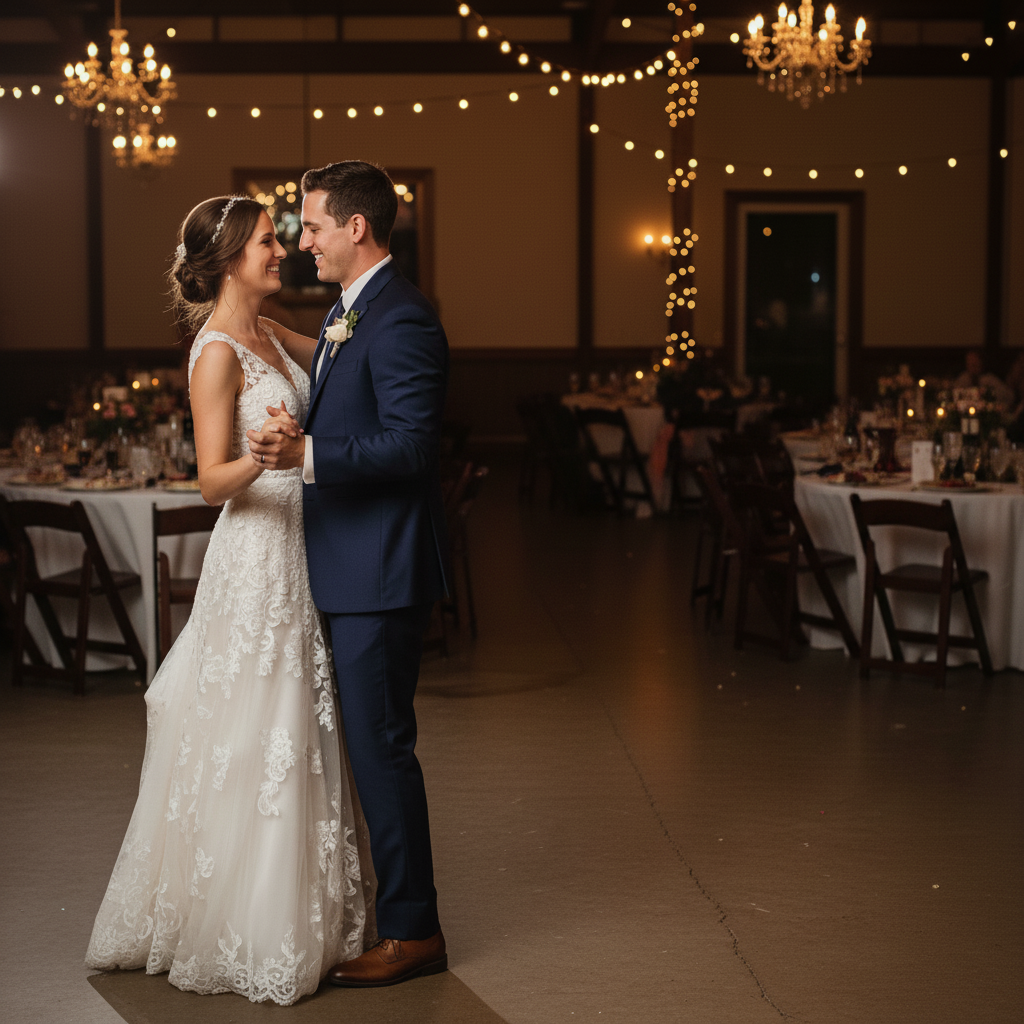
First dance photo with waiter and cluttered background visible
Before
->
Clean first dance photo with distractions removed
After

Reception photo with background cleaned up

Beautiful first dance moment, but cluttered tables and a waiter in the background were distracting. Removed both while keeping the romantic atmosphere.

Prompt: Remove the cluttered tables in the background and the waiter carrying trays on the right side
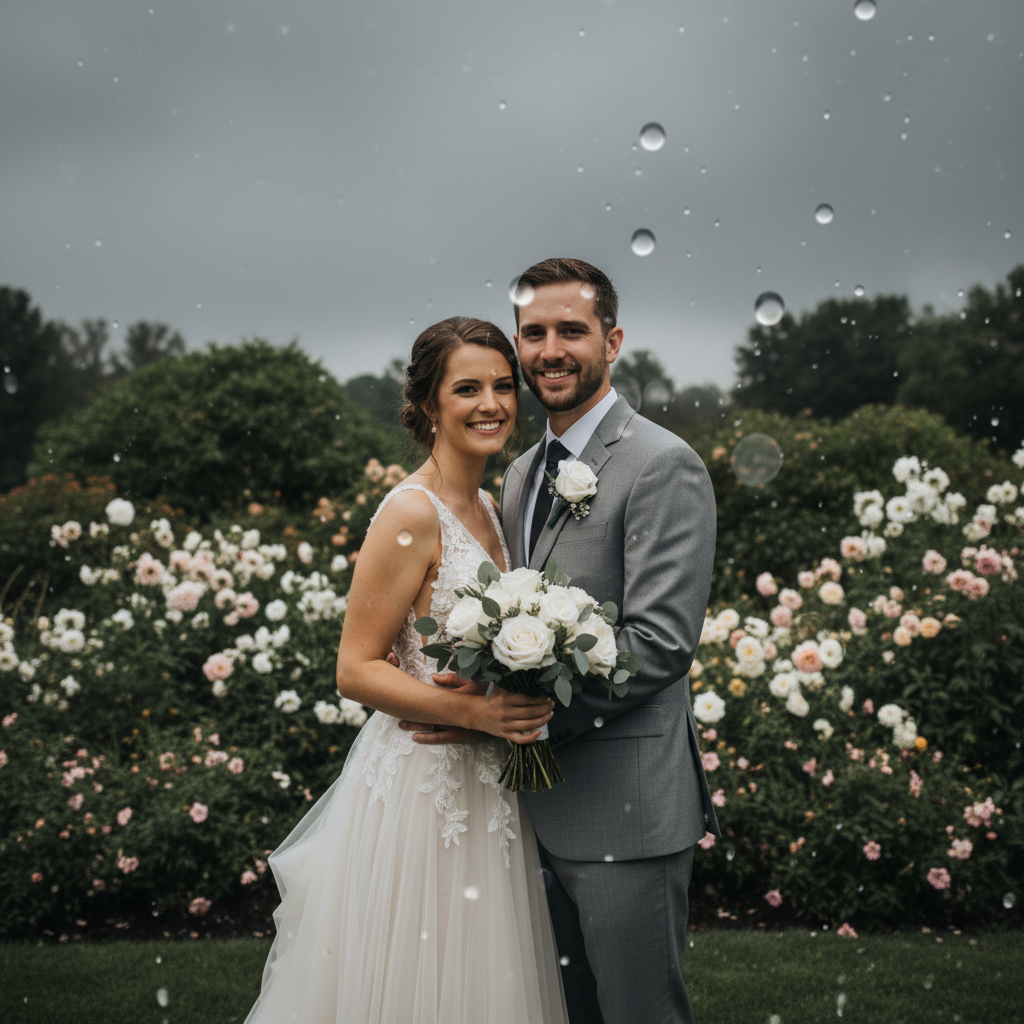
Outdoor wedding portrait with rain spots and overcast sky
Before
->
Same portrait with clear sky and rain spots removed
After

Outdoor portrait rescued from bad weather

Outdoor couple portraits taken during unexpected drizzle. Rain spots on the lens and gray skies were transformed to look like a perfect sunny day.

Prompt: Remove the rain spots on the lens and make the gray overcast sky look bright and sunny

Quick answers

Do I need to mark the areas before describing what I want?

No! Just describe what you want changed.

How do I perfect wedding photos for free?

Upload your wedding photo and describe the changes you want—fix lighting, remove distractions, enhance details. EditThisPic processes one free edit per week with no signup required.

Will this work on old or low-quality wedding photos?

Yes! The AI can brighten dark photos, remove grain and noise, and even colorize black-and-white images. For very old or damaged photos, you may need multiple rounds of refinement.

Can I remove unwanted guests or photobombers from my wedding photos?

Absolutely. Just describe who to remove: 'remove the person in the blue shirt walking through the background' or 'remove the stranger on the far left.' The AI fills in the background naturally.

How do I avoid making my photos look over-edited or fake?

Use words like 'gently,' 'subtly,' or 'naturally' in your instructions. Instead of 'brighten faces,' try 'gently brighten faces while keeping natural skin tones.' This guides the AI toward authentic-looking results.

Can I enhance specific details like the dress, rings, or bouquet?

Yes. Describe exactly what you want enhanced: 'make the lace details on the dress more visible' or 'add sparkle to the engagement ring.' The AI understands specific object requests.

What if my photographer already edited the photos?

You can still make adjustments! Maybe you want one person removed, or you prefer different lighting. Just describe the changes—the AI works on both edited and unedited photos.

Will there be a watermark on my perfected wedding photos?

No. Your perfected photos download without any watermarks. They're yours to print, share, and treasure.

How much does EditThisPic cost?

You get 1 free edit per week — no account needed. After that, credit packs start at $1.99 for 3 edits. Monthly plans start at $4.99/mo for 20 edits with unused credits rolling over. All edits are full resolution with no watermark.

Ready to perfect your wedding memories?

Free to try. No signup required. No watermark.

1 free edit included·Credit packs from $4.99