Pricing Clean up Whiteboard photo · Free

AI Whiteboard Photo Cleaner

← Browse all creative effects

Last updated

Upload a phone photo of a whiteboard and describe the cleanup. Free, no account.
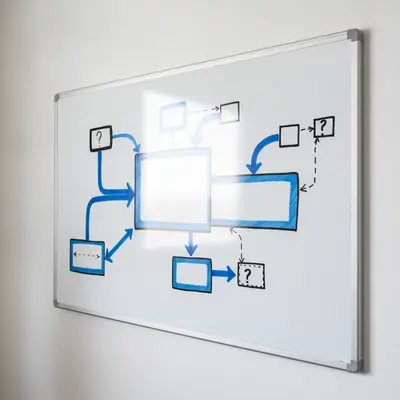
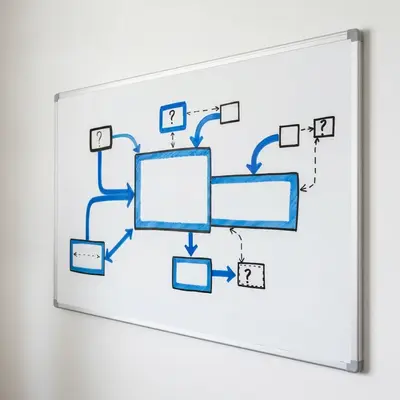
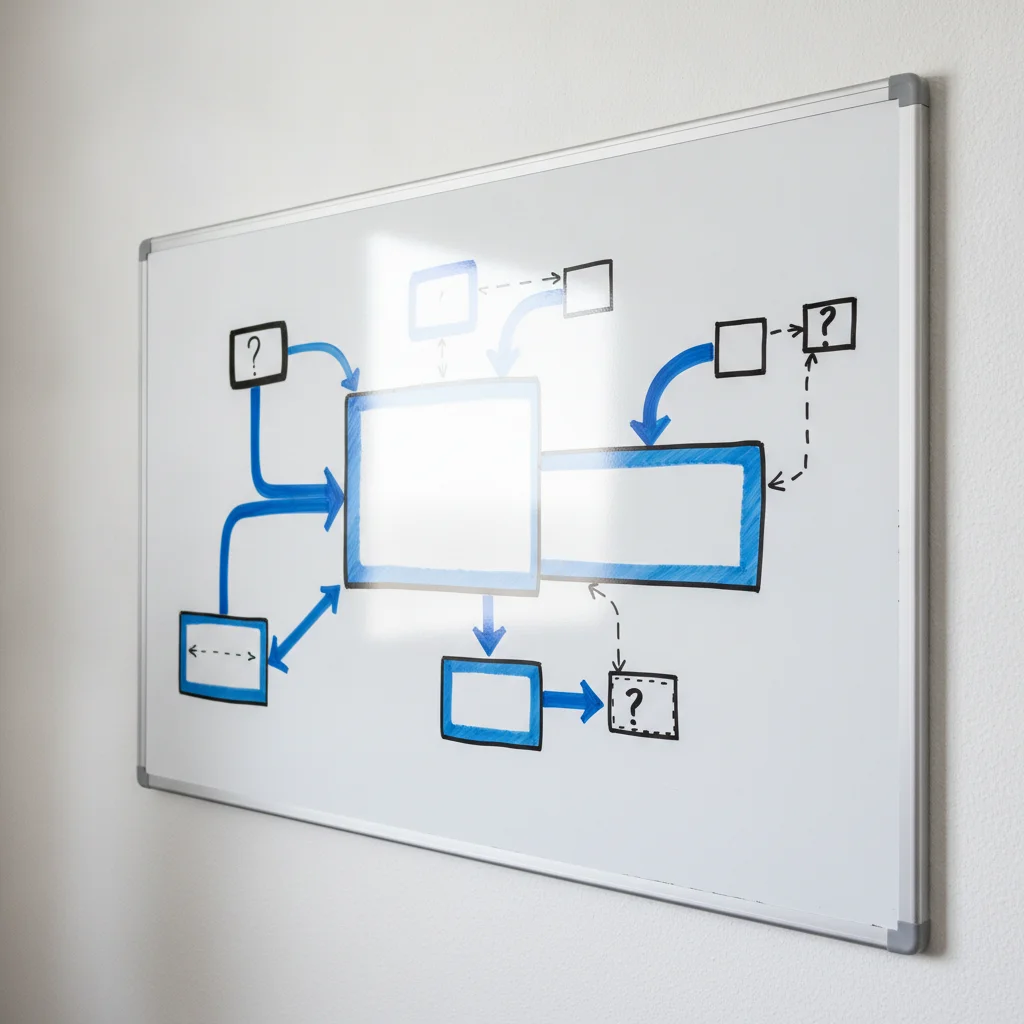
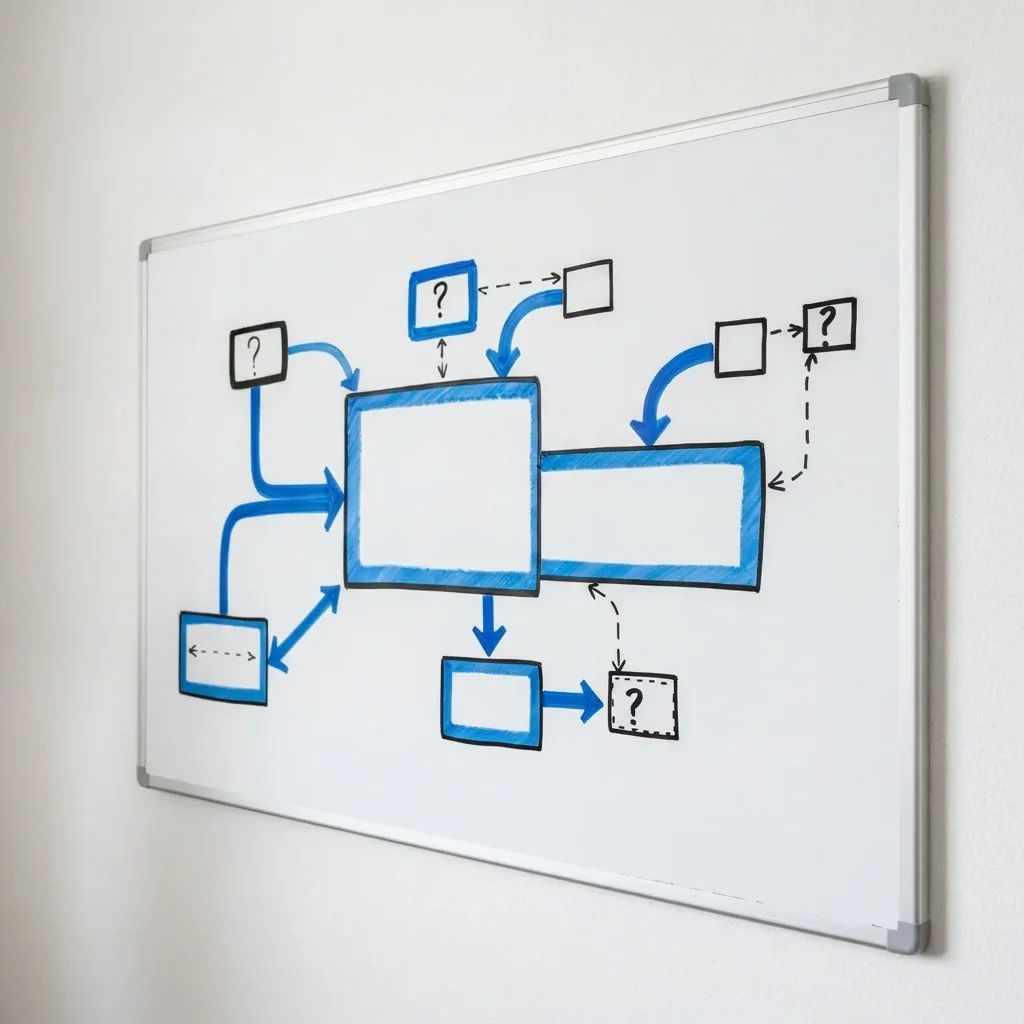
Whiteboard with a bright glare patch and grey shadow Same whiteboard, glare gone, board white, writing sharper

Upload photo to clean up whiteboard photo

"remove the bright window reflection from the whiteboard and keep all the marker writing and sticky notes exactly as they are"

Free to try · no sign-up · never used for AI training

Release to upload

<30stypical edit
1 freeedit weekly
Photo on your phone? Scan to open this editor there — free edit works on your phone too.

1 free edit every week·paid packs after

How it works

  1. Upload your whiteboard photo

    Pick the sharpest photo you have, ideally taken straight on so the board fills the frame. A photo with a bright window reflection is fine; that is exactly what this cleans up. Upload a JPG, PNG or WebP.

    Expect: Most clean photos finish in under a minute. Heavily damaged or very dark photos can take longer and may need a second pass.
  2. Describe the cleanup

    Type what is wrong and what you want: glare patch, shadow from your phone, grey or yellow board, faint marker. Say the board should stay the same layout with every word and drawing left where it is. No marking needed.

    Tip: Name the problem separately: 'remove the glare', 'remove the shadow in the top left', 'whiten the board'. Separate instructions are followed more reliably than 'make it better'.

    Copy one of these to get started:

    Glare plus shadows, the common case clean up this whiteboard photo: remove the glare and shadows, make the board bright white, and sharpen the black and blue marker writing without changing any words or drawings
    Window reflection across the board remove the bright window reflection from the whiteboard and keep all the marker writing and sticky notes exactly as they are
    Yellow or grey board from indoor lighting correct the colour of this whiteboard so the board looks clean white instead of grey-yellow, and make the red, green and blue marker colours clear
    Phone shadow in the corner remove the shadow of the phone and my hand from the lower left of the whiteboard and even out the lighting across the board
    3 more prompts
    Faint, thin marker lines make the faint marker lines on this whiteboard darker and crisper, especially the thin arrows and underlines, without adding or changing any text
    Photo taken at an angle straighten this whiteboard photo so the board looks square to the camera, remove the glare, and keep all the writing in the same positions
    Whiteboard with sticky notes clean the glare and shadows on this whiteboard, keep the yellow and pink sticky notes and their handwriting as they are, and whiten the board
  3. Review the result

    Zoom in on the area where the glare was and on thin lines such as arrows and underlines. Check that handwriting and diagrams still match the original.

  4. Refine with markers if needed

    Optional. If a bright patch is still there, or a diagram was altered, tap a marker on that spot and run the prompt again. Most photos do not need markers.

    Tip: Markers are for precision refinement, not a required step.

See it in action

Whiteboard with a bright glare patch and grey shadow
Before
->
Same whiteboard, glare gone, board white, writing sharper
After

Glare patch over a meeting plan

A phone photo of a sprint board with a large window reflection covering the middle. The cleanup removes the reflection and whitens the board.

Prompt: clean up this whiteboard photo: remove the glare and shadows, make the board bright white, and sharpen the black and blue marker writing without changing any words or drawings
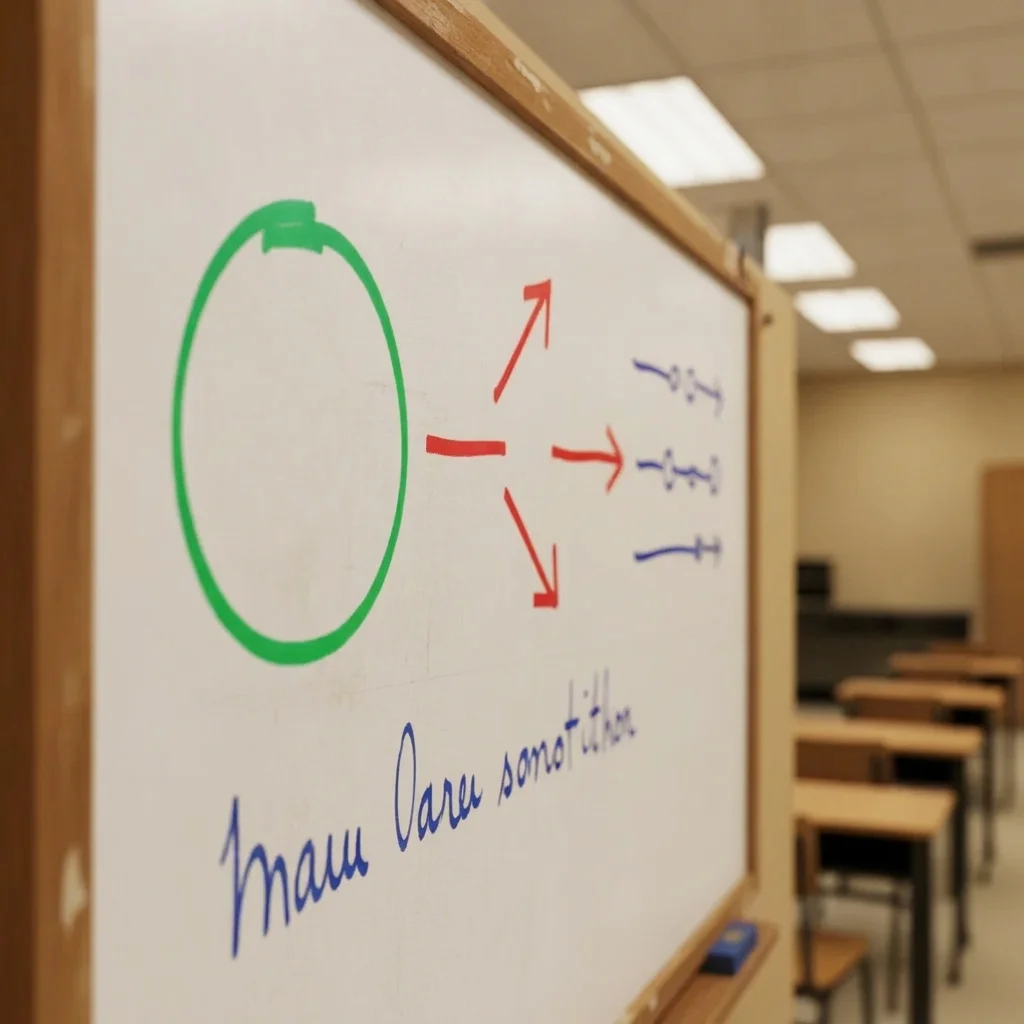
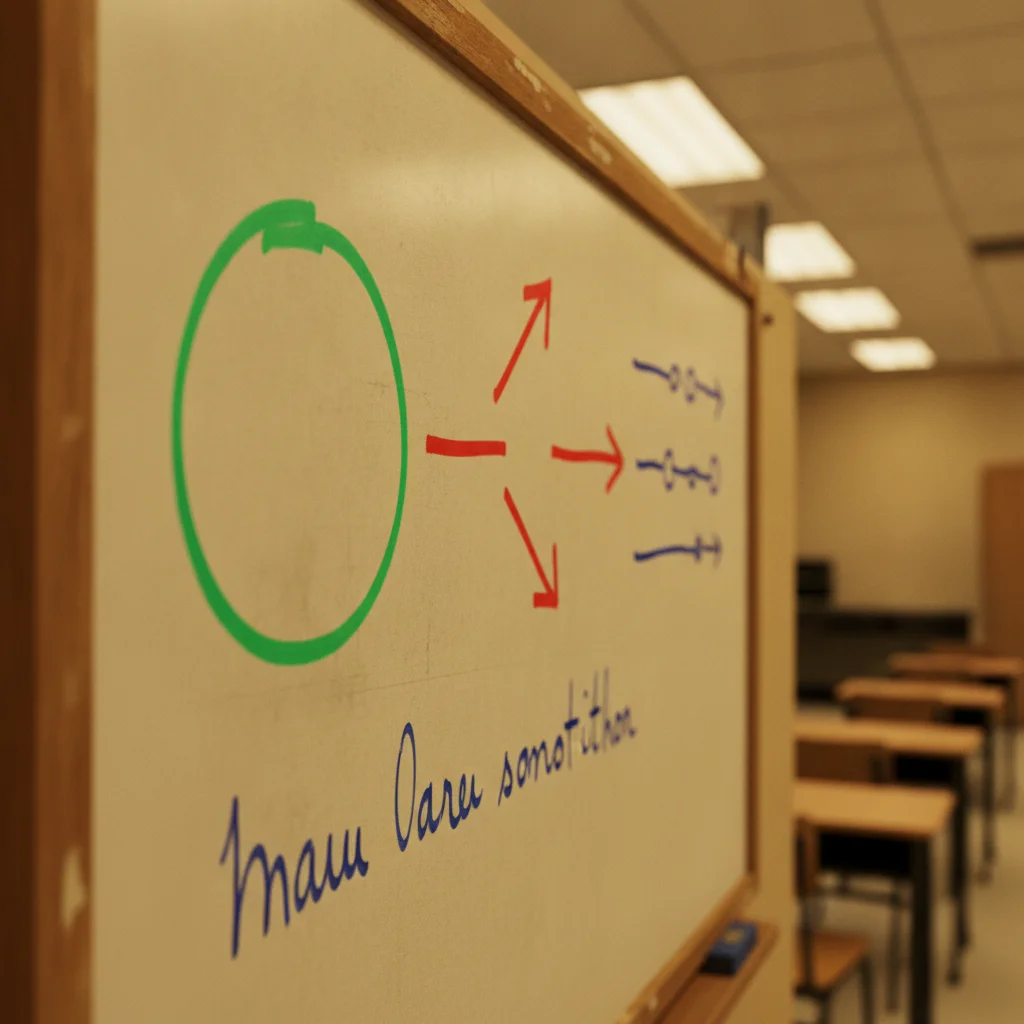
Yellow-tinted classroom whiteboard with dull marker colours
Before
->
Same whiteboard with a clean white background and clear marker colours
After

Yellow classroom board

A teacher's photo of a board lit by warm ceiling lights, so the board looks yellow and the green marker is dull.

Prompt: correct the colour of this whiteboard so the board looks clean white instead of grey-yellow, and make the red, green and blue marker colours clear
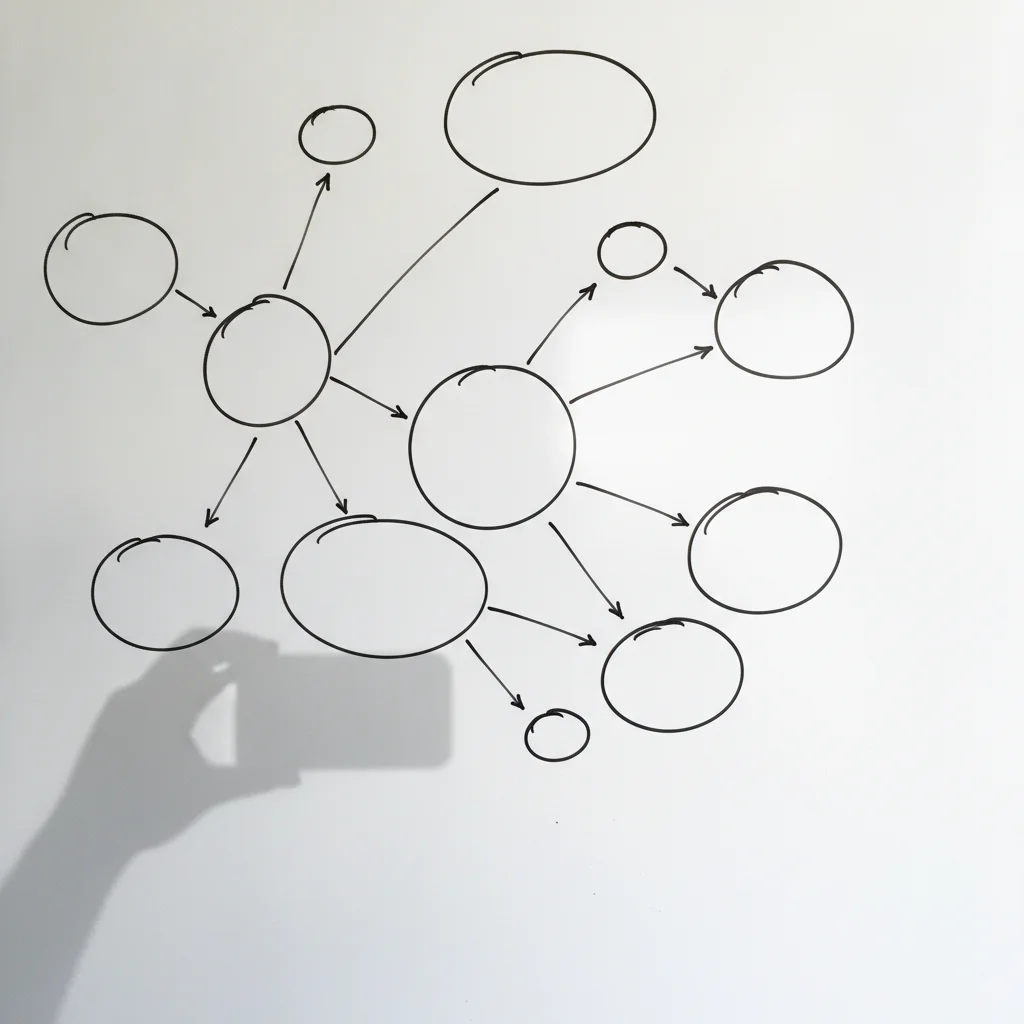
Brainstorm whiteboard with a dark shadow across the lower left
Before
->
Same whiteboard with even lighting and the shadow gone
After

Phone shadow across the corner

A photo of a brainstorm board with the photographer's shadow falling across the lower left edge.

Prompt: remove the shadow of the phone and my hand from the lower left of the whiteboard and even out the lighting across the board

Quick answers

Do I need to mark the glare or shadows before describing what I want?

No. Just describe the cleanup, for example 'remove the glare and shadows and whiten the board.' Use markers only if the AI cleans the wrong area or touches the writing.

How do I clean up a whiteboard photo for free?

Upload the photo to EditThisPic, type what to fix, and preview the result. The preview edit is free with no signup and no watermark.

Can it change what is written on the whiteboard?

No, and it should not. The tool cleans up the image: glare, shadows, board colour and sharpness. Don't use it to alter what notes say; check any numbers or names against the original.

Does it work for whiteboards photographed at an angle?

Often, yes. You can ask it to straighten the board and keep the writing positions. Very steep angles are harder, so a straight-on retake gives the best result.

Can it make unreadable writing readable?

It can make faint or glare-washed marker easier to read. If the writing is fully hidden or blurred beyond recognition, the AI can only guess, so treat those parts with care.

How much does EditThisPic cost?

You get 1 free Standard edit per week — no account needed. After that, one-time credit packs start at $4.99 for 10 credits, valid 12 months, no subscription. A Standard edit uses 1 credit, Pro 2 and Ultra 3. Purchased downloads are clean with no watermark.

Ready to clean up your whiteboard photo?

Free to try. No signup required.

1 free edit included·paid credit packs after