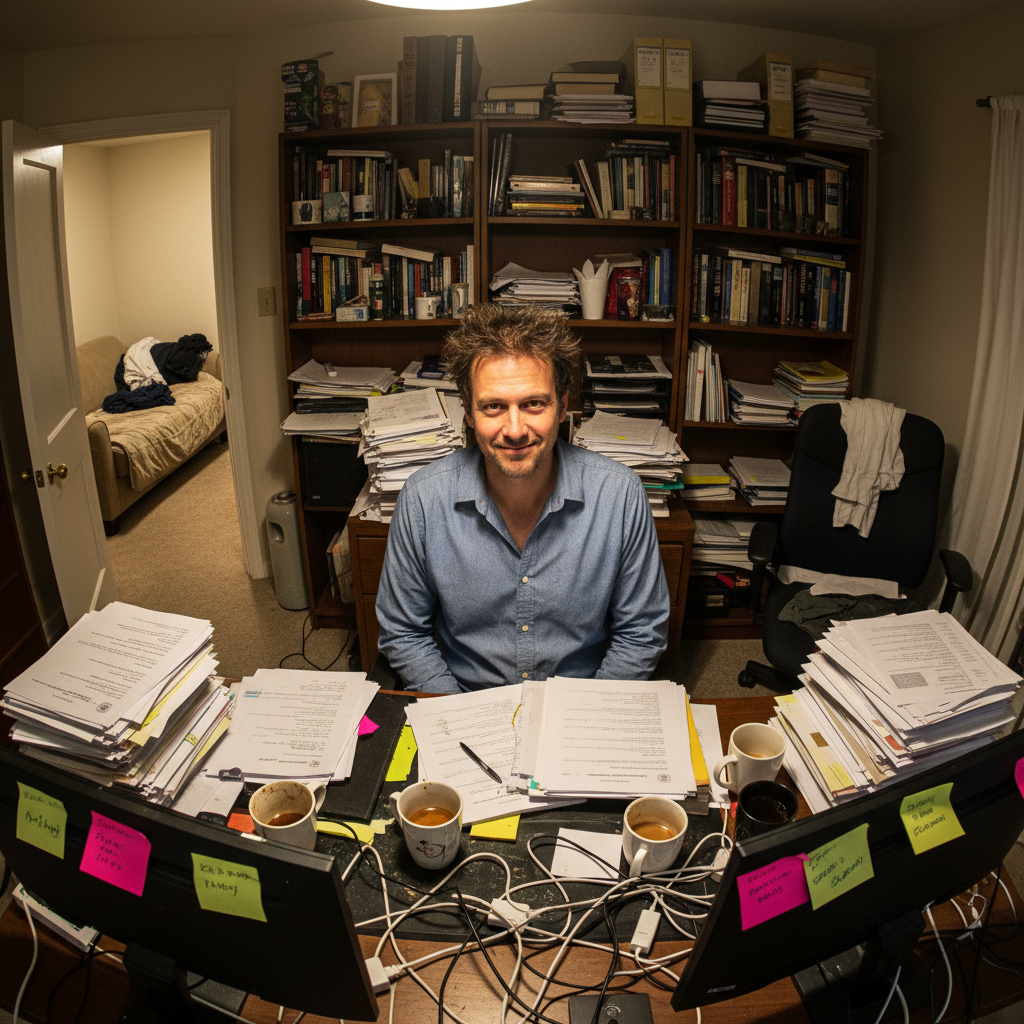
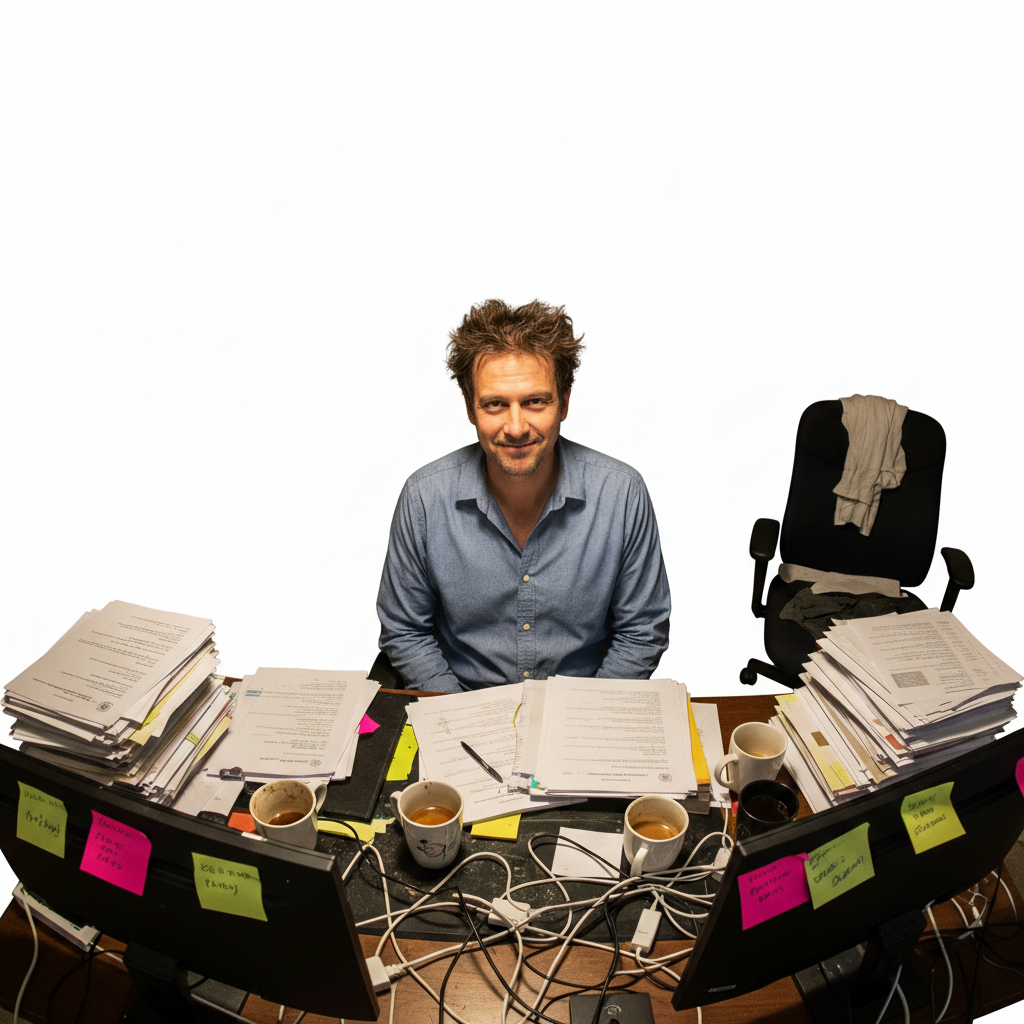
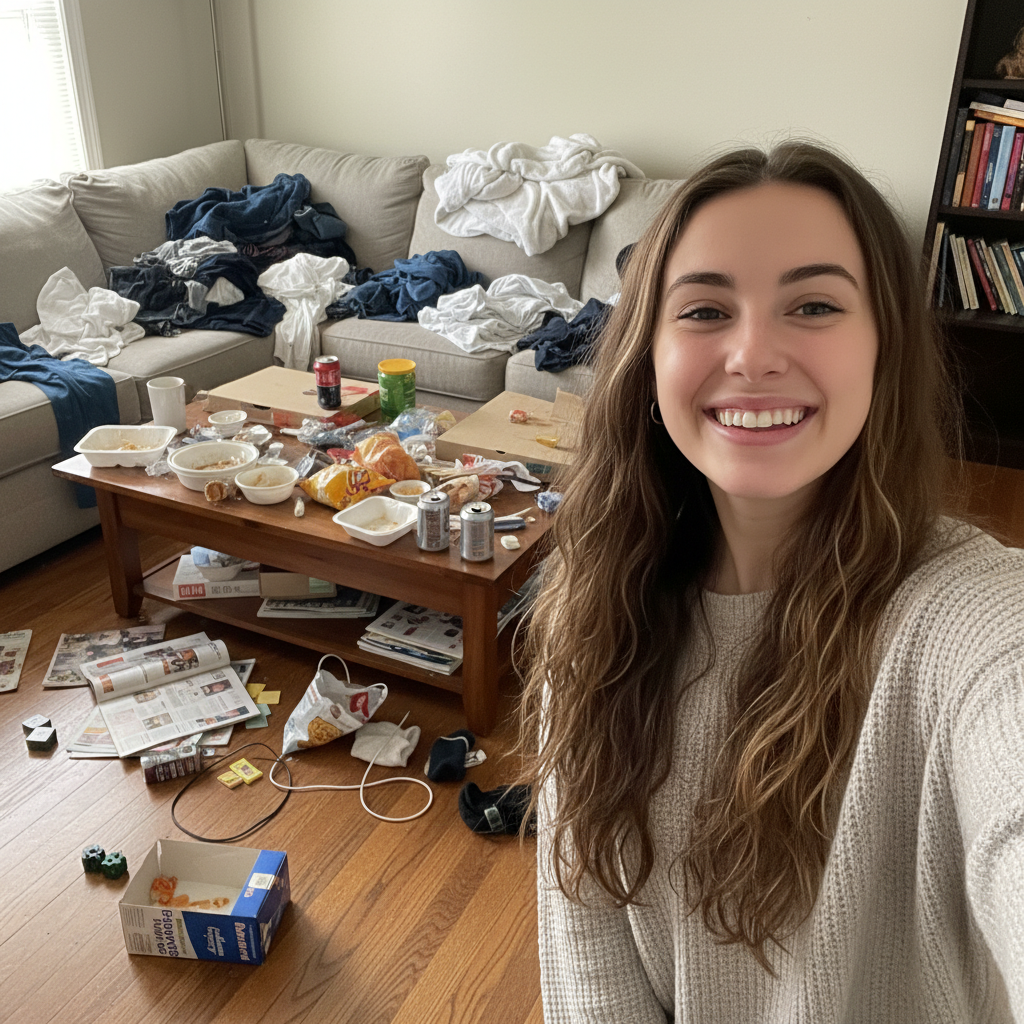
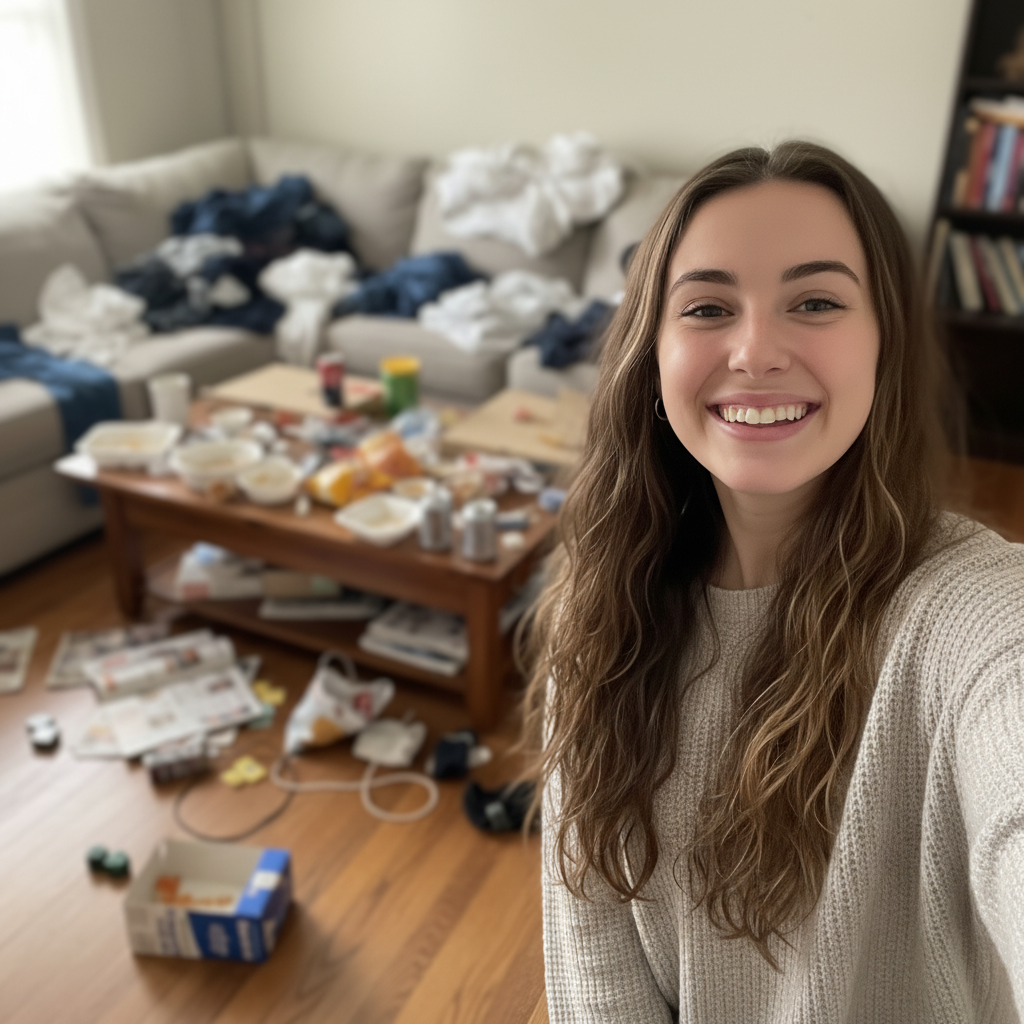
Do I need to clean my room before taking the photo?
No! That's the whole point. Take the photo exactly as you are—messy room, cluttered desk, laundry everywhere. Upload it to EditThisPic and blur or replace the background in seconds. The AI hides the mess so you don't have to physically clean anything. Your face and outfit stay perfect, only the background changes.
Which is better—blur or replace the background?
Blur when you want to keep the 'at home' or casual vibe but hide embarrassing details. It's faster (10-15 seconds) and looks more natural for social media or dating apps. Replace when you need a professional look for LinkedIn, resumes, or business use. That takes 20-30 seconds and gives you a studio-quality backdrop with zero hint of 'home photo.'
Will people be able to tell I edited out a messy background?
With blurring: No, it looks exactly like a photo taken with a professional camera's portrait mode. Everyone assumes the blur is natural. With background replacement: Only if the lighting doesn't match. Add 'matching the lighting on my face' to your prompt and it looks completely natural. Most people can't tell at all.
Can it hide really messy backgrounds or just small clutter?
It works on extremely messy backgrounds—unmade beds, laundry piles, cluttered desks, messy kitchens, disaster zones. The AI doesn't judge how bad it is. Blur makes anything unrecognizable. Background replacement removes it entirely. Both options work equally well on minor clutter or catastrophic mess.
Do I need to mark where the mess is?
No. Just say 'blur the background' or 'replace background with...' and the AI figures out what's you versus what's the messy room. It automatically detects the subject and processes everything behind you.
Is EditThisPic's AI background fixer really free?
Yes — you get 1 free edit per week, no account needed. Credit packs start at $4.99 for 10 edits.
Can I fix background on my phone?
Yes. EditThisPic works in any mobile browser — iPhone, Android, tablet. No app download needed.
What photo formats does the AI background fixer support?
JPG, PNG, WebP, and HEIC. Upload any common photo format and EditThisPic handles the rest.
How much does EditThisPic cost?
You get 1 free edit per week — no account needed. After that, one-time credit packs start at $4.99 for 10 edits, valid 12 months, no subscription. Power users who edit daily can pick Studio Membership, a monthly workspace at $49.99/mo for 300 edits. Purchased downloads are clean with no watermark.