Free • No signup Fix Ugly background · Free

You look great but the background is ugly?

Messy room, bathroom mirror, clutter in frame? Blur or replace the background and save that perfect selfie.

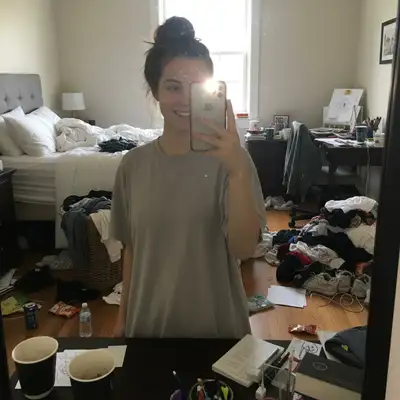
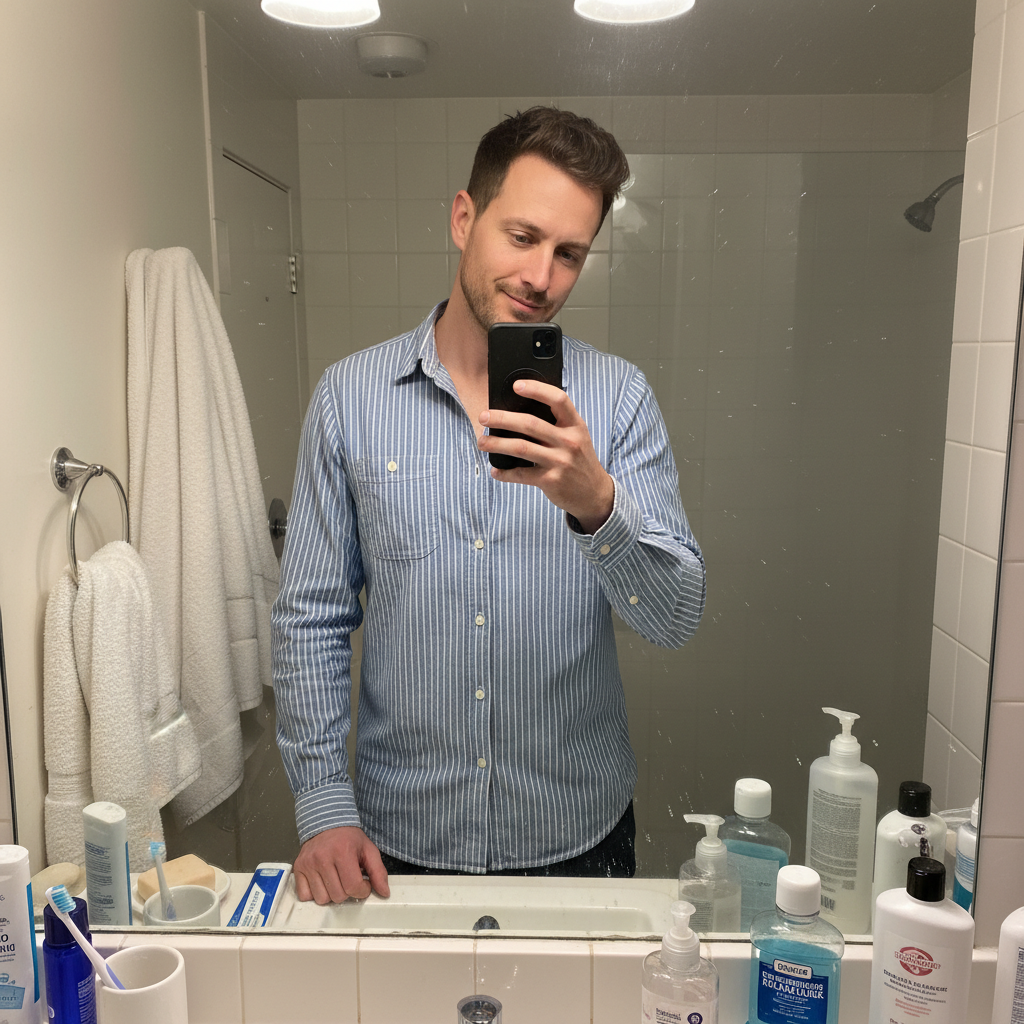
Great selfie but messy bedroom with clothes and clutter everywhere
Before
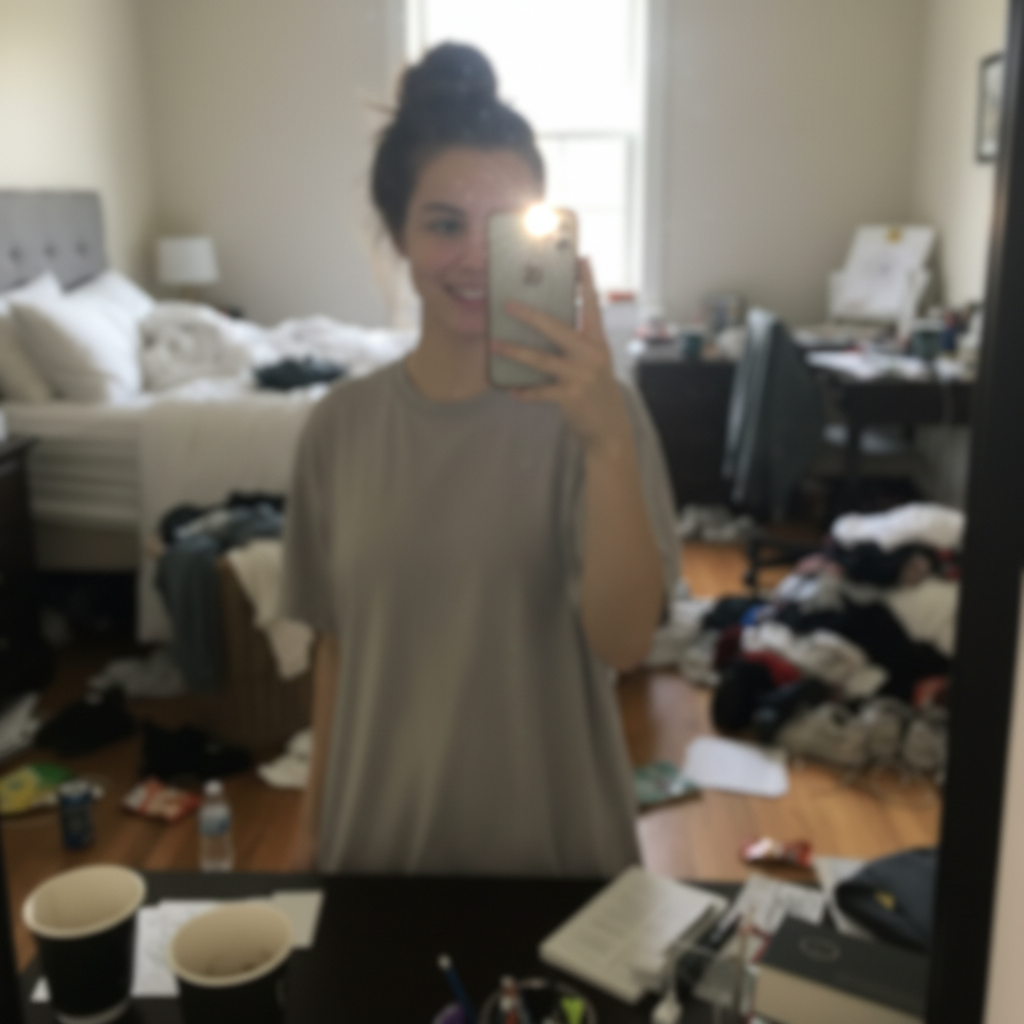
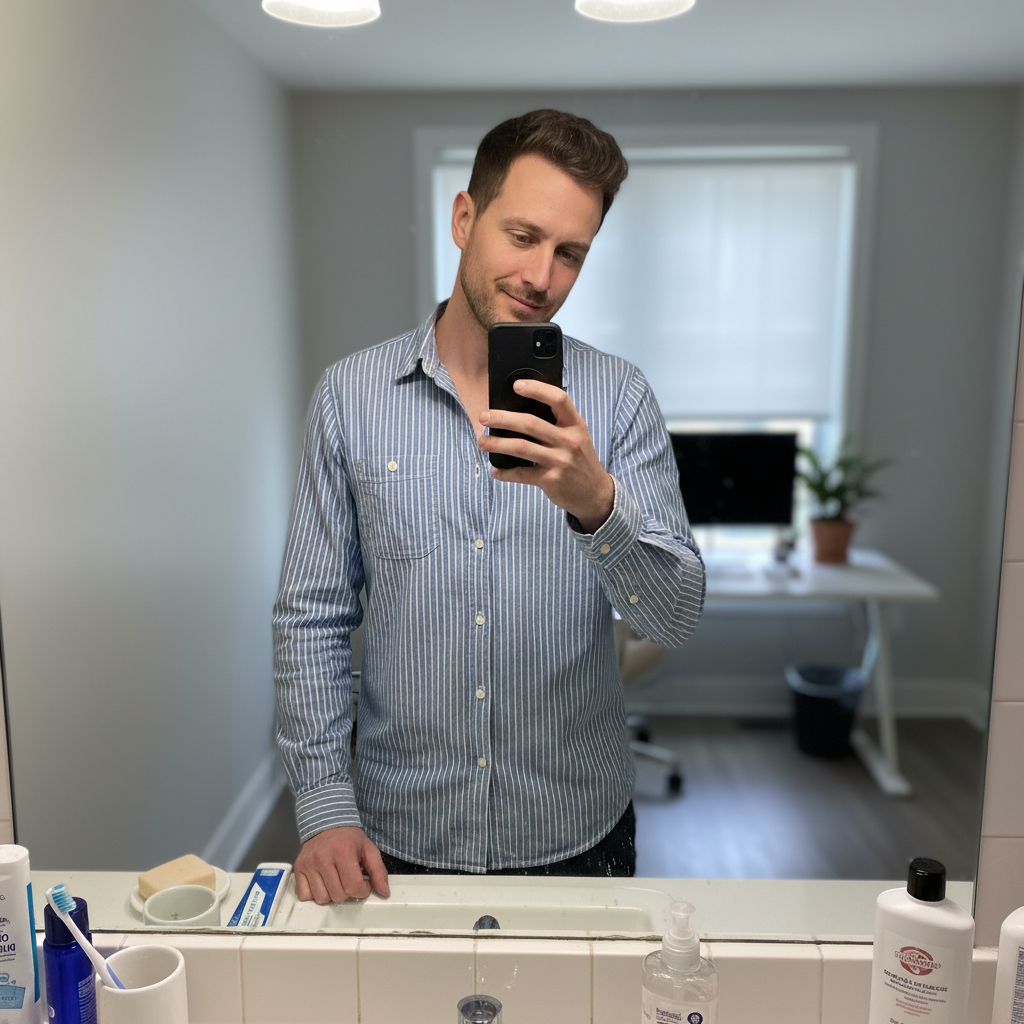
Same selfie with professionally blurred background, person stays sharp
After

Ugly Background in Selfie? Fix It Free (2026) | EditThisPic

Drop your photo here

or click to browse

Release to upload

Free • No signup

Advertisement
Popular use cases:
  • Ugly selfie background
  • Messy room selfie
  • Bathroom mirror selfie
  • Dating app profile
  • Instagram selfie
  • Background clutter
  • Embarrassing background

Cost
Free No signup required
Time
Instant results in 15-30 seconds
Works on
Any device - browser, phone, tablet, desktop
Powered by
AI-powered photo editing
Scenario Prompt Time
Blur messy background blur the messy background and keep me in sharp focus 15s
Remove bathroom clutter blur all the background clutter and bathroom stuff 15s
Professional replacement replace messy background with clean neutral office background 20s
Hide strangers blur background so strangers aren't recognizable 20s

How it works

  1. Upload your selfie

    Drop your photo into EditThisPic. JPG, PNG, and WebP up to 7MB work best. Any selfie where the background is visible will work—bathroom mirrors, bedroom selfies, car photos, office backgrounds.

    Expect: Simple portraits: 10-20 seconds. Complex backgrounds with multiple objects: may take 25-30 seconds.
  2. Describe what you want

    Type 'blur the background' to make it professionally unfocused, or 'replace background with a clean white wall' to swap it entirely. The AI automatically separates you from the background—no marking needed. You stay sharp and in focus while the background transforms.

    Tip: For dating apps and LinkedIn, blurring is more natural than replacing. For Instagram aesthetics, replacing with a specific color or scene works great.

    Copy one of these to get started:

    My bedroom is messy in the background blur the messy background and keep me in sharp focus
    Bathroom mirror selfie with toiletries visible blur all the background clutter and bathroom stuff, keep only me sharp
    I want a clean professional background replace the messy background with a clean neutral office background
    Other people visible in the background blur the background so the strangers aren't recognizable, keep me sharp
    2 more prompts
    Instagram aesthetic with specific backdrop replace background with a soft pastel pink gradient for Instagram
    Car selfie with dashboard clutter blur the car interior and dashboard mess, keep only my face sharp
  3. Review the result

    Check that you're still sharp and the background is either beautifully blurred or cleanly replaced. Zoom in to verify your edges look natural—hair, shoulders, and face should have smooth transitions without weird halos or cutouts.

  4. Refine if needed

    If part of you accidentally got blurred or if some background clutter is still visible, tap markers on those areas and regenerate. This is rarely needed for straightforward selfies with clear separation between you and the background.

    Tip: If you're holding an object you want to keep sharp, mention it: 'blur background but keep my coffee cup sharp.'
Advertisement
Try it free

Ugly Background in Selfie? Fix It Free (2026) | EditThisPic

Drop your photo here

or click to browse

Release to upload

Free • No signup

"I had the perfect selfie but my messy room was visible. This blurred the background and made it Instagram-ready in seconds." @CleanFeedVibes

See it in action

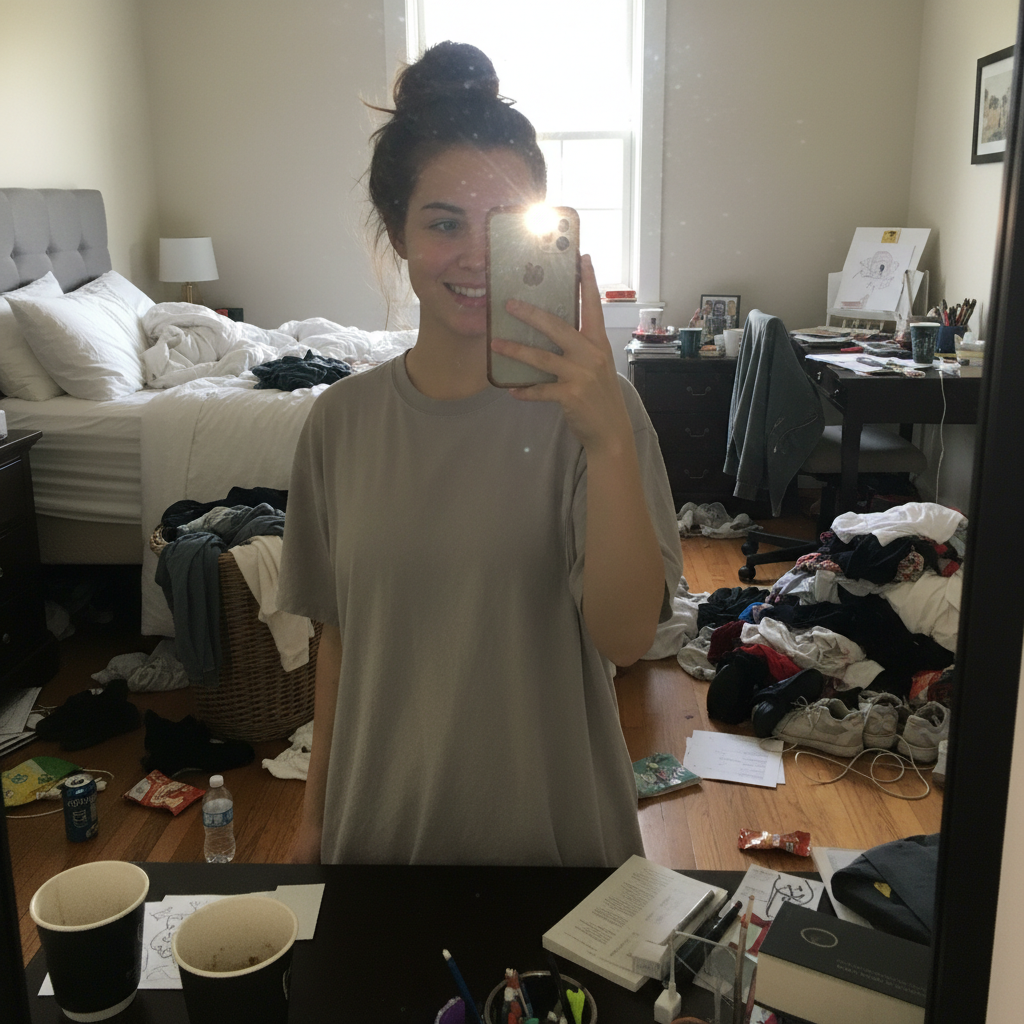
Great selfie but messy bedroom with clothes and clutter everywhere
Before
->
Same selfie with professionally blurred background, person stays sharp
After

Bedroom selfie with clothes everywhere

Perfect lighting and expression, but laundry and clutter all over the bed and floor. One prompt blurred everything behind and made it Instagram-ready.

Prompt: blur the messy background and keep me in sharp focus
Bathroom mirror selfie with toiletries and clutter on counter
Before
->
Same person with clean professional neutral background
After

Bathroom mirror selfie with visible toiletries

Great selfie but bathroom counter covered with products, toothbrush, towels visible. Replaced background with clean neutral backdrop for dating app profile.

Prompt: replace the messy background with a clean neutral office background

If something looks off

AI blurred me instead of just the background

Why: The AI may have misunderstood which area to keep sharp, especially if you're close to background objects.

Try: blur only the background behind me, keep my entire body and face perfectly sharp

Tip: Being explicit about 'keep me sharp' helps the AI understand you're the subject.

My edges look weird or have halos

Why: Complex edges like hair, glasses, or loose clothing can sometimes create artifacts when separating from background.

Try: blur background but keep my hair edges natural and smooth, no halos

Tip: Tap markers along your edges if the AI struggled with separation. This tells it exactly where you end and background begins.

Some background clutter is still visible or sharp

Why: The AI may have thought certain objects were part of you or important to keep.

Try: blur everything in the background completely, only keep me in focus

Tip: Use 'everything' or 'completely' to be more aggressive with blurring.

Replaced background looks fake or unnatural

Why: The new background may not match your original lighting or perspective.

Try: replace background with something that matches my lighting, keep it realistic

Tip: For natural results, blurring is usually better than replacing unless you're going for a stylized aesthetic.

Objects I'm holding got blurred too

Why: The AI sometimes can't tell if you're holding something important that should stay sharp.

Try: blur background but keep my phone and coffee cup sharp along with me

Tip: Mention specific objects you're holding to keep them in focus.

Quick answers

Should I blur or replace the background?

Blur is more natural for dating apps, LinkedIn, and realistic photos. It mimics professional portrait mode. Replace is better for Instagram aesthetics when you want a specific color, pattern, or artistic vibe. If you want it to look like a real photo taken with a good camera, blur. If you want creative control over the backdrop, replace.

Do I need to mark myself before blurring the background?

No! Just type 'blur the background' and the AI automatically separates you from the backdrop. Markers are only needed if the AI gets confused about edges or if you're in a complex scene with lots of overlapping objects. For most straightforward selfies, it works perfectly with just the text prompt.

Will this work on mirror selfies?

Yes, absolutely. Mirror selfies often have the worst backgrounds—bathroom counters, bedroom clutter, visible toiletries. The AI can blur or replace everything behind you while keeping you sharp. Works great for bathroom mirror selfies, gym mirror photos, and fitting room shots.

Can I choose what the new background looks like?

Yes, when replacing backgrounds. You can request specific things like 'replace with a soft pink gradient,' 'replace with a modern office backdrop,' 'replace with a beach sunset,' or 'replace with a bookshelf background.' The AI will generate what you describe. For blurring, the background stays the same but becomes professionally unfocused.

What if other people are in the background?

You can blur them out for privacy. Type 'blur the background so the other people aren't recognizable' and the AI will blur everyone behind you while keeping you sharp. This is perfect for gym selfies, cafe photos, or any public place where strangers ended up in your shot.

Does this work for group selfies?

This is designed for solo selfies where you want to blur or replace what's behind you. For group selfies, everyone would typically be the subject, so blurring the background behind all of you works, but replacing gets tricky. Try 'blur everything in the background, keep all the people sharp' for groups.

Is EditThisPic's AI ugly background fixer really free?

Yes — you get 1 free edit per week, no account needed. For unlimited edits, plans start at $3.99/month.

Can I fix ugly background on my phone?

Yes. EditThisPic works in any mobile browser — iPhone, Android, tablet. No app download needed.

Ready to fix that background?

Free to try. No signup required.

Try it free