Pricing Enhance Clothing · Free

AI Clothing Enhancer

← Browse all body & person tools

Last updated

Refine fabric texture and drape without replacing the garment by default.
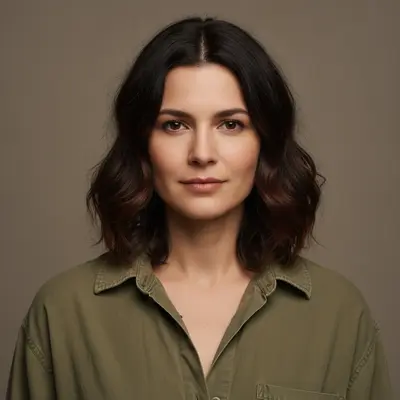
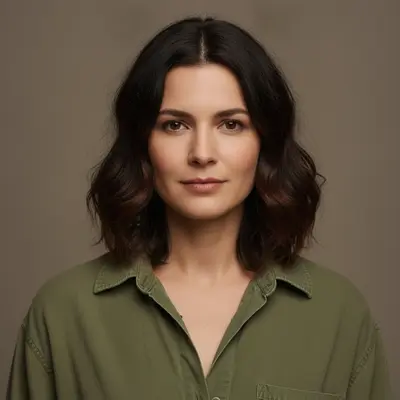
Woman in a slightly dull, creased olive blouse The same blouse with cleaner texture, truer color, and natural drape

Upload photo to enhance clothing

"Refine this linen garment's drape and reduce only the distracting shipping creases while retaining subtle natural wrinkles, exact beige color, label, and silhouette"

Free to try · no sign-up · photos are never shared

Release to upload

<30stypical edit
1 freeedit weekly
Photo on your phone? Scan to open this editor there — free edit works on your phone too.

1 free edit every week·packs from $4.99

How it works

  1. Upload a worn-garment or product image

    Start with the clothing photo whose material, wrinkles, or color needs attention. On-model shots, mannequins, flat lays, and catalog images all work when the garment boundary is visible.

    Expect: A single garment on a plain background is usually straightforward; layered outfits, lace, sequins, or heavy overlap can need a second targeted pass.
  2. Describe the fabric qualities to improve

    Name the current garment and the desired correction rather than requesting a new outfit. Try: “Enhance the visible garment's fabric texture, natural drape, seam definition, and color fidelity; keep its design, the wearer, and the background unchanged.”

    Tip: Describe material behavior—matte cotton, soft knit, crisp linen, or subtle satin—so enhancement does not become plastic sharpening.

    Copy one of these to get started:

    Worn cotton shirt Enhance the visible cotton shirt with clearer natural weave, cleaner seam definition, and believable soft folds; keep its cut, color, buttons, wearer, and background unchanged
    Linen product photo Refine this linen garment's drape and reduce only the distracting shipping creases while retaining subtle natural wrinkles, exact beige color, label, and silhouette
    Dark knit detail Improve definition in the black knit sweater so the ribbing and cuff edges are visible without brightening the true black color or changing the garment design
    Satin dress highlights Balance the highlights on the satin dress, preserve its deep red color, and keep the fabric smooth but not plastic; do not alter the neckline, body, pose, or room
    2 more prompts
    Flat-lay denim Enhance the denim texture, stitching, pocket edges, and natural indigo variation in this flat-lay image; keep the jeans' shape, hardware, size, and background fixed
    On-model wrinkle cleanup Reduce the two harsh horizontal wrinkles across the jacket front while preserving natural folds at the elbows, exact tailoring, face, hands, pose, and lighting
  3. Inspect texture at useful zoom levels

    First check the whole silhouette for believable drape, then zoom into seams, hems, logos, closures, and folds. Confirm color did not shift and the editor did not invent a different garment.

  4. Optionally mark one damaged fabric region

    Written description is the default. If only one crease, faded patch, or seam remains distracting, add a marker on that location and request a local correction while preserving the surrounding material.

    Tip: Use markers after a broad description succeeds, and only for localized cleanup.

See it in action

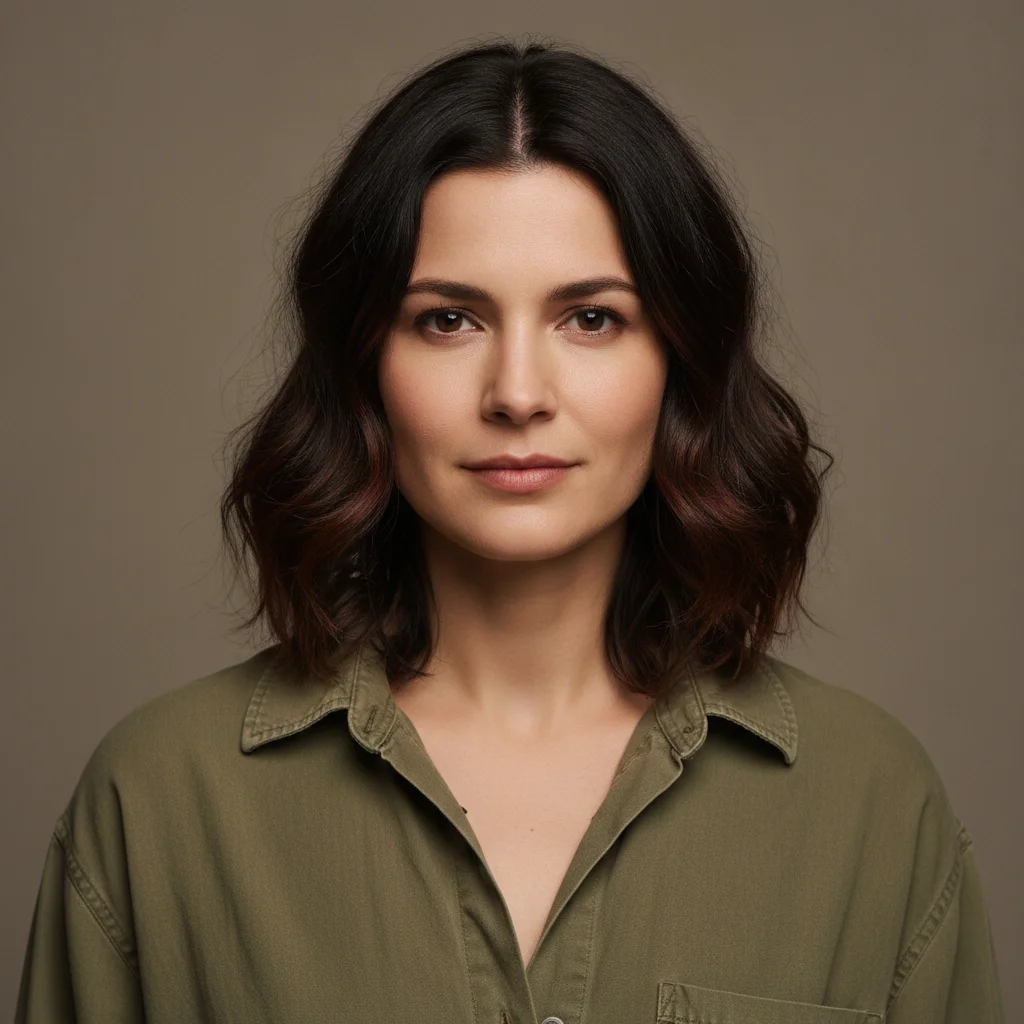
Woman in a slightly dull, creased olive blouse
Before
->
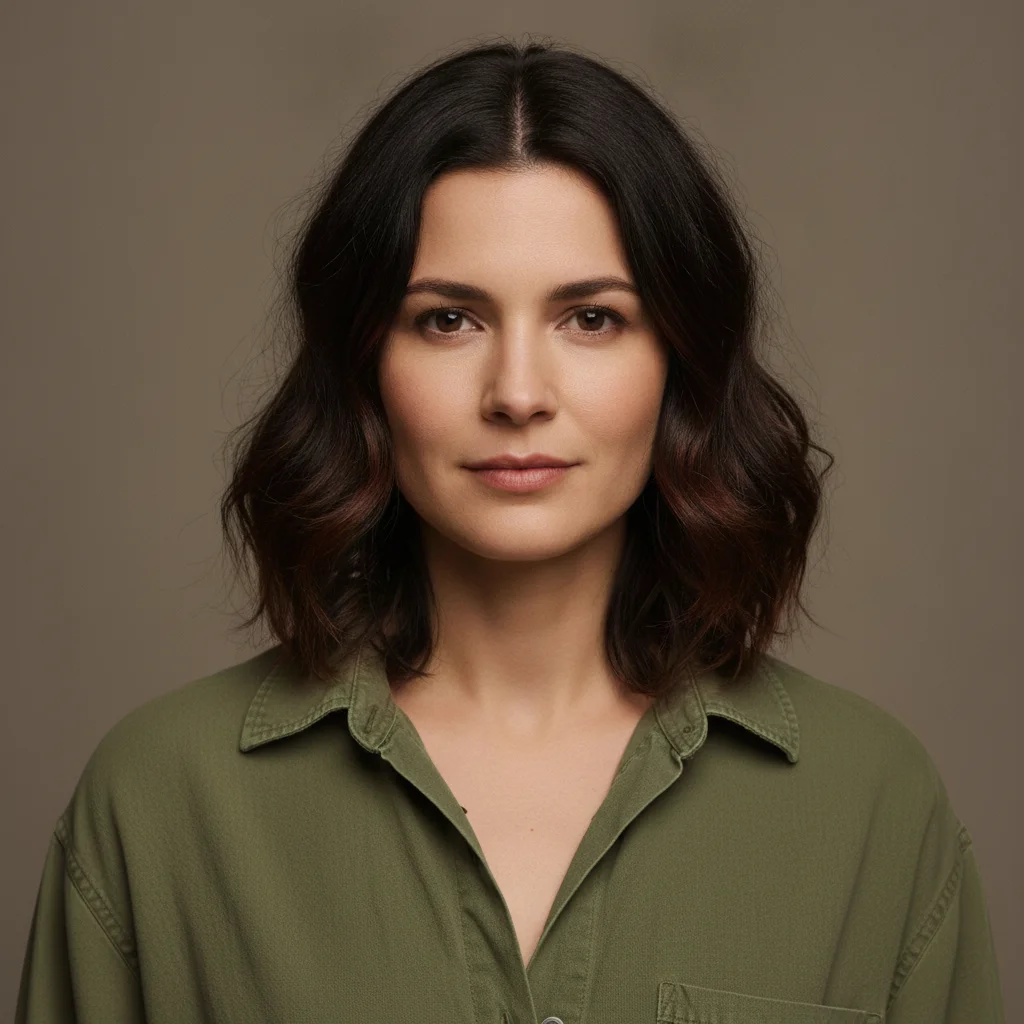
The same blouse with cleaner texture, truer color, and natural drape
After

Olive blouse fabric enhanced

An existing olive blouse improved for fabric texture, drape, and color fidelity without changing its design, the wearer, or the background.

Prompt: Enhance the visible garment's fabric texture, natural drape, seam definition, and color fidelity; keep its design, the wearer, and the background unchanged

Quick answers

Do I need to mark the clothing before enhancing it?

No. Describe the garment and the fabric qualities to refine first. Add a marker only if one crease, faded patch, or seam needs a localized follow-up after the main enhancement.

How do I enhance clothing texture for free?

Upload the worn or product garment photo, name its material, and request clearer weave, controlled wrinkles, natural drape, and faithful color without redesigning it. The tool is free to try with no signup.

Is there a free clothing enhancer that does not require login?

Yes. EditThisPic lets you try a garment enhancement without an account. The best first prompt identifies both the material improvement and every product or person detail that must stay unchanged.

What is the best AI clothing enhancer for product apparel?

Choose a workflow that preserves exact silhouette, color, hardware, labels, stitching, and backdrop while refining texture and presentation. Always compare product-defining details with the source before publishing a listing.

Does clothing enhancement automatically change the outfit?

No. This page is framed for improving the existing garment rather than swapping it. State “do not replace or redesign the garment” when you need texture, drape, wrinkle, or color refinement only.

How much does EditThisPic cost?

You get 1 free edit per week — no account needed. After that, one-time credit packs start at $4.99 for 10 edits, valid 12 months, no subscription. Power users who edit daily can pick Studio Membership, a monthly workspace at $49.99/mo for 300 edits. Purchased downloads are clean with no watermark.

Ready to enhance clothing?

Free to try. No signup required.

1 free edit included·Credit packs from $4.99