Free • No signup Fix Frizzy hair · Free

Fix Frizzy Hair in Photo

← Browse all fix & repair tools

Last updated

Describe the hair change you want. AI handles it naturally.
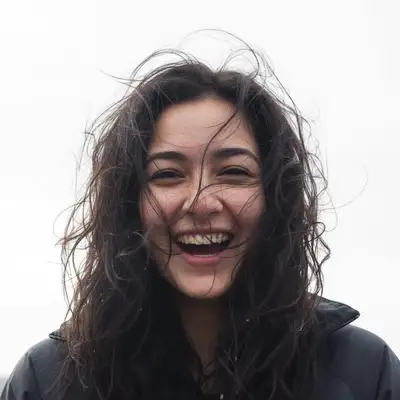
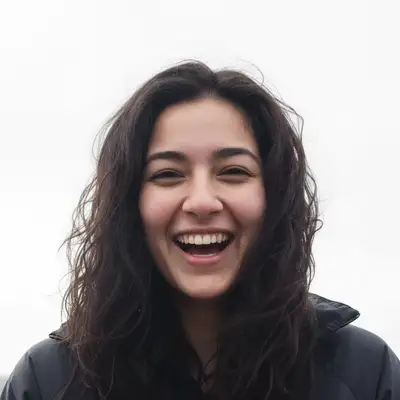
Photo with frizzy hair Photo with smooth polished hair

Upload photo to fix frizzy hair

"Fix the humidity-damaged frizzy hair and restore smooth, defined texture"

Release to upload

1 free edit·then from $4.99

How it works

  1. Upload your photo

    Upload a clear, front-facing portrait. Good lighting on the face and visible facial features give the AI the best foundation for frizzy hair editing. JPG, PNG, WebP up to 7MB.

    Expect: Most edits complete in 20-45 seconds. Complex changes may need 1-2 refinements.
  2. Describe your edit

    Type what you want: 'Smooth the frizzy hair and tame flyaways for a polished, sleek look.' Be specific about details for best results. The AI understands natural language — no technical skills needed.

    Tip: Mention the specific hair texture you want: 'smooth', 'textured', or 'glossy'.

    Copy one of these to get started:

    Smooth Frizz Smooth the frizzy hair and eliminate flyaways for a sleek, polished look
    Humidity Fix Fix the humidity-damaged frizzy hair and restore smooth, defined texture
    Curly Hair Reduce frizz on curly hair while keeping the curl definition intact
    Wedding Hair Fix frizzy hair in this wedding photo for a perfect, elegant hairstyle
    4 more prompts
    Professional Fix Tame frizzy hair for a professional, put-together appearance in this headshot
    Full quality restoration fix frizzy hair for maximum clarity and detail, make it look professionally retouched
    Natural-looking fix fix frizzy hair while keeping the photo looking completely natural and untouched
    Targeted correction only fix only frizzy hair in this specific area without affecting the rest of the photo
  3. Review the result

    Zoom in on facial details — check that skin tones look natural, edges blend seamlessly, and no artifacts appear around the hairline, jawline, or eyes. Use the before/after slider to compare.

See it in action

Photo with frizzy hair
Before
->
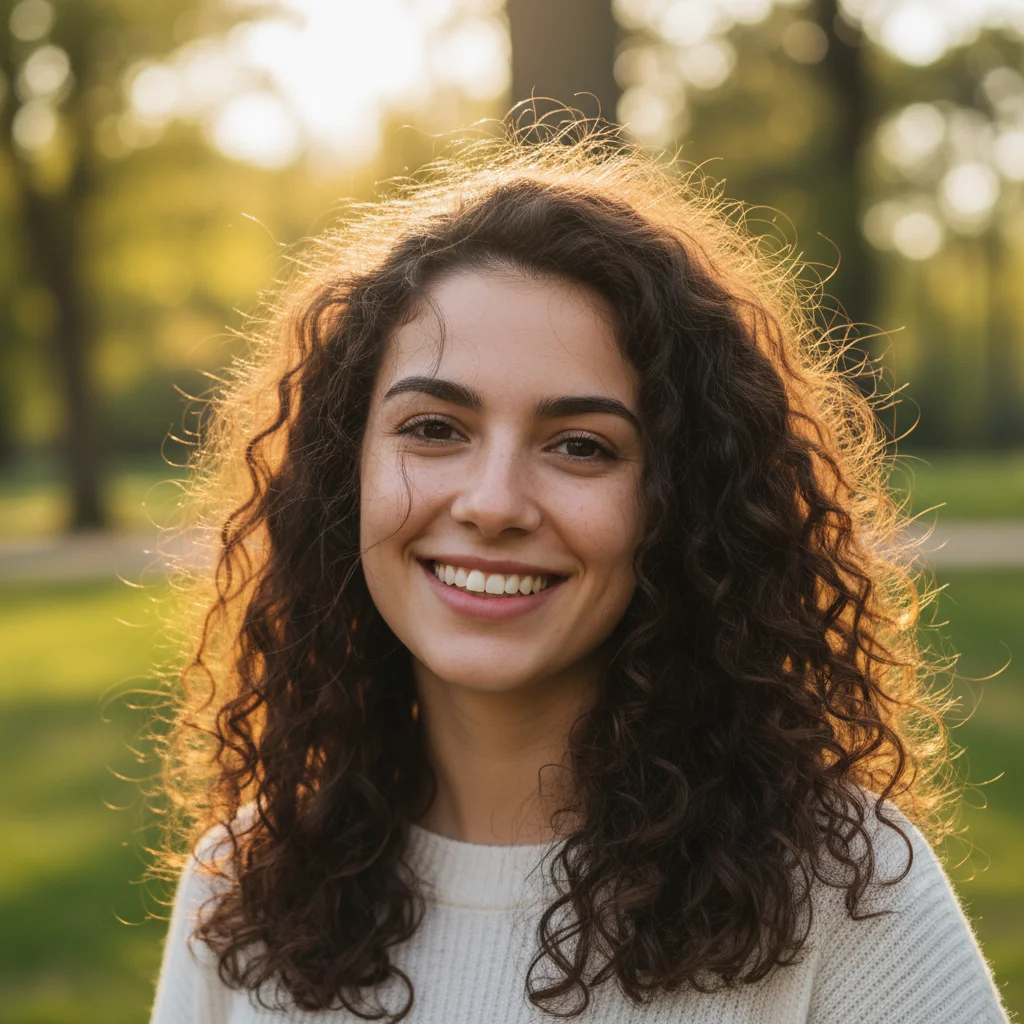
Photo with smooth polished hair
After

Humidity Fix

Frizzy outdoor hair smoothed to a sleek look.
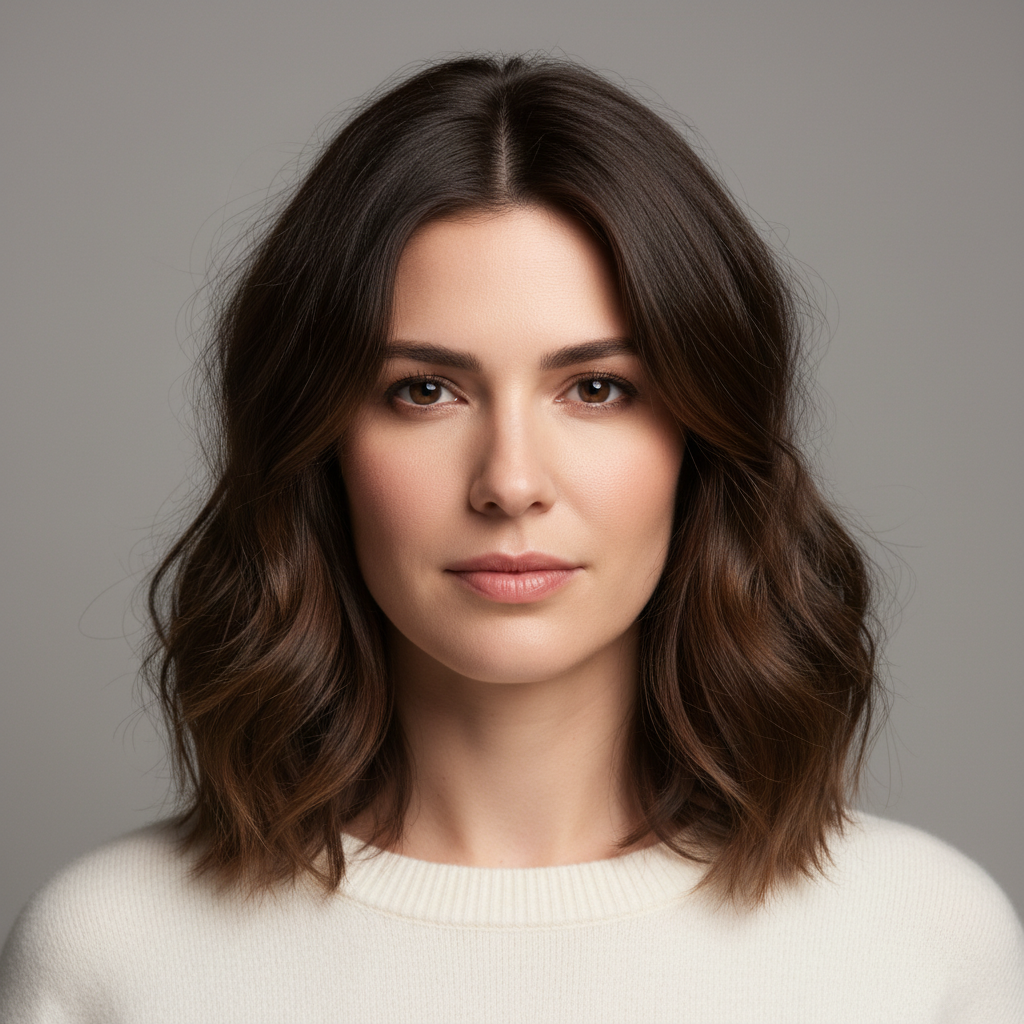
Prompt: Smooth frizzy hair and eliminate flyaways
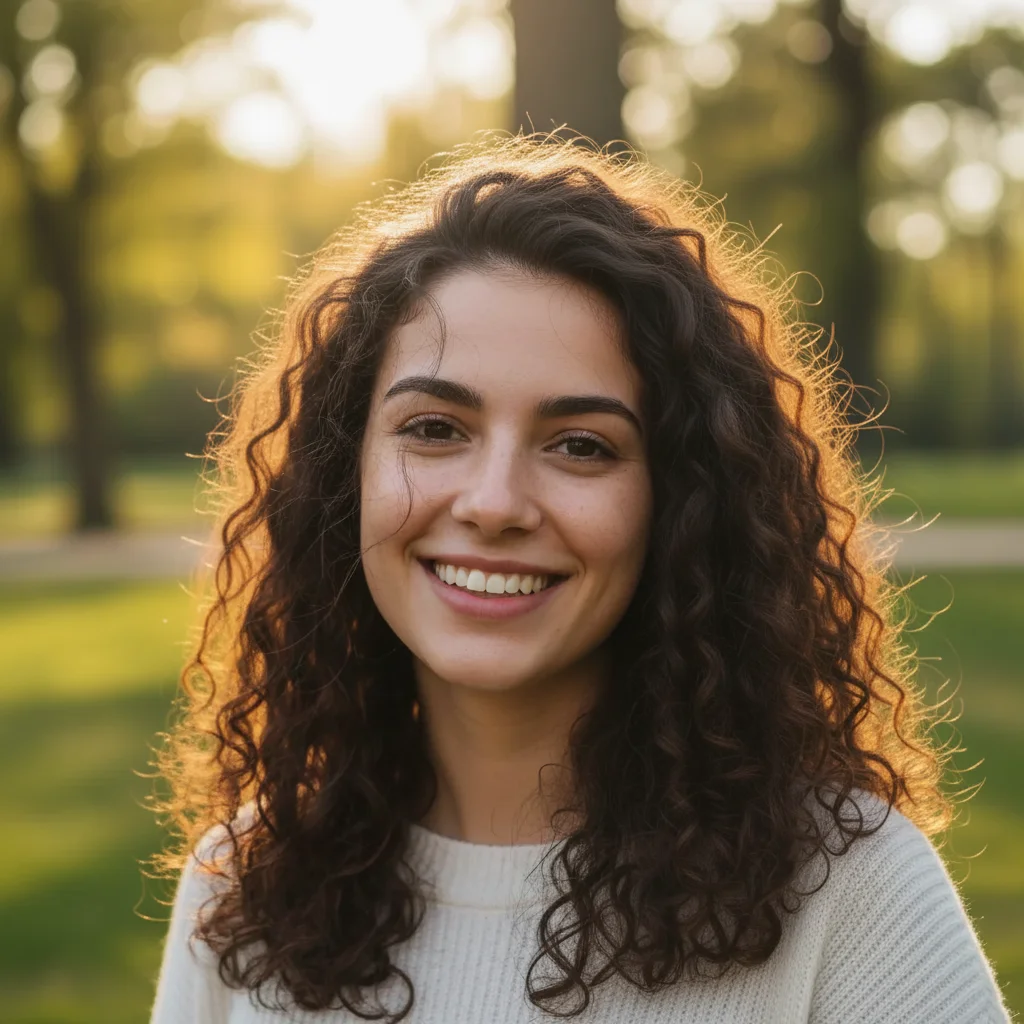
Curly hair with frizz
Before
->
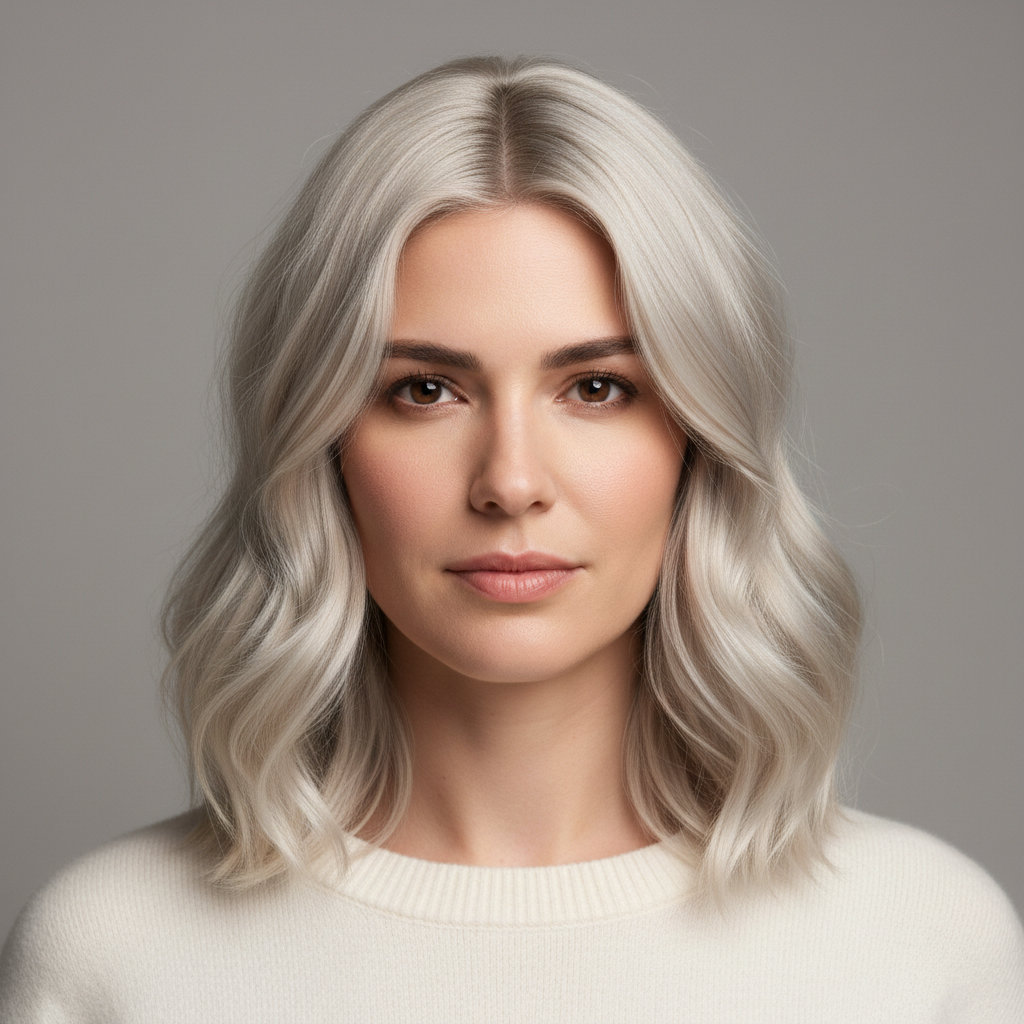
Curly hair with defined curls, no frizz
After

Curly Frizz Tame

Curly hair frizz tamed while keeping curl pattern.

Prompt: Reduce frizz on curly hair keeping curl definition

Quick answers

Will it flatten my hair?

No. The AI smooths frizz and flyaways while preserving your hair volume and natural texture.

Is it free?

Yes. Free frizz fixing with no signup.

Does it work on curly hair?

Yes. Specify "keep curls" and the AI will smooth frizz while preserving curl definition.

Will my hairstyle change?

No. The overall hairstyle stays the same — only frizz and flyaways are tamed.

Good for outdoor photos?

Yes. Outdoor photos with wind or humidity damage are the most common use case.

Can I fix frizzy hair on my phone?

Yes. EditThisPic works in any mobile browser -- iPhone, Android, tablet. No app download needed.

What photo formats does the fix frizzy hair in photo tool support?

JPG, PNG, WebP, and HEIC. Upload any common photo format and EditThisPic handles the rest.

How much does EditThisPic cost?

You get 1 free edit per week — no account needed. After that, credit packs start at $1.99 for 3 edits. Monthly plans start at $4.99/mo for 15 edits with unused credits rolling over. All edits are full resolution with no watermark.

Ready to change your hair?

Free to try. No signup required.

1 free edit included·Credit packs from $4.99