Pricing Merge Photos · Free

AI Then-and-Now Photo Merger

Last updated

Upload an old photo of a loved one or your younger self, add a recent photo, and describe the then-and-now moment you want.
01Photo 1
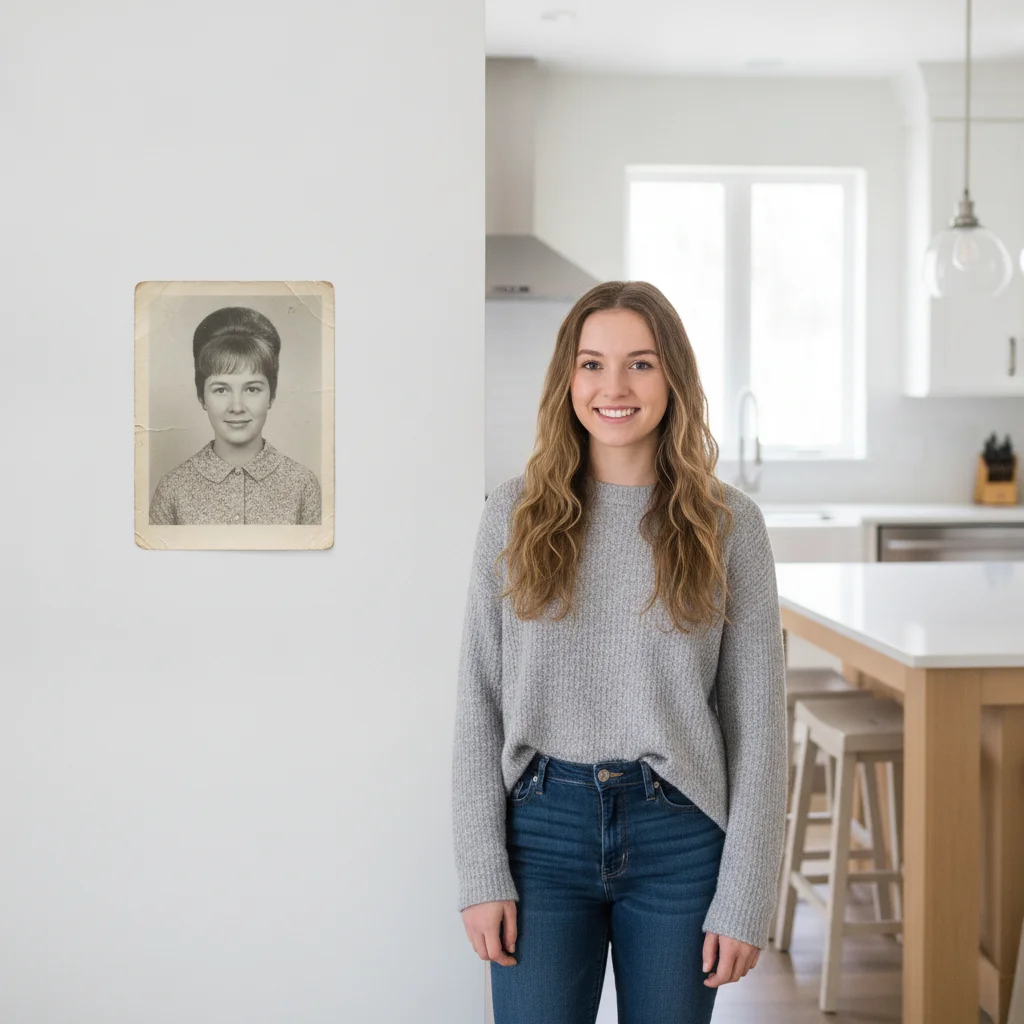
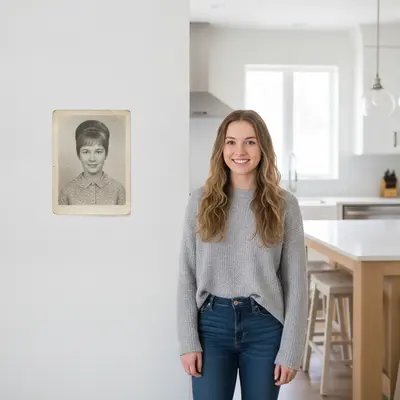
Recent color photo of a young woman in a kitchen, and a faded black-and-white photo of her grandmother in her twenties
02Photo 2
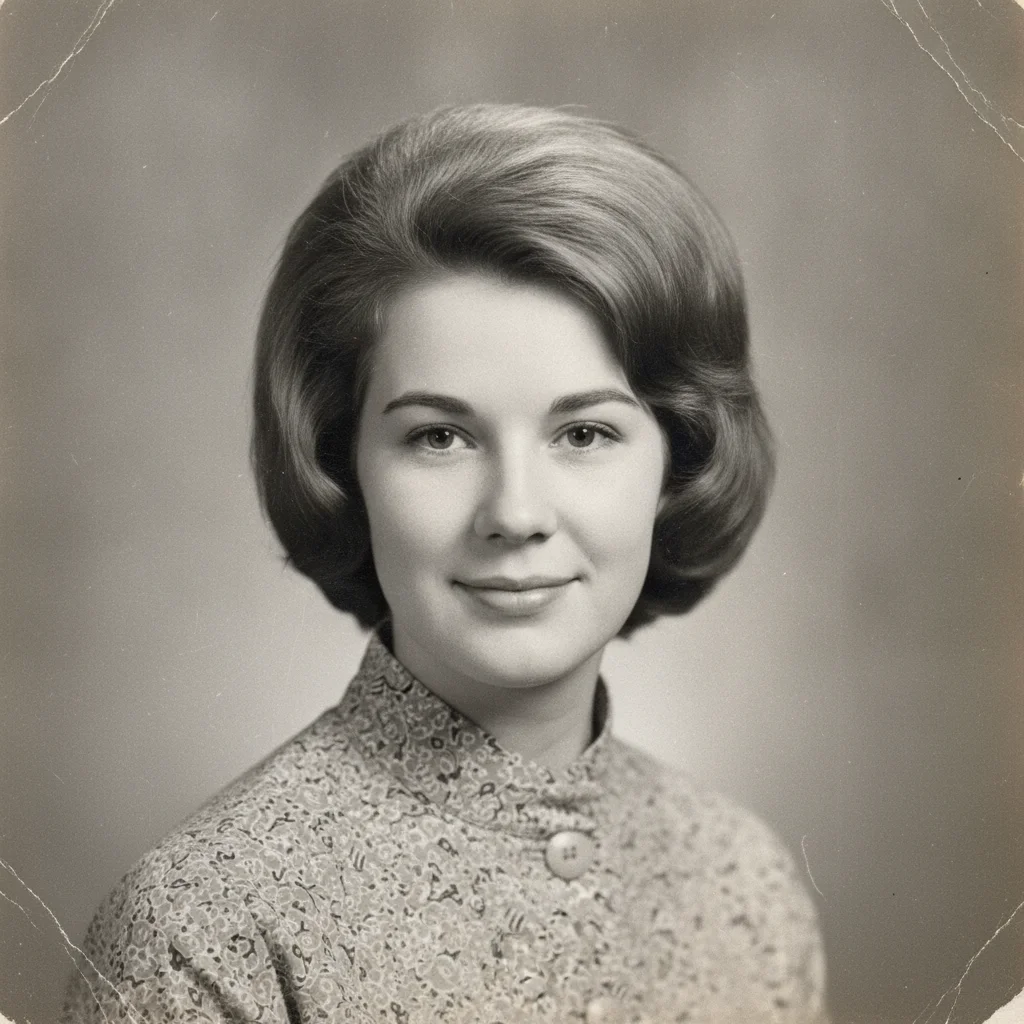
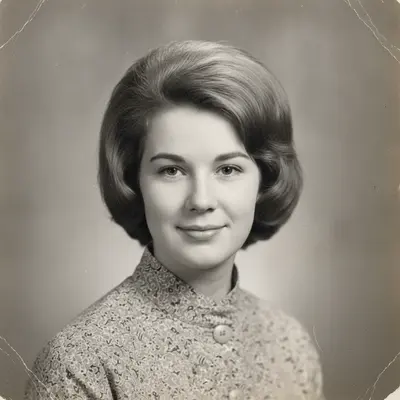
Faded black-and-white portrait of the grandmother at 25
03Result
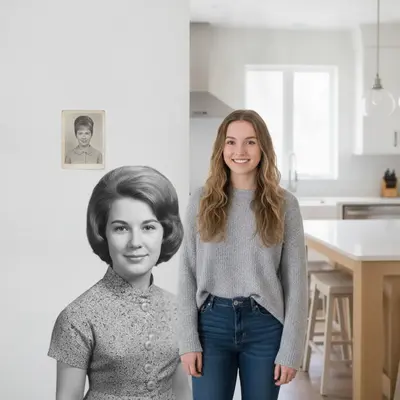
Grandmother and granddaughter merged into one then-and-now photo, one in black and white and one in color

Upload photo to merge photos

"place my childhood self from the old photo next to my current self, both facing the camera, keep the old photo's slightly faded color"

Free to try · no sign-up · photos are never shared

Release to upload

<30stypical edit
1 freeedit weekly
Photo on your phone? Scan to open this editor there — free edit works on your phone too.

1 free edit every week·paid packs after

How it works

  1. Upload the recent photo

    Drop in the newer photo — of yourself today, or of a family member. This is usually the base scene the old photo joins. A photo with some open space beside the subject works best.

    Expect: A clear, well-lit recent photo makes a first attempt easier; a very worn or damaged old photo may need one extra pass to blend cleanly.
  2. Add the old photo as a reference

    Click '+ Add reference image' and upload the older photo — of your grandmother at 25, or of your childhood self. Faded, black-and-white, or slightly worn photos work fine; the AI reads them as-is.

    Tip: Say whether you want the old photo's faded or black-and-white look preserved, or brought closer to full color — both are common and the AI needs to know which you want.

    Copy one of these to get started:

    Grandmother at 25 beside her granddaughter today put the woman from the old photo standing beside me, keep her photo in its original black and white look while I stay in full color
    Childhood self next to adult self place my childhood self from the old photo next to my current self, both facing the camera, keep the old photo's slightly faded color
    Then-and-now side by side split put these two photos side by side with a thin line between them, old photo faded on the left, recent photo in full color on the right
    Parent and child at the same age merge the old photo of my father as a boy with my son at the same age today, positioned side by side, both photos keeping their original tone
    3 more prompts
    Same location, decades apart combine these two photos of the same house, the old faded photo on top and the recent photo on the bottom, stacked with matching widths
    Blended then-and-now portrait blend the person from the old photo and the person from the recent photo into one soft, dreamlike composite, honoring the vintage tone of the older image
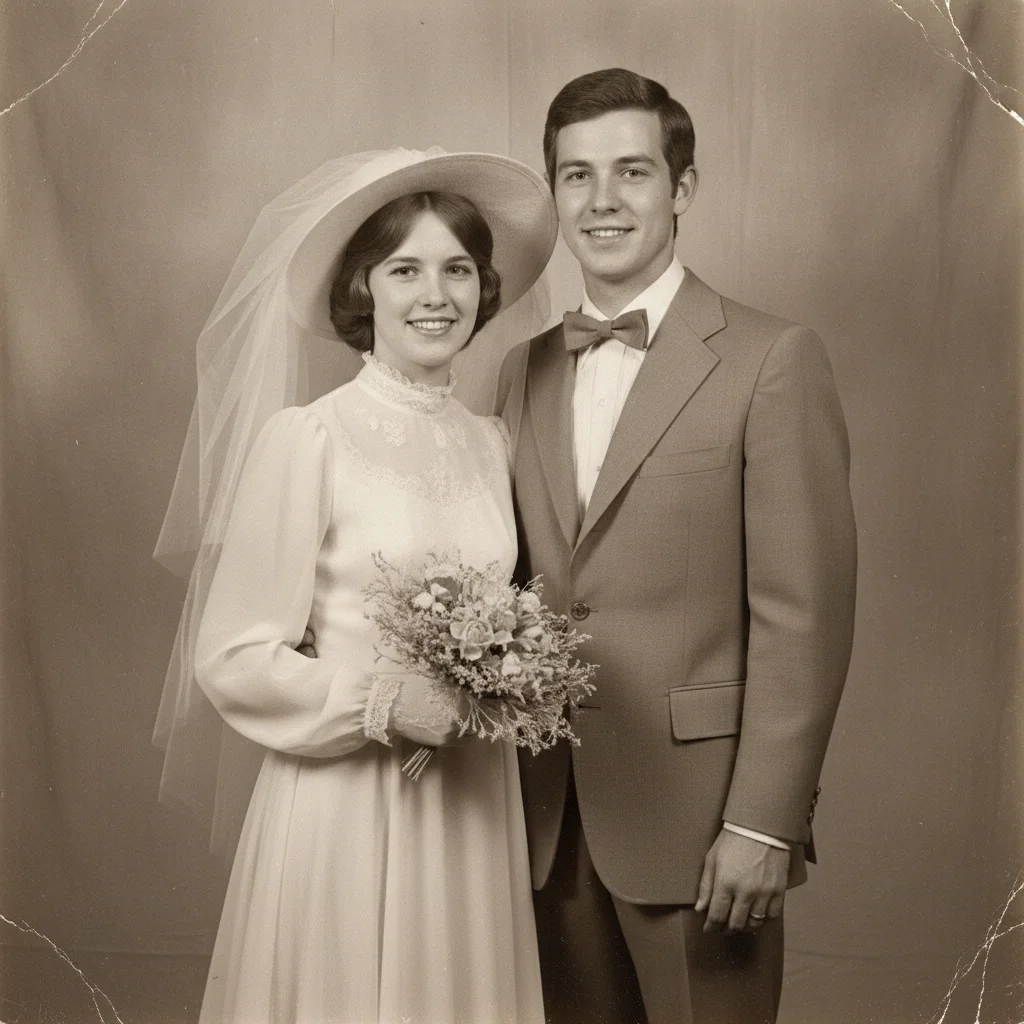
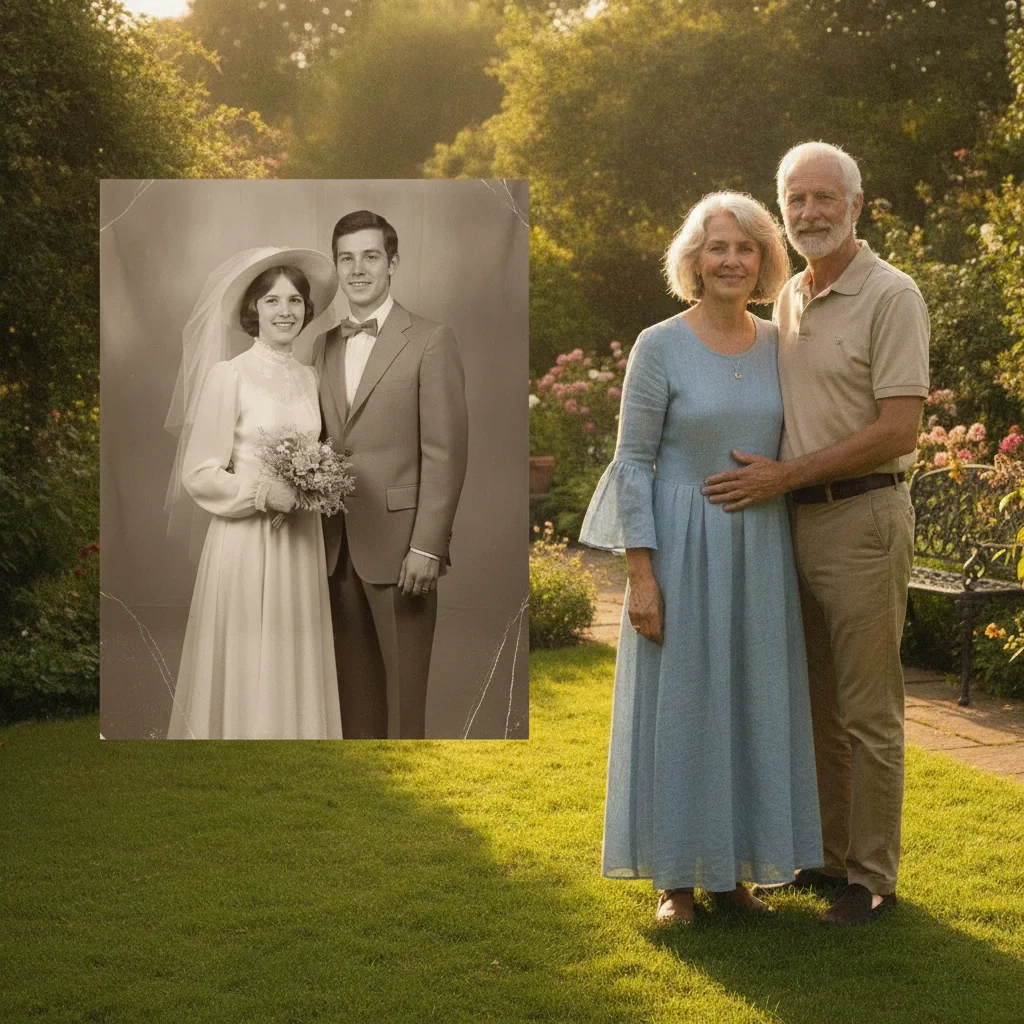
    Old wedding photo beside a recent anniversary photo put the couple from the old wedding photo beside the couple in the recent photo, keep the old photo's sepia tone, matched framing on both
  3. Describe the then-and-now moment

    Type your instruction: 'put my grandmother at 25 standing beside me today, keep her photo in black and white' or 'place my childhood self next to my adult self, both looking at the camera.' Say what stays faded and what stays sharp.

    Tip: Naming the relationship — 'my grandmother,' 'my younger self' — helps the AI treat the merge with the right tone and framing.

    Copy one of these to get started:

    Grandmother at 25 beside her granddaughter today put the woman from the old photo standing beside me, keep her photo in its original black and white look while I stay in full color
    Childhood self next to adult self place my childhood self from the old photo next to my current self, both facing the camera, keep the old photo's slightly faded color
    Then-and-now side by side split put these two photos side by side with a thin line between them, old photo faded on the left, recent photo in full color on the right
    Parent and child at the same age merge the old photo of my father as a boy with my son at the same age today, positioned side by side, both photos keeping their original tone
    3 more prompts
    Same location, decades apart combine these two photos of the same house, the old faded photo on top and the recent photo on the bottom, stacked with matching widths
    Blended then-and-now portrait blend the person from the old photo and the person from the recent photo into one soft, dreamlike composite, honoring the vintage tone of the older image
    Old wedding photo beside a recent anniversary photo put the couple from the old wedding photo beside the couple in the recent photo, keep the old photo's sepia tone, matched framing on both
  4. Review and refine

    Check that the contrast between old and new reads the way you intended — either a deliberate faded/sharp contrast, or a closer color match if that's what you asked for. Refine any detail that feels off.

    Tip: If the composite feels too uniform, ask to 'keep the old photo's grain and softness' so the then-and-now contrast stays visible.

See it in action

Recent color photo of a young woman in a kitchen, and a faded black-and-white photo of her grandmother in her twenties
Main Photo
Faded black-and-white portrait of the grandmother at 25
Reference
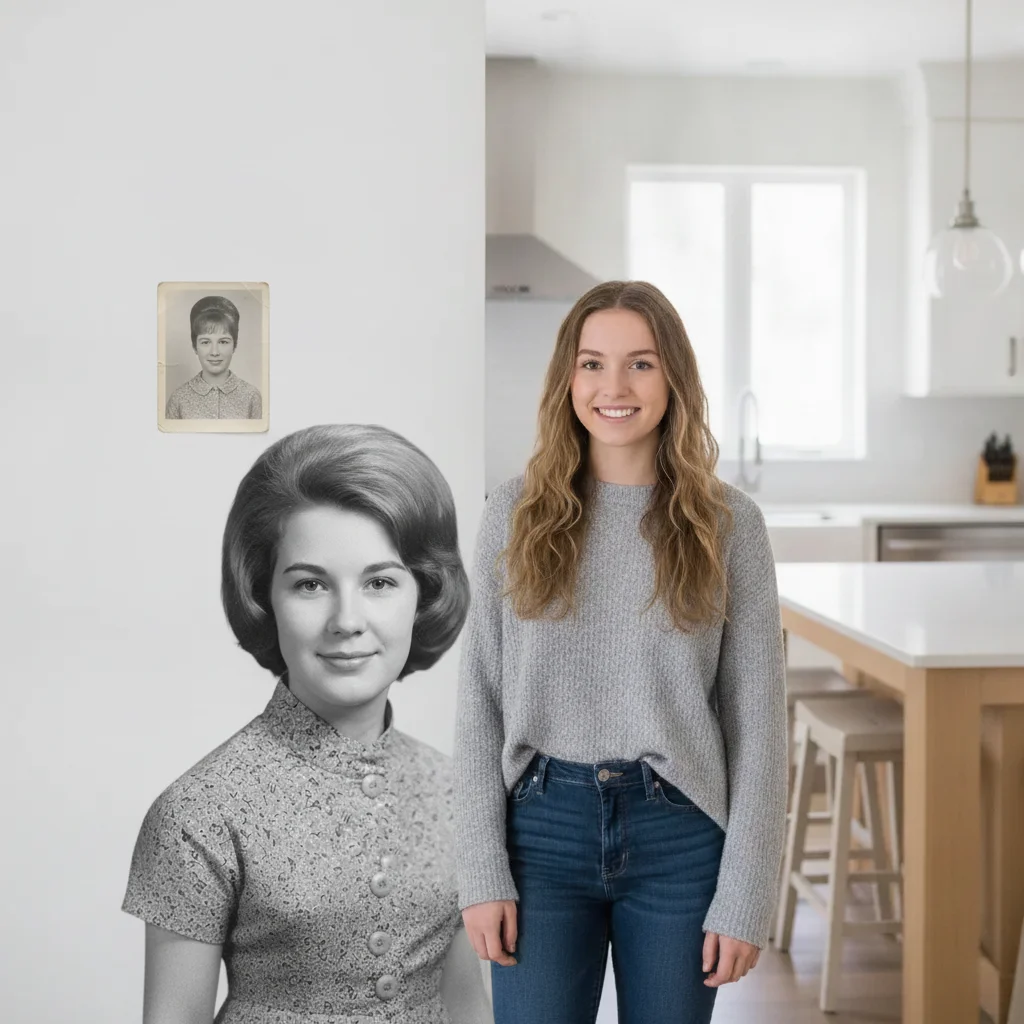
Grandmother and granddaughter merged into one then-and-now photo, one in black and white and one in color
Result

Grandmother at 25 beside her granddaughter today

A faded black-and-white photo of a grandmother in her twenties is placed beside a recent color photo of her granddaughter, keeping each photo's original tone.

Prompt: put the woman from the old photo standing beside me, keep her photo in its original black and white look while I stay in full color
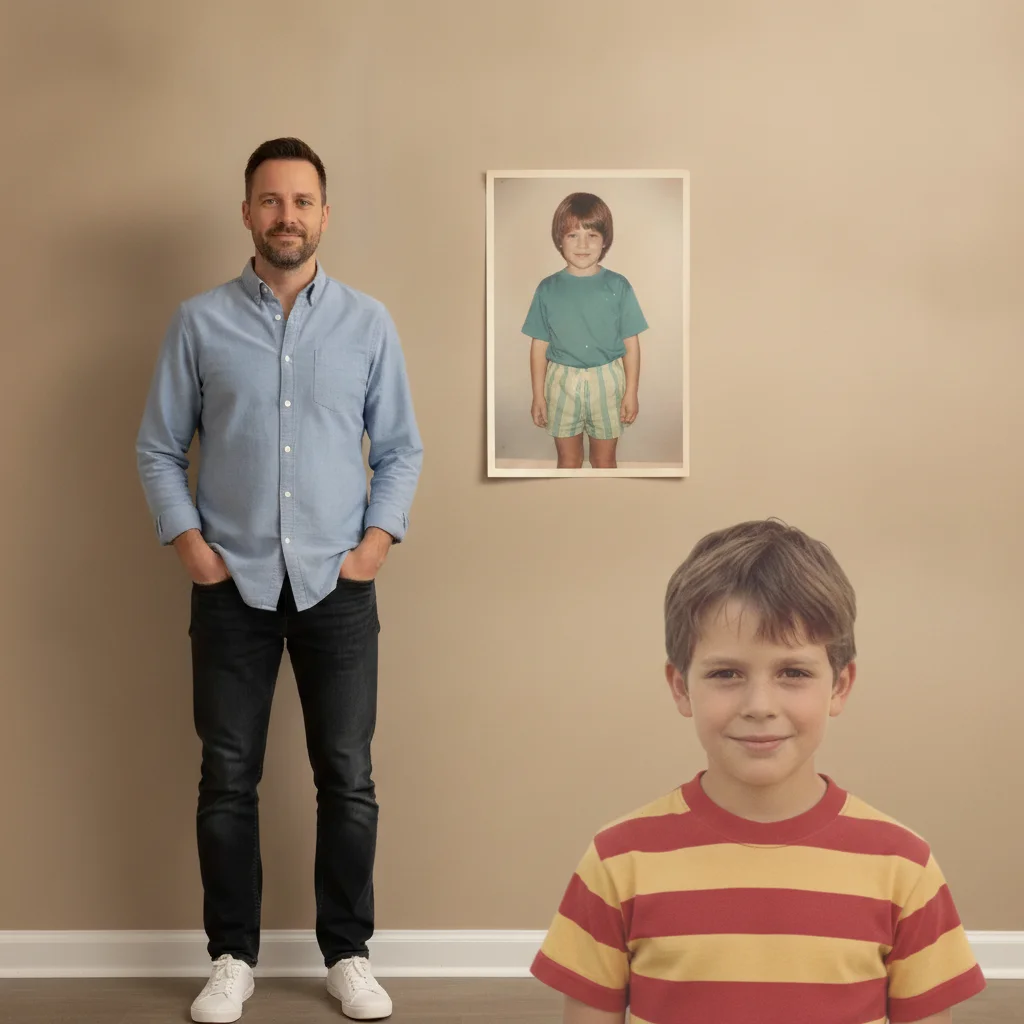
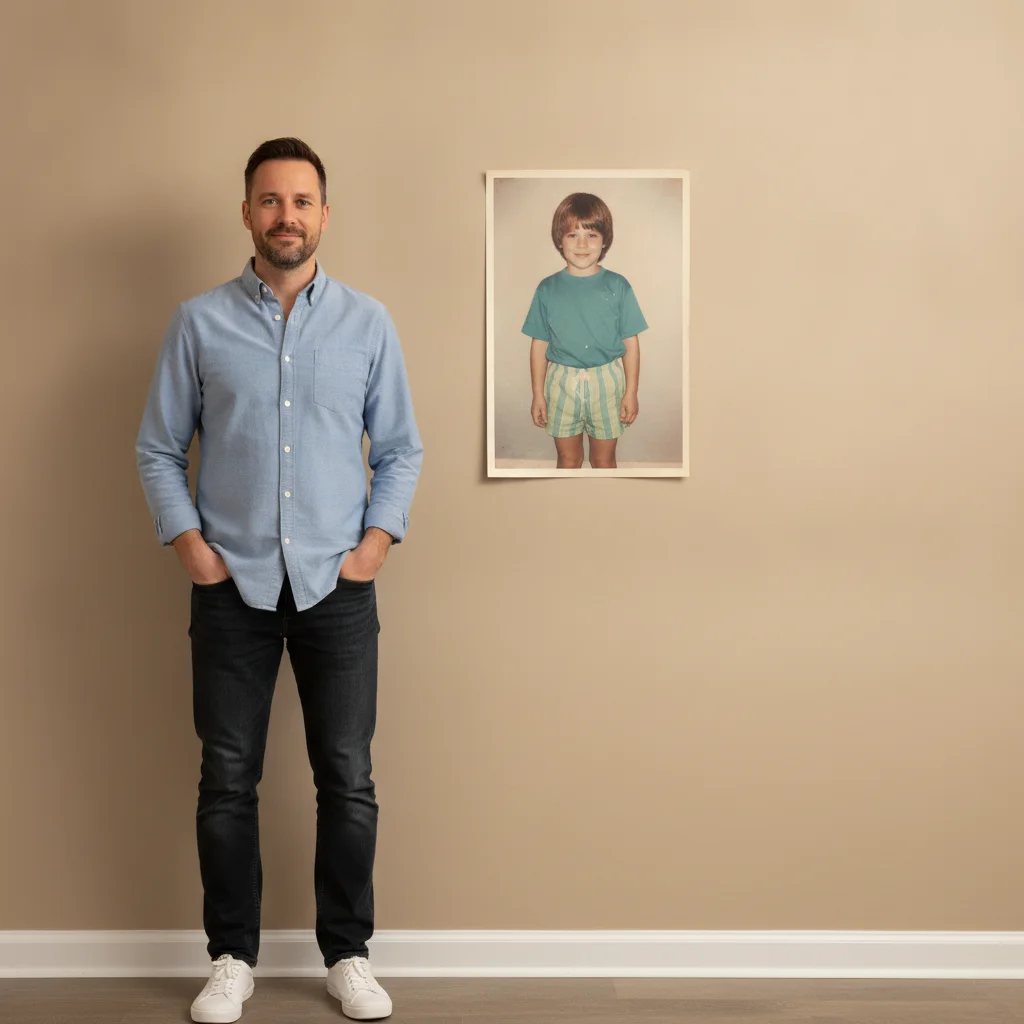
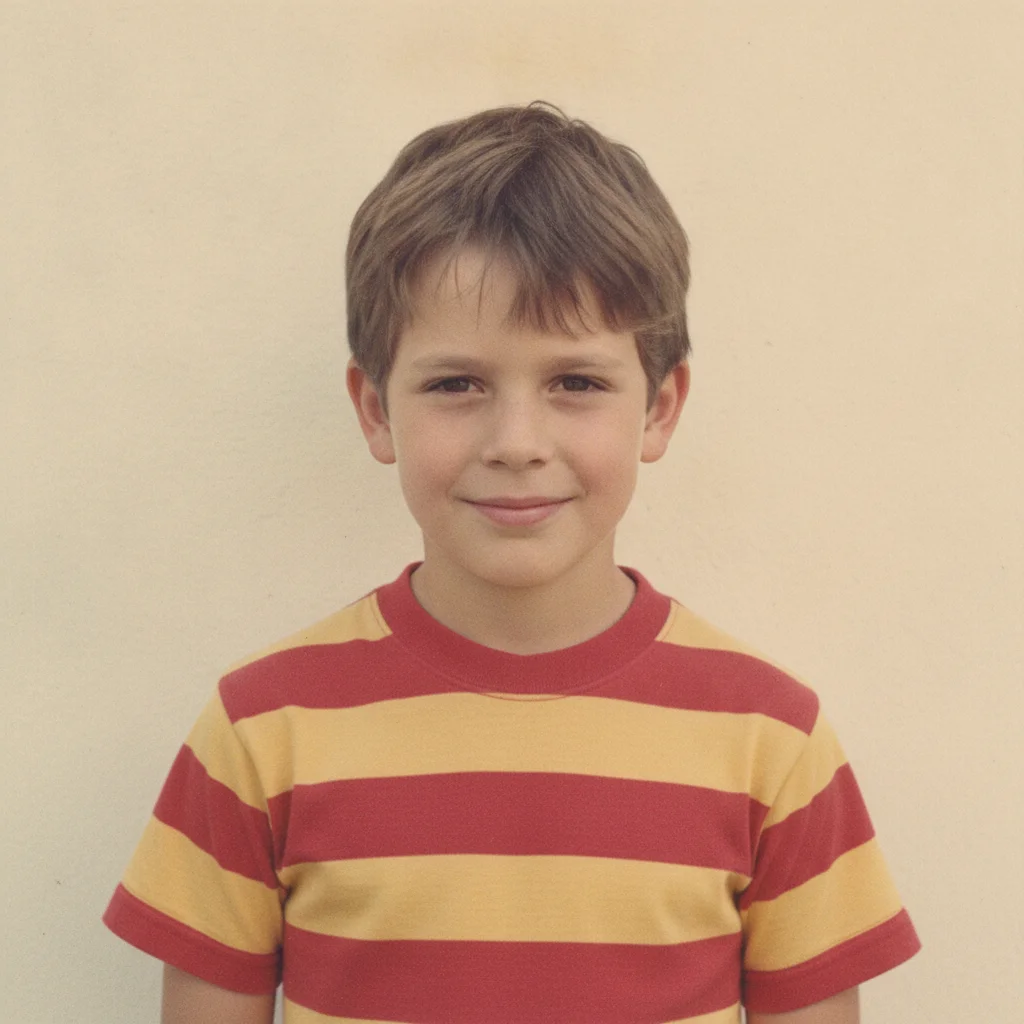
Recent portrait of an adult man, and a sun-faded childhood photo of the same person as a boy
Main Photo
Sun-faded childhood photo to be merged beside the recent portrait
Reference
Childhood self and adult self merged into one then-and-now composite, side by side
Result

Childhood self beside adult self

A sun-faded childhood photo is merged with a recent portrait of the same person as an adult, both looking at the camera in a warm, matched composite.

Prompt: place my childhood self from the old photo next to my current self, both facing the camera, keep the old photo's slightly faded color
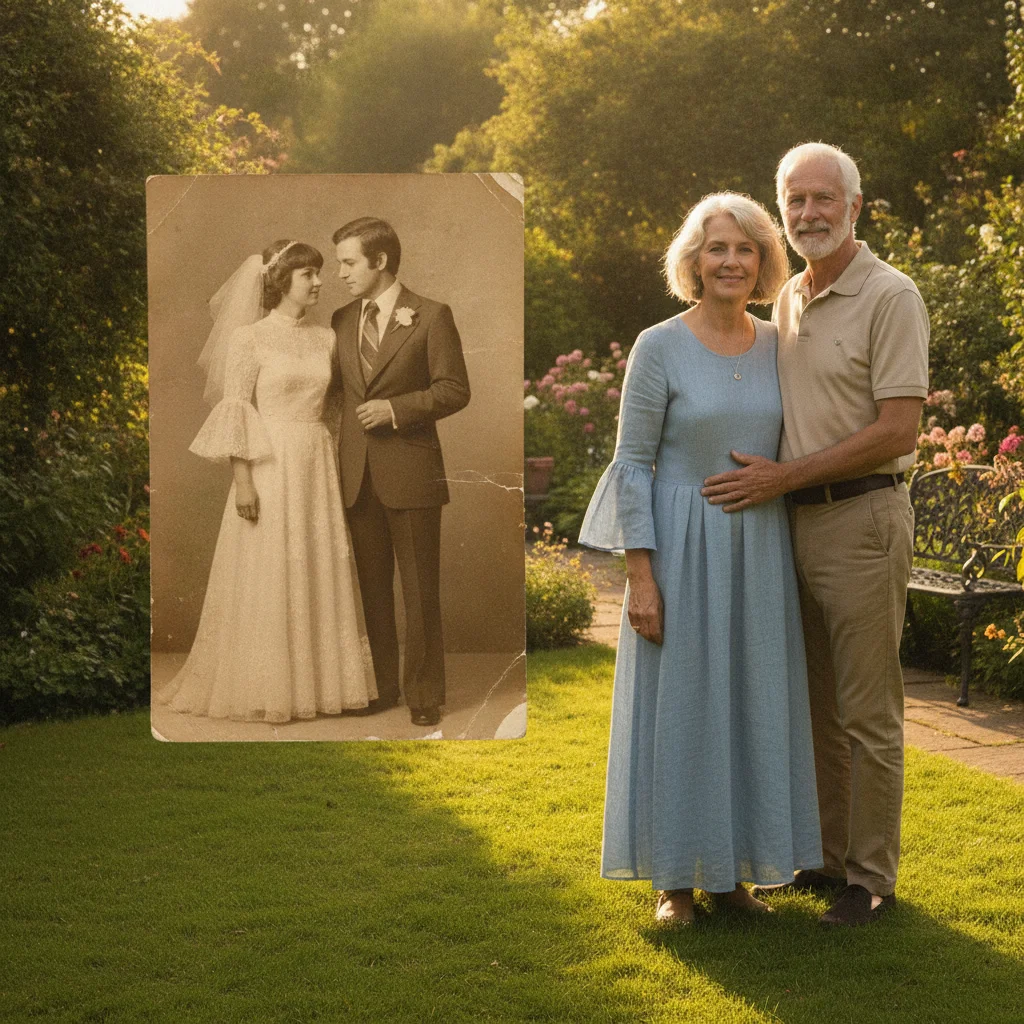
Recent color photo of an older couple in a garden, and a sepia wedding photo of the same couple decades earlier
Main Photo
Sepia-toned wedding photo of the couple decades ago
Reference
Old wedding photo and recent anniversary photo merged side by side, sepia beside full color
Result

Old wedding photo beside a recent anniversary photo

A sepia-toned wedding photo from decades ago is placed beside a recent color photo of the same couple, each photo keeping its own tone.

Prompt: put the couple from the old wedding photo beside the couple in the recent photo, keep the old photo's sepia tone, matched framing on both

Quick answers

Do I need to mark or align the two photos myself?

No. Describe the composite you want — 'side by side,' 'my grandmother beside me,' 'stacked with the old photo on top' — and the AI handles alignment, scale, and placement. No marking needed.

How do I merge an old and a new photo for free?

Upload the recent photo, add the older photo as a reference image, then describe the then-and-now moment you want — for example, 'put my grandmother at 25 beside me today, keep her photo black and white.' Free, no account needed.

Will the old photo's black-and-white or faded look be kept?

Yes, if you ask for it. Say 'keep the old photo in black and white' or 'keep the faded, vintage color' and the AI preserves that look while the recent photo stays as-is. You can also ask for a closer color match if you'd rather blend the two.

Can I merge a childhood photo with a recent photo of myself?

Yes, this is one of the most common uses. Upload your recent photo, add the childhood photo as a reference, and describe the composite — 'place my childhood self next to my current self, both facing the camera.'

What if my old photo is damaged, worn, or low quality?

The AI works with the old photo as-is, including creases, grain, or fading. A clearer scan generally gives a more recognizable likeness, but a well-loved, slightly worn photo will still merge — that texture is often part of what makes it meaningful.

Is merging old and new photos really free?

Yes — you get 1 free edit per week with no account required. Credit packs start at $4.99 for 10 edits if you need more.

How much does EditThisPic cost?

You get 1 free edit per week — no account needed. After that, one-time credit packs start at $4.99 for 10 edits, valid 12 months, no subscription. Power users who edit daily can pick Studio Membership, a monthly workspace at $49.99/mo for 300 edits. Purchased downloads are clean with no watermark.

Ready to bring then and now together?

Free to try. No signup required.

1 free edit included·paid credit packs after