Free β€’ No signup Remove Bathroom background Β· Free

AI Bathroom Mirror Selfie Background Remover

Upgrade that bathroom selfie to somewhere more Instagram-worthy.

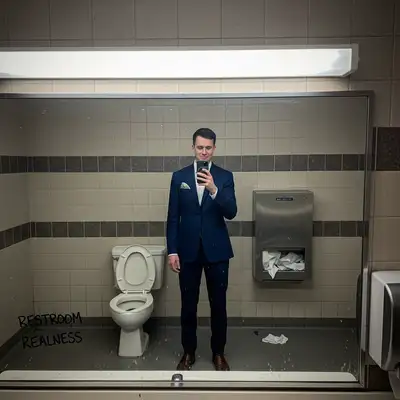
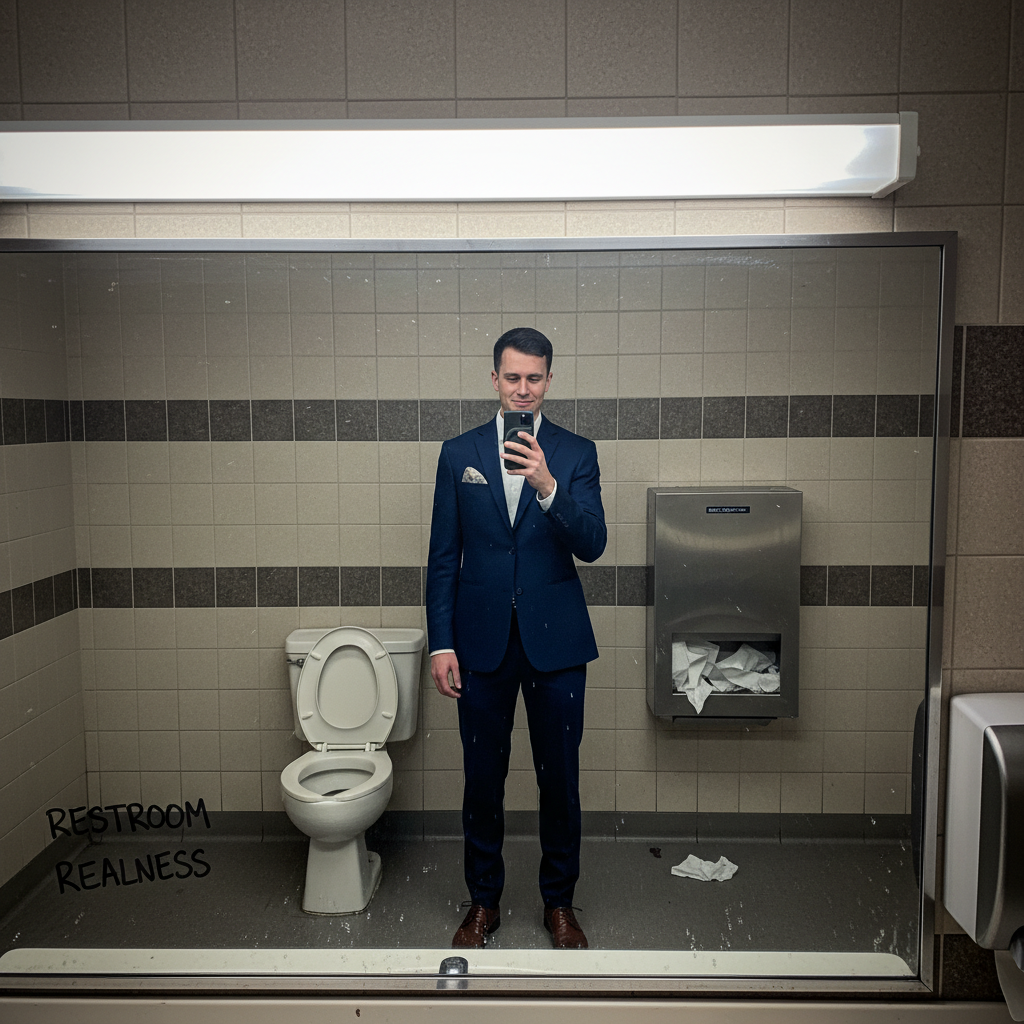
Bathroom mirror selfie with toilet visible
Before
β†’
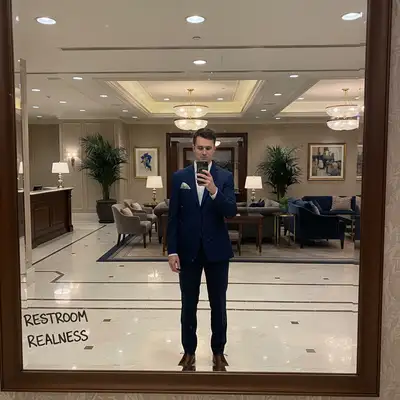
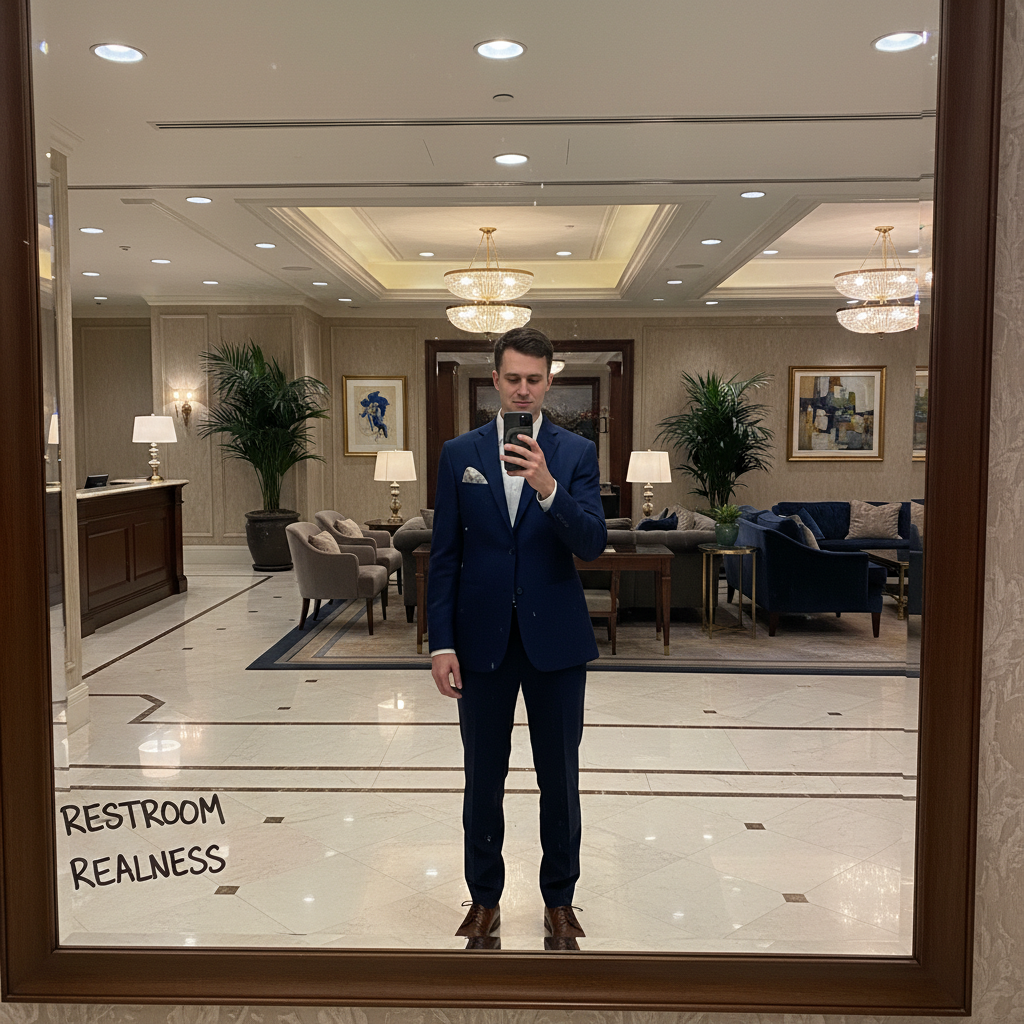
Same selfie with upscale hotel lobby background
After

AI Bathroom Mirror Selfie Background Remover -... | EditThisPic

Upload photo to remove bathroom background

Free β€’ Results in 30 seconds β€’ No signup

Release to upload

FreeNo signupNo watermark
Popular use cases:
  • bathroom mirror selfie
  • restroom selfie fix
  • toilet in photo
  • mirror selfie upgrade
  • dating app photos
  • Instagram selfies
  • social media photos

Cost
Free No signup required
Time
Instant results in 15-30 seconds
Works on
Any device - browser, phone, tablet, desktop
Powered by
AI-powered photo editing
Scenario Prompt Time
Hotel lobby replace with elegant hotel lobby 30s
Modern apartment change to chic apartment interior 30s
Just hide toilet remove the toilet, match background 20s
Gym mirror swap for fitness studio mirror 30s

How it works

  1. Upload your selfie

    Drop your bathroom mirror selfie into EditThisPic. JPG, PNG, WebP up to 7MB. Works on full-length mirror shots and close-up vanity selfies.

    Expect: Simple background swap: 25-35 seconds. Complex reflections or multiple mirrors: may need 2-3 refinements.
  2. Describe the new background

    Type your instruction: 'replace the bathroom background with a trendy hotel lobby' or 'change the background to a modern apartment living room.' The AI handles the mirror and reflection complexities automatically.

    Tip: Match the lighting: bathroom mirror selfies often have harsh overhead light, so choose backgrounds with similar bright lighting

    Copy one of these to get started:

    Upscale hotel lobby replace the bathroom background with an elegant hotel lobby, stylish and sophisticated
    Modern apartment change the bathroom to a chic modern apartment interior with good natural lighting
    Restaurant/bar scene swap the bathroom background for a trendy restaurant interior, evening ambiance
    Plain elegant backdrop replace background with a simple marble wall, clean and luxurious
    4 more prompts
    Outdoor cafe change the bathroom to an outdoor European cafe terrace, daytime
    Gym/fitness studio replace the bathroom with a modern fitness studio mirror, gym aesthetic
    Art gallery swap background for a minimalist art gallery with white walls
    Just hide the toilet remove only the toilet visible in the background, replace with matching tiles
  3. Review the result

    Check that all bathroom elements are gone - toilet, towels, tiles, toiletries. Verify your reflection and any visible phone still look natural. Look at edge blending where you meet the new background.

  4. Refine with markers if needed

    If bathroom elements are still peeking through or the mirror frame looks off, tap markers on those areas and regenerate. Mirror reflections can be tricky, so a second pass often helps.

    Tip: If the phone in your reflection looks strange, mark it and say 'preserve the phone naturally.'
Try it free ↓

AI Bathroom Mirror Selfie Background Remover -... | EditThisPic

Upload photo to remove bathroom background

Free β€’ Results in 30 seconds β€’ No signup

Release to upload

Free β€’ No signup

"Got ready for a date and took a bathroom selfie. The lighting was perfect but... toilet in frame. Fixed it to look like I was at a rooftop bar instead." @bathroom_selfie_savior

See it in action

Bathroom mirror selfie with toilet visible
Before
->
Same selfie with upscale hotel lobby background
After

Public restroom to hotel lobby

Quick selfie in airport bathroom before a trip. Transformed to look like a chic hotel.

Prompt: replace the bathroom background with an elegant hotel lobby interior
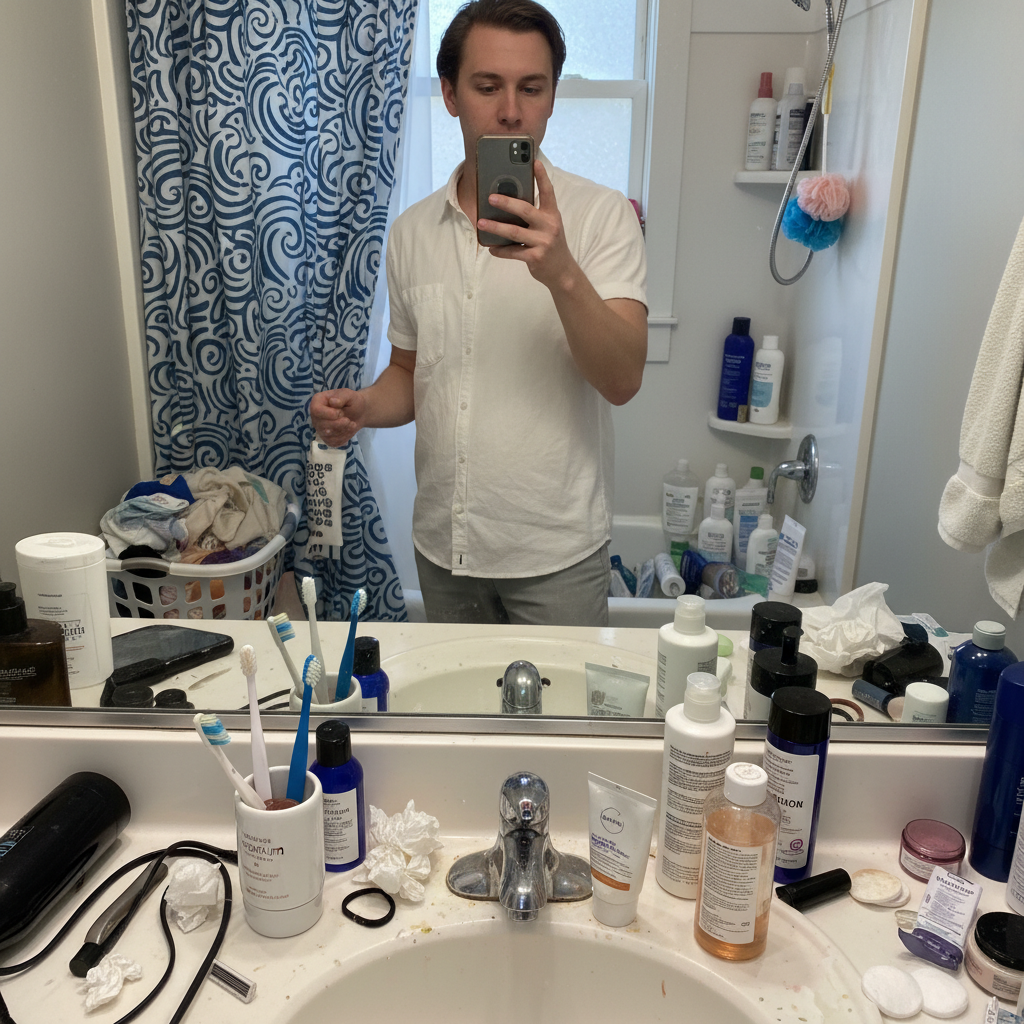
Home bathroom selfie with toiletries visible
Before
->
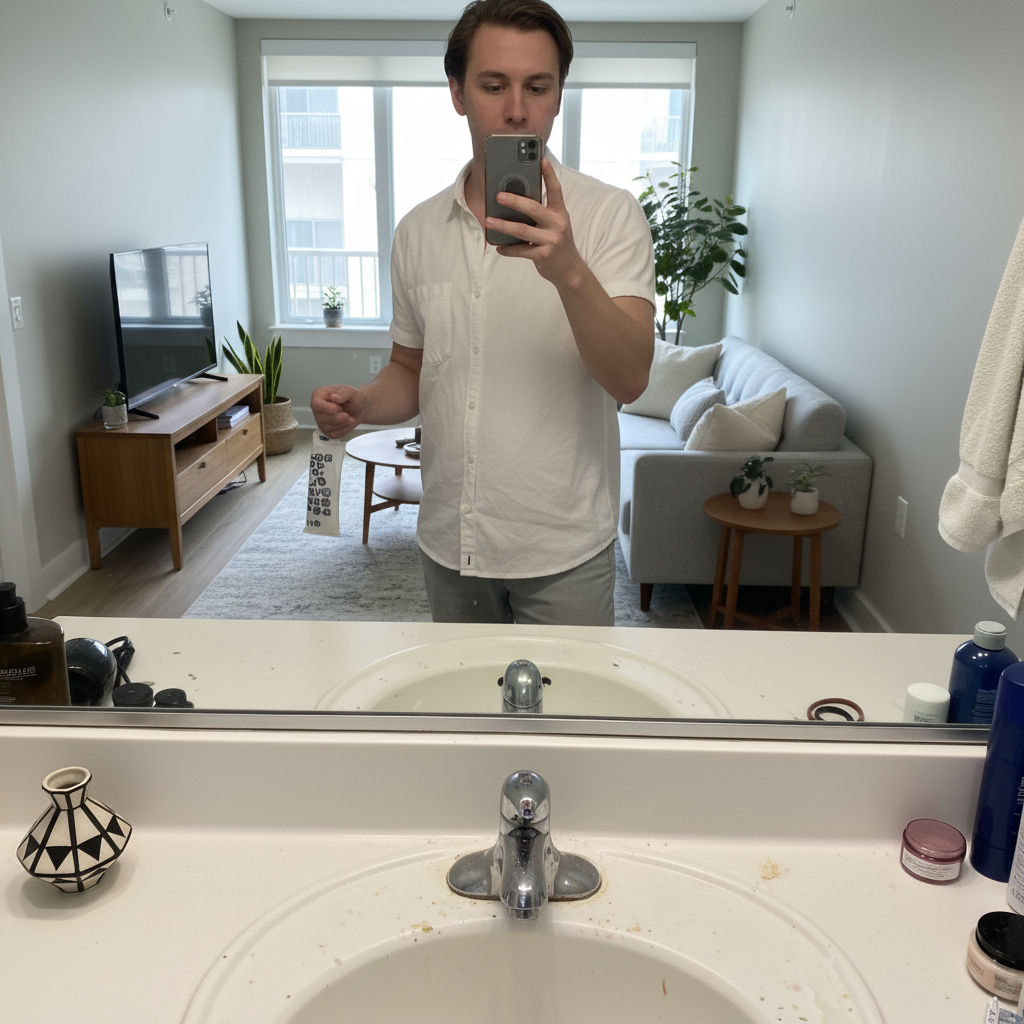
Selfie with clean modern apartment background
After

Home bathroom to modern apartment

Great outfit photo ruined by messy counter and visible shower curtain. Fixed with a clean interior.

Prompt: change the bathroom to a modern minimalist apartment interior
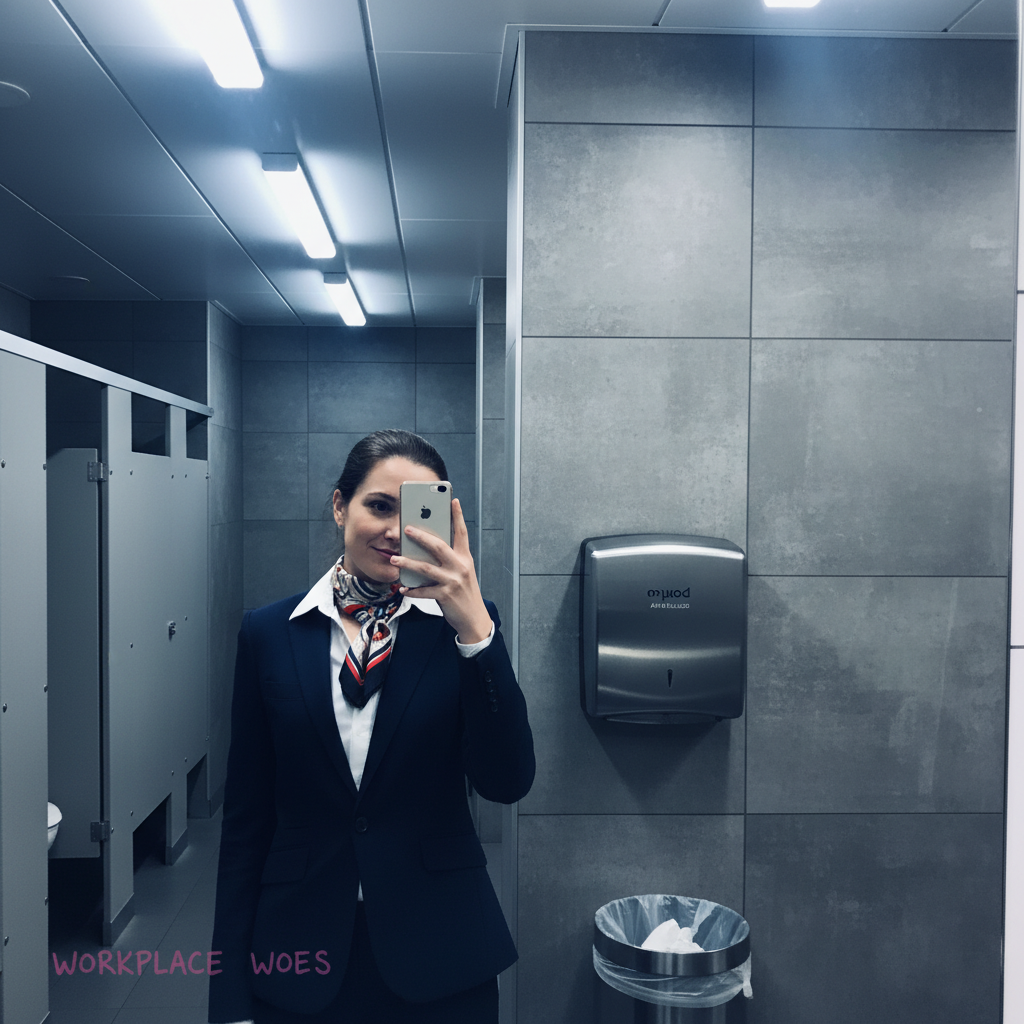
Office bathroom selfie with tiles and fixtures
Before
->
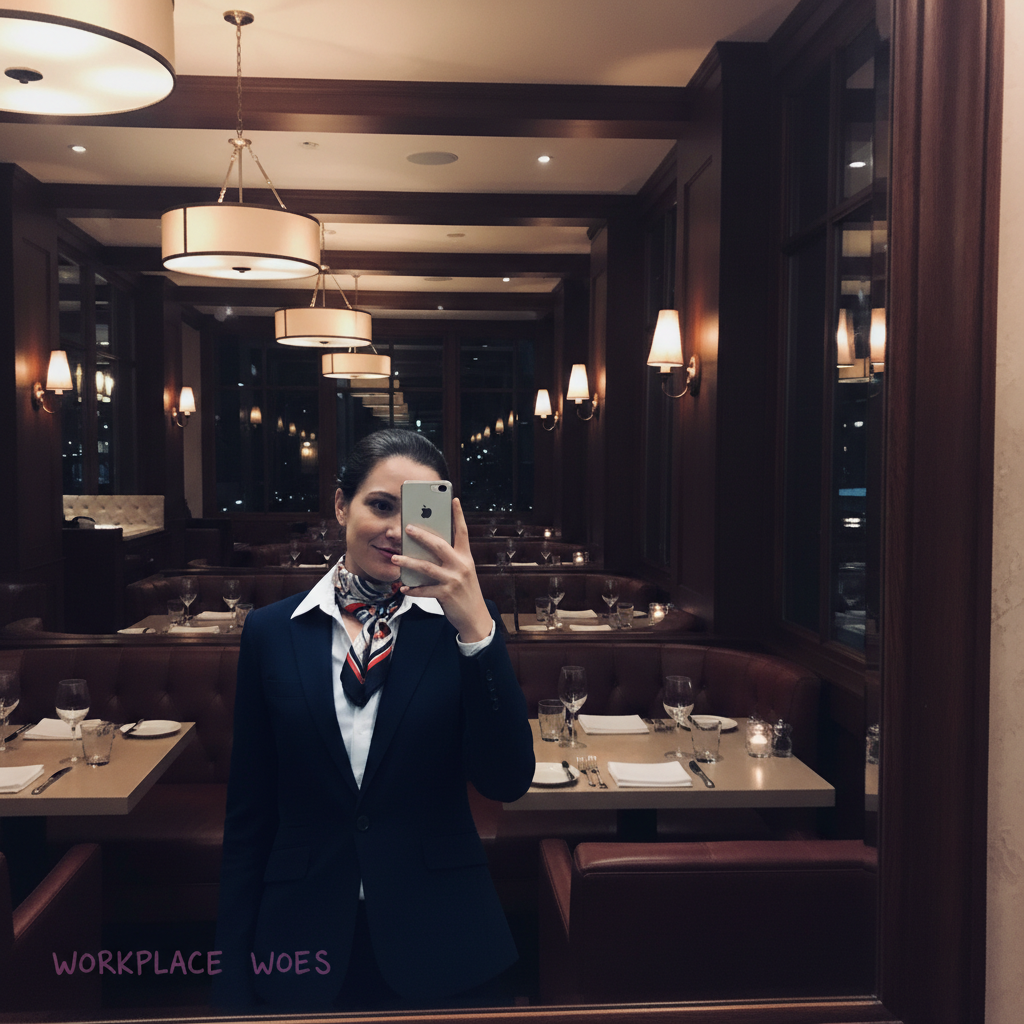
Selfie with upscale restaurant background
After

Work bathroom to restaurant scene

Checked outfit at work in the bathroom. Swapped the sterile office restroom for evening dinner vibes.

Prompt: swap the bathroom for a stylish restaurant interior with warm evening lighting

Detailed Guides by Scenario

πŸ“·

Professional Photography

Remove unwanted bathroom background from professional photo shoots, client deliverables, and stock photography to achieve clean, polished results.

Common Scenarios

  • Client portrait sessions where the bathroom background appeared unexpectedly in frame
  • Stock photography that needs the bathroom background removed for broader commercial appeal
  • Product photography with distracting bathroom background in the background

Best Practices

  • Zoom in and place a marker directly on the bathroom background for the most accurate removal
  • Run a second pass if any faint outlines or shadows remain after the first edit
  • Describe the desired background fill β€” e.g., 'replace the bathroom background with clean wall' for predictable results
πŸ“·

Real Estate & Property Listings

Clean up property photos by removing bathroom background that distract buyers and lower perceived home value.

Common Scenarios

  • Listing photos where the bathroom background clutters the frame and makes rooms look smaller
  • Exterior shots with bathroom background that hurt curb appeal
  • Open house photos that need the bathroom background removed before uploading to MLS

Best Practices

  • Shoot the space first, then edit β€” AI removal works better than awkward staging workarounds
  • After removing the bathroom background, check that floor lines and wall edges still look straight
  • Process all listing photos in one session so lighting and style stay consistent
πŸ“·

Personal & Social Media

Fix personal photos by removing bathroom background before sharing on social media, printing, or gifting.

Common Scenarios

  • Vacation photos where the bathroom background appeared in an otherwise perfect shot
  • Family photos with bathroom background that distract from the people in the frame
  • Profile pictures and dating app photos that need the bathroom background cleaned out

Best Practices

  • Save the original photo first β€” edit a copy so you can always go back
  • For group photos, mark the bathroom background carefully to avoid affecting nearby people
  • If the first result isn't perfect, try rewording your prompt with more detail about the background

If something looks off

Toilet or bathroom fixtures still visible

Why: The AI missed some bathroom elements, especially if they're partially hidden or at the edge.

Try: Tap markers on the remaining bathroom fixtures and say 'replace these with the new background'

Tip: Toilets and sinks are common misses - check specifically for them.

Phone in reflection looks weird or disappeared

Why: Mirror reflections are complex and the AI may have altered the phone while changing the background.

Try: preserve the phone in the reflection naturally while changing the background

Tip: Explicitly mentioning the phone helps the AI know to keep it.

Mirror frame looks distorted

Why: Changing the background around a mirror frame can cause warping.

Try: keep the mirror frame shape intact, only change what's visible behind me

Tip: Protecting the mirror frame explicitly prevents distortion.

AI changed wrong area or affected my reflection

Why: The AI couldn't distinguish between you and the background in the mirror.

Try: Tap markers only on the bathroom elements, regenerate to protect my reflection

Tip: Markers help the AI understand exactly what to change and what to preserve.

New background doesn't match the mirror's perspective

Why: Mirrors create unique perspective challenges that don't match flat backgrounds.

Try: adjust the background perspective to match a mirror reflection naturally

Tip: Choosing backgrounds with similar depth (like room interiors vs. close walls) helps.

Quick answers

Do I need to mark the bathroom elements before replacing?

No! Just describe the new background you want. The AI understands 'bathroom' context and replaces tiles, toilets, fixtures, and clutter automatically. Only use markers if specific elements remain after the first result.

Will the mirror and my reflection still look natural?

Yes, the AI is trained to handle mirror selfies. It preserves your reflection and phone while changing the environment behind you. If the mirror frame or reflection looks off, a quick refinement pass fixes it.

Is there a free bathroom selfie background remover without signup?

Yes, EditThisPic upgrades bathroom selfie backgrounds for free with no account needed. Upload, describe the new scene, download. No watermarks on your edited photo.

What backgrounds work best for bathroom selfie replacements?

Indoor scenes with similar lighting work best - hotel lobbies, nice apartments, restaurants. Match the brightness: bathroom lighting is often harsh and bright, so choose backgrounds with similar illumination for natural results.

Can I just remove the toilet without changing everything?

Absolutely! Use 'remove the toilet and replace with matching background' or 'hide the toilet visible in the mirror.' The AI can target just the embarrassing element while keeping the rest of the bathroom intact.

Can I remove bathroom background on my phone?

Yes. EditThisPic works in any mobile browser β€” iPhone, Android, tablet. No app download needed.

What photo formats does the AI bathroom background remover support?

JPG, PNG, WebP, and HEIC. Upload any common photo format and EditThisPic handles the rest.

How long does it take to remove bathroom background?

Usually 15-30 seconds. Upload your photo, describe what you want, and the AI delivers the result.

Ready to upgrade that bathroom selfie?

Free to try. No signup required.