Pricing Remove For sale sign · Free

Remove For Sale Sign From Photo

← Browse all remove tools

Last updated

Upload the photo, name the sign, and the lawn behind it is filled in. Free.
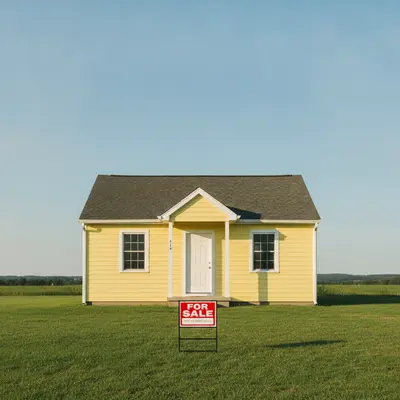
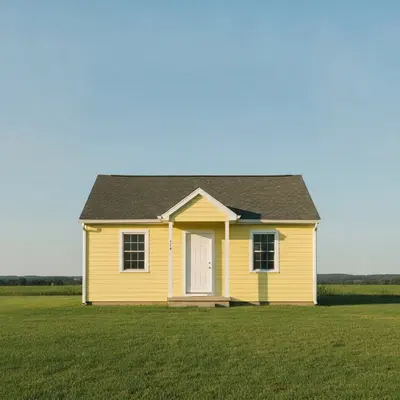
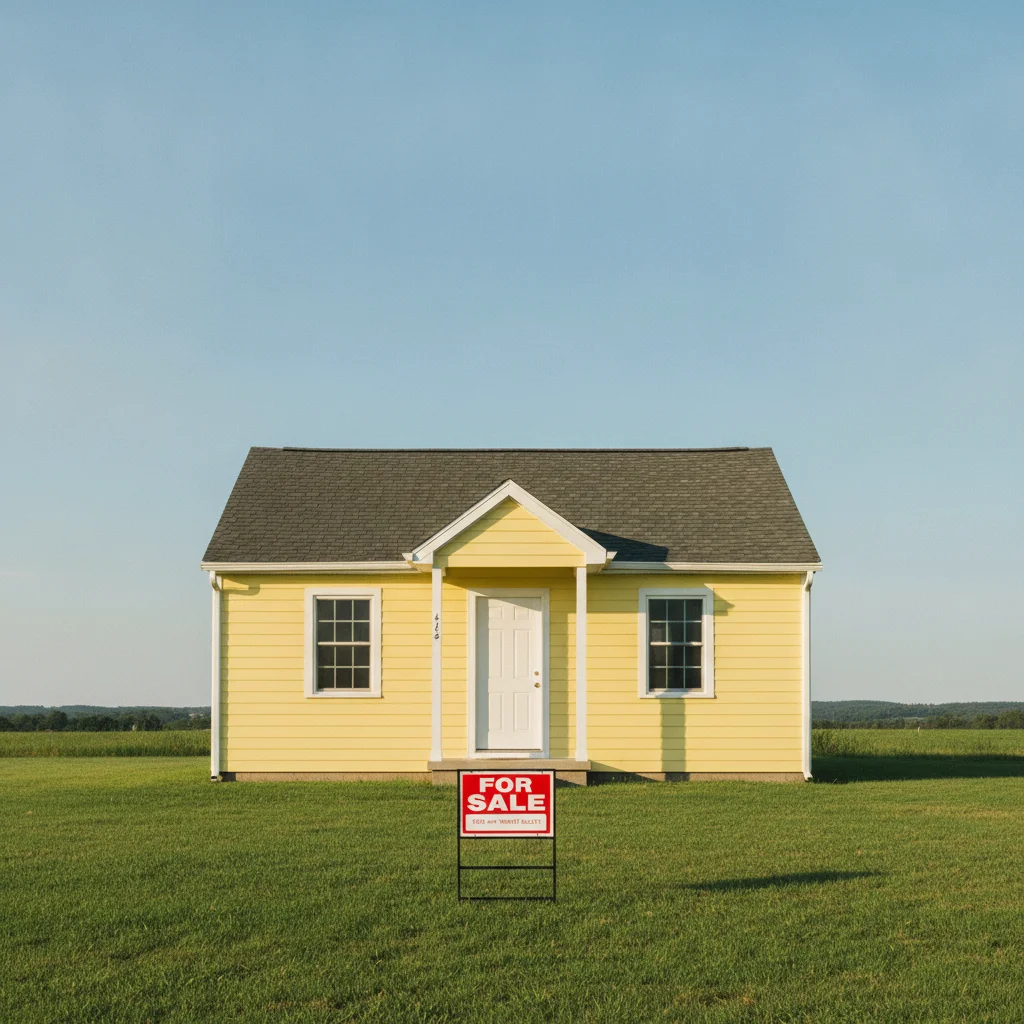
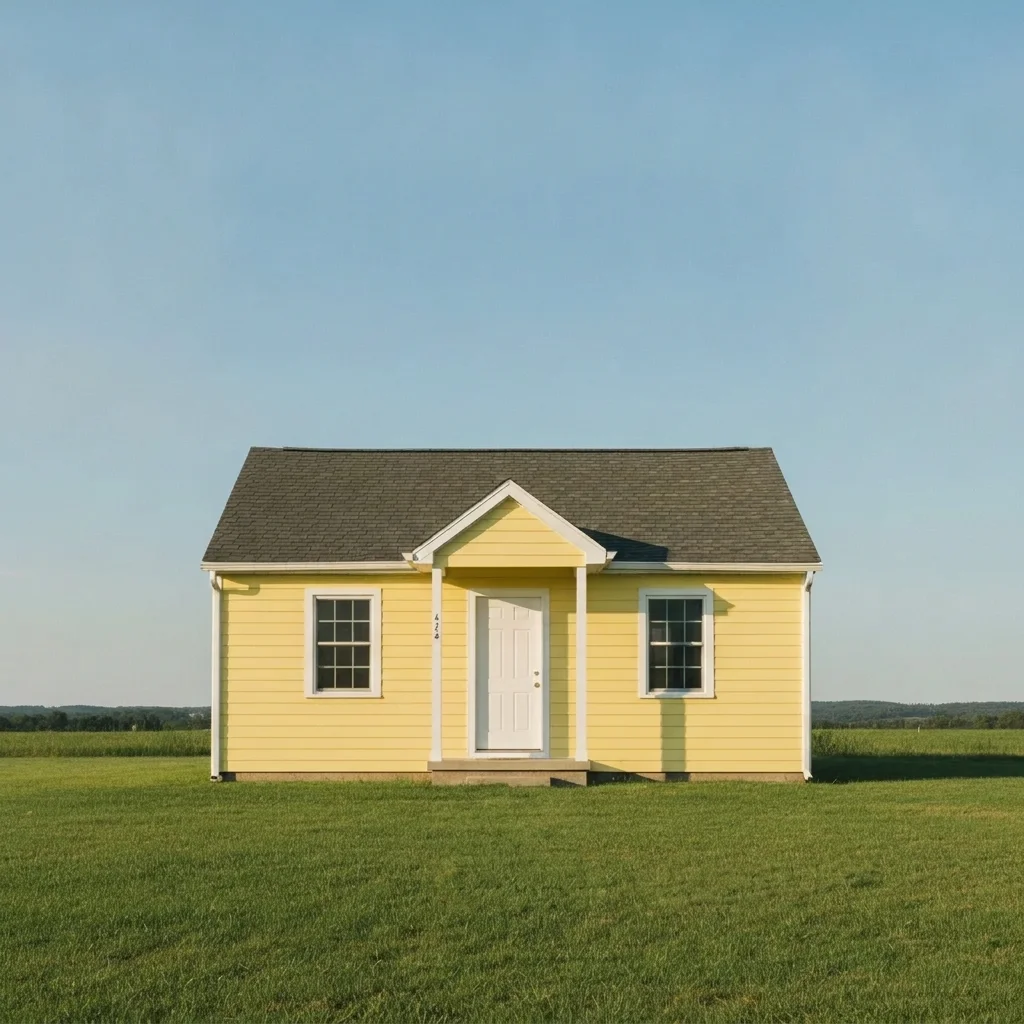
House with a for-sale sign on the lawn Same house with the sign removed and an even lawn

Upload photo to remove for sale sign

"remove the real estate sign standing in front of the wooden fence and rebuild the fence boards behind it, keep everything else unchanged"

Free to try · no sign-up · never used for AI training

Release to upload

<30stypical edit
1 freeedit weekly
Photo on your phone? Scan to open this editor there — free edit works on your phone too.

1 free edit every week·paid packs after

How it works

  1. Upload the property photo

    Choose a photo where the sign is fully visible. Larger photos with a clear lawn, fence or hedge behind the sign give the AI more to copy. JPG, PNG or WebP.

    Expect: About 30 seconds. Signs on busy backgrounds may need another try.
  2. Describe the sign and what is behind it

    Type what to remove and what should fill the gap: 'remove the for sale sign and post from the front lawn, fill with matching green grass.' Mention a fence, hedge or path if the sign stands in front of it. No marking is needed.

    Tip: Say what is behind the sign. 'Fill with the lawn' or 'continue the hedge' gives a cleaner result.

    Copy one of these to get started:

    Remove sign from lawn remove the for sale sign and post from the front lawn and fill the area with matching natural green grass, keep the house unchanged
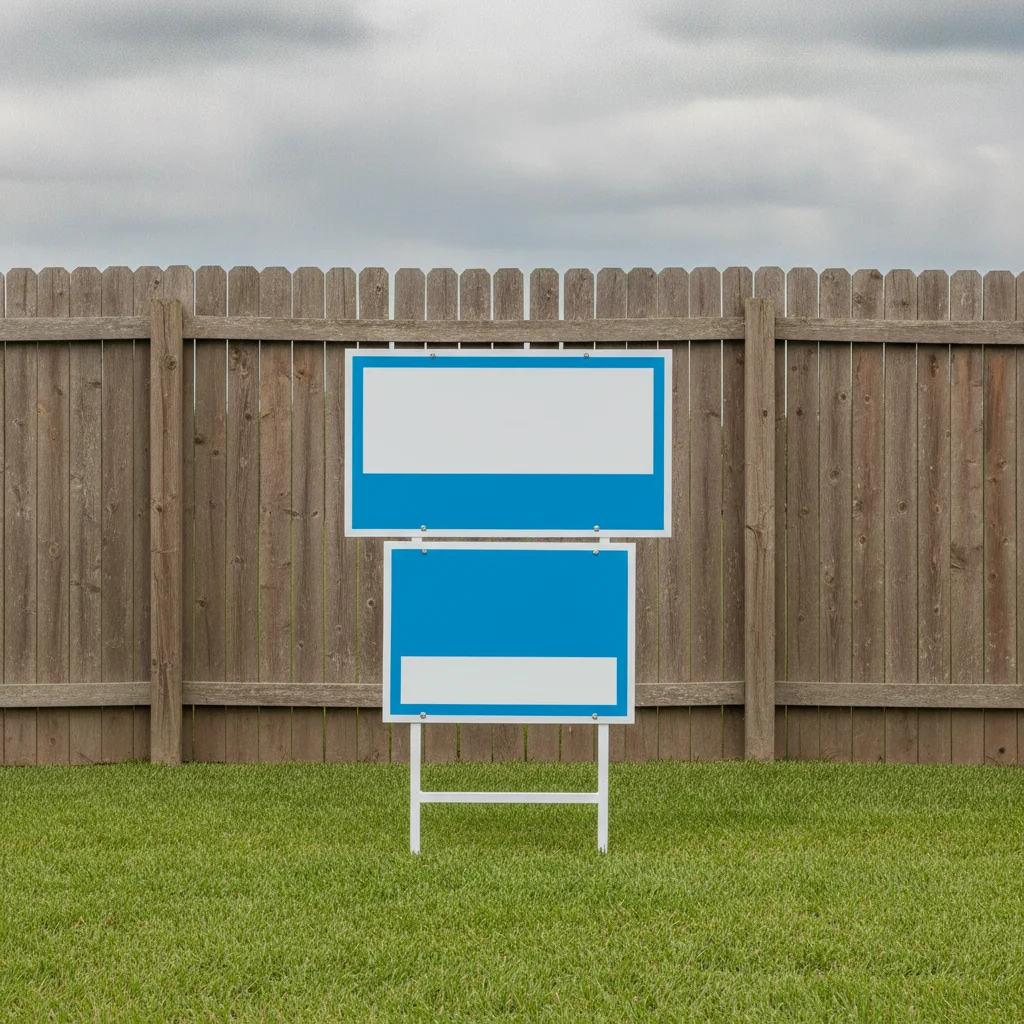
    Sign in front of a fence remove the real estate sign standing in front of the wooden fence and rebuild the fence boards behind it, keep everything else unchanged
    Sign on the house wall remove the for-sale sign attached to the brick wall and continue the brick pattern, keep the windows and door unchanged
    Sign in a window remove the agent sign in the window and show the interior behind the glass naturally, keep the frame unchanged
    3 more prompts
    Sign and shadow remove the for sale sign, its post and its shadow on the lawn, keep the grass and driveway unchanged
    Sign next to the road remove the estate agent board beside the road at the property entrance and fill with grass verge, keep the road and house unchanged
    Multiple signs remove both the for sale sign and the sold rider sign from the front garden and fill with lawn, keep the house and tree unchanged
  3. Review the result

    Zoom in where the sign stood. Check the grass pattern, fence lines and path edges continue naturally and no shadow or stake remains.

  4. Refine with markers if needed

    If the AI removed the wrong item or left part of the post, tap a marker on the sign you meant and regenerate. Markers are optional.

    Tip: Markers are for precision, not a required step.

See it in action

House with a for-sale sign on the lawn
Before
->
Same house with the sign removed and an even lawn
After

Sign on a front lawn

A house photo with a for-sale sign on the lawn. The owner wanted the sign gone from a family album.

Prompt: remove the for sale sign and post from the front lawn and fill the area with matching natural green grass, keep the house unchanged
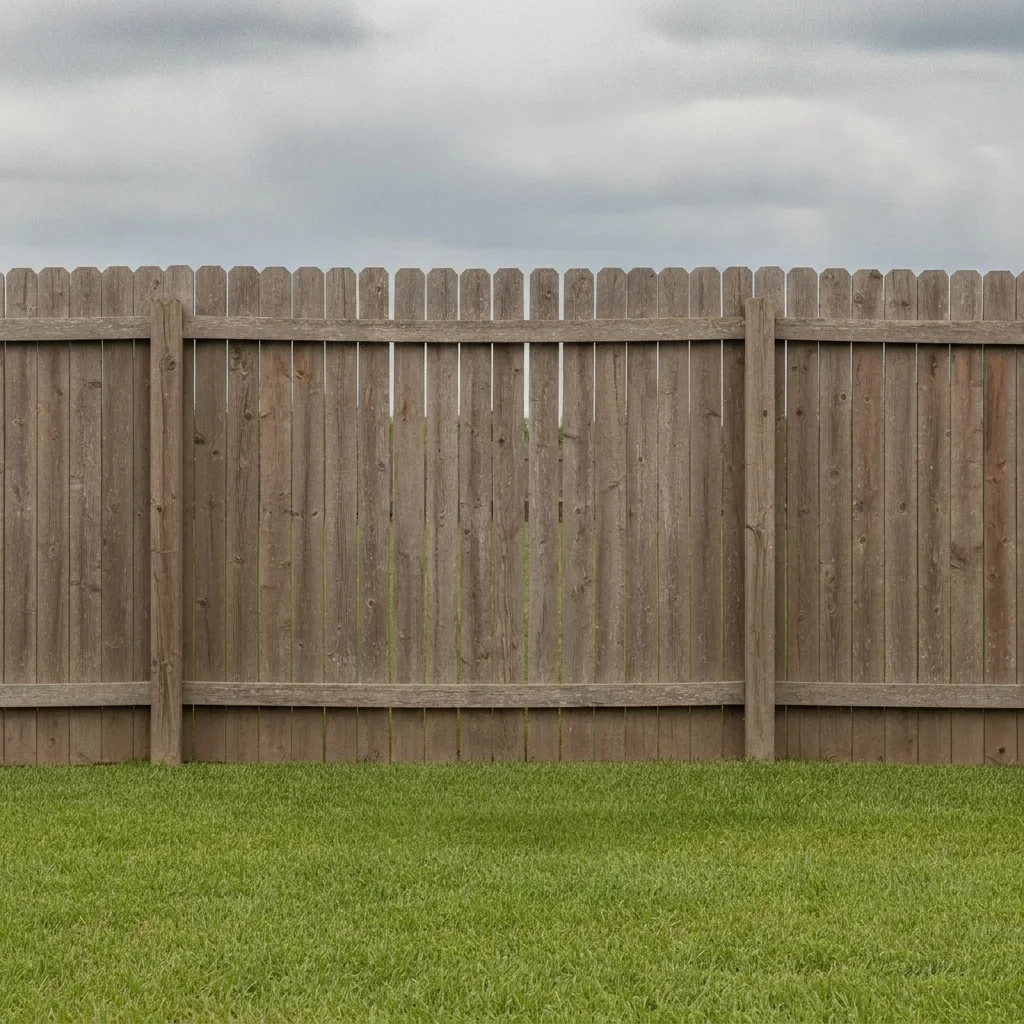
Real estate sign in front of a wooden fence
Before
->
Same fence with the sign removed and the boards continuing
After

Sign in front of a fence

A sign standing in front of a wooden fence.

Prompt: remove the real estate sign standing in front of the wooden fence and rebuild the fence boards behind it, keep everything else unchanged
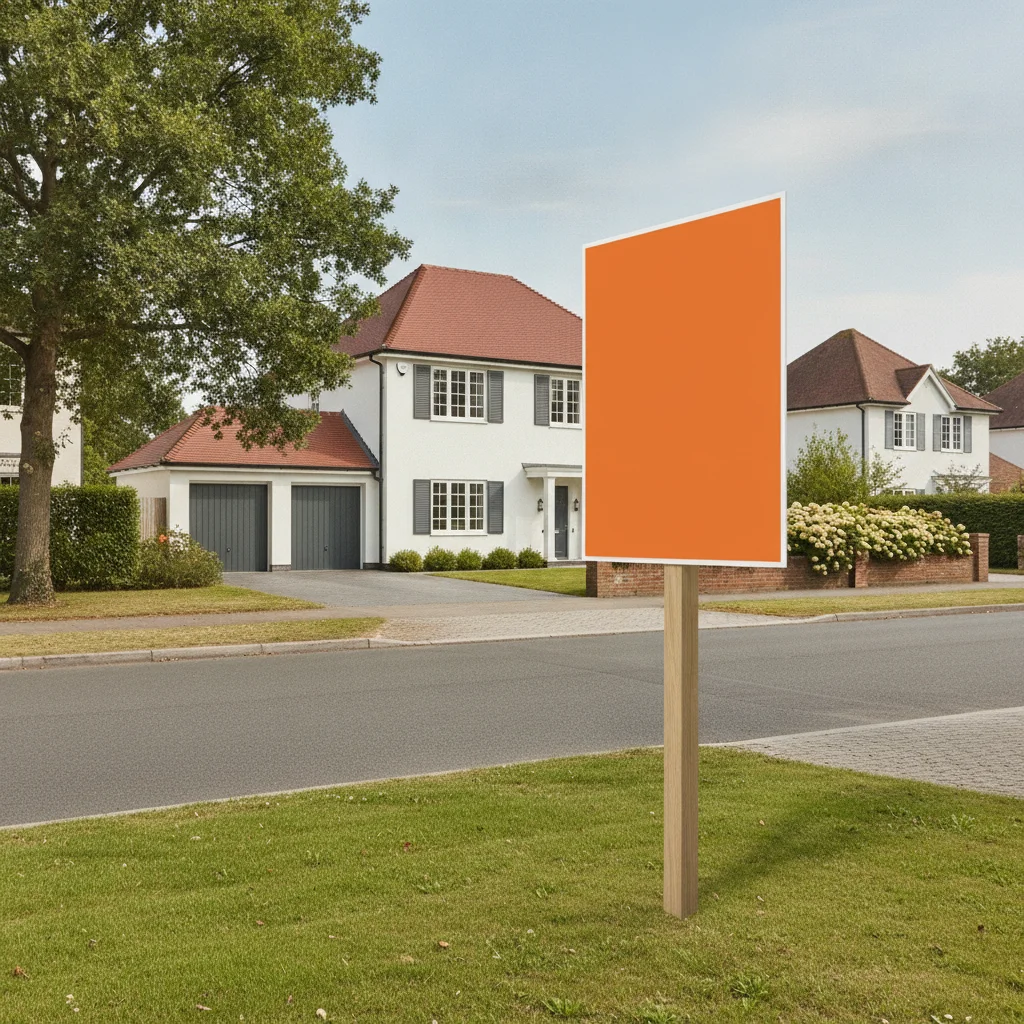
Estate agent board on the grass verge
Before
->
Same verge with the board removed and grass restored
After

Sign by the road

A sign at the property entrance by a grass verge.

Prompt: remove the estate agent board beside the road at the property entrance and fill with grass verge, keep the road and house unchanged

Quick answers

Do I need to mark the sign before removing it?

No. Describe it, for example 'remove the for sale sign from the lawn.' Use markers only if the AI removes the wrong object.

Is there a free tool to remove a for-sale sign from a photo with no signup?

Yes. EditThisPic gives you a free preview edit, no account and no watermark. Upload a photo and describe the sign.

Can I use this for a property listing photo?

You can, but listing photos should not misrepresent the property. Removing a sign is usually fine, but do not remove or hide real defects or features a buyer would care about.

Will it fix the lawn behind the sign?

The AI fills the gap based on the surrounding lawn, fence or wall. Check the edges closely, since AI fills are plausible, not exact.

Can it remove other signs, like a sold sign?

Yes. Name each sign in the prompt, such as a sold rider or an agent board.

How much does EditThisPic cost?

You get 1 free Standard edit per week — no account needed. After that, one-time credit packs start at $4.99 for 10 credits, valid 12 months, no subscription. A Standard edit uses 1 credit, Pro 2 and Ultra 3. Purchased downloads are clean with no watermark.

Ready to remove the sign from your photo?

Free to try. No signup required.

1 free edit included·paid credit packs after