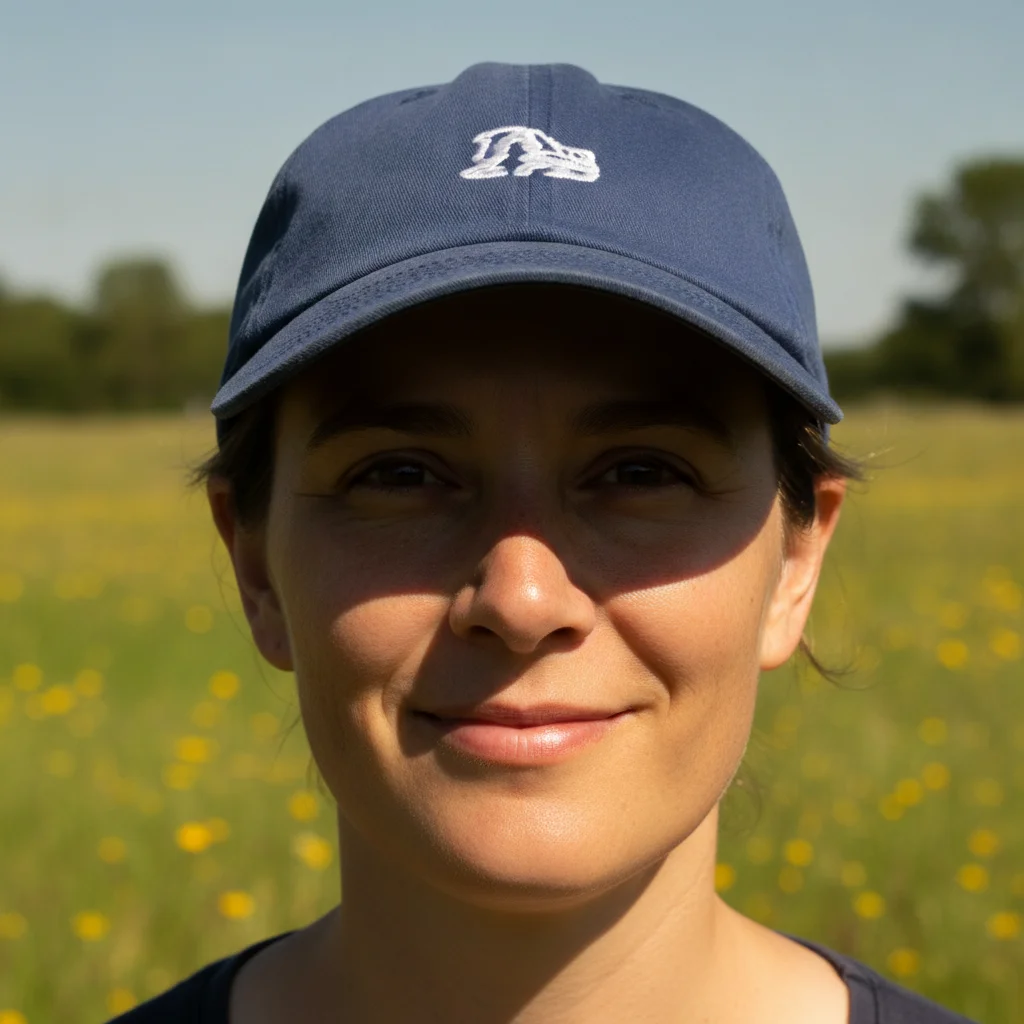
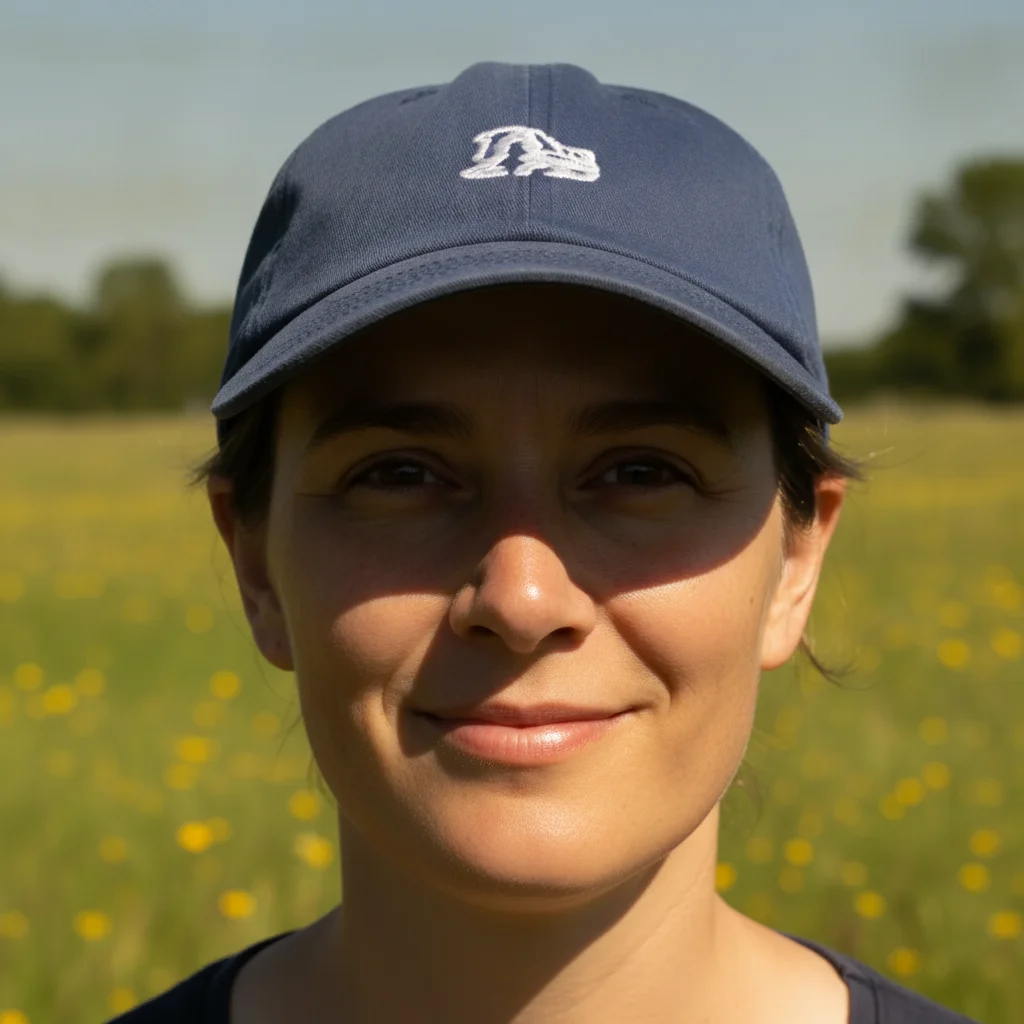
How do I remove a shadow from a passport photo for free?
Upload the headshot to EditThisPic, type 'remove the shadow behind my head and make the background even, don't change my face,' and download. The free tier is one preview edit per week, no signup; purchased downloads are clean.
Will this make my photo passport-compliant?
It removes the background shadow and evens the lighting, which is a common rejection reason. You still need to check size, head position, and background color against your specific country's passport or visa rules.
Can it keep my face exactly as it is?
Yes — and you should ask it to. Add 'don't change my face, hair, or clothing' so the edit only touches the background. Passport photos must show your real, unaltered face.
What background color should I use?
Most passports want plain white; some want light grey. Name the exact color you need — 'even light-grey background' — so it matches your requirement.
What about a shadow under my chin?
That's on the face, so ask to 'soften' it rather than fully remove it, and keep the face natural. Hard shadows across the face itself are the hardest to fix cleanly — better light when you shoot helps most.
Is there a watermark?
No. EditThisPic doesn't watermark output on any tier.
Do I need an account?
No. Upload, describe, and preview the result without signing up; purchased downloads are clean. An account only helps you save edits.
Which photo works best?
A front-facing headshot where the shadow is on the background behind or beside you — not across your face — evens out most cleanly.
How much does EditThisPic cost?
You get 1 free edit per week — no account needed. After that, one-time credit packs start at $4.99 for 10 edits, valid 12 months, no subscription. Power users who edit daily can pick Studio Membership, a monthly workspace at $49.99/mo for 300 edits. Purchased downloads are clean with no watermark.