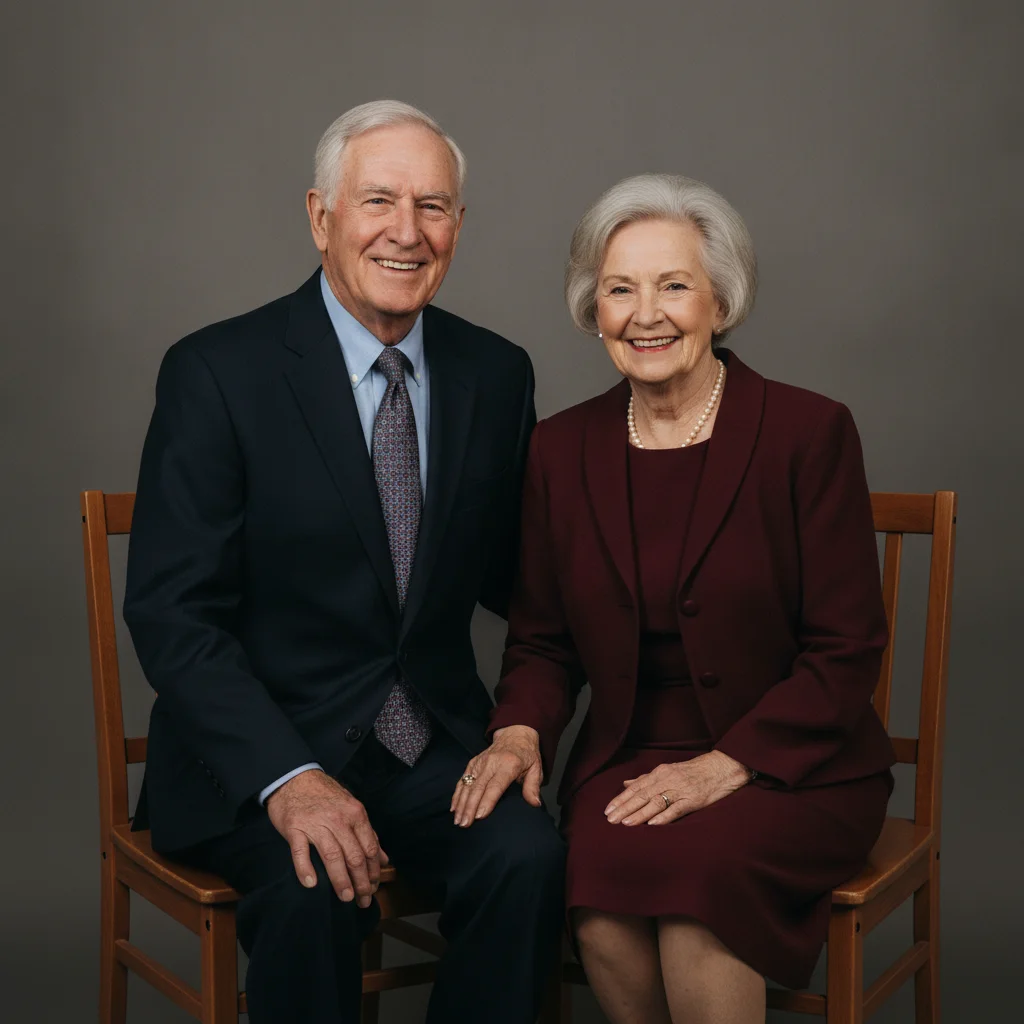
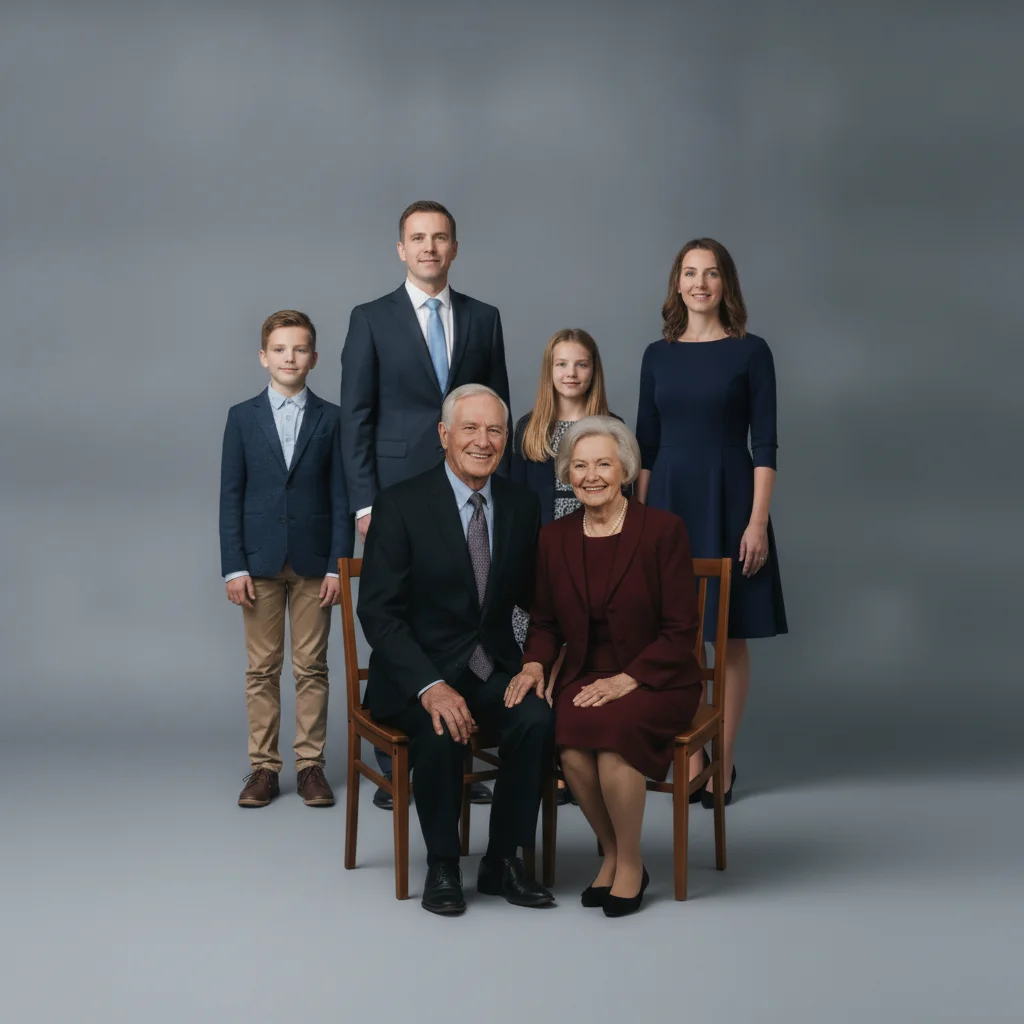
Pricing Add Grandparents · Free

AI Grandparent Photo Adder

← Browse all add & replace tools

Last updated

Upload a photo of grandparents who live far away or couldn't make it, and your family photo, then describe where they belong.
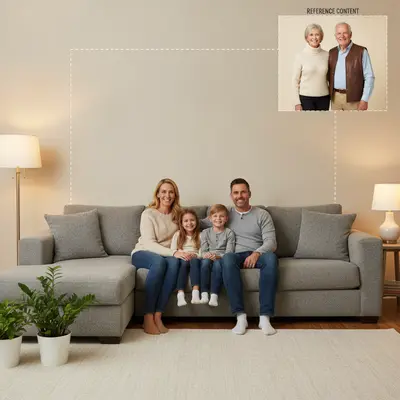
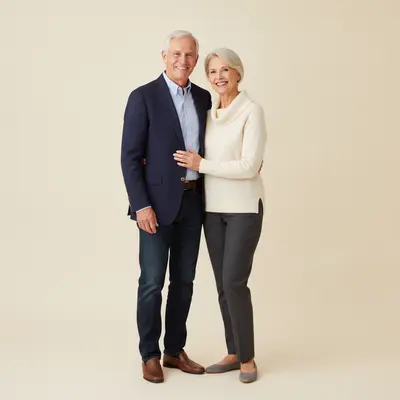
01Photo 1
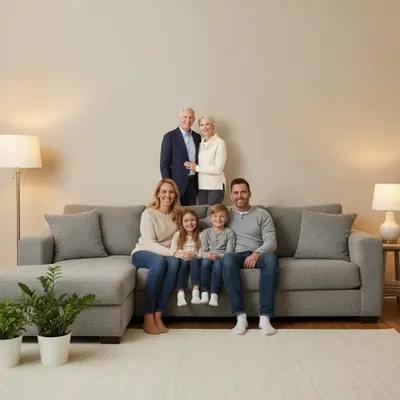
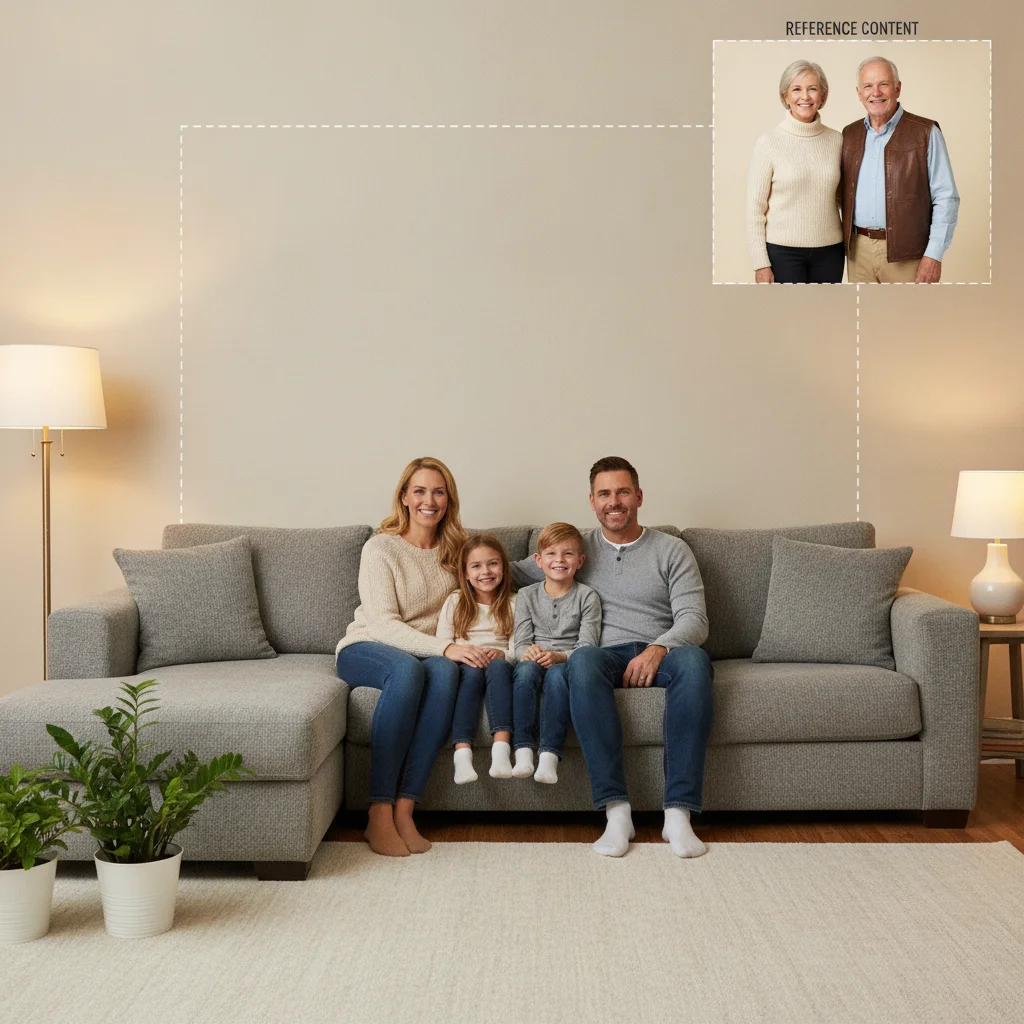
Family of four on a couch with open space behind them, and an older couple alone against a plain background
02Photo 2
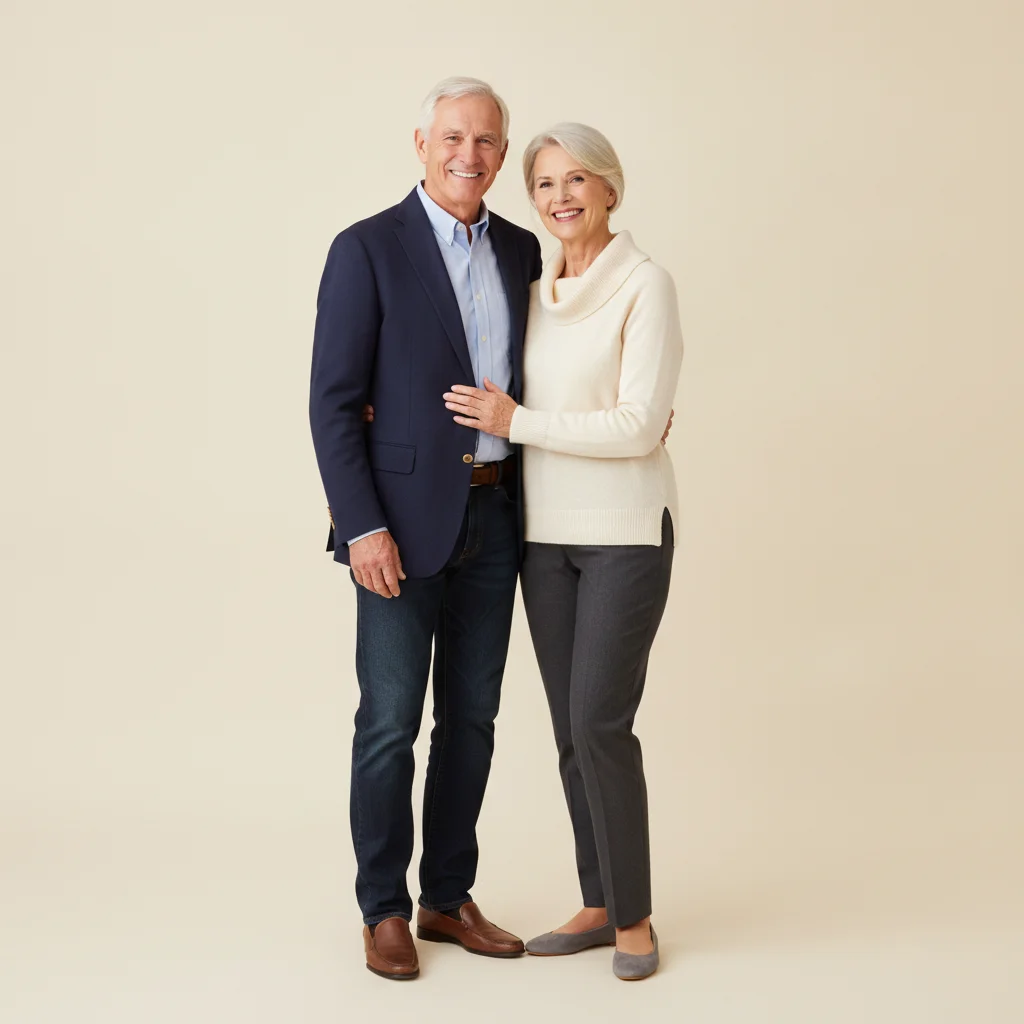
Grandparents to be added behind the family
03Result
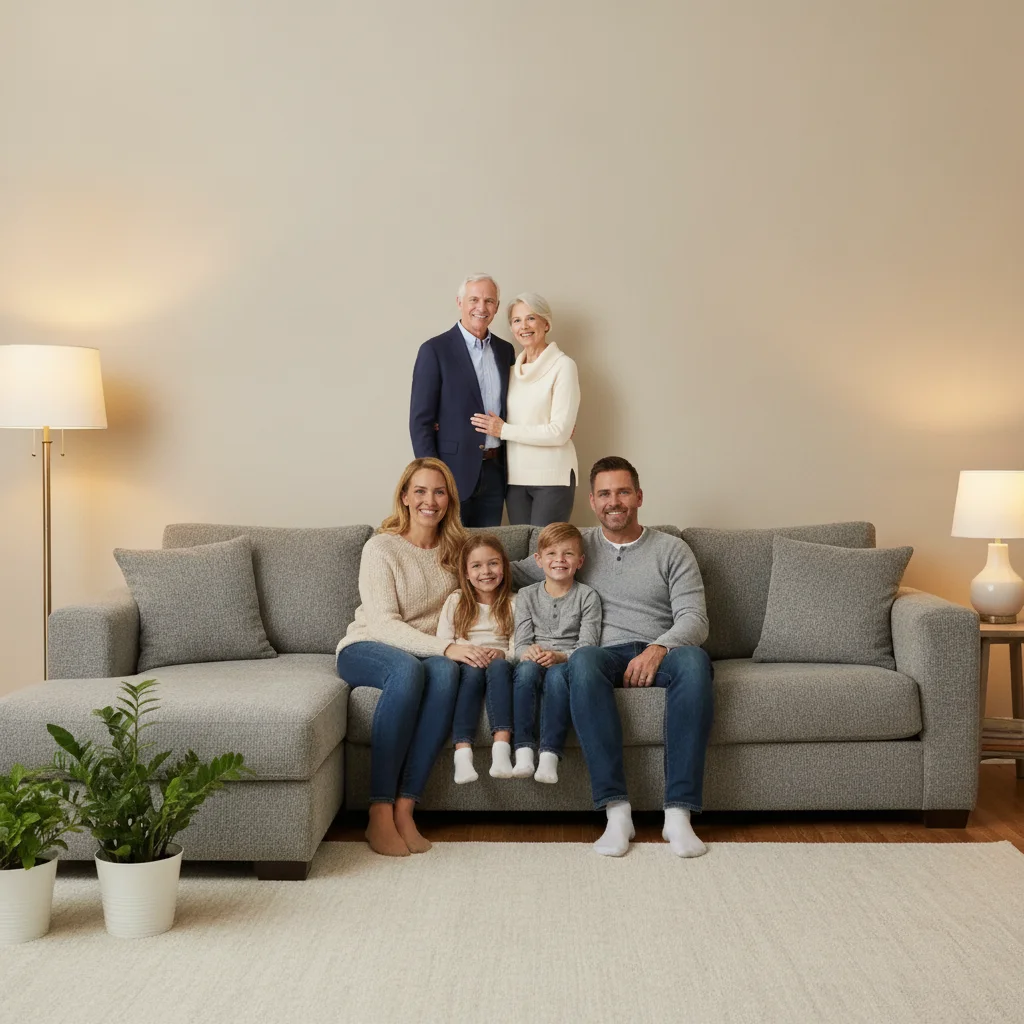
Family photo with grandparents now standing behind the couch, smiling warmly

Upload photo to add grandparents

"add grandma on the left and grandpa on the right of the children, matching the outdoor lighting and casual pose of the rest of the family"

Free to try · no sign-up · photos are never shared

Release to upload

<30stypical edit
1 freeedit weekly
Photo on your phone? Scan to open this editor there — free edit works on your phone too.

1 free edit every week·paid packs after

How it works

  1. Upload your family photo

    Drop in the family photo you'd like the grandparents added to. A photo with some open space behind or beside the group gives the AI room to place them naturally. JPG, PNG, WebP up to 7MB.

    Expect: A clear open spot in the scene and a well-lit reference photo make a first attempt easier; a crowded photo or very different lighting between photos may need one refinement.
  2. Add the grandparents as a reference

    Click '+ Add reference image' and upload a clear photo of the grandparents — a recent photo works well, and so does a slightly older one if that's what you have.

    Tip: A photo where both grandparents are visible and facing forward gives the AI the clearest likeness to preserve.

    Copy one of these to get started:

    Grandparents added behind the family add the grandparents from the reference photo standing behind the family, both smiling warmly, matching the indoor lighting
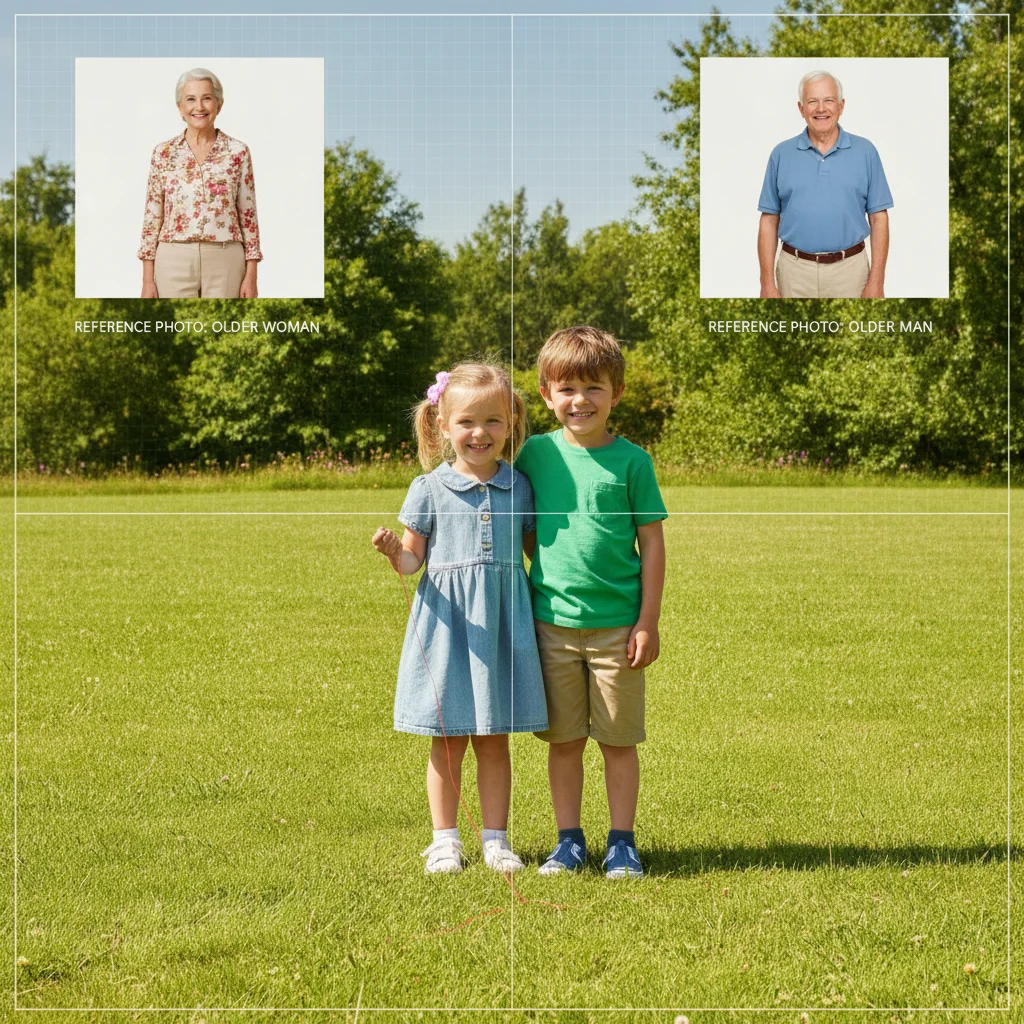
    Grandparents on either side of the grandchildren add grandma on the left and grandpa on the right of the children, matching the outdoor lighting and casual pose of the rest of the family
    Grandparents seated in front of the group add the grandparents from the reference photo seated on chairs in front of the standing family, warm smiles, matching the formal studio lighting
    Grandparent who couldn't travel added to a holiday photo add this person from the reference photo standing next to the family by the christmas tree, warm smile, matching the cozy indoor lighting
    2 more prompts
    Both sets of grandparents in one photo add both sets of grandparents from the reference photos standing on either side of the family, matched in scale and lighting to each other and the group
    Grandparents added to a formal portrait add the grandparents from the reference photo into this formal portrait, standing at the back row, even studio-style lighting matching the rest of the family
  3. Describe where they belong

    Type your instruction: 'add them standing behind the family, both smiling' or 'add grandma and grandpa on either side of the kids.' Mention position and expression.

    Tip: Naming their usual spot in family photos — 'grandma next to mom, like always' — helps the placement feel familiar rather than arbitrary.

    Copy one of these to get started:

    Grandparents added behind the family add the grandparents from the reference photo standing behind the family, both smiling warmly, matching the indoor lighting
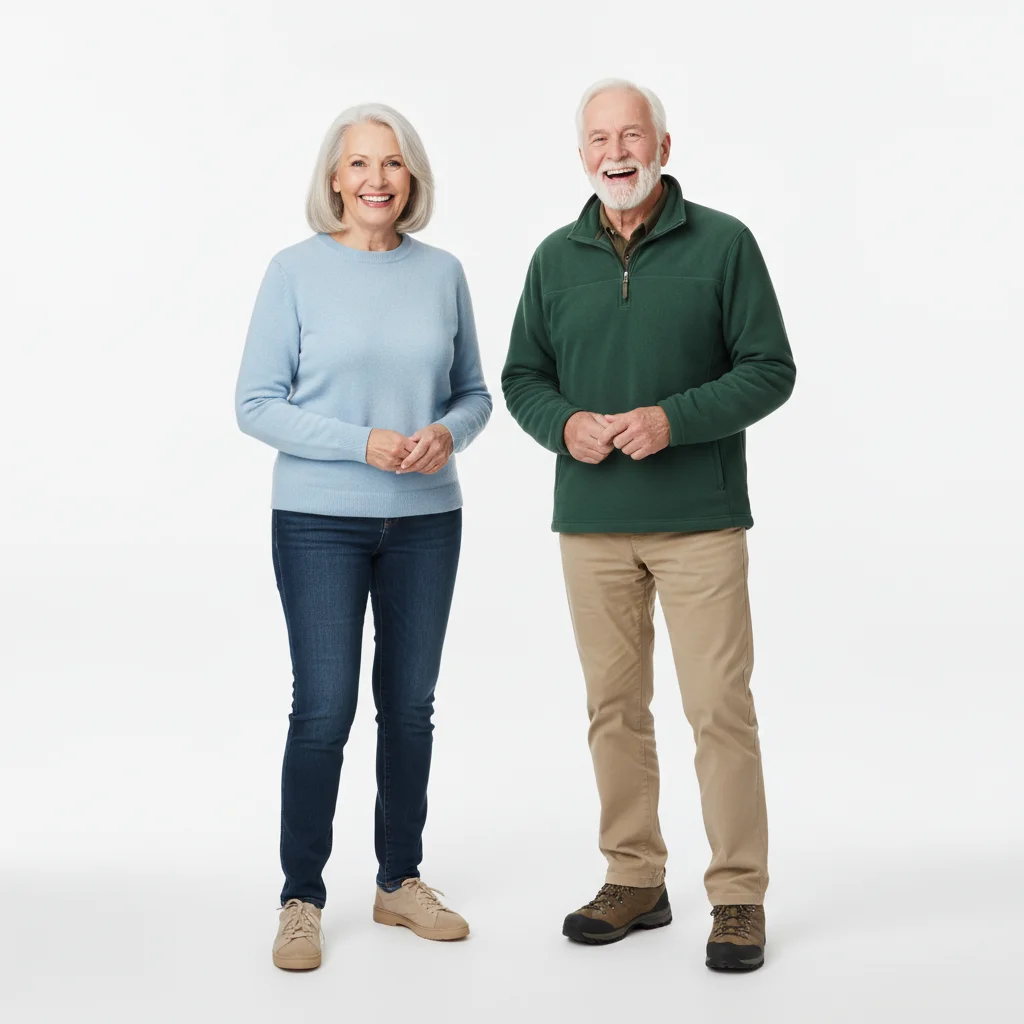
    Grandparents on either side of the grandchildren add grandma on the left and grandpa on the right of the children, matching the outdoor lighting and casual pose of the rest of the family
    Grandparents seated in front of the group add the grandparents from the reference photo seated on chairs in front of the standing family, warm smiles, matching the formal studio lighting
    Grandparent who couldn't travel added to a holiday photo add this person from the reference photo standing next to the family by the christmas tree, warm smile, matching the cozy indoor lighting
    2 more prompts
    Both sets of grandparents in one photo add both sets of grandparents from the reference photos standing on either side of the family, matched in scale and lighting to each other and the group
    Grandparents added to a formal portrait add the grandparents from the reference photo into this formal portrait, standing at the back row, even studio-style lighting matching the rest of the family
  4. Review and refine

    Check that the scale and lighting match the rest of the family, and that the expression feels warm and natural. If something feels off, describe the fix, or tap a marker on the exact spot to adjust.

    Tip: Family scenes with several people can take one retry to get everyone's scale and lighting consistent in a single pass.

See it in action

Family of four on a couch with open space behind them, and an older couple alone against a plain background
Main Photo
Grandparents to be added behind the family
Reference
Family photo with grandparents now standing behind the couch, smiling warmly
Result

Grandparents added behind the family at home

Grandparents who live overseas are added standing behind their family in the living room, matched to the same warm indoor lighting.

Prompt: add the grandparents from the reference photo standing behind the family, both smiling warmly, matching the indoor lighting
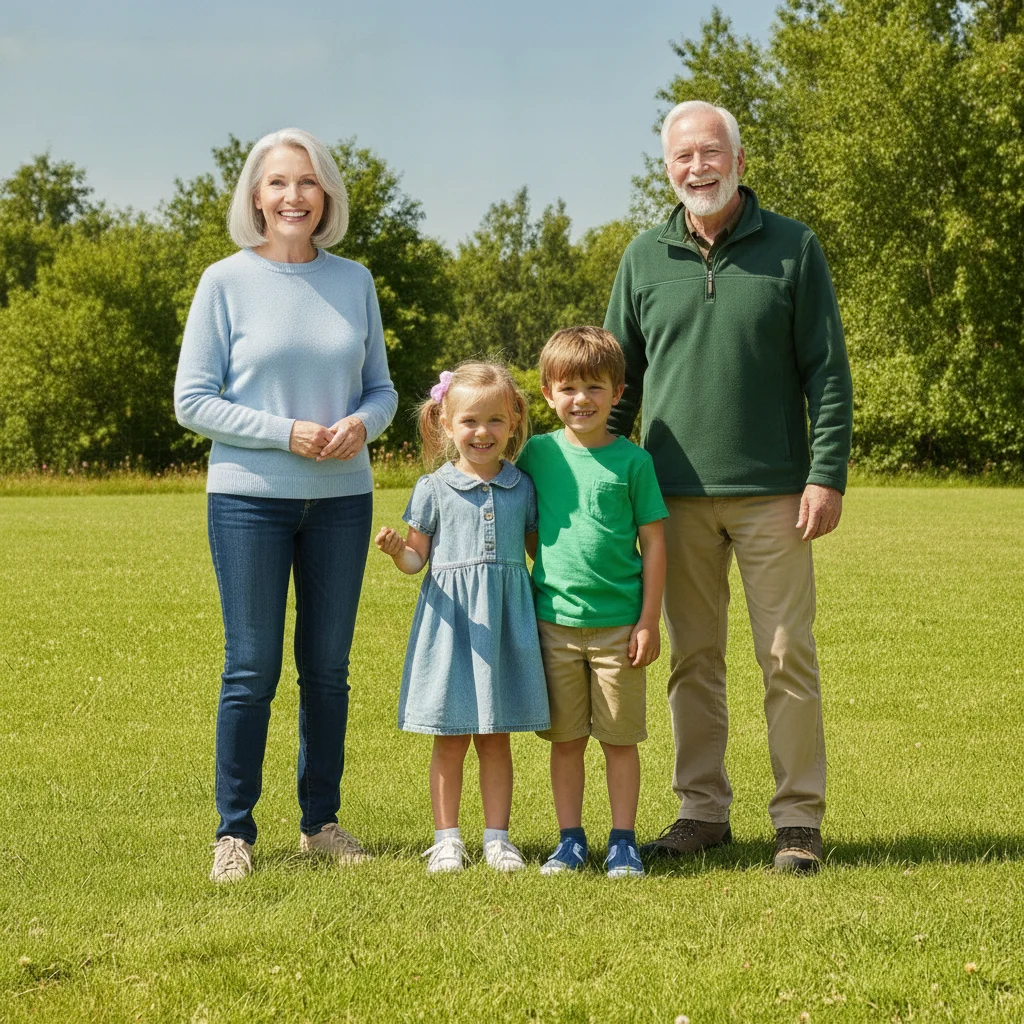
Two children standing outdoors with open space on both sides, and grandparents shown separately against a plain background
Main Photo
Grandmother and grandfather to be added on either side of the children
Reference
Grandparents now standing on either side of their grandchildren outdoors, matched sunlight
Result

Grandparents added on either side of the grandchildren

Two grandparents are added flanking their grandchildren outdoors, matched to the same bright afternoon sunlight.

Prompt: add grandma on the left and grandpa on the right of the children, matching the outdoor lighting and casual pose of the rest of the family
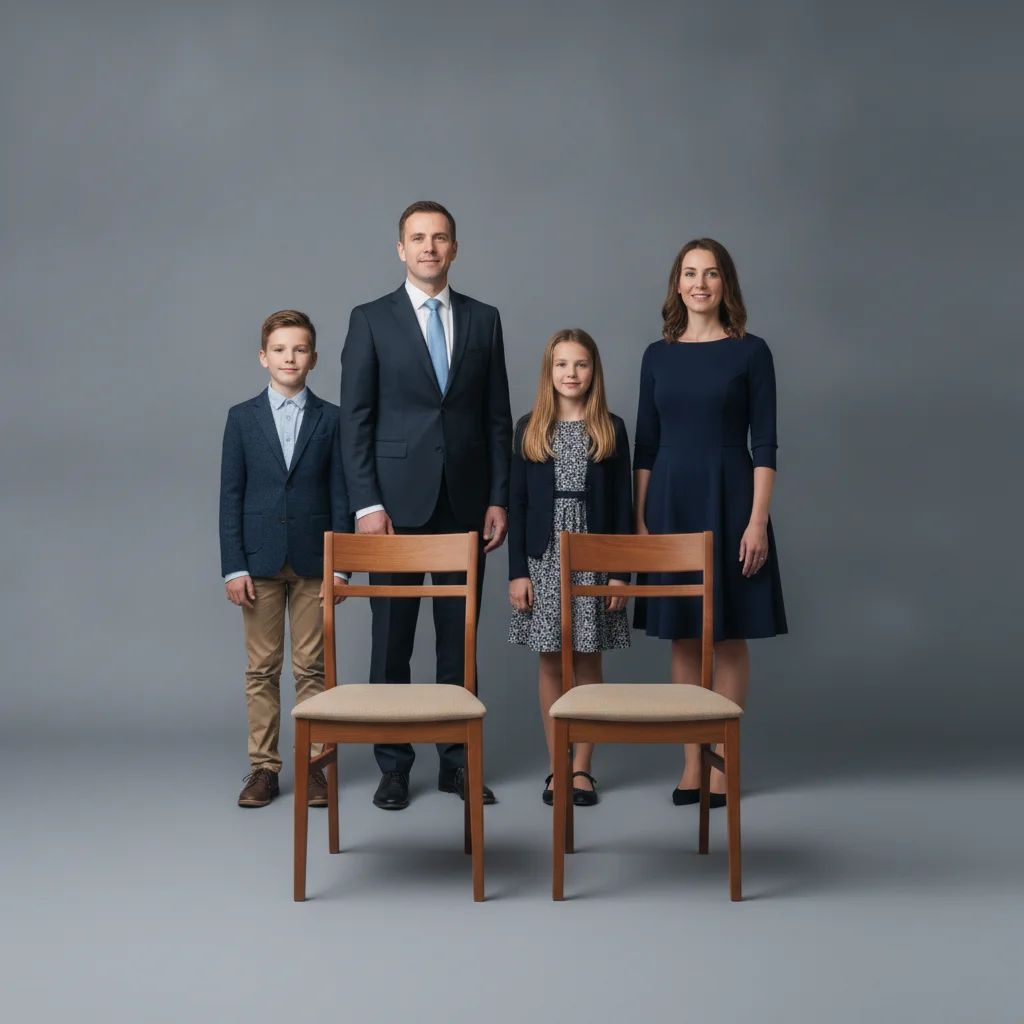
Family of five standing with two empty chairs in front, and grandparents seated separately against a matching backdrop
Main Photo
Grandparents seated to be added to the front row of the portrait
Reference
Formal family portrait with grandparents now seated in the front row
Result

Grandparents seated in front of a formal family portrait

Grandparents who could not travel are added seated in front of their standing family, matched to the studio's even lighting for a formal portrait.

Prompt: add the grandparents from the reference photo seated on chairs in front of the standing family, warm smiles, matching the formal studio lighting

Quick answers

Do I need to mark where the grandparents should stand?

No. Describe the position in words — 'standing behind the family' or 'seated in the front row' — and the AI places them there. Tap markers are only for pointing at one specific spot to refine afterward.

How do I add grandparents to a family photo for free?

Upload your family photo, add a clear photo of the grandparents as the reference image, then describe where they should stand — for example, 'add them behind the family, smiling.' The AI matches scale and lighting. Free, no account needed.

Can I add grandparents who live far away or couldn't attend?

Yes, this is one of the most common uses. Upload a clear reference photo of them and describe where they should stand — 'behind the family' or 'on either side of the grandchildren' both work well.

Can I add a grandparent who has passed away?

Yes, and it's a common and meaningful use. For that specific situation, see our dedicated guide on adding a deceased loved one to a photo, which covers choosing a reference photo and placement with extra care.

What makes a good reference photo of the grandparents?

A clear, recent photo with both grandparents visible and facing forward works best. Phone photos are fine. Avoid extreme angles, heavy shadows, or very low resolution — the AI extracts just the people, not the background.

Is adding grandparents to a family photo really free?

Yes — you get 1 free edit per week with no account required. Credit packs start at $4.99 for 10 edits if you need more.

How much does EditThisPic cost?

You get 1 free edit per week — no account needed. After that, one-time credit packs start at $4.99 for 10 edits, valid 12 months, no subscription. Power users who edit daily can pick Studio Membership, a monthly workspace at $49.99/mo for 300 edits. Purchased downloads are clean with no watermark.

Ready to have them in the family photo?

Free to try. No signup required.

1 free edit included·paid credit packs after