Pricing Add Pet · Free

AI Pet Photo Adder

← Browse all add & replace tools

Last updated

Upload a photo of your pet and your family photo, then describe where they belong. No wrangling a pet that won't sit still for the real shot.
01Photo 1
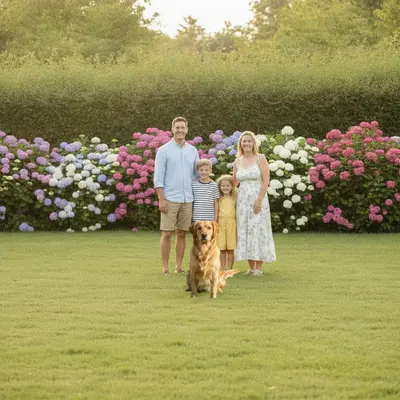
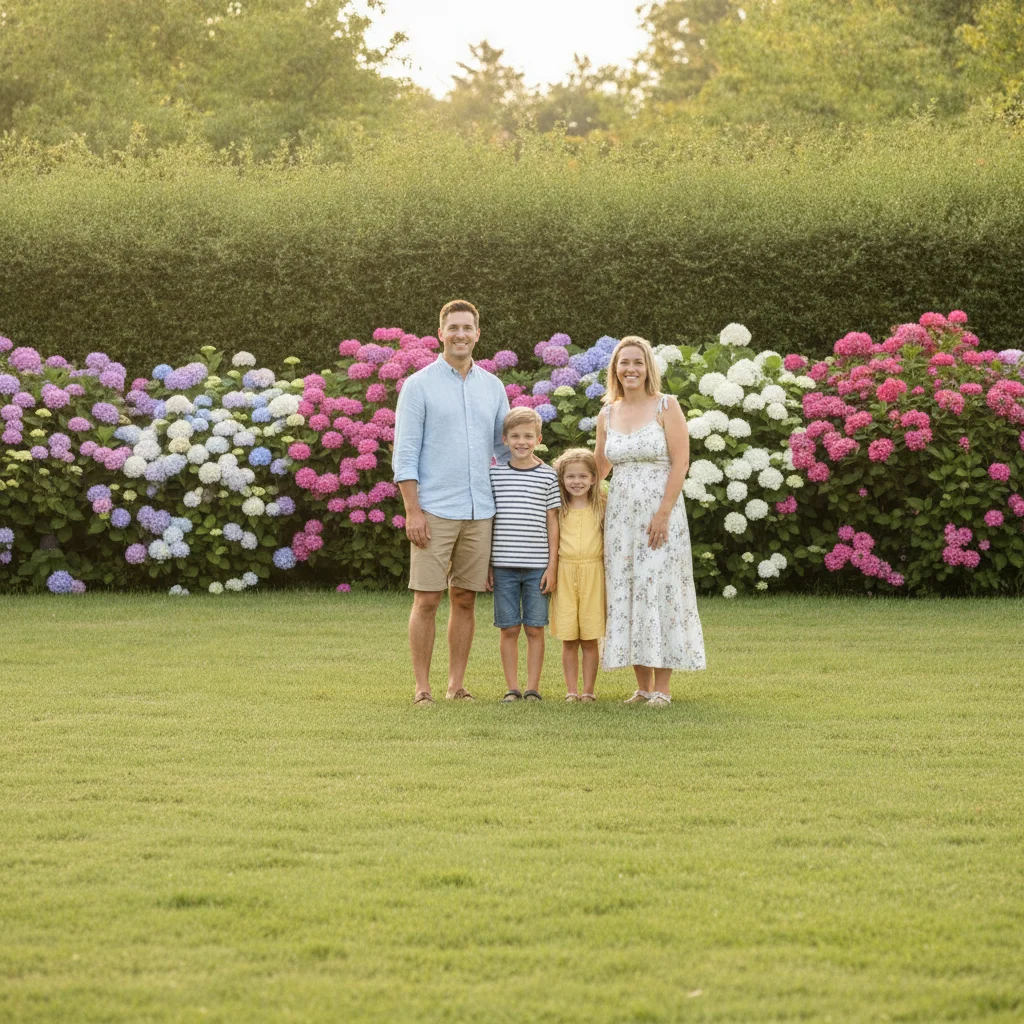
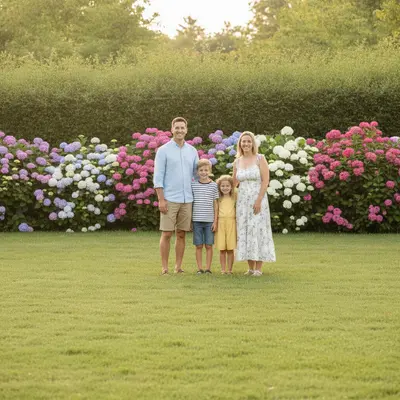
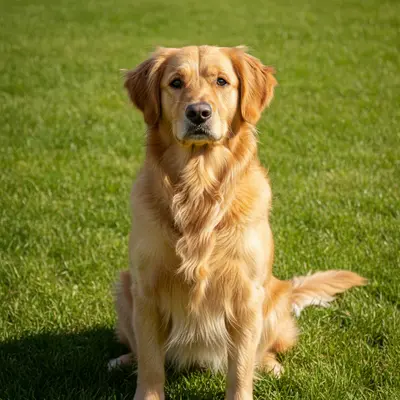
Family of four standing on a lawn with open space in front, and a golden retriever alone on grass
02Photo 2
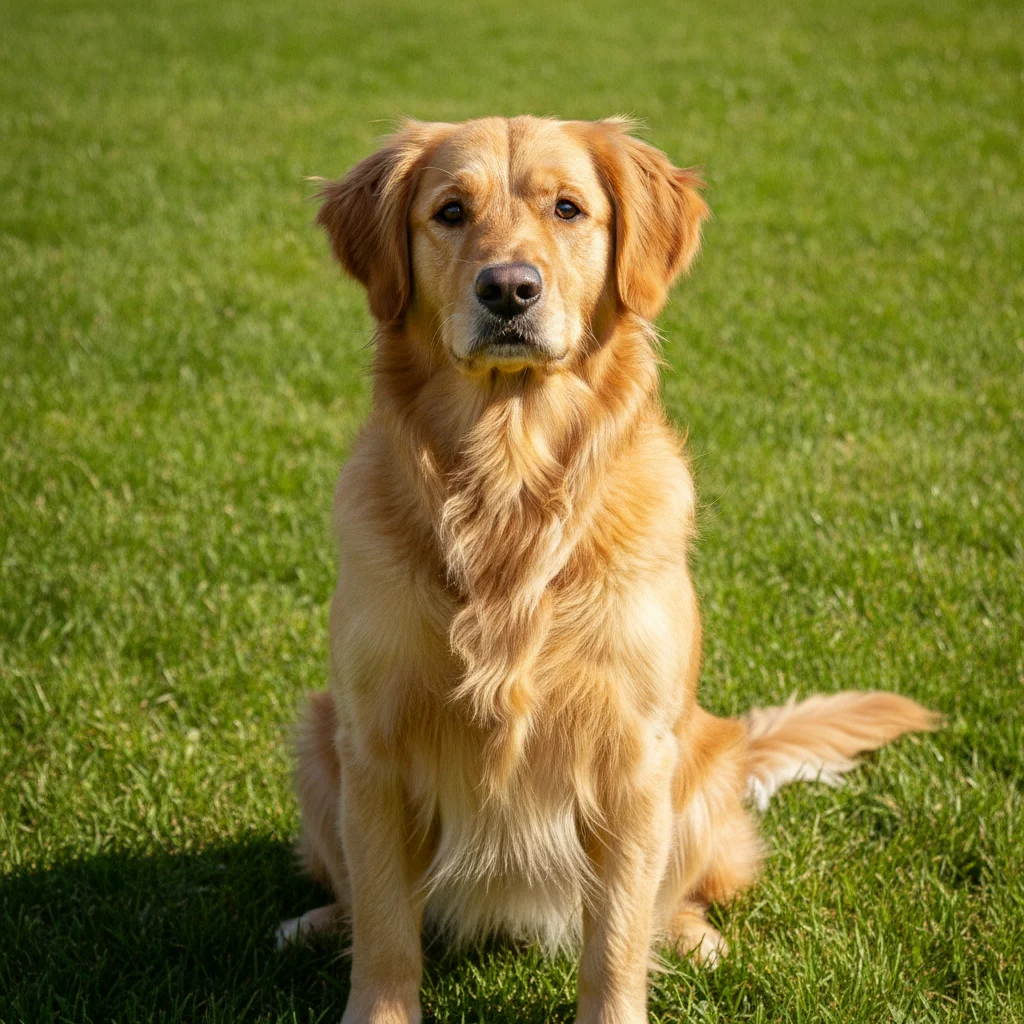
Golden retriever to be added in front of the family
03Result
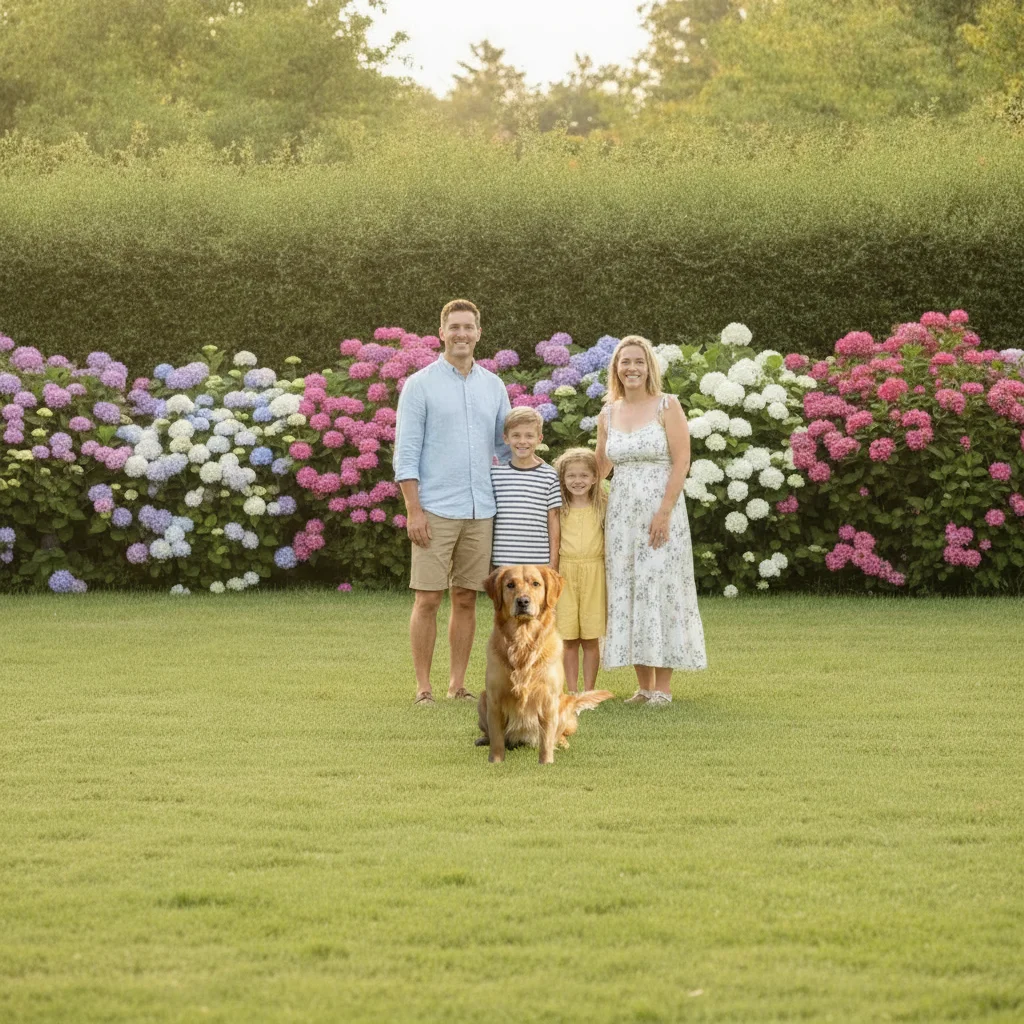
Family photo with the golden retriever now sitting in front of the group

Upload photo to add pet

"add the cat from the reference photo curled up on the woman's lap, matching the soft indoor lighting of the rest of the photo"

Free to try · no sign-up · photos are never shared

Release to upload

<30stypical edit
1 freeedit weekly
Photo on your phone? Scan to open this editor there — free edit works on your phone too.

1 free edit every week·paid packs after

How it works

  1. Upload your family photo

    Drop in the family photo you want your pet added to. A photo with some open space at ground level — in front of or beside the family — gives the AI room to place them naturally. JPG, PNG, WebP up to 7MB.

    Expect: A clear open spot near the group makes a first attempt easier; busy or tightly cropped photos may need a small refinement to fit the pet in.
  2. Add your pet as a reference

    Click '+ Add reference image' and upload a clear photo of your pet — any photo where they're fully visible works, even one taken on a different day in different light.

    Tip: A photo where your pet is standing or sitting, not curled up or mid-motion, is easiest for the AI to place naturally into a group pose.

    Copy one of these to get started:

    Dog sitting in front of the family add the dog from the reference photo sitting on the ground in front of the family, looking at the camera, matching the outdoor lighting
    Cat curled up on someone's lap add the cat from the reference photo curled up on the woman's lap, matching the soft indoor lighting of the rest of the photo
    Pet standing beside a specific family member add the dog standing next to the boy on the right, same scale as a medium-sized dog would be, matching lighting and shadows
    Pet held in someone's arms add the small dog from the reference photo being held in the woman's arms, matching her pose and the photo's lighting
    2 more prompts
    Pet lying at everyone's feet add the dog from the reference photo lying down at the family's feet, relaxed pose, matching the grass and afternoon light
    Multiple pets added to one photo add both pets from the reference photos sitting together in front of the family, matched in scale and lighting to each other and the group
  3. Describe where your pet goes

    Type your instruction: 'add the dog sitting on the ground in front of the family' or 'add the cat curled up on the mom's lap.' Mention the pose and position you want.

    Tip: Say who's near the pet — 'sitting between mom and dad' — so the placement feels intentional rather than floating in empty space.

    Copy one of these to get started:

    Dog sitting in front of the family add the dog from the reference photo sitting on the ground in front of the family, looking at the camera, matching the outdoor lighting
    Cat curled up on someone's lap add the cat from the reference photo curled up on the woman's lap, matching the soft indoor lighting of the rest of the photo
    Pet standing beside a specific family member add the dog standing next to the boy on the right, same scale as a medium-sized dog would be, matching lighting and shadows
    Pet held in someone's arms add the small dog from the reference photo being held in the woman's arms, matching her pose and the photo's lighting
    2 more prompts
    Pet lying at everyone's feet add the dog from the reference photo lying down at the family's feet, relaxed pose, matching the grass and afternoon light
    Multiple pets added to one photo add both pets from the reference photos sitting together in front of the family, matched in scale and lighting to each other and the group
  4. Review and refine

    Check that your pet's scale looks right next to the family, the lighting matches, and the pose feels natural. If the fur color or shadow looks off, describe the fix, or tap a marker on the exact spot to adjust.

    Tip: If your pet looks slightly too large or small, say so directly: 'make the dog a bit smaller, at ankle height next to dad.'

See it in action

Family of four standing on a lawn with open space in front, and a golden retriever alone on grass
Main Photo
Golden retriever to be added in front of the family
Reference
Family photo with the golden retriever now sitting in front of the group
Result

Dog added sitting in front of the family

A golden retriever who wouldn't sit still for the real photo is added sitting front and center, matched to the family's outdoor lighting.

Prompt: add a golden retriever sitting on the grass in front of the family, looking at the camera, matching the outdoor lighting
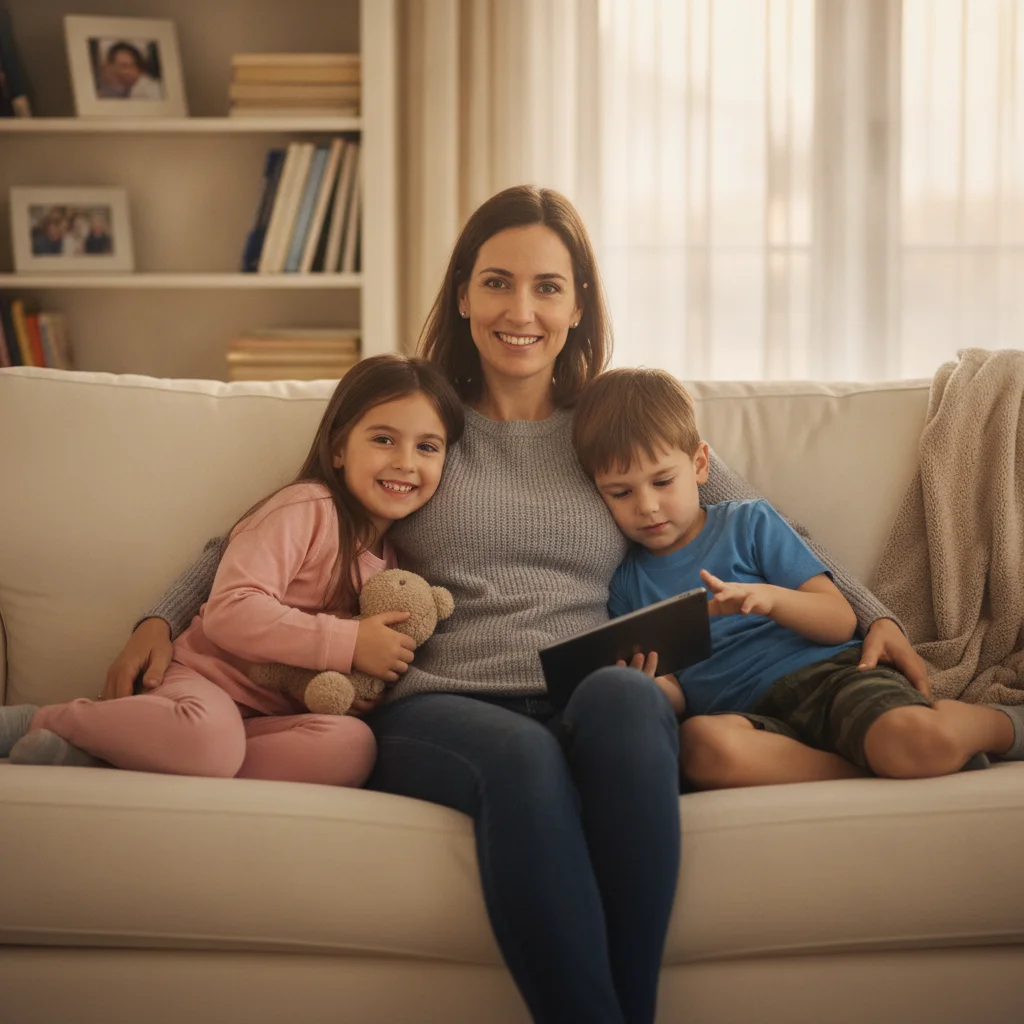
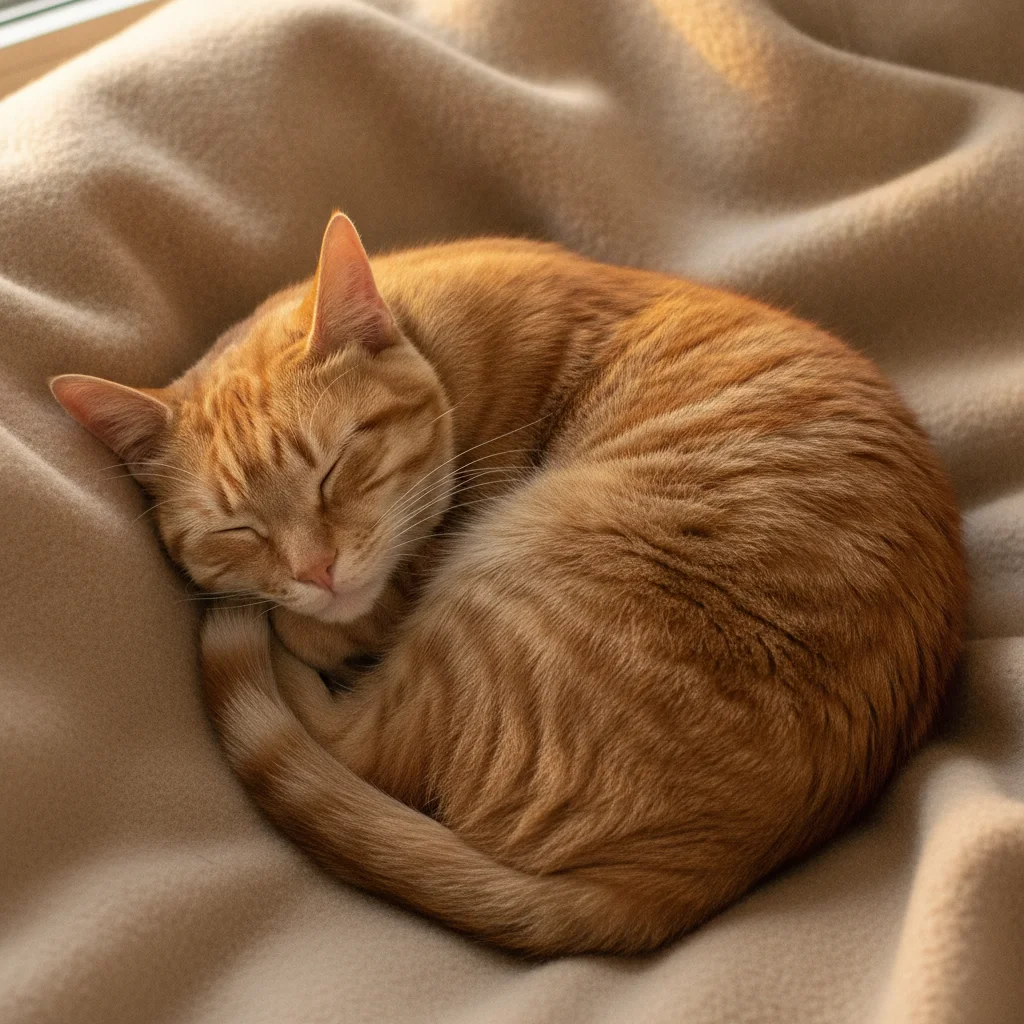
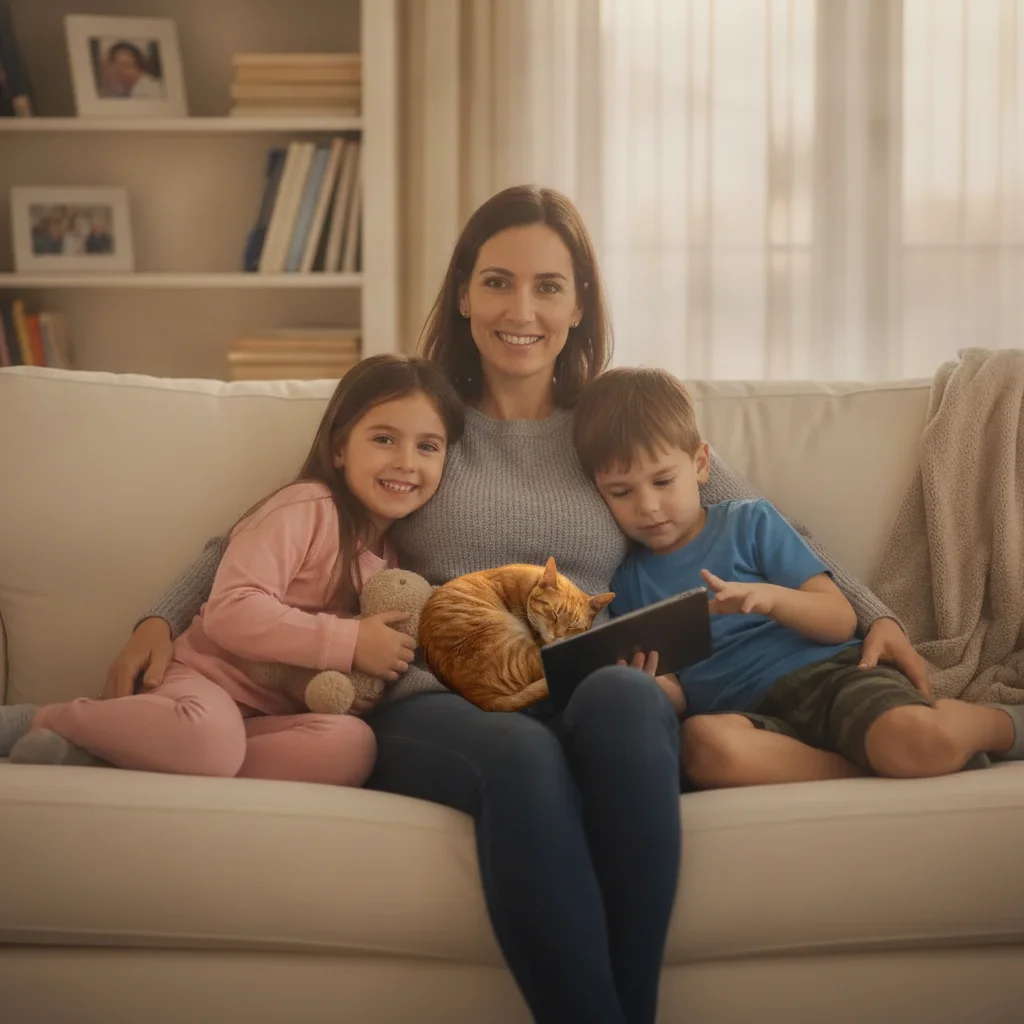
Woman and two children on a couch with open space on her lap, and an orange tabby cat curled up alone
Main Photo
Orange tabby cat to be added on mom's lap
Reference
Family photo on the couch with the orange tabby cat now curled up on mom's lap
Result

Cat added curled up on mom's lap

An orange tabby who kept wandering off during the real photo is added curled up and content on the mother's lap, matched to soft indoor light.

Prompt: add the cat from the reference photo curled up on the woman's lap, matching the soft indoor lighting of the rest of the photo
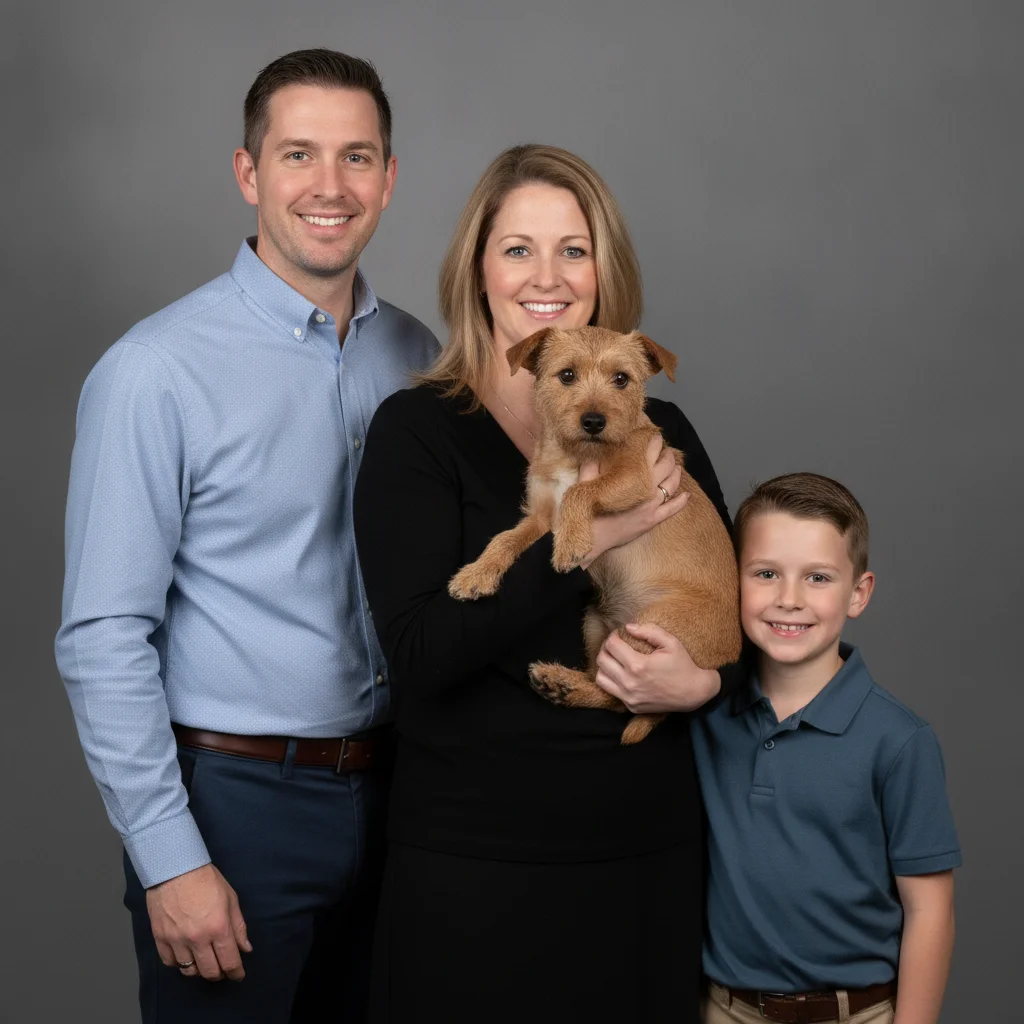
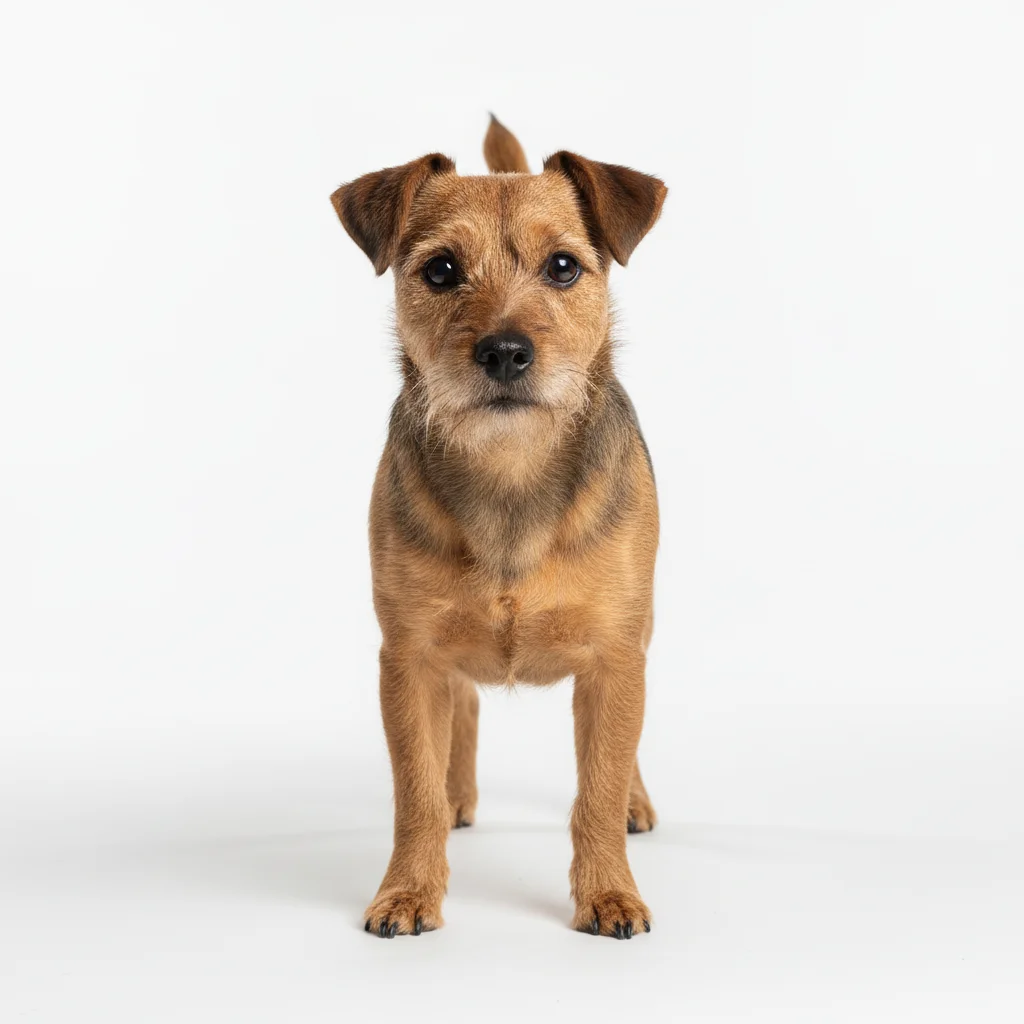
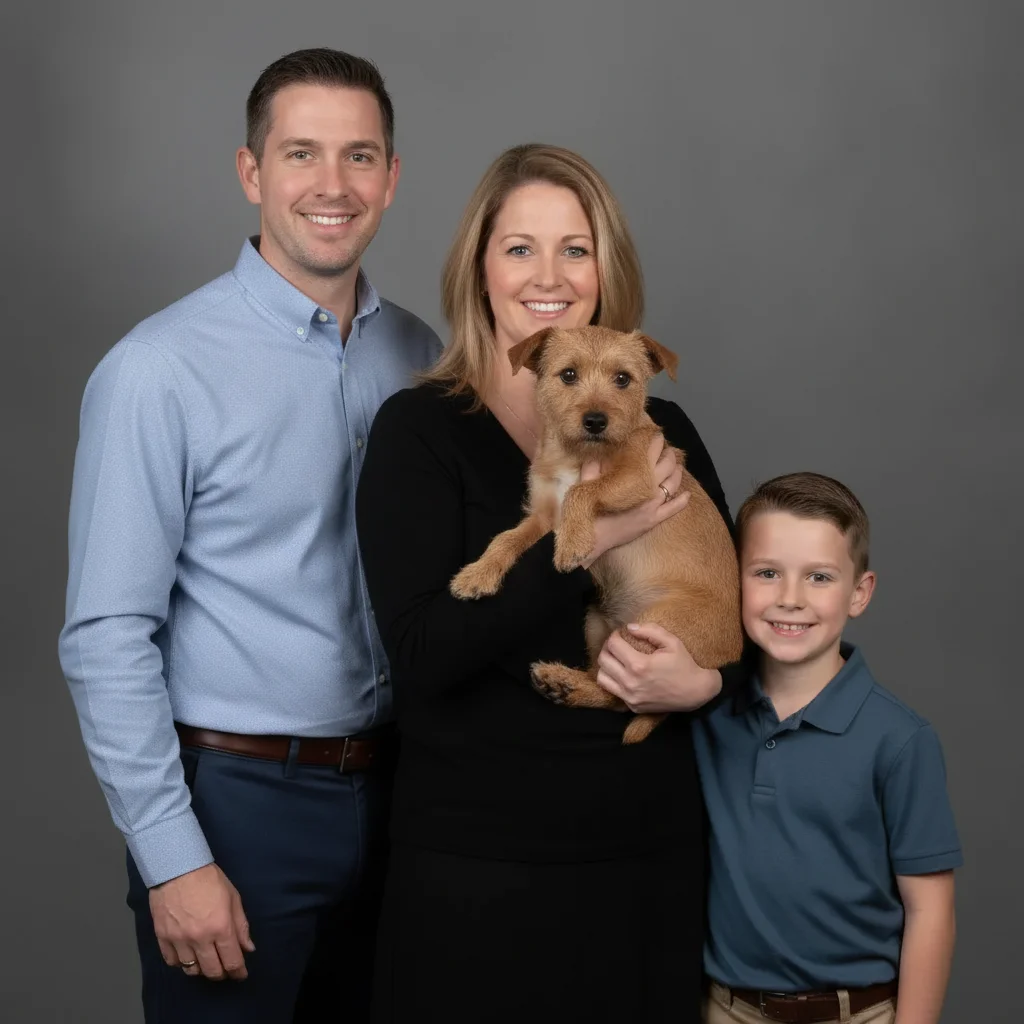
Family of three posed formally with the woman's arms positioned as if holding something, and a small terrier alone
Main Photo
Small brown terrier to be added held in the woman's arms
Reference
Formal family portrait with the small terrier now held in the woman's arms
Result

Small dog added held in arms

A small terrier is added being held in a woman's arms, matched to the group's pose and studio-style lighting for a formal family portrait.

Prompt: add the small dog from the reference photo being held in the woman's arms, matching her pose and the photo's lighting

Quick answers

Do I need to mark where my pet should go in the photo?

No. Describe the position in words — 'sitting in front of the family' or 'curled up on mom's lap' — and the AI places your pet there. Tap markers are only for pointing at one specific spot to refine afterward.

How do I add my pet to a family photo for free?

Upload your family photo, add a clear photo of your pet as the reference image, then describe where they should go — for example, 'add the dog sitting in front of us.' The AI matches scale and lighting. Free, no account needed.

Can I add a pet who has passed away to a family photo?

Yes. Upload a clear reference photo of your pet and describe where you'd like them — many people place them curled up beside the family or at their feet. Take your time choosing a reference photo where they look happy and comfortable.

My pet won't sit still for photos — does that matter here?

No — that's the main reason people use this. Upload any clear photo of your pet, even from a different day or setting, and the AI extracts just your pet and places them into the family photo. No need for a perfect group sitting.

What makes a good reference photo of my pet?

A clear photo where your pet is fully visible and not mid-motion works best. Sitting, standing, or curled-up poses are easiest to place naturally. Any lighting is fine — the AI adjusts it to match the family photo.

Is adding a pet to a family photo really free?

Yes — you get 1 free edit per week with no account required. Credit packs start at $4.99 for 10 edits if you need more.

How much does EditThisPic cost?

You get 1 free edit per week — no account needed. After that, one-time credit packs start at $4.99 for 10 edits, valid 12 months, no subscription. Power users who edit daily can pick Studio Membership, a monthly workspace at $49.99/mo for 300 edits. Purchased downloads are clean with no watermark.

Ready to get your pet in the family photo?

Free to try. No signup required.

1 free edit included·paid credit packs after