Pricing Fix Aquarium photo · Free

AI Aquarium Photo Fixer

← Browse all creative effects

Last updated

Clean up glare, reflections and colour cast in your fish tank photo. Free, no signup.
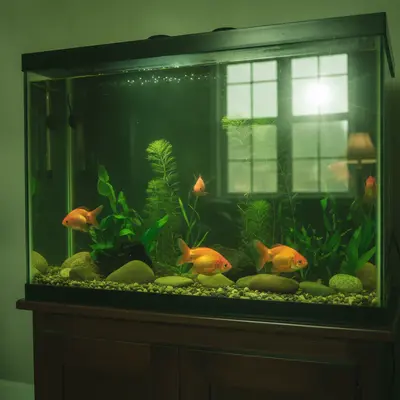
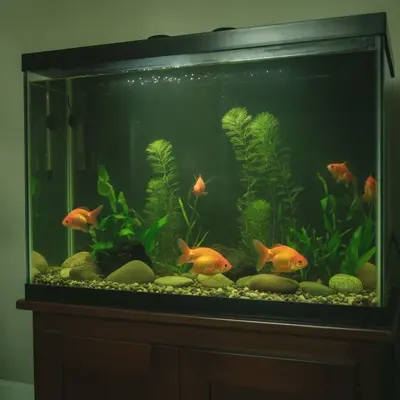
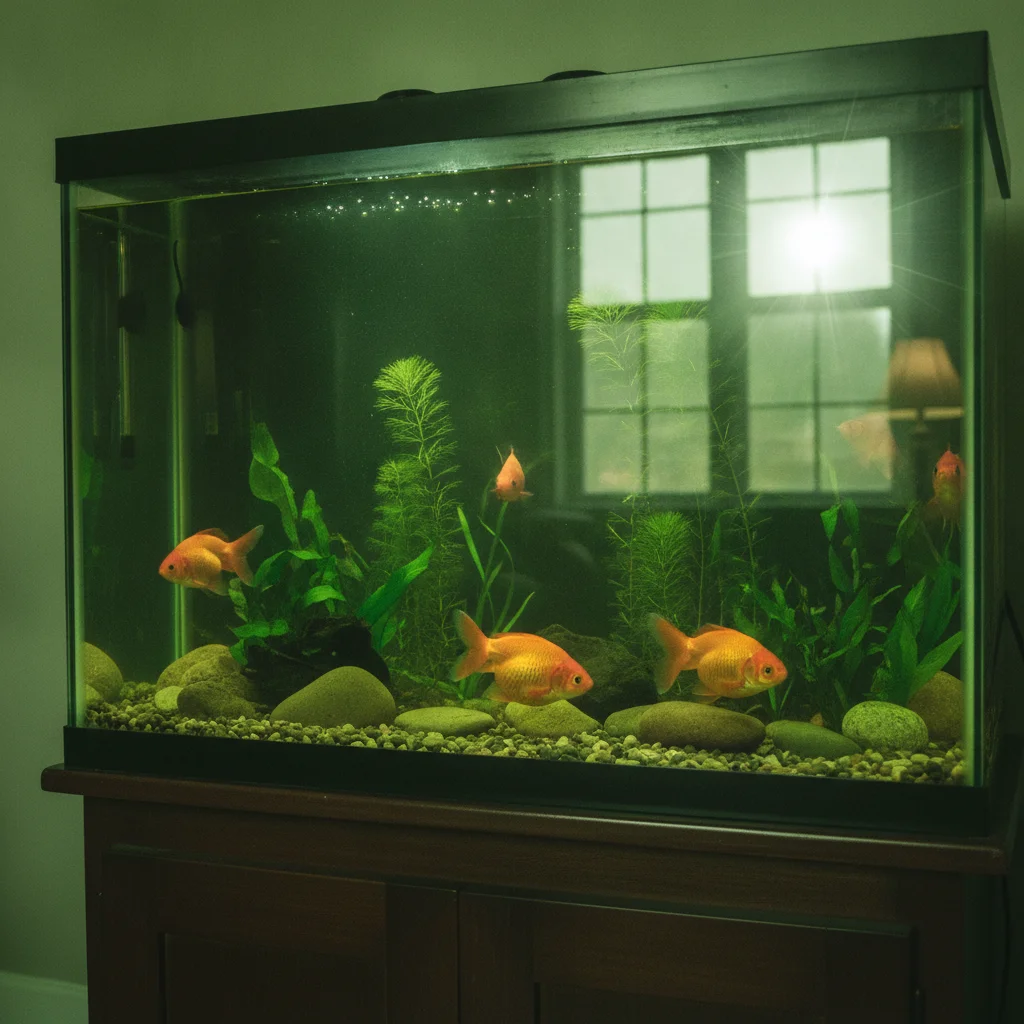
Fish tank with a bright lamp reflection on the glass Same tank with the reflection removed

Upload photo to fix aquarium photo

"correct the strong green colour cast in this aquarium photo so the water looks clear and natural, keep the fish colours realistic"

Free to try · no sign-up · never used for AI training

Release to upload

<30stypical edit
1 freeedit weekly
Photo on your phone? Scan to open this editor there — free edit works on your phone too.

1 free edit every week·paid packs after

How it works

  1. Upload your photo

    Use a straight-on photo of the tank if you can. Reflections from lamps, windows and the room, a green tint from algae or lighting, and cloudy glass are the usual problems. Switch the room lights off before shooting next time to reduce them.

    Expect: Simple fixes usually finish in under a minute. Heavier damage or busy detail can take a little longer and may need a second pass.
  2. Describe what you want

    Say what is wrong and what to keep. For example: 'remove the window and lamp reflections on the glass, fix the green colour cast so the water looks clear and natural, keep the fish, plants and rocks unchanged.' No marking needed.

    Tip: Name the reflection source if you know it, such as 'ceiling light' or 'window.' It helps the AI tell reflection from the tank contents.

    Copy one of these to get started:

    Lamp reflection on the glass remove the bright lamp reflection on the front glass of this aquarium, show the water, fish and plants behind it, keep everything else unchanged
    Green cast from algae or lighting correct the strong green colour cast in this aquarium photo so the water looks clear and natural, keep the fish colours realistic
    Blue LED tint reduce the heavy blue LED tint in this fish tank photo and bring back natural colours on the fish and gravel
    Room reflections of the photographer remove the reflection of the room and the person holding the camera from the glass of this aquarium
    3 more prompts
    Cloudy glass or water spots clean up the cloudy water spots and white mineral marks on the aquarium glass in this photo, keep the fish and decorations unchanged
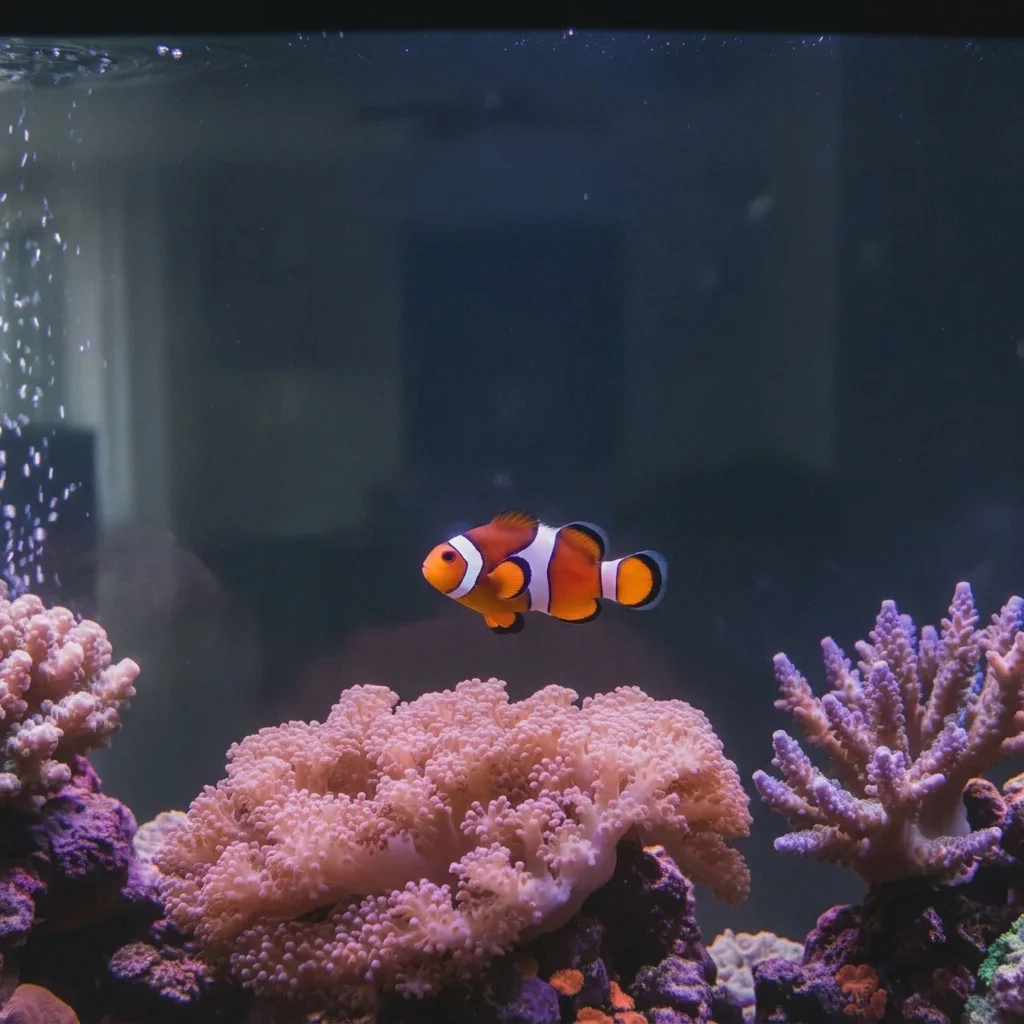
    Reef tank colours correct the colour of this reef aquarium photo to look natural, reduce the purple cast, keep the coral colours vivid but realistic
    Fish portrait remove the glass glare on the front of the tank and keep the single fish sharp and unchanged
  3. Review the result

    Zoom on the fish and plants. Check that colours of the fish still look right, since a cast fix can also shift real fish colours, and that no glass reflection patch was replaced with a smeared area.

  4. Refine with markers if needed

    If a reflection remains or a fish was changed, tap a marker on it and regenerate. This keeps the fix local.

    Tip: Markers are for precision refinement, not a required step. Most edits work from the description alone.

See it in action

Fish tank with a bright lamp reflection on the glass
Before
->
Same tank with the reflection removed
After

Lamp glare on a community tank

A freshwater tank with a bright lamp reflection across the glass.

Prompt: remove the window reflection and lamp glare from the aquarium glass and correct the green color cast, keep the fish and plants unchanged
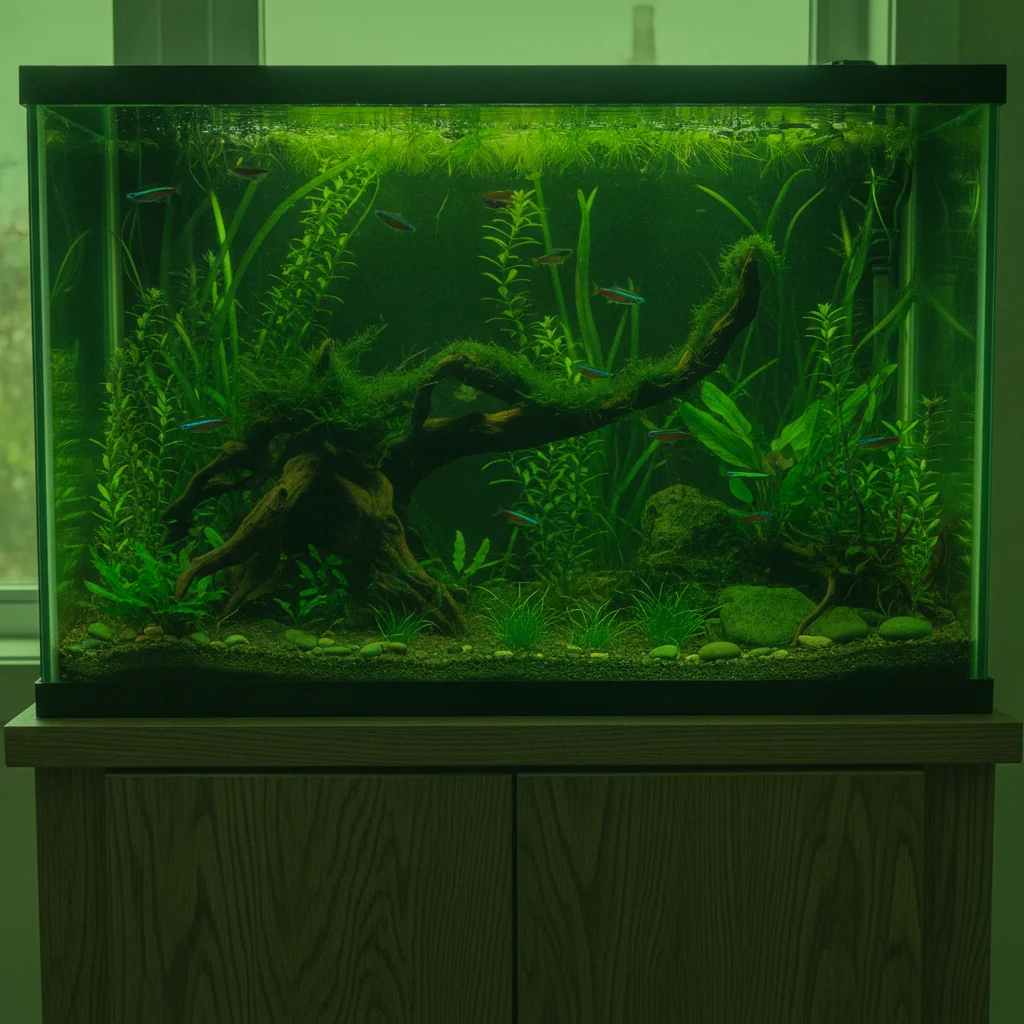
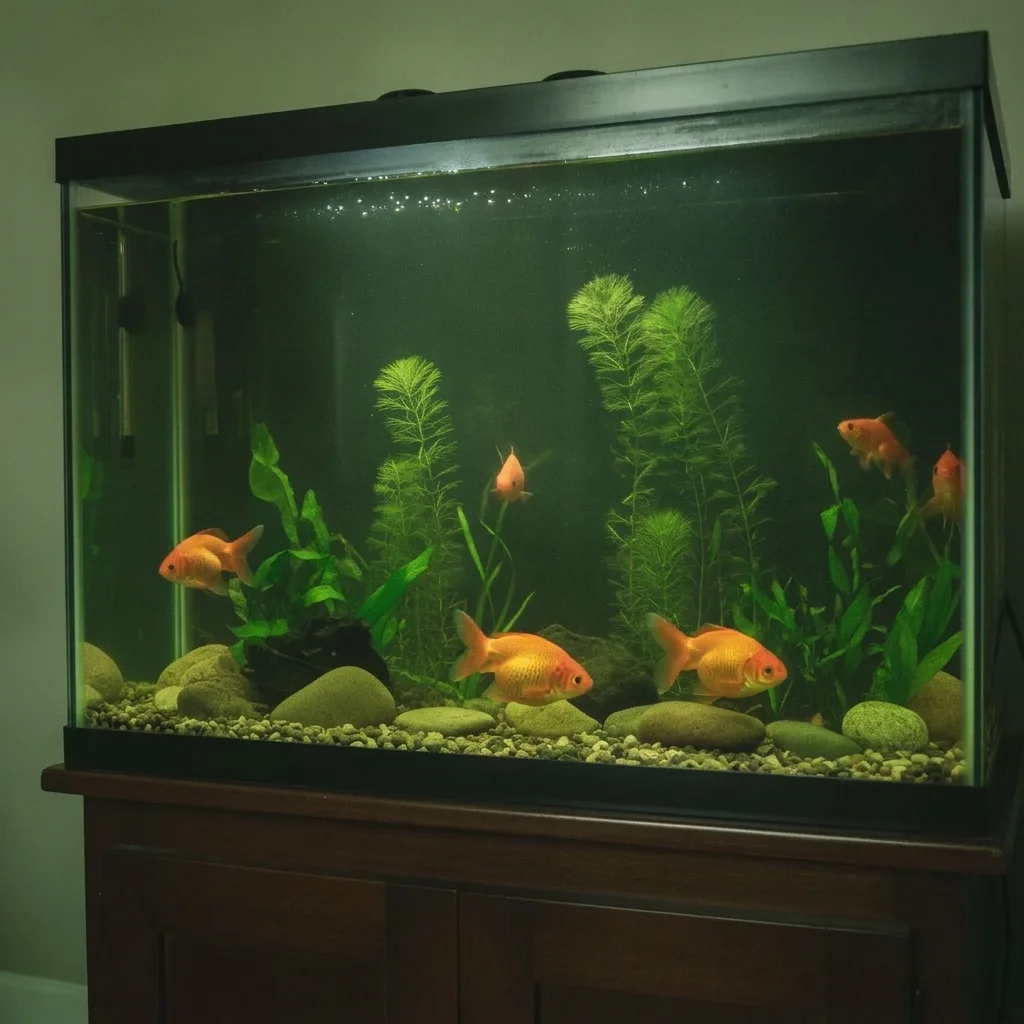
Planted tank photo with a strong green cast
Before
->
Same tank with natural clear water colour
After

Green cast on a planted tank

A planted tank where the whole photo has a green tint.

Prompt: correct the strong green colour cast in this aquarium photo so the water looks clear and natural, keep the fish colours realistic
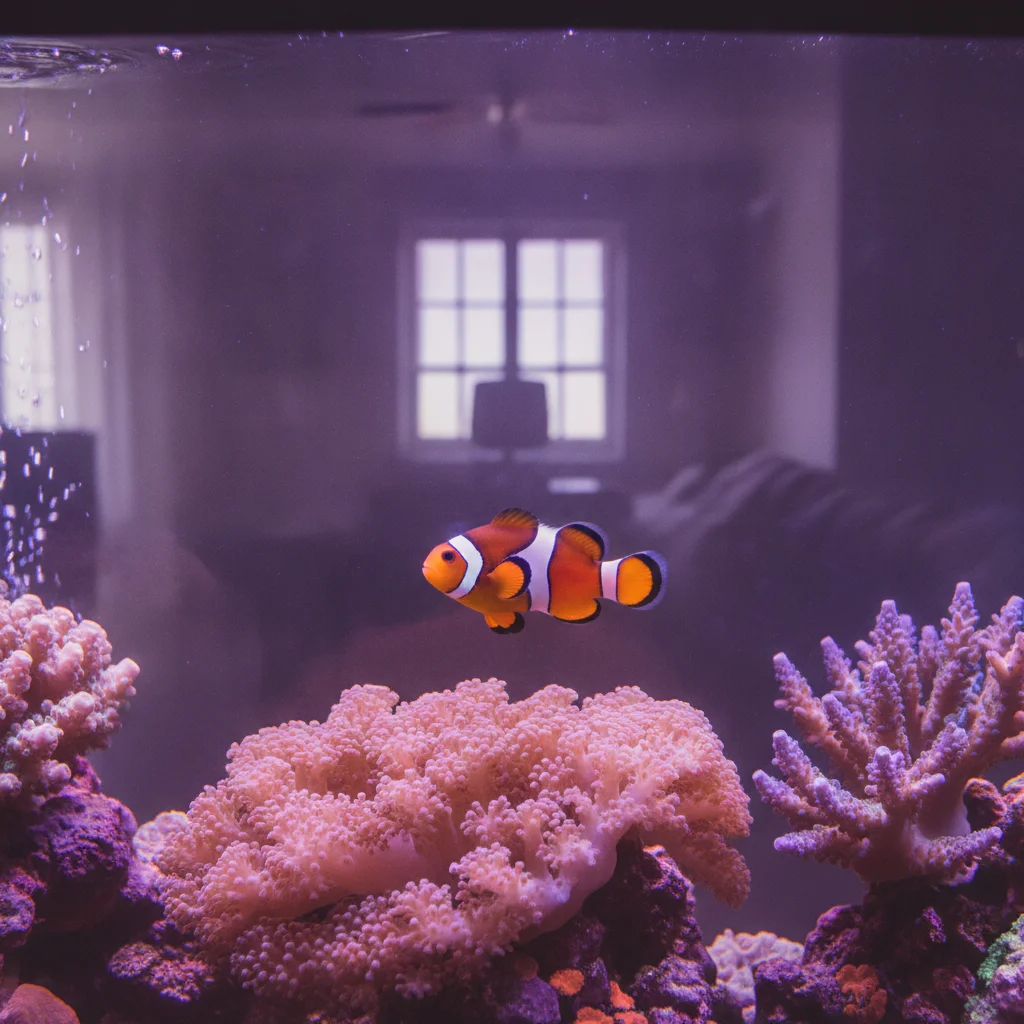
Reef tank with a window reflection and purple tint
Before
->
Same reef tank with a clean glass and natural colour
After

Window reflection on a reef tank

A saltwater tank with a window reflection and purple tint.

Prompt: remove the window reflection on the glass and reduce the purple cast of this reef aquarium, keep the coral and fish colours realistic

Quick answers

Do I need to mark the reflections before describing what I want?

No. Say what is reflecting, like 'the lamp reflection on the front glass,' and the AI finds it. Markers help if a reflection is missed or a fish changes.

How do I fix an aquarium photo for free?

Upload the photo, describe the glare and colour problem, and download the preview. The free edit is a preview, with no signup and no watermark.

Will it keep the real colours of my fish?

It tries to, but correcting a cast can nudge real colours. Ask to keep fish colours realistic and check them against the original.

Can it fix blur from moving fish?

Not reliably. Motion blur is already in the photo. It can reduce glass glare and colour cast better than it can sharpen a moving fish.

Does it work for saltwater reef tanks?

Yes, but intense blue or purple lighting is harder to judge. Describe the look you want.

How do I avoid reflections next time?

Turn off room lights, hold the camera close to the glass, and shoot straight on.

How much does EditThisPic cost?

You get 1 free Standard edit per week — no account needed. After that, one-time credit packs start at $4.99 for 10 credits, valid 12 months, no subscription. A Standard edit uses 1 credit, Pro 2 and Ultra 3. Purchased downloads are clean with no watermark.

Ready to fix your aquarium photo?

Free to try. No signup required.

1 free edit included·paid credit packs after