Pricing Clean Comic book scan · Free

AI Comic Book Scan Cleaner

← Browse all creative effects

Last updated

Clean yellowed paper, stains and creases from a comic page scan.
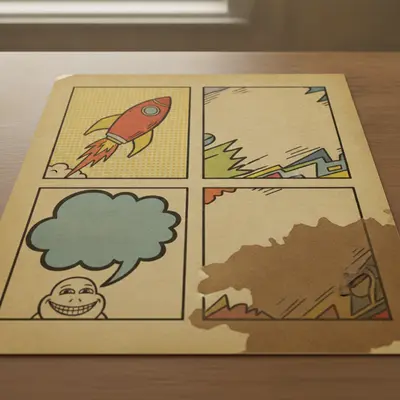
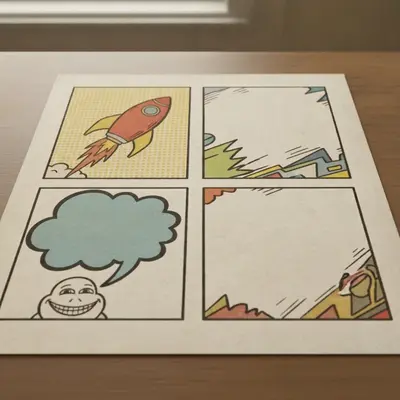
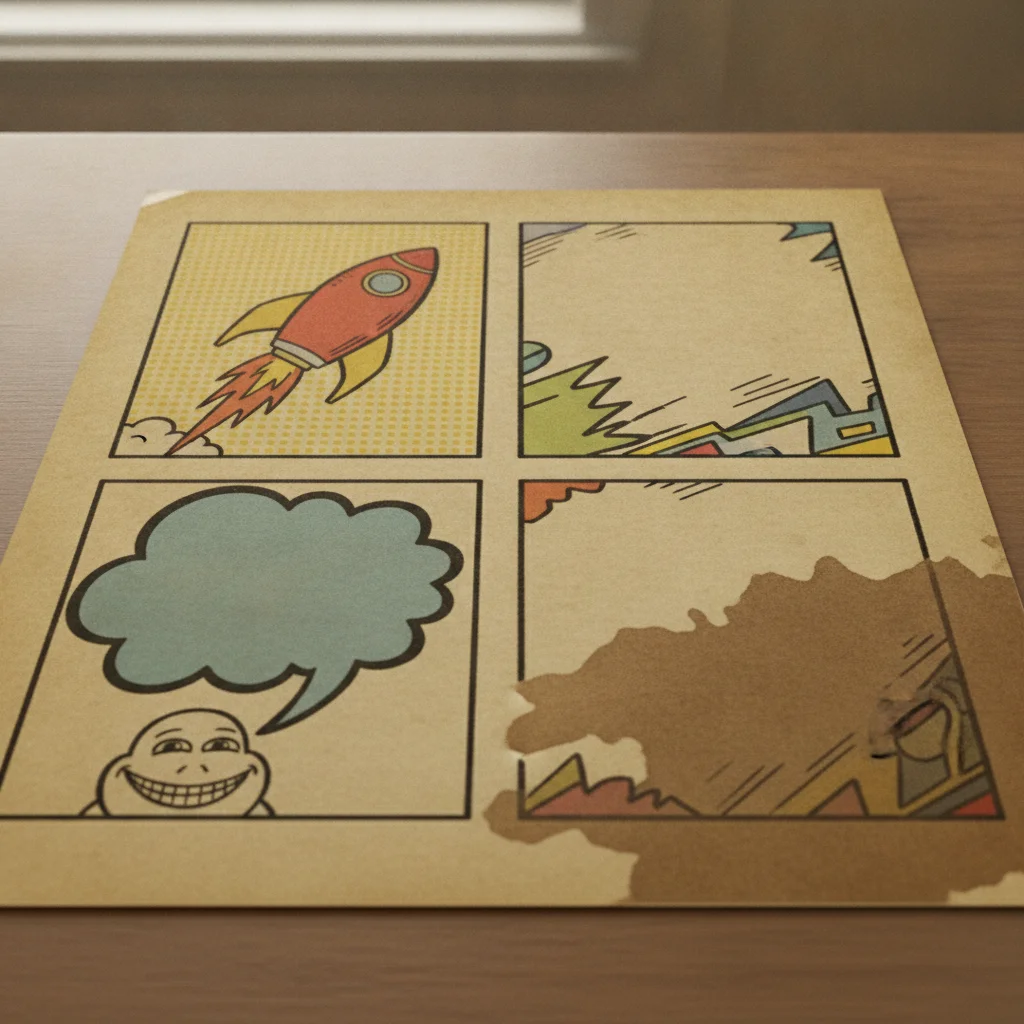
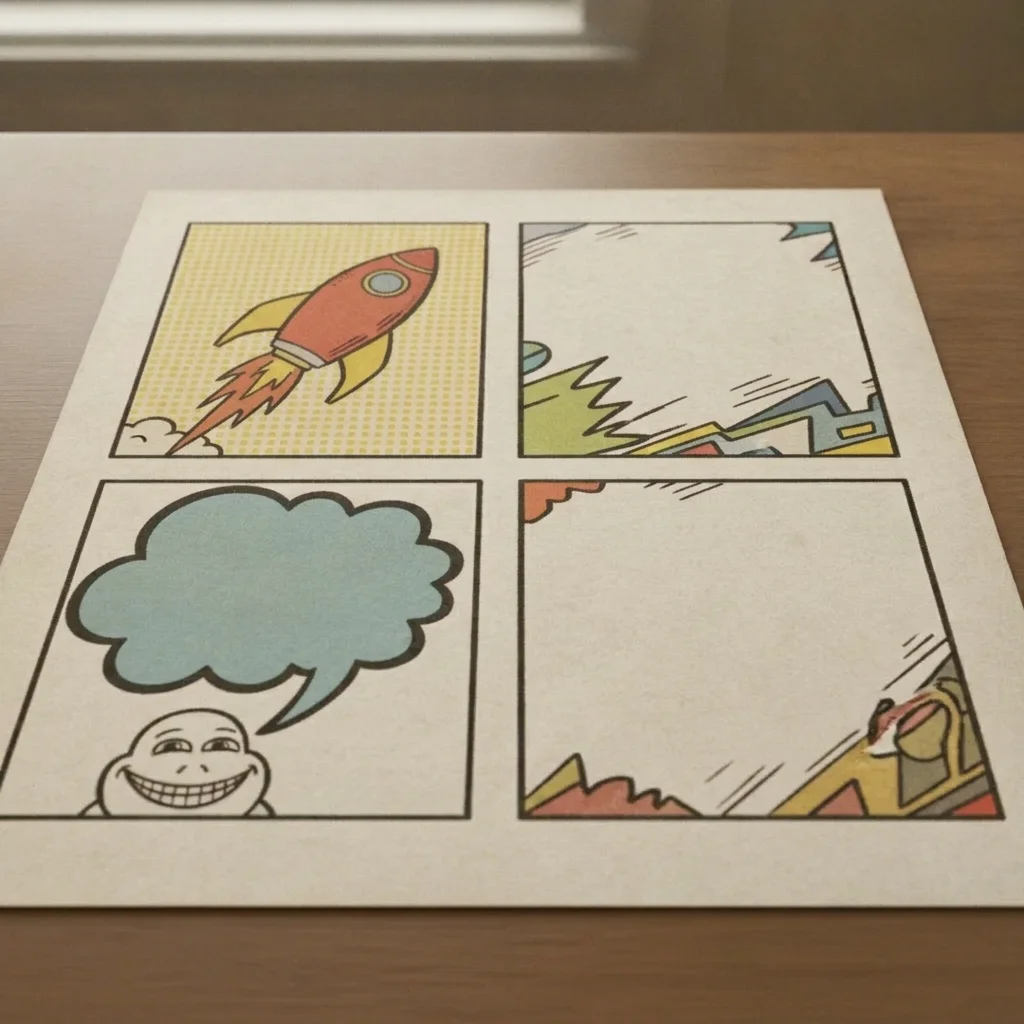
Yellowed comic page with a brown stain Same page with clean off-white paper and no stain

Upload photo to clean comic book scan

"remove the brown water stain in the bottom right corner of the page, keep the artwork and lettering unchanged"

Free to try · no sign-up · never used for AI training

Release to upload

<30stypical edit
1 freeedit weekly
Photo on your phone? Scan to open this editor there — free edit works on your phone too.

1 free edit every week·paid packs after

How it works

  1. Upload your photo

    Use a flat, straight scan of one page. Scans with glare or a curved spine are harder to clean. Keep the whole page visible with the edges in view.

    Expect: Usually about 30 seconds. Pages with many stains or heavy creases may need a second pass.
  2. Describe what you want

    Describe the problems (yellowed paper, brown stain, crease line, faded ink) and what to keep: 'keep the drawings, panel borders and lettering exactly as they are.' Do not ask it to redraw anything. No marking needed.

    Tip: Ask to clean the paper and restore contrast, not to redraw lines. Keeping the art original is the point.

    Copy one of these to get started:

    Yellowed paper clean the yellowed paper to a soft off-white and keep the artwork, panel borders and lettering exactly as they are
    Remove a stain remove the brown water stain in the bottom right corner of the page, keep the artwork and lettering unchanged
    Fix a crease remove the white crease line across the middle of the page, keep the drawings and speech bubbles exactly as they are
    Restore faded ink bring back the faded black ink lines so they look dark and crisp, do not redraw anything or change the lettering
    3 more prompts
    Even the tone even out the uneven yellow and grey patches across the page into one consistent paper tone, keep the art unchanged
    Remove spine shadow reduce the dark shadow along the left edge of the page, keep the artwork and lettering unchanged
    Clean scanner dust remove the small dust specks and scanner marks from the white areas of the page, keep every line and letter unchanged
  3. Review the result

    Zoom into the lettering and linework. Check that speech bubbles, words and fine lines are unchanged, and that the paper tone looks even. Compare against the original scan.

  4. Refine with markers if needed

    If the AI smoothed a real line, changed a letter or left a stain, tap a marker on that spot and regenerate with a careful prompt. Markers are optional.

    Tip: Markers are for precision refinement, not a required step.

See it in action

Yellowed comic page with a brown stain
Before
->
Same page with clean off-white paper and no stain
After

Yellowed page with a stain

A scanned comic page cleaned of its yellow cast and a brown stain.

Prompt: clean the yellowed paper to a soft off-white and remove the brown stain in the corner, keep the artwork and lettering exactly as they are
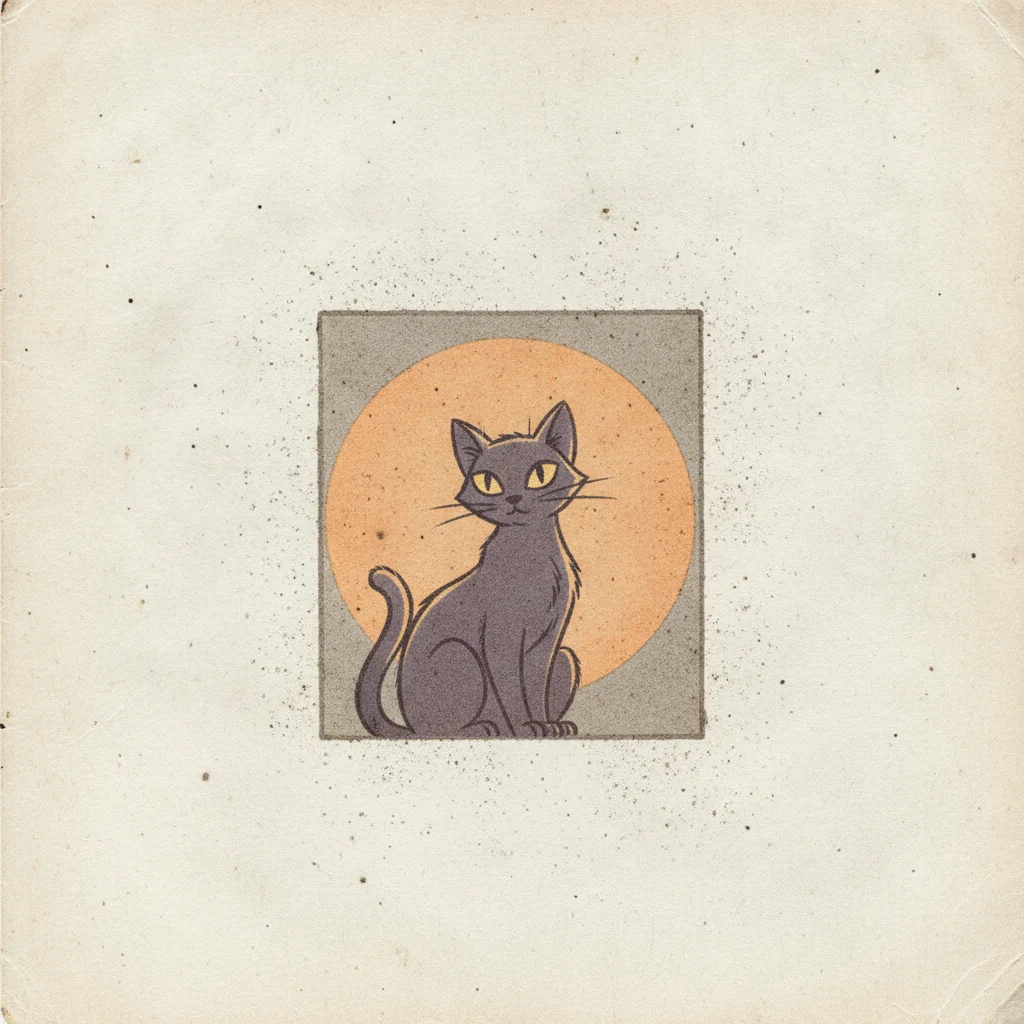
Faded comic page with dust specks
Before
->
Same page with darker crisp lines and clean white areas
After

Faded and dusty page

Faded ink and scanner dust cleaned up.

Prompt: bring back the faded black ink lines and remove dust specks from the white areas, do not redraw anything

Quick answers

Do I need to mark the stains and creases first?

No. Just describe the problems and say what to keep. The AI finds the paper flaws itself. Use markers only if it misses a flaw or changes the art.

How do I clean a comic book scan for free?

Upload your scan to EditThisPic, describe the yellowing, stains or creases, say to keep the art and lettering, and review. It is free with no signup and no watermark.

Will it change the artwork or the words?

It is told not to, but results are AI-generated. Always zoom in and compare the lettering and linework with your original scan.

Should I keep the original scan?

Yes. Keep your original file in case you want to compare or redo the clean-up.

Can it fix a torn page?

It can try to hide small tears in the paper, but tears through artwork may not rebuild cleanly.

How much does EditThisPic cost?

You get 1 free Standard edit per week — no account needed. After that, one-time credit packs start at $4.99 for 10 credits, valid 12 months, no subscription. A Standard edit uses 1 credit, Pro 2 and Ultra 3. Purchased downloads are clean with no watermark.

Ready to clean your comic scan?

Free to try. No signup required.

1 free edit included·paid credit packs after