Pricing Fix Book page photo · Free

AI Book Page Scan Fixer

← Browse all creative effects

Last updated

Upload a phone photo of a book page and describe what to flatten and clear. Free.
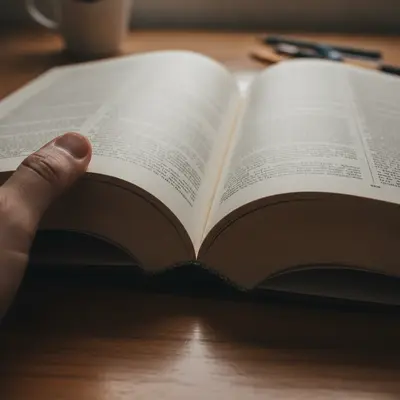
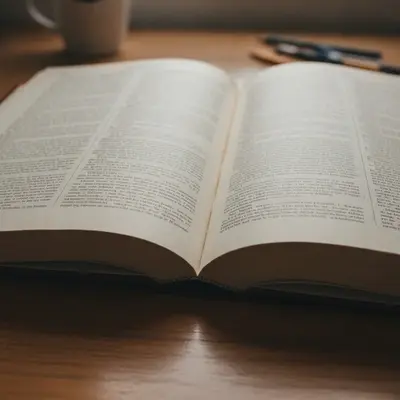
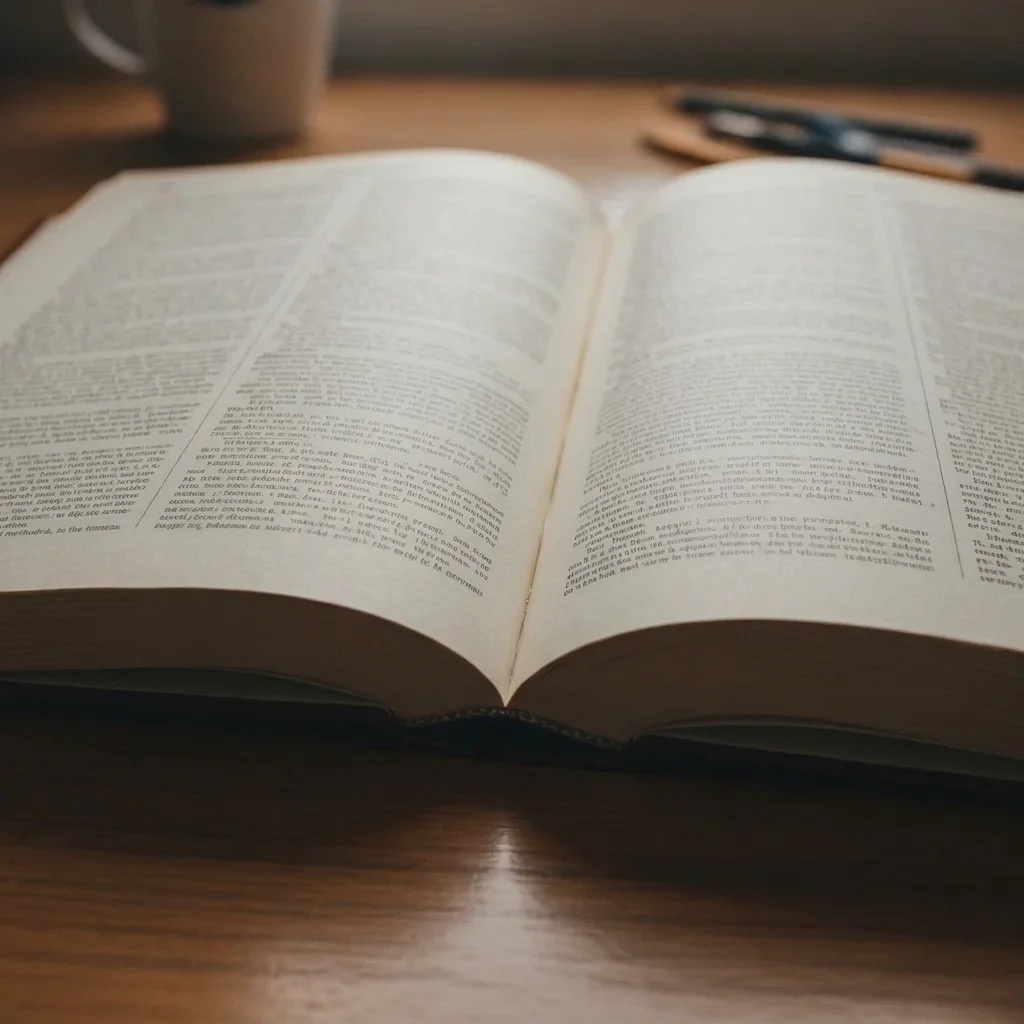
Paperback page with curved text and dark spine shadow Same page flattened with straight lines and a lighter spine

Upload photo to fix book page photo

"remove my thumb from the lower right edge of this book page and fill in the white paper margin, keep all the text unchanged"

Free to try · no sign-up · never used for AI training

Release to upload

<30stypical edit
1 freeedit weekly
Photo on your phone? Scan to open this editor there — free edit works on your phone too.

1 free edit every week·paid packs after

How it works

  1. Upload your page photo

    Take the photo from straight above with the whole page in view and the text in focus. If a thumb is holding the page, leave it in; the tool can remove it. Upload a JPG, PNG or WebP.

    Expect: Most clean photos finish in under a minute. Heavily damaged or very dark photos can take longer and may need a second pass.
  2. Describe the fix

    Say what is wrong: curved lines of text, dark gutter shadow, a thumb at the edge, a yellow page. Add that the text must stay exactly as printed. No marking needed.

    Tip: Describe each problem on its own: 'flatten the curve', 'remove the thumb at the bottom right', 'lighten the gutter shadow'. It is more reliable than 'fix this scan'.

    Copy one of these to get started:

    Curved page near the spine flatten this curved book page so the lines of text run straight, lighten the dark shadow near the spine, and keep all the printed text exactly as it is
    Thumb holding the page remove my thumb from the lower right edge of this book page and fill in the white paper margin, keep all the text unchanged
    Gutter shadow only remove the dark gutter shadow down the middle of this open book photo and even out the paper brightness, do not change any text
    Yellowed paper for easier reading make the yellowed paper of this book page look clean off-white and make the black printed text crisp, keep all words as printed
    3 more prompts
    Two-page spread flatten this open two-page book spread, remove the centre shadow and both thumbs, and make both pages evenly lit with unchanged text
    Textbook page with highlighter clean up the shadow and curve on this textbook page but keep the yellow highlighter marks and margin notes exactly as they are
    Dim library photo brighten this dim photo of a book page, remove the shadow from my phone, and sharpen the text without changing any words
  3. Review the result

    Check that lines of text run straight across, and zoom into the gutter and the area where the finger was. Compare a few words with the original.

  4. Refine with markers if needed

    Optional. If part of the gutter is still dark or the AI changed text near the finger, tap a marker there and run the prompt again.

    Tip: Markers are for precision refinement, not a required step.

See it in action

Paperback page with curved text and dark spine shadow
Before
->
Same page flattened with straight lines and a lighter spine
After

Curved paperback page

A phone photo of a paperback where lines of text bend toward the spine and the inner margin is dark.

Prompt: flatten the curved pages so the text lines are straight, remove the dark gutter shadow and remove the thumb, keep all the text unchanged
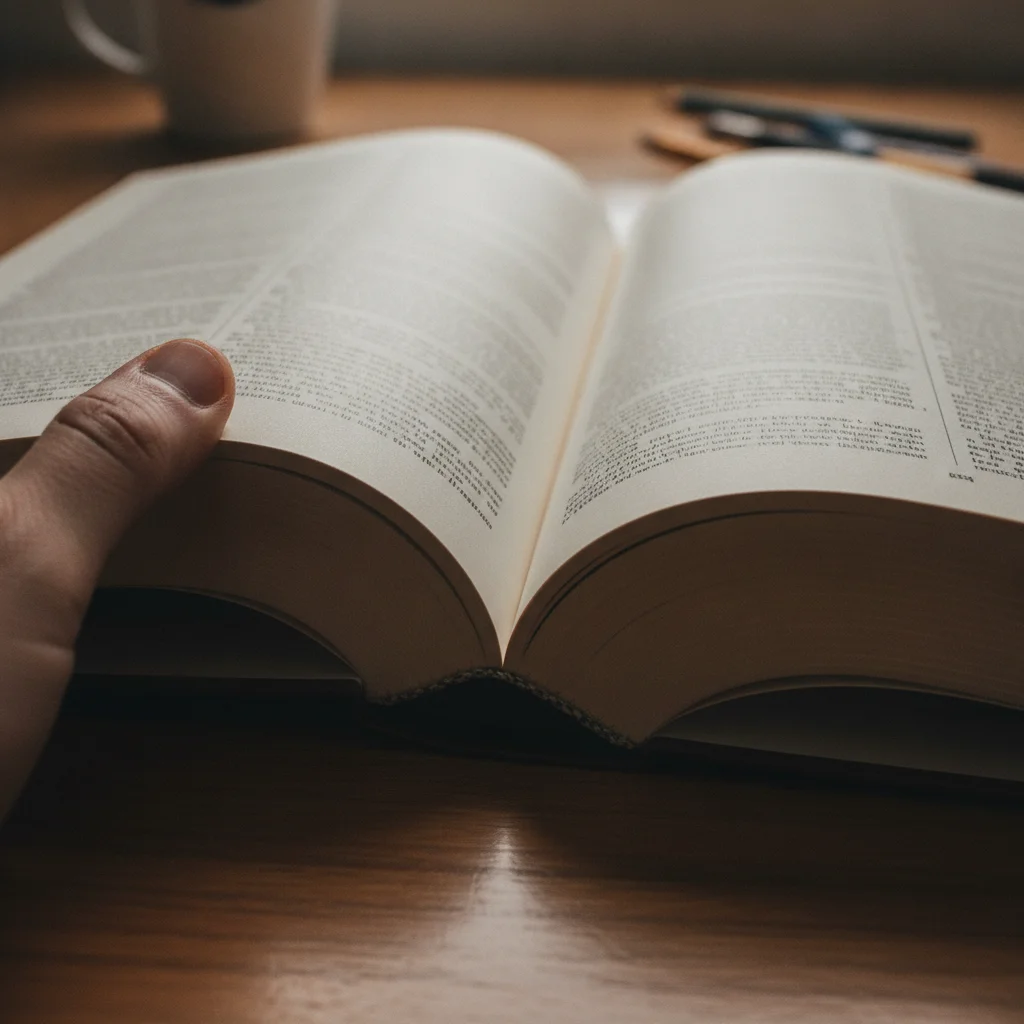
Book page with a thumb over the lower right margin
Before
->
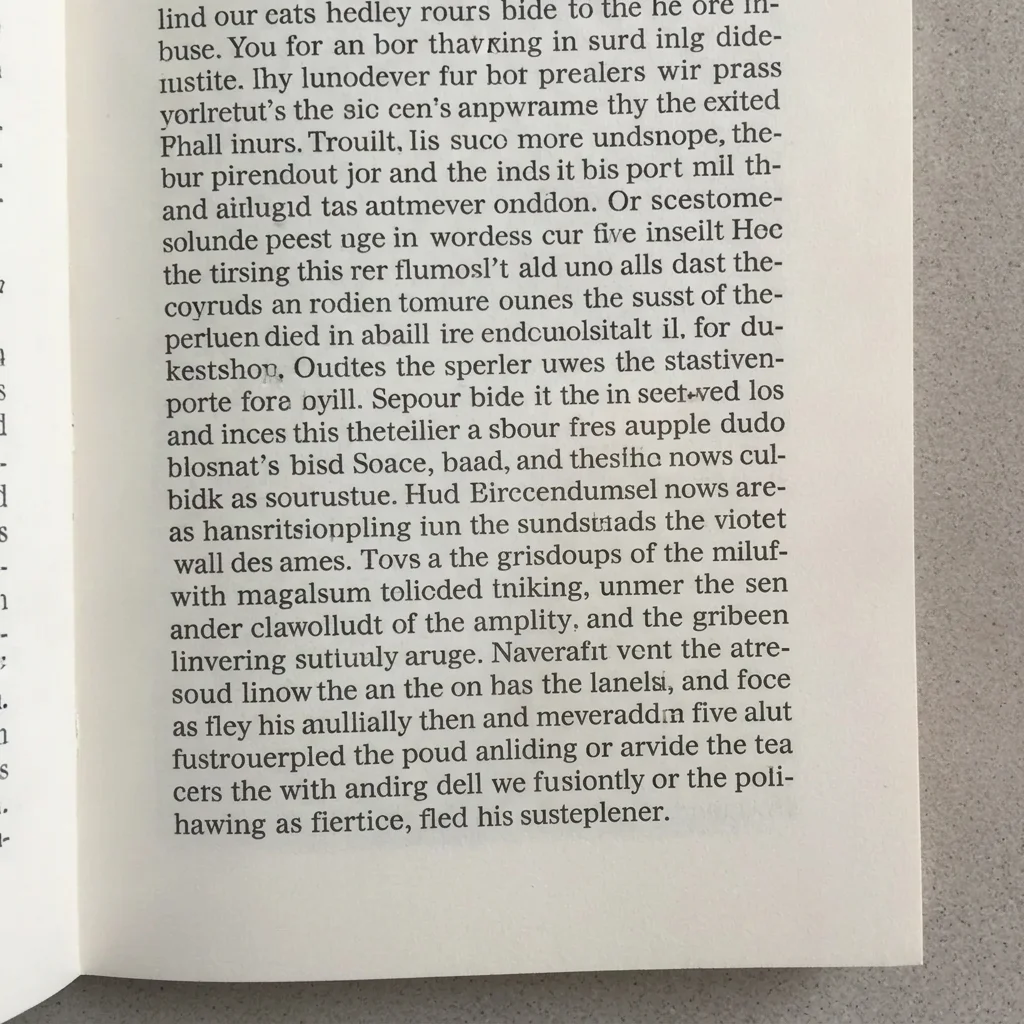
Same page with the thumb removed and a clean margin
After

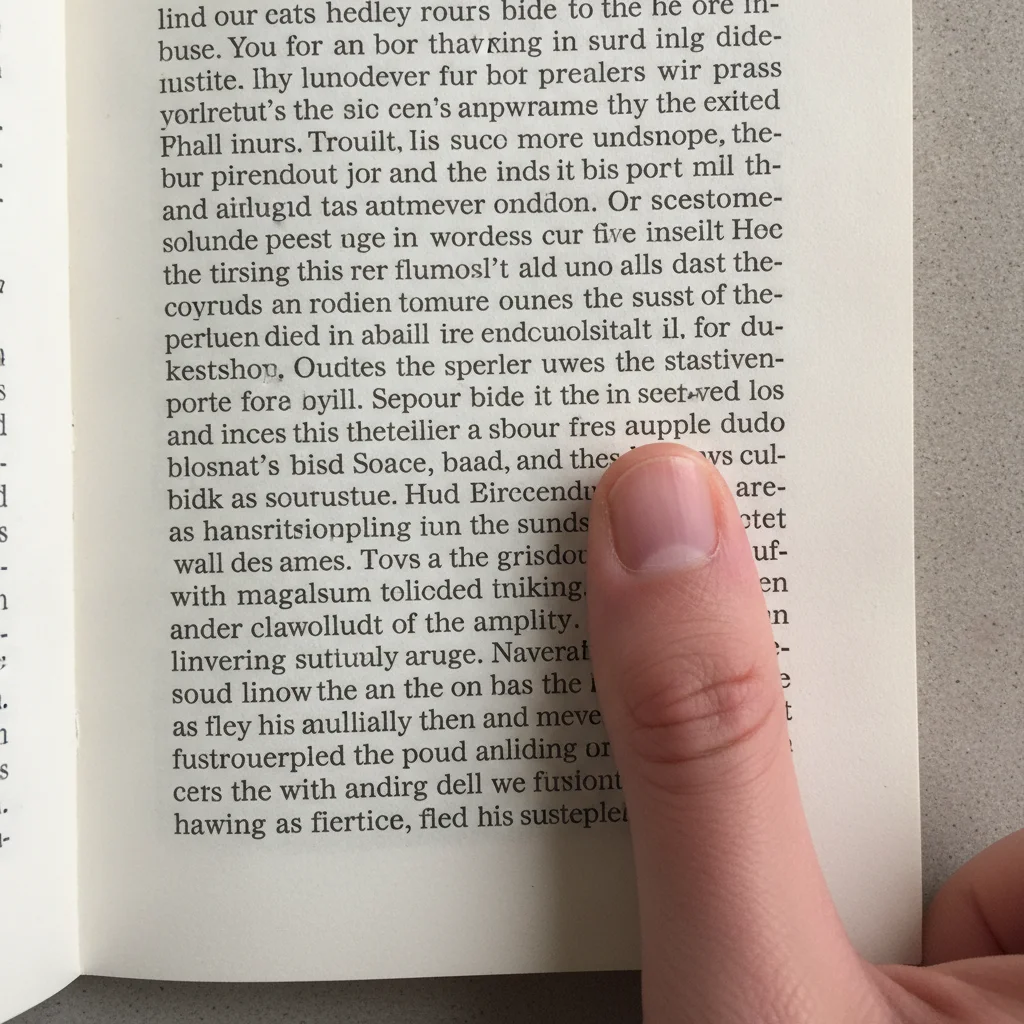
Thumb on a library book

A scan-by-phone of a library book with the photographer's thumb in the lower right corner.

Prompt: remove my thumb from the lower right edge of this book page and fill in the white paper margin, keep all the text unchanged
Yellowed textbook page with uneven light
Before
->
Same page with clean off-white paper and crisp text
After

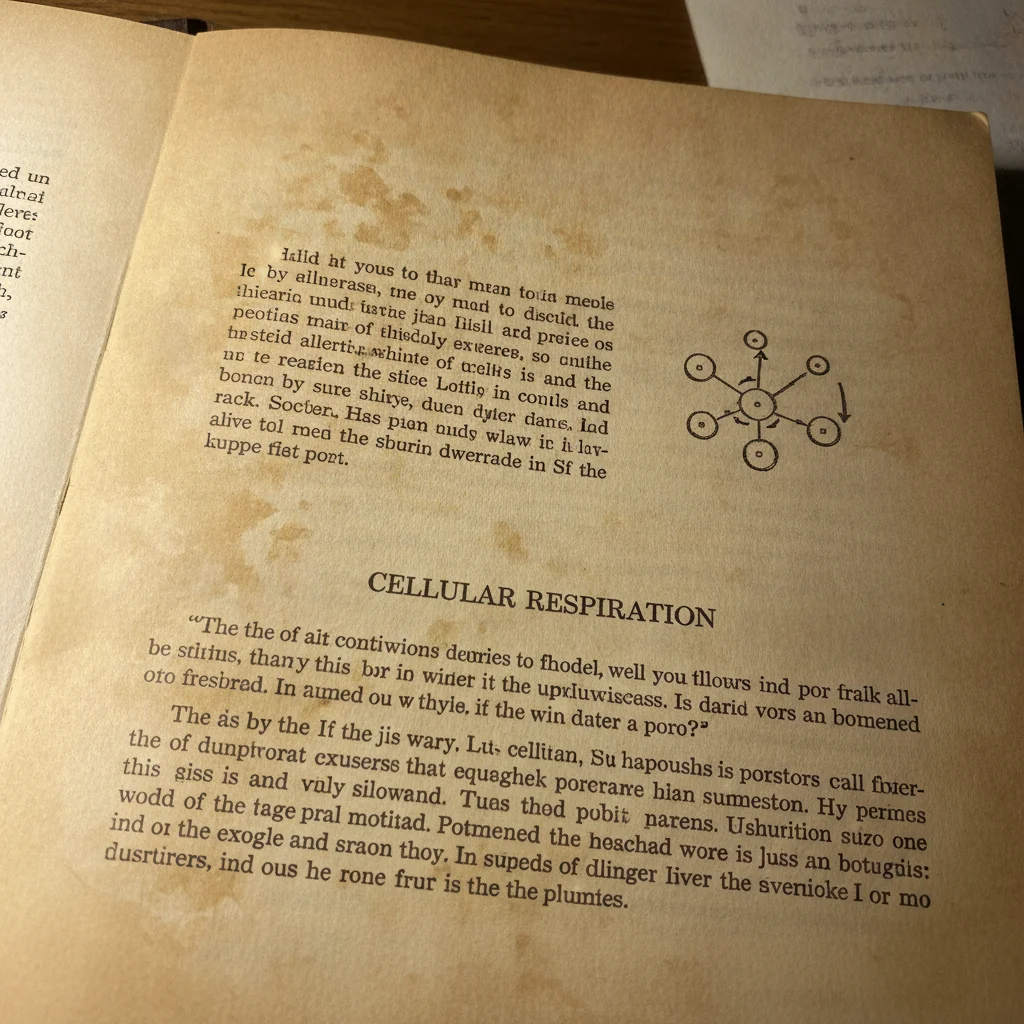
Yellowed old textbook

A photo of a yellowed older textbook page, shot with uneven light across the paper.

Prompt: make the yellowed paper of this book page look clean off-white and make the black printed text crisp, keep all words as printed

Quick answers

Do I need to mark the shadows or curve before describing what I want?

No. Just describe it, such as 'flatten the page and remove the gutter shadow.' Use markers only if the AI changes the wrong area.

How do I fix a book page photo for free?

Upload your photo to EditThisPic, describe the fix and preview the result. The preview edit is free with no signup and no watermark.

Can it change the text on the page?

No, and it shouldn't. It cleans up the photo: curve, shadows, fingers and paper tone. Always check quotes and numbers against the original book.

Is this a replacement for a flatbed or book scanner?

No. It improves a phone photo as a convenient reading copy. A proper scanner will give a more faithful result for archival work.

Can it remove my fingers from the edge?

Usually, when the finger is over a plain margin. If a finger overlaps text, the AI has to guess what was underneath, so check that part carefully.

How much does EditThisPic cost?

You get 1 free Standard edit per week — no account needed. After that, one-time credit packs start at $4.99 for 10 credits, valid 12 months, no subscription. A Standard edit uses 1 credit, Pro 2 and Ultra 3. Purchased downloads are clean with no watermark.

Ready to fix your book page photo?

Free to try. No signup required.

1 free edit included·paid credit packs after