AI Grout Color Visualizer
← Browse all creative effectsLast updated
Upload a tile photo, name the grout color, and preview the lines. Free, no account.
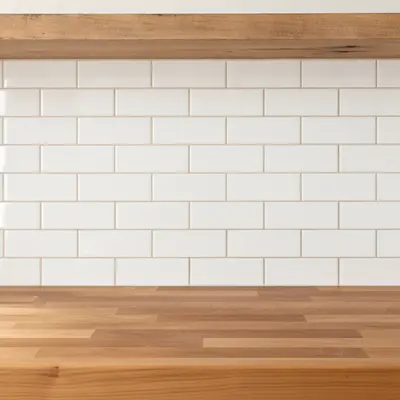
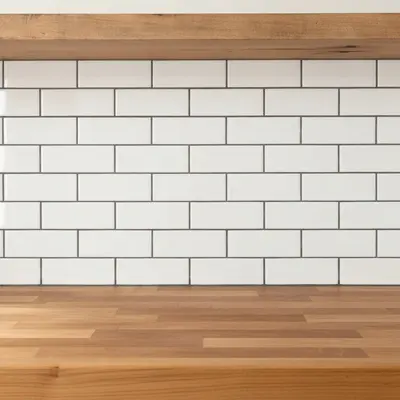
Upload photo to visualize tile grout
"change the grout lines to bright white and clean, keep the tile and the rest of the room unchanged"
Free to try · no sign-up · never used for AI training
Release to upload
<30stypical edit
1 freeedit weekly
Photo on your phone?
Scan to open this editor there — free edit works on your phone too.
How it works
See it in action
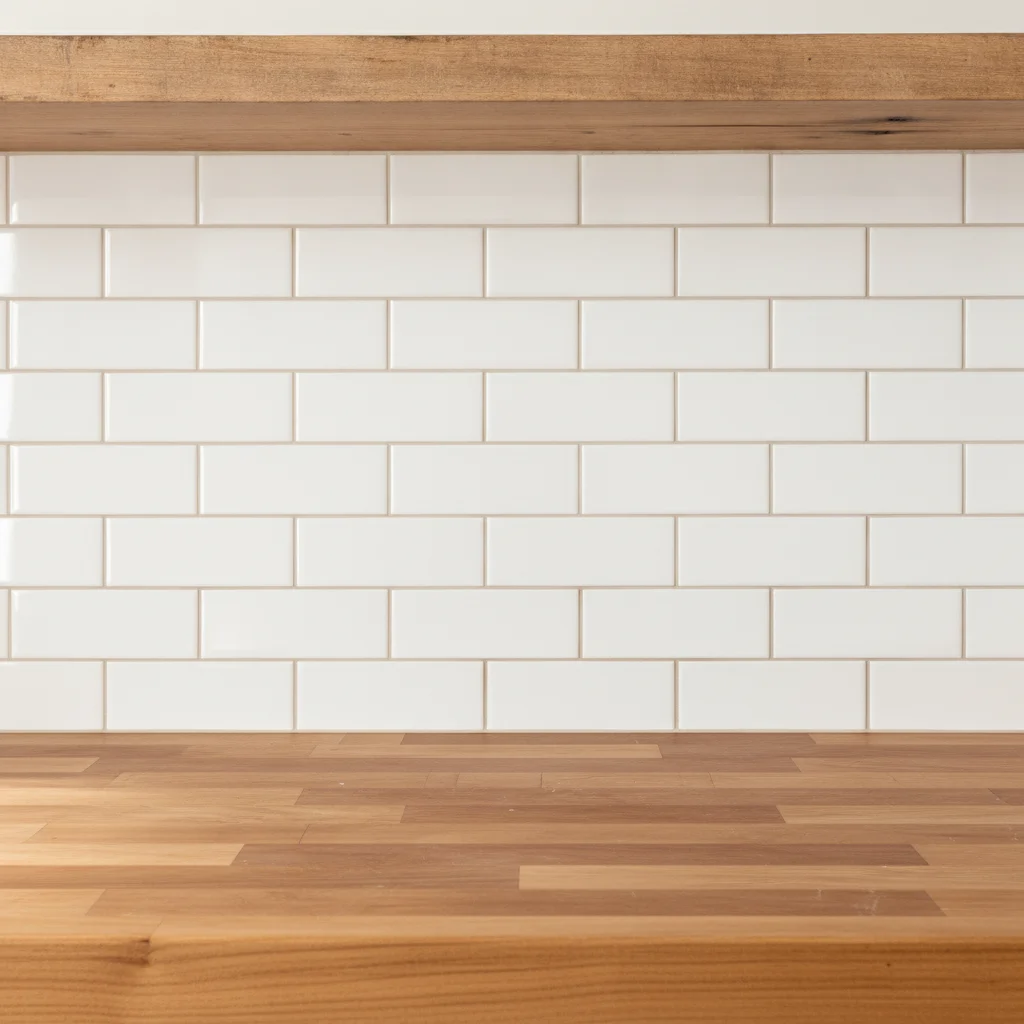
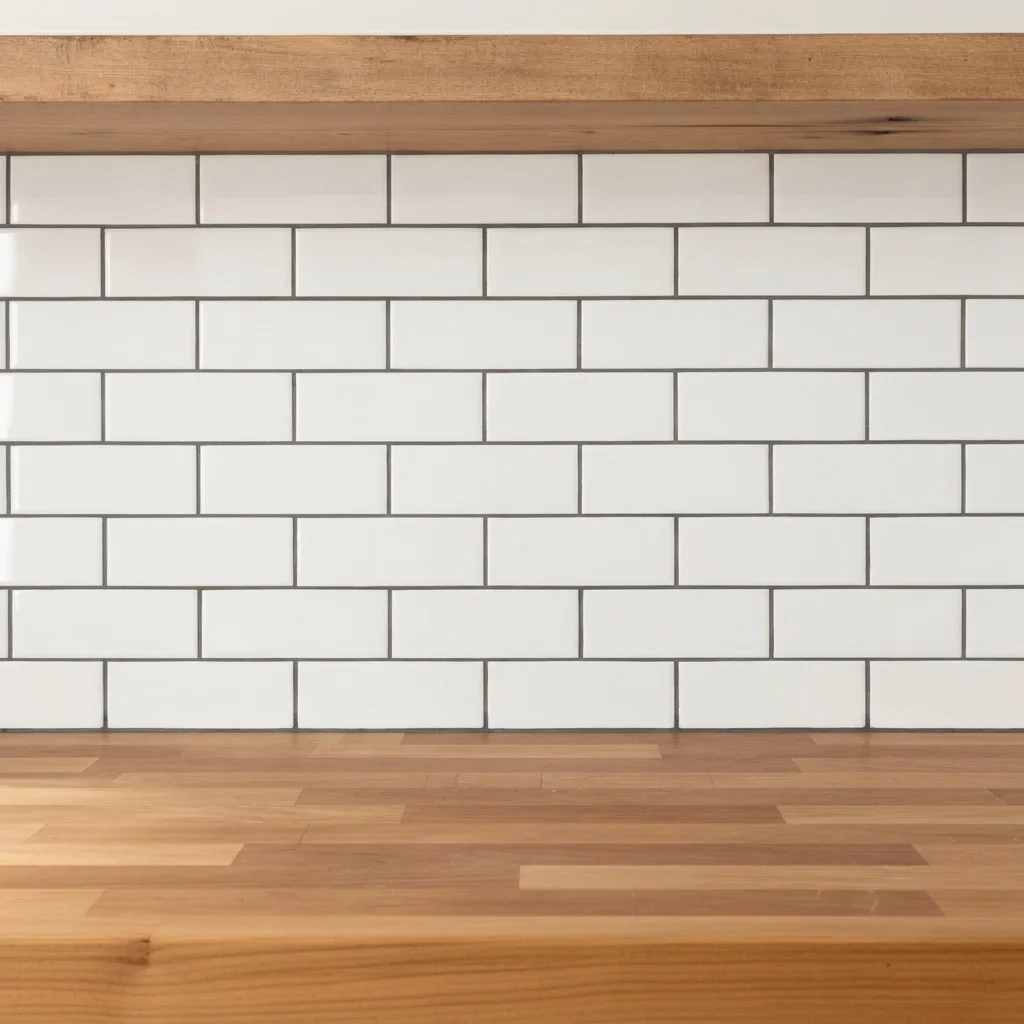
Beige grout to charcoal on a subway backsplash
A kitchen owner tried dark grout to add contrast.
Prompt:
change the grout between the white subway tiles to charcoal gray, keep the tile color and everything else unchanged
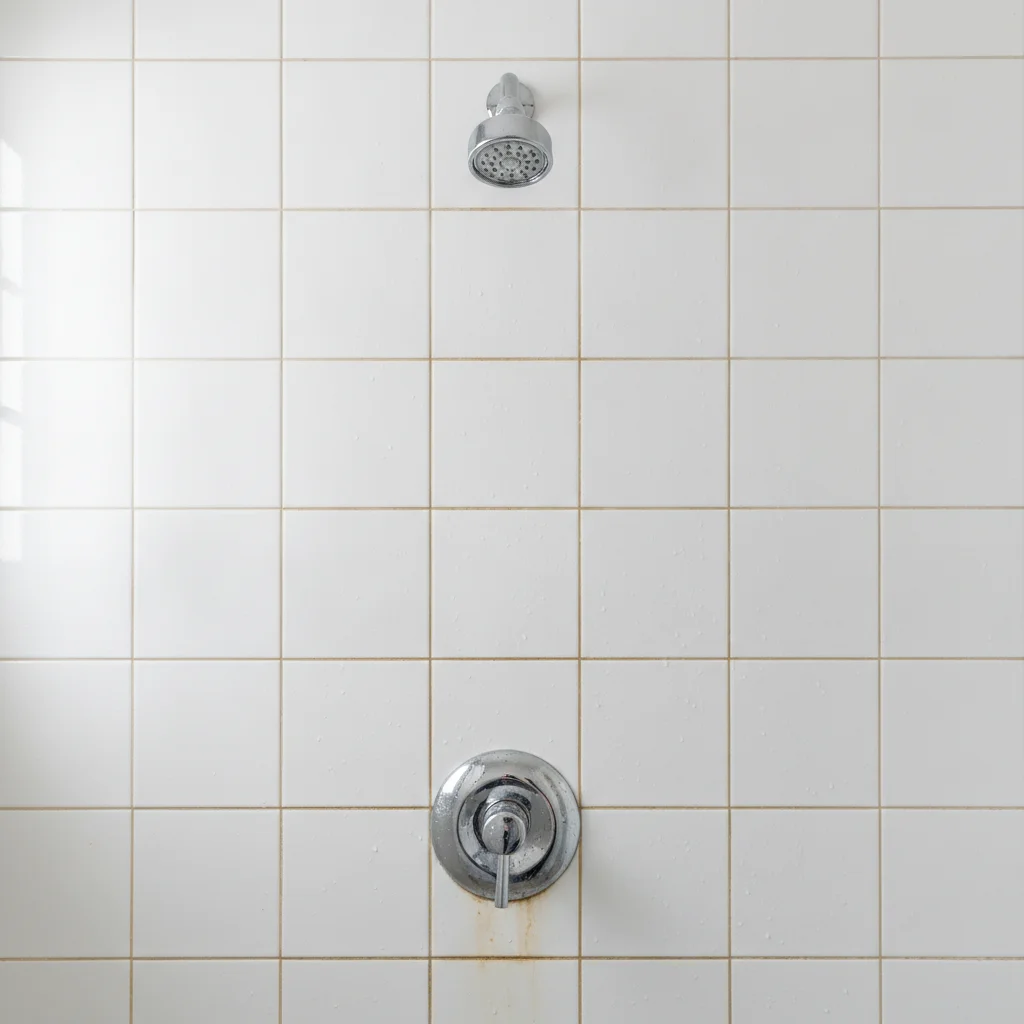
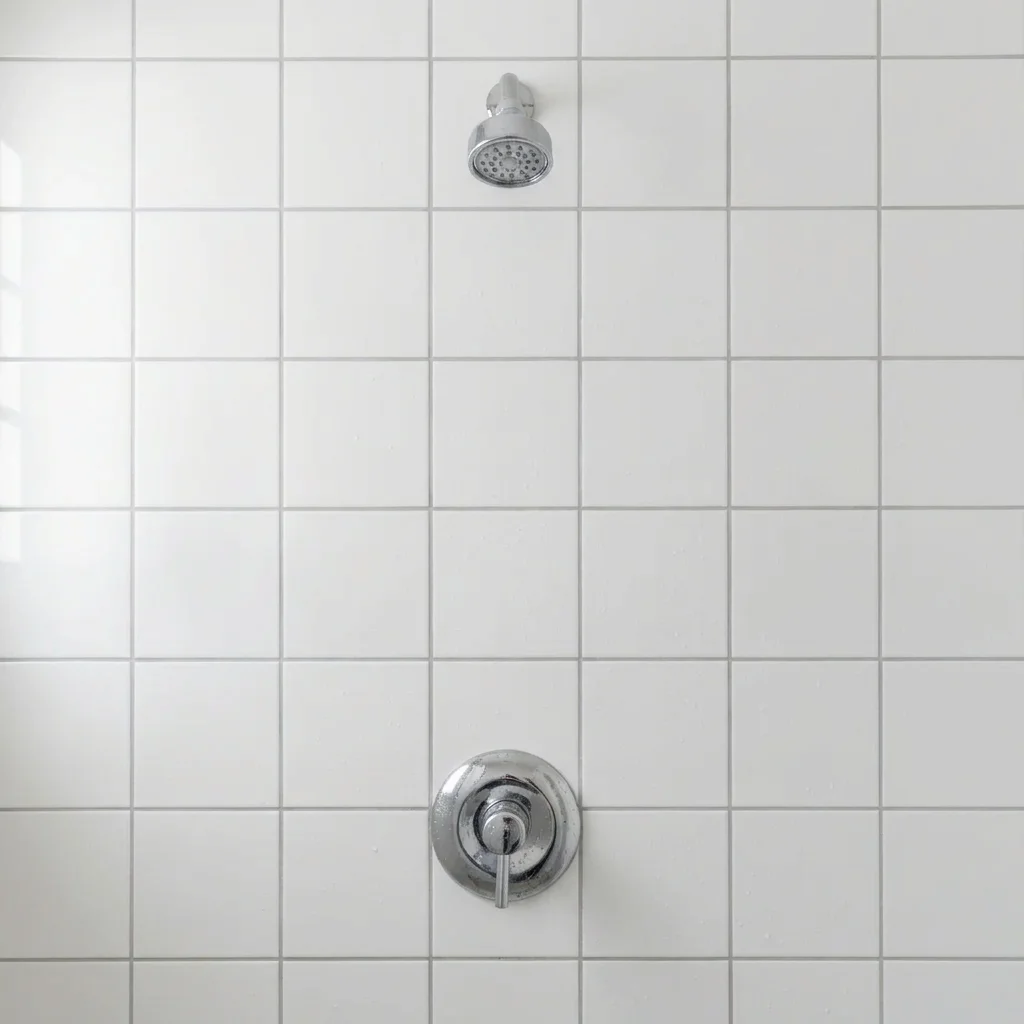
Stained shower grout refreshed
A homeowner compared a clean white refresh with the existing stained look.
Prompt:
change the dingy grout lines on the shower wall tile to clean light gray, keep the tile white and the fixtures unchanged
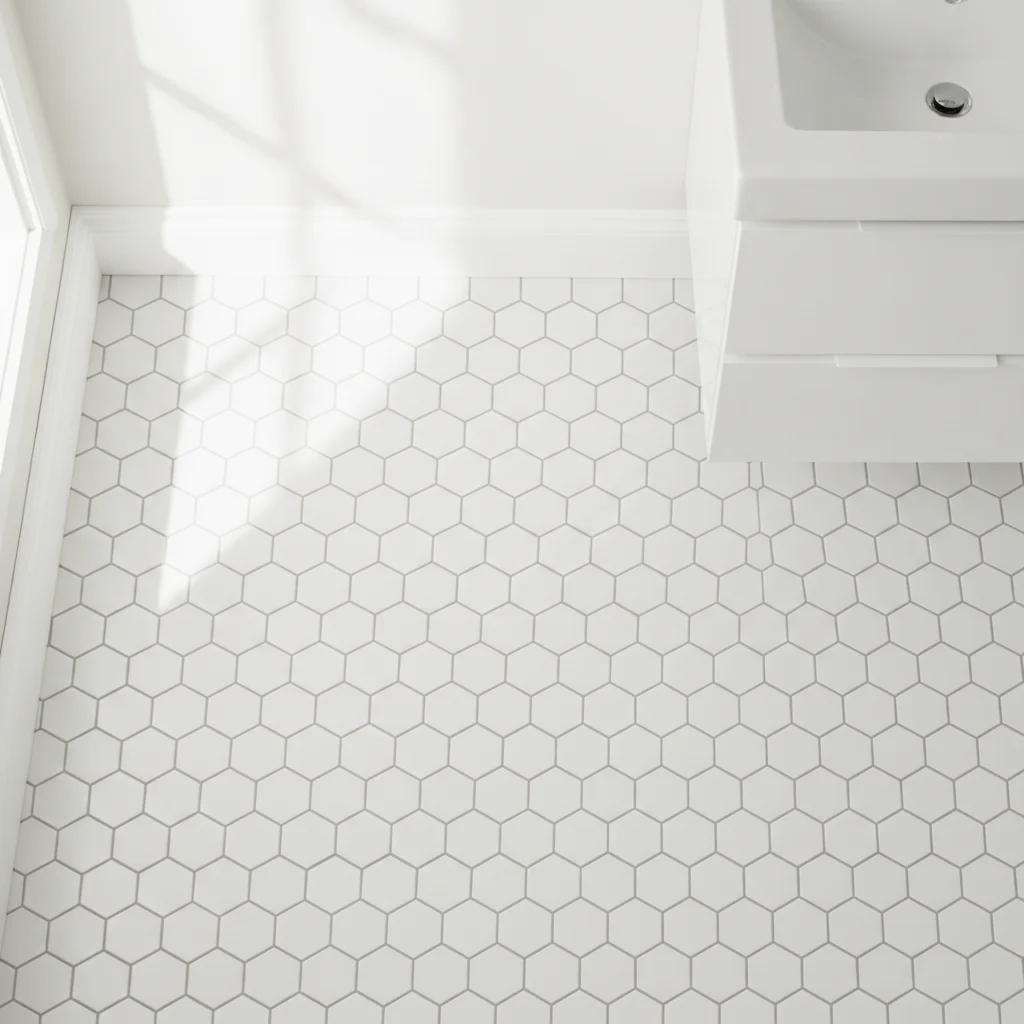
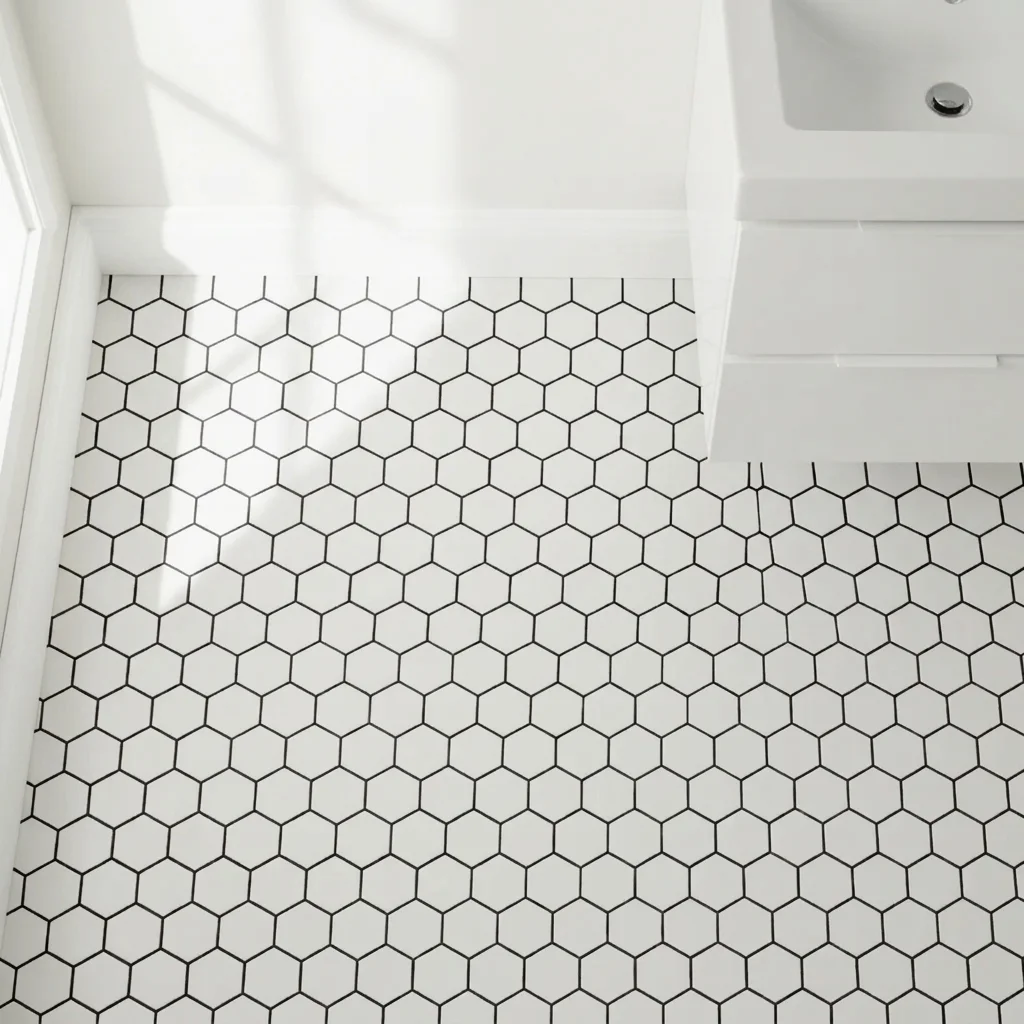
Black grout on a hexagon floor
A designer showed a client a graphic floor option.
Prompt:
change the grout between the white hexagon tiles to black, keep the tile color and shape unchanged
Quick answers
Ready to preview your grout color?
Free to try. No signup required.