Free • No signup Straighten Hair · Free

AI Hair Straightener

See how you'd look with straight hair before making the change.
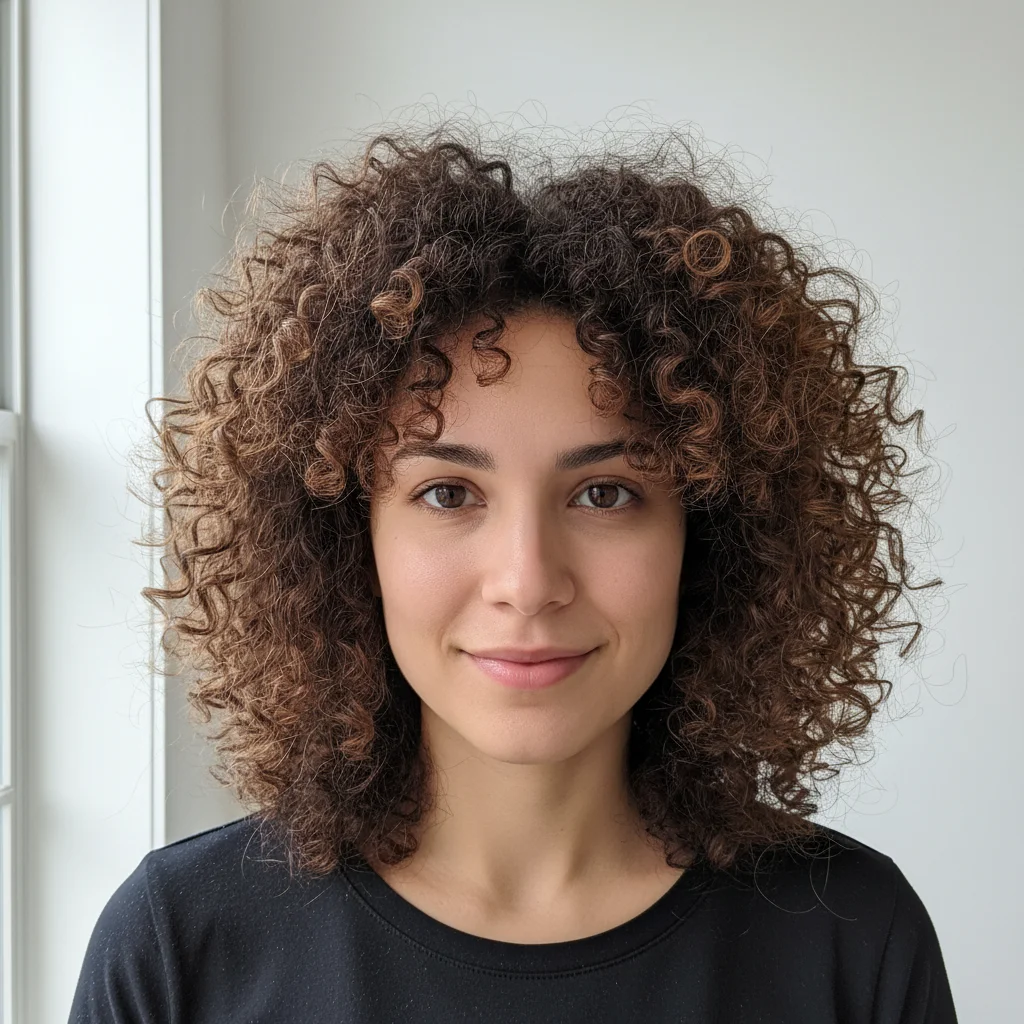
Woman with shoulder-length curly hair before straightening
Before
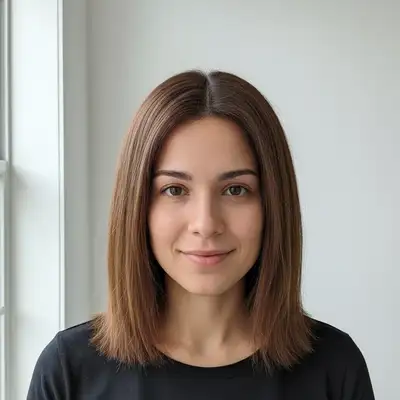
Same woman with digitally straightened hair maintaining volume
After

AI Hair Straightener

Drop your photo here

or click to browse

Release to upload

Free • No signup

Advertisement
Popular use cases:
  • before heat styling
  • before chemical straightening
  • trying new hairstyles
  • professional headshots
  • formal event planning
  • hairstyle visualization
  • salon consultation
  • hair transformation preview

Cost
Free No signup required
Time
Instant results in 15-30 seconds
Works on
Any device - browser, phone, tablet, desktop
Powered by
AI-powered photo editing
Scenario Prompt Time
Natural with volume straighten my curly hair digitally to natural straight style with volume and body preserved, maintaining shine and highlights 25s
Sleek pin-straight transform my wavy hair to sleek pin-straight style with smooth glossy finish like a professional blowout 25s
Subtle wave removal straighten my hair removing waves while keeping natural texture and slight movement, not completely flat 30s
Long hair straight straighten my long curly hair to flowing straight style maintaining natural ends movement and color depth 30s

How it works

  1. Upload your photo

    Drop your photo into EditThisPic. Works best with photos showing your full hairstyle clearly. For accurate results, use photos with good lighting where hair details are visible. JPG, PNG, WebP up to 7MB.

    Expect: Simple shoulder-length hair: 20-30 seconds. Long or very curly hair: may need 1-2 refinements for natural flow and strand detail.
  2. Describe what you want

    Type your instruction: 'straighten my curly hair digitally keeping natural volume and shine' or 'transform my wavy hair to sleek straight style preserving highlights.' Specify desired smoothness level (sleek, natural, slightly textured). No marking needed—the AI detects and straightens hair automatically.

    Tip: Include 'preserving volume' or 'maintaining body' to avoid flat-looking results. Mention specific hair features to keep: 'straighten hair while keeping face-framing layers and highlights visible'

    Copy one of these to get started:

    Natural straight with volume straighten my curly hair digitally to natural straight style with volume and body preserved, maintaining shine and highlights
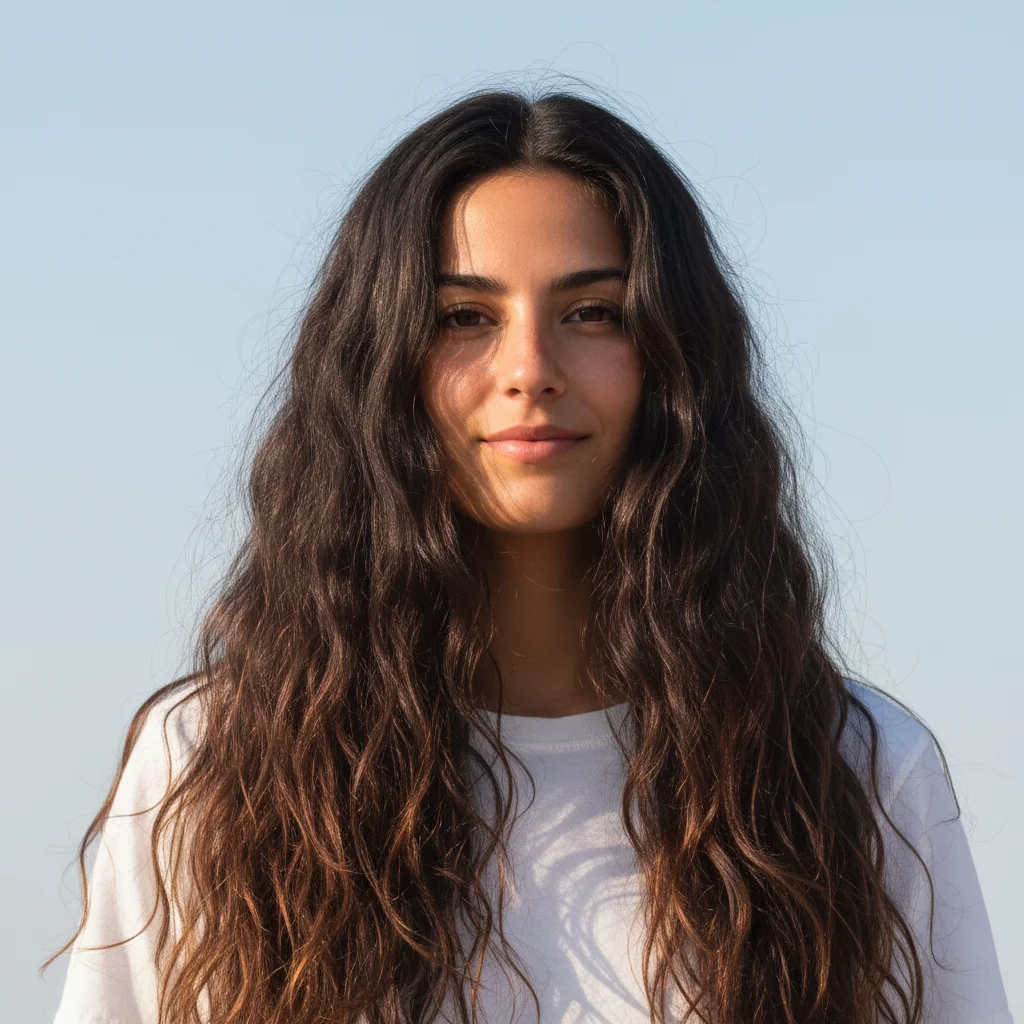
    Sleek pin-straight transform my wavy hair to sleek pin-straight style with smooth glossy finish like a professional blowout
    Subtle wave removal straighten my hair removing waves while keeping natural texture and slight movement, not completely flat
    Face-framing layers straight straighten my curly hair focusing on face-framing sections and bangs while preserving layered cut and dimension
    3 more prompts
    Long hair straightened straighten my long curly hair to flowing straight style maintaining natural ends movement and color depth
    Textured straight transform my wavy hair to straight with slight texture remaining for natural relaxed appearance
    Heat-styled look straighten my hair digitally to achieve professional flat iron effect with glossy smooth finish and proper flow
  3. Generate and review

    Click Generate and the AI straightens your hair while preserving color, highlights, and natural shine. Zoom in to check that hair flow looks natural and face-framing is intact.

  4. Refine with markers if needed

    If specific sections need adjustment or the AI missed some curly areas, tap markers on those hair sections and regenerate. Most straightening works perfectly without markers.

    Tip: Markers help with complex hairstyles where curly and straight sections meet, or when you want certain areas straighter than others.
Try it free

AI Hair Straightener

Drop your photo here

or click to browse

Release to upload

Free • No signup

"Wanted to see if I'd look good with straight hair before spending hours with a flat iron. This saved me so much time!" @hairstyle_explorer

See it in action

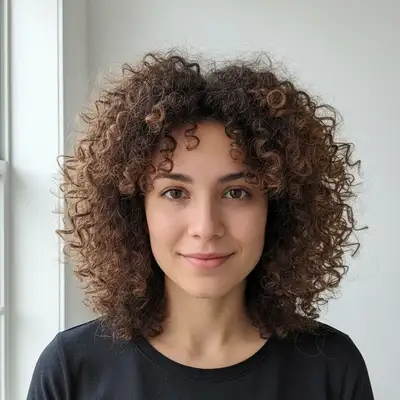
Woman with shoulder-length curly hair before straightening
Before
->
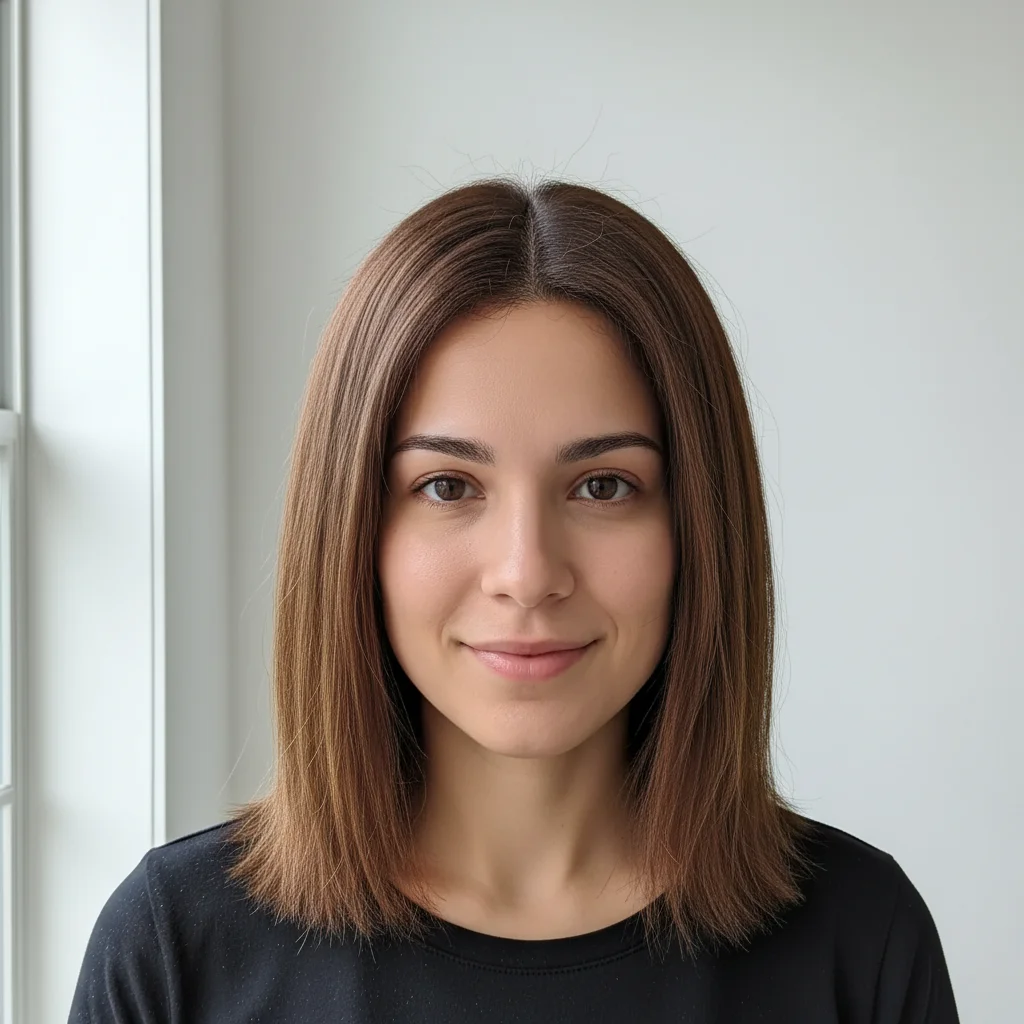
Same woman with digitally straightened hair maintaining volume
After

Shoulder-Length Curly to Straight

Transformed shoulder-length curly hair to natural straight style while preserving volume and natural highlights.

Prompt: straighten my curly hair digitally to natural straight style with volume and body preserved, maintaining shine and highlights
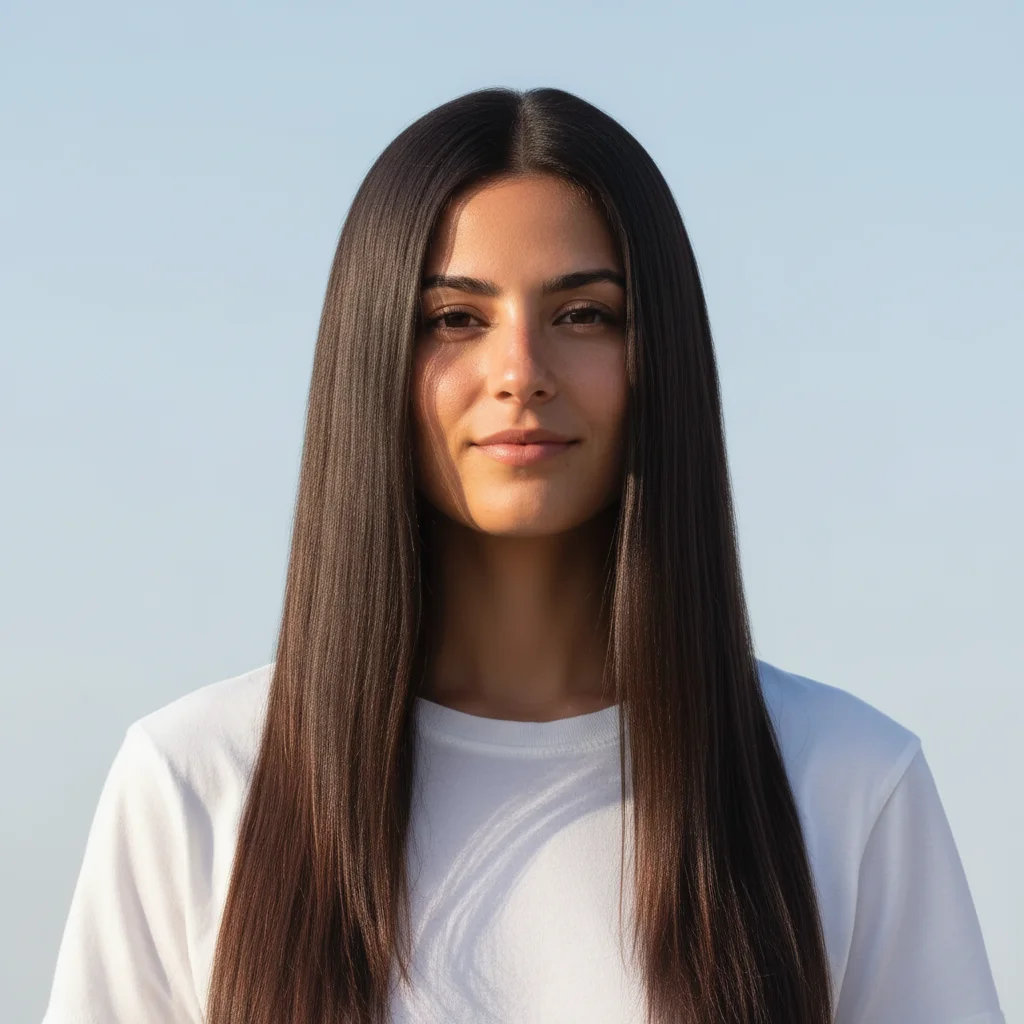
Woman with long wavy hair before sleek straightening
Before
->
Woman with sleek pin-straight long hair
After

Long Wavy Hair to Sleek Straight

Changed long wavy hair to sleek pin-straight style with professional glossy finish.

Prompt: transform my wavy hair to sleek pin-straight style with smooth glossy finish like a professional blowout
Person with tight curly hair before straightening
Before
->
Person with relaxed straight hair with subtle texture
After

Tight Curls to Relaxed Straight

Straightened very curly hair to relaxed straight with slight texture for natural appearance.

Prompt: transform my wavy hair to straight with slight texture remaining for natural relaxed appearance
Advertisement

If something looks off

AI changed the wrong area or affected the background

Why: The AI couldn't clearly distinguish hair from background, especially with fine hair strands or similar colors.

Try: Tap markers throughout the hair area, then regenerate with 'straighten only the hair strands, do not change face or background'

Tip: Markers help define hair boundaries on photos with low contrast between hair and background.

Hair looks flat or lifeless after straightening

Why: The AI removed all volume and dimension while straightening the curls.

Try: Add volume guidance: 'straighten hair while maintaining natural volume at roots and body throughout length'

Tip: Real straight hair has dimension and movement—specify you want volume preserved

Lost natural highlights or color depth

Why: The straightening process inadvertently flattened color variation.

Try: Regenerate with 'straighten hair preserving all natural highlights, lowlights, and color dimension'

Tip: Mentioning color preservation ensures highlights remain visible

Some curly sections remain or straightening is uneven

Why: Very curly hair or complex layered cuts may not straighten uniformly on first attempt.

Try: Mark the still-curly sections and try 'straighten these remaining curly areas to match the rest of the hair'

Tip: A second pass targeting specific sections creates more uniform results

Hair flow looks unnatural or stiff

Why: The AI applied straightening without considering natural hair movement and gravity.

Try: Add flow guidance: 'straighten hair with natural downward flow and soft movement, not stiff or static'

Tip: Natural straight hair follows gravity and has subtle movement

Face-framing layers disappeared

Why: Aggressive straightening may have eliminated layered structure visible in curly hair.

Try: Specify layers: 'straighten hair while maintaining face-framing layers and cut structure visible'

Tip: Layers should remain visible even when hair is straightened

Quick answers

Do I need to mark my hair before describing the straightening?

No! Just describe what you want: 'straighten my curly hair' or 'transform my wavy hair to sleek straight style.' The AI automatically detects your hair and straightens it. Only use markers if the AI misses some sections or you want specific areas straighter than others.

How do I see myself with straight hair for free?

Upload a photo showing your curly or wavy hair to EditThisPic and type 'straighten my hair digitally.' The AI transforms your hair to straight in 20-30 seconds while keeping your natural color and highlights. Free to use, no account needed. Perfect before committing to heat styling or chemical straightening.

Will it look realistic or obviously edited?

When you include 'preserving natural volume and shine' in your prompt, the AI creates realistic-looking straight hair that follows natural flow and maintains dimension. The result shows how you'd actually look with straight hair, including proper highlights and face-framing. For best results, use well-lit photos.

Can I control how straight the hair becomes?

Yes! Specify the level in your prompt: 'sleek pin-straight' for maximum smoothness, 'natural straight with volume' for relaxed everyday look, or 'straighten with slight texture remaining' for subtle wave removal. The AI adjusts straightening intensity based on your description.

Does it work on all hair types and lengths?

Yes! The AI can straighten tight coils, loose curls, beach waves, and everything in between. Works on short, medium, and long hair. Very curly or very long hair may benefit from specifying 'maintaining natural flow and movement' for the most realistic results.

Ready to see yourself with straight hair?

Free to try. No signup required.

Try it free