Pricing Enhance Handwriting photo · Free

AI Handwriting Photo Enhancer

← Browse all enhance tools

Last updated

Upload a photo of faint handwriting and ask for more contrast and clarity. Free.
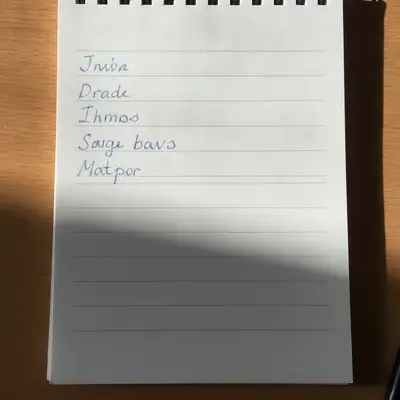
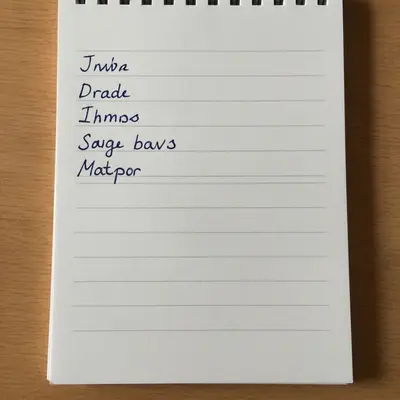
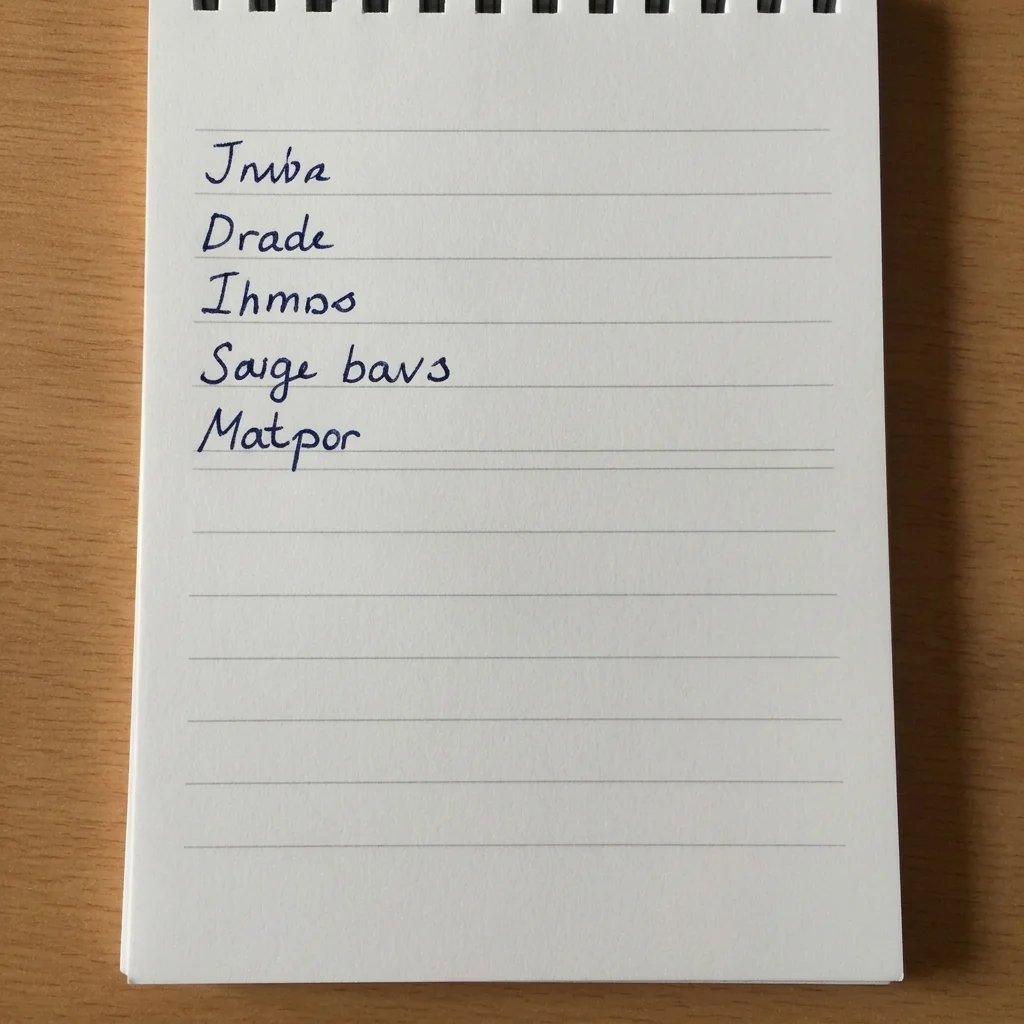
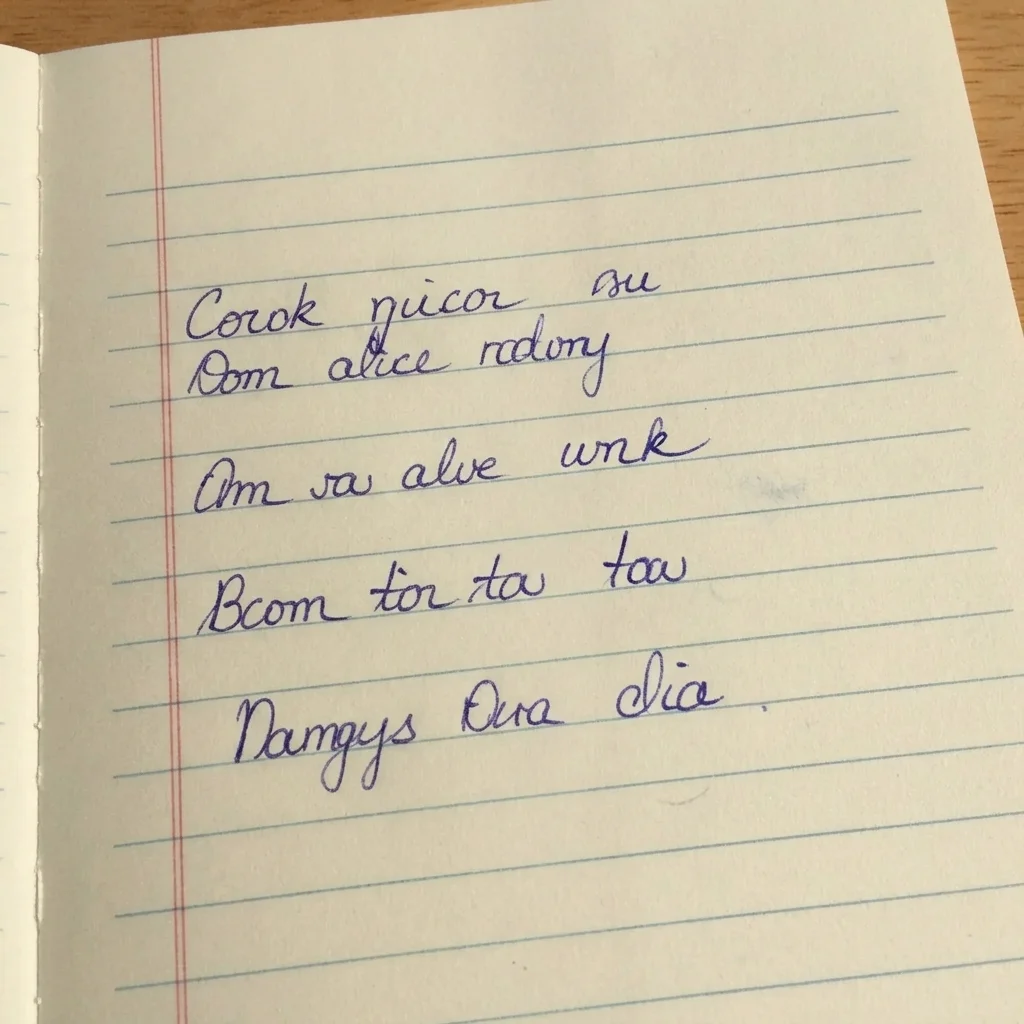
Notebook page with faint grey pencil handwriting Same page with darker, clearer pencil handwriting

Upload photo to enhance handwriting photo

"make the faded brown ink handwriting on this letter darker and crisper, keep the paper's cream colour and do not change any of the writing"

Free to try · no sign-up · never used for AI training

Release to upload

<30stypical edit
1 freeedit weekly
Photo on your phone? Scan to open this editor there — free edit works on your phone too.

1 free edit every week·paid packs after

How it works

  1. Upload a photo of the handwriting

    Use a photo taken in even light, straight above the page, with the writing in focus. Fewer shadows means the AI has more real detail to work with. JPG, PNG or WebP all work.

    Expect: Most clean photos finish in under a minute. Heavily damaged or very dark photos can take longer and may need a second pass.
  2. Describe contrast and clarity only

    Type that you want the handwriting darker, crisper and higher in contrast, and say the letters must not be changed or redrawn. Mention the writing tool if you know it, such as pencil or fountain pen. No marking needed.

    Tip: Say 'do not redraw or change any letters' every time. It keeps the edit about contrast and clarity instead of reconstruction.

    Copy one of these to get started:

    Faded pencil on a notebook page increase the contrast and clarity of the faded pencil handwriting on this notebook page so it is easier to read, do not change or redraw any letters
    Old ink letter make the faded brown ink handwriting on this letter darker and crisper, keep the paper's cream colour and do not change any of the writing
    Lined paper with faint blue ink boost the contrast of the faint blue ballpoint handwriting on this lined paper and soften the ruled lines so the writing stands out
    Sticky note photographed in dim light brighten this photo of a handwritten sticky note and make the black marker writing clear and readable, no changes to the words
    3 more prompts
    Handwriting with a shadow across it remove the shadow across the left half of this handwritten page and increase contrast so the handwriting is easier to read
    Notebook photo taken at an angle straighten this notebook page photo, even out the lighting and make the pen handwriting sharper, keep every letter as written
    Handwriting on the back of a photo increase the contrast and clarity of the faded pencil writing on the back of this old photograph, do not change any letters or numbers
  3. Review the result carefully

    Compare the result to your original word by word on anything important. Look for letters that seem to have changed shape, and for faint words that look suspiciously perfect.

  4. Refine with markers if needed

    Optional. If one area is still faint or the AI altered a spot, tap a marker on that line and run the prompt again with the same instruction.

    Tip: Markers are for precision refinement, not a required step.

See it in action

Notebook page with faint grey pencil handwriting
Before
->
Same page with darker, clearer pencil handwriting
After

Faded pencil in a recipe notebook

A photo of a spiral notebook page where the pencil has faded to light grey. The edit raises contrast so lines are easier to read.

Prompt: increase the contrast so the faded blue handwriting is darker and easier to read and remove the shadow, do not change any letters or words
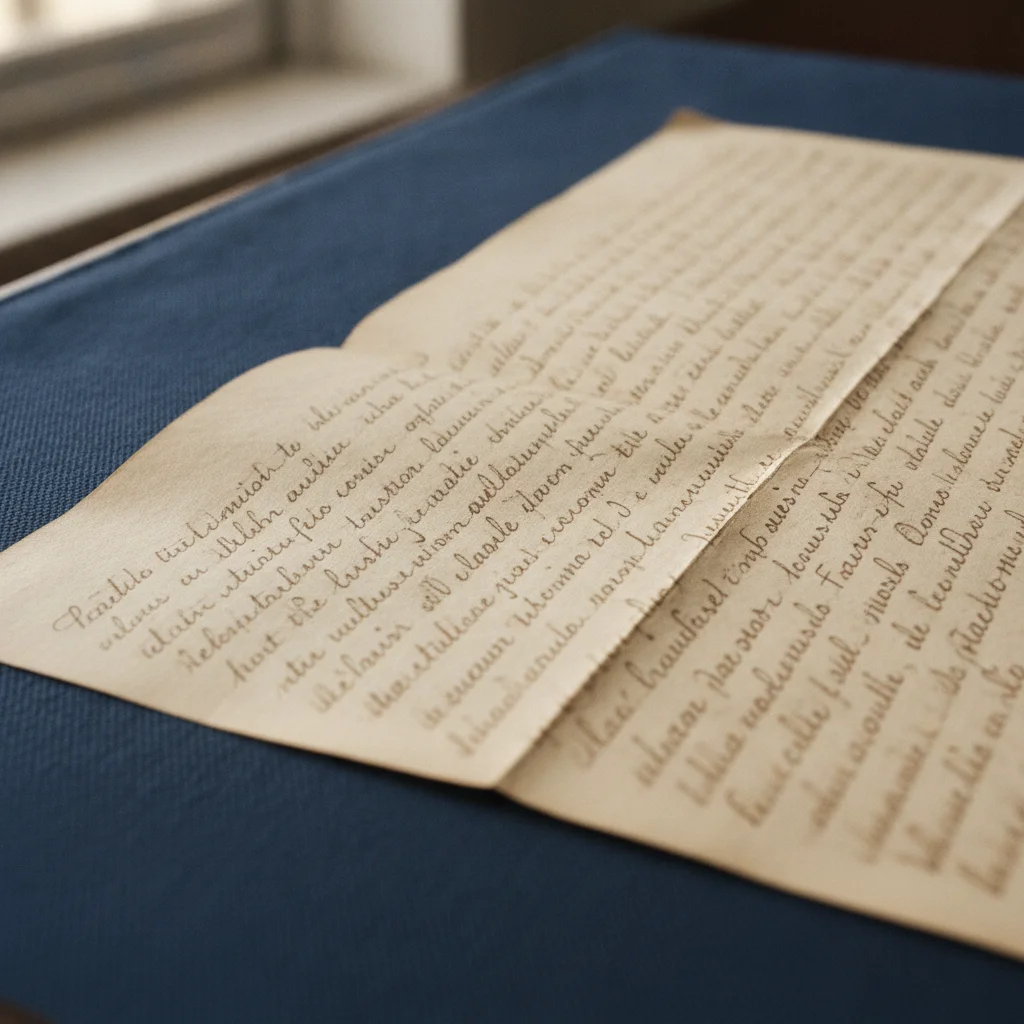
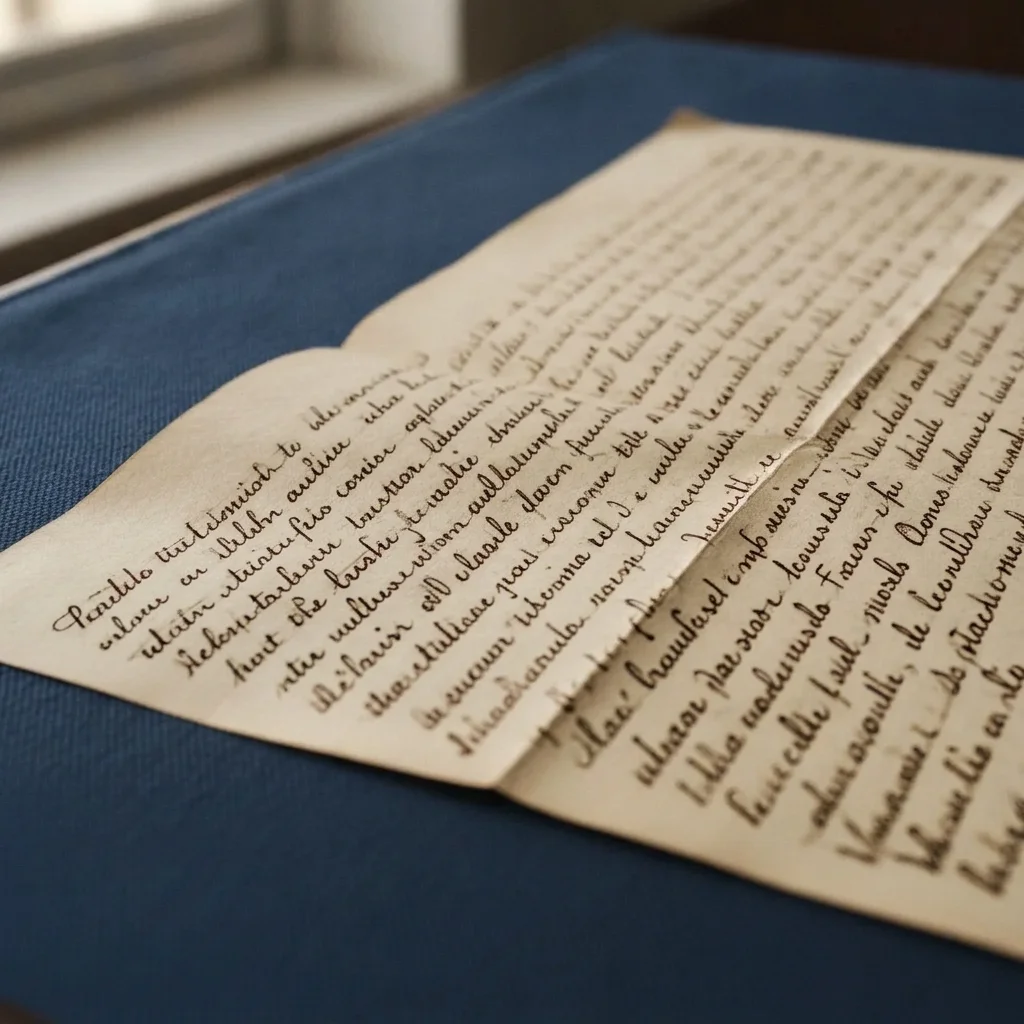
Old letter with pale brown ink
Before
->
Same letter with darker ink and cream paper
After

Brown ink on an old letter

A photo of a yellowed letter with brown ink that has faded. The edit darkens the ink while keeping the cream paper.

Prompt: make the faded brown ink handwriting on this letter darker and crisper, keep the paper's cream colour and do not change any of the writing
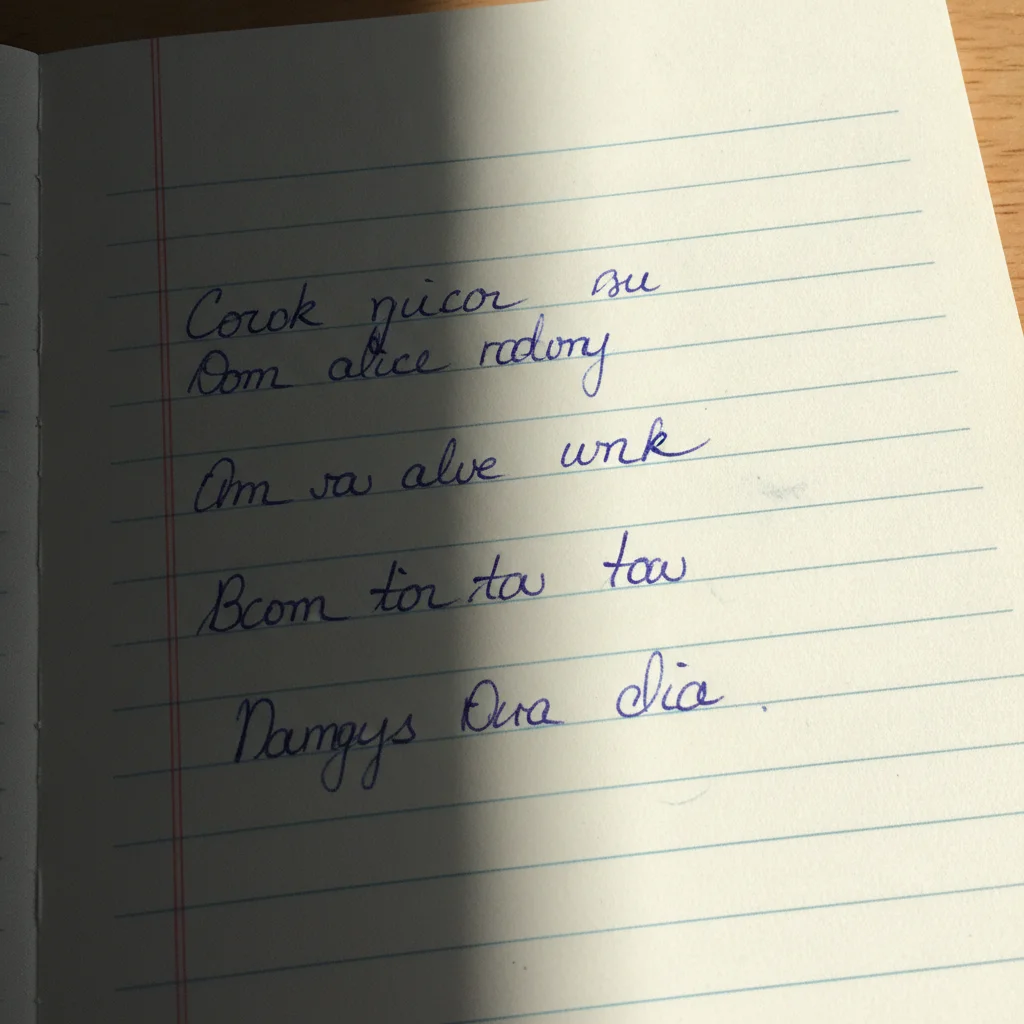
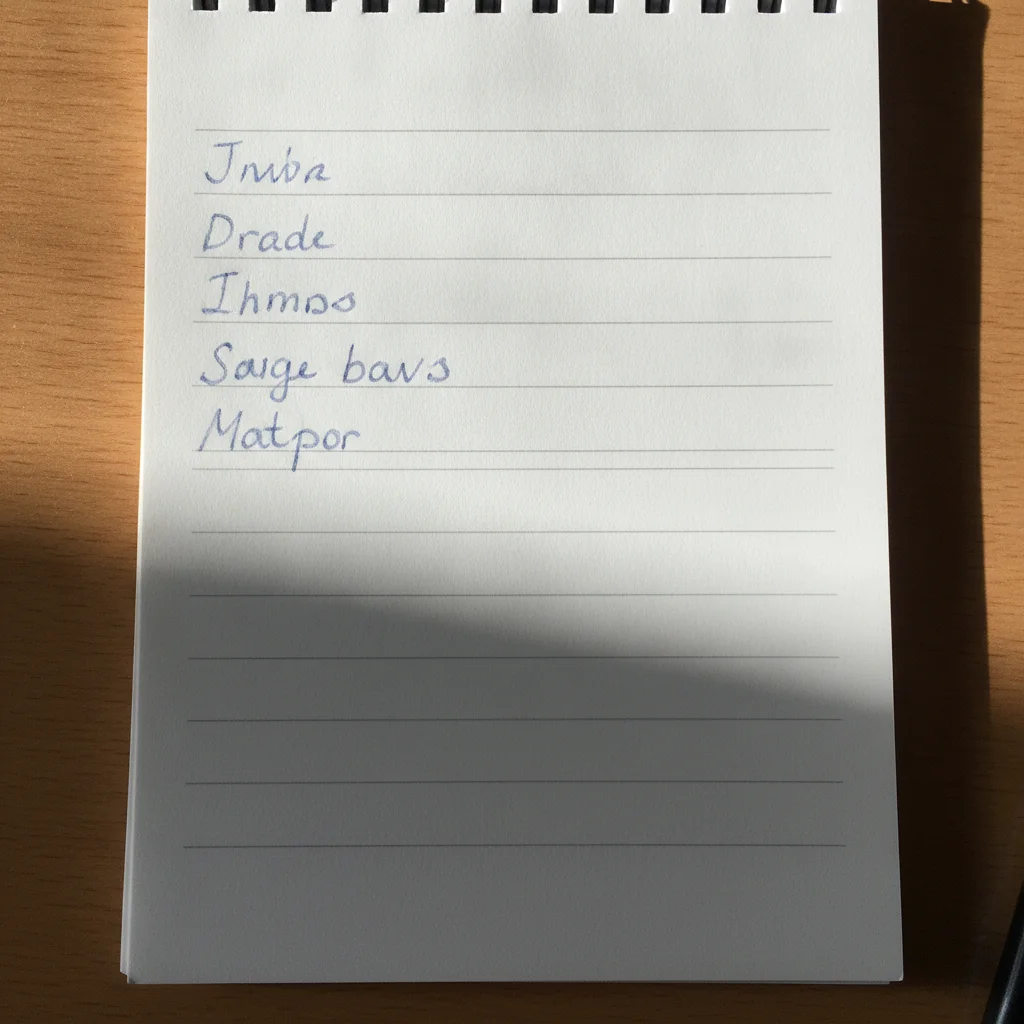
Notebook photo with a shadow over the left half
Before
->
Same page with even light and clearer handwriting
After

Shadow over a lined page

A phone photo of a school notebook with the phone's shadow over the left side, making the ink look washed out.

Prompt: remove the shadow across the left half of this handwritten page and increase contrast so the handwriting is easier to read

Quick answers

Do I need to mark the handwriting before describing what I want?

No. Describe the result, such as 'make the faded pencil handwriting darker and clearer without changing any letters.' Use markers only if the AI changes the wrong spot.

How do I make faded handwriting easier to read for free?

Upload a photo to EditThisPic, describe the contrast and clarity change, and preview it. The preview edit is free with no signup and no watermark.

Can it change or rewrite what the handwriting says?

No, and it should not be used that way. The tool adjusts the look of the image only. Always compare important words against the original photo.

Can it recover handwriting that is almost invisible?

It can make faint writing clearer, but if the ink is gone, the AI can only guess. Guessed letters may look real but be wrong, so verify against the original.

Is it suitable for legal or official documents?

No. Results are AI-generated and may differ from the original. Keep the original document and use the enhanced image only as a reading aid.

How much does EditThisPic cost?

You get 1 free Standard edit per week — no account needed. After that, one-time credit packs start at $4.99 for 10 credits, valid 12 months, no subscription. A Standard edit uses 1 credit, Pro 2 and Ultra 3. Purchased downloads are clean with no watermark.

Ready to make your handwriting photo clearer?

Free to try. No signup required.

1 free edit included·paid credit packs after