Pricing Visualize Mobile home exterior · Free

Mobile Home Exterior Remodel Visualizer

← Browse all creative effects

Last updated

Upload a photo of your mobile home and describe the makeover. Free preview, no account needed.
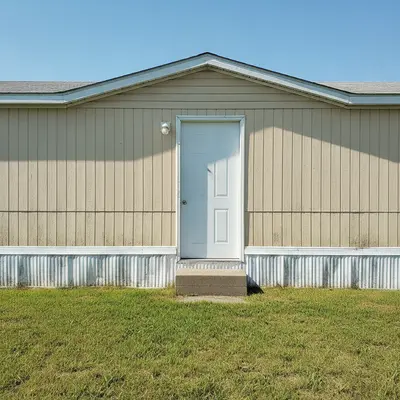
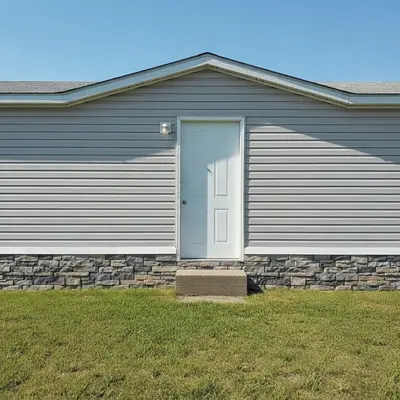
Single wide mobile home with faded tan siding and bare metal skirting on a sunny day Same mobile home with light gray siding and stone-look skirting, roof and lawn unchanged

Upload photo to visualize mobile home exterior

"add stone-look skirting around the entire base of this manufactured home covering the gap between the wall and the ground, keep the siding and steps unchanged"

Free to try · no sign-up · never used for AI training

Release to upload

<30stypical edit
1 freeedit weekly
Photo on your phone? Scan to open this editor there — free edit works on your phone too.

1 free edit every week·paid packs after

How it works

  1. Upload a clear photo of the front of your home

    Stand back far enough to get the whole front, roofline to ground, in daylight. A slight angle shows the skirting and the end of the home too. JPG, PNG or WebP works.

    Expect: Photos with the full wall and ground line give the cleanest result. Heavy shadows or a car parked in front can confuse where the skirting begins.
  2. Describe the makeover in plain words

    Type what you would change: 'replace the faded tan siding with light gray vinyl lap siding, add stone-look skirting around the base, paint the trim white.' Name the material and colour for each part. No marking is needed.

    Copy one of these to get started:

    New siding color — the simplest makeover replace the faded tan siding on this mobile home with light gray vinyl lap siding, keep the white trim, windows, door and roof unchanged
    Skirting — hide the bare base add stone-look skirting around the entire base of this manufactured home covering the gap between the wall and the ground, keep the siding and steps unchanged
    Covered front porch add a small covered front porch with white square posts and a gray shingle roof over the front door of this mobile home, wooden steps to the ground, keep the rest of the home unchanged
    Two-tone with dark trim repaint this mobile home in warm white siding with black window trim and a black front door, keep the roof, skirting and yard unchanged
    3 more prompts
    Board and batten look change the siding to dark green board and batten vertical siding with white trim and a white door, keep the shape of the home and the yard unchanged
    Add a wooden deck and railing add a wide wooden deck with a white railing across the front entrance of this manufactured home, two steps down to the lawn, keep the home itself unchanged
    New metal roof replace the roof with a charcoal gray standing seam metal roof, keep the siding, skirting and everything else unchanged
  3. Check the porch, skirting and roofline

    Look at the base of the home, where the skirting meets the ground, and at any added porch or steps. Those are the spots where the preview can drift from a realistic build.

  4. Use markers if only one part needs fixing

    If the AI changed the roof or a window when you only wanted the siding, tap a marker on the part you want changed and regenerate with a shorter prompt. Markers are optional and only help point the edit.

See it in action

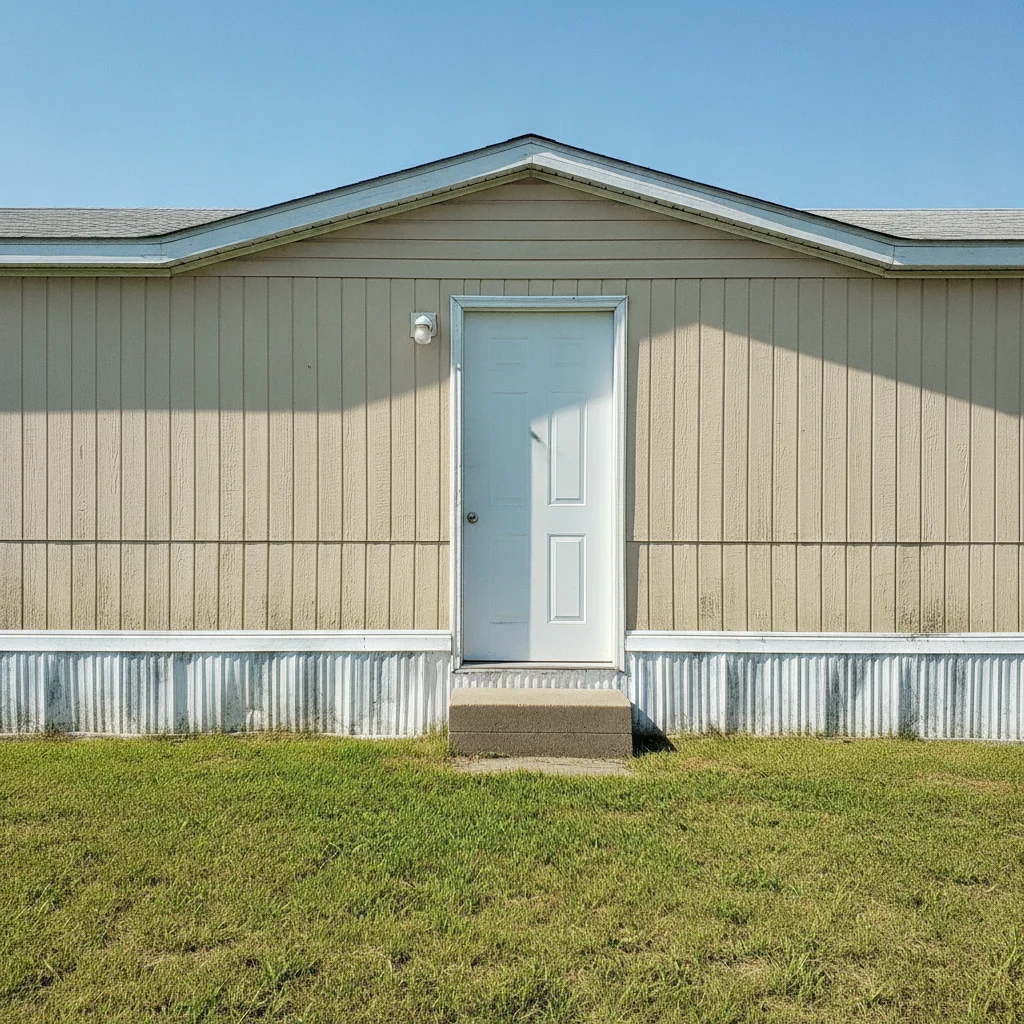
Single wide mobile home with faded tan siding and bare metal skirting on a sunny day
Before
->
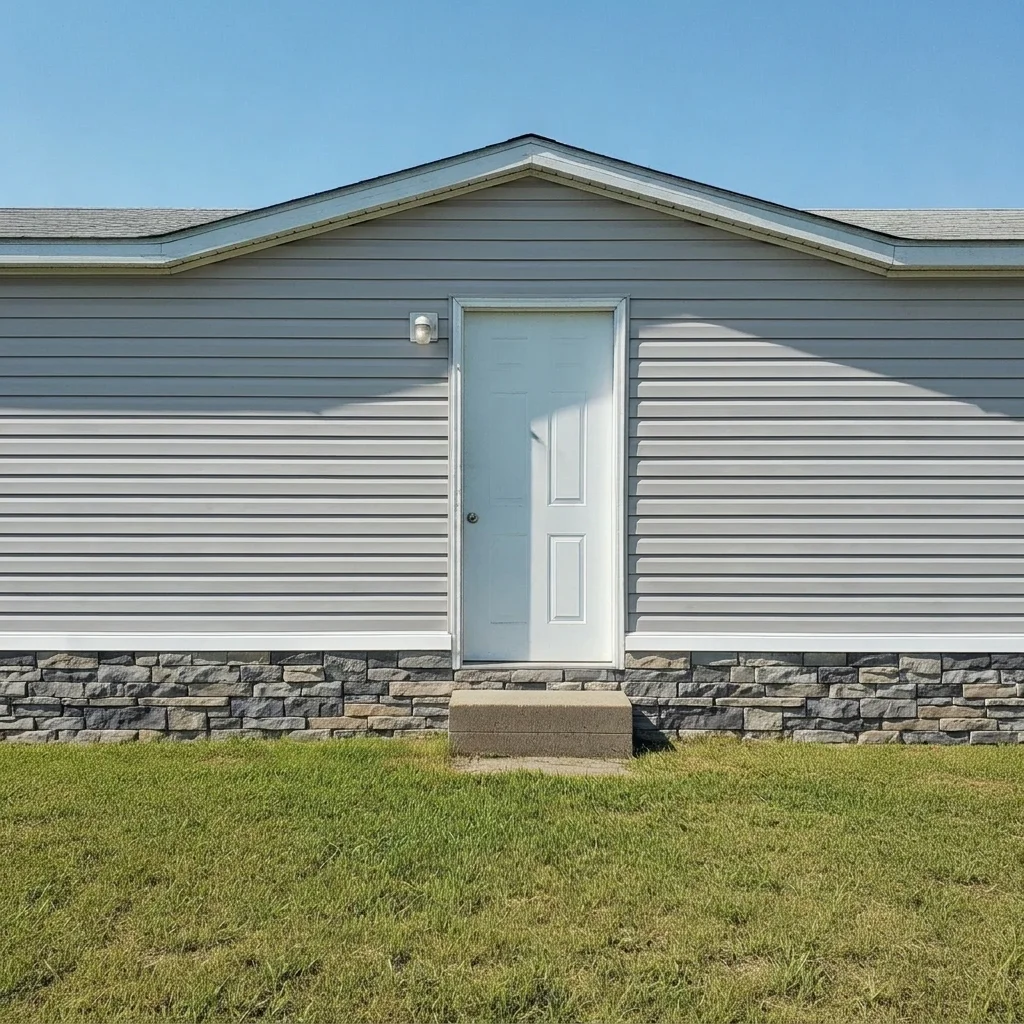
Same mobile home with light gray siding and stone-look skirting, roof and lawn unchanged
After

Faded tan siding to light gray with stone-look skirting

A single wide with tired tan siding and a bare metal base. The makeover previews gray lap siding and stone-look skirting so the owner could compare it against the original before talking to a supplier.

Prompt: replace the faded tan siding with light gray vinyl lap siding and add stone-look skirting around the base, keep the roof, windows, door and lawn unchanged
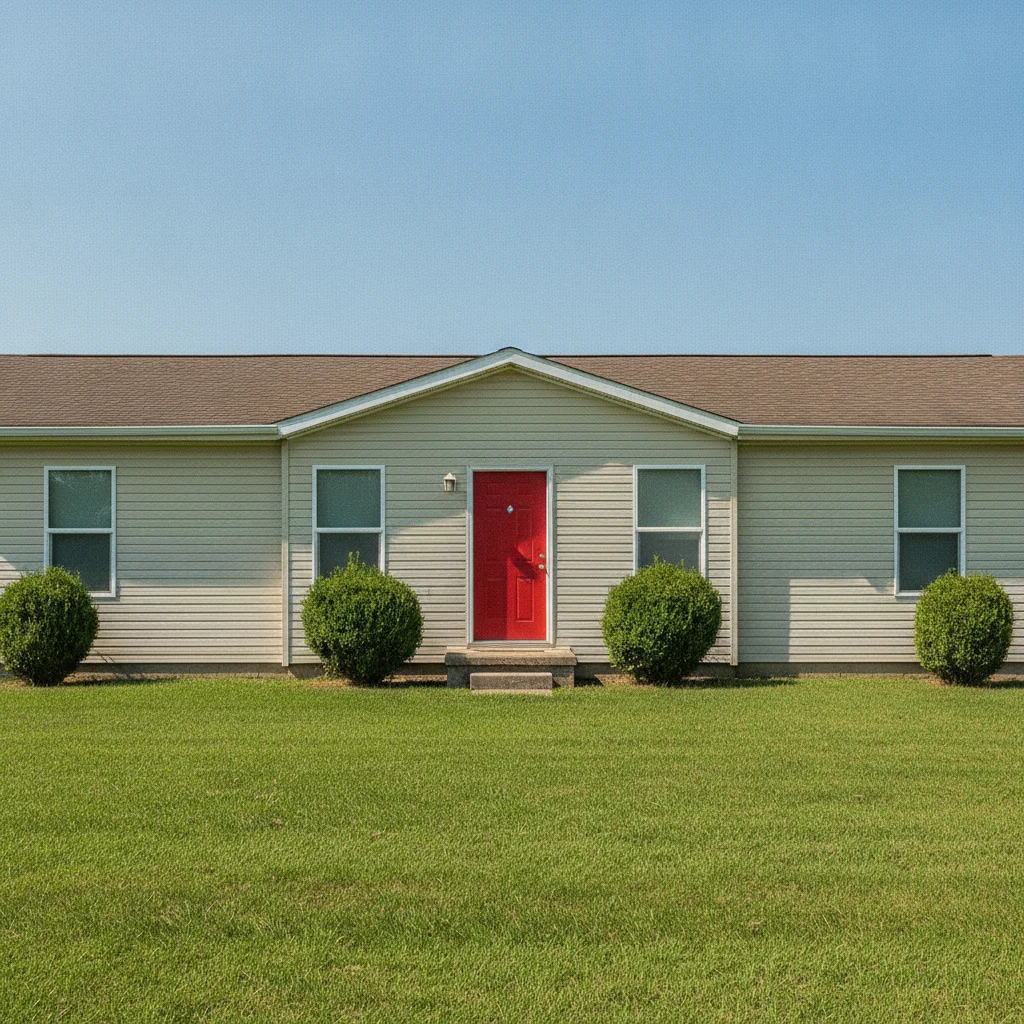
Beige manufactured home with a red door and only a small concrete step
Before
->
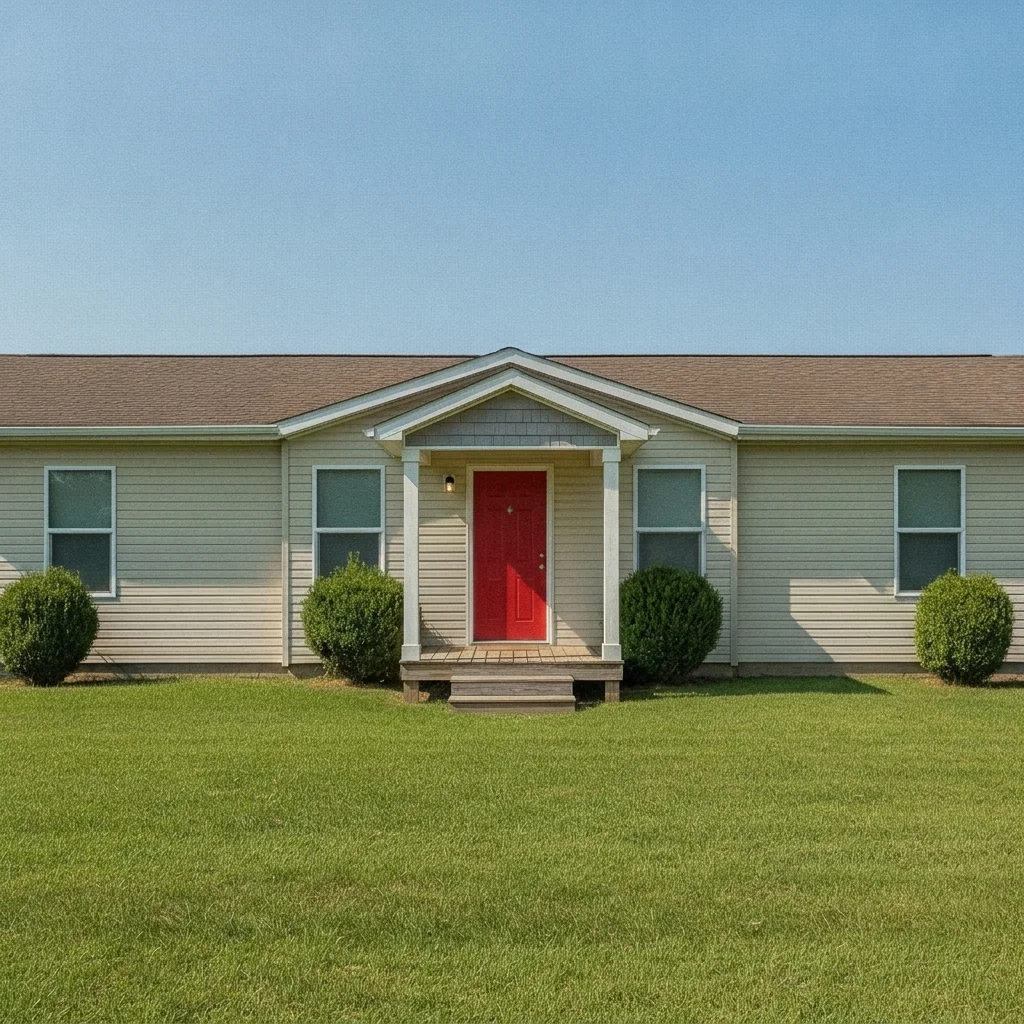
Same home with a covered porch with white posts over the red door, siding unchanged
After

Plain front step to a covered porch

A double wide with a bare front door and a small concrete step. The preview adds a covered porch with white posts so the owner could see how much presence it gives the entrance.

Prompt: add a small covered front porch with white square posts and a gray shingle roof over the front door, wooden steps to the lawn, keep the rest of the home unchanged
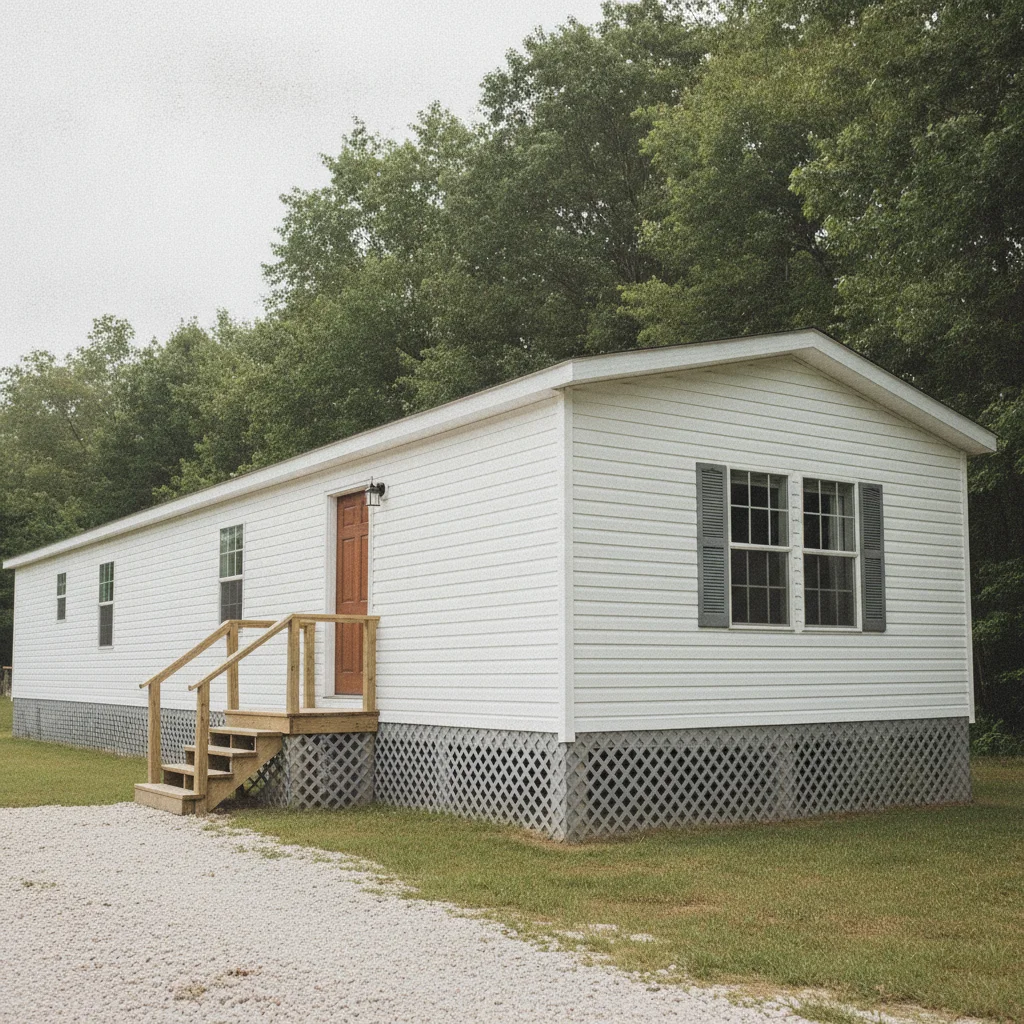
White mobile home with horizontal siding and gravel drive
Before
->
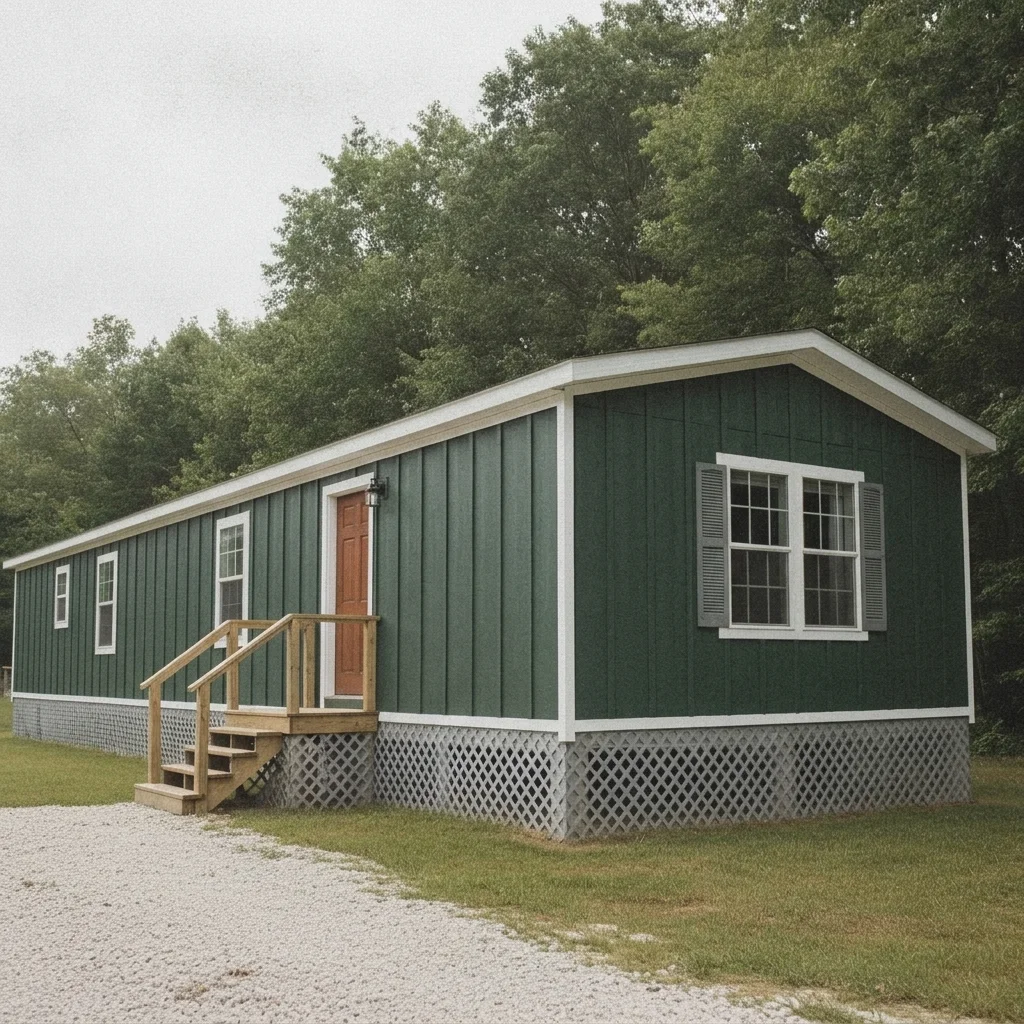
Same home with dark green vertical siding and white trim, door and steps unchanged
After

Bright white home repainted dark green with white trim

A white mobile home that blends into the sky in photos. The preview tries dark green board and batten with white trim for a stronger look.

Prompt: change the siding to dark green board and batten vertical siding with white trim, keep the roof, door, skirting and yard unchanged

Quick answers

Do I need to mark the parts of my mobile home before editing?

No. Just describe the change, like 'new gray siding and stone-look skirting.' The AI finds the siding and base in your photo. Markers are optional and only useful if it edits the wrong part, such as the roof.

Is there a free mobile home remodel visualizer with no signup?

Yes. EditThisPic gives you a free preview edit with no account and no watermark. Upload a photo of your home, describe the makeover, and see it on your own house.

Can I preview skirting and a porch on a manufactured home?

Yes. Describe the skirting material and colour, or the porch size, posts and roof colour. The preview is a visual idea, so show it to a contractor or supplier rather than treating it as a build plan.

Will the preview match the exact siding or paint I buy?

No. The result is an AI preview that gets you a feel for a colour and style. Real products vary, so check samples in person before you order anything.

Can I try several looks on the same photo?

Yes. Run the same photo with different prompts, such as gray siding, then dark green, and compare. It helps to settle on a direction before collecting quotes.

How much does EditThisPic cost?

You get 1 free Standard edit per week — no account needed. After that, one-time credit packs start at $4.99 for 10 credits, valid 12 months, no subscription. A Standard edit uses 1 credit, Pro 2 and Ultra 3. Purchased downloads are clean with no watermark.

Ready to preview your mobile home makeover?

Free to try. No signup required.

1 free edit included·paid credit packs after