Pricing Fix Motion blur · Free

AI Motion Blur Remover

← Browse all remove tools

Last updated

Describe the direction and cause of the blur when you know it; AI can estimate sharper detail, but it cannot recover information the camera never captured.
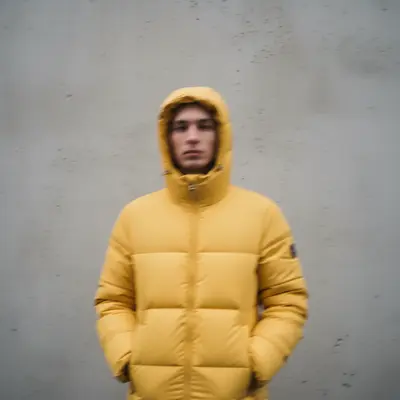
Portrait with camera shake blur across whole image Same portrait with sharp detail restored throughout

Upload photo to fix motion blur

"fix the subject motion blur in this photo — the person was moving and appears smeared horizontally, restore their sharp features and clothing detail"

Free to try · no sign-up · photos are never shared

Release to upload

<30stypical edit
1 freeedit weekly
Photo on your phone? Scan to open this editor there — free edit works on your phone too.

1 free edit every week·packs from $4.99

How it works

  1. Upload your blurry photo

    Upload any photo affected by motion blur — camera shake blur, subject movement blur, slow-shutter smear, or general directional blur. Mild to moderate blur can be restored effectively. Severely blurred photos with no remaining detail recover less than those with some visible underlying texture. JPG, PNG, WebP up to 7MB.

    Expect: Light camera-shake blur: 20-30 seconds, good recovery. Heavy motion smear: 30-45 seconds, partial recovery.
  2. Describe the blur type and direction

    Tell the AI what kind of blur you have: 'remove the horizontal motion blur from this photo — the camera moved left while shooting, restore sharp detail' or 'fix the subject movement blur — the person was moving and appears smeared, make them sharp.' Describing the direction (horizontal, vertical, radial) and cause (camera shake, moving subject) gives the AI the right deblur model to apply. No marking needed.

    Tip: Blur direction matters a lot — horizontal camera shake needs different processing than vertical subject movement. A single sentence describing the type ('camera moved right') dramatically improves the result.

    Copy one of these to get started:

    Camera shake (whole photo blurry) remove the camera shake blur from this photo — the whole image is slightly blurry from hand movement, restore sharp detail throughout
    Moving subject blur fix the subject motion blur in this photo — the person was moving and appears smeared horizontally, restore their sharp features and clothing detail
    Directional motion blur remove the horizontal motion blur from this photo — the camera moved right during the shot, restore sharp edges and detail
    Low-light motion blur fix the motion blur in this low-light photo — slow shutter caused smearing, restore as much detail as possible while keeping noise at a natural level
    3 more prompts
    Sports action photo deblur deblur this sports action photo — the athlete is motion-blurred from fast movement, sharpen their body, face, and uniform while keeping the motion-blur background for the action feel
    Blurry text / sign sharpen the text in this photo — the motion blur made the writing and numbers unreadable, restore sharp letter edges so the text is clearly legible
    Blurry face in portrait remove the motion blur from this portrait — the person's face is blurry from movement, restore sharp facial features, eyes, and hair while preserving the background
  3. Check the sharpness of key details

    Zoom into the main subject — faces, text, edges, and fine textures are the best indicators of successful deblurring. Some deblur passes add slight digital sharpening artifacts at high-contrast edges. This is normal for AI deblurring and is much less distracting than the original blur.

See it in action

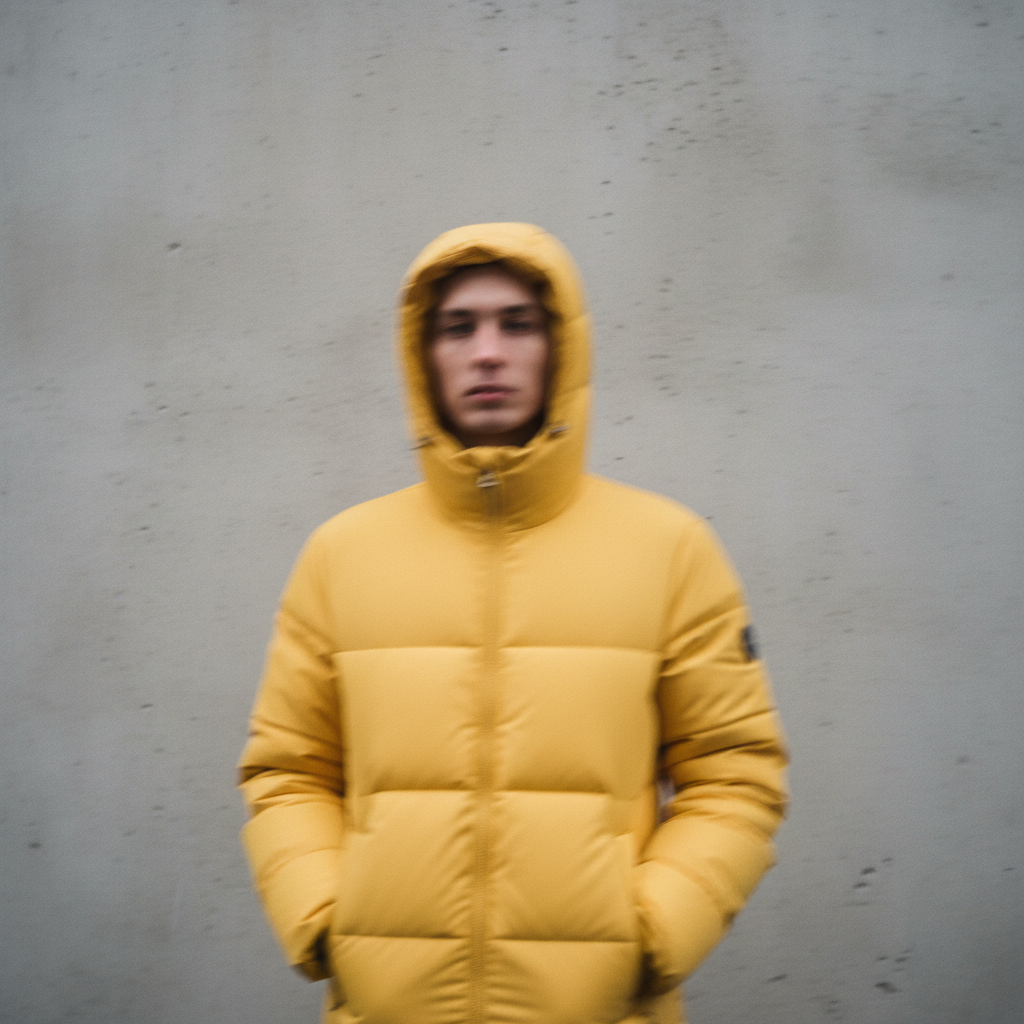
Portrait with camera shake blur across whole image
Before
->
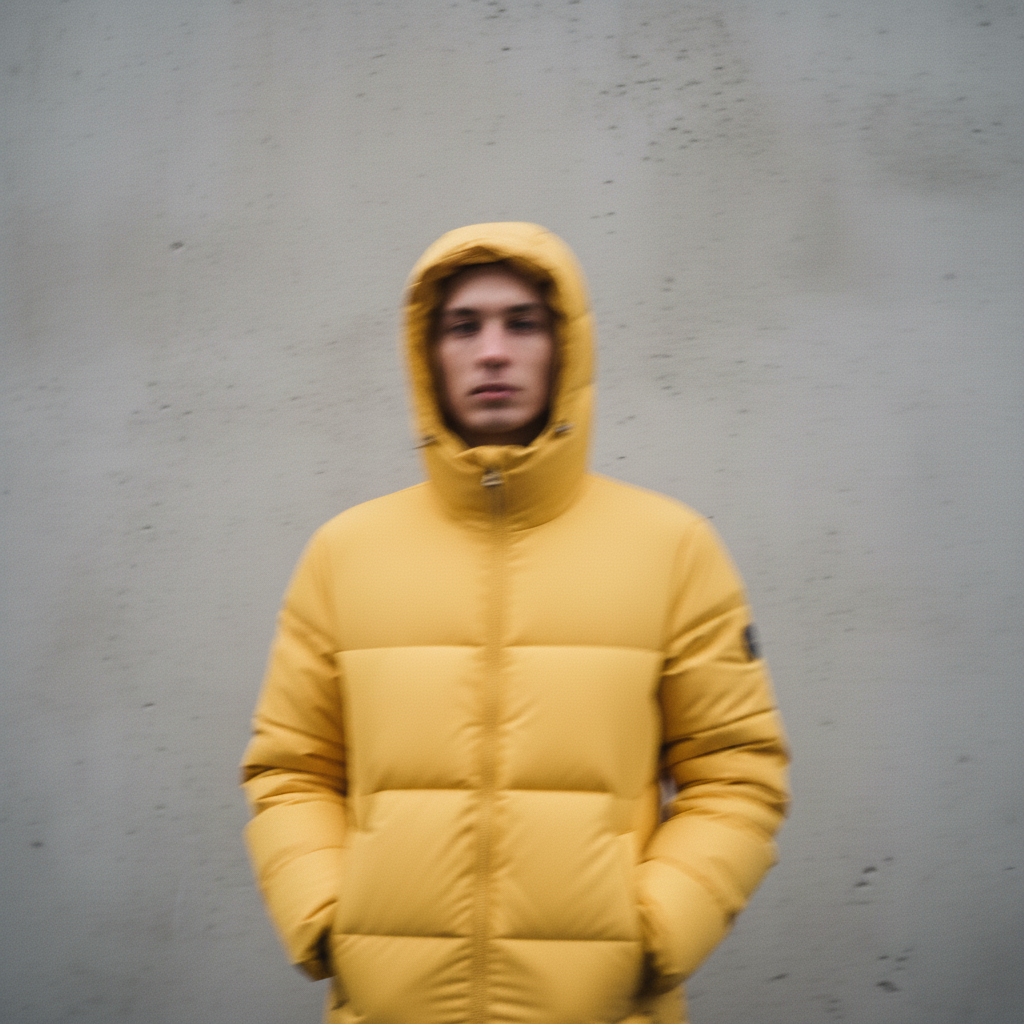
Same portrait with sharp detail restored throughout
After

Camera shake removed from portrait

A hand-held portrait with overall camera shake blur restored to sharp detail.

Prompt: remove the camera shake blur from this photo — the whole image is slightly blurry from hand movement, restore sharp detail throughout
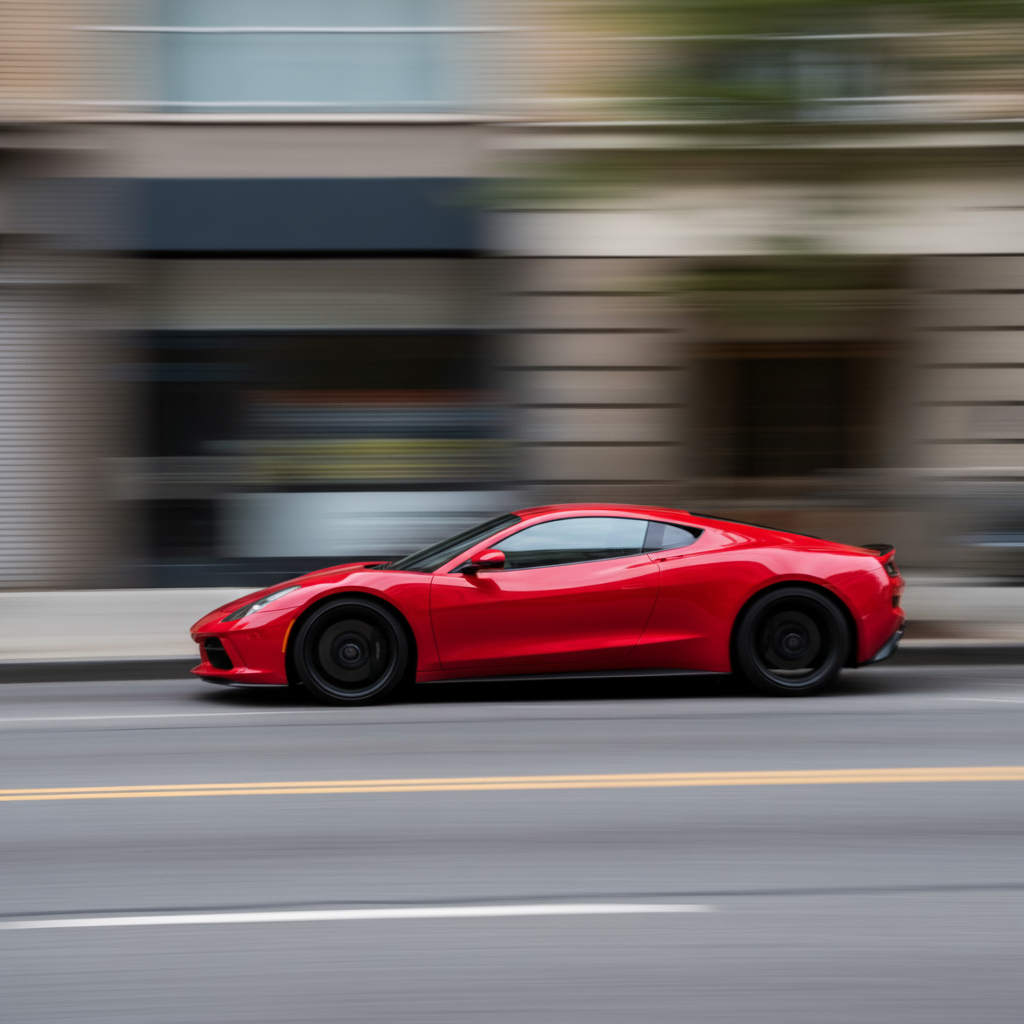
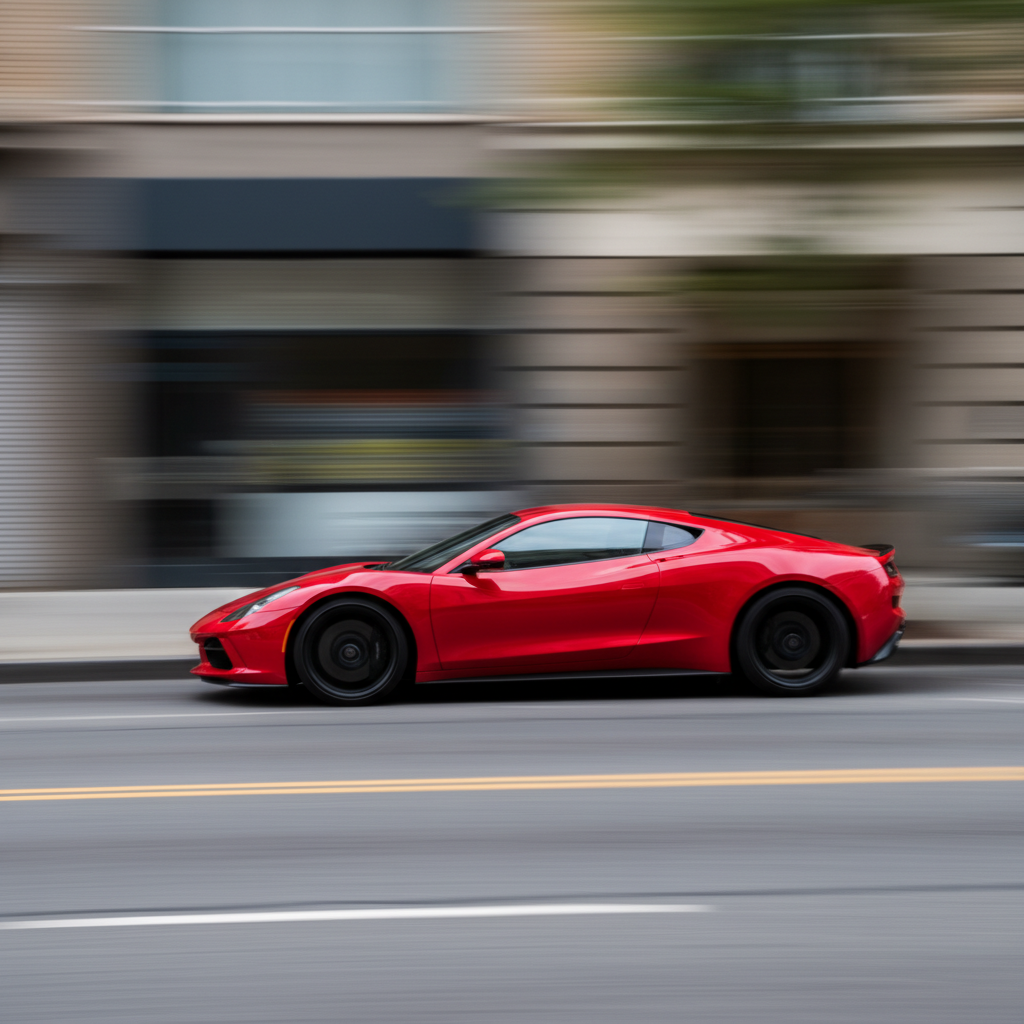
Red sports car with strong horizontal motion blur
Before
->
Same car with motion blur removed and sharp detail restored
After

Directional motion blur fixed

A photo with strong horizontal motion blur from camera movement restored to sharp edges.

Prompt: remove the horizontal motion blur from this photo — the camera moved right during the shot, restore sharp edges and detail
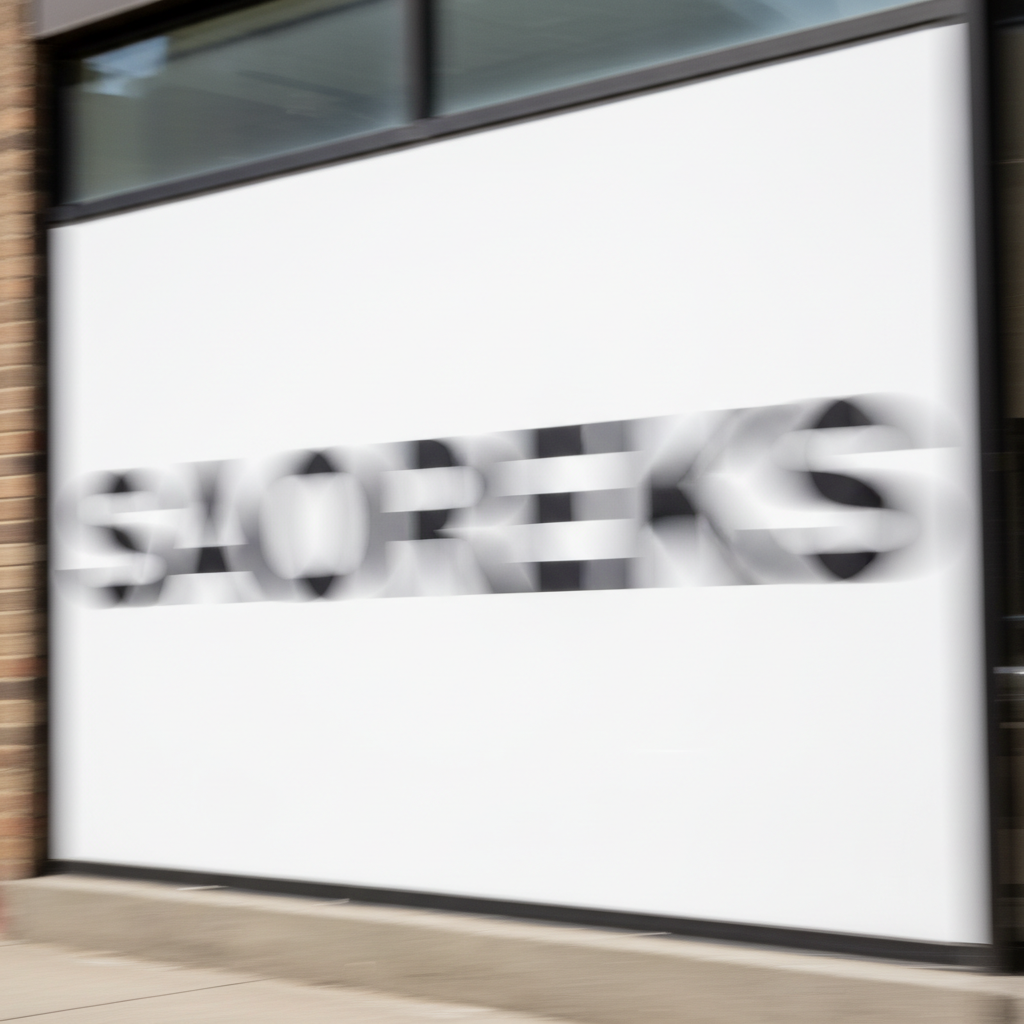
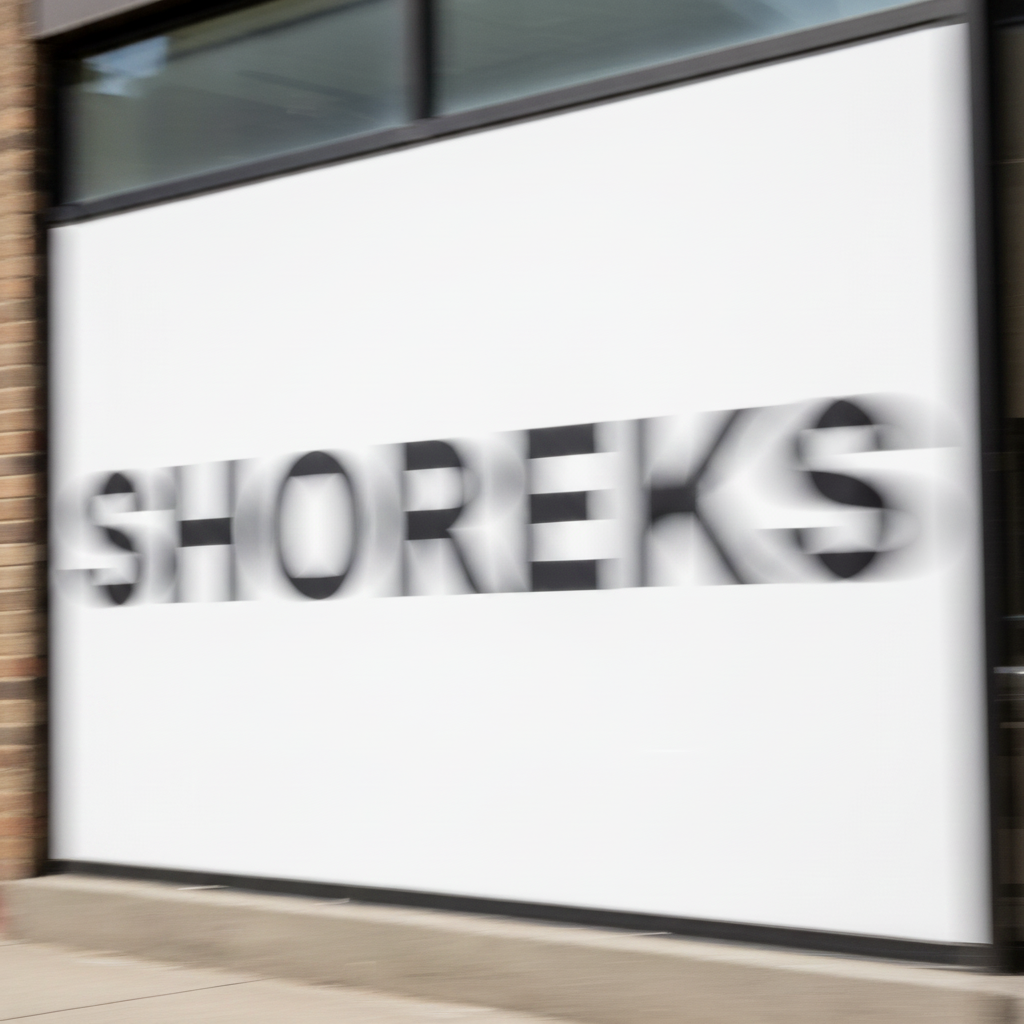
Sign with text blurred and unreadable from motion
Before
->
Same sign with text sharpened and clearly legible
After

Blurry text made legible

A sign with motion-blurred text restored to clearly readable letters.

Prompt: sharpen the text in this photo — the motion blur made the writing and numbers unreadable, restore sharp letter edges so the text is clearly legible

Quick answers

Do I need to mark the blurry area before fixing motion blur?

No. Describe the type and direction of the blur: 'remove the horizontal camera shake blur from this photo.' The AI applies deblurring globally.

How do I remove motion blur from a photo for free?

Upload the photo and describe the blur direction or cause when you know it. You can try a preview without an account; verify reconstructed faces, text, and fine detail before purchasing a clean download.

Is there a free motion blur remover with no signup?

You can try a motion-blur preview without creating an account. Purchased downloads are clean and full quality. The editor works in a modern desktop or mobile browser.

What's the difference between motion blur and defocus blur?

Motion blur is caused by movement during the shot — directional smearing. Defocus blur happens when the subject is out of focus — soft, radial blurring. EditThisPic handles both, but for defocus blur use the prompt: 'fix the focus blur on this photo, the subject appears out of focus.'

Can AI fully recover a very blurry photo?

Mild to moderate blur (where you can still make out the subject) recovers well — 80-90% sharpness restoration is realistic. Extreme blur where the subject is almost unrecognizable can be partially improved but not fully recovered — there simply isn't enough image data to reconstruct.

Will fixing motion blur make my photo look over-sharpened?

Only if you don't specify what you want. Include 'natural-looking sharpness' or 'avoid edge artifacts' in your prompt and the AI calibrates the deblur to be subtle rather than aggressive. The goal is to look like the photo was taken sharply, not like it was over-processed.

How much does EditThisPic cost?

You get 1 free edit per week — no account needed. After that, one-time credit packs start at $4.99 for 10 edits, valid 12 months, no subscription. Power users who edit daily can pick Studio Membership, a monthly workspace at $49.99/mo for 300 edits. Purchased downloads are clean with no watermark.

Ready to fix your motion-blurred photo?

Free to try. No signup required.

1 free edit included·Credit packs from $4.99