Pricing Visualize Murphy bed · Free

AI Murphy Bed Visualizer

← Browse all creative effects

Last updated

See a wall bed and cabinets in your spare room or office photo.
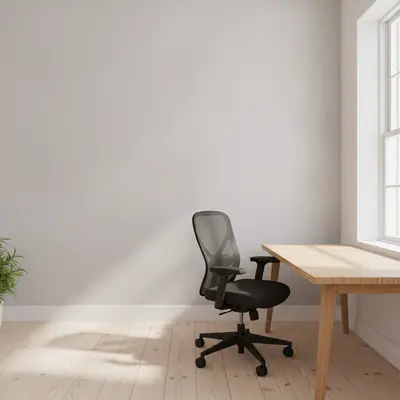
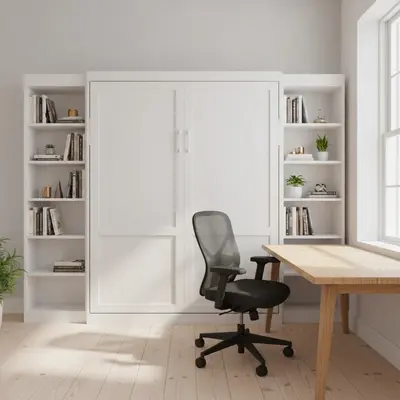
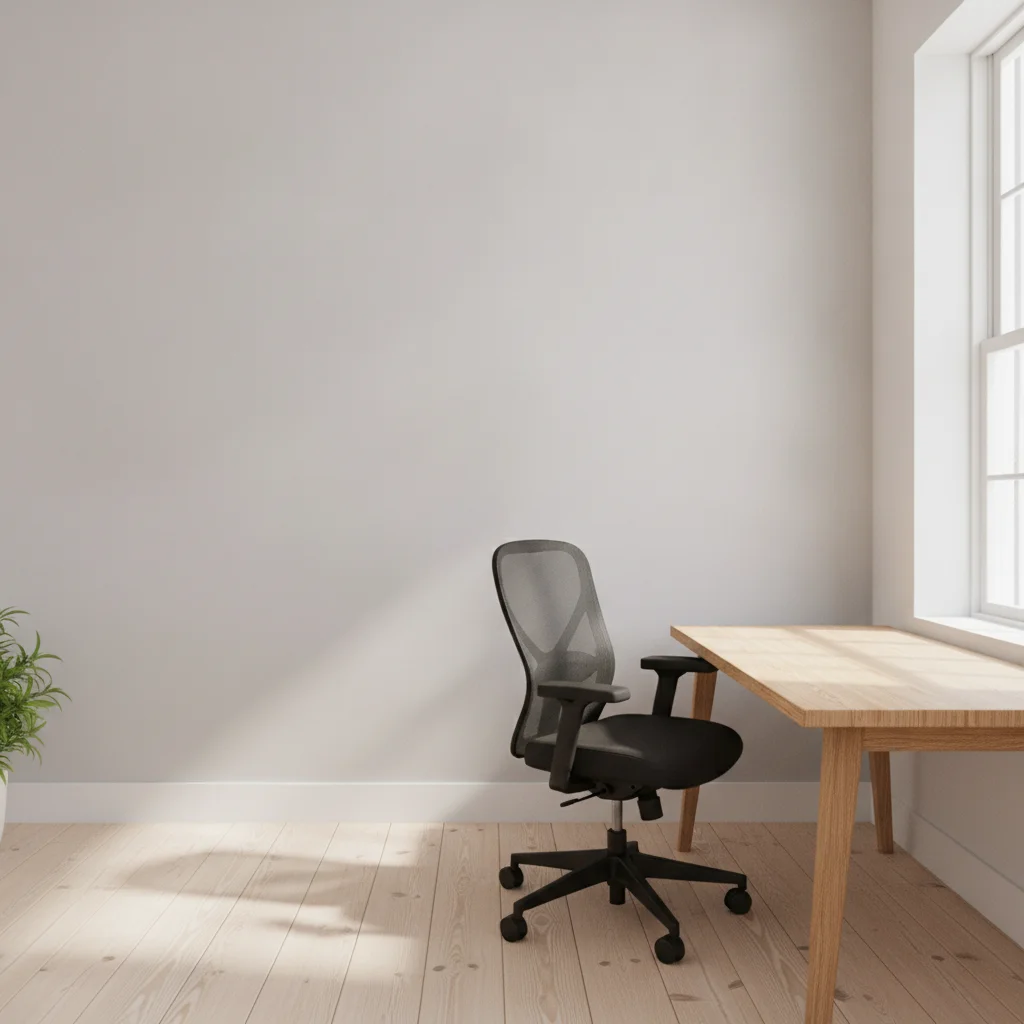
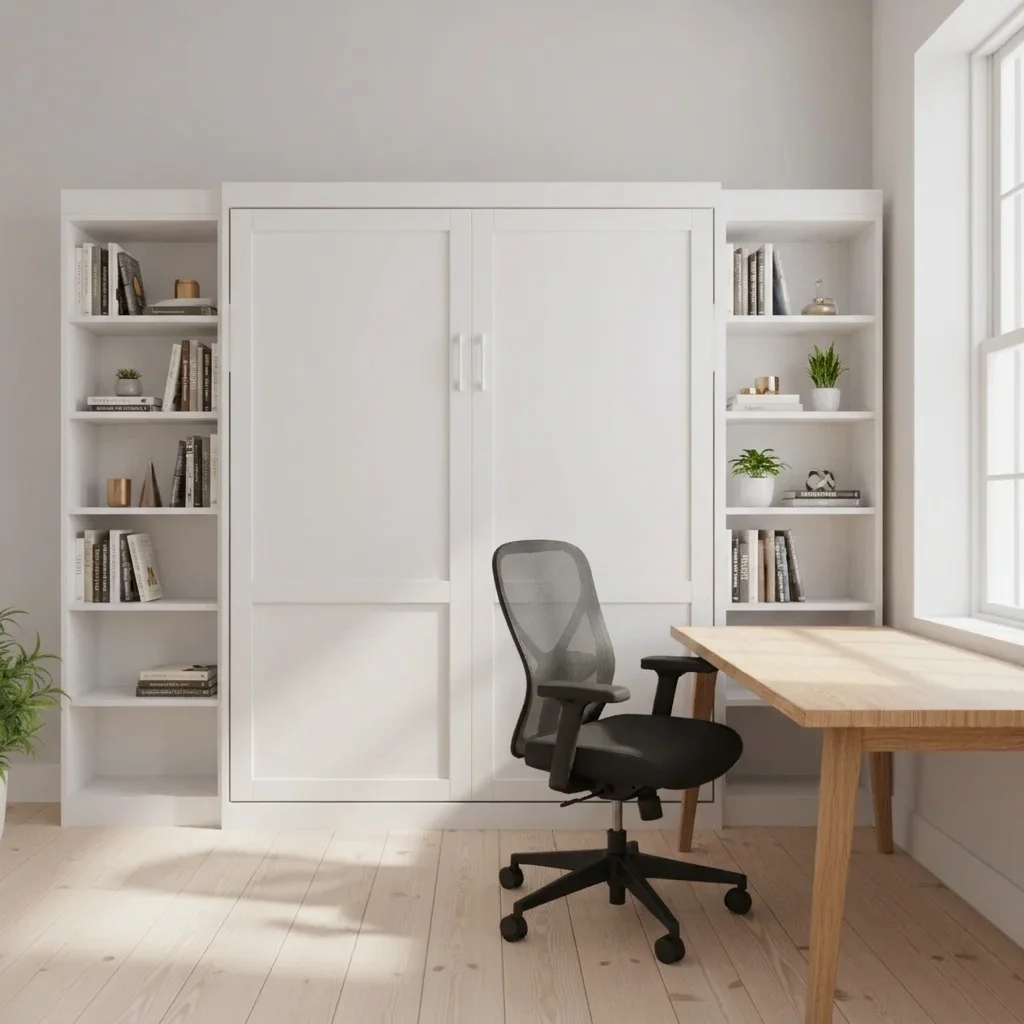
Home office with a bare gray back wall and a desk Office with a white Murphy bed cabinet on the back wall

Upload photo to visualize Murphy bed

"show the Murphy bed lowered with a navy blue quilt and two white pillows, side shelves with books and a lamp, keep the rest of the room the same"

Free to try · no sign-up · never used for AI training

Release to upload

<30stypical edit
1 freeedit weekly
Photo on your phone? Scan to open this editor there — free edit works on your phone too.

1 free edit every week·paid packs after

How it works

  1. Upload your photo

    Photograph the wall where the bed would go, from a few steps back so floor, ceiling and the nearby furniture are visible.

    Expect: Simple changes usually finish in well under a minute. Detailed or multi-part changes can take a little longer and may need a refinement.
  2. Describe what you want

    Describe the cabinet colour, side shelves or desk, and whether the bed is folded up or open. For example, 'a white Murphy bed cabinet with open shelves on both sides, bed folded up'.

    Tip: Say 'bed folded up' or 'bed lowered with a blue quilt' to control which state you see.

    Copy one of these to get started:

    White Murphy bed with shelves add a white Murphy bed cabinet with open shelves on both sides on the back wall, bed folded up, keep the desk, floor and window unchanged
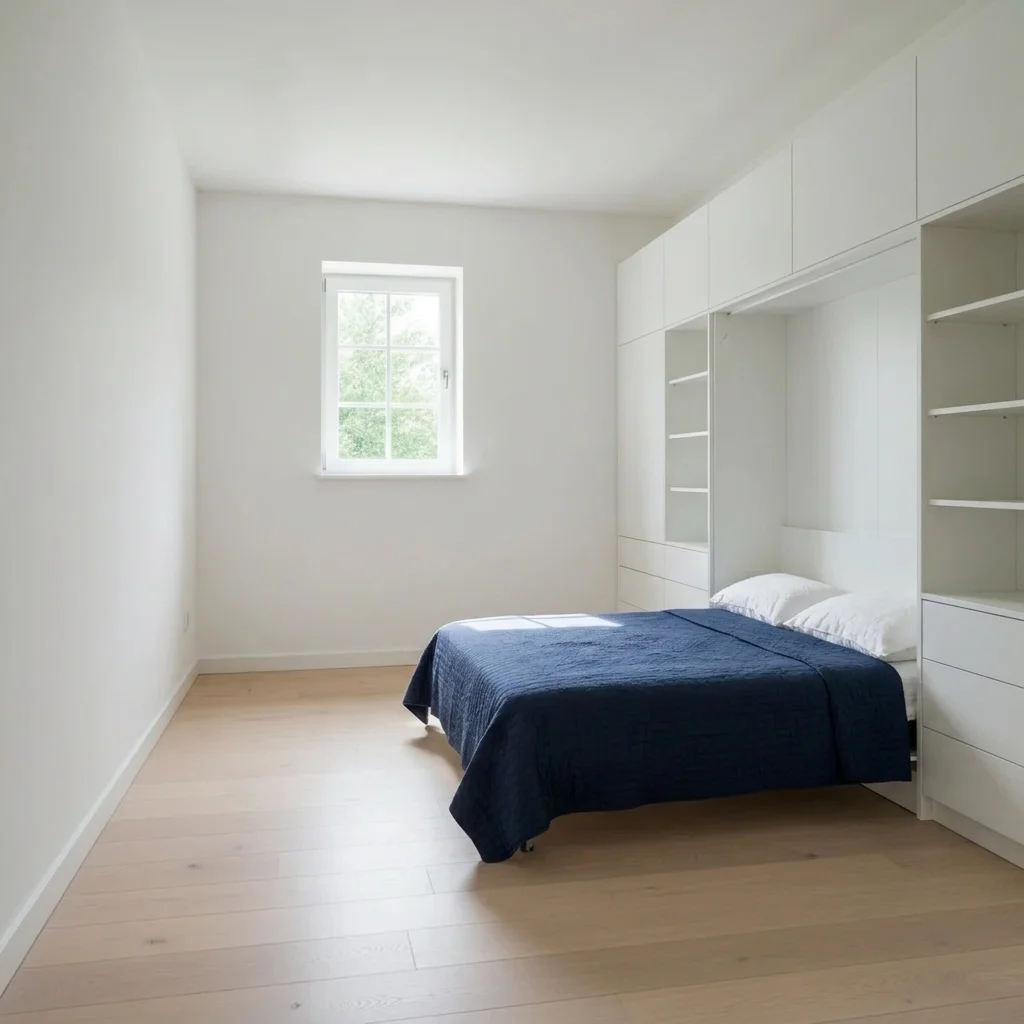
    Bed lowered and made up show the Murphy bed lowered with a navy blue quilt and two white pillows, side shelves with books and a lamp, keep the rest of the room the same
    Oak wall bed with desk add a light oak wall bed cabinet with a fold-down desk, bed folded up, in the left wall of this office, keep the existing furniture the same
    Dark painted cabinetry add a deep charcoal gray Murphy bed cabinet with brass pulls across the end wall, bed folded up, keep the floor and window unchanged
    3 more prompts
    Cabinet with a sofa add a white Murphy bed cabinet with a gray sofa in front of it, bed folded up, keep the walls and floor unchanged
    Cabinet with lighting add a walnut Murphy bed cabinet with warm lights above the shelves, bed folded up, keep everything else the same
    Guest room conversion turn the back wall of this office into a guest nook with a white Murphy bed folded up and a small wooden side table, keep the desk and chair unchanged
  3. Review the result

    Check that the cabinet fills the wall naturally, has believable depth and that existing furniture and windows stayed in place.

  4. Refine with markers if needed

    If the AI put the bed over a window or door, tap a marker on the wall you want and regenerate with the same description.

    Tip: Markers are for precision refinement, not a required step.

See it in action

Home office with a bare gray back wall and a desk
Before
->
Office with a white Murphy bed cabinet on the back wall
After

Office wall to white wall bed

A home office previewed with a folded Murphy bed.

Prompt: add a white Murphy bed cabinet with open shelves on both sides on the back wall, bed folded up, keep the desk, floor and window unchanged
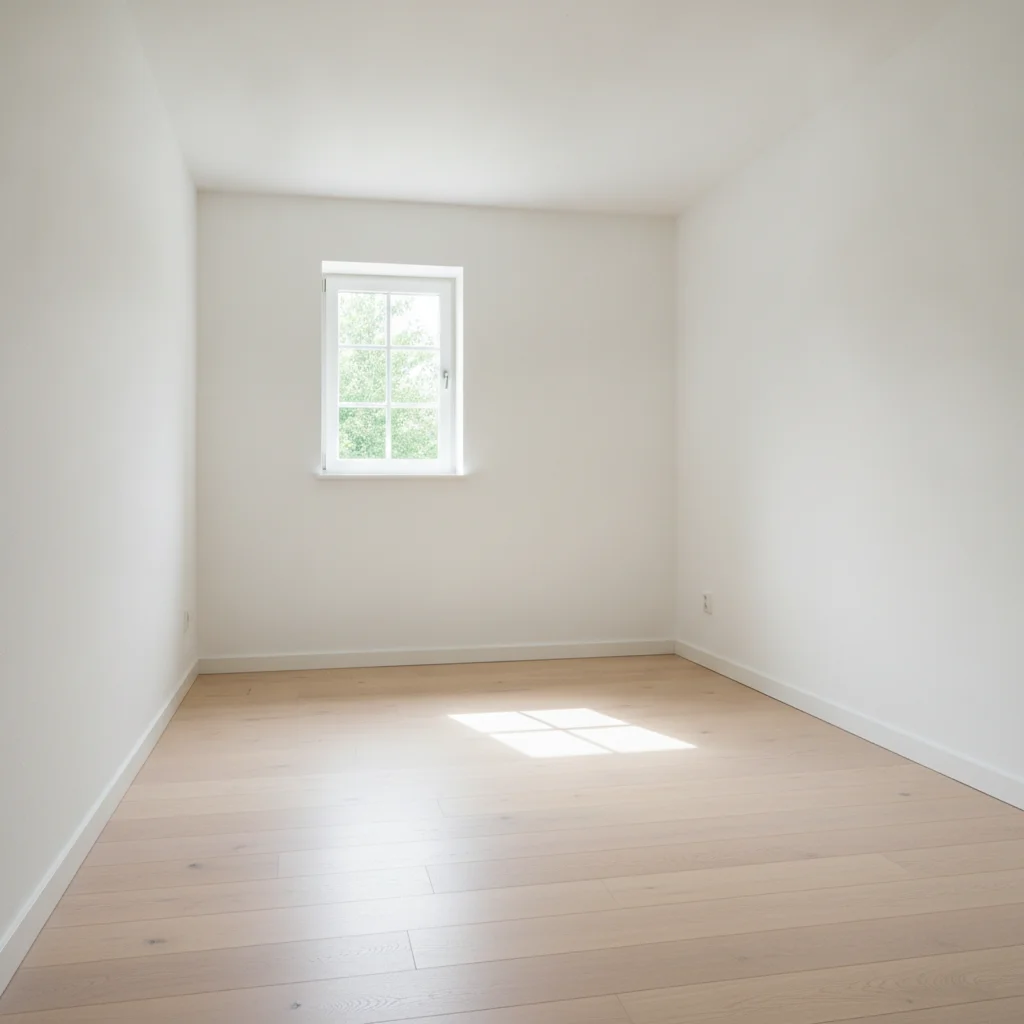
Empty spare room with white walls
Before
->
Room with a lowered Murphy bed, navy quilt and cabinets
After

Spare room with bed lowered

A guest bedroom view with the bed down.

Prompt: show the Murphy bed lowered with a navy blue quilt and two white pillows, white cabinets around it, keep the floor the same
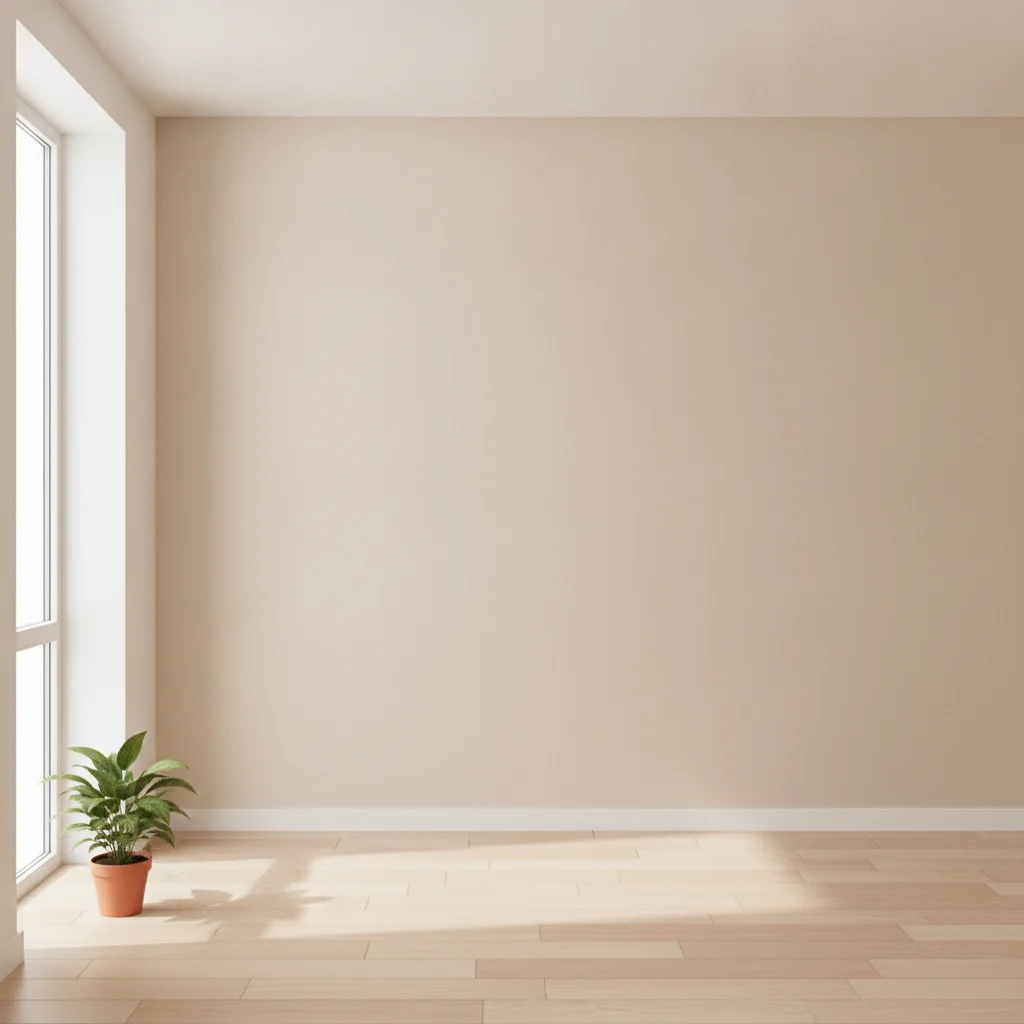
Small room with a bare beige end wall
Before
->
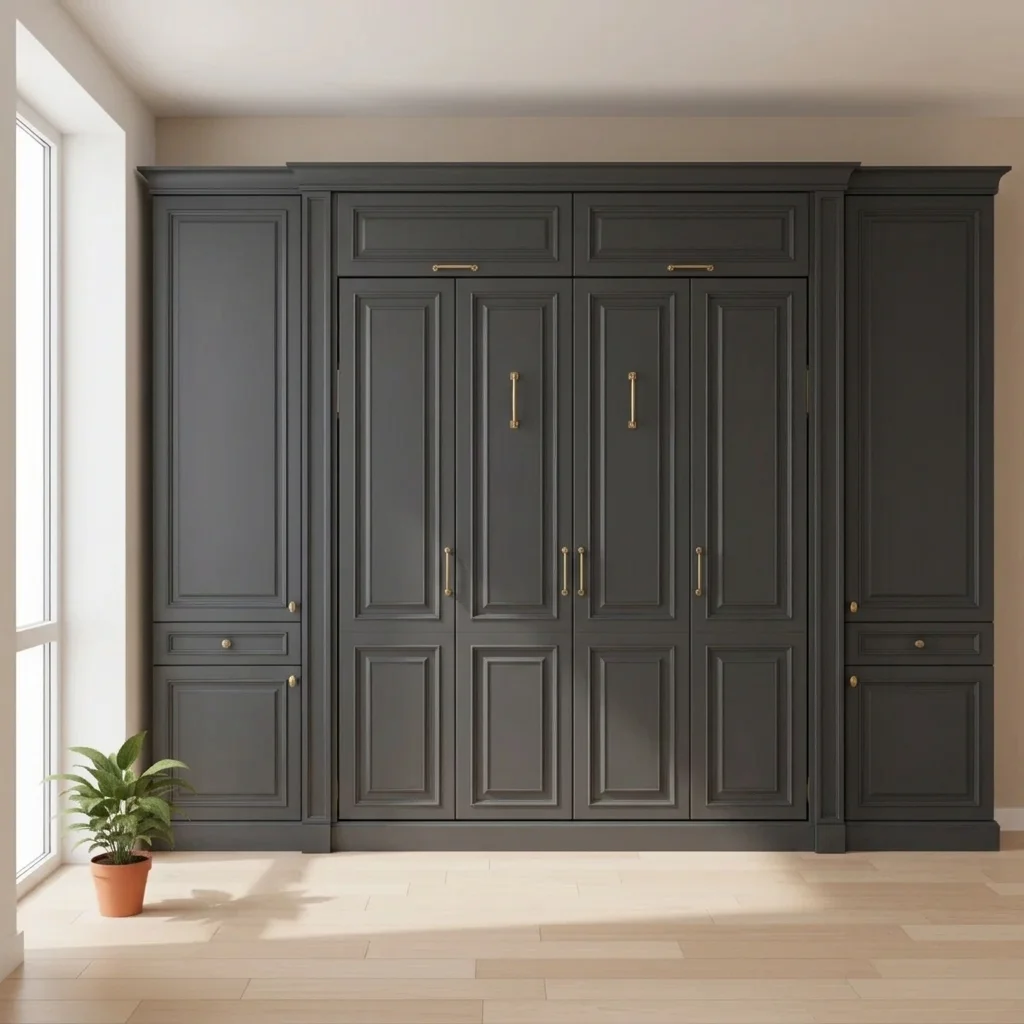
Room with a charcoal gray Murphy bed cabinet
After

Painted cabinet in charcoal

Cabinet colour preview.

Prompt: add a deep charcoal gray Murphy bed cabinet with brass pulls across the end wall, bed folded up, keep the floor and window unchanged

Quick answers

Do I need to mark the wall before describing what I want?

No. Just describe the change in a sentence and the AI finds the wall in your photo. Markers are optional; use one only if the AI picks the wrong spot.

How do I preview a Murphy bed for free?

Upload a photo of your room to EditThisPic, describe the wall bed cabinet and whether it's folded or open, and get a free preview with no signup and no watermark.

Is there a free Murphy bed visualizer that doesn't require login?

Yes. EditThisPic is free to try with no account needed. You get a free preview edit with no signup and no watermark, so you can test ideas before you commit to anything.

Does the preview show real dimensions or mechanics?

No. It is a style mock-up only. Check clearances, wall support and fittings with the builder or manufacturer.

Can I show both folded and open?

Yes. Run two previews of the same photo, one with 'bed folded up' and one with 'bed lowered'.

How much does EditThisPic cost?

You get 1 free Standard edit per week — no account needed. After that, one-time credit packs start at $4.99 for 10 credits, valid 12 months, no subscription. A Standard edit uses 1 credit, Pro 2 and Ultra 3. Purchased downloads are clean with no watermark.

Ready to preview your Murphy bed?

Free to try. No signup required.

1 free edit included·paid credit packs after