Free • No signup Transform Photo style · Free

Transform Photo to Anime Girl Style

← Browse all creative effects

Last updated

Turn any photo into anime girl art style — expressive eyes, soft cel-shading, and vivid colors.
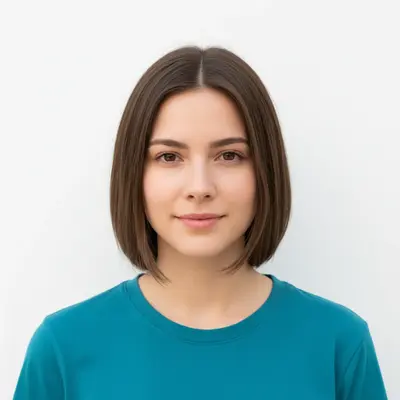
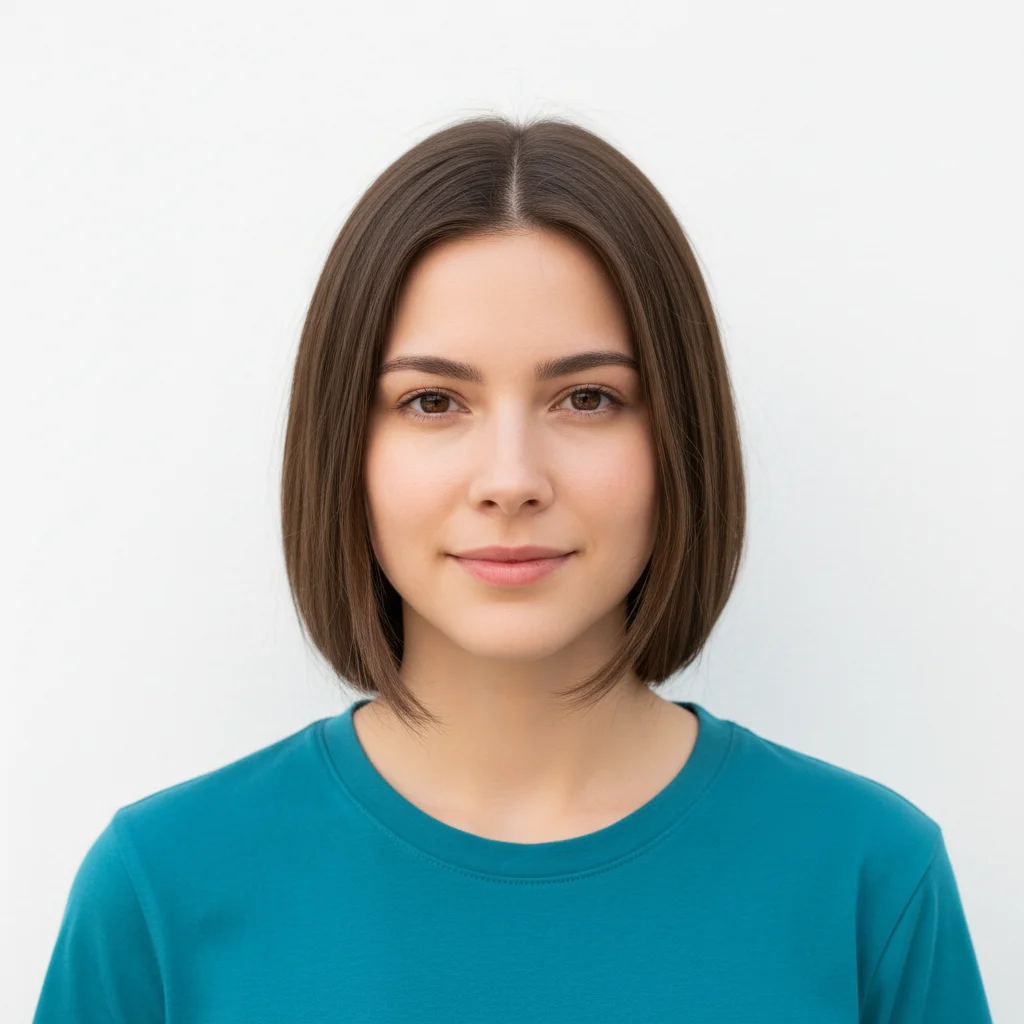
Portrait of young woman with brown hair on white background
Before
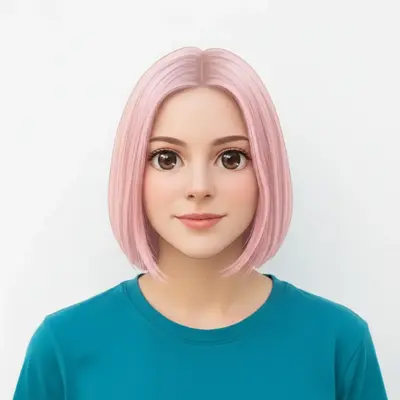
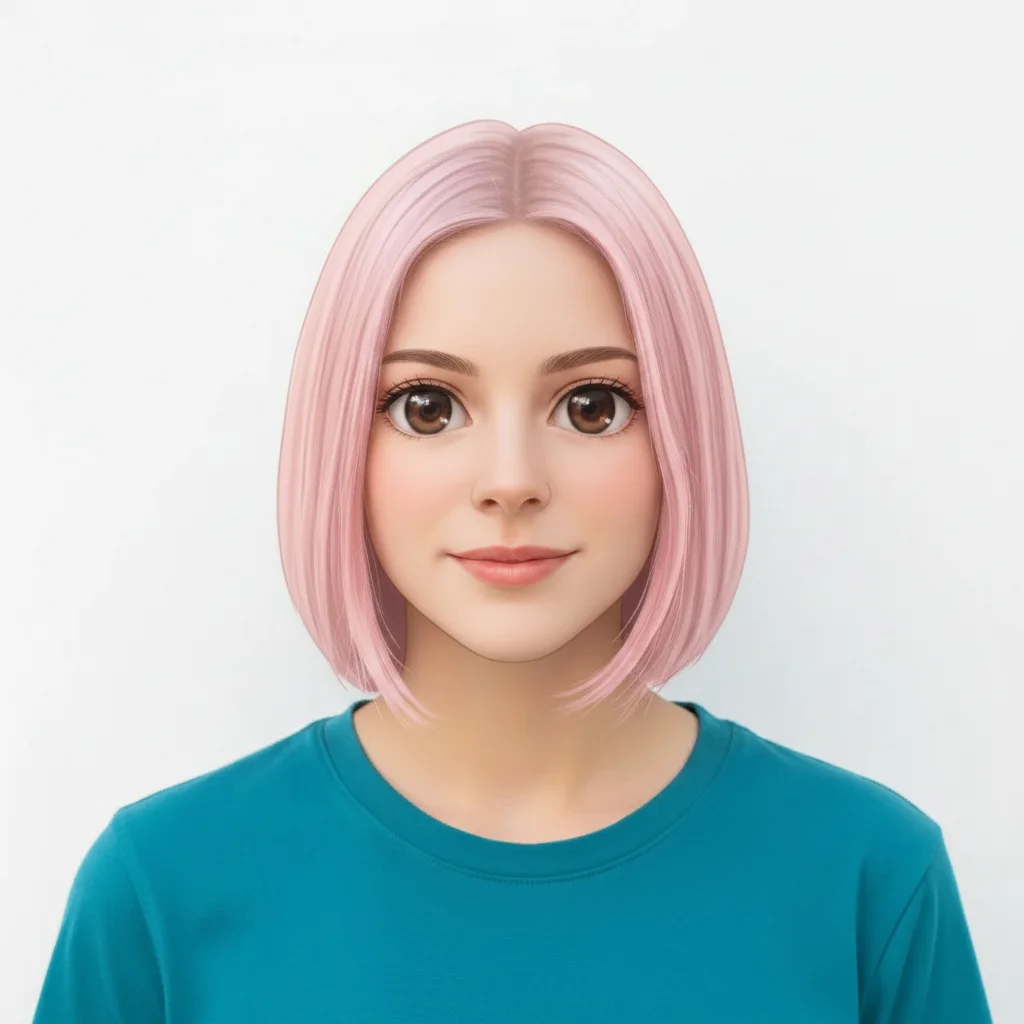
Same portrait transformed into anime girl art with large expressive eyes and pastel pink hair
After

Upload photo to transform photo style

"convert this photo into an anime fantasy girl illustration with flowing silver hair, violet eyes, and a magical forest background"

Release to upload

FreeNo signupNo watermark

1 free edit·then from $1.99

Popular use cases:
  • anime photo filter
  • photo to anime girl
  • anime style photo converter
  • anime portrait from photo
  • anime character from photo free

Cost
Free No signup required
Time
Instant results in 15-30 seconds
Works on
Any device - browser, phone, tablet, desktop
Powered by
AI-powered photo editing
Scenario Prompt Time
Classic portrait transform into anime girl art style with large expressive eyes, soft cel-shading, and pastel pink hair 25s
Fantasy character convert into anime fantasy girl with flowing silver hair, violet eyes, and magical forest background 35s
Chibi style transform into cute chibi anime girl style with oversized head, big round sparkly eyes, pastel background 30s

How it works

  1. Upload your photo

    Drop a portrait or photo of a person into EditThisPic. JPG, PNG, or WebP up to 7MB. Clear face photos with good frontal lighting work best — the anime transformation is most effective when facial features are visible and well-lit.

    Expect: Clear portrait: 20-30 seconds. Group photos or photos with complex backgrounds: 30-45 seconds.
  2. Describe the anime style you want

    Type your instruction: 'transform this into anime girl art style with large expressive eyes and soft cel-shading' or 'convert this photo into an anime illustration with pastel pink hair and bright eyes.' Specify the art mood — school uniform, fantasy outfit, or contemporary — and any hair color you want. No marking needed — the AI handles the full stylistic conversion from your description.

    Tip: Add hair color and style preferences for more personalized results: 'silver long hair,' 'short pink bob,' or 'braided golden hair' give the AI clear direction on the character look.

    Copy one of these to get started:

    Classic anime portrait transform this into anime girl art style with large expressive eyes, soft cel-shading, and pastel pink hair
    Fantasy anime character convert this photo into an anime fantasy girl illustration with flowing silver hair, violet eyes, and a magical forest background
    School uniform style transform this into an anime school girl style with clean school uniform, big brown eyes, short dark hair, and a bright classroom background
    Soft pastel anime convert this photo into soft pastel anime art style with delicate pink tones, dreamy lighting, large gentle eyes, and a blurred floral background
    3 more prompts
    Dark fantasy anime transform this into dark fantasy anime girl style with long black hair with purple highlights, glowing red eyes, dark gothic outfit, and a moonlit dramatic background
    Chibi cute style transform this into a cute chibi anime girl style with oversized head, tiny body, big round sparkly eyes, and a warm pastel background
    Action anime style convert this into an action anime girl illustration with dynamic wind-blown hair, sharp determined eyes, athletic outfit, and an electric energy background
  3. Review the anime transformation

    Check the characteristic anime girl traits — large eyes with highlights, soft smooth skin shading, stylized hair with color, and clean line-art quality. Verify that the face is recognizably derived from the original while rendered in illustration style.

  4. Refine specific elements if needed

    If eye size, hair color, or background needs adjustment, tap a marker on that area and regenerate with more specific instructions. This is an optional refinement step — most transformations work well on first attempt.

    Tip: To get a specific eye color or hair shade, mention it explicitly: 'violet eyes with anime sparkle' or 'deep blue gradient hair with highlights.'
Try it free

Upload photo to transform photo style

"transform this into an anime school girl style with clean school uniform, big brown eyes, short dark hair, and a bright classroom background"

Release to upload

Free • No signup

See it in action

Portrait of young woman with brown hair on white background
Before
->
Same portrait transformed into anime girl art with large expressive eyes and pastel pink hair
After

Portrait to pastel anime character

A standard photo transformed into a pastel anime girl illustration with signature large eyes.

Prompt: transform this into anime girl art style with large expressive eyes, soft cel-shading, and pastel pink hair
Teenage girl with dark hair in yellow jacket at park
Before
->
Same girl transformed into anime fantasy character with silver hair, violet eyes, and magical forest background
After

Photo to fantasy anime character

A casual photo transformed into a fantasy anime character with magical elements.

Prompt: convert this photo into an anime fantasy girl illustration with flowing silver hair, violet eyes, and a magical forest background
Woman with auburn hair in green cardigan against beige wall
Before
->
Same woman transformed into dark fantasy anime character with black hair, glowing red eyes, and moonlit background
After

Photo to dark fantasy anime

A natural portrait converted to a dramatic dark fantasy anime character.

Prompt: transform this into dark fantasy anime girl style with long black hair with purple highlights, glowing red eyes, dark gothic outfit, and a moonlit dramatic background

If something looks off

The eyes are not big enough or don't look anime

Why: The AI may have applied a subtle stylization rather than the more exaggerated anime proportions.

Try: transform this into anime girl art style specifically with LARGE exaggerated anime eyes with colored irises and highlight sparkles, strong cel-shading, and visible line art

Tip: Use 'exaggerated anime proportions' or 'classic anime eye style' to push the eye size further.

AI changed the wrong area or something I didn't want changed

Why: The AI couldn't determine exactly which area you meant from description alone.

Try: Tap a marker on the specific area you want to change, then regenerate with the same prompt

Tip: Markers tell the AI 'I mean THIS one specifically.' Use them when description alone is ambiguous.

The hair color didn't change or is wrong

Why: Hair color requires explicit instruction — the AI defaults to retaining original color without direction.

Try: transform into anime style and specifically change the hair to [your desired color] — for example 'bright pink twintails' or 'silver flowing hair with blue highlights'

Tip: Name the exact color and style: 'bubblegum pink' reads differently than 'soft rose pink' to the AI.

The result looks more cartoon than anime

Why: Anime and cartoon are different art styles — the prompt may not have been specific enough.

Try: transform this into Japanese anime illustration style specifically — soft cel-shading, detailed eyes with highlights, clean line art, NOT a Western cartoon style

Tip: Specifying 'Japanese anime illustration style' versus just 'anime' helps anchor the visual language.

Background is distracting or wrong

Why: The AI transformed the background along with the character.

Try: transform the person into anime style but replace the background with a soft blurred pastel anime background only

Tip: For character-only transformations, specify what you want in the background explicitly or use 'simple anime background.'

Quick answers

Do I need to mark areas before converting to anime girl style?

No — just describe the anime style you want and upload your photo. The AI handles the full transformation from your text instruction. Use markers only if you want to protect a specific area or focus the transformation on a particular zone.

How do I turn a photo into anime girl style for free?

EditThisPic converts photos into anime girl art style for free with no account needed. Upload your photo, describe the anime style — including any hair color, eye style, or outfit details you want — and download the result. No signup or watermark.

Can I choose a specific anime hair color?

Yes — specify it in your prompt. 'Transform into anime style with silver bob hair,' 'bright blue long hair,' or 'ombre pink and lavender hair' all work. Be specific about length and style for the best results.

Will it change my face completely or keep my features?

The transformation renders your face in anime illustration style — proportions shift toward anime aesthetics (larger eyes, smoother skin, stylized hair) while keeping a connection to the original photo's structure. Results vary; use 'preserve original face structure' in your prompt if you want to maintain more likeness.

Does this infringe on any anime series copyright?

No — 'anime style' refers to a visual art style, not the characters or IP of specific series. EditThisPic generates original anime-style illustrations that don't copy specific characters from any series.

How much does EditThisPic cost?

You get 1 free edit per week — no account needed. After that, credit packs start at $1.99 for 3 edits. Monthly plans start at $4.99/mo for 15 edits with unused credits rolling over. All edits are full resolution with no watermark.

Ready to transform your photo into anime girl style?

Free to try. No signup required.

1 free edit included·Credit packs from $1.99