Free • No signup Transform Photo style · Free

Transform Photo to Impressionist Painting Style

← Browse all creative effects

Last updated

Give any photo the light-dappled, loose brushstroke look of Impressionist painting in seconds.
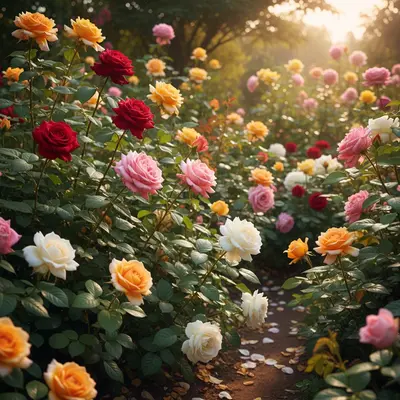
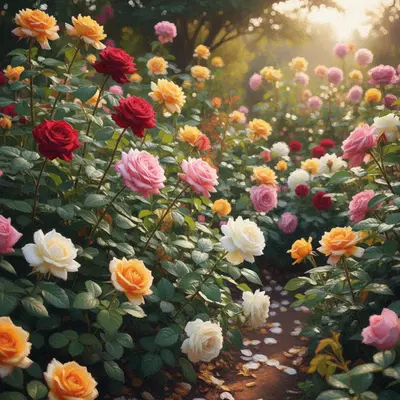
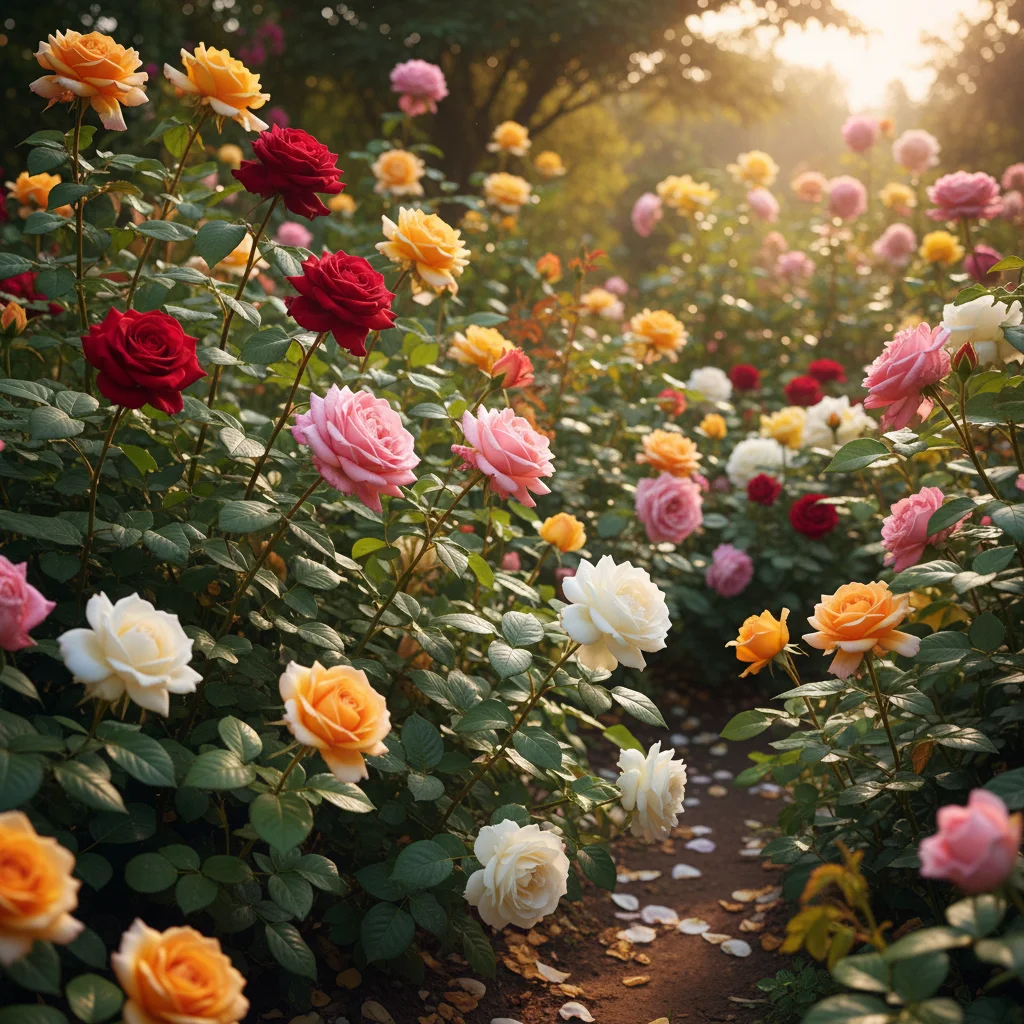
Photographic garden with colorful flowers in natural light
Before
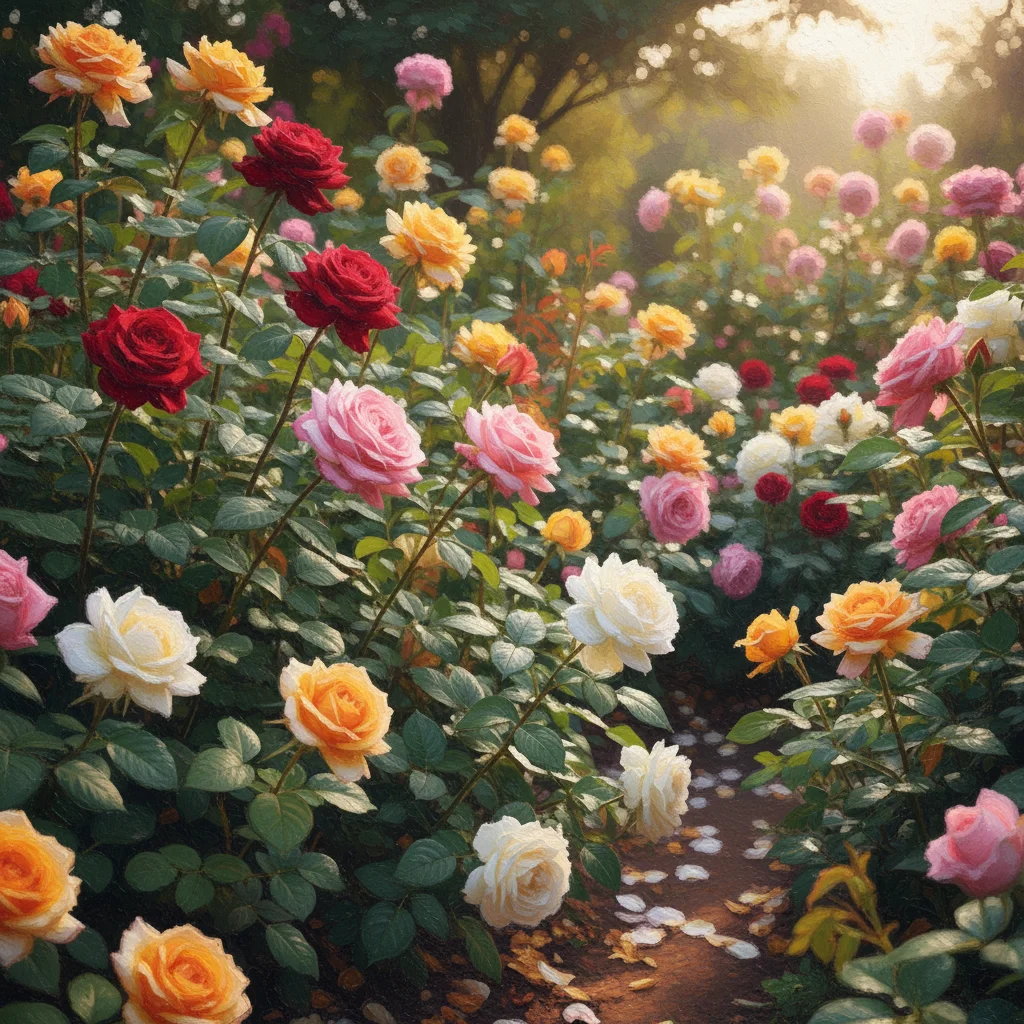
Garden transformed into Impressionist painting with loose brushstrokes and dappled light
After

Upload photo to transform photo style

"transform into Impressionist garden painting style with soft blurred edges, vibrant greens and purples, and a sense of light through leaves"

Release to upload

FreeNo signupNo watermark

1 free edit·then from $1.99

Popular use cases:
  • Impressionist painting photo effect
  • Monet style photo
  • French Impressionism filter
  • loose brushstroke painting photo
  • painterly photo effect
  • dappled light painting style
  • art style photo transformation

Cost
Free No signup required
Time
Instant results in 15-30 seconds
Works on
Any device - browser, phone, tablet, desktop
Powered by
AI-powered photo editing
Scenario Prompt Time
Classic outdoor French Impressionist with dappled light and loose brushstrokes 25s
Garden scene Impressionist garden with vibrant colors and soft edges 25s
Water scene Impressionist broken color water reflections and shimmering light 30s
Portrait Impressionist portrait with atmospheric light and warm harmonies 25s

How it works

  1. Upload your photo

    Drop any photo into EditThisPic — landscapes, gardens, portraits, water scenes, or street scenes all work beautifully with Impressionist style. JPG, PNG, or WebP up to 7MB. Photos with interesting light — bright dappled sunlight or soft overcast — transform especially well.

    Expect: Landscapes and simple scenes: 20-30 seconds. Portraits or complex scenes: 30-45 seconds. May benefit from a second attempt with lighting specifics in the prompt.
  2. Describe the Impressionist style you want

    Type your instruction: 'transform this into Impressionist painting style with loose visible brushstrokes and dappled light' or 'make this look like a French Impressionist painting with vibrant colors and soft blurred edges.' Specify light quality — sunny dappled, soft overcast, golden hour — for distinct moods. No marking needed.

    Tip: Specify color emphasis: 'vibrant complementary colors' for high-energy Impressionism, or 'soft muted pastels' for a more delicate effect. Mentioning specific qualities like 'broken color technique' or 'visible brushwork' strengthens the style authenticity.

    Copy one of these to get started:

    Classic Impressionist landscape transform this into French Impressionist painting style with loose visible brushstrokes and vibrant dappled sunlight
    Garden scene in the style of Monet transform into Impressionist garden painting style with soft blurred edges, vibrant greens and purples, and a sense of light through leaves
    Water and reflection scene transform this water scene into Impressionist style with broken color reflections, loose brushstrokes on the water, and shimmering light effects
    Portrait in Impressionist style transform this portrait into Impressionist painting style with soft atmospheric light, loose painterly brushwork, and warm color harmonies
    3 more prompts
    Urban scene with movement transform this city scene into Impressionist style capturing the energy and movement with loose rapid brushstrokes and vibrant contrasting colors
    Soft pastel Impressionism transform into soft pastel Impressionist style with delicate muted colors, gentle brushwork, and misty atmospheric light
    Bold Post-Impressionist color transform with bold vibrant Impressionist colors and expressive visible brushstrokes, high color saturation and energetic mark-making
  3. Review the painterly transformation

    Look for characteristic Impressionist marks — visible brushstrokes, broken color where different hues sit side by side, soft blurred edges, and the sense of captured light rather than sharp detail. The scene should feel alive with light and movement rather than precisely rendered.

  4. Refine specific areas if needed

    If you want stronger brushwork in the sky or softer edges on a face, tap markers on those areas and regenerate with additional instructions. Most transformations work beautifully in one attempt.

    Tip: For water and sky areas: markers help the AI apply more expressive brushwork to these traditionally Impressionist-emphasized elements.
Try it free

Upload photo to transform photo style

"transform this water scene into Impressionist style with broken color reflections, loose brushstrokes on the water, and shimmering light effects"

Release to upload

Free • No signup

See it in action

Photographic garden with colorful flowers in natural light
Before
->
Garden transformed into Impressionist painting with loose brushstrokes and dappled light
After

Garden photo to Impressionist painting

A garden photo transformed with loose brushwork, vibrant colors, and the signature dappled light effect of outdoor Impressionist painting.

Prompt: transform into French Impressionist garden painting with loose brushstrokes, dappled sunlight through leaves, and vibrant color
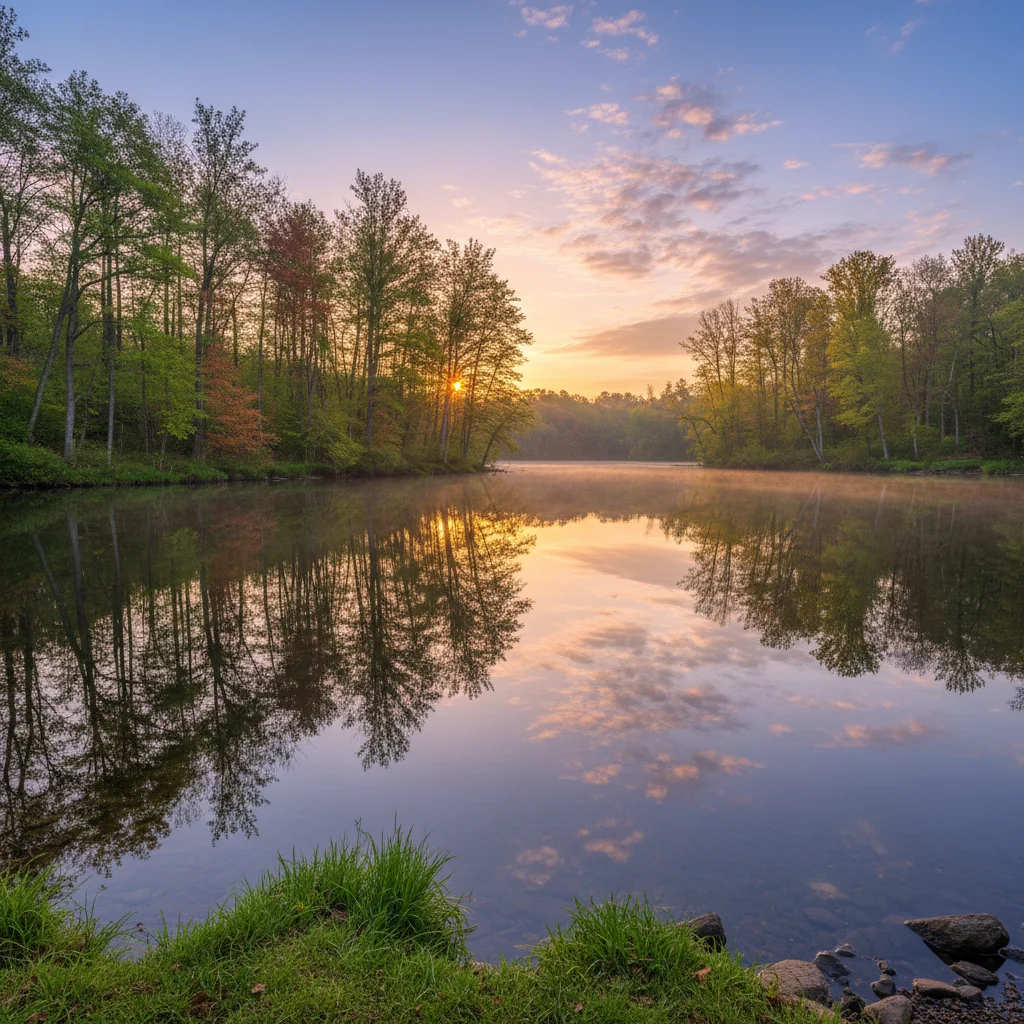
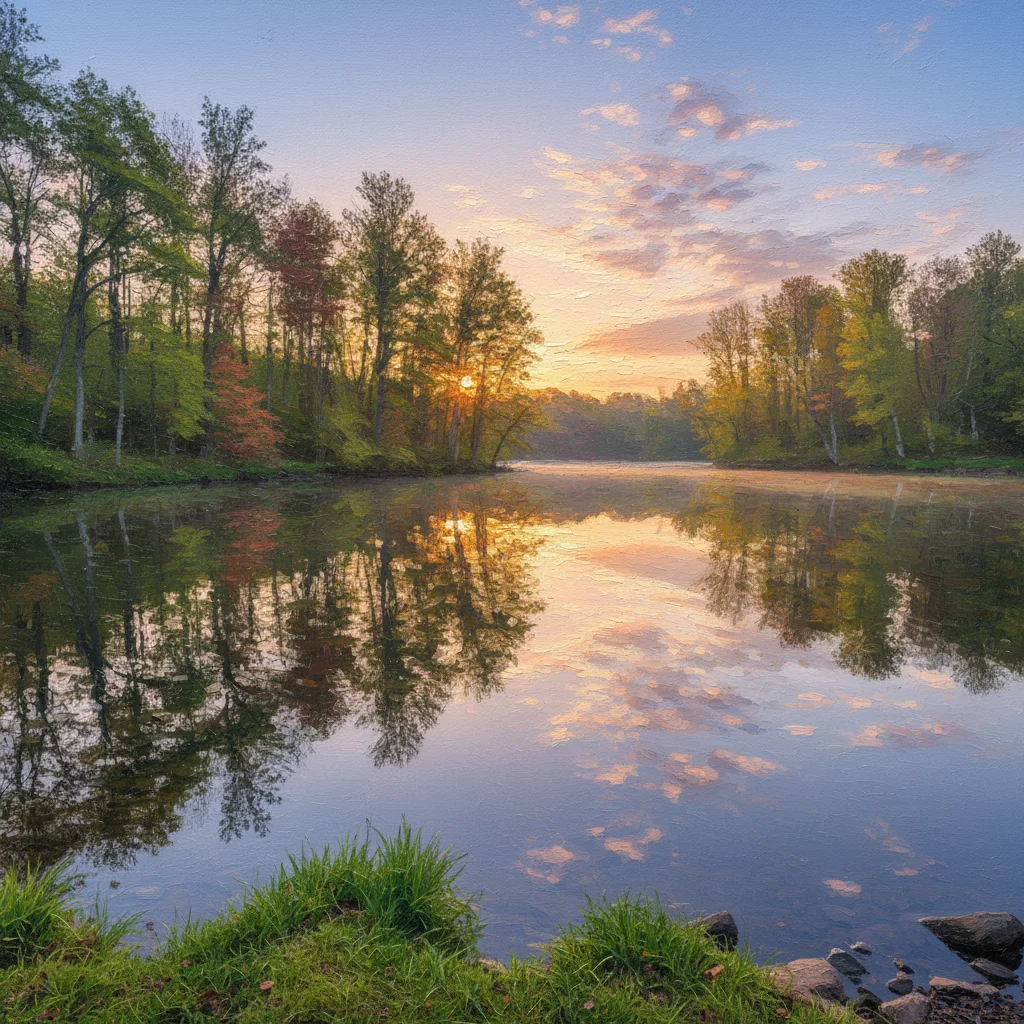
Photographic water scene with tree reflections
Before
->
Water scene transformed into Impressionist painting with broken color and shimmering light
After

Water scene with Impressionist reflections

A lake or river photo transformed with the broken-color technique that defines Impressionist water painting — shimmering light, loose reflections, moving water.

Prompt: transform into Impressionist style with broken color reflections on the water, shimmering light, and loose expressive brushwork
Portrait photograph outdoors in natural light
Before
->
Portrait transformed into Impressionist painting with soft atmospheric quality and warm colors
After

Portrait transformed to Impressionist atmosphere

A portrait photograph gains the atmospheric soft-light quality of Impressionist figure painting — loose edges, warm harmonious color, light as the primary subject.

Prompt: transform into Impressionist portrait style with soft atmospheric light, warm color harmonies, and painterly loose brushwork

If something looks off

The effect looks like a photo filter, not a painting

Why: The AI applied a light Impressionist effect. Stronger direction produces more convincing painterly results.

Try: boldly transform into French Impressionist oil painting with highly visible expressive brushstrokes, broken color technique, and strong painterly texture throughout

Tip: Words like 'bold,' 'expressive,' 'highly visible brushstrokes,' and 'broken color technique' push the AI toward more authentic Impressionist painting quality.

Colors look muddy or dull instead of vibrant

Why: The AI's interpretation of Impressionism may have skewed toward muted tones rather than the vibrant palette characteristic of classic Impressionism.

Try: Impressionist style with vibrant saturated complementary colors — bright blues and oranges, vivid greens and purples, the characteristic high-chroma palette of French Impressionism

Tip: Specify 'complementary colors,' 'vibrant,' and 'high chroma' for the bright, energetic Impressionist color palette.

AI changed the wrong area or something I didn't want changed

Why: The AI couldn't determine exactly which areas from the description alone should receive different treatment.

Try: Tap a marker on the specific area you want changed, then regenerate with the same prompt

Tip: Markers let you apply different Impressionist intensities — expressive sky vs softer face, for instance.

The transformation lost important details in faces

Why: Impressionist style deliberately sacrifices detail for atmosphere — faces may become less defined.

Try: apply Impressionist painting style with atmospheric light and brushwork — preserve facial features and keep the person recognizable while adding painterly texture to the surroundings

Tip: Ask to 'preserve facial features' or use markers on faces when recognition matters more than maximum style expression.

Quick answers

Do I need to mark areas before the Impressionist transformation?

No! Just describe the style: 'transform into French Impressionist style with loose brushstrokes and dappled light.' The AI handles the full transformation. Use markers only if you want different intensity in specific areas — like stronger brushwork in the sky versus softer treatment on a face.

How do I transform a photo to Impressionist style for free?

Upload your photo to EditThisPic, type 'transform into French Impressionist painting style with loose visible brushstrokes and vibrant color,' and the AI delivers the result in 20-40 seconds. No signup required, no watermark on the output.

Is this imitating specific Impressionist artists like Monet or Renoir?

EditThisPic generates images in the visual style of Impressionism — loose brushwork, broken color, atmospheric light, and the aesthetic of 19th century French Impressionist painting. It does not copy or reproduce specific artworks by named artists. The result is your original photo rendered in an Impressionist aesthetic.

What photos work best for Impressionist style?

Outdoor scenes with interesting natural light work best — gardens, water, landscapes, parks, urban streets. Photos with dappled sunlight, reflections, or atmospheric haze transform especially well. Portraits also work — Impressionist figure painting emphasized atmosphere over sharp detail, so softer portraits translate beautifully.

How is Impressionist style different from other painting styles?

Impressionism (1860s-1890s France) is defined by loose visible brushstrokes, broken color technique (painting separate strokes of color that mix in the viewer's eye), soft edges, emphasis on light and atmosphere, and capturing a fleeting moment rather than a precise scene. This differs from Renaissance (smooth blending, dramatic chiaroscuro) or Watercolor (transparent washes, paper texture).

How much does EditThisPic cost?

You get 1 free edit per week — no account needed. After that, credit packs start at $1.99 for 3 edits. Monthly plans start at $4.99/mo for 15 edits with unused credits rolling over. All edits are full resolution with no watermark.

Ready to paint your photo in Impressionist style?

Free to try. No signup required.

1 free edit included·Credit packs from $1.99