Pricing Visualize Truck bed cover · Free

AI Truck Bed Cover Visualizer

← Browse all creative effects

Last updated

Upload a photo of your pickup and describe the tonneau cover or bed cap you want to try.
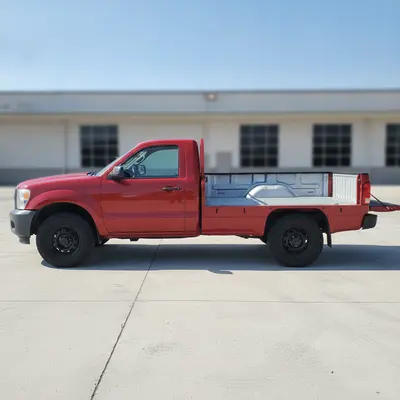
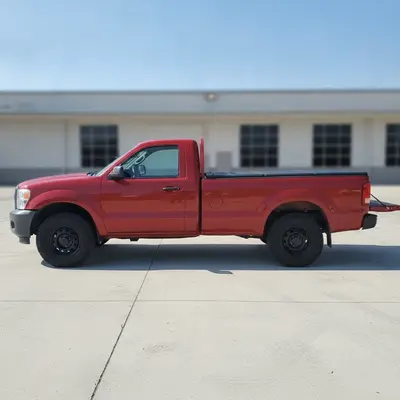
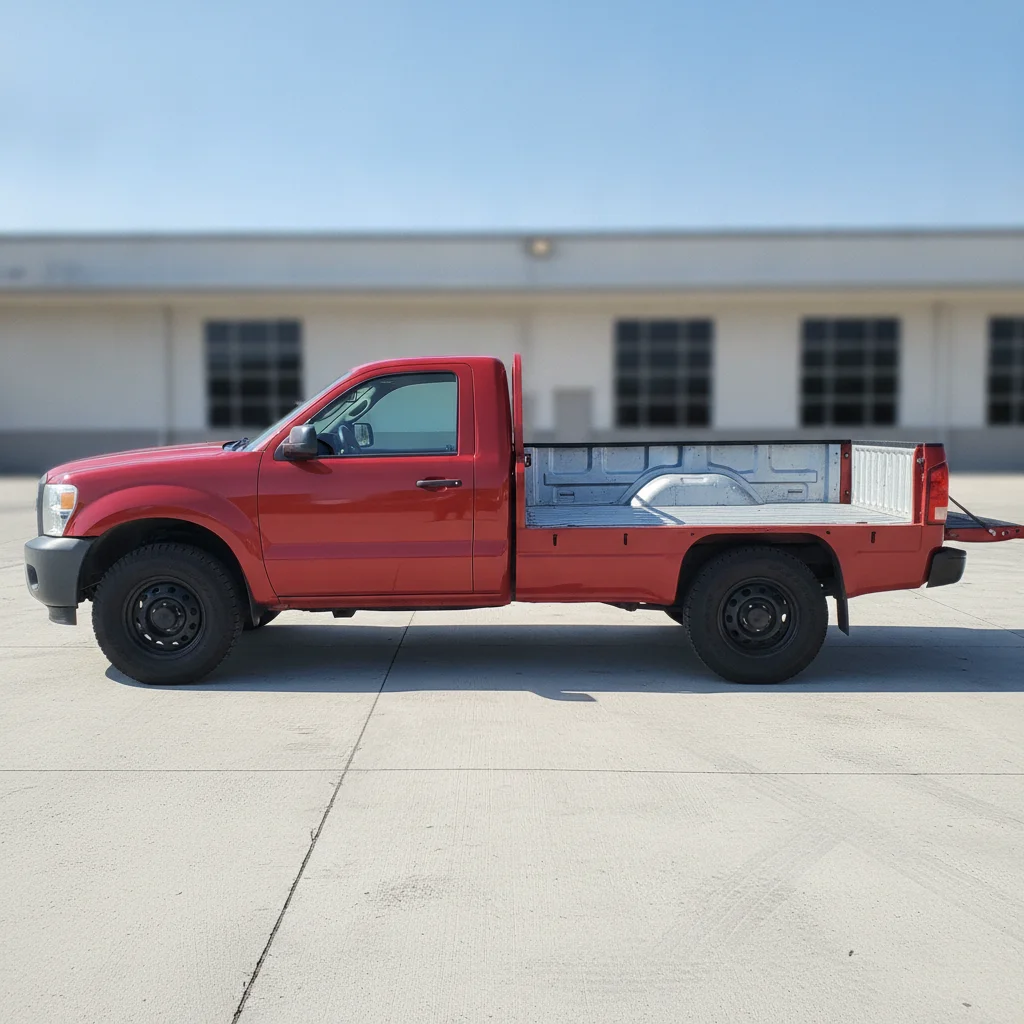
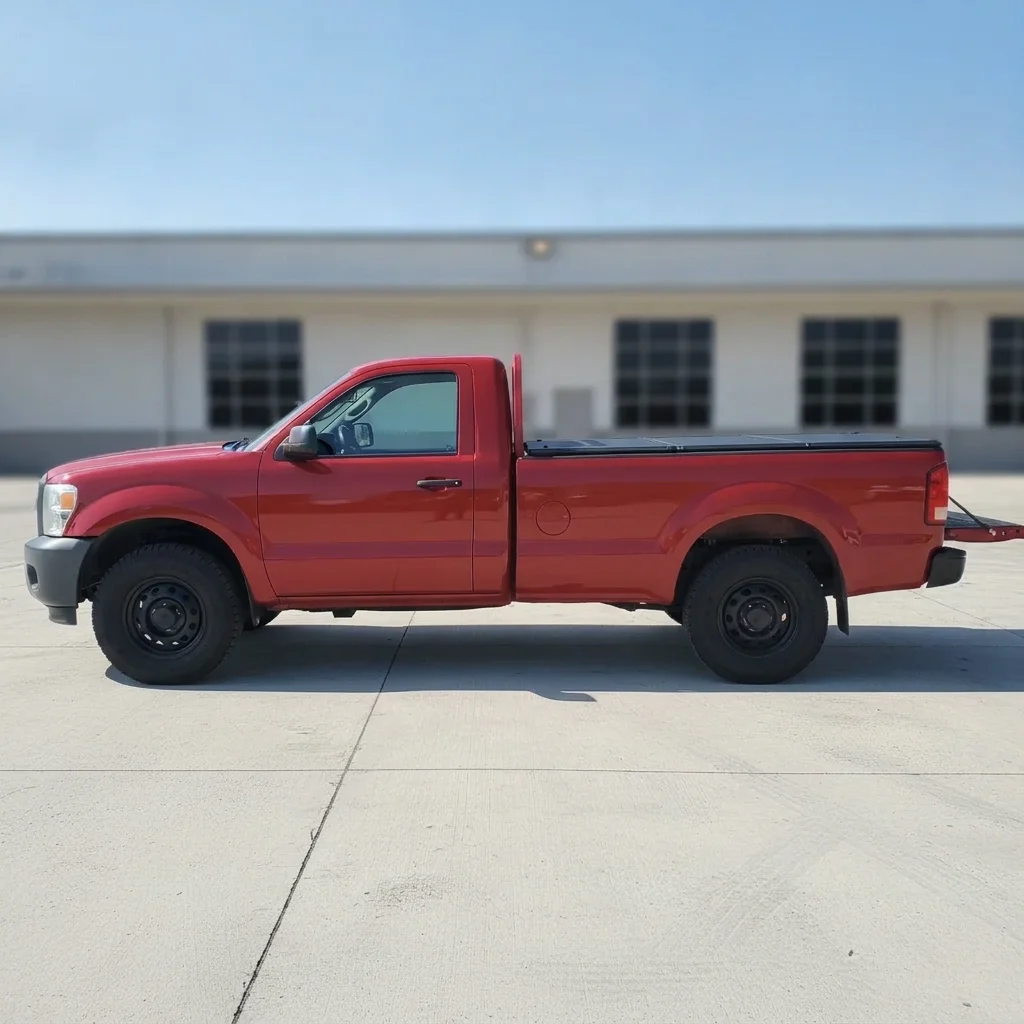
Red pickup truck with an empty open bed Same truck with a black tonneau cover over the bed

Upload photo to visualize truck bed cover

"add a black soft vinyl roll-up tonneau cover over the truck bed with a visible roll at the cab end, keep the truck unchanged"

Free to try · no sign-up · never used for AI training

Release to upload

<30stypical edit
1 freeedit weekly
Photo on your phone? Scan to open this editor there — free edit works on your phone too.

1 free edit every week·paid packs after

How it works

  1. Upload a side photo of the whole truck

    A straight side or low three-quarter view that shows the full bed and tailgate works best. Park on a plain surface in daylight. Empty beds are easiest, since gear and tools in the bed can end up under or through the cover.

    Expect: Simple changes usually finish in under a minute. Busy photos may need a second try.
  2. Describe the cover style and color

    Type the cover type, color and finish: 'add a black hard tri-fold tonneau cover over the truck bed, flush with the bed rails, keep the cab, tailgate and wheels unchanged'. You can also try a roll-up soft cover, a retractable cover, or a full-height bed cap in the truck color.

    Tip: Name the type (tri-fold, roll-up, bed cap) because each one sits at a different height.

    Copy one of these to get started:

    Black hard tri-fold cover — most popular add a black hard tri-fold tonneau cover over the truck bed, flush with the bed rails, keep the cab, tailgate and wheels unchanged
    Soft roll-up cover add a black soft vinyl roll-up tonneau cover over the truck bed with a visible roll at the cab end, keep the truck unchanged
    Bed cap in matching truck color add a full-height fiberglass bed cap in the same red as the truck with tinted side windows, keep the cab, tailgate and wheels unchanged
    Retractable aluminum cover add a silver aluminum retractable tonneau cover over the bed with thin ribbed slats, keep the cab and tailgate unchanged
    3 more prompts
    Textured black hard cover add a matte black textured hard tonneau cover over the bed, slightly raised in the center, keep the truck and background unchanged
    Cover matched to a white truck add a white hard tonneau cover over the bed in the same white as the truck body, flush with the rails, keep everything else unchanged
    Half-open tri-fold show the black tri-fold tonneau cover folded back halfway so half the bed is open, keep the truck unchanged
  3. Check bed rails, tailgate and the cab edge

    Zoom in on where the cover meets the cab and the tailgate. Look for gaps, a cover that floats above the rails, or a tailgate that changed shape. The preview shows a general look, not an exact product fit for your model.

  4. Refine with markers if needed

    If the AI changed the wrong area or left part of the bed open, tap a marker on the bed and regenerate to point it at the bed area.

    Tip: Markers are optional. Most edits work from the description alone.

See it in action

Red pickup truck with an empty open bed
Before
->
Same truck with a black tonneau cover over the bed
After

Open bed to black hard tri-fold cover

A pickup owner previews a hard cover before choosing.

Prompt: add a BLACK hard tri-fold tonneau cover over the empty truck bed, keep the cab, tailgate and wheels unchanged
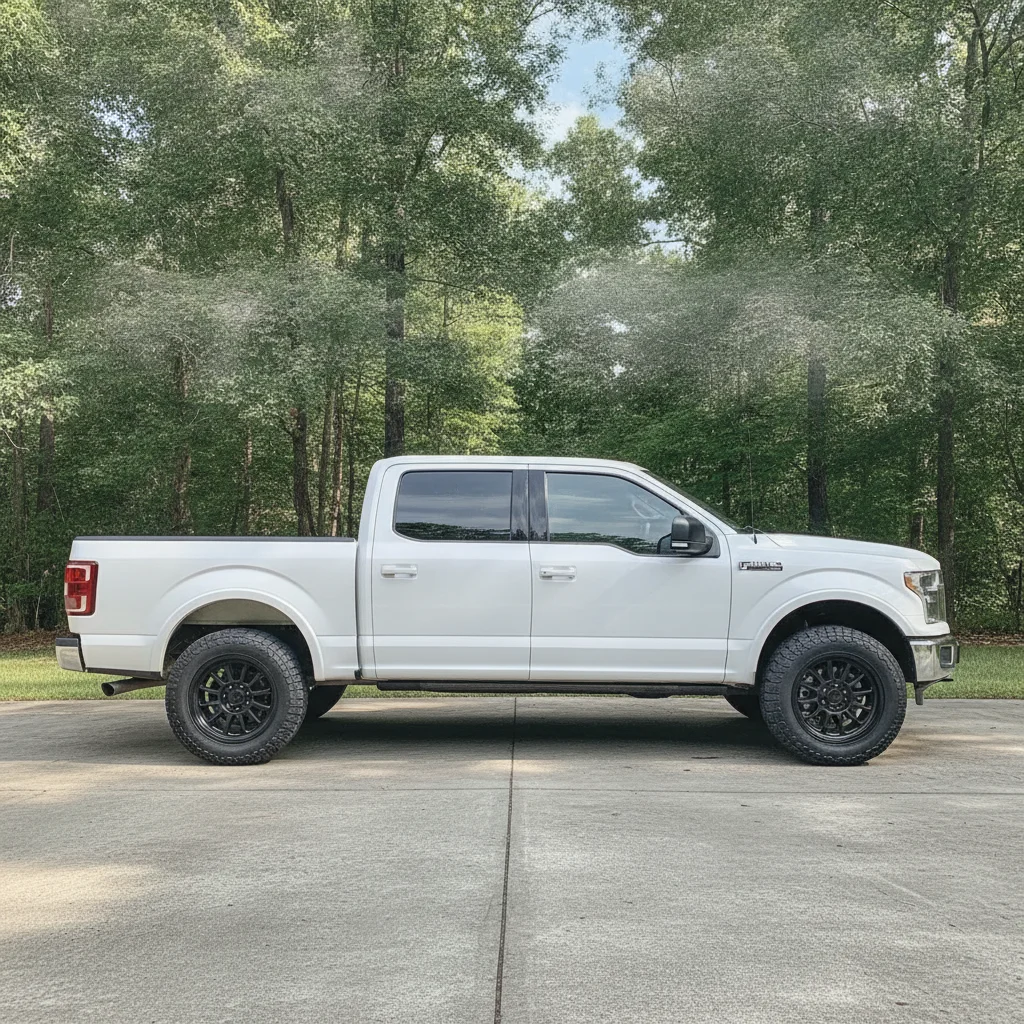
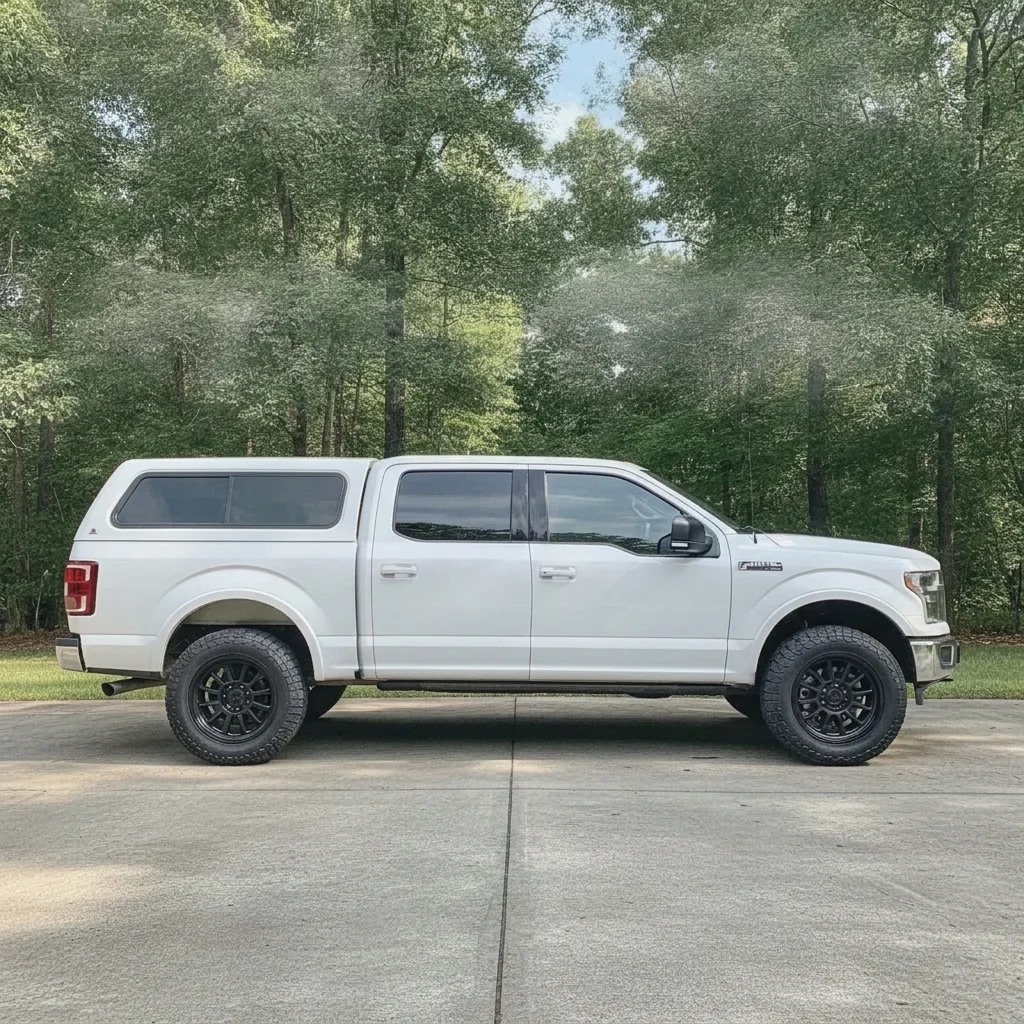
White pickup truck with an open empty bed
Before
->
Same truck with a white fiberglass bed cap
After

White pickup to a matching bed cap

See the full-height cap look.

Prompt: add a full-height white bed cap with tinted side windows matching the WHITE truck, keep the cab and wheels unchanged
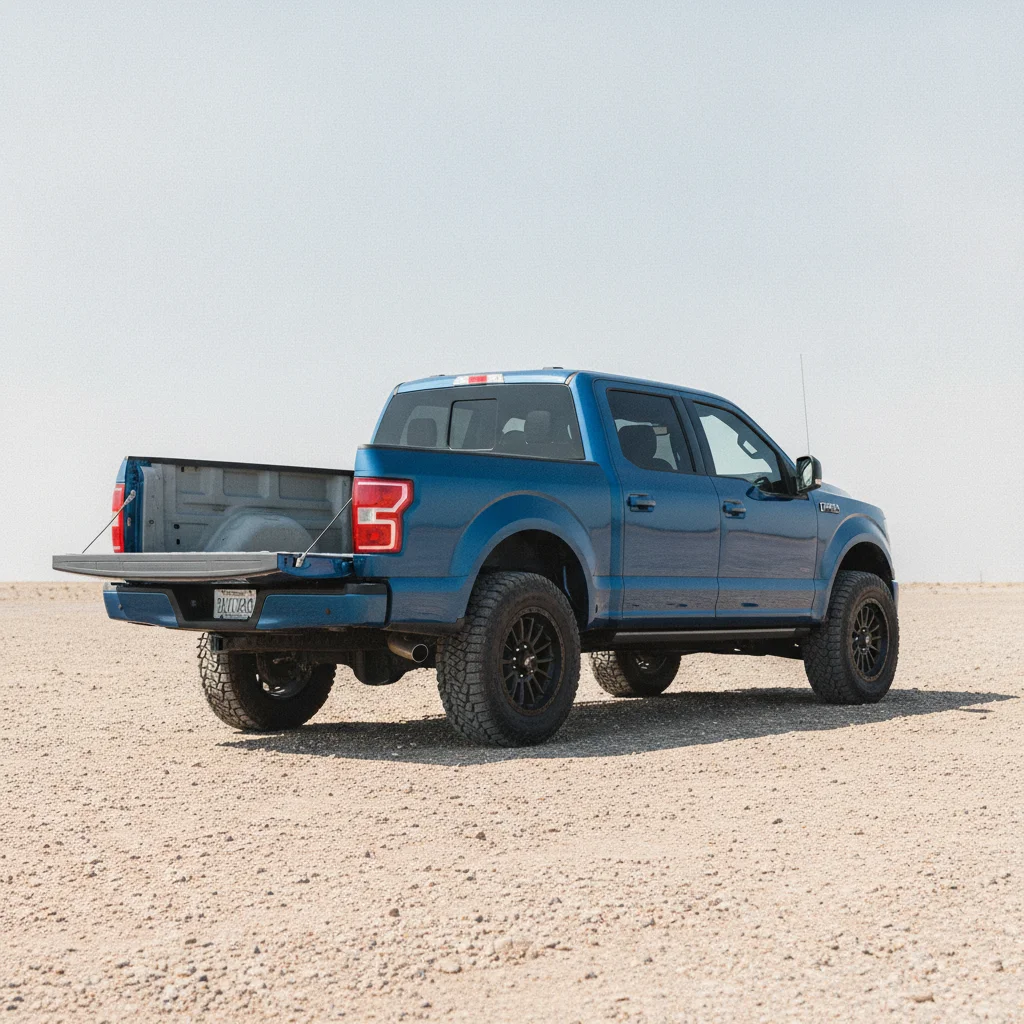
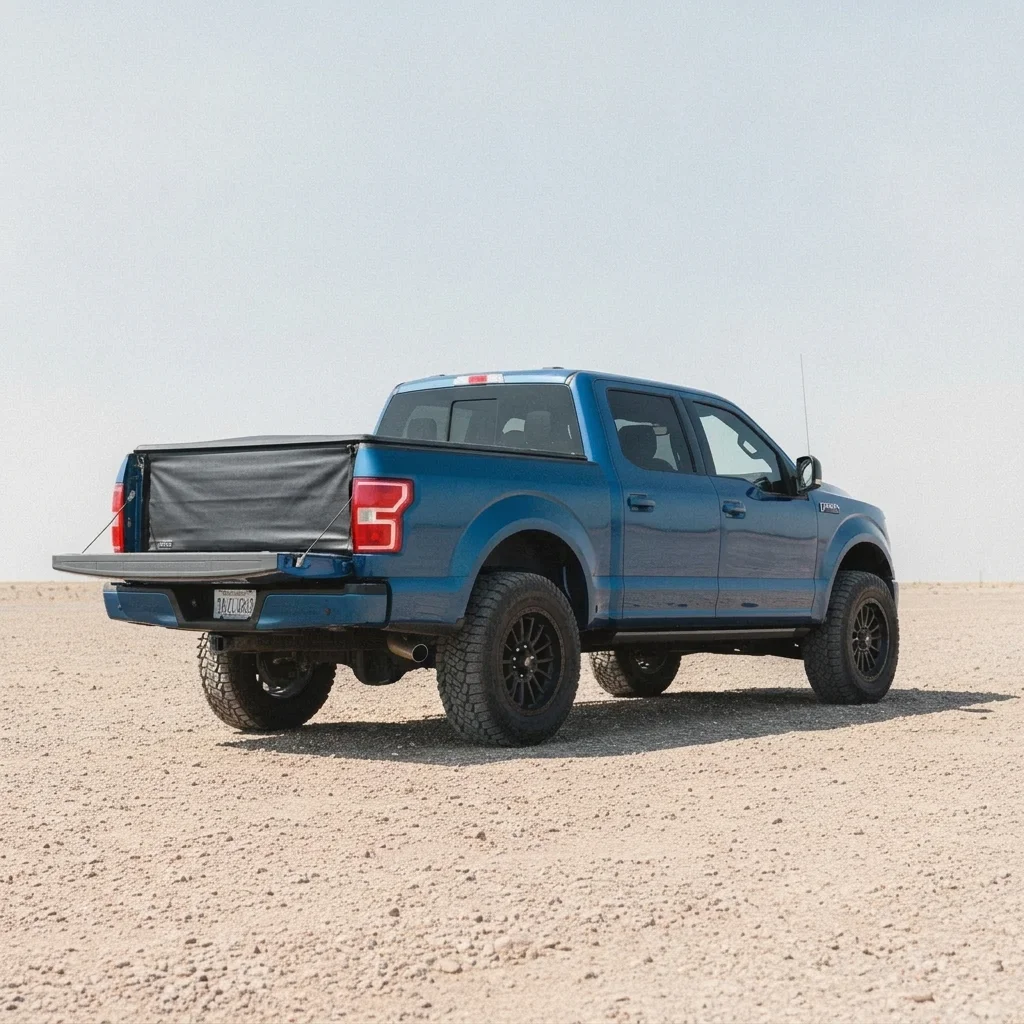
Blue pickup truck with an open empty bed
Before
->
Same truck with a black soft roll-up cover
After

Blue pickup with a roll-up cover

Compare a soft cover.

Prompt: add a black soft roll-up tonneau cover over the BLUE truck's open bed, keep the cab and tailgate unchanged

Quick answers

Do I need to mark the truck bed before adding a cover?

No. Describe the cover, for example 'add a black hard tri-fold tonneau cover'. Add a marker only if the AI changes the wrong part.

Is there a free truck bed cover visualizer with no signup?

Yes. EditThisPic gives you a free preview edit with no account and no watermark.

Will the preview show the exact product that fits my truck?

No. It shows a general look of the cover type and color. Check fit, bed length and model with the seller.

Can I compare different cover types on one photo?

Yes. Run each style on the same truck photo and compare.

What truck photo works best?

A side view in daylight with an empty bed and the whole truck in frame.

How much does EditThisPic cost?

You get 1 free Standard edit per week — no account needed. After that, one-time credit packs start at $4.99 for 10 credits, valid 12 months, no subscription. A Standard edit uses 1 credit, Pro 2 and Ultra 3. Purchased downloads are clean with no watermark.

Ready to preview a cover on your truck?

Free to try. No signup required.

1 free edit included·paid credit packs after