Pricing Visualize Car window tint · Free

AI Car Window Tint Visualizer

← Browse all creative effects

Last updated

Upload your car photo, describe the tint level, and see a preview. Free, no account.
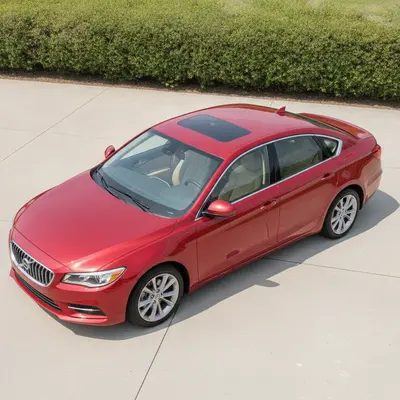
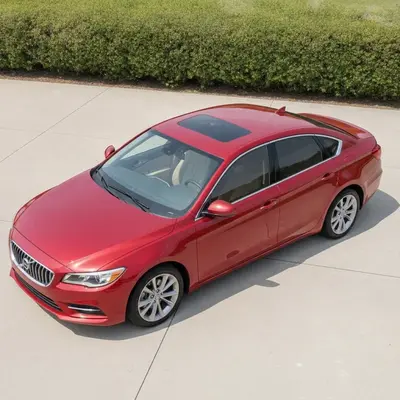
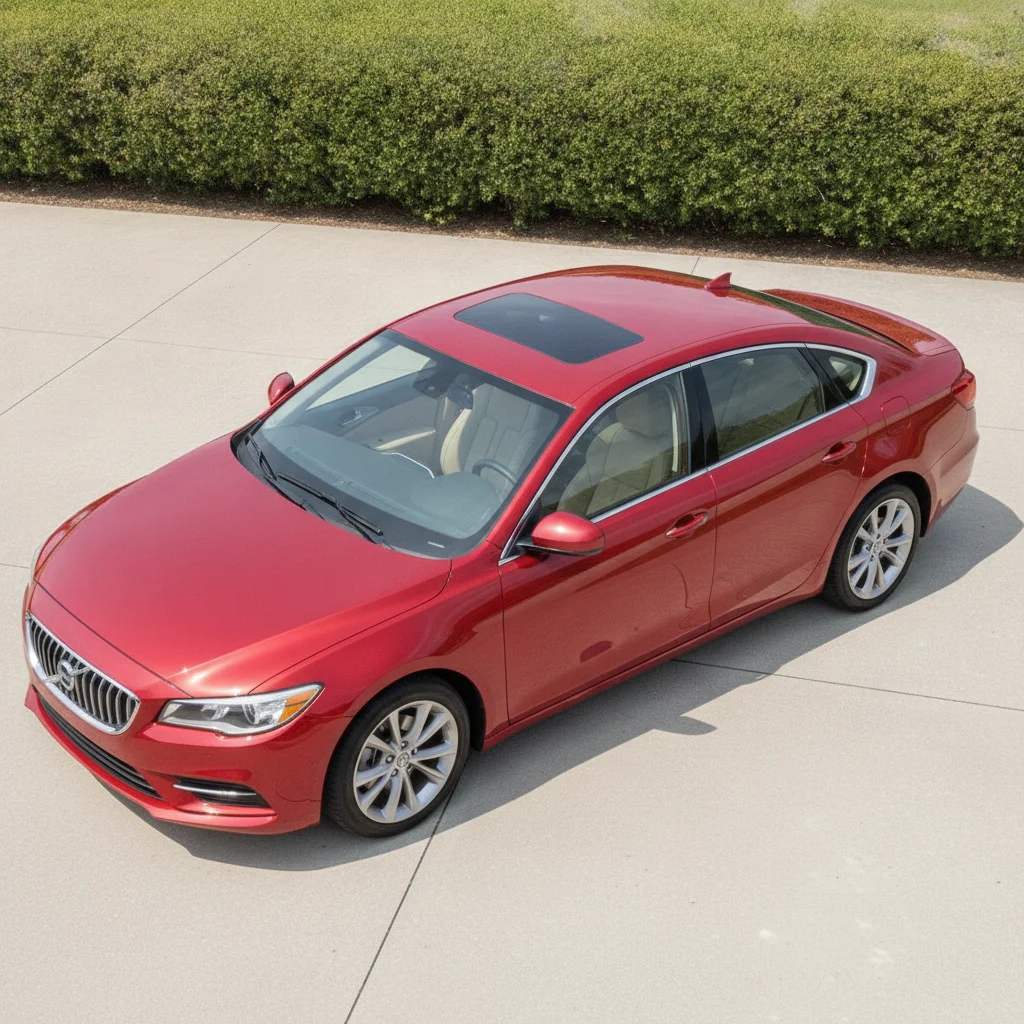
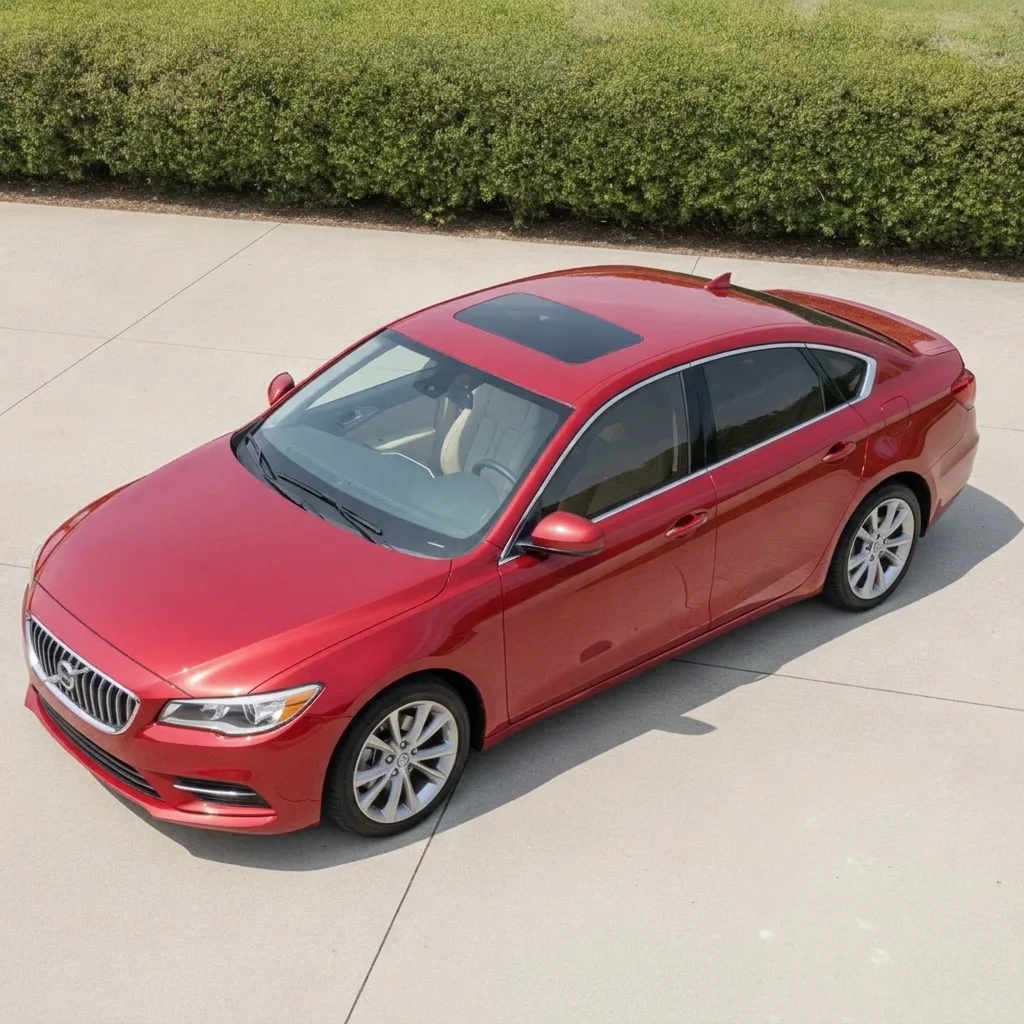
Red sedan with clear windows parked on a driveway Same red sedan with medium dark tint on the side and rear windows

Upload photo to visualize car window tint

"add very dark limo tint to the rear passenger windows and rear glass of this car, leave the front side windows lightly tinted and the windshield clear"

Free to try · no sign-up · never used for AI training

Release to upload

<30stypical edit
1 freeedit weekly
Photo on your phone? Scan to open this editor there — free edit works on your phone too.

1 free edit every week·paid packs after

How it works

  1. Upload a photo where the windows are visible

    Use a side or three-quarter shot in daylight so the glass is clearly visible. Avoid heavy reflections of buildings or trees in the glass, because the AI has less to work with. JPG, PNG or WebP.

    Expect: Most previews take around half a minute. Cars with strong reflections may need a second try.
  2. Describe the tint darkness and which windows

    Type which windows to tint and how dark: 'add dark limo tint to the rear side windows and rear glass, leave the front side windows and windshield clear.' Words like light, medium, dark and limo work well. No marking is needed.

    Tip: Name the windows you want tinted and the ones to leave clear. It is the single biggest factor in a believable preview.

    Copy one of these to get started:

    Medium tint on all side windows add medium dark window tint to all side and rear windows of this car, keep the windshield clear, keep the paint and wheels unchanged
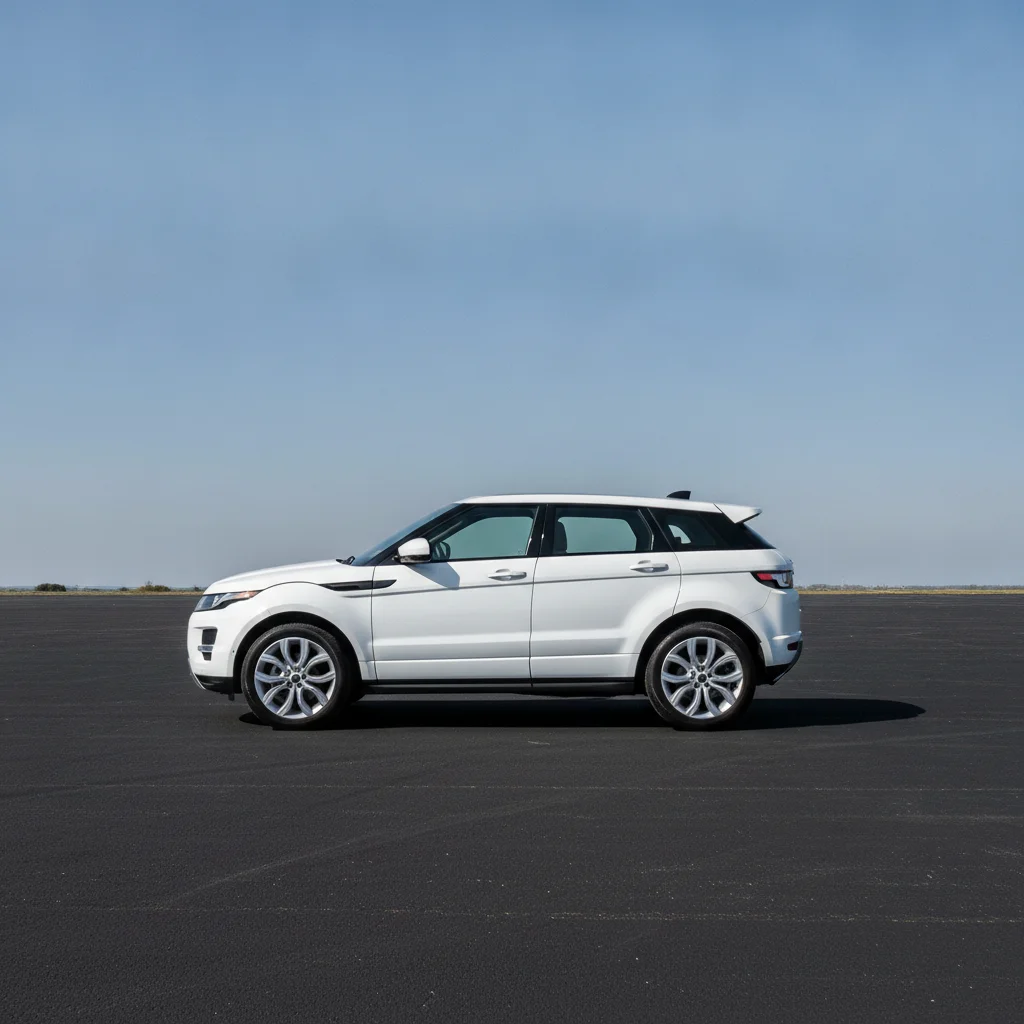
    Limo tint on rear windows add very dark limo tint to the rear passenger windows and rear glass of this car, leave the front side windows lightly tinted and the windshield clear
    Light tint for a subtle look add a light smoky window tint to every side window of this car, so the interior is still easy to see through, keep everything else unchanged
    Compare tint on a truck add dark gray tint to the rear and side windows of this pickup truck, keep the windshield and front door glass clear
    3 more prompts
    Remove existing tint make the dark tinted side windows of this car clear glass, so the interior seats are visible, keep the paint and trim unchanged
    Tint plus sunroof add dark tint to the panoramic sunroof and rear side windows of this SUV, keep the front windows clear
    Top-of-windshield sun strip add a thin dark tinted sun strip across the top of the windshield only, keep the rest of the glass clear and the car unchanged
  3. Review the preview

    Zoom in on the window edges, door frames and mirrors. Check that the tint stops at the glass line and the paint, chrome trim and reflections still look natural.

  4. Refine with markers if needed

    If the tint spilled onto the roof, pillars or trim, tap a marker on the glass you meant and regenerate. Markers are optional and mostly useful on cars with dark paint or black pillars.

    Tip: Markers are for precision, not a required step.

See it in action

Red sedan with clear windows parked on a driveway
Before
->
Same red sedan with medium dark tint on the side and rear windows
After

Red sedan, medium tint all round

A sedan parked on a driveway with clear glass. The owner wanted to see medium tint before booking an installer.

Prompt: add medium dark window tint to all side and rear windows of this car, keep the windshield clear, keep the paint and wheels unchanged
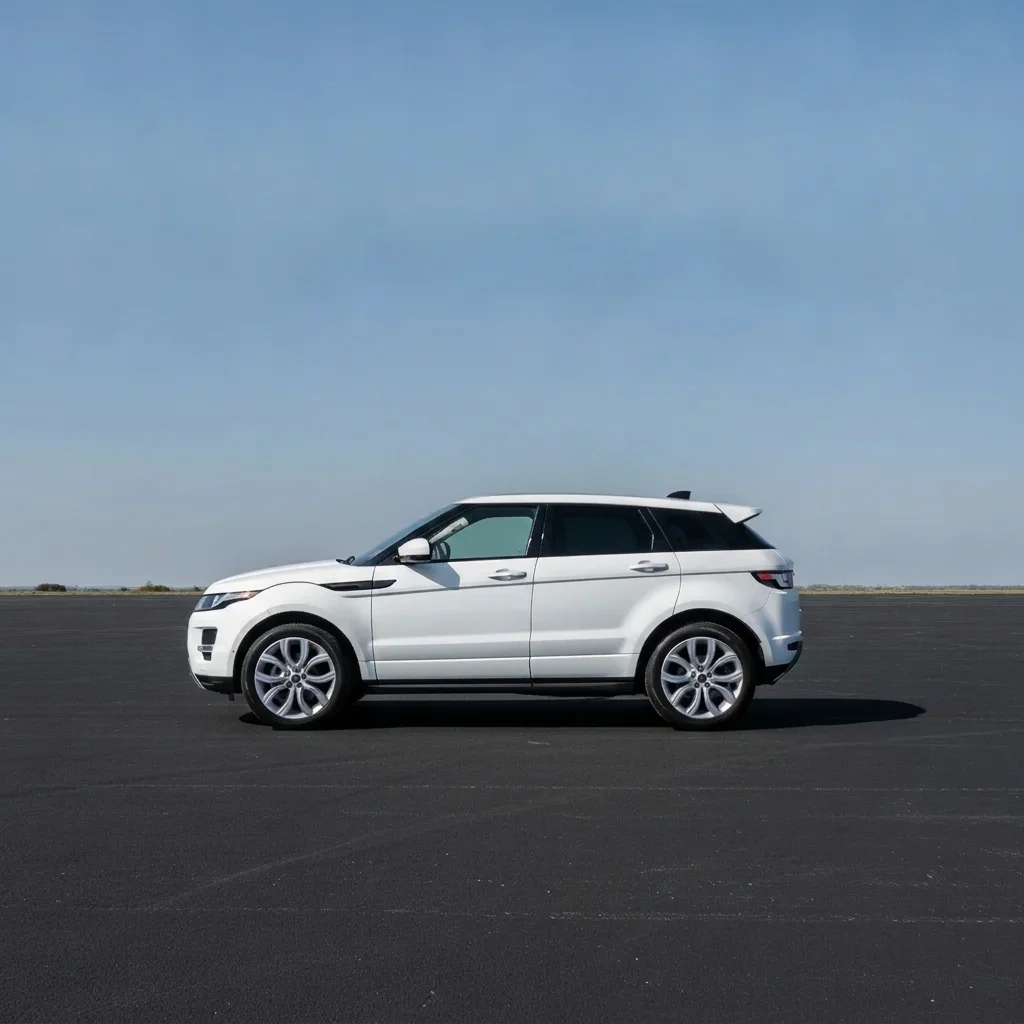
White SUV with clear windows in a car park
Before
->
Same SUV with dark limo tint on the rear windows only
After

White SUV, limo tint on rear

A white SUV with clear rear glass. The family wanted privacy glass for the back seats.

Prompt: add very dark limo tint to the rear passenger windows and rear glass of this SUV, leave the front side windows and windshield clear
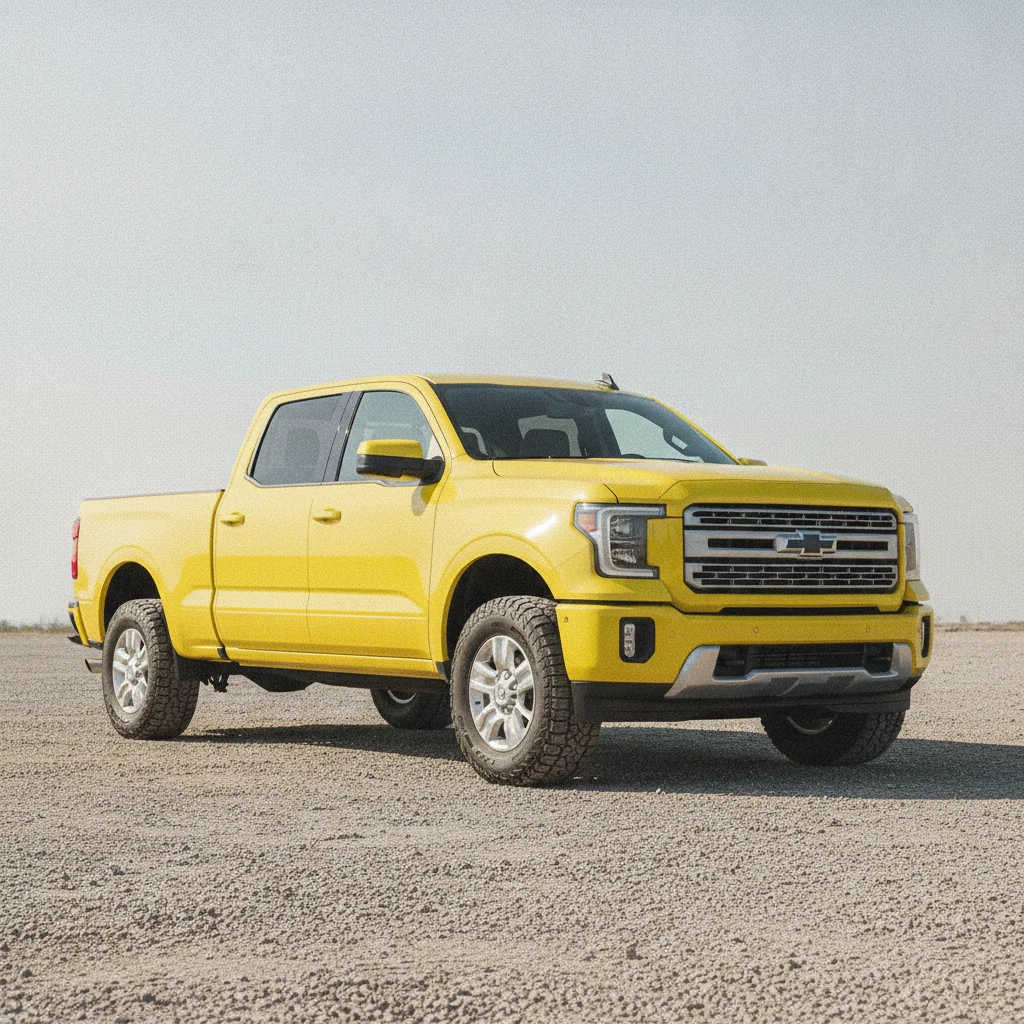
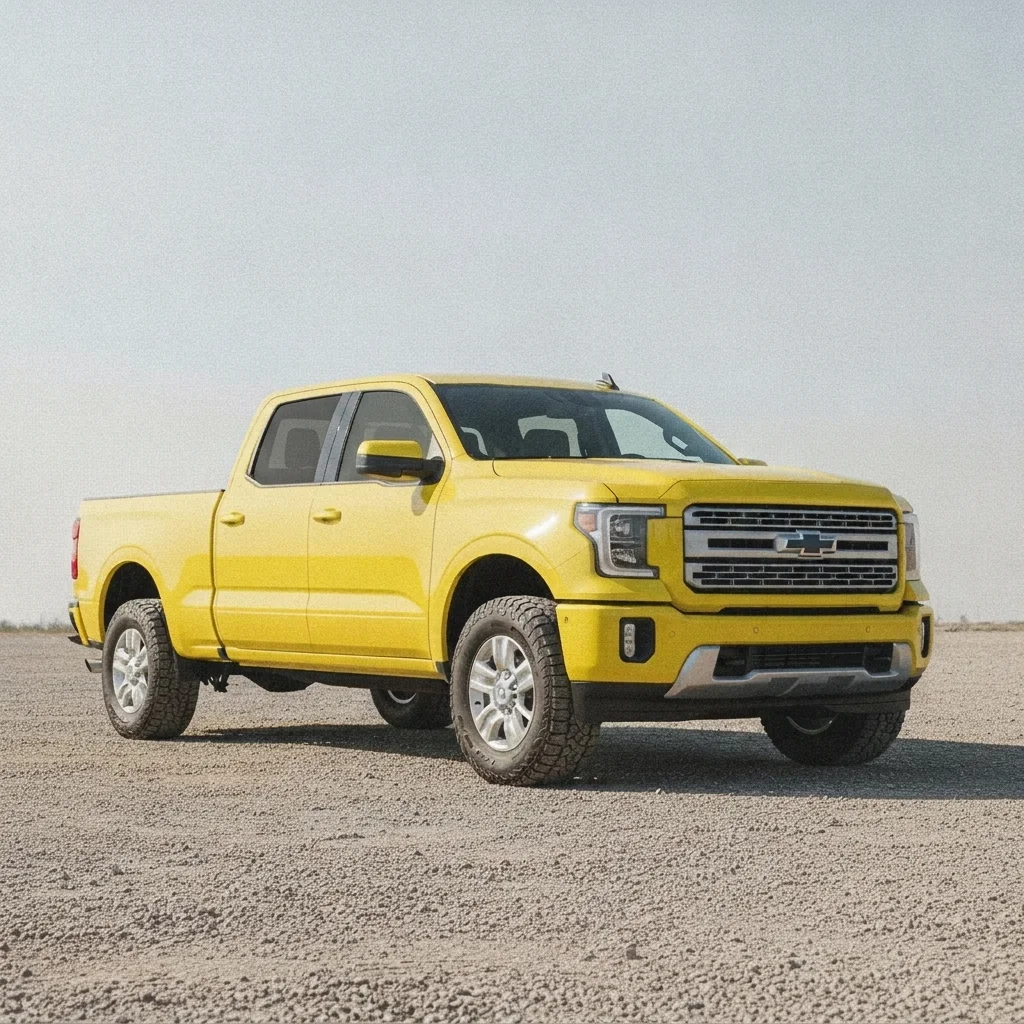
Yellow pickup with clear glass in a gravel yard
Before
->
Same pickup with light smoky tint on the side windows
After

Yellow pickup, light tint option

A pickup where the owner wanted to see a light option before deciding.

Prompt: add a light smoky window tint to every side window of this pickup truck, keep the windshield clear and the body unchanged

Quick answers

Do I need to mark the windows before choosing a tint?

No. Just describe which windows and how dark, for example 'add dark tint to the rear side windows.' Use markers only if the AI tints the wrong part of the car.

Is there a free car window tint visualizer with no signup?

Yes. EditThisPic gives you a free preview edit with no account and no watermark. Upload a photo, describe the tint, and compare darkness levels.

Does the preview match real tint percentages like 35% or 5%?

No. It is an AI preview of how dark it might look, not a measurement. Describe it as light, medium or limo, then confirm the exact film percentage with your installer.

Is the tint level I preview legal where I live?

The preview does not check laws. Window tint rules differ by region and by window, so check your local regulations before you book an install.

Can I show the preview to a tint shop?

Yes. Many people save a few versions and show the shop which look they want. The installer will advise on film options.

How much does EditThisPic cost?

You get 1 free Standard edit per week — no account needed. After that, one-time credit packs start at $4.99 for 10 credits, valid 12 months, no subscription. A Standard edit uses 1 credit, Pro 2 and Ultra 3. Purchased downloads are clean with no watermark.

Ready to preview your window tint?

Free to try. No signup required.

1 free edit included·paid credit packs after