Pricing Mock up Vehicle lettering · Free

AI Vehicle Lettering Mockup

← Browse all creative effects

Last updated

Upload a van or truck photo, add your logo, and preview the lettering. Free.
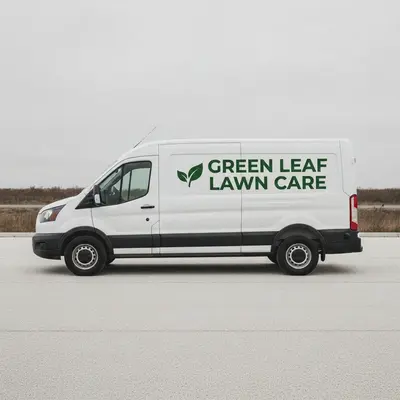
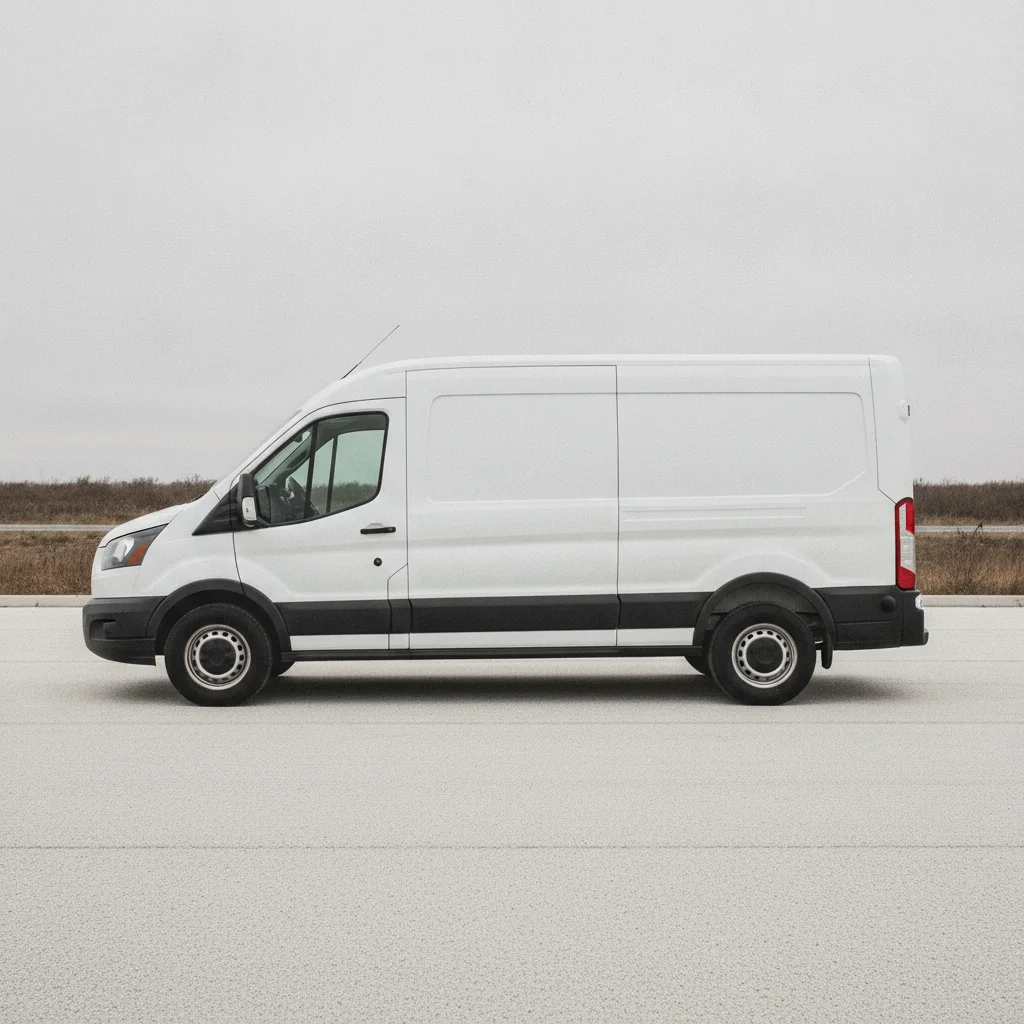
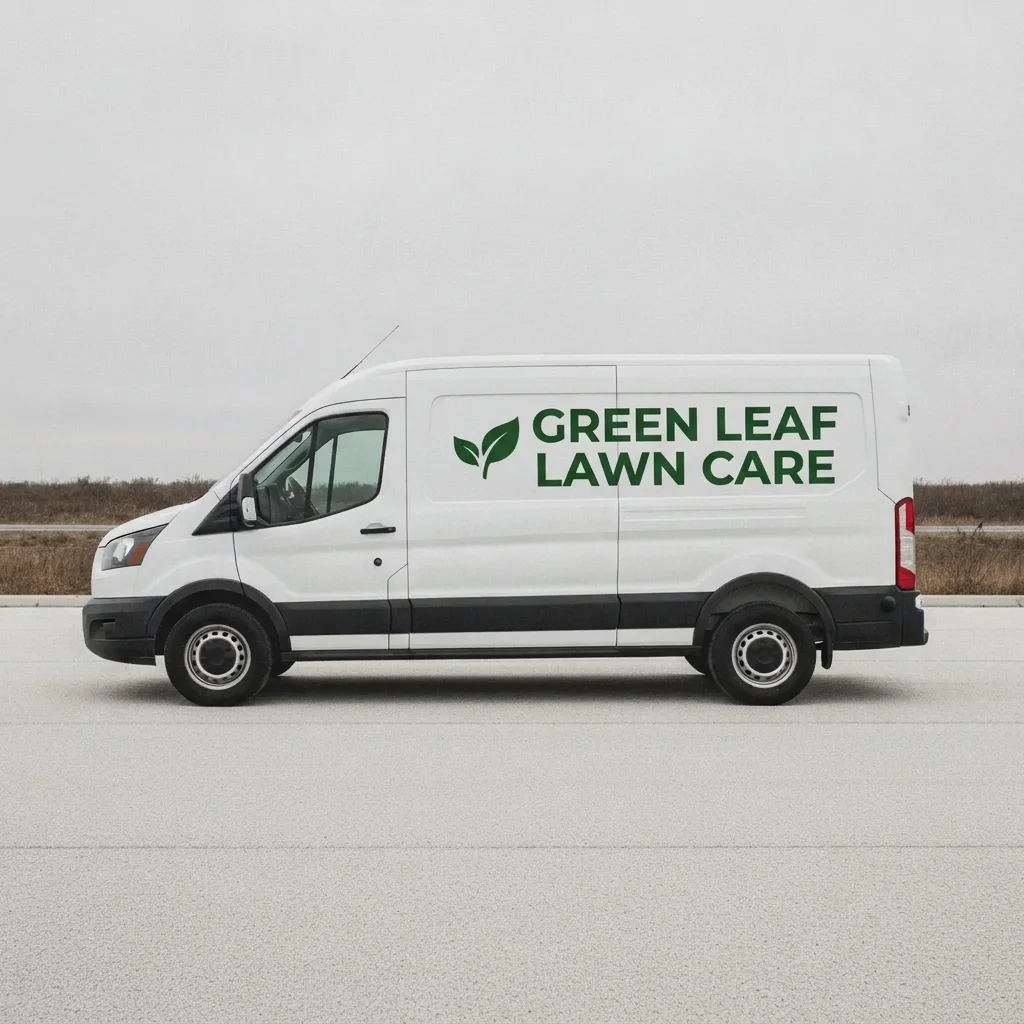
Plain white cargo van parked in daylight Same van with a logo and company name on the doors

Upload photo to mock up vehicle lettering

"add the phone number 555 0142 in large white numbers across the rear doors of this van, keep the paint and windows unchanged"

Free to try · no sign-up · never used for AI training

Release to upload

<30stypical edit
1 freeedit weekly
Photo on your phone? Scan to open this editor there — free edit works on your phone too.

1 free edit every week·paid packs after

How it works

  1. Upload the vehicle photo and, if you have one, your logo

    Use a clear side-on photo of the van or truck in daylight, with the doors and side panels visible. Add your logo as the second image if the tool asks for a reference. A logo on a plain or transparent background works best. JPG, PNG or WebP.

    Expect: About 30 seconds. Photos with the vehicle partly cropped may need a retry.
  2. Describe the lettering and where it goes

    Say what text and where: 'put the uploaded logo on both front doors with ACME PLUMBING below it in white block letters, and a phone number across the rear doors.' Name the colour, placement and any text. No marking is needed.

    Tip: Short names read better than long ones. Spell the text exactly as you want it.

    Copy one of these to get started:

    Logo and name on the front doors put the uploaded logo on both front doors of this van with the company name ACME PLUMBING below it in white block letters, keep the paint and windows unchanged
    Phone number on the rear doors add the phone number 555 0142 in large white numbers across the rear doors of this van, keep the paint and windows unchanged
    Full side panel lettering add the uploaded logo on the side panel of this white van with the tagline Fast Reliable Service in dark blue, centred, keep the sliding door handle clear
    Pickup tailgate and door logos put the uploaded logo on both front doors of this pickup truck in a circle badge, add the company name on the tailgate, keep the paint unchanged
    3 more prompts
    Contour cut vinyl lettering add the company name GREEN VALLEY LAWN CARE in green vinyl letters along the side of this truck, with a small leaf logo before it, keep the paint unchanged
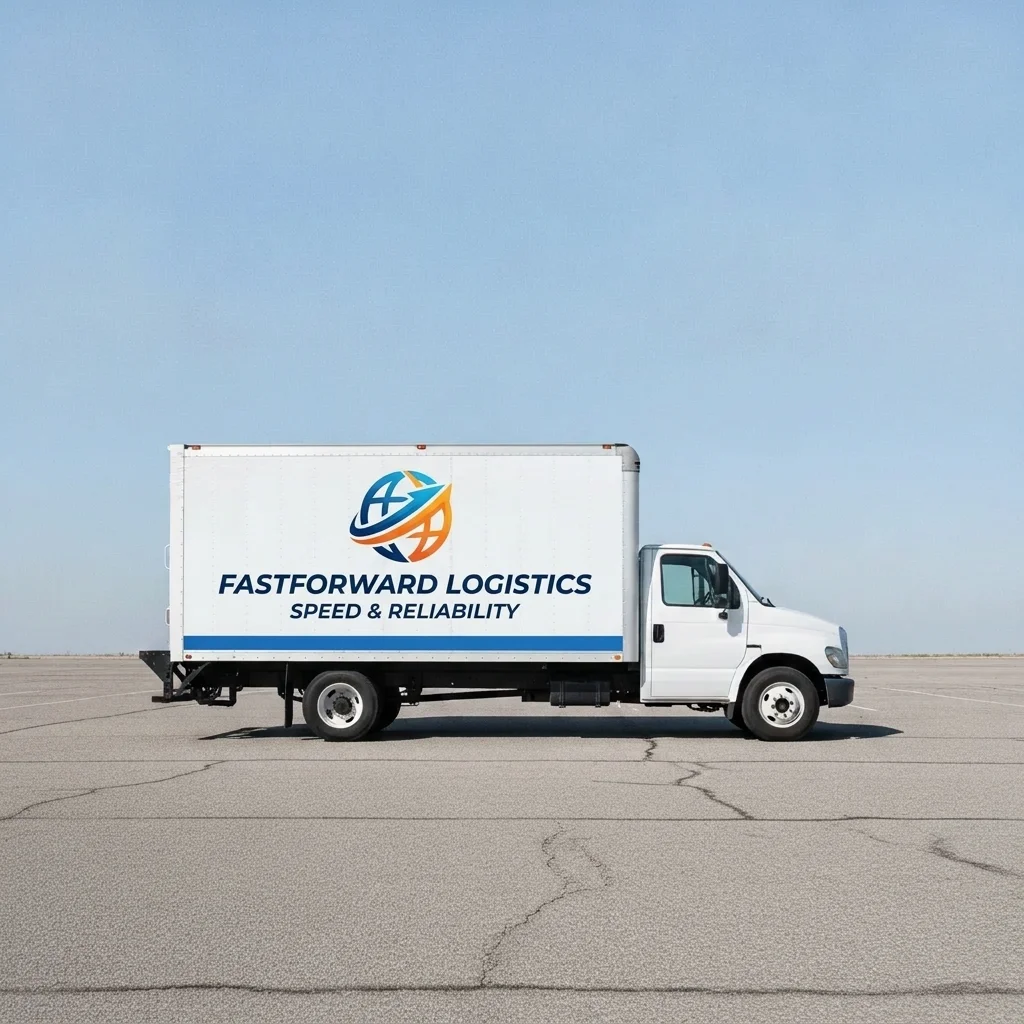
    Box truck full-side graphic add the uploaded logo large on the side of this box truck with the company name below, a blue stripe along the bottom, keep the cab unchanged
    Trailer or food truck add the uploaded logo and the name TACO LUNA in bold white letters on the side of this food truck, keep the serving window clear
  3. Review the lettering

    Zoom in on the text. Check the spelling, the logo shape, and that the lettering sits flat on the panel and follows the body curve, without covering windows or handles.

  4. Refine with markers if needed

    If the text is misspelt or sits on a window or handle, tap a marker on the panel you meant and regenerate with a shorter line of text. Markers are optional.

    Tip: Markers are for precision, not a required step.

See it in action

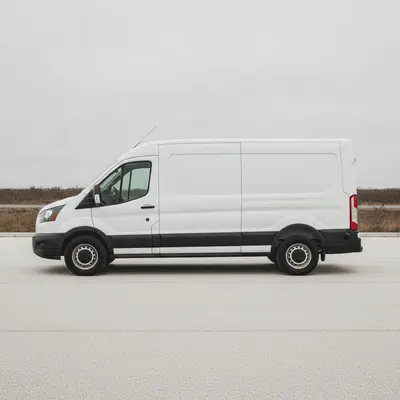
Plain white cargo van parked in daylight
Before
->
Same van with a logo and company name on the doors
After

White van, logo and name on the doors

A plain white van for a plumbing business. The owner wanted a quick layout to review.

Prompt: add business lettering on the side panel of the van that reads GREEN LEAF LAWN CARE in bold dark green letters with a small leaf logo, keep the van and background unchanged
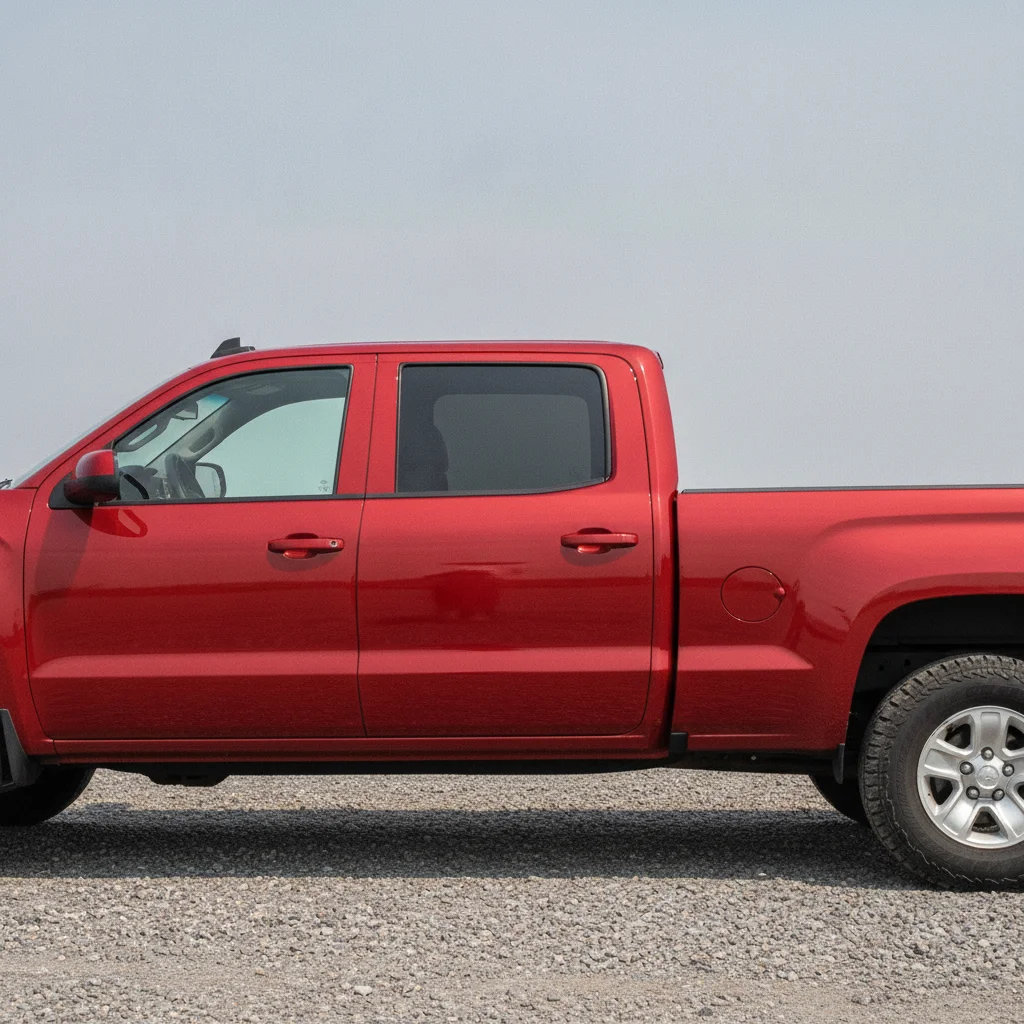
Plain red pickup with no graphics
Before
->
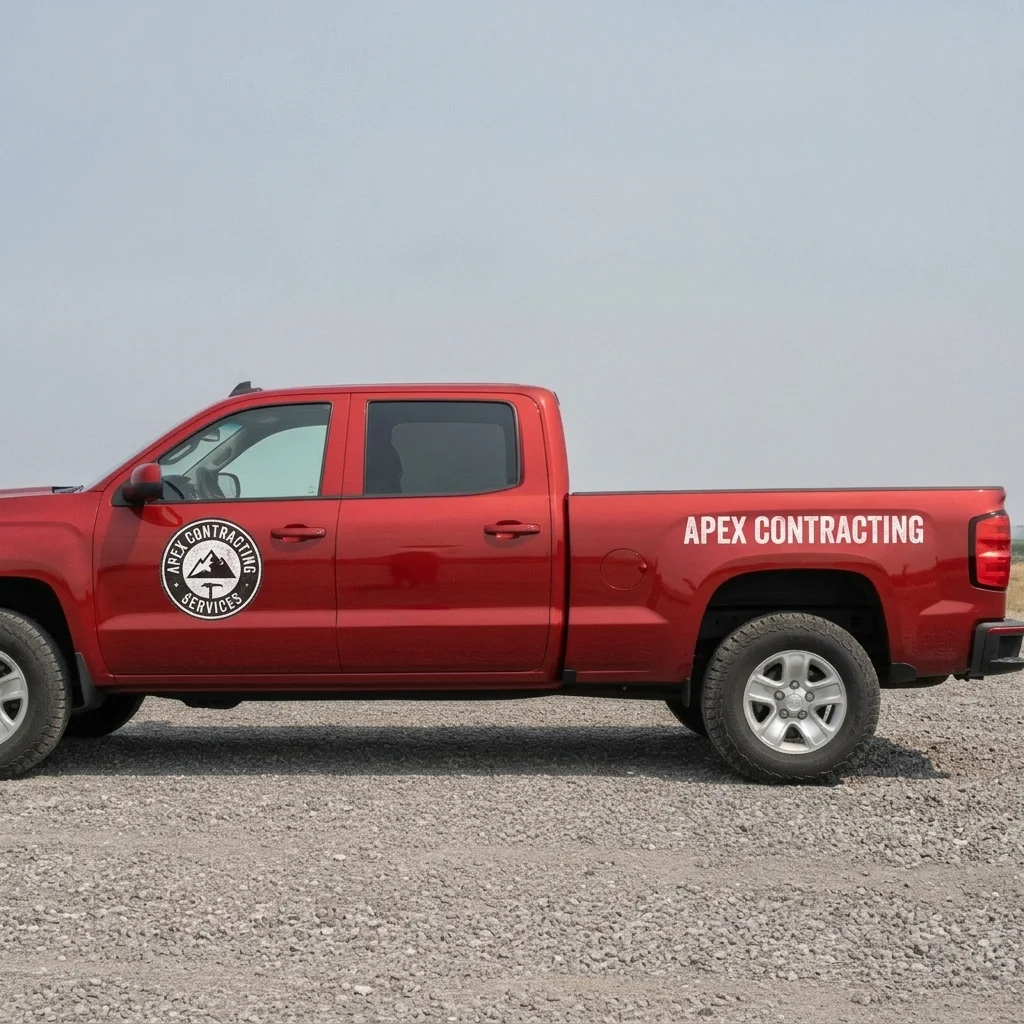
Same pickup with door badges and a tailgate name
After

Pickup, door badges and tailgate

A work pickup where the owner wanted a round door badge and a tailgate name.

Prompt: put the uploaded logo on both front doors of this pickup truck in a circle badge, add the company name on the tailgate, keep the paint unchanged
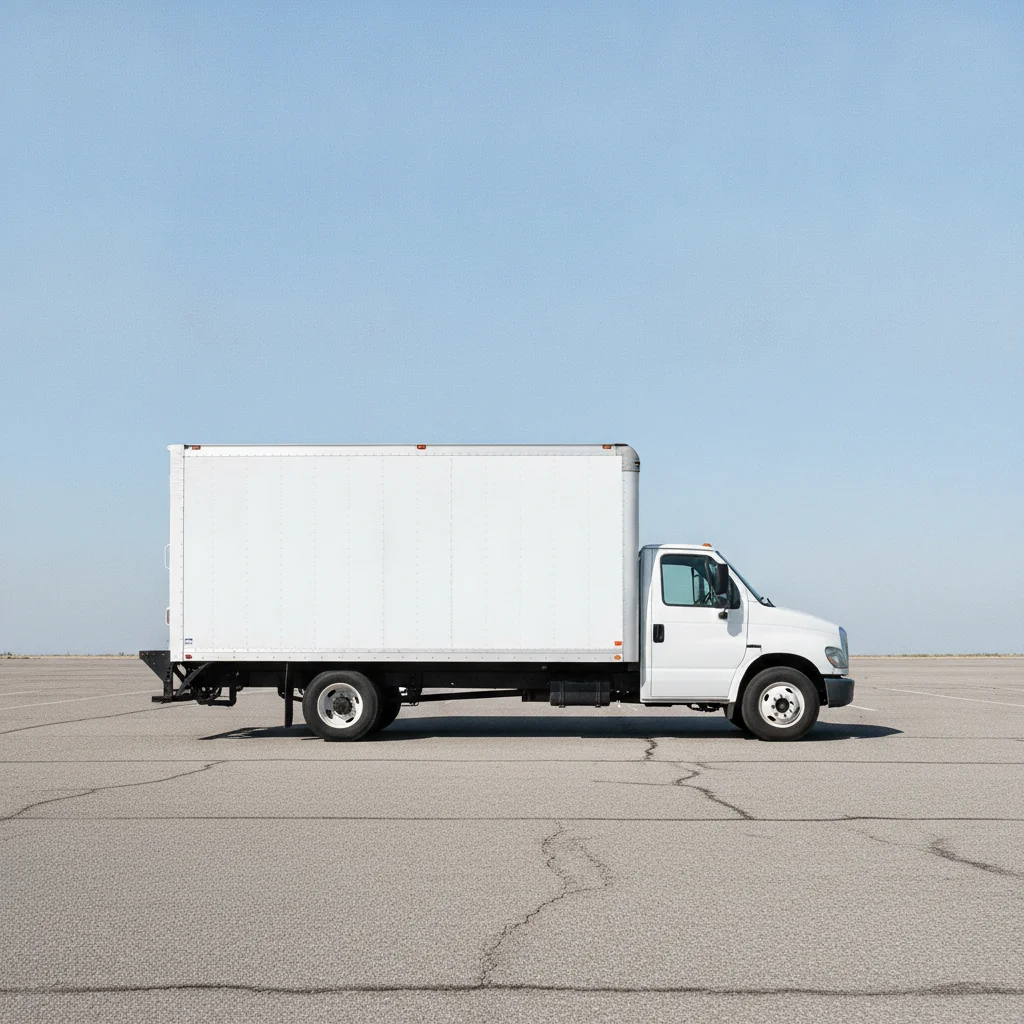
Plain white box truck side panel
Before
->
Same box truck with a large side logo and blue stripe
After

Box truck, big side logo

A plain box truck where the owner wanted a large side logo.

Prompt: add the uploaded logo large on the side of this box truck with the company name below, a blue stripe along the bottom, keep the cab unchanged

Quick answers

Do I need to mark where the lettering goes?

No. Just describe it, for example 'put the logo on both front doors.' Use markers only if the lettering lands in the wrong place.

Is there a free vehicle lettering mockup tool with no signup?

Yes. EditThisPic gives you a free preview edit, no account and no watermark. Upload a vehicle photo and describe the lettering.

Can I upload my own logo?

Yes. You can add your logo as a second image and ask for it on the doors or side panels. The AI redraws it, so check that the shape and colours look right.

Is the mock-up ready to send to a sign shop?

It is a visual mock-up, not a print-ready template. The shop will measure and set final artwork on your real vehicle.

Can I mock up several layouts on the same vehicle?

Yes. Run the same photo with different prompts and compare the options before choosing.

How much does EditThisPic cost?

You get 1 free Standard edit per week — no account needed. After that, one-time credit packs start at $4.99 for 10 credits, valid 12 months, no subscription. A Standard edit uses 1 credit, Pro 2 and Ultra 3. Purchased downloads are clean with no watermark.

Ready to mock up your vehicle lettering?

Free to try. No signup required.

1 free edit included·paid credit packs after