Pricing Visualize Car decals · Free

AI Car Decal Visualizer

← Browse all creative effects

Last updated

Upload your car, describe the decal or stripe, and preview it. Free, no account.
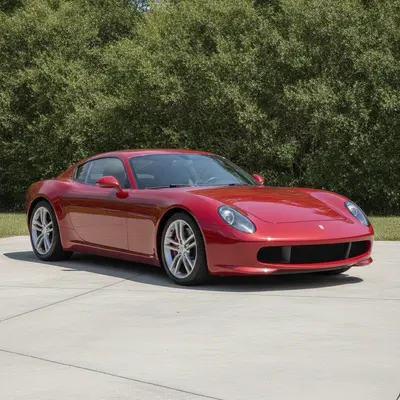
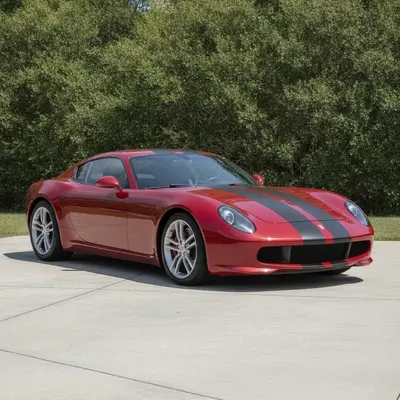
Plain red coupe on a driveway Same coupe with matte black dual racing stripes

Upload photo to visualize car decals

"add a gloss red stripe along the lower side of this car on the rocker panel, from front wheel to rear wheel, keep everything else unchanged"

Free to try · no sign-up · never used for AI training

Release to upload

<30stypical edit
1 freeedit weekly
Photo on your phone? Scan to open this editor there — free edit works on your phone too.

1 free edit every week·paid packs after

How it works

  1. Upload a clear photo of the car

    A front, side or three-quarter shot in even daylight works best. Make sure the panels you want to decorate are visible and not covered by shadows. JPG, PNG or WebP.

    Expect: About 30 seconds. Dark paint can make stripes harder to judge, so check the result carefully.
  2. Describe the decal, colour and placement

    Say what, what colour and where: 'add two white racing stripes from the hood to the trunk and a small black mountain decal on the rear quarter window.' No marking is needed.

    Tip: Placement words like hood, roof, rocker panel and rear quarter do most of the work.

    Copy one of these to get started:

    Dual racing stripes add two matte black racing stripes from the hood across the roof to the trunk of this car, keep the paint, lights and wheels unchanged
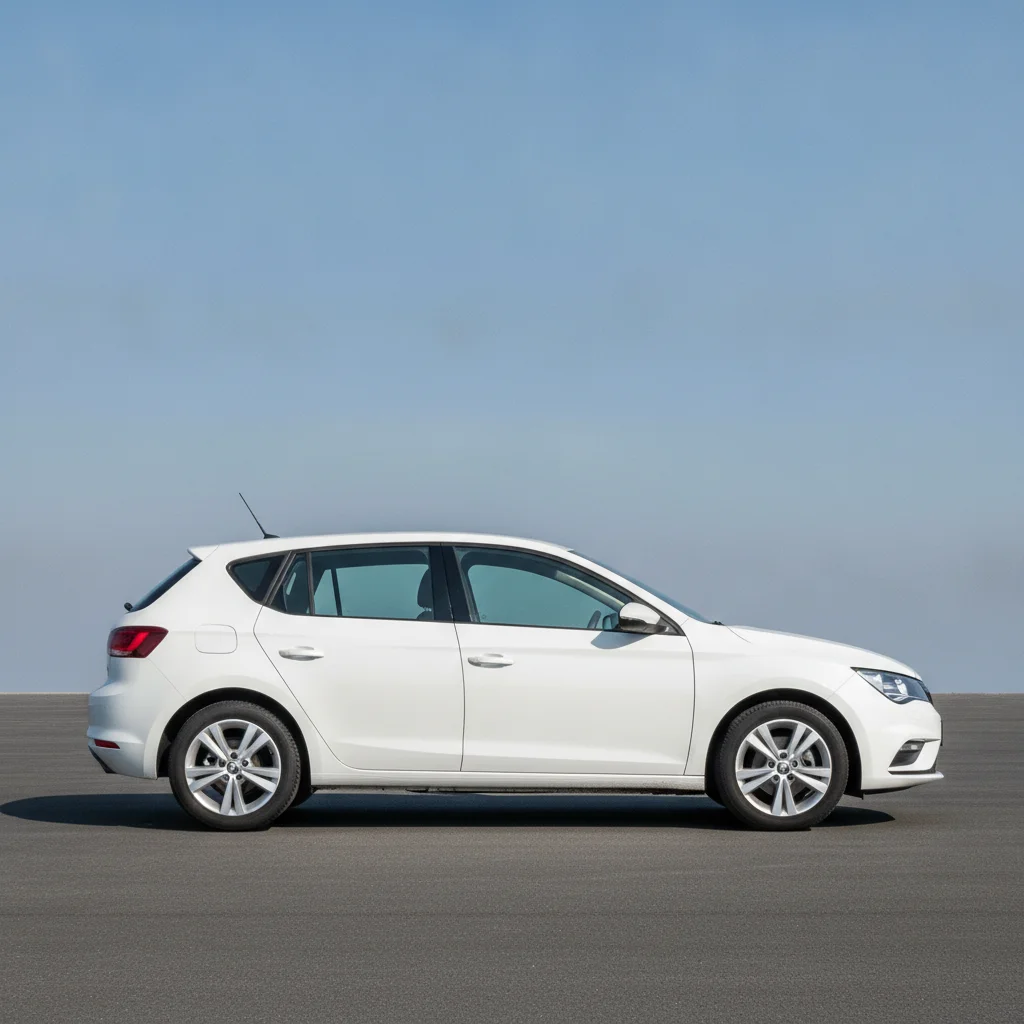
    Side rocker stripe add a gloss red stripe along the lower side of this car on the rocker panel, from front wheel to rear wheel, keep everything else unchanged
    Small logo decal on the rear window add a small white mountain decal in the lower corner of the rear window of this car, keep the glass and paint unchanged
    Two-tone hood graphic add a black hood graphic with a matte finish and angled edges to this car, keep the body colour and lights unchanged
    3 more prompts
    Number or lettering decal on the door add a white number 27 decal in a bold racing font on the front door of this car, keep the paint and glass unchanged
    Side body flame decals add orange and yellow flame decals along the front fenders and doors of this car, keep the black paint and wheels unchanged
    Stripes on a truck add a pair of thin white stripes along the hood and tailgate of this pickup truck, keep the paint, grille and wheels unchanged
  3. Review the result

    Check that stripes run straight across panel gaps, the decals sit on flat panels and the paint, lights and wheels are unchanged. Zoom in on the edges.

  4. Refine with markers if needed

    If the decal landed on the wrong panel or the paint colour changed, tap a marker on the panel you meant and regenerate. Markers are optional.

    Tip: Markers are for precision, not a required step.

See it in action

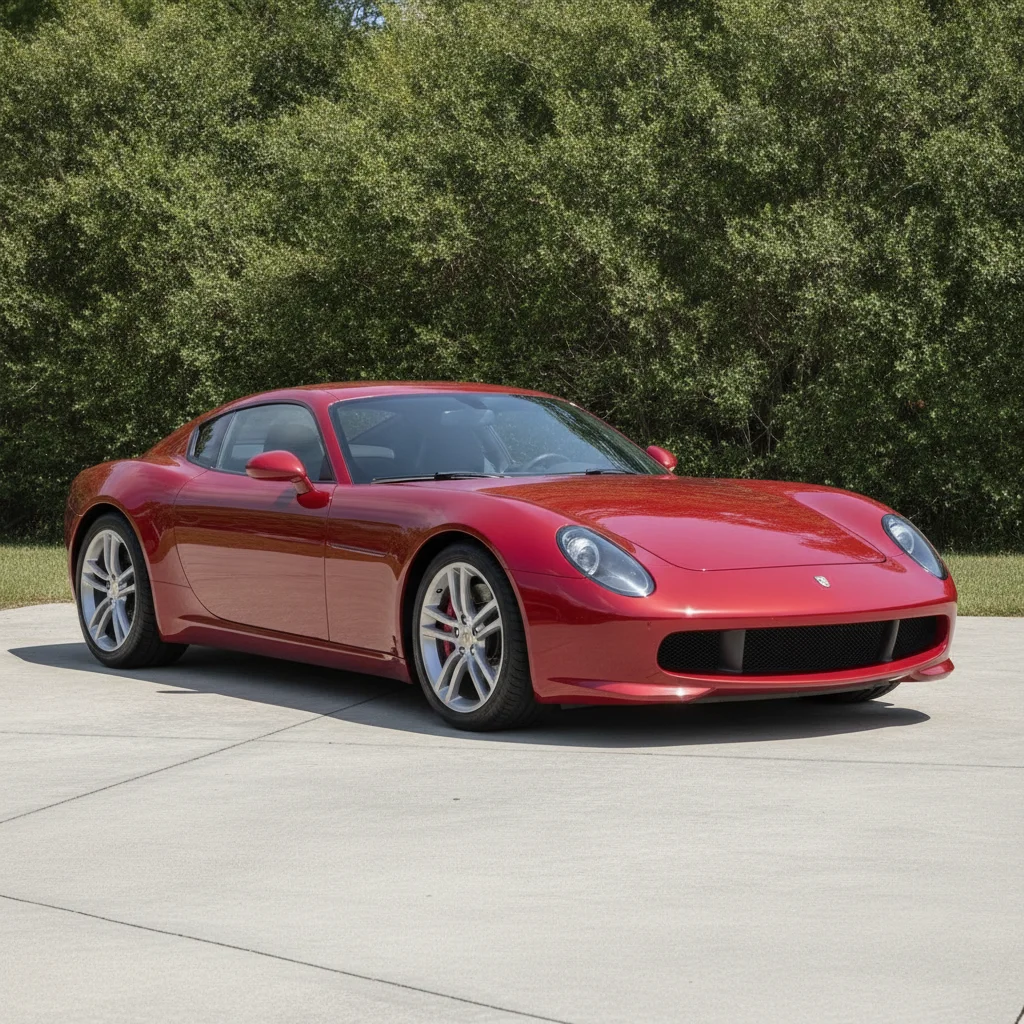
Plain red coupe on a driveway
Before
->
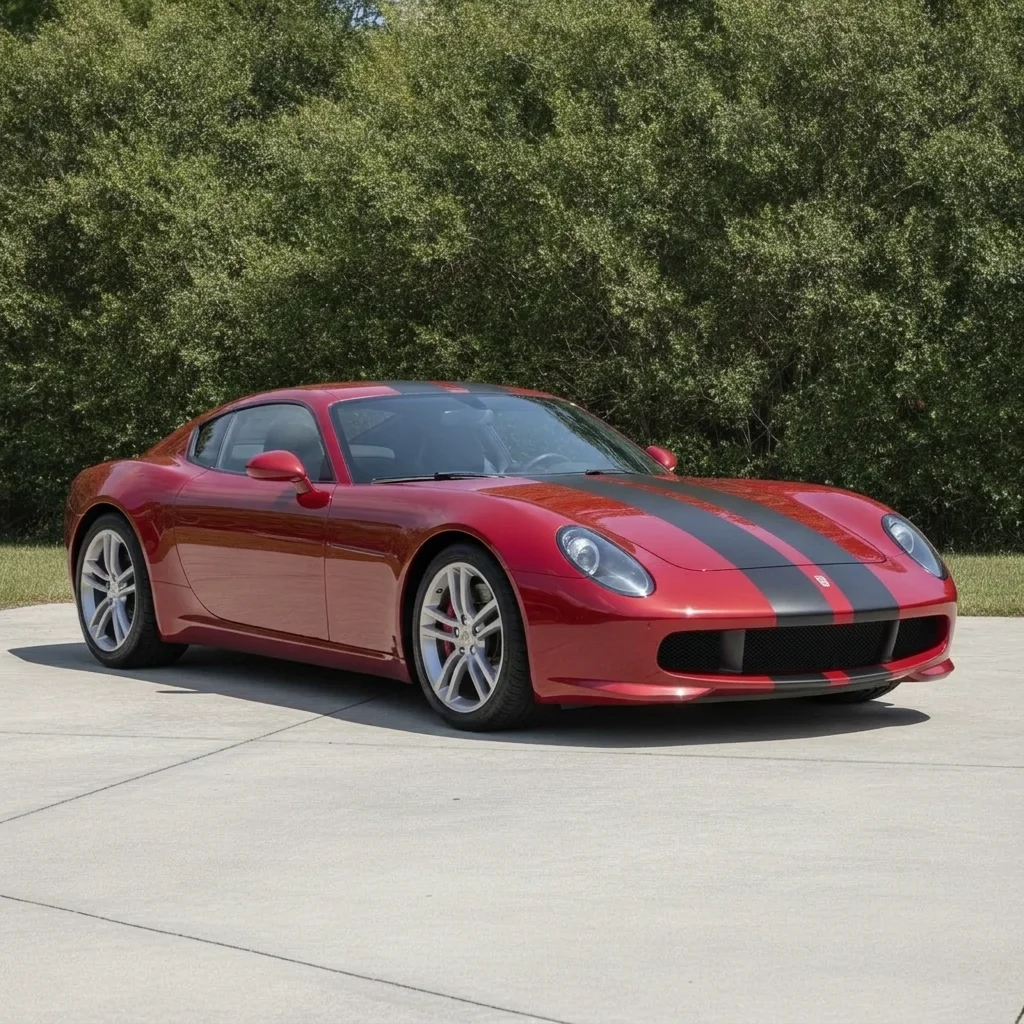
Same coupe with matte black dual racing stripes
After

Red coupe, black racing stripes

A plain red coupe. The owner wanted to see dual racing stripes before ordering vinyl.

Prompt: add two matte black racing stripes from the hood across the roof to the trunk of this car, keep the paint, lights and wheels unchanged
White hatchback in side view
Before
->
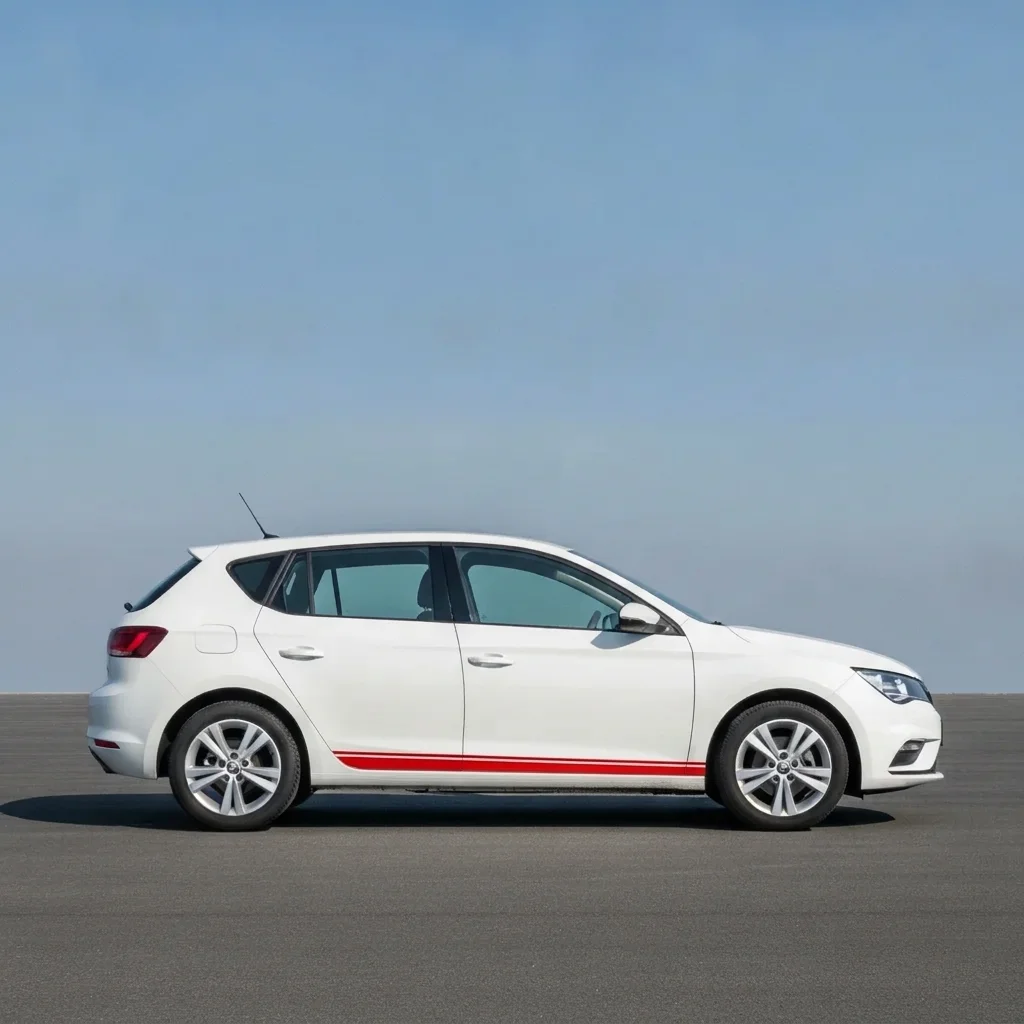
Same hatchback with a red lower side stripe
After

White hatchback, rocker stripe

A white hatchback where the owner wanted a bold lower stripe.

Prompt: add a gloss red stripe along the lower side of this car on the rocker panel, from front wheel to rear wheel, keep everything else unchanged
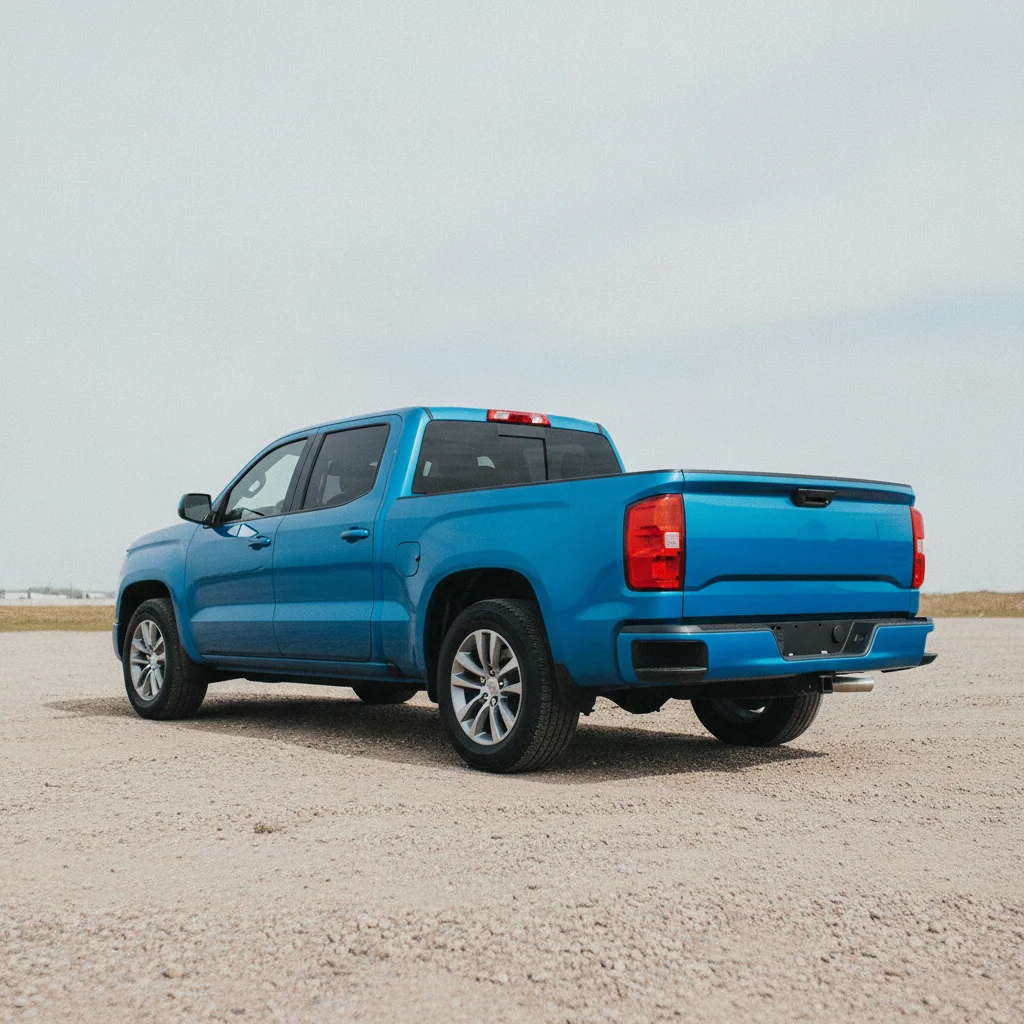
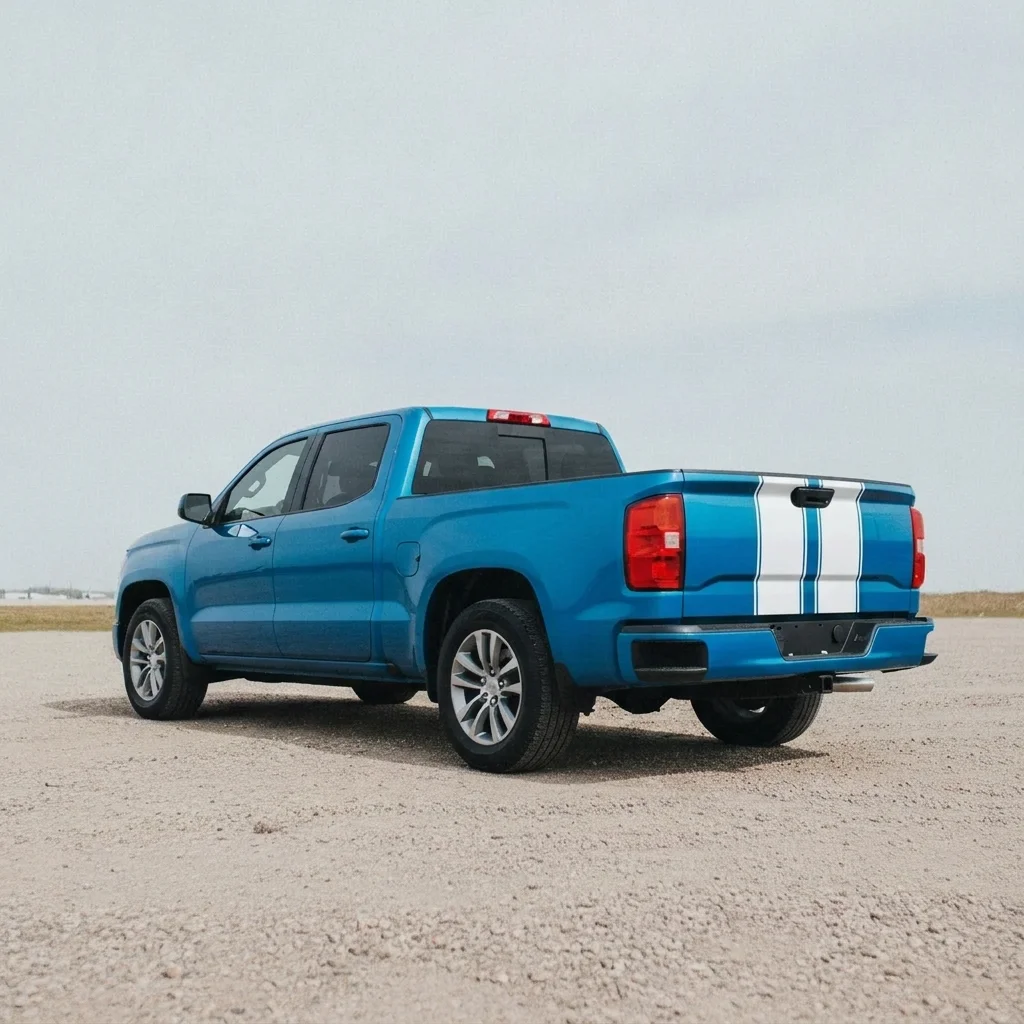
Plain blue pickup viewed from behind
Before
->
Same pickup with thin white hood and tailgate stripes
After

Blue truck, tailgate stripes

A pickup where the owner wanted thin white hood-to-tailgate stripes.

Prompt: add a pair of thin white stripes along the hood and tailgate of this pickup truck, keep the paint, grille and wheels unchanged

Quick answers

Do I need to mark the panel before adding a decal?

No. Just describe the decal and where it goes, for example 'add a white stripe along the hood.' Use markers only if it ends up on the wrong panel.

Is there a free car decal visualizer with no signup?

Yes. EditThisPic gives you a free preview edit, no account and no watermark. Upload a car photo and describe your decals.

Can I send the result to a vinyl shop?

Yes, as a visual reference. The preview is not a cut-ready template, so ask the shop to measure and size the vinyl on your real car.

Can I preview my own logo as a decal?

You can describe a simple shape or text. For an exact logo, a dedicated lettering page with a second image upload is a better fit.

Does it work on trucks and bikes?

Yes for trucks, SUVs and vans. For motorcycles, try the motorcycle wrap preview page.

How much does EditThisPic cost?

You get 1 free Standard edit per week — no account needed. After that, one-time credit packs start at $4.99 for 10 credits, valid 12 months, no subscription. A Standard edit uses 1 credit, Pro 2 and Ultra 3. Purchased downloads are clean with no watermark.

Ready to preview your car decals?

Free to try. No signup required.

1 free edit included·paid credit packs after