Pricing Restore Black-and-white photo · Free

Colorize Old Photo

Last updated

Upload your old black-and-white or sepia photo and describe the colorization you want — 'add natural colors', 'colorize the skin tones and clothing realistically', or 'add color and make the grass green and the sky blue'. If you know what specific items looked like, describe them. Free, no account needed.
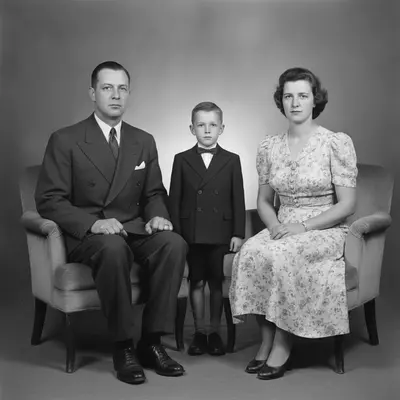
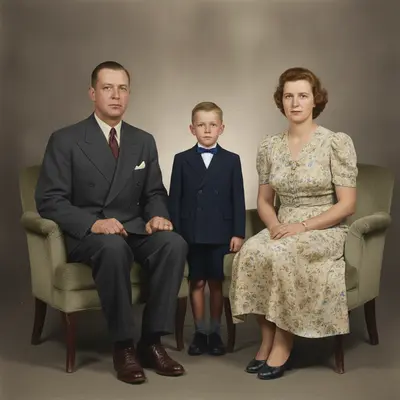
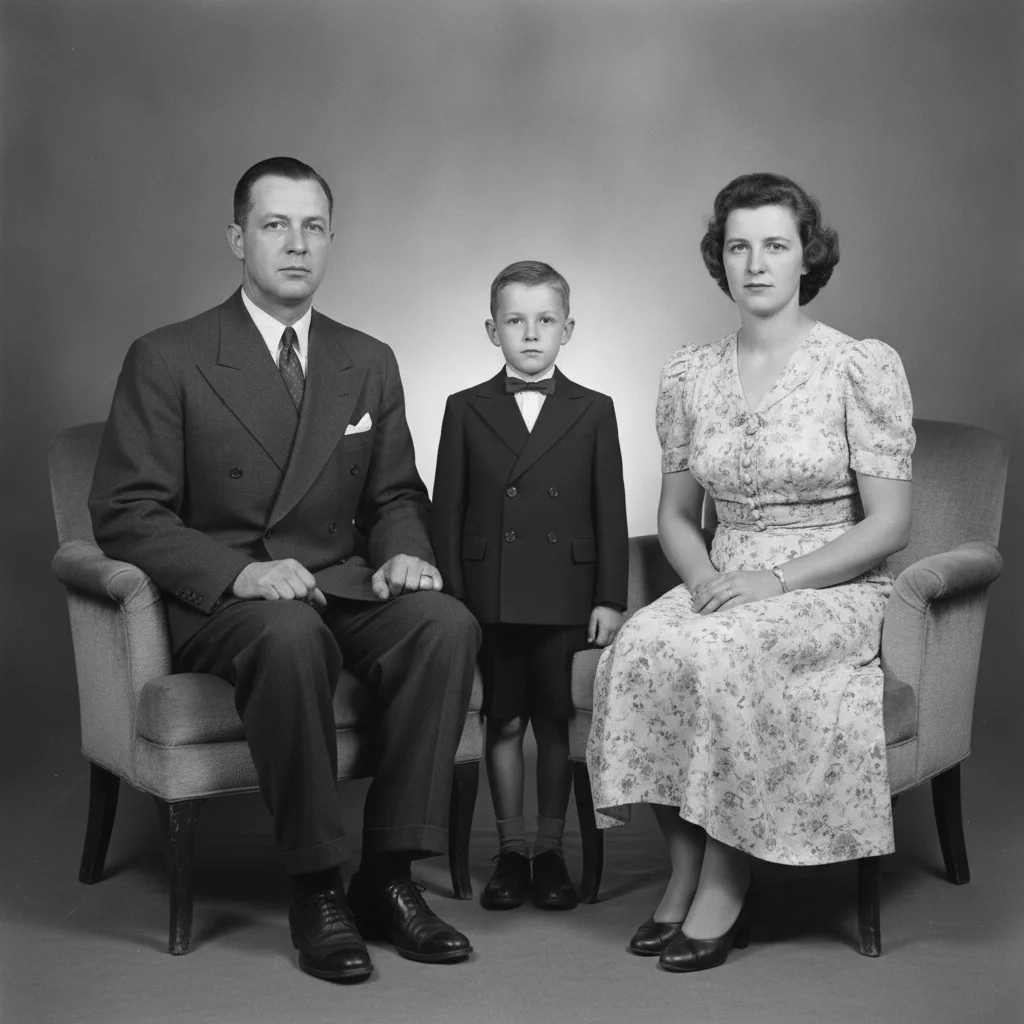
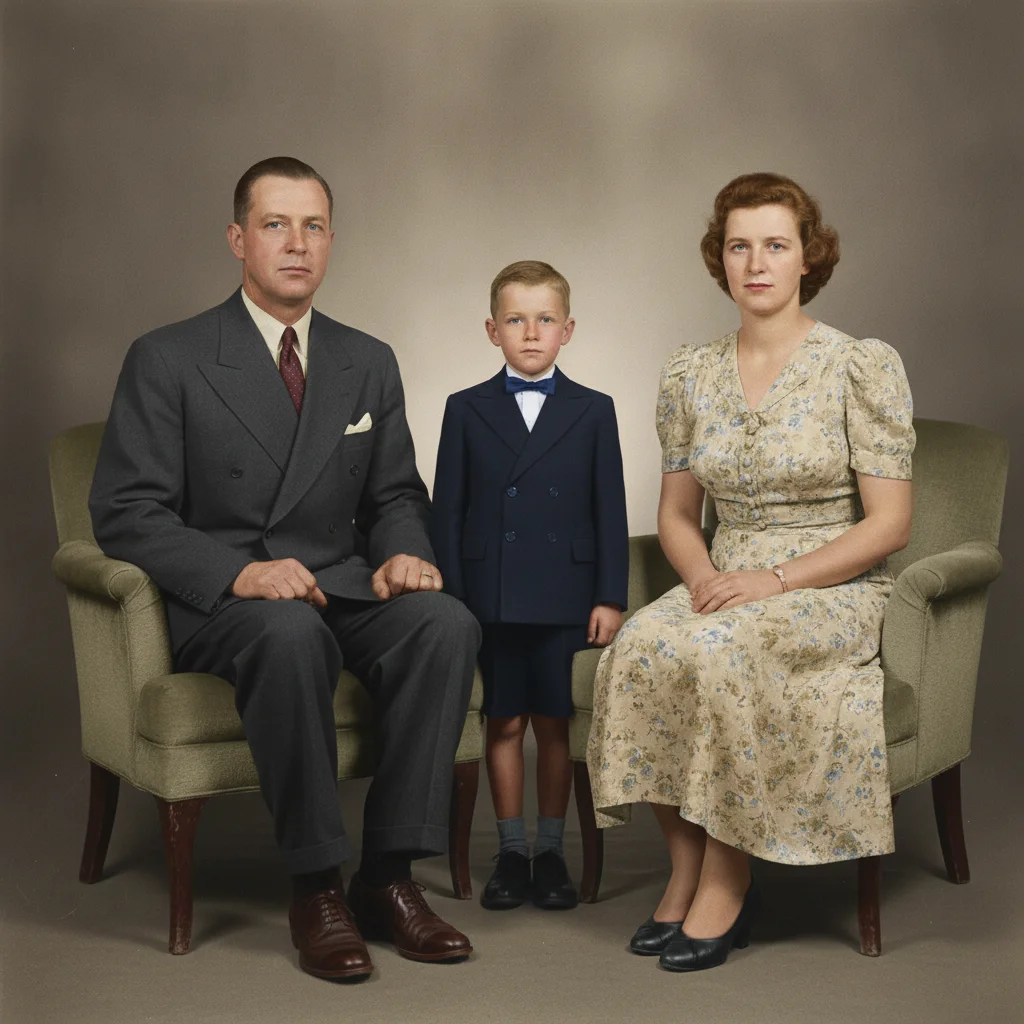
1940s black-and-white formal family portrait in grayscale Same portrait colorized with warm skin tones, dark navy suit, floral dress, and warm indoor light

Upload photo to restore black-and-white photo

"colorize this outdoor family portrait — add natural skin tones, green grass, blue sky, and period-appropriate clothing colors"

Free to try · no sign-up · photos are never shared

Release to upload

<30stypical edit
1 freeedit weekly
Photo on your phone? Scan to open this editor there — free edit works on your phone too.

1 free edit every week·packs from $4.99

How it works

  1. Upload your old photo

    Upload the black-and-white, sepia, or monochrome photo you want to colorize. Scanned prints, phone photos of physical prints, and digital files all work. Higher-resolution uploads produce sharper colorization. JPG, PNG, WebP up to 7MB.

    Expect: Standard colorization: 25-40 seconds. Complex group photos or highly detailed scenes may take 45-60 seconds.
  2. Describe the colorization

    Type what you want: 'colorize this photo with natural, realistic colors' for the AI's best judgment, or get specific — 'colorize with natural skin tones, a green grass background, and a blue sky'. If you know what specific items looked like (grandma's red dress, the blue car), mention them. The AI doesn't need any marking — it reads the image and your description together.

    Tip: Describing the setting helps the AI choose era-appropriate colors: 'this is a 1940s outdoor portrait at a family farm' gives it context for clothing colors, foliage tones, and light quality.

    Copy one of these to get started:

    General natural colorization colorize this old black-and-white photo with natural, realistic colors — skin tones, clothing, and background should all look authentic
    Outdoor family portrait colorize this outdoor family portrait — add natural skin tones, green grass, blue sky, and period-appropriate clothing colors
    With specific known colors colorize this photo — the woman is wearing a red dress, the man's suit is dark navy, the background wall is beige
    1940s or wartime era portrait colorize this 1940s portrait with era-appropriate colors — muted tones, warm skin, khaki or olive military uniform
    4 more prompts
    Indoor sepia portrait colorize this sepia indoor portrait with warm, natural skin tones and period-accurate interior colors
    Wedding photo colorization colorize this old wedding portrait with natural skin tones, a white wedding dress, and the suit in dark charcoal
    Subtle, film-accurate colorization colorize this old photo with muted, natural colors that look like real 1950s photography — not oversaturated
    Correct a single area after initial colorization the jacket in the previous colorization looks brown — please change it to dark navy blue and keep everything else the same
  3. Review the colors

    Check skin tones first — they're the most noticeable if wrong. Then check clothing, backgrounds, and sky. If any color looks off, refine with a follow-up: 'make the skin tones warmer' or 'the dress should be a darker blue, not light blue'.

  4. Refine specific areas if needed

    If one area needs a specific correction — a jacket color, a background element — run a second pass with a targeted instruction. You can also use the optional marker tool to highlight just the area you want re-colored.

  5. Download the colorized photo

    Preview the colorized image free, then buy to download it clean. The result is a full-color version of your original photo, ready to print or share.

See it in action

1940s black-and-white formal family portrait in grayscale
Before
->
Same portrait colorized with warm skin tones, dark navy suit, floral dress, and warm indoor light
After

1940s family portrait — natural colorization

A formal black-and-white family portrait from the 1940s brought to life with era-accurate colors. The AI matched the skin tones, the dark suit, a floral dress, and warm indoor lighting of the period.

Prompt: colorize this 1940s family portrait with natural, realistic colors — warm skin tones, dark suit, period-appropriate clothing
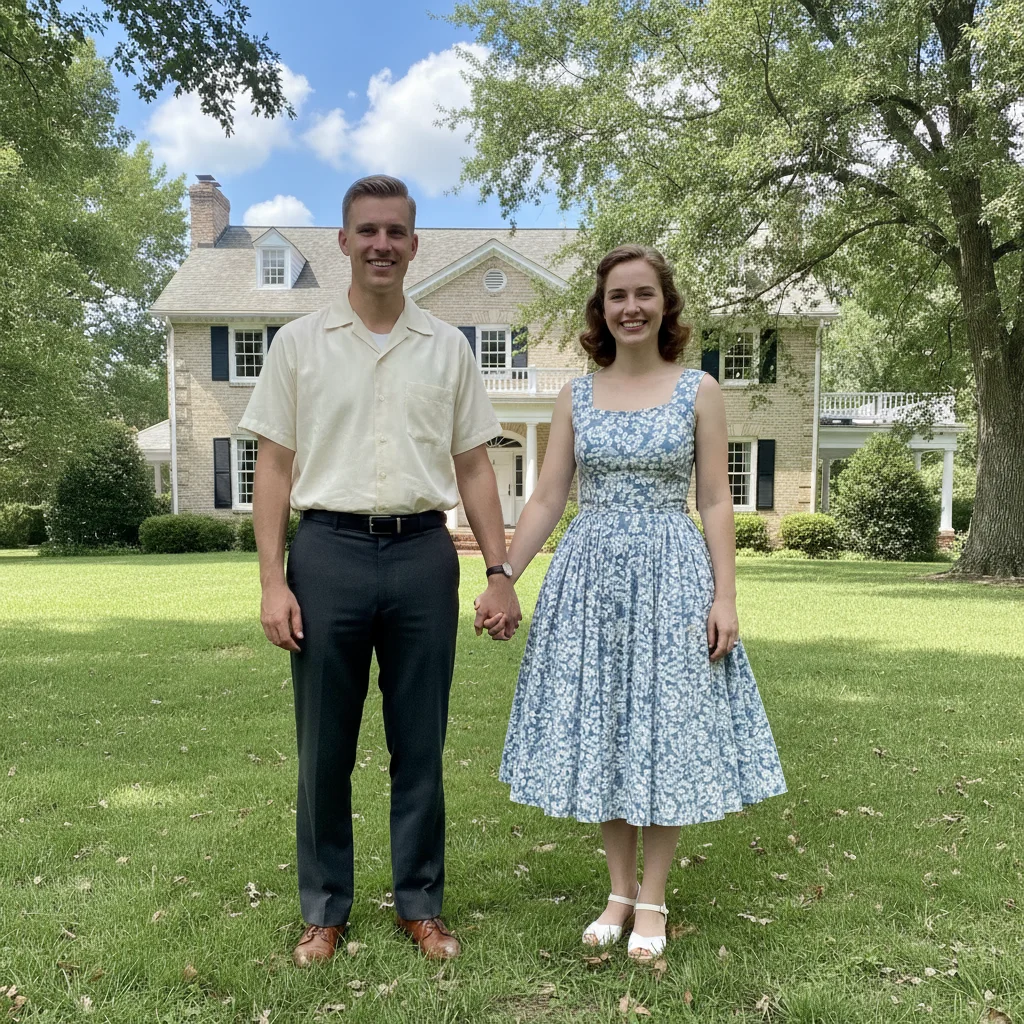
1950s black-and-white outdoor couple portrait on a lawn
Before
->
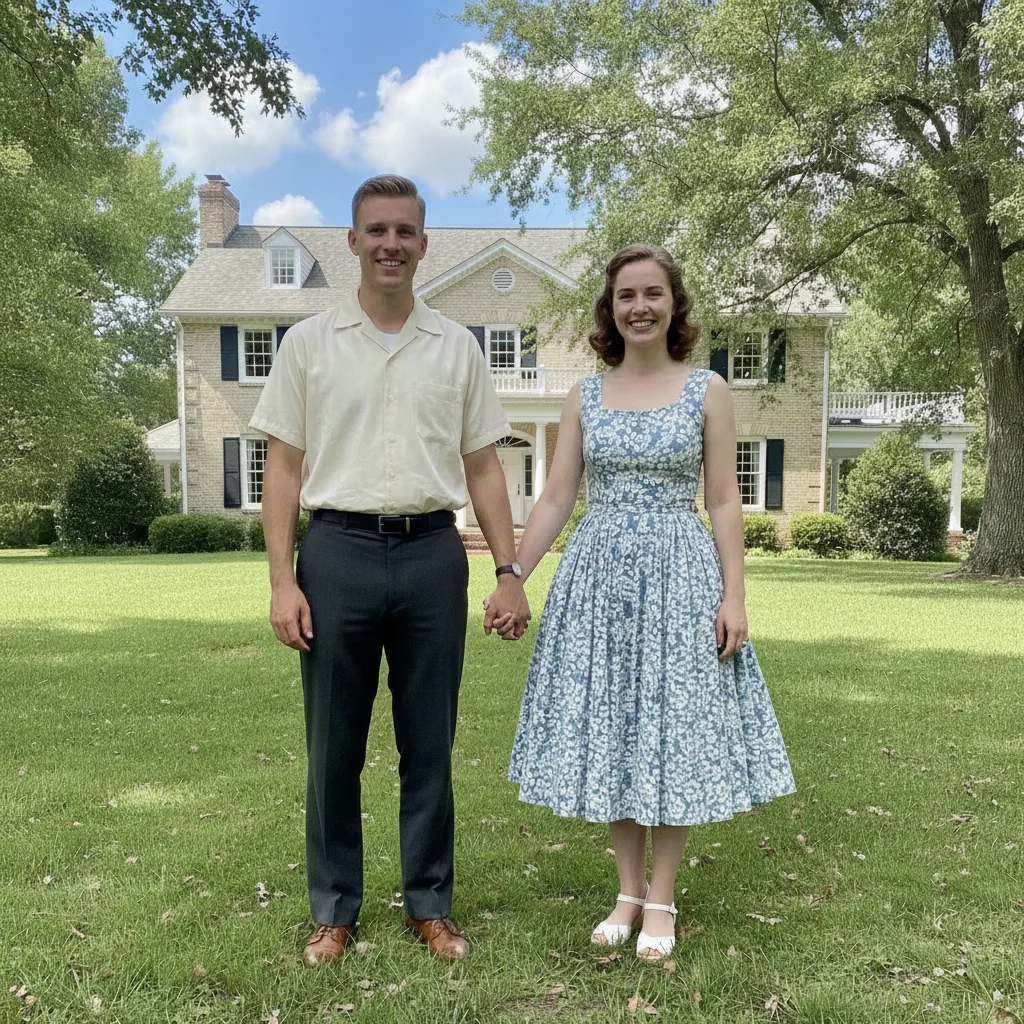
Same portrait colorized with blue sky, green grass, natural skin tones, and period dress colors
After

1950s outdoor portrait — vivid but accurate colors

A black-and-white outdoor portrait from the 1950s colorized with a blue sky, green lawn, and the warm skin tones typical of mid-century color photography.

Prompt: colorize this 1950s outdoor portrait — add blue sky, green grass, natural warm skin tones, and period-accurate clothing colors
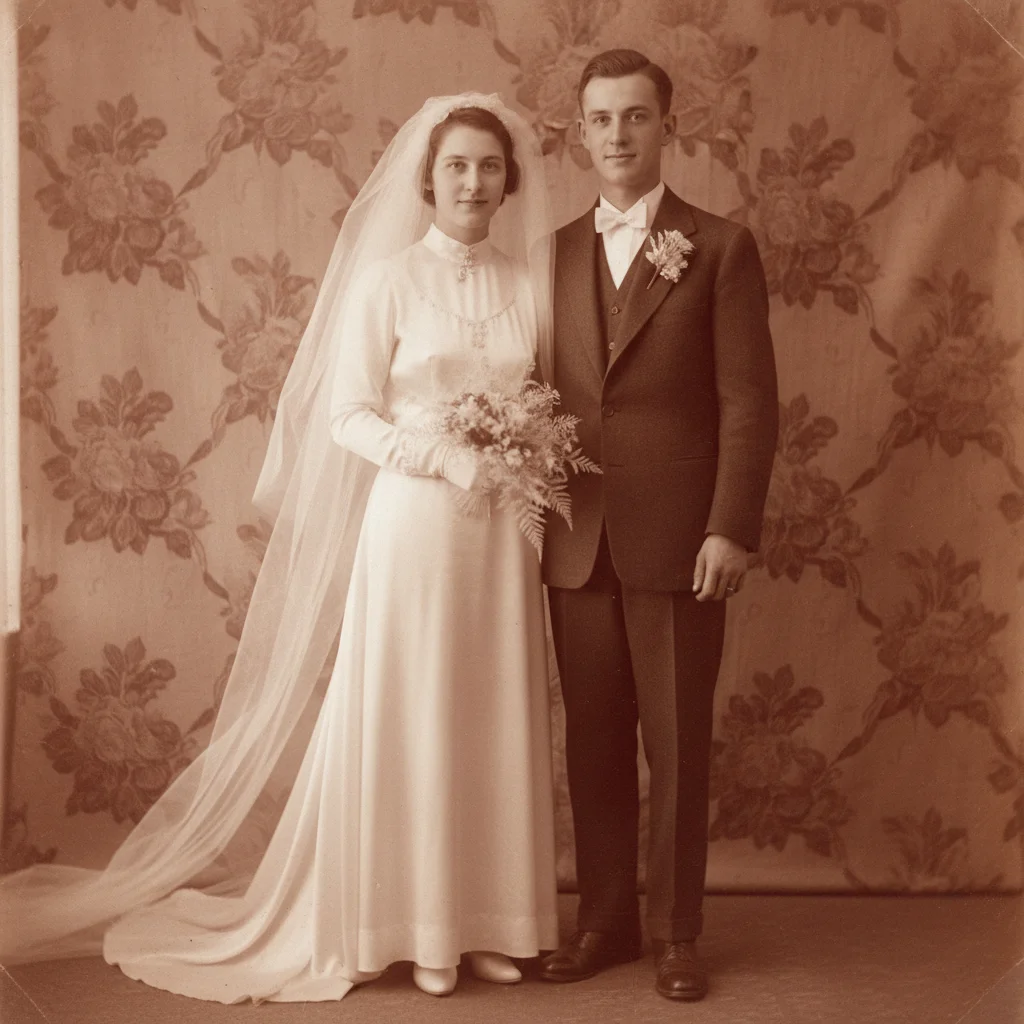
1930s sepia wedding portrait with warm brown tones
Before
->
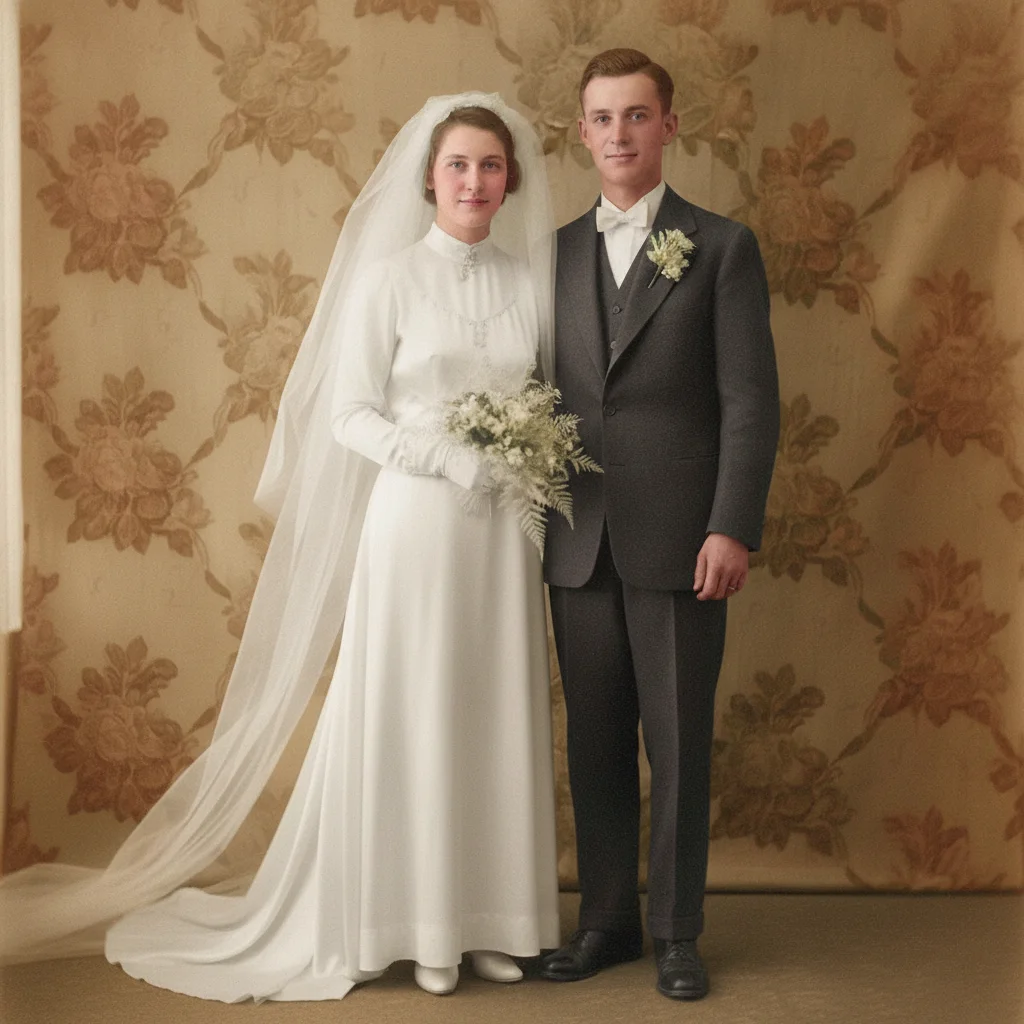
Same wedding portrait in full color with white dress, dark suit, and natural skin tones
After

Sepia wedding photo — colorized to full color

A sepia wedding portrait from the 1930s converted to full color. The AI removed the sepia tone, added natural skin tones, a white wedding dress, and dark suit.

Prompt: colorize this sepia wedding portrait — white wedding dress, dark charcoal suit, warm natural skin tones, soft floral background

Quick answers

Do I need to mark or select areas before colorizing?

No. Just describe what you want: 'colorize this photo with natural colors' or 'add color with warm skin tones and a blue sky'. EditThisPic's AI applies colorization to the full image without any marking. If you want to correct one specific area after the first result, you can describe it directly or use the optional marker to target it.

Can AI colorize an old photo for free?

Yes. Upload your black-and-white or sepia photo to EditThisPic and type 'colorize this photo with natural, realistic colors'. The AI adds color in about 30 seconds. Free preview, no login — purchased downloads are clean. If you know specific colors for clothing or backgrounds, include them in the prompt for more accurate results.

What's the difference between colorize-old-photo and colorize-black-and-white-photo-from-photo?

Both add color to black-and-white photos. This page focuses on restoring old historical photos — family portraits, vintage prints, sepia images — where era accuracy and warm natural tones matter. If your photo is a modern grayscale or artistic black-and-white image rather than a historical print, either page will work.

Can I specify what colors to use?

Yes — and you should whenever you know them. Telling the AI 'the dress is red, the suit is dark navy, the background is beige' produces far more accurate colorization than letting it guess. Any specific color information you have about the original photo improves the result.

How accurate is AI colorization for historical photos?

Skin tones, natural outdoor environments (sky, grass, soil), and common clothing colors (navy, white, black, grey, red) are generally accurate. Specific dye colors from the era — a particular 1940s dress fabric color — require you to specify them. For purely documentary accuracy, providing known colors and running a targeted refinement pass is the most reliable approach.

How do I colorize a sepia photo specifically?

Upload it and use the same prompt: 'colorize this photo with natural, realistic colors'. The AI treats sepia tone the same as black-and-white — it strips the warm brown cast and adds full color. If the sepia tone is very strong, adding 'remove the sepia tone first, then colorize with natural colors' makes the instruction explicit.

How much does EditThisPic cost?

You get 1 free edit per week — no account needed. After that, one-time credit packs start at $4.99 for 10 edits, valid 12 months, no subscription. Power users who edit daily can pick Studio Membership, a monthly workspace at $49.99/mo for 300 edits. Purchased downloads are clean with no watermark.

Ready to colorize your old photo?

Free to try. No signup required.

1 free edit included·Credit packs from $4.99