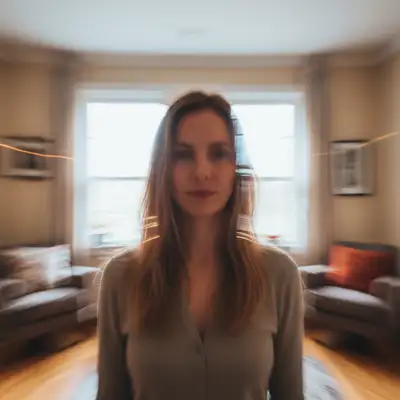
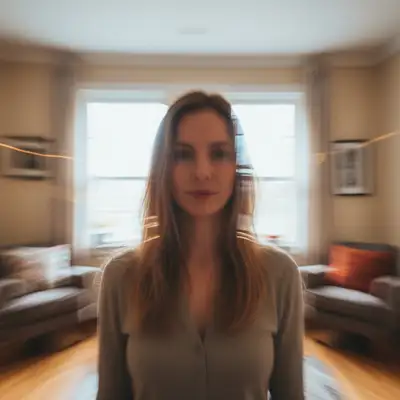
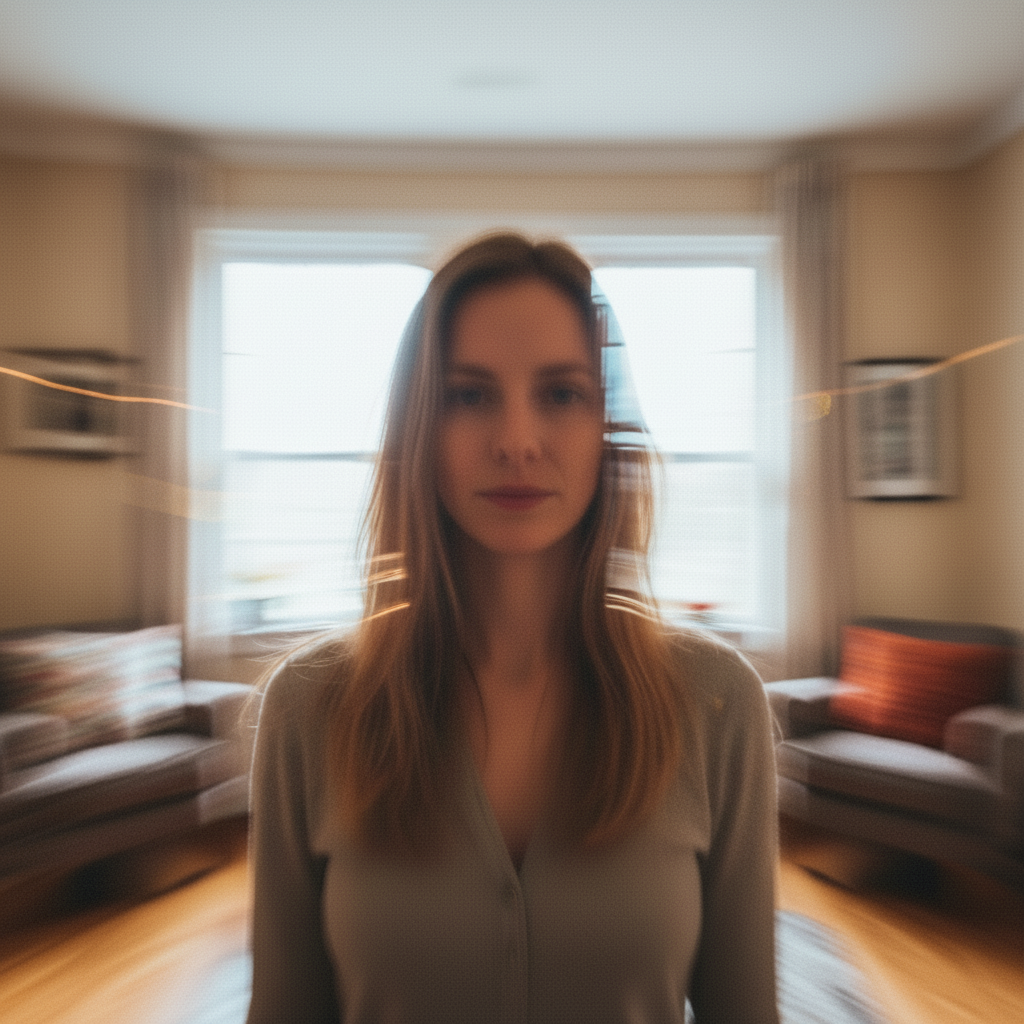
What's the fastest way to use Fix Washed Out Photo without redoing the whole photo?
Describe only the fix you need: 'fix the washed-out look, restore contrast and vivid colors.' The AI re-renders only the parts you mention and leaves the rest of the photo alone. Most fixes finish in 20-45 seconds. Free first edit per week, no signup; refinements use one credit each.
Is this free?
Yes, 1 free edit per week. Credit packs start at $4.99 for 10 edits.
Does it work on mobile?
Yes, works in any mobile browser.
Can it fix scanned old photos?
Yes, scan a faded photo and the AI restores color depth and contrast that time eroded.
Will it over-saturate the colors?
No, the AI restores natural-looking color depth. Ask for "vivid" if you want more saturation.
What photo formats does the fix washed out photo tool support?
JPG, PNG, WebP, and HEIC. Upload any common photo format and EditThisPic handles the rest.
How long does it take to fix washed out photo?
Usually 20-45 seconds. Upload your photo, describe what you want, and the AI delivers the result.
Do I need to download an app to fix washed out photo?
No app needed. EditThisPic runs entirely in your web browser on any device -- desktop, laptop, phone, or tablet.
How much does EditThisPic cost?
You get 1 free edit per week — no account needed. After that, one-time credit packs start at $4.99 for 10 edits, valid 12 months, no subscription. Power users who edit daily can pick Studio Membership, a monthly workspace at $49.99/mo for 300 edits. Purchased downloads are clean with no watermark.