Pricing Remove Car dent · Free

Remove a Car Dent from a Photo

← Browse all remove tools

Last updated

Upload a photo of the dented panel and see a smooth version. A visual preview only.
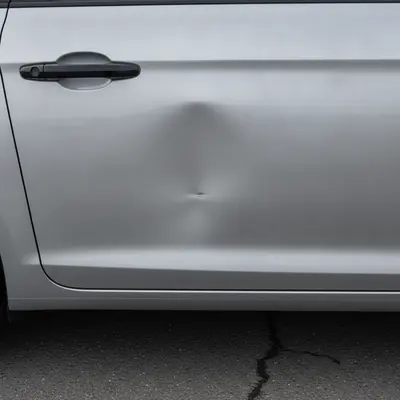
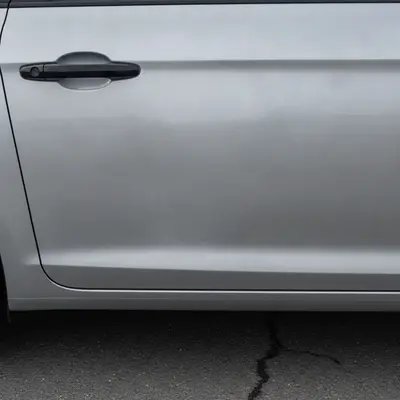
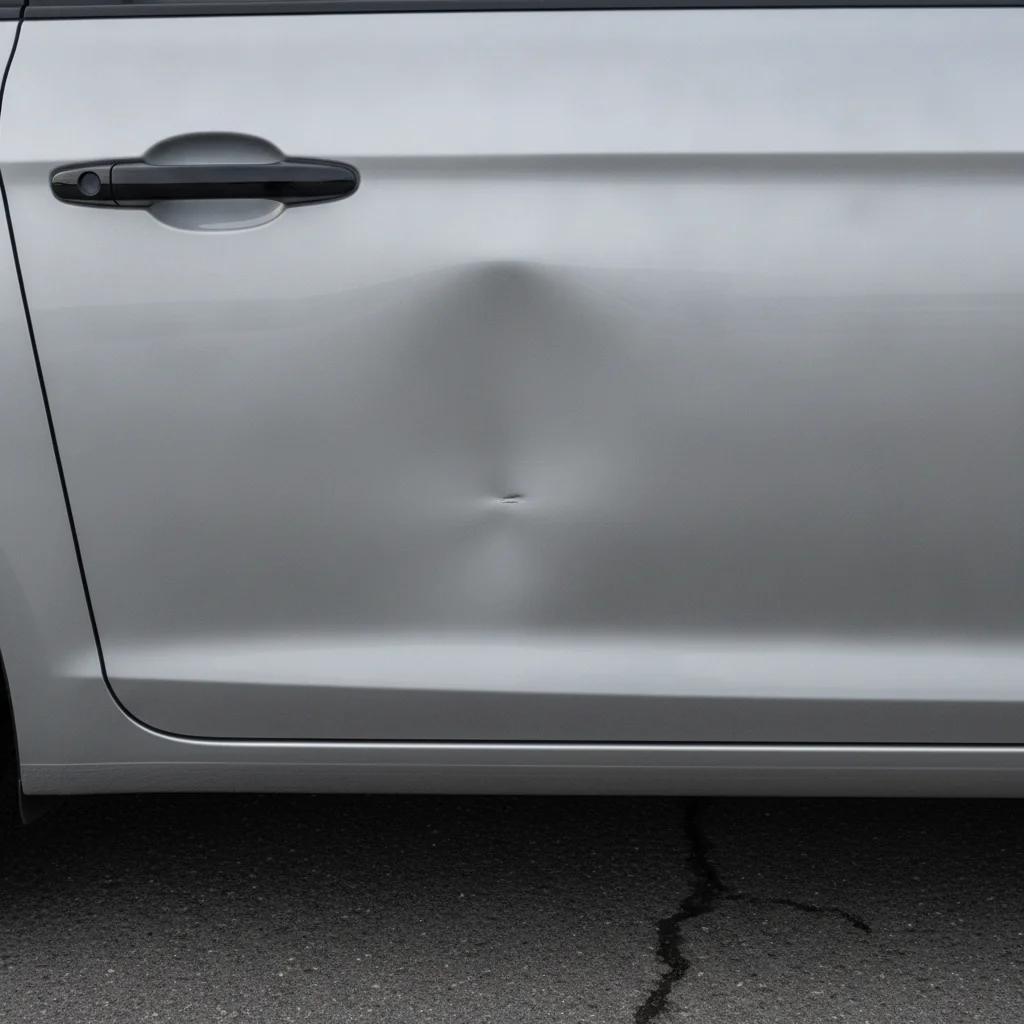
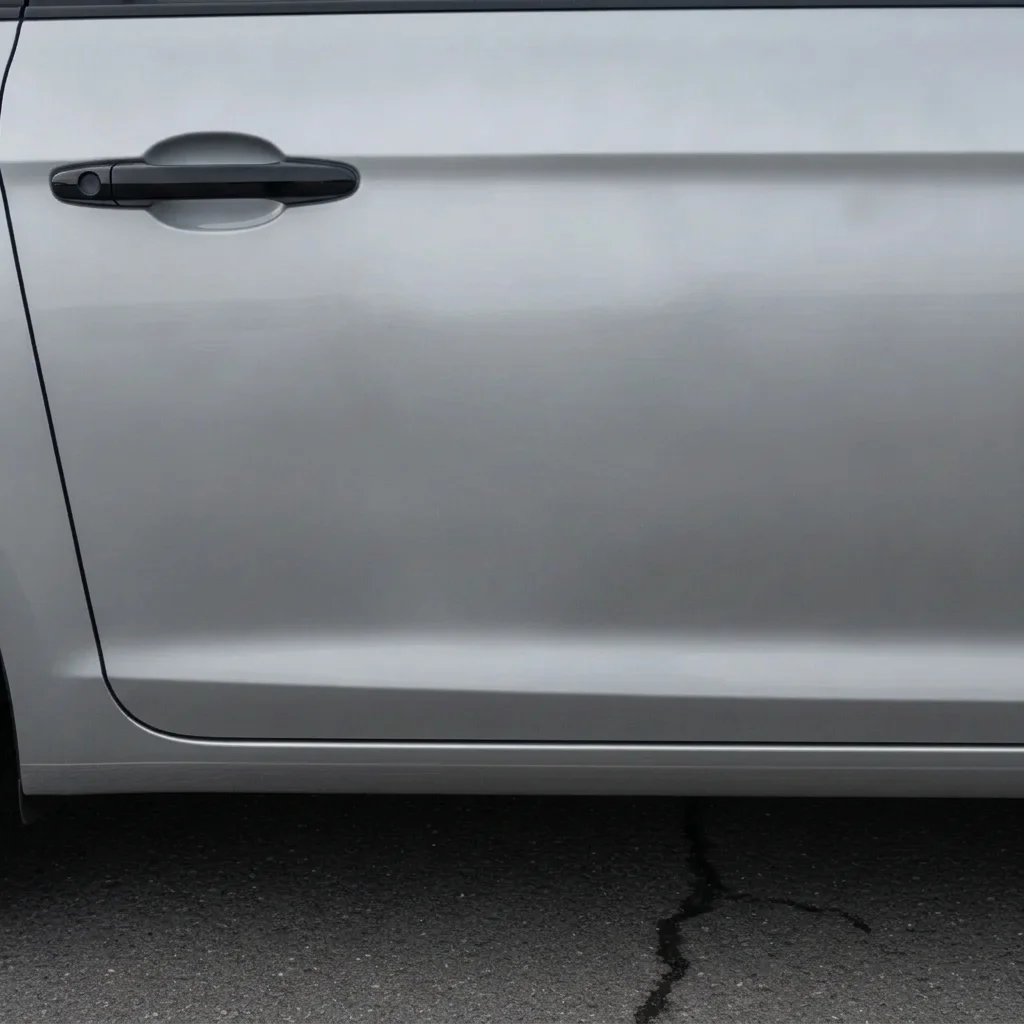
Silver car door with a clear dent in the middle Same door with a smooth panel in the preview

Upload photo to remove car dent

"smooth out the dent on the front fender, keep the wheel arch, headlight and paint color exactly as they are"

Free to try · no sign-up · never used for AI training

Release to upload

<30stypical edit
1 freeedit weekly
Photo on your phone? Scan to open this editor there — free edit works on your phone too.

1 free edit every week·paid packs after

How it works

  1. Upload a clear photo of the dented panel

    Shoot the panel straight on in even daylight so the dent and the panel edges are both visible. Avoid heavy reflections of trees or buildings across the dent, since they make it hard to separate the dent from the reflection.

    Expect: Simple changes usually finish in under a minute. Busy photos may need a second try.
  2. Describe the repair you want to preview

    Type something like 'remove the dent from the driver door and make the panel smooth, keep the paint color, door handle and trim unchanged'. Name the panel and say what must stay. This is a preview of a smooth surface only, not a repair plan, and the preview must not be used to hide damage from a buyer or insurer.

    Tip: Mention the panel by name, for example rear quarter panel or front fender, so the AI knows where to work.

    Copy one of these to get started:

    Door dent — most common remove the dent from the car door and make the panel smooth, keep the paint color, door handle and trim unchanged
    Fender dent smooth out the dent on the front fender, keep the wheel arch, headlight and paint color exactly as they are
    Rear bumper ding remove the dent and scuff from the rear bumper, keep the license plate area, tail light and body color unchanged
    Hood dent remove the dent from the hood and make the surface smooth and evenly glossy, keep the hood lines and badge unchanged
    3 more prompts
    Quarter panel crease remove the crease and dent from the rear quarter panel, keep the body line running along the side and the paint color the same
    Shopping-cart ding in a parking lot photo remove the small round dent near the bottom of the passenger door, keep the door edge and side molding unchanged
    Roof dent from hail remove the hail dents from the car roof and smooth the surface, keep the roof rails and windshield edge unchanged
  3. Check the panel lines and reflections

    Zoom in on the body line, door seam and reflections. Smoothed areas can lose the crisp crease or distort a reflection. If the panel looks too flat or a seam moved, the result is not a reliable picture of the repair.

  4. Refine with markers if needed

    If the AI smoothed the wrong area or left part of the dent, tap a marker on the dented spot and regenerate. Markers pin down exactly where the dent is.

    Tip: Markers are optional. Most edits work from the description alone.

See it in action

Silver car door with a clear dent in the middle
Before
->
Same door with a smooth panel in the preview
After

Dented silver door smoothed out

Preview how a repaired door panel would look before asking a shop for a quote.

Prompt: remove the DENT from the silver door and make the panel smooth, keep the door handle and paint color unchanged
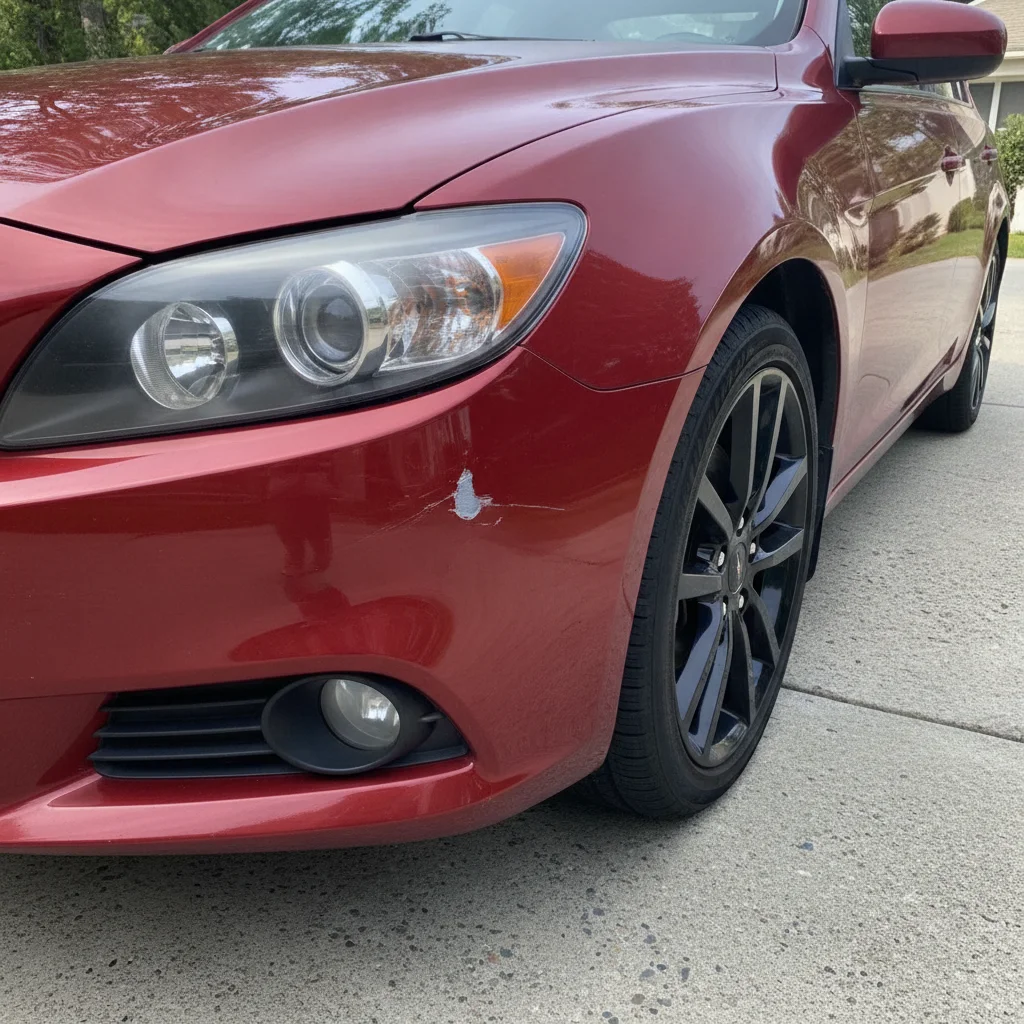
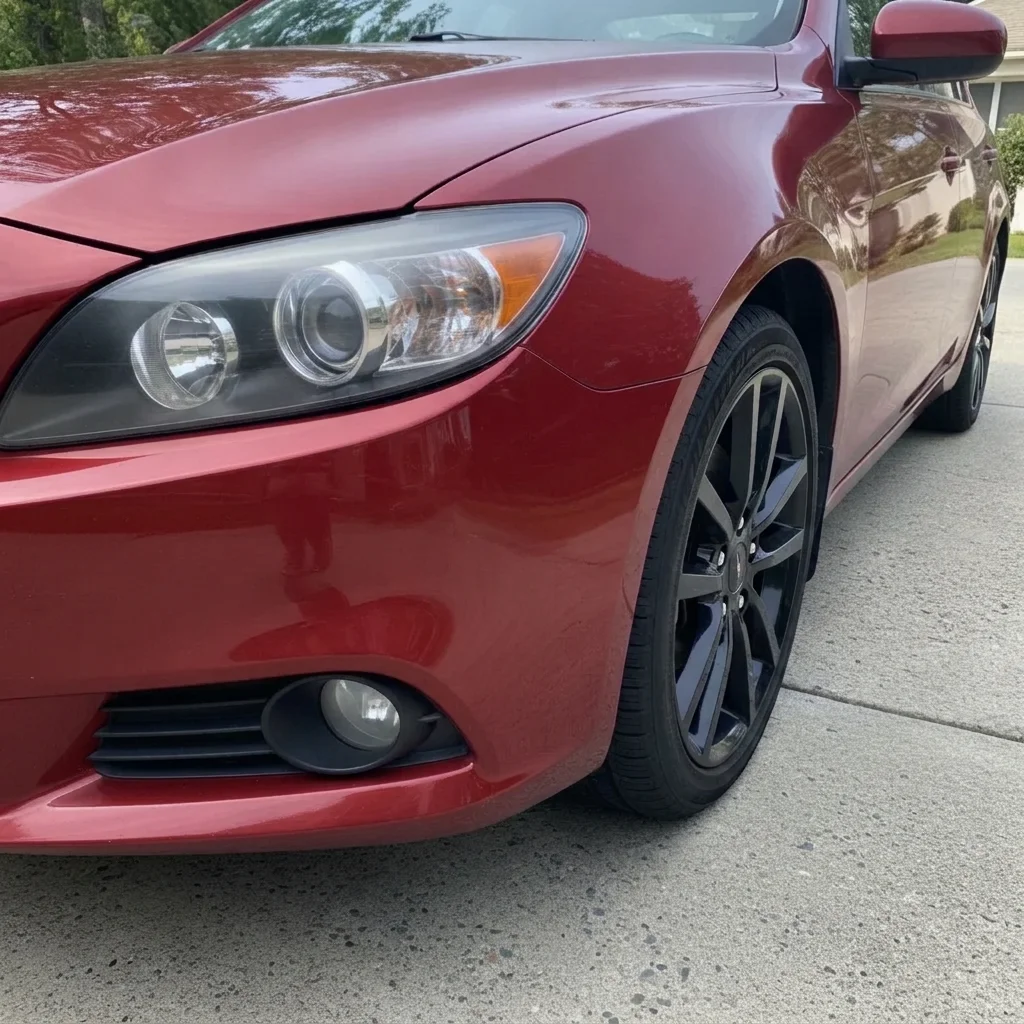
Red car with a dented front fender above the wheel
Before
->
Same fender smooth in the preview, wheel and headlight unchanged
After

Dented red fender

See a smooth front fender in the same red.

Prompt: smooth out the dent on the RED front fender, keep the wheel, headlight and paint color unchanged
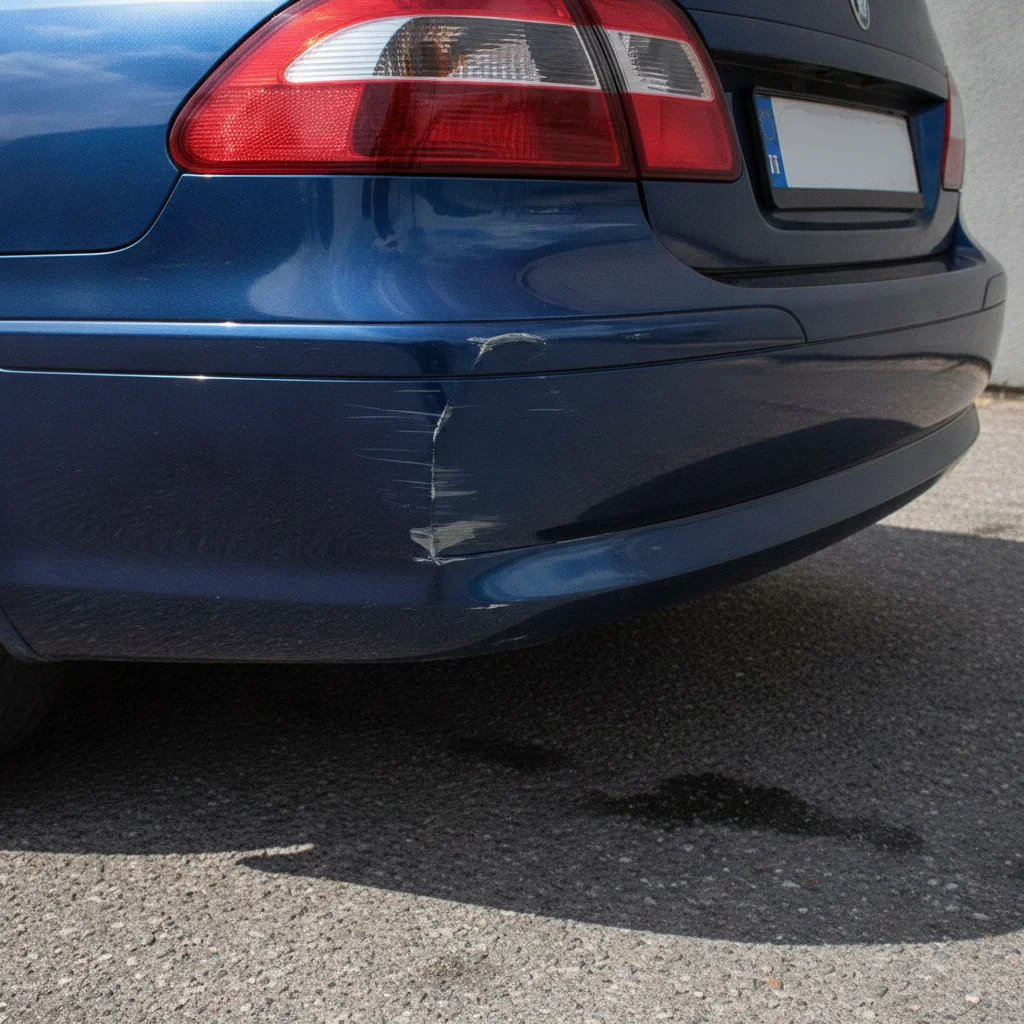
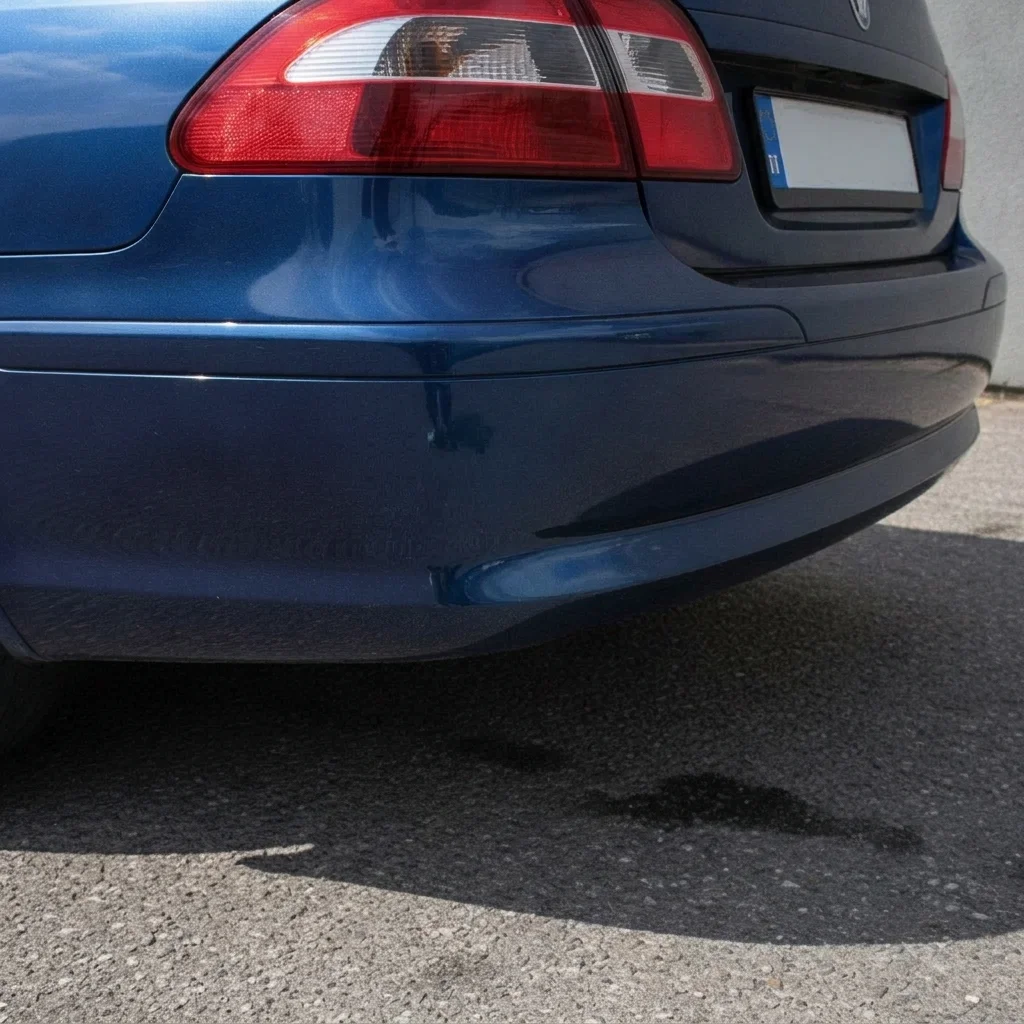
Blue car rear bumper with a dent in the corner
Before
->
Same bumper corner smooth in the preview
After

Dented blue bumper corner

Preview a clean rear bumper corner.

Prompt: remove the DENT from the BLUE rear bumper corner and make it smooth, keep the tail light and license plate unchanged

Quick answers

Do I need to mark the dent before removing it?

No. Describe it, for example 'remove the dent from the door and make the panel smooth'. Only add a marker if the AI edits the wrong spot.

Can I use the edited photo to sell a car or file an insurance claim?

No. This is a visual preview only. Do not use an edited photo to misrepresent a vehicle's condition to a buyer, a dealer or an insurer. Use it to picture a repair or to show a shop what finish you want.

Is there a free car dent photo editor with no signup?

Yes. EditThisPic gives you a free preview edit with no account and no watermark.

Does this tell me what the repair would cost or if it can be done?

No. It only shows an idea of a smooth panel. A body shop has to judge the damage, the repair method and the price in person.

Will it work on every dent?

It works best on one clear dent on a plain, well-lit panel. Deep creases, many hail dents, and panels full of reflections are harder and may need a couple of tries.

How much does EditThisPic cost?

You get 1 free Standard edit per week — no account needed. After that, one-time credit packs start at $4.99 for 10 credits, valid 12 months, no subscription. A Standard edit uses 1 credit, Pro 2 and Ultra 3. Purchased downloads are clean with no watermark.

Ready to preview a repaired panel?

Free to try. No signup required.

1 free edit included·paid credit packs after