Pricing Remove Tape marks · Free

Remove Tape Marks from Photo

← Browse all remove tools

Last updated

Describe the yellow tape stain and the AI removes it from your scanned photo. Free, no signup.
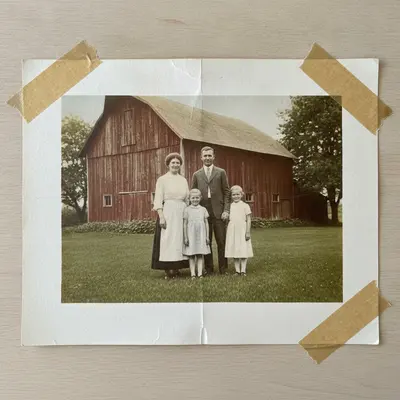
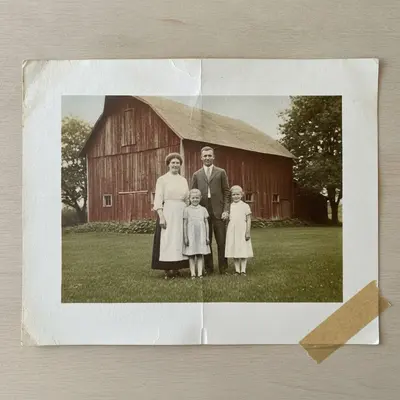
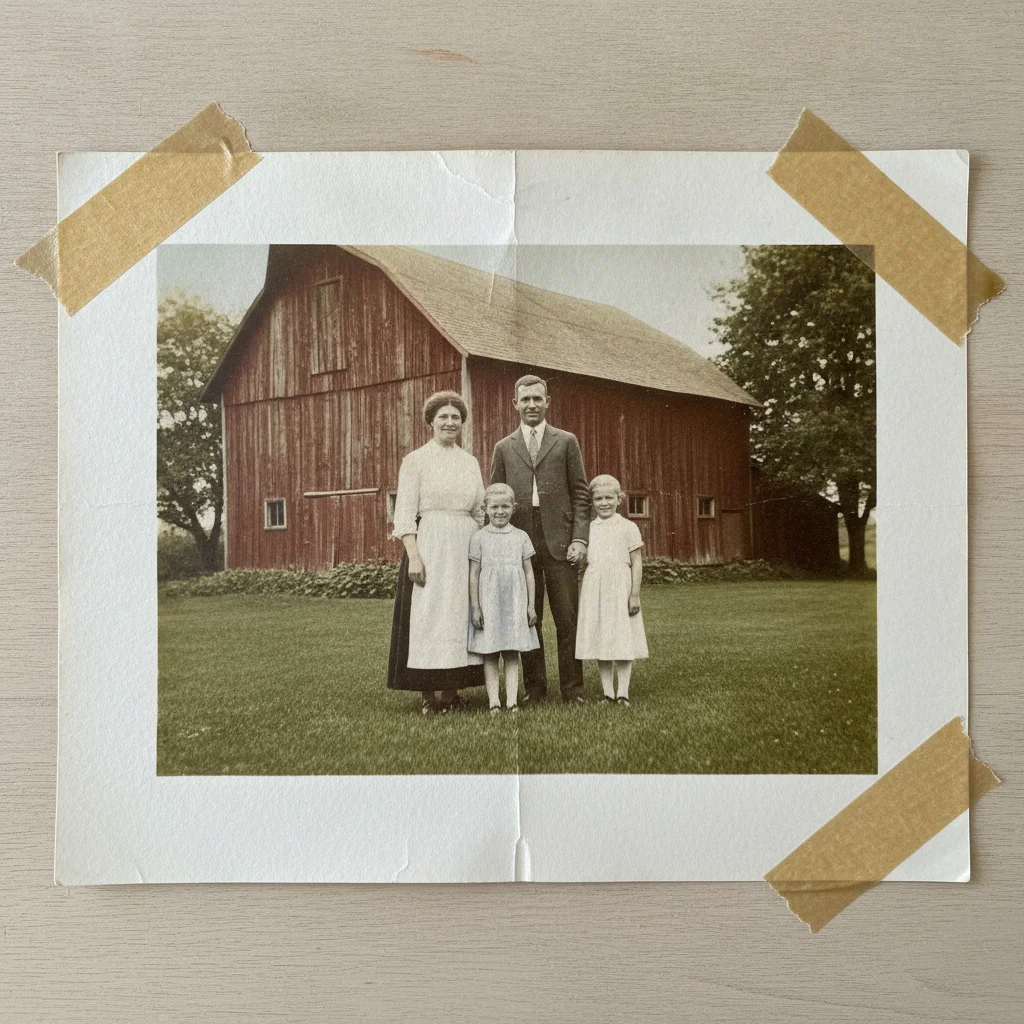
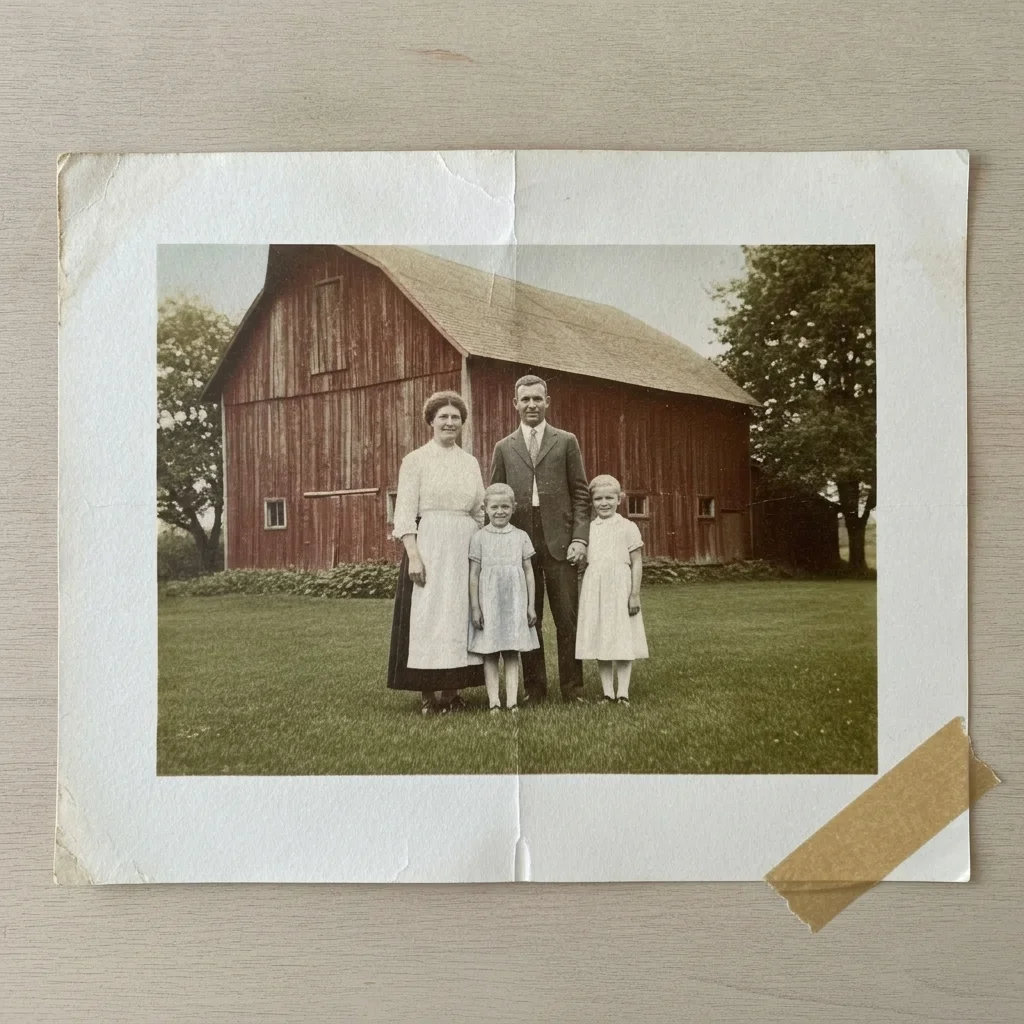
Old family photo with brown tape on two corners Same photo with the tape stains removed

Upload photo to remove tape marks

"remove the horizontal strip of old tape and its yellow stain across the middle of this photo, rebuild the background behind it, keep the people unchanged"

Free to try · no sign-up · never used for AI training

Release to upload

<30stypical edit
1 freeedit weekly
Photo on your phone? Scan to open this editor there — free edit works on your phone too.

1 free edit every week·paid packs after

How it works

  1. Upload your photo

    Scan the print flat, or photograph it straight on in even light. Do not peel the tape off first. Pulling it can tear the surface. Take the picture as it is and let the digital copy do the fixing.

    Expect: Simple fixes usually finish in under a minute. Heavier damage or busy detail can take a little longer and may need a second pass.
  2. Describe what you want

    Say where the tape is and what it looks like. For example: 'remove the yellowed tape marks on the top left and top right corners and the sticky residue, keep the faces and background unchanged.' No marking needed.

    Tip: Name the position and the colour: 'brown tape strip along the top edge' is clearer than 'remove the stain.'

    Copy one of these to get started:

    Yellow tape strip on a corner remove the yellowed tape mark from the top left corner of this old photo, fill with the surrounding picture, keep everything else unchanged
    Tape across the middle of the picture remove the horizontal strip of old tape and its yellow stain across the middle of this photo, rebuild the background behind it, keep the people unchanged
    Sticky residue and glue marks remove the sticky residue and glue marks around the edges of this old photo, keep the photo content as it is
    Tape on the white border remove the tape marks from the white border of this photo and clean the border back to plain off-white paper
    3 more prompts
    Several tape marks remove all four tape marks and yellow stains at the corners and edges of this old photo, keep the faces, clothing and background unchanged
    Tape on a black and white print remove the tape stain on the upper right of this black and white photo, match the grey tones around it, do not add colour
    Scotch tape shine remove the glossy tape reflection and edge lines across the lower part of this photo, restore the picture beneath
  3. Review the result

    Zoom in on the edges where the tape was. Check that the paper border, hair, clothing and sky near the stain still look natural and that no smeared patches remain.

  4. Refine with markers if needed

    If a faint tape edge is still visible, or the AI also cleaned something you wanted kept, tap a marker on that spot and regenerate. The fix stays local.

    Tip: Markers are for precision refinement, not a required step. Most edits work from the description alone.

See it in action

Old family photo with brown tape on two corners
Before
->
Same photo with the tape stains removed
After

Yellow tape on album corners

A family photo that was taped into an album, leaving brown tape on two corners.

Prompt: remove the yellowed tape marks from the top left and top right corners of this old photo, fill with the surrounding picture, keep everything else unchanged
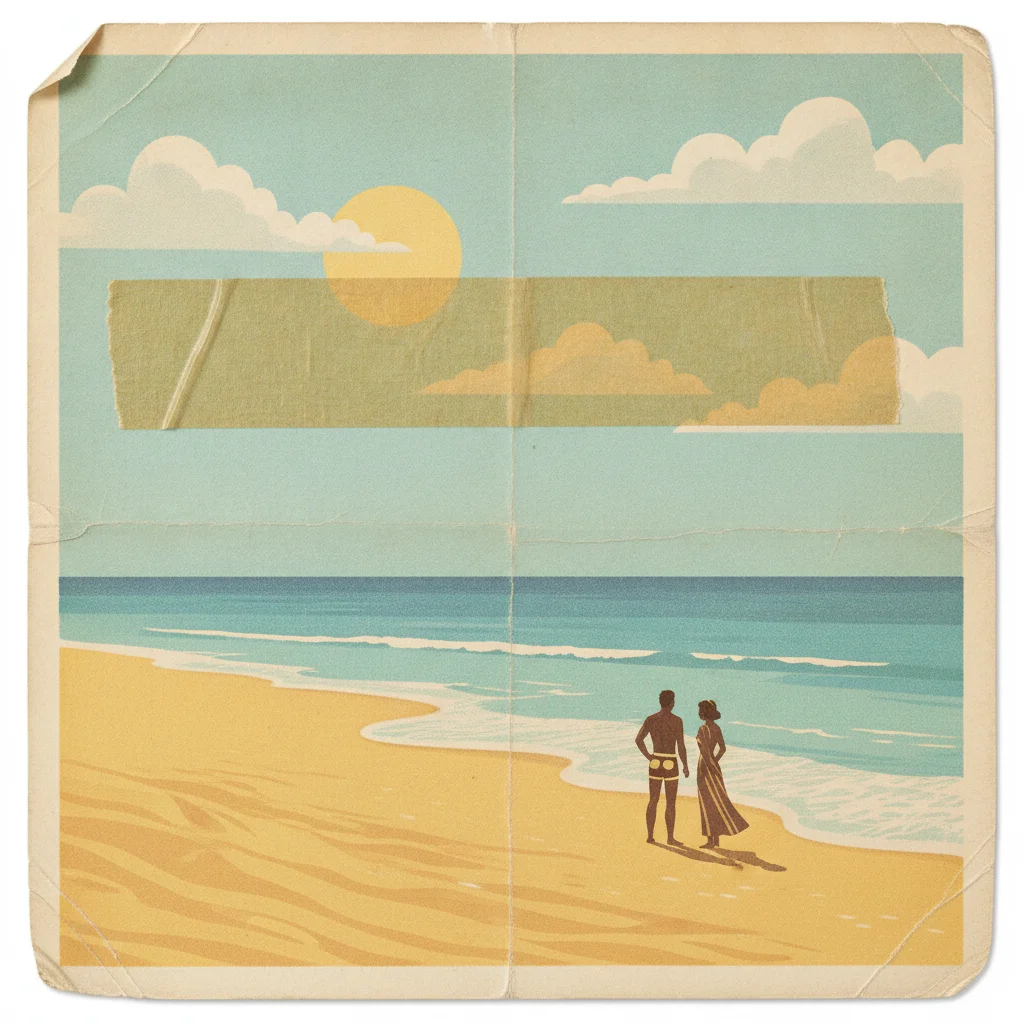
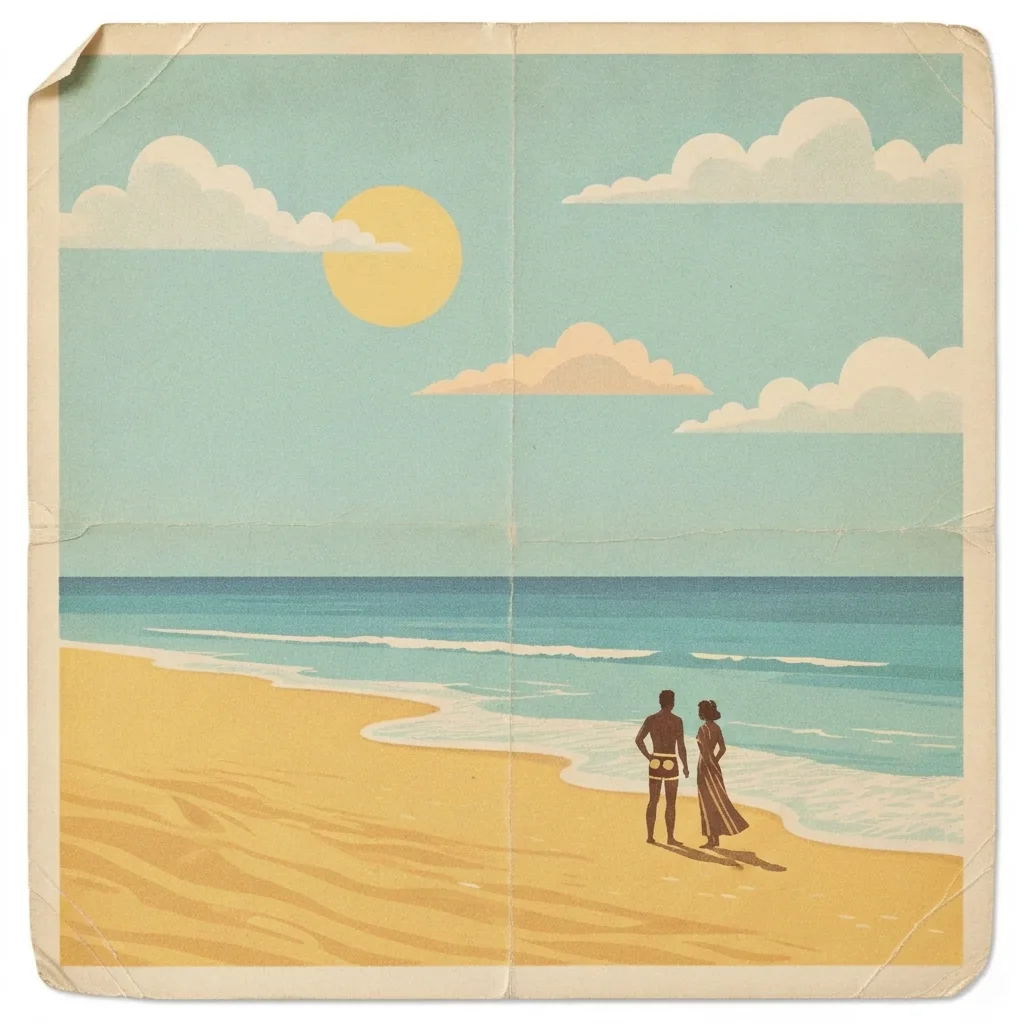
Beach print with a yellow tape band across the sky
Before
->
Same print with a clean blue sky
After

Tape strip across the sky

A beach photo with a clear tape repair across the sky leaving a yellow band.

Prompt: remove the horizontal strip of old tape and its yellow stain across the sky, rebuild the sky behind it, keep the people and beach unchanged
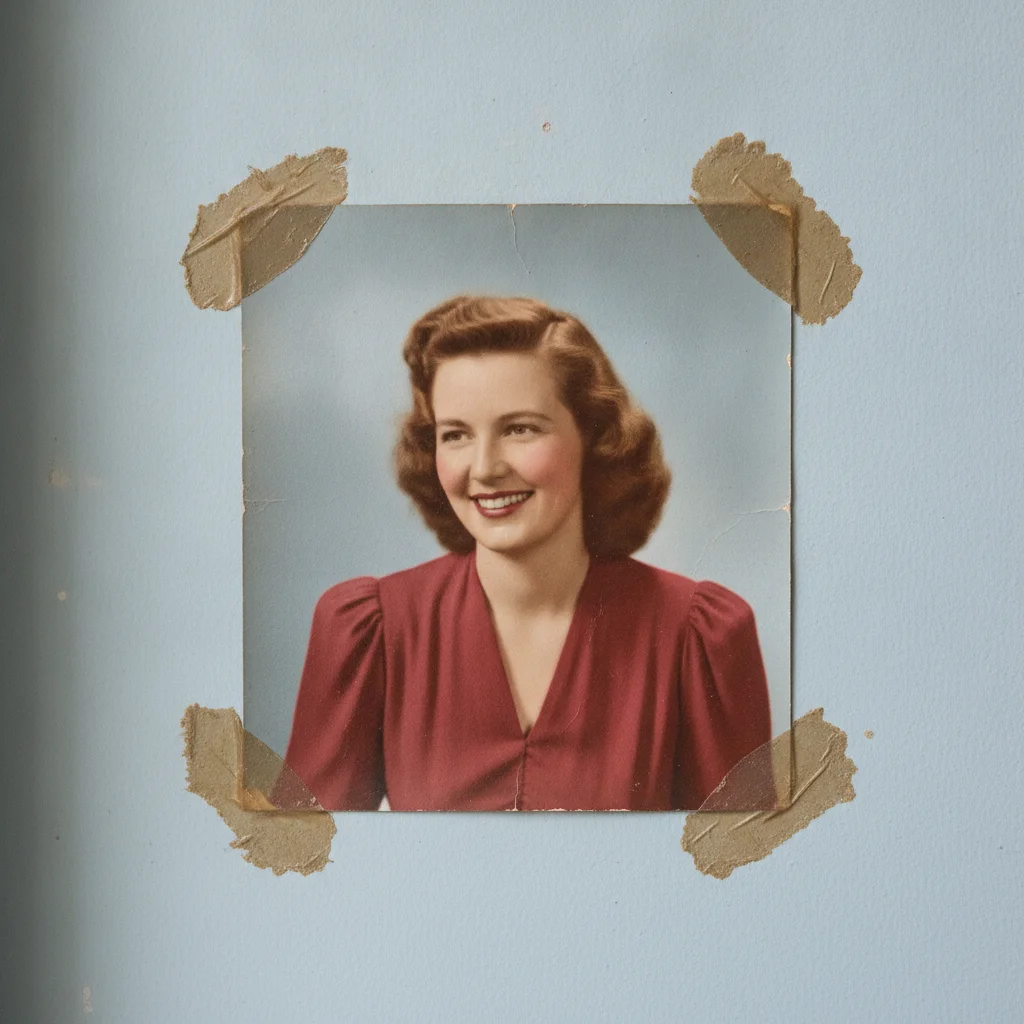
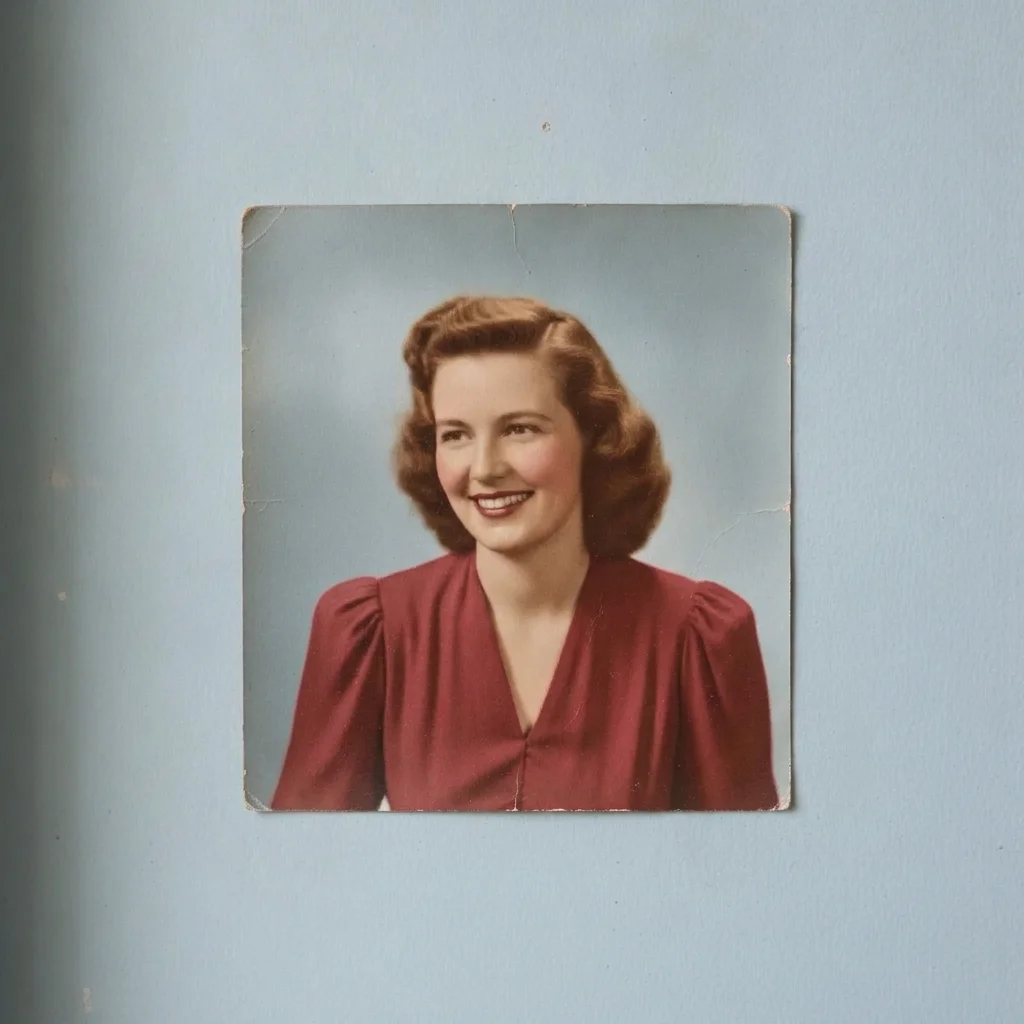
Portrait print with brown glue residue around the edges
Before
->
Same portrait with clean edges
After

Residue around the border

A portrait with dull glue residue around all four edges.

Prompt: remove the sticky residue and glue marks around the edges of this old photo, keep the portrait as it is

Quick answers

Do I need to mark the tape marks before describing what I want?

No. Describe where the tape is and what colour it looks, and the AI finds it. Markers are only for stubborn spots or when it changes something you wanted kept.

How do I remove tape marks from an old photo for free?

Scan or photograph the print, upload it, and type 'remove the yellow tape marks.' Download the preview. The free edit is a preview, with no signup and no watermark.

Should I peel the tape off first?

No. Pulling old tape can tear the emulsion. Scan the photo as it is and fix it digitally.

Does this work on clear tape that left no colour?

Often yes, if the edge line or shine is visible. Faint marks can be harder to detect, so describe where they are or use a marker.

Can it recover a face that was fully covered by tape?

No. Hidden detail cannot be recovered, only guessed. Check any repaired face closely.

Does it repair the physical photo?

No. It changes only the digital copy. Keep your original print and scan.

How much does EditThisPic cost?

You get 1 free Standard edit per week — no account needed. After that, one-time credit packs start at $4.99 for 10 credits, valid 12 months, no subscription. A Standard edit uses 1 credit, Pro 2 and Ultra 3. Purchased downloads are clean with no watermark.

Ready to remove the tape marks?

Free to try. No signup required.

1 free edit included·paid credit packs after